How to Fix “No Such Element” Errors in WebdriverIO
Fix WebdriverIO “no such element” errors by checking page state, selectors, waits, browsing context, and clickability with runnable examples.
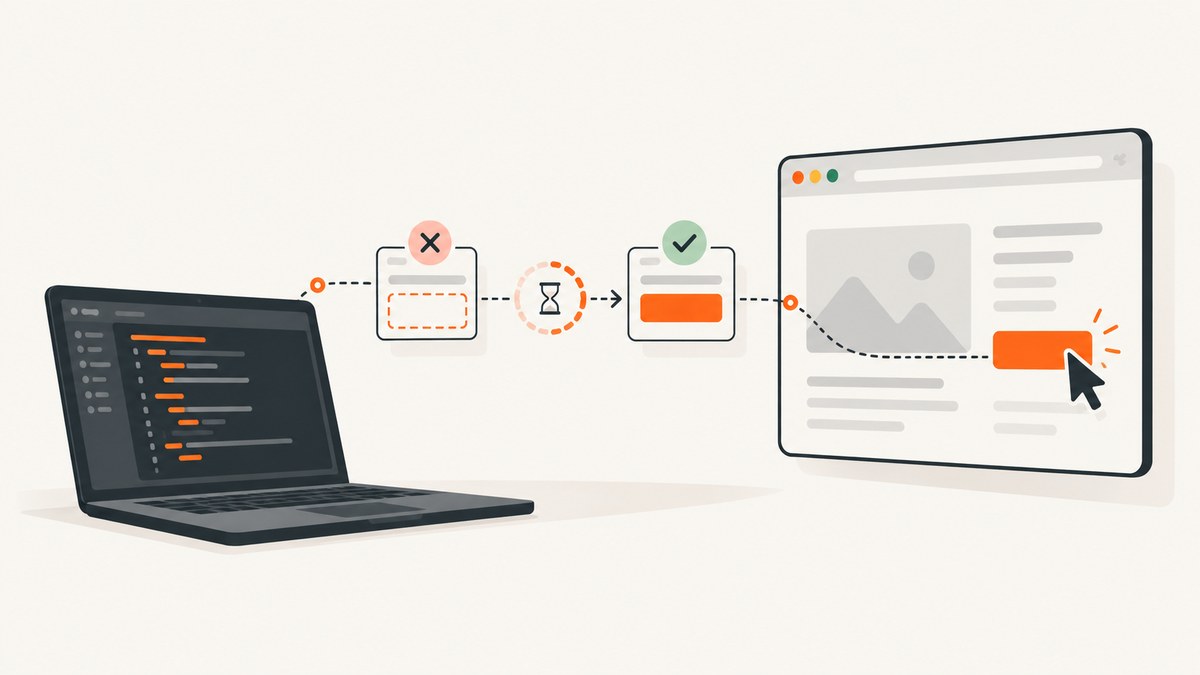
“No such element” means WebdriverIO could not find a matching element in the current page state and browsing context. First verify the URL, frame or window, selector, and application state. If the element should appear asynchronously, wait for the state you need with waitForDisplayed and set an appropriate waitforTimeout. Do not treat a larger global implicit wait as the default fix.
WebdriverIO automatically waits for visibility and interactability when a direct command such as click or setValue interacts with an element. Its documentation explains that manual waits are unnecessary for those direct interactions in normal cases (auto-waiting documentation). A lookup can still fail immediately, however, because WebDriver’s implicit element-location timeout defaults to zero. The timeout guide separates that setting from WebdriverIO’s framework waits (timeout documentation).
1. Diagnose the lookup before changing timeouts
- Confirm the test is on the expected URL and that navigation has completed.
- Check the selector against the current DOM, including spelling, attribute values, and CSS or XPath scope.
- Check whether the element is inside an iframe, shadow root, modal, or another window.
- Confirm the application has reached the state in which the element should exist.
- Only then add an element-specific wait for the required state.
describe('checkout', () => {
  it('opens the payment form', async () => {
    await browser.url('https://example.test/checkout')

    console.log('URL:', await browser.getUrl())
    console.log('Title:', await browser.getTitle())

    const paymentButton = await $('button[data-testid="pay-now"]')
    console.log('matches:', await paymentButton.isExisting())

    await paymentButton.waitForDisplayed({
      timeout: 10000,
      timeoutMsg: 'Pay button never became visible'
    })
    await paymentButton.click()
  })
})
isExisting() helps distinguish an absent element from a later visibility or actionability problem. It does not prove that the selector is semantically correct; a selector can match an unexpected element.
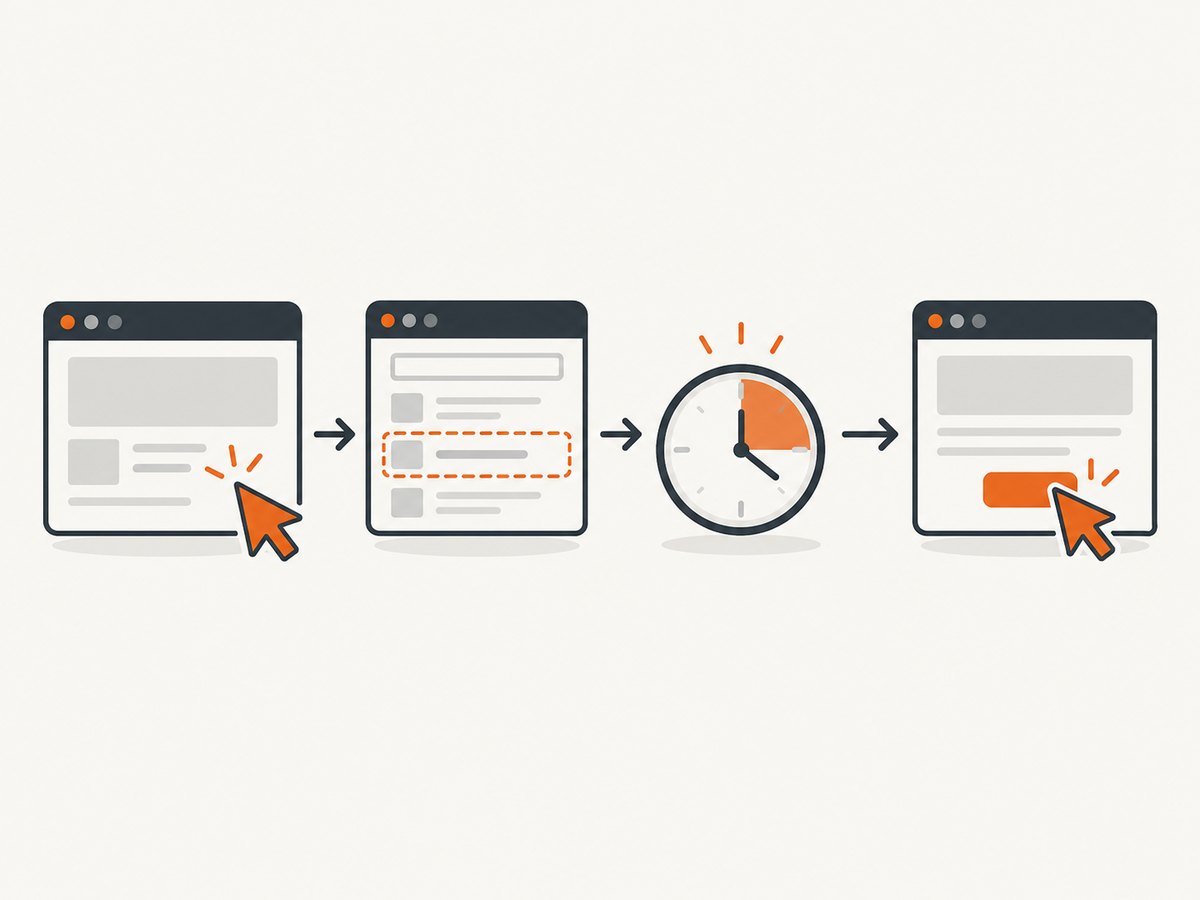
2. Fix the selector and page state
Use stable selectors
Prefer a dedicated test identifier or a stable semantic attribute over generated class names and deeply nested XPath expressions.
// More resilient
const save = await $('[data-testid="save-profile"]')
const submit = await $('button[type="submit"]')

// Fragile when classes or layout change
const save = await $('.css-18abc > div:nth-child(2) button')
Check the selector in the browser’s current DOM, not in a template, fixture, or stale screenshot. A single-page application may render a loading shell first and replace it after an API response.
Wait for the state your test actually needs
const dashboard = await $('[data-testid="dashboard"]')
await dashboard.waitForDisplayed({ timeout: 15000 })

const results = await $('[data-testid="results"]')
await results.waitForExist({ timeout: 15000 })
Use waitForExist when presence in the DOM is enough. Use waitForDisplayed when the element must be visible. A wait cannot make an incorrect selector match, and it cannot create an element that the current page never renders.
Wait for application readiness when necessary
await browser.url('https://example.test/orders')
await $('[data-testid="orders-loading"]').waitForDisplayed({ reverse: true })
await $('[data-testid="orders-table"]').waitForDisplayed()
If your application exposes a reliable readiness marker, wait for that marker rather than adding arbitrary sleeps.
3. Understand WebdriverIO’s three wait mechanisms
| Mechanism | Scope | What it waits for | Typical use |
|---|---|---|---|
| Automatic wait | One direct interaction | Visibility and interactability | click, setValue |
waitForDisplayed, waitForExist, and other waitFor* commands |
One element command | A specific element state | Known asynchronous rendering |
| Implicit element-location timeout | WebDriver element lookups across the session | Time for a lookup to find an element | Use cautiously; current guidance discourages relying on it |
The default framework timeout is configured with waitforTimeout. A single wait can override it:
// wdio.conf.js
export const config = {
  waitforTimeout: 10000,
  // Keep implicit lookup behavior explicit for your project.
  // Do not use a large implicit timeout as a substitute for state waits.
}

// Per-command override
await $('[data-testid="slow-report"]').waitForDisplayed({
  timeout: 30000,
  timeoutMsg: 'Report did not render within 30 seconds'
})
Increasing waitforTimeout changes the default for framework waitFor* commands. It does not automatically change the WebDriver implicit element-location timeout.
4. Check frames, windows, and shadow DOM
Switch into the correct iframe
const paymentFrame = await $('iframe[title="Payment"]')
await paymentFrame.waitForDisplayed()
await browser.switchToFrame(paymentFrame)

await $('[data-testid="card-number"]').setValue('4242424242424242')

await browser.switchToParentFrame()
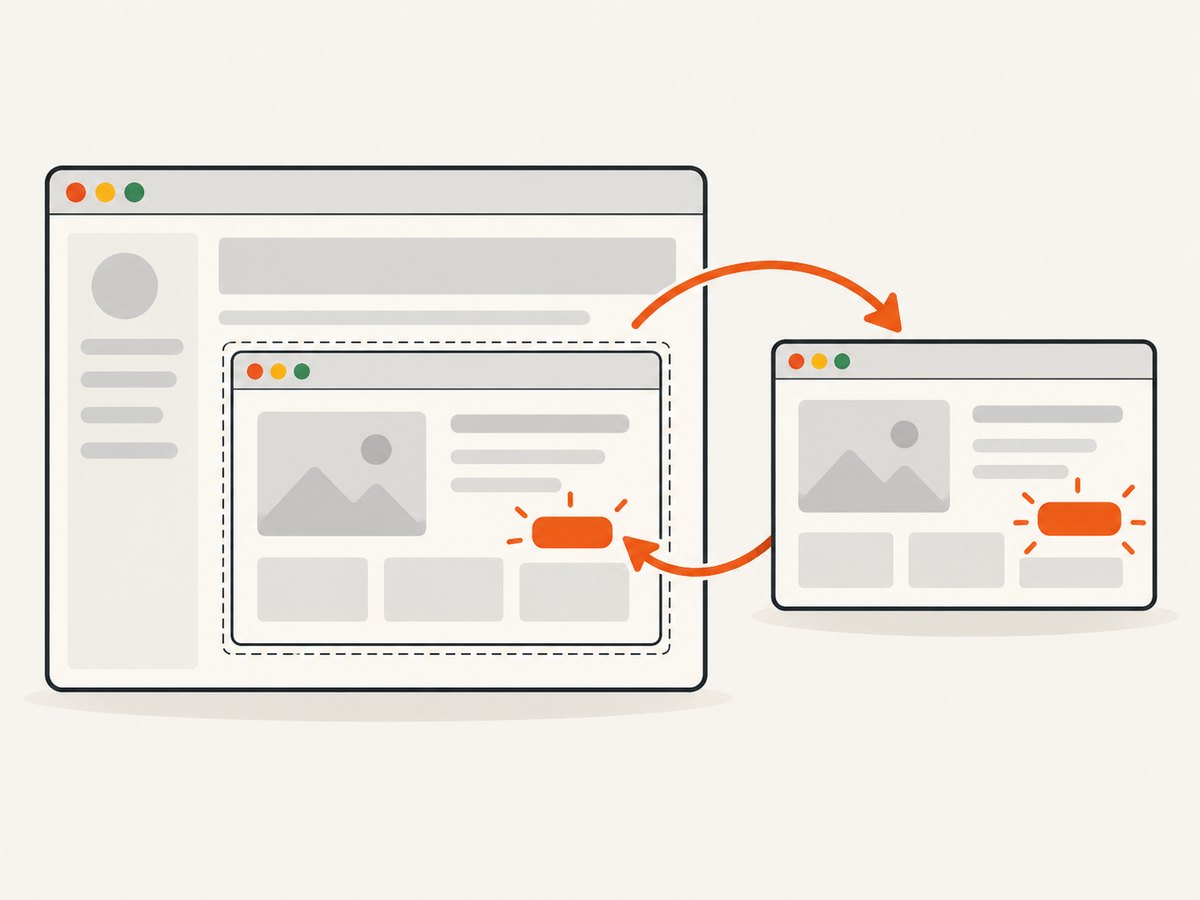
An element inside an iframe is not in the parent document’s browsing context. Looking it up before switchToFrame produces a lookup failure even when the element is visible in the browser.
Switch to the correct window
const original = await browser.getWindowHandle()
await $('[data-testid="open-help"]').click()

await browser.waitUntil(async () => (await browser.getWindowHandles()).length === 2)
const handles = await browser.getWindowHandles()
await browser.switchToWindow(handles.find(handle => handle !== original))

await $('h1').waitForDisplayed()
await browser.switchToWindow(original)
Account for shadow roots
Use the component’s supported shadow-DOM strategy and inspect the element from the correct root. A selector that works in the light DOM may not cross a closed shadow root.
5. Separate lookup failures from clickability failures
If the lookup succeeds but the click fails, investigate a different class of problem. WebdriverIO’s isClickable reference describes clickability as requiring that the element is displayed, enabled, within the viewport, scrollable into view, and unobstructed at its center. isClickable itself does not wait for an element to exist.
const button = await $('[data-testid="continue"]')
await button.waitForExist()
await button.waitForDisplayed()

console.log({
  displayed: await button.isDisplayed(),
  enabled: await button.isEnabled(),
  clickable: await button.isClickable()
})

await button.scrollIntoView()
await button.click()
Typical clickability causes include a disabled button, a cookie banner or modal covering the center, an animation still running, or the element being outside the viewport. Fix the application state or selector rather than labeling these conditions “no such element.”
6. Complete WebdriverIO example
// test/specs/profile.e2e.js
import { expect } from '@wdio/globals'

describe('profile form', () => {
  it('waits for the form and saves changes', async () => {
    await browser.url('https://example.test/profile')

    const form = await $('[data-testid="profile-form"]')
    await form.waitForDisplayed({ timeout: 15000 })

    const name = await form.$('input[name="name"]')
    await name.setValue('Ada Lovelace')

    const save = await form.$('button[type="submit"]')
    await save.waitForEnabled({ timeout: 10000 })
    await save.click()

    const confirmation = await $('[role="status"]')
    await confirmation.waitForDisplayed({ timeout: 10000 })
    await expect(confirmation).toHaveText('Saved')
  })
})
Run it with your project’s normal WebdriverIO command, for example npx wdio run wdio.conf.js. Replace the example URL and selectors with values from the page under test.
7. Troubleshooting checklist
| Symptom | Likely cause | Fix |
|---|---|---|
| Failure is immediate | Element-location timeout is zero and the element is not present yet | Verify state, then use waitForExist or waitForDisplayed |
| Selector works manually but not in the test | Different URL, user state, viewport, feature flag, or browsing context | Log URL and title; confirm frame, window, authentication, and test data |
| Element appears after an API call | Lookup runs before rendering completes | Wait for a stable readiness marker or the target’s required state |
| Element is visible in DevTools but not found | It is inside an iframe or shadow root | Switch context or query through the correct shadow root |
| Lookup succeeds, click fails | Disabled, covered, off-screen, or still animating | Check isDisplayed, isEnabled, isClickable, and overlays |
| Only CI fails | Timing, environment data, browser version, or slower resources | Capture logs and screenshots, wait on state, and remove environment-dependent selectors |
| Wait times out | Selector is wrong or the application never reaches the expected state | Inspect the DOM and network/application state; do not only increase the timeout |
8. Reliability and performance practices
- Use the shortest stable selector that identifies the intended element.
- Wait on meaningful state transitions instead of fixed sleeps.
- Keep normal waits bounded so a real regression fails promptly.
- Use longer per-call timeouts only for known slow operations.
- Log the URL, window handle, frame state, selector, and relevant application state when diagnosing CI failures.
- Avoid broad implicit waits because they affect element-location commands throughout the session and can make unrelated failures slow.
- When a page contains repeated elements, scope the lookup to a stable container before selecting a child.
9. Or skip the browser setup
If your goal is to capture a page image or PDF while debugging a rendered state, ScreenshotNeo provides a single screenshot API request instead of maintaining browser setup. It accepts consent banners before capture and removes more than 60 known consent platforms, newsletter popups, and chat widgets. Bot checks, blank pages, timeouts, failed loads, and cache hits are not billed, and each response reports the result with X-Page-Verdict and X-Billed headers. Its MCP server lets Claude, Cursor, and other MCP clients use take_screenshot, get_page_info, and capture_pdf.
See the ScreenshotNeo API documentation for all options.
cURL
curl -G "https://api.screenshotneo.com/v1/shot" \
  -d access_key=YOUR_API_KEY \
  --data-urlencode url=https://stripe.com \
  -o shot.webp
Python
import requests

r = requests.get(
    "https://api.screenshotneo.com/v1/shot",
    params={"access_key": "YOUR_API_KEY", "url": "https://stripe.com"},
    timeout=90,
)
r.raise_for_status()
open("shot.webp", "wb").write(r.content)
Node.js
const q = new URLSearchParams({ access_key: 'YOUR_API_KEY', url: 'https://stripe.com' });
const res = await fetch(`https://api.screenshotneo.com/v1/shot?${q}`);
if (!res.ok) throw new Error(`Screenshot failed: ${res.status}`);
const fs = await import('node:fs/promises');
await fs.writeFile('shot.webp', Buffer.from(await res.arrayBuffer()));
ScreenshotNeo supports full-page and element capture, device presets, custom viewports, waits, custom headers and cookies, JavaScript, CSS, blocking rules, caching, PDFs, bulk capture, signed links, and asynchronous jobs. Free usage includes 1,000 screenshots per month with no card; paid plans start at $5 for 3,000 screenshots. Create a free ScreenshotNeo account.
10. FAQ
How do I wait for an element in WebdriverIO?
Use the wait matching the required state, such as await $('#target').waitForDisplayed(). Set a per-call timeout or the global waitforTimeout default.
Why does WebdriverIO return “no such element” immediately?
The element-location implicit timeout defaults to zero, so a lookup can fail before asynchronous rendering completes. Verify the selector and page state, then use an explicit element-state wait.
Should I add a fixed sleep?
Use a state-based wait when possible. A fixed delay does not verify that the selector is correct and may be too short or unnecessarily slow.
Does waitForDisplayed fix a wrong selector?
No. It waits for the selected element to become displayed. It cannot match an element that is absent or selected incorrectly.
What if the element exists but cannot be clicked?
Inspect actionability separately with display, enabled, viewport, overlay, and isClickable checks. That is a clickability problem rather than a lookup problem.
Do timeout recommendations depend on my WebdriverIO version?
Yes. The cited documentation is current as of the research date, but timeout behavior and configuration can change. Check the documentation for the version installed in your project.


