How to Fix “No wkhtmltoimage Executable Found”
Fix IMGKit’s “No wkhtmltoimage executable found” error on Linux, macOS, Windows, containers, and serverless deployments.

Direct answer: IMGKit is only a Python wrapper. The wkhtmltoimage executable is a separate program that IMGKit must find on PATH, or that you must provide with its full path. Check discovery in the same environment that runs your application, install a platform-compatible wkhtmltopdf package if the command is absent, then configure IMGKit with the absolute path when it is installed somewhere else.
Use this sequence:
- Run
which wkhtmltoimageon Linux or macOS, orwhere wkhtmltoimageon Windows. - If no path is returned, install wkhtmltopdf using a package or installer appropriate for your operating system and CPU architecture.
- If a path is returned but IMGKit still fails, pass that path explicitly to
imgkit.config(). - In Docker, CI, or serverless, verify the executable, shared libraries, fonts, and font configuration exist in the deployed runtime stage.
Why IMGKit reports this error
IMGKit does not contain the renderer. It launches the external wkhtmltoimage command and passes it HTML, URL, and rendering options. Its normal lookup uses which on Unix-like systems and where on Windows. Installing imgkit with pip therefore does not install the binary.
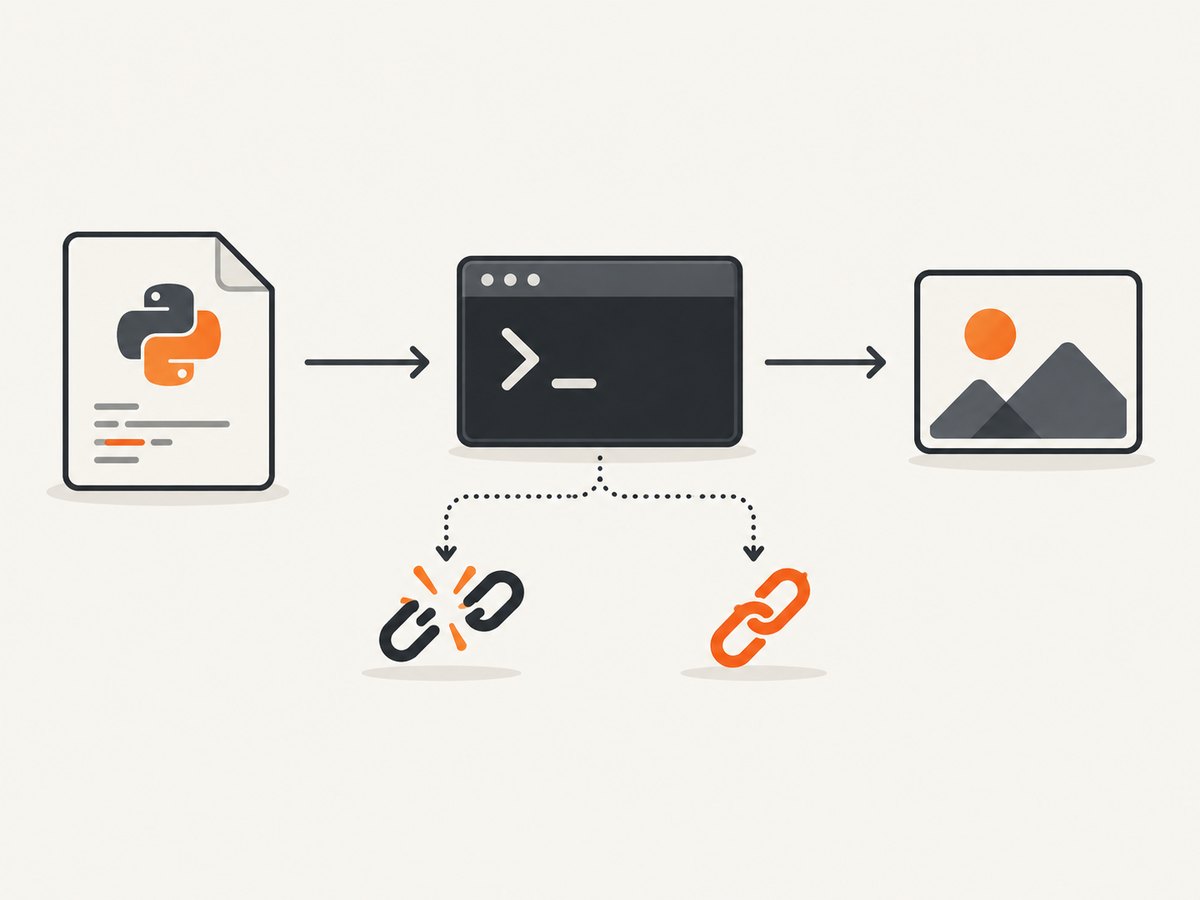
The error means discovery failed; it does not necessarily mean rendering itself is broken. Once the command is found, you can still encounter missing libraries, missing fonts, unsupported options, network failures, or a renderer crash.
Step 1: Check the executable in the application environment
Run the check from the same shell, virtual environment, container image, service account, and deployment stage used by the application.
Linux and macOS
which wkhtmltoimage
wkhtmltoimage --version
printf '%s\n' "$PATH"
A working installation prints an absolute path such as /usr/local/bin/wkhtmltoimage and then a version. If which prints nothing, the shell cannot discover the command.
Windows
where wkhtmltoimage
wkhtmltoimage.exe --version
Use the path returned by where, usually ending in wkhtmltoimage.exe. A GUI installer may place the binary under C:\Program Files\wkhtmltopdf\bin without adding that directory to the service account’s PATH.
Check from Python
import shutil

path = shutil.which("wkhtmltoimage")
if not path:
    raise RuntimeError("wkhtmltoimage is not discoverable in this process")
print(path)
This is more useful than checking your interactive terminal when the application runs under a process manager, cron, a worker, or a web server.
Step 2: Install wkhtmltoimage correctly
The wkhtmltopdf project distributes the wkhtmltoimage tool through its platform packages. The IMGKit README documents these common routes:
| Platform | Example installation route | What to verify |
|---|---|---|
| Debian or Ubuntu | sudo apt-get install wkhtmltopdf |
Run which wkhtmltoimage and check required options. |
| macOS | brew install --cask wkhtmltopdf |
Confirm the executable is linked and executable by the app user. |
| Windows | Use the project’s Windows binary installer. | Use the actual wkhtmltoimage.exe path. |
Choose a package for the exact operating system, distribution, architecture, and runtime libraries. The official downloads page lists packages for Windows, macOS, Debian, Ubuntu, AlmaLinux, CentOS, Amazon Linux, openSUSE, and Arch. It identifies the 0.12.6 stable series as released June 11, 2020, so verify the current platform download before deployment.
Distribution packages can differ from upstream builds. The IMGKit README cautions that some Debian and Ubuntu builds are compiled without wkhtmltopdf’s patched Qt and may have reduced functionality. If your capture depends on a particular option, test that option with the package you selected.
Step 3: Point IMGKit at an explicit path
If the executable exists outside PATH, configure it directly. This removes ambiguity caused by service managers and restricted environments.
import imgkit

config = imgkit.config(wkhtmltoimage="/opt/bin/wkhtmltoimage")
imgkit.from_url(
    "https://example.com",
    "example.png",
    config=config,
)
On Windows, use the complete executable path:
import imgkit

config = imgkit.config(
    wkhtmltoimage=r"C:\\Program Files\\wkhtmltopdf\\bin\\wkhtmltoimage.exe"
)
imgkit.from_string("<h1>Hello</h1>", "hello.png", config=config)
Keep the path in configuration or an environment variable rather than hard-coding different paths throughout the code:
import os
import imgkit

binary = os.environ.get("WKHTMLTOIMAGE", "/usr/local/bin/wkhtmltoimage")
config = imgkit.config(wkhtmltoimage=binary)
imgkit.from_url("https://example.com", "example.png", config=config)
Step 4: Verify a minimal render
Before debugging a complex page, render a tiny local document. This separates executable discovery from network, JavaScript, and page-loading problems.

import imgkit

config = imgkit.config(wkhtmltoimage="/opt/bin/wkhtmltoimage")
options = {
    "format": "png",
    "quiet": "",
}
imgkit.from_string("<html><body><h1>OK</h1></body></html>", "smoke.png", options=options, config=config)
You can also run the binary directly. IMGKit recommends executing the command it reports when a command fails, because the renderer’s stderr usually identifies the next issue.
/opt/bin/wkhtmltoimage --format png input.html output.pngContainers, CI, and serverless deployments
“Works on my laptop” usually means the binary was installed in a different filesystem or build stage. The final runtime image must contain the executable and everything it loads.
Docker checklist
- Install wkhtmltopdf in the same image stage that starts the application, or copy the binary and its dependent libraries into the final stage.
- Run
which wkhtmltoimageas the same non-root user used by the service. - Confirm execute permission with
ls -l $(which wkhtmltoimage). - Include font packages and font configuration. A binary can be discoverable while rendering fails because fonts or FreeType-related components are absent.
- Match the package to the container distribution and CPU architecture. Do not assume a Debian binary works in Alpine’s musl environment.
Serverless and FaaS
The wkhtmltopdf project describes bundling a distribution-specific package with its libraries, configuration, and fonts. Its Lambda example uses an Amazon Linux 2 package and sets FONTCONFIG_PATH=/opt/fonts. Treat that as an example for that package and runtime, not a universal recipe for every provider.
Inspect the deployed artifact, not only the build log. A dependency installed during a build can be omitted from the function bundle, placed outside the execution path, or built for a different architecture. A reported Vercel discussion documents this error after installation, but does not establish a provider-wide fix; use it as a reminder to inspect the final runtime.
Distinguish this error from similar failures
| Message or symptom | Meaning | Next action |
|---|---|---|
No wkhtmltoimage executable found |
IMGKit cannot locate the renderer. | Install it, fix PATH, or pass its absolute path. |
No xvfb executable found |
A separate Xvfb executable is missing. | Review IMGKit’s optional Xvfb setting. Do not treat it as the same problem. |
| Command starts, then exits non-zero | The binary was found, but rendering failed. | Run the reported command directly and inspect stderr. |
| Blank or incomplete output | Page loading, JavaScript, fonts, resources, or renderer options failed. | Test a local HTML file, add required waits, inspect network access, and verify fonts. |
| Segmentation fault | A renderer or dependency crash. | Test the exact package and version; this is beyond path discovery. |
Security and input handling
The official project warns: “Do not use wkhtmltopdf with any untrusted HTML” unless user-supplied HTML and JavaScript are sanitized, because unsafe input can lead to complete server takeover. Treat URLs and HTML as untrusted input. Restrict outbound network access where possible, validate allowed destinations, and avoid rendering arbitrary customer content in a privileged process.
Performance, reliability, and cost considerations
- Startup cost: launching a native renderer for every request is slower than reusing a long-lived service, but persistent workers must be isolated carefully because browser state and temporary files can leak between jobs.
- Concurrency: cap parallel renders according to available memory and CPU. More workers can make timeouts and crashes more frequent.
- Fonts: missing fonts cause layout changes and fallback glyphs. Package fonts and font configuration with the runtime and keep them consistent across environments.
- Timeouts: set an application timeout longer than the renderer’s expected load time, then clean up child processes and temporary files after failure.
- Reproducibility: pin the OS image and package version. Verify architecture and patched-Qt behavior before upgrading.
- Cost: self-hosting shifts cost to build, storage, CPU, memory, and operations. Serverless packaging avoids a permanent server but adds artifact-size and cold-start constraints.
Or skip the browser setup
If your goal is a dependable website image rather than maintaining a local renderer, ScreenshotNeo provides a hosted screenshot API. It accepts one GET request and returns PNG, JPEG, WebP, or PDF. Cookie and consent banners are accepted before capture, then more than 60 known consent platforms, newsletter popups, and chat widgets are removed. Each cleanup step can be turned off.
Only clean shots are billed. Bot checks or CAPTCHAs, blank pages, timeouts, failed loads, and cache hits cost nothing, and response headers identify the result with X-Page-Verdict and X-Billed. An MCP server provides take_screenshot, get_page_info, and capture_pdf tools for Claude, Cursor, and other MCP clients.
See the complete option reference in the ScreenshotNeo documentation. The API supports full-page captures with lazy images loaded, CSS element selection, dark mode, 12 device presets or custom viewports, retina scale, PDF paper sizes and margins, custom CSS and JavaScript, clicks, selector or network-idle waits, request blocking, headers, cookies, user agents, authorization, timezone, geolocation, transparent backgrounds, resizing, selectable cache TTLs, signed image links, asynchronous jobs with signed webhooks, bulk capture of up to 100 URLs per call, a usage API, and an OpenAPI specification.
cURL
curl -G "https://api.screenshotneo.com/v1/shot" \
  -d access_key=YOUR_API_KEY \
  --data-urlencode url=https://stripe.com \
  -o shot.webp
Python
import requests

r = requests.get(
    "https://api.screenshotneo.com/v1/shot",
    params={"access_key": "YOUR_API_KEY", "url": "https://stripe.com"},
    timeout=90,
)
r.raise_for_status()
open("shot.webp", "wb").write(r.content)
Node.js
const q = new URLSearchParams({ access_key: 'YOUR_API_KEY', url: 'https://stripe.com' });
const res = await fetch(`https://api.screenshotneo.com/v1/shot?${q}`);
if (!res.ok) throw new Error(`Screenshot failed: ${res.status}`);
const fs = await import('node:fs/promises');
await fs.writeFile('shot.webp', Buffer.from(await res.arrayBuffer()));
The parameter names used by other screenshot APIs also work, which simplifies migration. Plans include 1,000 shots per month free with no card, then Starter at $5 for 3,000, Growth at $15 for 15,000, Pro at $39 for 60,000, Scale at $99 for 250,000, and Business at $249 for 1,000,000. Yearly billing gives two months free, and every feature is available on every plan.
Start with 1,000 free screenshots a month—no card required.
FAQ
Do I install IMGKit or wkhtmltoimage?
Both serve different roles. Install the Python imgkit wrapper and install a wkhtmltopdf distribution that supplies the wkhtmltoimage executable.
Why does it work in my terminal but fail in production?
Your terminal and production process likely have different PATH, users, filesystem contents, architecture, or environment variables. Run shutil.which() and wkhtmltoimage --version inside the deployed process context.
Does finding the binary guarantee a successful screenshot?
No. Discovery only resolves the first stage. Libraries, fonts, network access, HTML safety, renderer options, and page behavior can still prevent a successful render.
Do I need Xvfb?
Not for the missing wkhtmltoimage error. Xvfb is a separate optional executable setting documented by IMGKit for some headless setups, while the wkhtmltopdf project describes its tools as headless.
Can I use a binary from another Linux distribution?
Do not assume compatibility. Match the package to the distribution, architecture, system libraries, and font configuration in the final runtime image.


