How to Fix the “No Worker Found for Tag wbr” Error in iText 7
Learn why iText 7 pdfHTML reports “No worker found for tag wbr”, whether it is fatal, and how to remove or replace the unsupported markup safely.
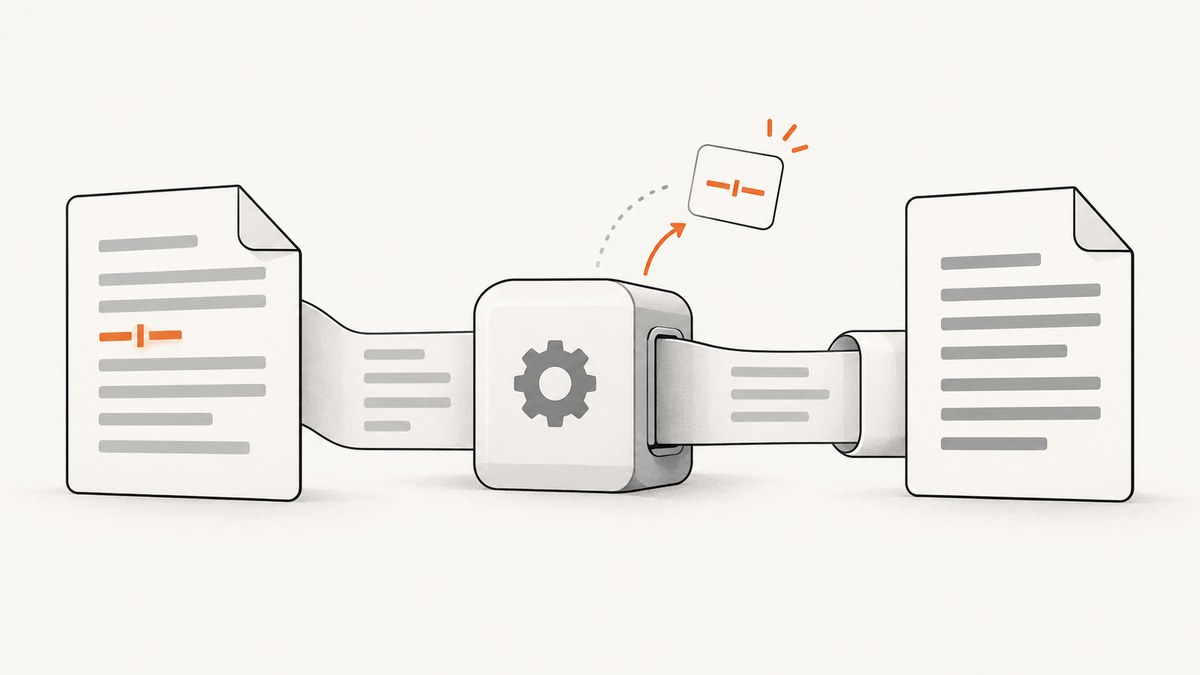
No worker found for tag wbr means that iText pdfHTML encountered an HTML <wbr> element but the version you are using has no registered tag worker for it. In the documented iText 7 incident, conversion still completed and the resulting text wrapped at the intended locations. The durable fix is to stop emitting <wbr> (or <wbr/>) or replace it with markup and CSS supported by your exact pdfHTML release.
Do not treat a successful conversion as proof that <wbr> is supported. The tag was ignored. After changing the HTML, inspect representative PDFs for text order, line wrapping, links, accessibility tags, and other layout details.
What the warning means
pdfHTML maps HTML elements to internal “tag workers.” The diagnostic is emitted when no worker is registered for a tag. In this case, the triggering markup is usually a discretionary line-break element:
<a href="#Corrections">TEST.<wbr/>Corrections</a>The documented API diagnostic is NO_WORKER_FOUND_FOR_TAG, with the message “No worker found for tag {0}”. An iText contributor explained that the message appears because the <wbr> tag is not respected and is ignored. That explains why a PDF can still be produced: the converter continues after dropping the unsupported element.
| Question | Answer |
|---|---|
| What triggers it? | An HTML <wbr> or self-closing <wbr/> reaching pdfHTML. |
| Is it always fatal? | No. The reported conversion completed, but you must validate your own output. |
| Is browser behavior guaranteed? | No. Ignoring the tag is not a promise that browser-style discretionary breaks are implemented. |
| What is the reliable fix? | Remove the tag or use a construct documented as supported by your exact pdfHTML version. |
Find where <wbr> is being generated
- Search templates, Markdown or rich-text renderers, sanitizers, and serializers for
<wbr. - Log or save the final HTML string passed to
HtmlConverter. Searching the source template alone can miss a tag inserted later by a formatter. - Check both normal and self-closing spellings:
<wbr>,<wbr/>, and<wbr />. - Check generated links and long identifiers, where word-break helpers are commonly inserted.
rg -n -i "<wbr\\b|wbr\\s*/?>" src templates publicIf the HTML is generated remotely, capture the exact payload immediately before conversion. A sanitizer or CMS plugin may be adding the element after your application template is rendered.
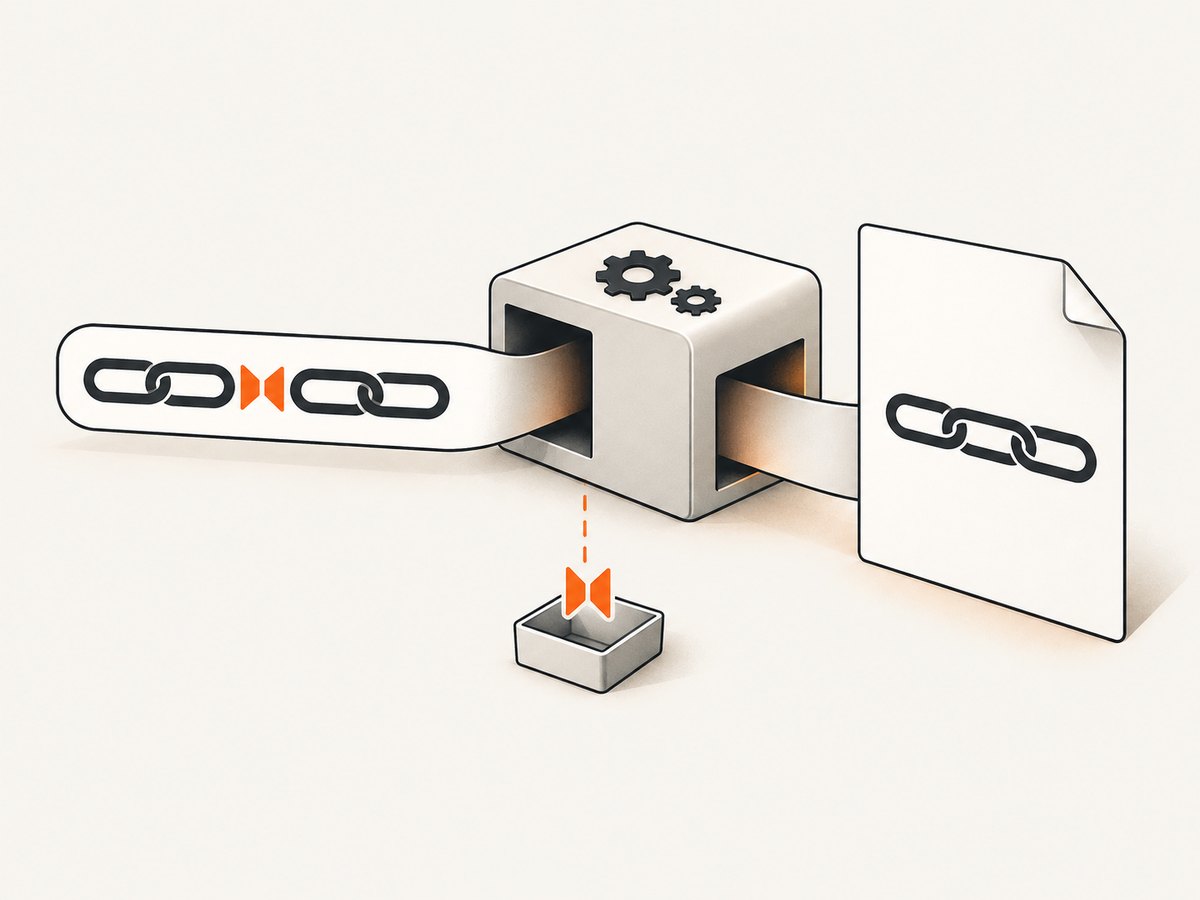
Fastest fix: remove the unsupported tag
If the element only provides an optional wrapping point, removing it is usually the least surprising change. The surrounding text and link remain intact:
<!-- Before -->
<a href="#Corrections">TEST.<wbr/>Corrections</a>

<!-- After -->
<a href="#Corrections">TEST.Corrections</a>
For a controlled generated string, a small cleanup step can remove both normal and self-closing forms:
String cleanedHtml = html.replaceAll("(?i)<wbr\\s*/?>", "");This regular expression is suitable for a known HTML fragment generated by your application. For arbitrary, malformed, or untrusted HTML, parse and sanitize it with an HTML parser instead of relying on regular expressions.
Complete Java example with iText 7
The incident that motivated this warning used itext7-core 7.1.11 and html2pdf 3.0.0. The following example reads an HTML file, removes unsupported wbr elements, and writes a PDF.
Maven dependency
<dependency>
  <groupId>com.itextpdf.html2pdf</groupId>
  <artifactId>html2pdf</artifactId>
  <version>3.0.0</version>
</dependency>
Java program
import com.itextpdf.html2pdf.HtmlConverter;

import java.io.ByteArrayInputStream;
import java.io.IOException;
import java.nio.charset.StandardCharsets;
import java.nio.file.Files;
import java.nio.file.Path;

public class ConvertWithoutWbr {
    public static void main(String[] args) throws IOException {
        if (args.length != 2) {
            System.err.println("Usage: java ConvertWithoutWbr input.html output.pdf");
            System.exit(2);
        }

        Path input = Path.of(args[0]);
        Path output = Path.of(args[1]);

        String html = Files.readString(input, StandardCharsets.UTF_8);
        String cleanedHtml = html.replaceAll("(?i)<wbr\\s*/?>", "");

        HtmlConverter.convertToPdf(
            new ByteArrayInputStream(cleanedHtml.getBytes(StandardCharsets.UTF_8)),
            Files.newOutputStream(output)
        );

        System.out.println("Wrote " + output.toAbsolutePath());
    }
}
Run it with:
mvn package
java -cp target/your-app.jar:target/dependency/* ConvertWithoutWbr input.html output.pdf
Use the dependency-management and licensing terms that apply to your iText distribution. Keep the pdfHTML version fixed while diagnosing the warning so that a library upgrade does not change wrapping or resource handling at the same time as the markup change.
Replacing <wbr> when a break is required
There is no evidence that pdfHTML implements browser-equivalent <wbr> semantics. If a discretionary break is important, choose an alternative documented for the exact pdfHTML version you deploy, then compare output PDFs.
| Option | What to verify |
|---|---|
| Remove the element | Text remains readable and links still contain the expected complete label. |
| Use supported CSS or markup | The release documentation describes the behavior; line breaks are stable in your fonts and page sizes. |
| Insert a deliberate separator | The separator does not alter searchable text, URLs, copy/paste behavior, or accessibility semantics. |
| Split content into separate inline elements | The resulting PDF preserves reading order and link boundaries. |
Do not blindly replace every <wbr> with a hard line break. A hard break changes layout and may create unwanted whitespace on a wider page. Test narrow and wide page formats, long words, links, and multilingual text.
Verification checklist after the change
- The conversion completes without the warning.
- The PDF opens in more than one viewer.
- Text order is correct when selected and copied.
- Links still point to the intended destinations.
- Long labels wrap acceptably at the page widths you support.
- Headers, footers, tables, and page breaks are unchanged.
- Tagged-PDF or accessibility output still meets your requirements.
- No unrelated parser warnings disappeared because logging was broadly disabled.
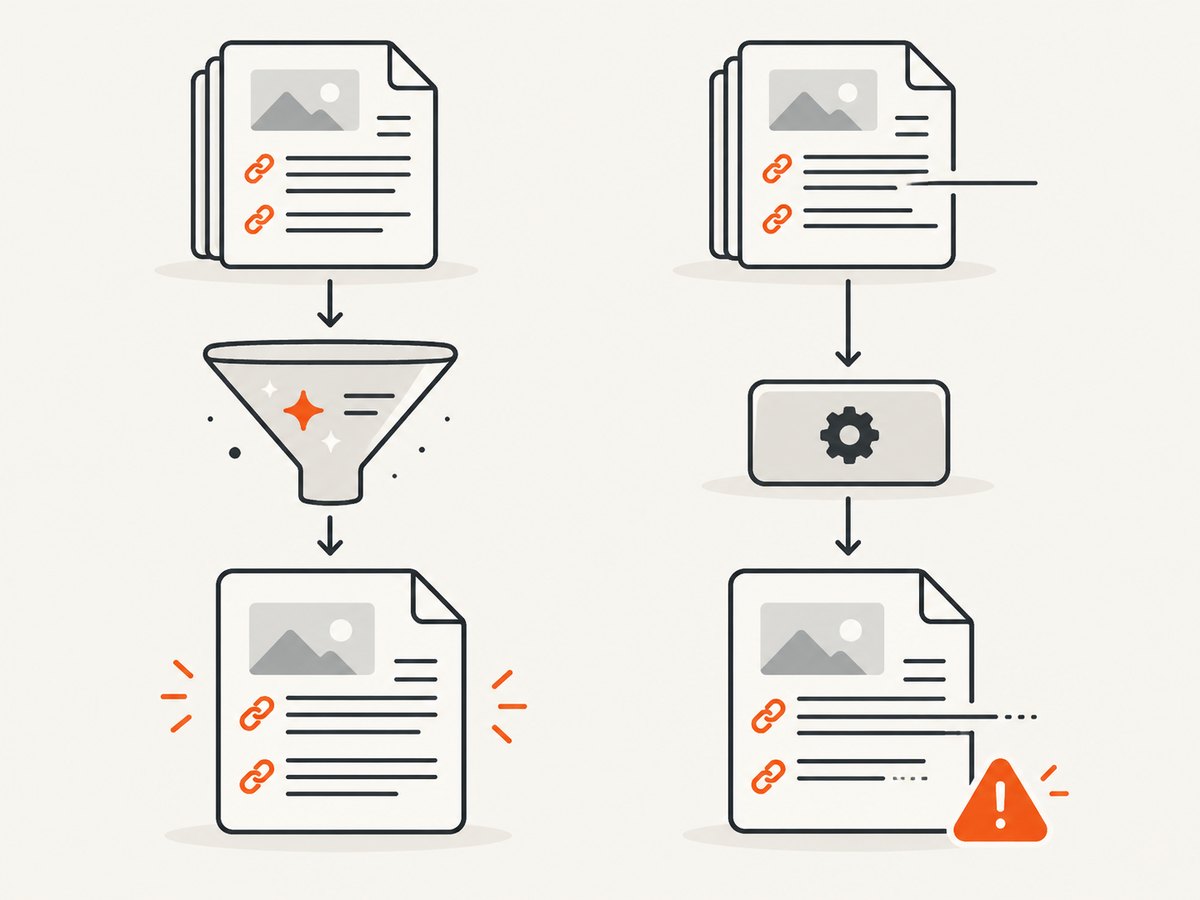
Troubleshooting common failures
| Symptom | Likely cause | Fix |
|---|---|---|
| The warning remains | Another template or post-processing step inserts wbr. |
Log the final HTML immediately before conversion and search that exact string. |
| The PDF is produced but wrapping changed | The ignored tag never supplied a guaranteed break, or your replacement changed whitespace. | Compare before and after PDFs at each supported page size; choose a documented construct or accept natural wrapping. |
| A link is broken | Markup cleanup removed part of an anchor or altered encoded content. | Inspect the final anchor HTML and validate link targets separately. |
| Only some documents fail | The tag is emitted conditionally by a content type, locale, or CMS plugin. | Search failing payloads and compare them with a successful document. |
| Warnings disappear after changing logging | The logger was muted instead of fixing the input. | Restore normal diagnostics and remove unsupported tags before conversion. |
| Different behavior after an upgrade | pdfHTML versions can differ in supported workers and layout behavior. | Pin the version, review its documented HTML support, and rerun representative fixtures. |
Performance, reliability, and cost considerations
Removing a tiny inline element has negligible processing cost compared with loading fonts, images, and external resources. The reliability benefit comes from deterministic input: preprocessing HTML prevents the same unsupported tag from producing repeated diagnostics across documents.
Keep preprocessing close to the HTML generation boundary so every conversion path uses the same rule. Record the pdfHTML version, input hash, and output validation result for production jobs. If you process untrusted HTML, use a parser and sanitizer that preserve required links and text while removing unsupported elements.
Do not assume that a warning is harmless merely because one PDF succeeded. A different document can combine the ignored element with malformed nesting, a missing font, or a resource timeout. Treat successful output as a condition to verify, not as a support guarantee.
Or skip the browser setup
If your actual requirement is to capture a rendered web page as an image or PDF, ScreenshotNeo provides a single API request instead of maintaining browser automation. It is separate from iText’s HTML-to-PDF conversion, so keep iText when you need precise document generation or PDF semantics.
See the ScreenshotNeo API documentation for the available options.
cURL
curl -G "https://api.screenshotneo.com/v1/shot" \
  -d access_key=YOUR_API_KEY \
  --data-urlencode url=https://stripe.com \
  -o shot.webp
Python
import requests

r = requests.get(
    "https://api.screenshotneo.com/v1/shot",
    params={"access_key": "YOUR_API_KEY", "url": "https://stripe.com"},
    timeout=90,
)
r.raise_for_status()
open("shot.webp", "wb").write(r.content)
Node.js
const q = new URLSearchParams({
  access_key: 'YOUR_API_KEY',
  url: 'https://stripe.com'
});
const res = await fetch(`https://api.screenshotneo.com/v1/shot?${q}`);
if (!res.ok) throw new Error(`Screenshot failed: ${res.status}`);
require('fs').writeFileSync('shot.webp', Buffer.from(await res.arrayBuffer()));
ScreenshotNeo removes cookie and consent banners, newsletter popups, and chat widgets before capture. Bot checks, blank pages, failed loads, timeouts, and cache hits are not billed, and response headers identify the page verdict and billing status. Its MCP server lets AI agents use take_screenshot, get_page_info, and capture_pdf. The Free plan includes 1,000 screenshots per month without a card; paid plans start at $5 for 3,000 screenshots. Create a free ScreenshotNeo account.
FAQ
Does upgrading iText automatically add wbr support?
Do not assume that it does. Check the HTML support documented for the exact pdfHTML version and validate your output.
Can I ignore the warning in production?
Only after confirming that representative PDFs have correct text, links, layout, and accessibility behavior. Removing the tag at the input boundary is safer than hiding all parser diagnostics.
Will removing wbr change the visible text?
Usually it removes only an optional break opportunity, but line wrapping can change. Test long labels and narrow pages.
Is this a Java compiler error?
No. It is a pdfHTML processing diagnostic emitted while parsing HTML.
What if the element is required by another renderer?
Keep the source representation for that renderer and create a pdfHTML-specific serialization step that removes or replaces the unsupported element.


