How to Fix NoClassDefFoundError for AndroidWebDriver in Eclipse
Fix AndroidDriver class-loading errors in Eclipse by identifying the retired Selenium driver, checking dependencies, and migrating to a supported Appium setup.

Direct answer: java.lang.NoClassDefFoundError: org.openqa.selenium.android.AndroidDriver usually means your test is compiled against Selenium’s old AndroidDriver, but the runtime classpath does not contain it. Selenium retired and removed that driver in 2013. First confirm the exact missing class and your Eclipse build path; then either intentionally pin a complete historical dependency set or migrate to a supported Appium driver. Do not assume the Android manifest is responsible.
1. Read the exception precisely
Look for the first missing type in the complete stack trace:
java.lang.NoClassDefFoundError: org/openqa/selenium/android/AndroidDriver
Caused by: java.lang.ClassNotFoundException: org.openqa.selenium.android.AndroidDriver
The slash form in the first line and the dotted form in the cause identify the same class. This is a classpath or dependency problem. It is different from Selenium’s unable to locate driver executable error, which concerns a browser-driver executable path.
2. Check Eclipse’s actual runtime classpath
- In Eclipse, open Project > Properties > Java Build Path.
- Inspect Libraries and Order and Export. Confirm that the test source set can see the Selenium JARs at runtime.
- Search every dependency JAR for
org/openqa/selenium/android/AndroidDriver.class. A Selenium 4 JAR will not provide this retired class. - If the project uses Maven or Gradle, inspect the resolved dependency tree rather than only the IDE list.
# Maven
mvn dependency:tree

# Gradle
./gradlew dependencies
Also check for duplicate Selenium versions. Eclipse may compile with one version while a launch configuration, test runner, or exported application uses another.
3. Decide whether this is legacy code
Search the source for an import like:
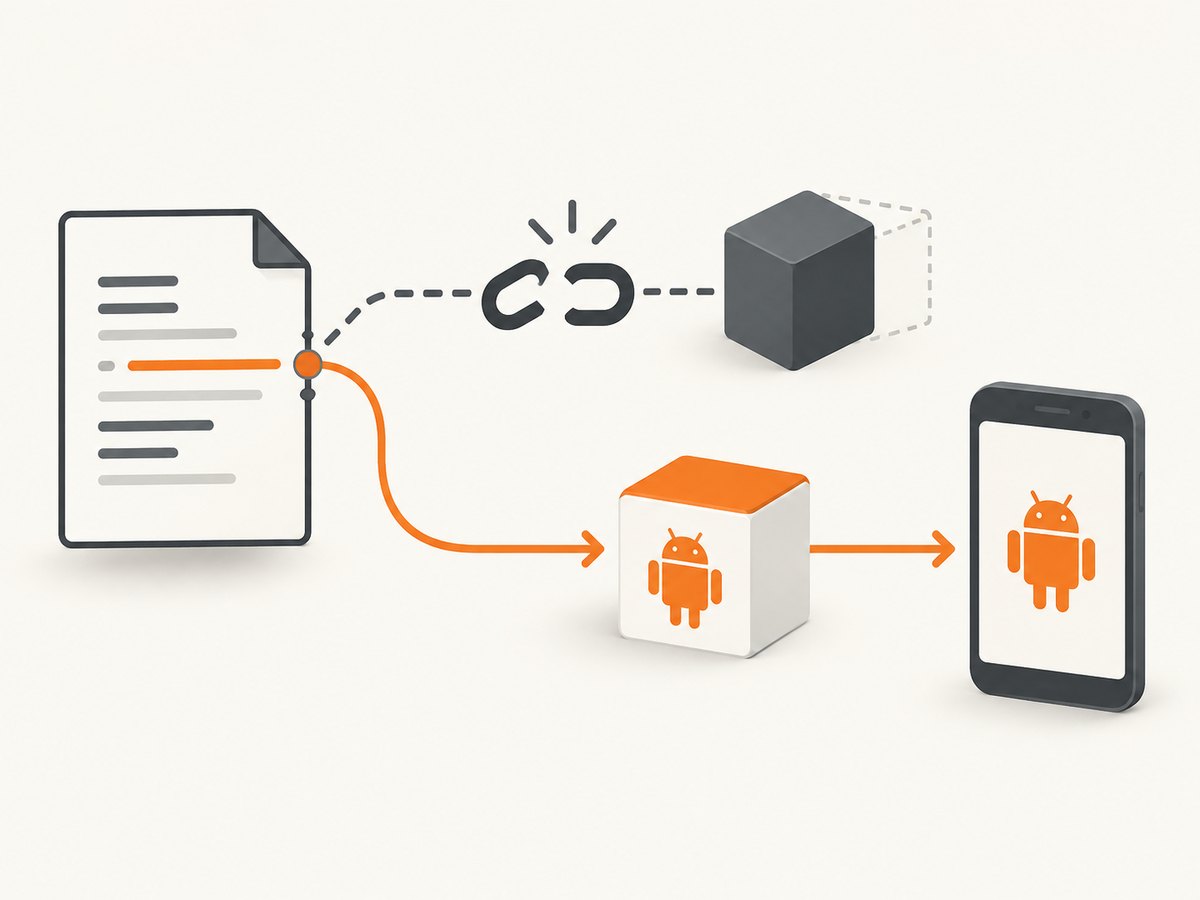
import org.openqa.selenium.android.AndroidDriver;Selenium’s own AndroidDriver was removed from the repository in 2013. The Selenium project recommended evaluating alternatives such as Appium. Therefore, adding a random current Selenium JAR cannot restore this class: the class is no longer part of the normal Selenium distribution.
A historical mailing-list reply suggested copying JARs into a test project’s libs folder, but the original reporter said the error continued. Treat that as an unconfirmed legacy workaround, not a verified fix. If you must preserve an old test suite, document and isolate the exact historical artifacts, Java version, and runner that it requires.
4. Preferred fix: migrate to Appium
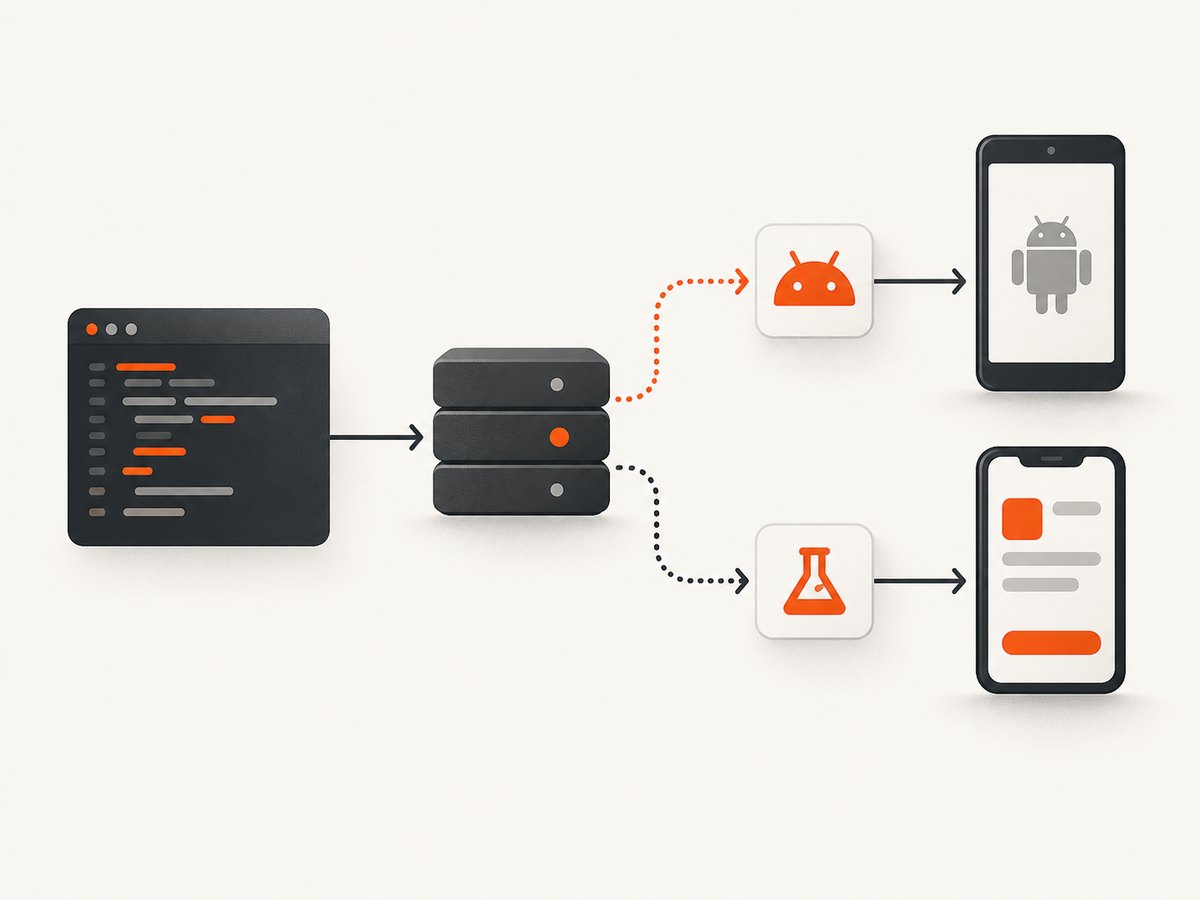
Choose the Appium Android driver that matches the application under test:
| Target | Appium option | Use it for |
|---|---|---|
| Native, hybrid, or mobile web | UiAutomator2 | General Android automation across these modes |
| Android application | Espresso | Tests built around Android’s Espresso framework |
Before changing code, verify the compatibility matrix for your selected Appium Java Client. Appium Java Client 9 requires Java 11 or later, and its migration guide states that Selenium versions below 4.14.1 are incompatible with Java Client 9 and newer.
4.1 Maven example
<dependencies>
  <dependency>
    <groupId>io.appium</groupId>
    <artifactId>java-client</artifactId>
    <version>9.0.0</version>
    <scope>test</scope>
  </dependency>
</dependencies>
Use the current Appium Java Client version that your project supports; the important checks are Java 11+ for client 9 and Selenium 4.14.1+.
4.2 A minimal Java test with UiAutomator2
import io.appium.java_client.android.AndroidDriver;
import io.appium.java_client.android.options.UiAutomator2Options;
import java.net.URI;

public class AndroidSmokeTest {
  public static void main(String[] args) throws Exception {
    UiAutomator2Options options = new UiAutomator2Options()
        .setDeviceName("Android Emulator")
        .setPlatformName("Android")
        .setAutomationName("UiAutomator2")
        .setApp("/absolute/path/to/app.apk");

    AndroidDriver driver = new AndroidDriver(
        URI.create("http://127.0.0.1:4723").toURL(), options);
    try {
      System.out.println(driver.getSessionId());
      // Add assertions and interactions here.
    } finally {
      driver.quit();
    }
  }
}
Start an Appium server and ensure an emulator or device is available before running this class. Replace the APK path, device name, and server URL with your environment’s values.
4.3 Espresso selection
For an Espresso-based Android application, select Appium’s Espresso driver and follow its application packaging and capability requirements. Do not keep the old org.openqa.selenium.android.AndroidDriver import; use the Appium client classes instead.
5. If you must keep the historical driver
Only choose this path when the old test suite cannot yet be migrated.
- Record the exact Selenium artifacts and versions used by the original build.
- Use a reproducible dependency manager or a checked-in internal artifact repository; avoid downloading an arbitrary JAR from an old URL.
- Match the Java runtime expected by that historical stack.
- Put the dependency on the test runtime classpath, not only the compile classpath.
- Run the same test runner and launch configuration used in the original project.
Because Selenium removed its AndroidDriver source, a current Selenium upgrade and the old import are incompatible by design. Plan migration even if a pinned build temporarily works.
6. Common errors and fixes
| Symptom | Likely cause | Fix |
|---|---|---|
NoClassDefFoundError: org/openqa/selenium/android/AndroidDriver |
Retired Selenium class is referenced. | Replace the import and migrate to Appium, or deliberately restore a complete historical stack. |
ClassNotFoundException appears as the cause |
The runtime classpath lacks the class. | Inspect Eclipse launch configuration, test runner, and dependency scope. |
| Works in Eclipse editor but fails when running tests | Build path and runtime path differ. | Check Run Configurations > Classpath and Maven/Gradle test dependencies. |
| Java client fails with linkage or method errors | Incompatible Java/Selenium/Appium versions. | Use Java 11+ and Selenium 4.14.1+ with Appium Java Client 9, or choose a compatible older client deliberately. |
Unable to locate driver executable |
Separate executable discovery problem. | Configure the required driver executable or driver management; changing AndroidDriver JARs will not fix it. |
| Appium session cannot start | Server, emulator/device, capabilities, or selected driver is wrong. | Start Appium, verify the device with Android tooling, and check UiAutomator2 versus Espresso capabilities. |
7. A repeatable diagnostic checklist
- Copy the complete stack trace, including the
Caused bysection. - Write down the Java version, Selenium version, Appium Java Client version, and Eclipse version.
- Confirm whether the source imports the retired Selenium AndroidDriver.
- Inspect Maven or Gradle resolution and Eclipse’s runtime classpath.
- Remove duplicate Selenium JARs.
- Choose UiAutomator2 or Espresso based on the target.
- Run a minimal Appium session before restoring the full test suite.
The historical report does not provide enough project details to identify one Eclipse setting as the universal root cause. These artifacts are necessary for a project-specific diagnosis.
8. Performance, reliability, and maintenance
Keep the driver server, emulator, test APK, and Java dependencies versioned together. Reusing one Appium session for a focused test flow can reduce startup overhead, while isolating sessions improves failure diagnosis. Capture server logs and the resolved dependency tree in CI so a transitive Selenium change is visible. Pin versions, then upgrade deliberately after checking the Appium migration notes.
Legacy JAR copying has high maintenance cost because it hides transitive dependencies and makes clean builds difficult. A dependency declaration plus a locked Java runtime is easier to reproduce.
9. Or skip the browser setup
If your goal is to capture screenshots of Android web pages rather than drive an Android device, ScreenshotNeo provides a single HTTP request. Its API accepts a URL and returns PNG, JPEG, WebP, or PDF. See the ScreenshotNeo API documentation for options.
curl -G "https://api.screenshotneo.com/v1/shot" -d access_key=YOUR_API_KEY --data-urlencode url=https://stripe.com -o shot.webpimport requests
r = requests.get("https://api.screenshotneo.com/v1/shot", params={"access_key": "YOUR_API_KEY", "url": "https://stripe.com"}, timeout=90)
open("shot.webp", "wb").write(r.content)const q = new URLSearchParams({ access_key: 'YOUR_API_KEY', url: 'https://stripe.com' });
const res = await fetch(`https://api.screenshotneo.com/v1/shot?${q}`);Cookie banners, newsletter popups, and chat widgets are removed before the shot. Bot checks, blank pages, timeouts, failed loads, and cache hits are never billed, and response headers identify the page verdict and billing result. An MCP server lets Claude, Cursor, and other MCP clients call take_screenshot, get_page_info, and capture_pdf. The free plan includes 1,000 screenshots per month with no card; paid plans start at $5 for 3,000.
Create a free ScreenshotNeo account.
10. FAQ
Is this an Android manifest problem?
Usually no. A missing Java class points first to dependencies and the runtime classpath. Check the manifest only after class loading is resolved.
Can Selenium 4 restore AndroidDriver?
No. Selenium retired and removed its own AndroidDriver. Use Appium or maintain a deliberately pinned historical stack.
Which Appium driver should I start with?
Use UiAutomator2 for Android native, hybrid, and web modes. Consider Espresso for Android applications that specifically use Espresso.
What information should I include when asking for help?
Provide the full stack trace, Java and dependency versions, Eclipse runtime classpath, build-tool declarations, device or emulator details, and the exact Appium capabilities.


