How to Fix Node.cloneNode Is Not a Function in dom-to-image
Fix `node.cloneNode is not a function` by passing dom-to-image one mounted DOM node—not a React element, collection, or missing selector result.
node.cloneNode is not a function usually means dom-to-image received something other than one actual browser DOM node. Pass it a mounted Element or other Node, such as the result of document.getElementById(). If you have a React element, jQuery collection, AngularJS wrapper, or selector result, first turn it into one real DOM element. If the value is null, fix the selector or wait until the target has mounted.
What the error means
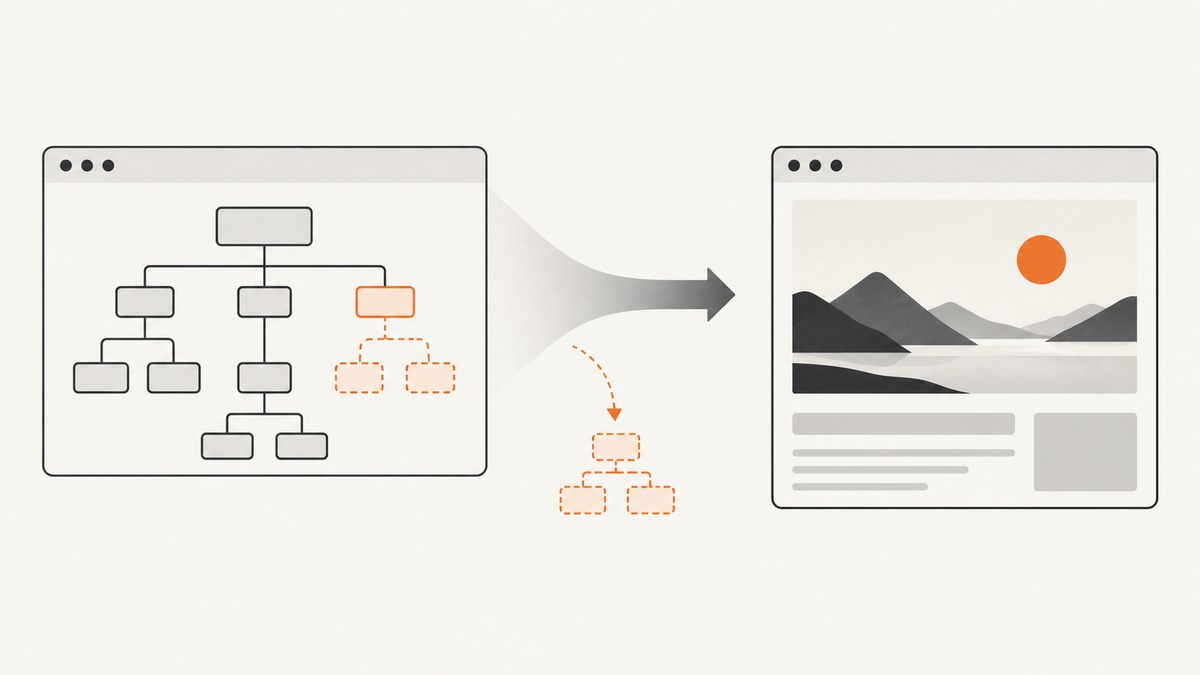
dom-to-image clones the node you pass to it, then copies computed styles, embeds fonts and images, serializes the result, and rasterizes it through SVG foreignObject. Its top-level functions—including toPng, toBlob, toJpeg, toSvg, and toPixelData—expect a DOM node and return promises. See the dom-to-image README.
The method name in the error is a clue: the library tried to call cloneNode() on its input, but that value did not provide the DOM method. A raw React element, an array or collection of matches, or a wrapper object is not the same thing as a browser DOM node.
Fix it: select and validate one mounted node
Start by selecting a single element, checking that it exists, and passing that element to dom-to-image:

const node = document.getElementById('my-node');

if (!node) {
  throw new Error('Capture target not found: #my-node');
}

domtoimage.toPng(node)
  .then((dataUrl) => {
    const link = document.createElement('a');
    link.download = 'capture.png';
    link.href = dataUrl;
    link.click();
  })
  .catch((error) => {
    console.error('Could not render the DOM node:', error);
  });
For this to work, the page must contain an element with a matching id when the call runs:
<div id="my-node">Content to capture</div>If you only need the image data, you can keep the promise result instead of creating a download link:
const blob = await domtoimage.toBlob(node);
// Use the Blob, for example with URL.createObjectURL(blob).
Check the value you pass
Log both the value and its type immediately before capture. A browser element typically has a nodeType and a cloneNode method:
console.log(node);
console.log({
  nodeType: node?.nodeType,
  cloneNodeType: typeof node?.cloneNode,
});

if (!node || typeof node.cloneNode !== 'function') {
  throw new TypeError('Expected one mounted DOM node');
}
This check distinguishes a missing target from a wrapper or other incorrect value. Do not call cloneNode yourself as a workaround; pass the correct node to the library.
jQuery: unwrap the collection
A jQuery selection is a collection-like object, even when it matches one element. Pass the first raw DOM element:
const node = $('#element')[0];

if (!node) throw new Error('No element matched #element');
const dataUrl = await domtoimage.toPng(node);
Passing $('#element') directly can cause the error. If the selector matches multiple elements, choose the one you intend to capture rather than assuming the library will capture the collection.
AngularJS jqLite: unwrap the element
AngularJS angular.element() returns a wrapper. Index it to get the underlying node:
const wrapped = angular.element('#element');
const node = wrapped[0];

if (!node) throw new Error('No element matched #element');
const blob = await domtoimage.toBlob(node);
React: capture a mounted element through a ref
A React element describes what React should render; it is not itself the resulting browser node. Attach a ref to a wrapper and capture after React has mounted it:
import { useRef } from 'react';
import domtoimage from 'dom-to-image';

function CapturePanel({ content }) {
  const captureRef = useRef(null);

  async function saveCapture() {
    const node = captureRef.current;
    if (!node) throw new Error('Capture element is not mounted');

    const dataUrl = await domtoimage.toPng(node);
    const link = document.createElement('a');
    link.download = 'capture.png';
    link.href = dataUrl;
    link.click();
  }

  return (
    <>
      <div ref={captureRef} id="capture">{content}</div>
      <button onClick={saveCapture}>Save image</button>
    </>
  );
}
A click handler runs after render, so the ref can point at the mounted wrapper. For capture triggered by an effect or other asynchronous work, make sure the relevant render has committed and the ref is non-null first. Output from html-react-parser or another parser still needs to be rendered into the browser DOM before dom-to-image can capture it.
Selector mismatch: ID, class, and multiple matches
getElementById('whole_page') searches for id="whole_page"; it does not find class="whole_page". Use the selector that matches the markup:
// Markup: <div id="whole_page">...</div>
const byId = document.getElementById('whole_page');

// Markup: <div class="whole_page">...</div>
const byClass = document.querySelector('.whole_page');

if (!byClass) throw new Error('No element matched .whole_page');
querySelector() returns the first matching element or null. querySelectorAll() returns a collection, so select one member explicitly:
const matches = document.querySelectorAll('.card');
const node = matches[0];

if (!node) throw new Error('No .card elements found');
const png = await domtoimage.toPng(node);
If you intend to capture every match, call dom-to-image separately for each node and handle each promise. Passing the collection as if it were one node is not a multi-element capture.
Use the correct dom-to-image method
Choose the output method for the result you need; all of these take a DOM node as their first argument. The README documents rendering options as an optional second argument.
| Method | Result | Typical use |
|---|---|---|
toPng(node, options?) |
PNG data URL | Lossless image or browser download |
toJpeg(node, options?) |
JPEG data URL | Photographic content where smaller output is useful |
toBlob(node, options?) |
Blob | File upload or object URL workflow |
toSvg(node, options?) |
SVG data URL | Inspect or save the serialized SVG output |
toPixelData(node, options?) |
Pixel data | Programmatic pixel processing |
Changing from toPng to toBlob will not fix a bad first argument: the input still needs to be one DOM node.
When cloneNode is fixed but rendering still fails
If the error changes after the argument is corrected, troubleshoot the rendering pipeline separately. The node-cloning problem and SVG/image rendering limitations are different failures.
- Target not ready: the ref or selector is valid only after rendering. Capture after mount and after any content you need is present.
- Fonts or images missing: the library embeds fonts and images as part of rendering. Wait for resources to load and confirm their URLs are reachable by the browser.
- Cross-origin canvas content: a canvas made tainted by cross-origin content may prevent reading pixels. Check the origin and CORS behavior of the resources drawn into it.
- Browser support: dom-to-image relies on SVG
foreignObject. Its README says Internet Explorer is unsupported because it lacksforeignObject, and Safari is unsupported due to stricterforeignObjectsecurity. The README suggests generating SVG and rendering on a server for Safari. See the project compatibility notes.
Performance, reliability, and cost
dom-to-image does its work in the browser: it clones a DOM subtree, copies styles, processes fonts and images, serializes SVG, and rasterizes it. A larger or more resource-heavy subtree generally gives the browser more work. Capture only the section you need, avoid starting overlapping captures for the same changing content, and wait for the specific assets that matter instead of using an arbitrary long delay.

For reliability, validate the node at the call site, handle the returned promise rejection, and make the capture only after the UI reaches the intended state. Keep browser compatibility and cross-origin resources in mind. There is no per-request API charge for this local library; the practical costs are browser CPU and memory, engineering time spent handling rendering differences, and any infrastructure you add for server-side rendering. The research sources provide no comparable benchmark, so output time and memory should be measured in the target page and browser.
Or skip the browser setup
ScreenshotNeo is a website screenshot API and MCP server from Yorker Media. Use a GET request with a URL to receive an image or PDF; its API documentation describes the request options.
curl -G "https://api.screenshotneo.com/v1/shot" \
  -d access_key=YOUR_API_KEY \
  --data-urlencode url=https://stripe.com \
  -o shot.webp
import requests
r = requests.get(
"https://api.screenshotneo.com/v1/shot",
params={"access_key": "YOUR_API_KEY", "url": "https://stripe.com"},
timeout=90,
)
r.raise_for_status()
open("shot.webp", "wb").write(r.content)const q = new URLSearchParams({
access_key: 'YOUR_API_KEY',
url: 'https://stripe.com',
});
const res = await fetch(`https://api.screenshotneo.com/v1/shot?${q}`);
if (!res.ok) throw new Error(`Screenshot request failed: ${res.status}`);
const image = await res.arrayBuffer();ScreenshotNeo removes cookie banners, newsletter popups, and chat widgets before capture. Bot checks, blank pages, failed loads, timeouts, and cache hits are not billed, and response headers identify the page verdict and billing status. Its MCP server offers take_screenshot, get_page_info, and capture_pdf for AI agents. The free plan includes 1,000 screenshots a month with no card; paid plans start at $5 for 3,000 shots.
Sign up free for 1,000 screenshots a month, with no card required.
FAQ
Can dom-to-image capture the whole page?
Pass a DOM node representing the page content you want, often document.body. The resulting capture is limited to what the library can render from that node and its resources.
Does cloneNode being present guarantee the screenshot will work?
No. It confirms the argument has the expected DOM method, but later steps can still fail because of unsupported browser behavior, unavailable assets, or cross-origin canvas restrictions.
Should I pass a React component to dom-to-image?
No. Put a ref on a rendered DOM element inside the component and pass the ref’s current value after it mounts.
Can I pass several elements at once?
Not as a collection. Pick one element per call, or iterate over the collection and capture each node separately.


