How to Fix node-horseman Errors with phantomjs-prebuilt
Fix node-horseman and phantomjs-prebuilt errors by checking executable paths, npm installs, permissions, networking, and legacy runtime limits.
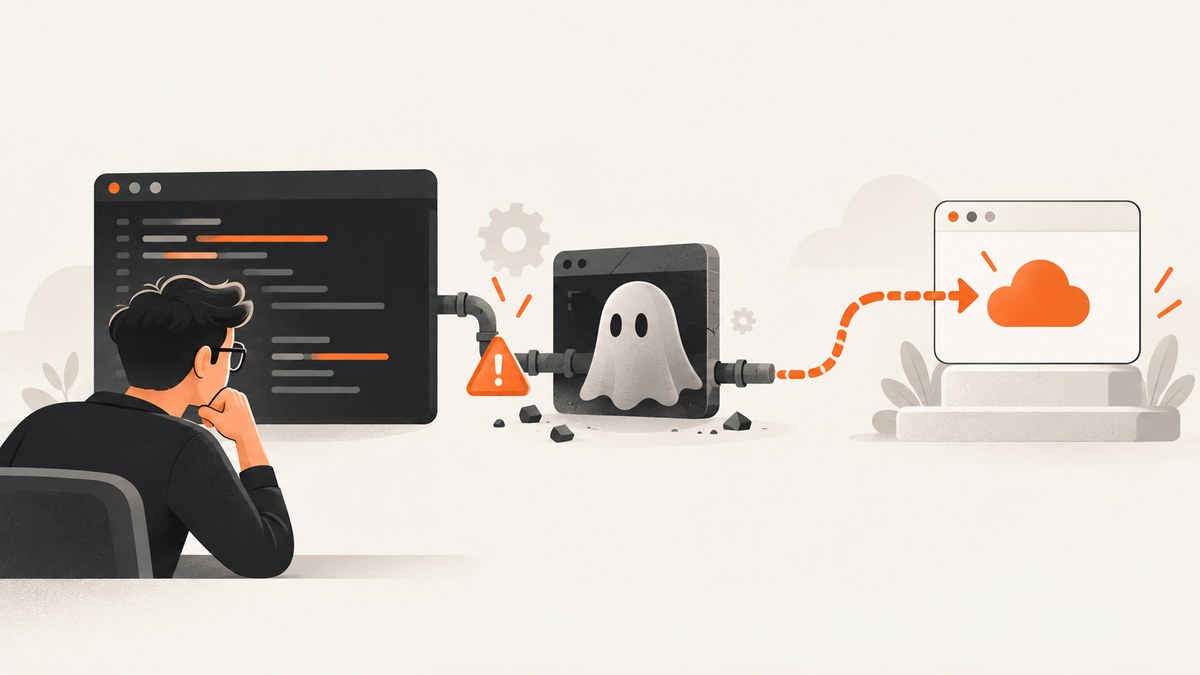
Direct answer: node-horseman launches a PhantomJS executable. Fix most errors by confirming that PhantomJS is available on the process PATH, installing phantomjs-prebuilt successfully, or passing its absolute location through Horseman’s phantomPath option. Treat spawn ENOENT, permission errors, and download timeouts as different problems. If the binary starts but pages fail, check the PhantomJS version, duplicate installations, TLS, and proxy settings. The phantomjs-prebuilt project is deprecated because PhantomJS development was suspended, so a lasting fix may require replacing this legacy stack.
This guide separates installation, executable discovery, launch, and page-network failures so you can identify the failing layer before changing code.
What node-horseman actually needs
Horseman is a Node.js wrapper that controls PhantomJS; it is not the browser executable itself. The node-horseman documentation describes three supported ways to make PhantomJS available:
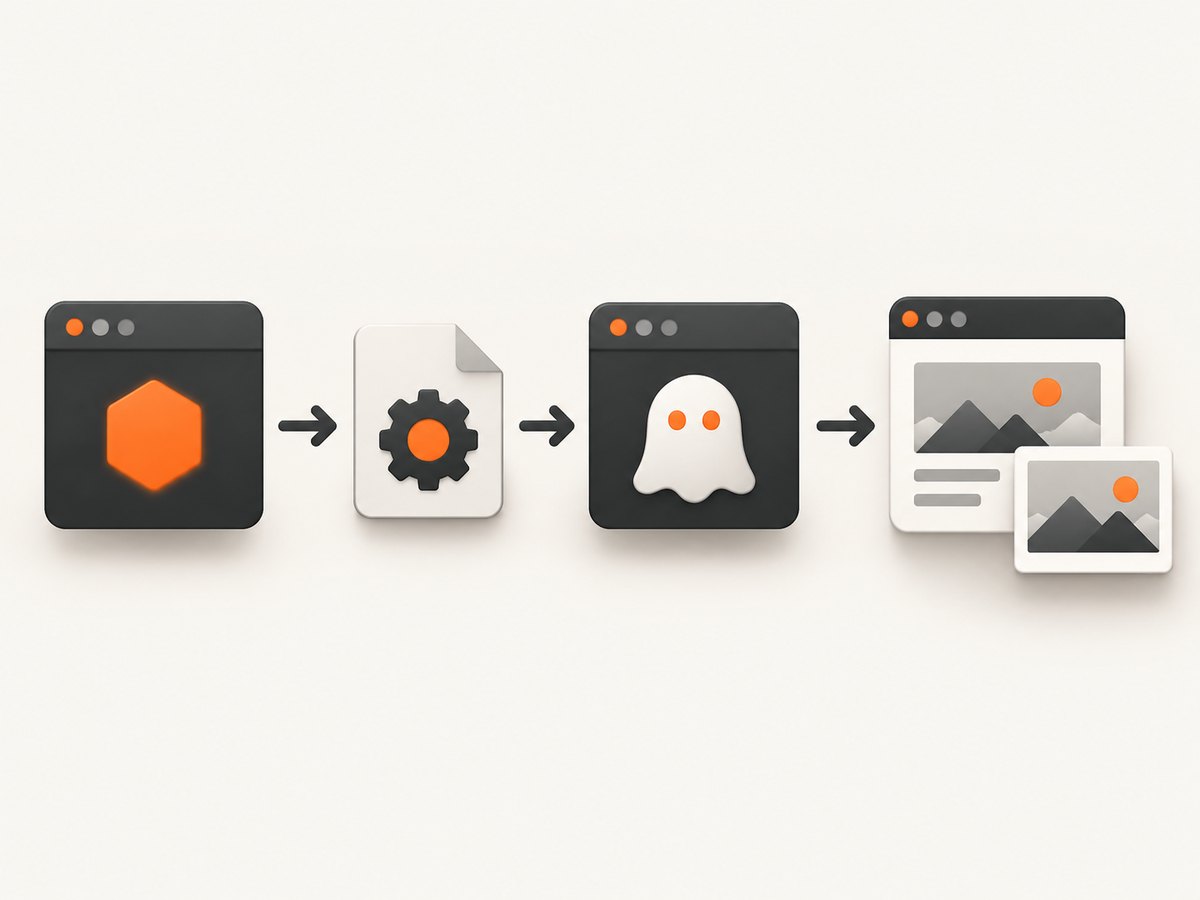
- Put a
phantomjsexecutable onPATH. - Install the
phantomjs-prebuiltorphantomjsnpm package. - Pass the executable location with
phantomPath.
Horseman also exposes phantomOptions for PhantomJS command-line flags. Its documented defaults include a 5,000 ms timeout and a 50 ms polling interval. A page wait timeout is different from an executable launch failure.
1. Reproduce the exact error
Run the failing command in the same shell, container, service account, IDE, or CI job used by the application. Copy the complete error, including its code and path.
node --version
npm --version
which phantomjs || command -v phantomjs
phantomjs --version
npm ls node-horseman phantomjs-prebuilt phantomjs
On Windows, use:
where phantomjs
phantomjs --version
npm ls node-horseman phantomjs-prebuilt phantomjs
Do not start by changing timeouts when the message says the executable cannot be spawned. First establish whether the binary exists and can run.
2. Install phantomjs-prebuilt correctly
Install the dependency in the project that starts Horseman:
npm install node-horseman phantomjs-prebuiltThen verify that npm installed a runnable binary:
node -e "console.log(require('phantomjs-prebuilt').path)"
"$(node -e "process.stdout.write(require('phantomjs-prebuilt').path)")" --version
The package downloads a platform-specific PhantomJS binary during installation. If installation fails, classify the installer error before retrying.
spawn ENOENT
The phantomjs npm documentation associates this error commonly with node or tar missing from PATH, or with an incorrectly installed command. Check the environment used by npm:
which node
which npm
which tar
node --version
npm --version
tar --version
In CI, print process.env.PATH from the job itself. A command available in your interactive shell may not be available to a service or build step.
EPERM, EACCES, or permission denied
These usually indicate that npm cannot write to its cache, the project’s node_modules directory, or the temporary download directory. Inspect ownership and write access for the exact paths in the error. Avoid changing permissions on unrelated system directories.
npm config get cache
npm cache verify
ls -ld node_modules "$(npm config get cache)"
Run the install as the same user that will run the application, and remove a partially extracted package before retrying if the directory is corrupted.
read ECONNRESET or connect ETIMEDOUT
The installer documentation identifies these as download or network failures. Check DNS, outbound access, proxy configuration, and firewall rules from the build environment. The package documentation describes the phantomjs_cdnurl setting and PHANTOMJS_CDNURL environment variable for a custom download mirror; verify that any mirror is reachable before relying on it.
npm config get proxy
npm config get https-proxy
printenv PHANTOMJS_CDNURL
For reproducible builds, cache dependencies only after confirming that the cached binary matches the target operating system and architecture.
3. Make Horseman use the intended executable
Using an explicit path avoids differences between shells, IDEs, system services, and CI runners. The following example resolves the path supplied by phantomjs-prebuilt:
const Horseman = require('node-horseman');
const phantom = require('phantomjs-prebuilt');

async function main() {
  const horseman = new Horseman({
    phantomPath: phantom.path,
    timeout: 10000,
    pollInterval: 50,
    phantomOptions: [
      '--ignore-ssl-errors=true',
      '--web-security=false'
    ]
  });

  try {
    await horseman
      .userAgent('Mozilla/5.0')
      .open('https://example.com')
      .waitForSelector('body')
      .screenshot('example.png');
  } finally {
    await horseman.close();
  }
}

main().catch(error => {
  console.error(error);
  process.exitCode = 1;
});
Only add PhantomJS flags when you understand their security and compatibility consequences. In particular, disabling web security can weaken isolation and should not be a default for untrusted pages.
Resolve the path without hard-coding it
const path = require('phantomjs-prebuilt').path;
console.log(path);
Hard-coded paths break when npm’s directory layout changes, when the application runs in a container, or when the operating system changes. If you do configure a fixed path, use an environment variable and validate it at startup.
const fs = require('fs');
const Horseman = require('node-horseman');

const phantomPath = process.env.PHANTOM_PATH;
if (!phantomPath || !fs.existsSync(phantomPath)) {
  throw new Error('PHANTOM_PATH must point to an existing PhantomJS executable');
}

const horseman = new Horseman({ phantomPath });
4. Check for duplicate or unexpected PhantomJS binaries
If Horseman starts but behaves differently than expected, verify which binary is actually running. The PhantomJS troubleshooting guide recommends checking the version and looking for multiple installations.
which -a phantomjs
phantomjs --version
node -e "console.log(require('phantomjs-prebuilt').path)"
"$(node -e "process.stdout.write(require('phantomjs-prebuilt').path)")" --version
Compare the versions and paths. A system package can take precedence over the npm-installed binary when PATH order differs between environments.
5. Separate launch failures from page failures
| Symptom | Likely layer | Next check |
|---|---|---|
spawn ENOENT before a page opens |
Executable discovery or missing prerequisite | Check PATH, phantomPath, and node/tar. |
EACCES or EPERM during npm install |
Filesystem permissions or blocked writes | Inspect npm cache and project ownership. |
ECONNRESET or ETIMEDOUT during install |
Binary download or proxy | Check outbound access and mirror settings. |
| PhantomJS starts, then HTTPS pages fail | TLS/OpenSSL compatibility | Check the PhantomJS version and TLS dependencies. |
| Only proxied environments fail | Proxy configuration | Use the PhantomJS troubleshooting steps to test with and without the proxy. |
| Page opens but selectors never appear | Page load, JavaScript, or wait condition | Inspect the URL, wait strategy, console output, and timeout separately. |
6. Diagnose HTTPS, TLS, and proxy problems
PhantomJS is an old browser runtime. If a binary launches but modern HTTPS sites fail, record the exact URL, error, PhantomJS version, operating system, and whether a proxy is involved. The PhantomJS guide discusses TLS/OpenSSL dependencies and using a launch without the proxy as a diagnostic step. These are investigation paths for a legacy runtime, not universal fixes.
phantomjs --version
node -e "console.log(process.versions)"
printenv HTTP_PROXY
printenv HTTPS_PROXY
printenv NO_PROXY
Do not “fix” every TLS error by disabling certificate validation. First determine whether the endpoint requires protocols or cipher support unavailable in the old runtime.
7. Make waits and timeouts intentional
Horseman’s timeout controls how long operations wait; it cannot repair a missing executable or an unreachable download. Use a wait that matches the page:
const Horseman = require('node-horseman');
const phantom = require('phantomjs-prebuilt');

async function capture() {
  const browser = new Horseman({
    phantomPath: phantom.path,
    timeout: 15000,
    pollInterval: 100
  });

  try {
    await browser
      .open('https://example.com')
      .waitForSelector('main')
      .screenshot('main.png');
  } finally {
    await browser.close();
  }
}

capture().catch(console.error);
Increase a timeout only after confirming that the page eventually becomes ready. Otherwise, longer waits increase job duration without improving reliability.
8. CI and container checklist
- Run
node --version,npm --version, andphantomjs --versionin the job. - Print the resolved
require('phantomjs-prebuilt').path. - Confirm the binary has execute permission.
- Ensure
nodeandtarare onPATHduring npm installation. - Allow the installer to reach its download host or configure a verified mirror.
- Do not reuse
node_modulesacross operating systems or CPU architectures. - Run a smoke test against a simple HTTPS page before testing the full workflow.
- Close Horseman in a
finallyblock so failed jobs do not leave processes behind.

Performance, reliability, and cost considerations
Performance
Launching a PhantomJS process is expensive compared with reusing a long-lived browser process. Keep concurrency within the memory and CPU limits of the runner, and avoid waiting for a fixed delay when a specific selector or readiness condition is available.
Reliability
Pin dependency versions and record the resolved PhantomJS path in build logs. Test the exact operating system and architecture used in production. Legacy binaries can fail when base images, TLS libraries, or network policies change.
Cost
The npm package itself does not remove the operational cost of maintaining the runtime: CI minutes, cache storage, debugging time, and migration work still matter. Measure the complete workflow rather than only the screenshot call.
Or skip the browser setup
If your goal is to obtain screenshots rather than maintain PhantomJS, ScreenshotNeo provides a website screenshot API and MCP server. It accepts one GET request and returns PNG, JPEG, WebP, or PDF. Cookie and consent banners are accepted before capture, and more than 60 known consent platforms, newsletter popups, and chat widgets can be removed. Each step can be turned off.
Only clean shots are billed. Bot checks or CAPTCHAs, blank pages, timeouts, failed loads, and cache hits cost nothing, and the response reports the result in X-Page-Verdict and X-Billed headers.
See the ScreenshotNeo API documentation for all options. A minimal request is:
curl -G "https://api.screenshotneo.com/v1/shot" -d access_key=YOUR_API_KEY --data-urlencode url=https://example.com -o shot.webpimport requests
r = requests.get(
"https://api.screenshotneo.com/v1/shot",
params={"access_key": "YOUR_API_KEY", "url": "https://example.com"},
timeout=90,
)
r.raise_for_status()
open("shot.webp", "wb").write(r.content)const q = new URLSearchParams({ access_key: 'YOUR_API_KEY', url: 'https://example.com' });
const res = await fetch(`https://api.screenshotneo.com/v1/shot?${q}`);
if (!res.ok) throw new Error(`${res.status} ${await res.text()}`);
const fs = require('fs');
fs.writeFileSync('shot.webp', Buffer.from(await res.arrayBuffer()));ScreenshotNeo also supports full-page capture with lazy images loaded, CSS element capture, dark mode, device presets and custom viewports, retina scale, PDF paper and page options, HTML/CSS rendering, custom JavaScript and CSS, clicks, waits, request blocking, headers, cookies, user agents, authorization, timezone, geolocation, transparent backgrounds, resizing, TTL caching, signed links, asynchronous jobs, signed webhooks, bulk capture of up to 100 URLs per call, a usage API, and an OpenAPI specification. Its MCP server provides take_screenshot, get_page_info, and capture_pdf for Claude, Cursor, and other MCP clients.
The Free plan includes 1,000 shots per month with no card. Paid plans start at $5 for 3,000 shots, and every feature is available on every plan. Create a free ScreenshotNeo account.
When to repair and when to migrate
Repair the existing stack when you need a short-term restoration, have tests covering the pages you capture, and can pin a known-good runtime. Plan migration when new operating systems or HTTPS endpoints fail, when security requirements exceed PhantomJS capabilities, or when installation reliability is consuming maintenance time.
The official phantomjs-prebuilt README states: “This repository and NPM package are now deprecated since PhantomJS development had been suspended.” No single replacement is established by the sources reviewed here. Evaluate candidates against your required browser features, Node and platform compatibility, CI installation reliability, migration effort, and upstream maintenance status.
Troubleshooting quick reference
| Error or symptom | Cause to verify | Fix |
|---|---|---|
| Horseman cannot find PhantomJS | Missing PATH entry or wrong process environment | Pass phantomPath using require('phantomjs-prebuilt').path. |
spawn ENOENT during install |
node or tar is unavailable |
Install the prerequisite and correct the npm job’s PATH. |
EACCES/EPERM |
Cache or project directory is not writable | Fix ownership and remove incomplete install artifacts. |
ECONNRESET/ETIMEDOUT |
Download host blocked or proxy interruption | Test connectivity and configure a reachable mirror if appropriate. |
| Wrong PhantomJS behavior | Duplicate binaries or PATH precedence | Compare which -a phantomjs with the npm package path. |
| HTTPS page fails after launch | Old TLS/OpenSSL support or proxy behavior | Check version, TLS dependencies, and proxy diagnostics. |
| Timeout waiting for a page | Incorrect readiness condition or genuinely slow page | Use a selector-based wait and increase timeout only after measurement. |
FAQ
Do I need both node-horseman and phantomjs-prebuilt?
Yes, for this legacy setup Horseman is the controller and PhantomJS is the executable. Installing Horseman alone does not provide a browser binary.
Why does it work in my terminal but fail in CI?
The CI process usually has a different PATH, user, filesystem, architecture, proxy, or network policy. Log the resolved executable path and versions inside CI.
Can a longer timeout fix spawn ENOENT?
No. That error occurs before the executable starts. Fix discovery or installation first.
Is phantomjs-prebuilt still maintained?
No. Its official README marks the repository and npm package as deprecated because PhantomJS development was suspended.
What should I preserve during a migration?
Document URLs, viewport and device settings, waits, cookies, authentication, proxy behavior, screenshot formats, and visual baselines before replacing the runtime.


