How to Fix Non-English Fonts Missing in wkhtmltopdf PDFs
Fix missing, blank, or square non-English characters in wkhtmltopdf by checking UTF-8, font coverage, Fontconfig, deployment images, and renderer limits.

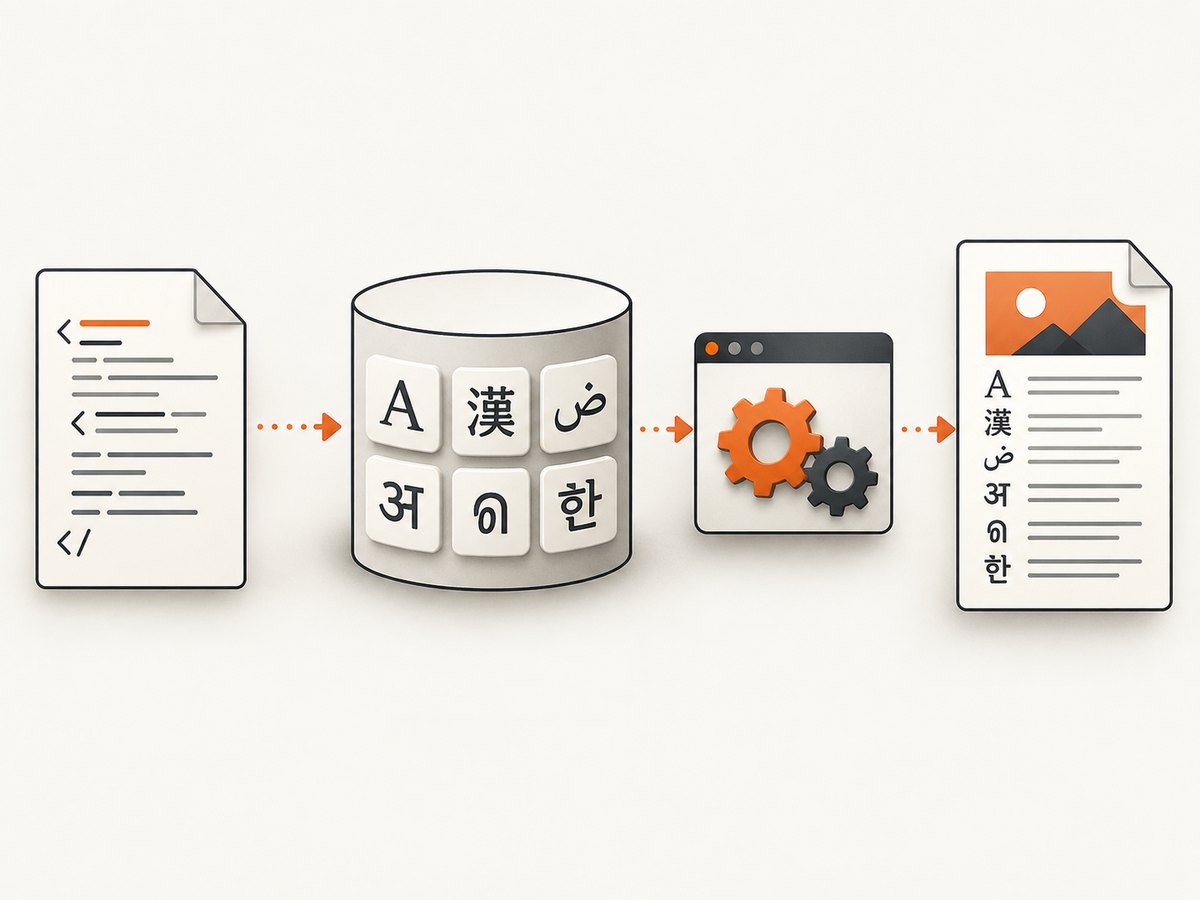
Missing Chinese, Arabic, Cyrillic, Thaana, or other non-English characters in a wkhtmltopdf PDF usually means the rendering environment cannot find a font containing those glyphs. UTF-8 is necessary for decoding the text, but UTF-8 cannot add missing glyphs to a font.
The reliable fix is to reproduce the problem with the exact wkhtmltopdf binary and runtime used in production, verify the input encoding, install a font covering the affected script, make that font visible to Fontconfig, and then retest. If the font is present and the glyphs still fail, isolate a renderer limitation before changing more font settings.
1. Identify whether the failure is encoding or font coverage
These symptoms are often described as “UTF-8 characters are either missing (empty fields) or displayed as squares,” “Chinese characters were err,” or a “Unicode font issue.” They can have different causes:
| Symptom | Likely cause | First check |
|---|---|---|
| Every non-ASCII character is corrupted | Wrong document or response encoding | Confirm UTF-8 bytes, the HTML charset, and --encoding utf-8 |
| Only one script shows boxes or blanks | The selected and fallback fonts lack that script’s glyphs | Check font coverage in the wkhtmltopdf runtime |
| Browser output works but PDF output fails | Chrome or Firefox found a fallback font that wkhtmltopdf cannot see | Run both using the same host/container test file |
| Fonts appear installed but output is unchanged | Fontconfig cache, permissions, font-face loading, or an old WebKit limitation | Refresh discovery, inspect logs, and reduce the test case |
2. Create a minimal reproducible HTML file
Start with a tiny file containing a known Latin character and representative characters from the failing script. Use the actual bytes that production sends to wkhtmltopdf.
<!doctype html>
<html lang="zh-CN">
<head>
  <meta charset="utf-8">
  <title>Font diagnostic</title>
  <style>
    body { font-family: sans-serif; font-size: 24px; }
  </style>
</head>
<body>
  Latin: A
  Chinese: 中文测试
  Arabic: العربية
  Cyrillic: Привет
</body>
</html>
Save the file as UTF-8, then render it with the same binary and account used in production:
wkhtmltopdf --encoding utf-8 diagnostic.html diagnostic.pdfIf the local browser displays the text but this PDF does not, the browser result does not prove that wkhtmltopdf has equivalent fallback fonts. A Windows report documented this difference between Chrome/Firefox and wkhtmltopdf.
3. Verify the document really is UTF-8
Check all layers that can alter the bytes:
- Put
<meta charset="utf-8">near the beginning of the HTML<head>. - Send an HTTP
Content-Typesuch astext/html; charset=utf-8when wkhtmltopdf loads a URL. - Use
--encoding utf-8for the input document. - Inspect the generated HTML file or response body, not just the source template. Confirm the characters are present before rendering.
- Test a local file and a remote URL separately. A proxy, template engine, database connection, or response header can introduce a second encoding problem.
Encoding fixes decoding. It does not install a typeface or provide a missing Unicode range. If Latin text works and only a particular script is blank or displayed as squares, move to font coverage checks.
4. Install a font that covers the actual script
Choose a font package for the exact language or script and operating system. There is no universal “Unicode font” package that guarantees coverage for every writing system.
For example, an Ubuntu Chinese-character report identified fonts-wqy-zenhei as a working package. Treat that as a Chinese-on-Ubuntu example, not as a general fix for Arabic, Thaana, Japanese, or every Linux distribution.
# Ubuntu/Debian example; choose a package appropriate to your script
sudo apt-get update
sudo apt-get install fonts-wqy-zenhei fontconfig
fc-cache -f -v
After installation, verify that Fontconfig can see the family:
fc-list : family file | sort
fc-match sans-serif
fc-match "Your Script Font Name"
Use a font inspection tool or the font vendor’s character map to confirm that the exact failing code points exist. A family name alone is not proof that it contains every character in the script.
5. Make Fontconfig work in containers and serverless runtimes
Fonts installed on a developer workstation do not exist inside a Docker image, CI runner, or serverless function unless you package them there. The wkhtmltopdf project also notes that its static builds still depend on runtime packages including Fontconfig and FreeType. See the official downloads documentation for dependency and deployment details.
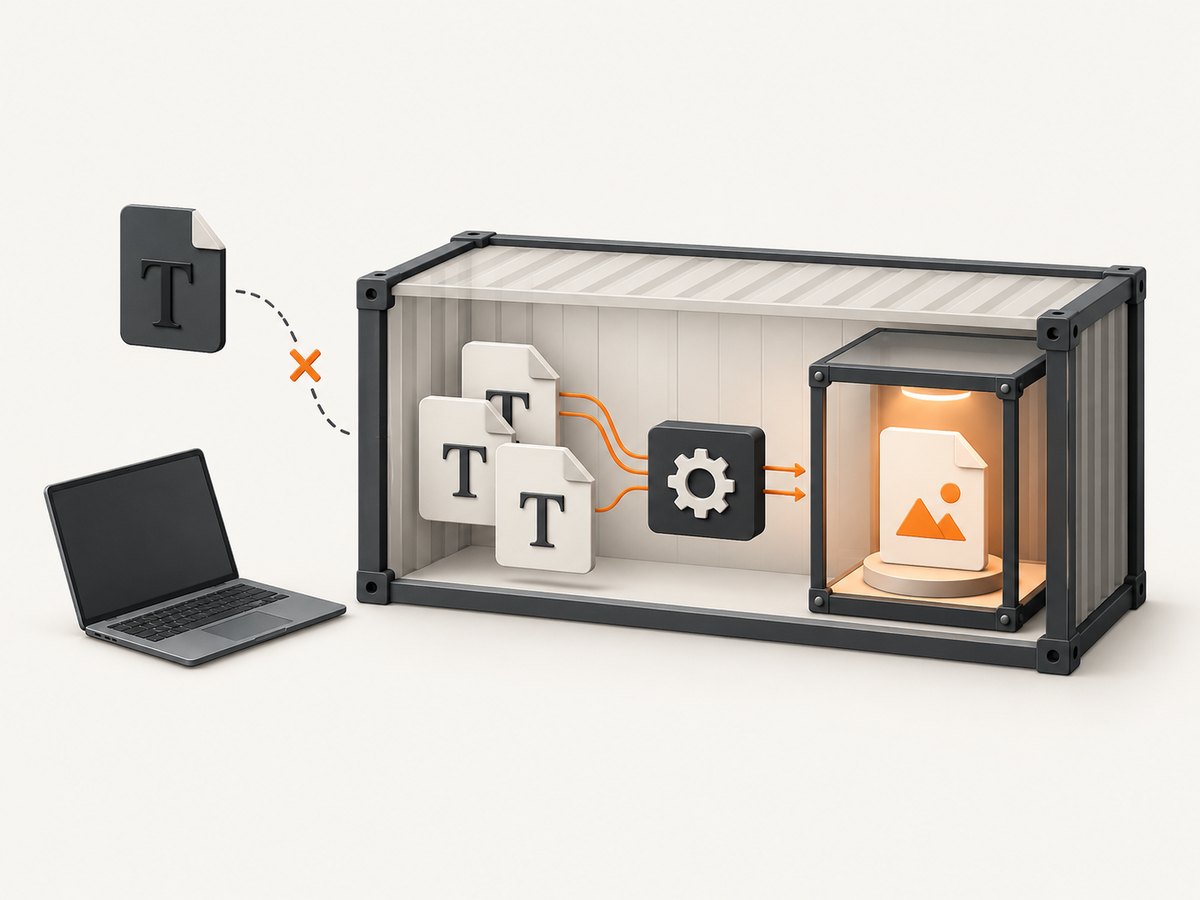
A container setup should include:
- The font files required by the affected script.
- Fontconfig and FreeType runtime libraries.
- A Fontconfig configuration and cache generated inside the image.
- Permissions allowing the wkhtmltopdf process to read the files.
- The same environment variables and working directory used by production.
For packaged AWS Lambda deployments, the project’s documented setup uses FONTCONFIG_PATH=/opt/fonts. Apply that pattern only when your bundle actually stores its Fontconfig configuration at that path:
export FONTCONFIG_PATH=/opt/fonts
fc-cache -f -v
wkhtmltopdf --encoding utf-8 diagnostic.html diagnostic.pdf
Do not assume that refreshing the cache alone solves the issue. A Thaana report describes a font being detected and the cache being refreshed while glyphs still rendered as squares. Cache refresh is a diagnostic step, not a guarantee.
6. Check CSS fallback and font loading
Use an explicit fallback stack while diagnosing:
body {
  font-family: "Script-capable family", "Noto Sans", sans-serif;
}
Then check:
- The family name exactly matches the name exposed by Fontconfig.
- The font file is readable by the wkhtmltopdf user.
- Remote
@font-faceURLs are reachable from the rendering host. - The font format is supported by the old WebKit engine in your build.
- CSS is not overriding the family on a nested element.
- The sample character is actually covered by the selected face and weight.
Embedding a web font is not a universal solution. The archived Thaana case shows that embedding approaches can still fail when fallback or script shaping is limited. Test the exact font and script with the exact renderer.
7. Compare Linux, Windows, and packaged deployments
Linux hosts
Install a script-appropriate font package with the distribution package manager, inspect it with Fontconfig, refresh the cache when adding files, and render under the same service account as production.
Docker and serverless
Copy fonts and Fontconfig configuration into the image or deployment artifact. Run fc-list from inside the running artifact, not only on the build machine. Set the required configuration path before launching wkhtmltopdf.
Windows
Install or bundle a font that contains the required glyphs and test the PDF itself. Do not use Chrome or Firefox as proof that wkhtmltopdf will choose the same fallback font.
8. Troubleshoot common errors
| Error or symptom | Cause | Fix |
|---|---|---|
| Squares for one language | No glyph coverage in the selected or fallback font | Install a font covering the exact script and verify with fc-match |
| Blank fields for all non-ASCII text | Encoding mismatch or missing glyphs | Inspect bytes and charset first, then test font coverage |
fc-list finds nothing in a container |
Fonts were installed only on the host | Copy fonts into the image and rebuild Fontconfig there |
| Font works interactively but not from a service | Different user, environment, or FONTCONFIG_PATH |
Run diagnostics as the service account and print relevant environment variables |
| Remote web font ignored | Network access, certificate, CORS, or old WebKit support | Use a locally packaged font for diagnosis and verify network requests |
| Cache refresh changes nothing | Wrong font, wrong path, or renderer limitation | Confirm code-point coverage and reduce to a minimal script sample |
| Only a complex script fails | Shaping or fallback limitation in the old engine | Test another face and renderer; consider migration if the failure is repeatable |
9. Know when wkhtmltopdf itself is the constraint
The official project status page says Qt 4 has been unsupported since 2015 and its embedded WebKit has not been updated since 2012. The downloads page identifies 0.12.6 as the stable series, released June 11, 2020. This maintenance context matters when a correctly installed, visible font still fails, but it does not prove that every missing glyph is an engine bug.
Use a controlled comparison before migrating:
- Render the same minimal HTML with the production wkhtmltopdf binary.
- Confirm the font is visible from the same runtime and account.
- Try a second font that definitely covers the code points.
- Remove external CSS, images, JavaScript, and web-font loading.
- Compare a simple character with a complex-script sample.
- Record whether the failure is limited to shaping, fallback, a font weight, or all glyphs.
If the reduced case still fails, compare renderers by script coverage, fallback behavior, HTML/CSS compatibility, deployment footprint, maintenance posture, and migration effort. The project status discussion mentions PrinceXML as a commercial renderer, but that mention is not evidence that it fixes a particular font problem. Verify current capabilities and pricing independently before selecting an alternative.
10. Performance, reliability, and cost considerations
- Font discovery adds startup work, especially when a container rebuilds caches on every invocation. Build and cache fonts during image creation where possible.
- Large font files increase deployment size and cold-start time. Select a family with the required script coverage rather than copying unrelated families.
- Keep the font package, Fontconfig configuration, wkhtmltopdf binary, and HTML fixtures versioned together so a base-image update cannot silently remove coverage.
- Log the renderer version, input URL or template identifier, selected font family, and exit status. Preserve a small diagnostic PDF for regression checks.
- Use deterministic local fonts for critical documents. Remote font loading introduces DNS, TLS, network, and availability failures.
- Do not treat a successful browser screenshot as a PDF rendering test; the fallback stacks can differ.
11. Or skip the browser setup
If your goal is a clean visual capture of a web page rather than a server-side HTML-to-PDF document, ScreenshotNeo provides a single-request screenshot API and an MCP server for AI agents. It removes cookie and consent banners, newsletter popups, and chat widgets before capture. Bot checks, blank pages, timeouts, failed loads, and cache hits are not billed, and the response identifies the result with X-Page-Verdict and X-Billed headers.
See the ScreenshotNeo documentation for options such as full-page capture, device presets, custom CSS and JavaScript, waiting rules, blocked resources, cookies, headers, geolocation, PDF output, caching, asynchronous jobs, and bulk capture.
cURL
curl -G "https://api.screenshotneo.com/v1/shot" -d access_key=YOUR_API_KEY --data-urlencode url=https://stripe.com -o shot.webpPython
import requests
r = requests.get("https://api.screenshotneo.com/v1/shot", params={"access_key": "YOUR_API_KEY", "url": "https://stripe.com"}, timeout=90)
open("shot.webp", "wb").write(r.content)
Node.js
const q = new URLSearchParams({ access_key: 'YOUR_API_KEY', url: 'https://stripe.com' });
const res = await fetch(`https://api.screenshotneo.com/v1/shot?${q}`);
ScreenshotNeo includes an MCP server with take_screenshot, get_page_info, and capture_pdf tools for Claude, Cursor, and other MCP clients. The Free plan includes 1,000 screenshots per month with no card; paid plans start at $5 for 3,000 screenshots. Create a free ScreenshotNeo account.
FAQ
Does --encoding utf-8 fix missing Chinese characters?
Only when the underlying problem is decoding. It cannot provide Chinese glyphs if the available fonts do not contain them.
Why does the same HTML work in Chrome?
Chrome may select a script-capable fallback font that is absent from, or unsupported by, wkhtmltopdf’s runtime.
Is refreshing fc-cache sufficient?
No. It helps Fontconfig discover newly installed files, but the font still needs the required glyphs and the renderer must support the script.
Should every project embed a web font?
No. A locally packaged font is often easier to make deterministic, and embedded fonts can still fail with old WebKit fallback or shaping behavior.
When should I migrate away from wkhtmltopdf?
After a minimal test proves the font is present and visible but the exact script still fails. Compare another renderer against your real HTML, deployment, licensing, and maintenance requirements.


