How to Fix the NReco PDF Generator libpng iCCP Warning and Exit Code -1073741819
The iCCP warning and -1073741819 usually describe two different problems. Use this evidence-based workflow to isolate the NReco PDF crash.
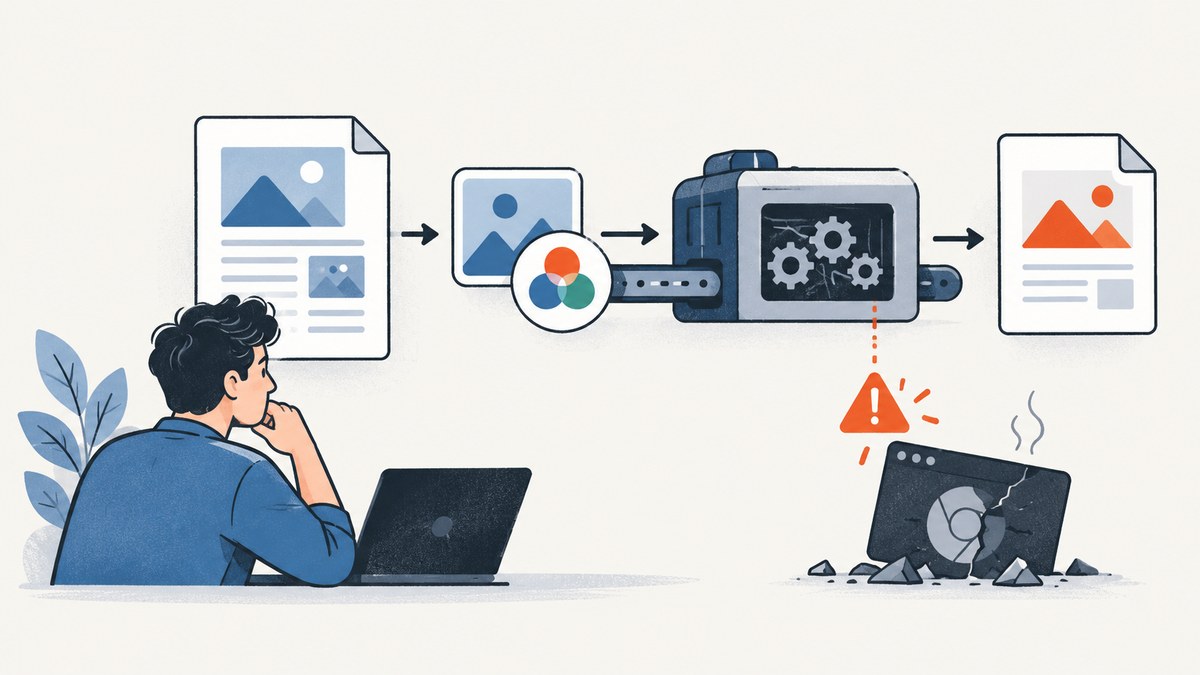
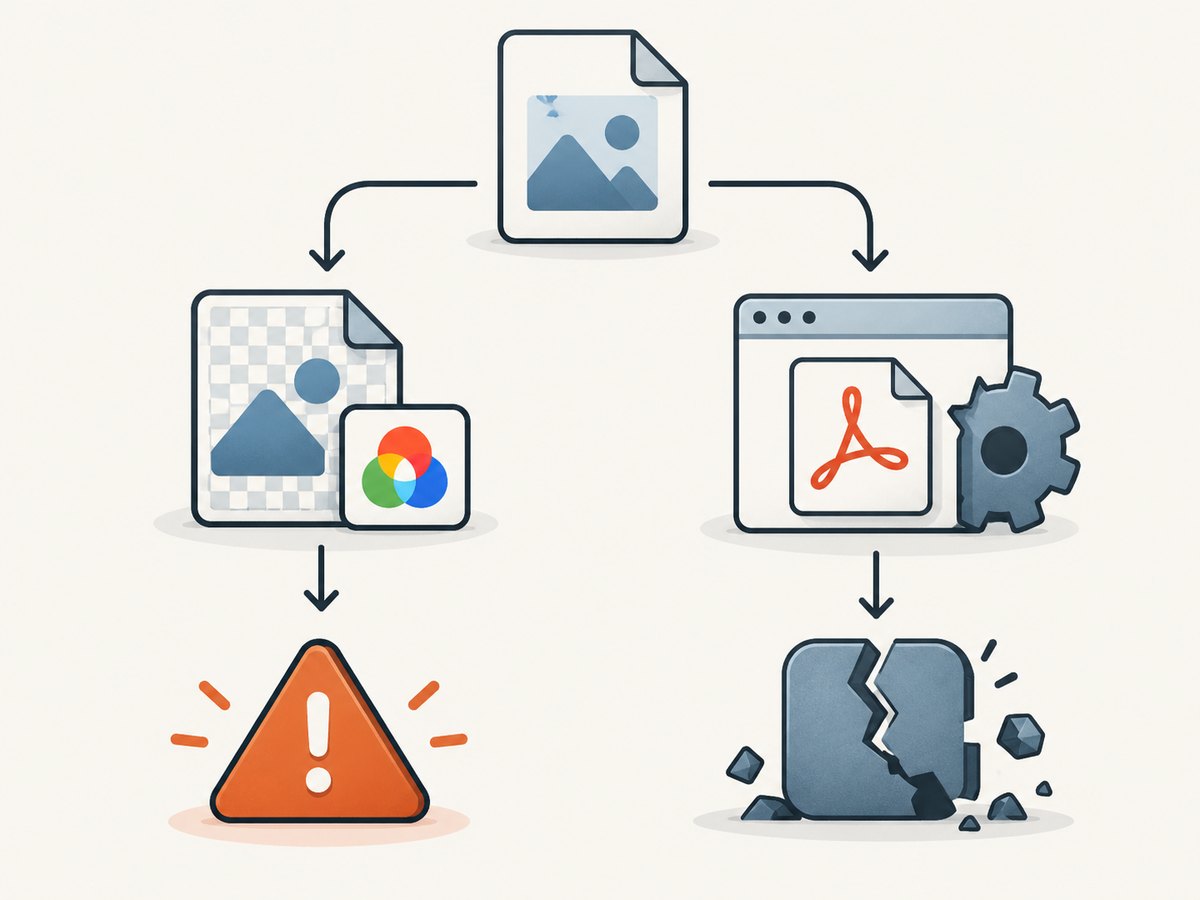
Short answer: do not assume libpng warning: iCCP: known incorrect sRGB profile caused exit code -1073741819. The warning concerns PNG color-profile metadata. The exit code is a Windows native-process crash status (0xC0000005, an access violation). Treat them as separate signals, verify the wkhtmltopdf binary and runtime that NReco launches, then reduce the HTML, images, layout, and JavaScript until the crash is reproducible.
The original NReco report records the warning and exit code together, but it does not prove causation. A related NReco answer describes the status as a crashed wkhtmltopdf subprocess and lists incompatible binaries, missing runtime libraries, and document-specific HTML or JavaScript as possible causes. Your environment and input determine which branch applies.
What the warning and exit code mean
The iCCP warning
PNG files can contain an embedded ICC color profile in an iCCP chunk. That metadata tells a reader how to interpret the image samples. The PNG specification also defines rules for how sRGB and iCCP chunks coexist. A malformed or inconsistent profile can produce the libpng warning, but the warning alone is not evidence of a native crash. See the PNG specification.
The -1073741819 status
On Windows, -1073741819 is the signed representation of hexadecimal 0xC0000005. Microsoft describes that value as an access violation: a process attempted to read, write, or execute an invalid memory address. It identifies a native crash class, not the faulty HTML element, image, or DLL. See Microsoft’s access-violation guidance.
| Observed output | What it establishes | What it does not establish |
|---|---|---|
libpng warning: iCCP... |
A PNG profile was considered incorrect by libpng. | That the image caused the process crash. |
-1073741819 |
The native renderer exited with an access-violation status. | Which module or input triggered the invalid memory access. |
| Both in one log | The events occurred during one conversion. | A cause-and-effect relationship. |
Fast triage checklist
- Capture stderr and the process exit status separately.
- Run a minimal HTML document with no images or JavaScript.
- Confirm the exact wkhtmltopdf executable, architecture, version, and operating system.
- Check the runtime libraries required by that binary.
- Reintroduce images, CSS, layout, and scripts one group at a time.
- For a reproducible native crash, collect the faulting module and a dump or call stack.
Step-by-step diagnosis
1. Prove whether the warning is present without the crash
Save a tiny input and convert it through the same NReco configuration:
<!doctype html>
<html>
  <body><h1>Renderer smoke test</h1></body>
</html>
If this succeeds, the installation can perform at least a basic conversion and the failure is likely input-specific. If it crashes too, investigate the executable, platform, and runtime before changing the document.
2. Identify the binary NReco actually starts
Do not rely on the binary on your interactive PATH. Log the full executable path from your NReco configuration or deployment package, then inspect:
- Operating system and CPU architecture (x86 versus x64).
- wkhtmltopdf build and version.
- Whether the executable is a Windows build being launched on Linux or macOS.
- Whether a service account sees the same files and environment as your development account.
A binary that does not match the host can fail before the HTML is meaningfully processed.
3. Verify runtime prerequisites
Native renderers depend on system libraries. The related NReco troubleshooting answer mentions missing Universal C runtime libraries. A 2017 report also says installing Visual C++ Redistributables resolved one particular case, but that is anecdotal and version-specific. Identify the dependencies for your exact binary and install the supported runtime for that operating system and architecture. Do not treat one redistributable version as a universal fix.
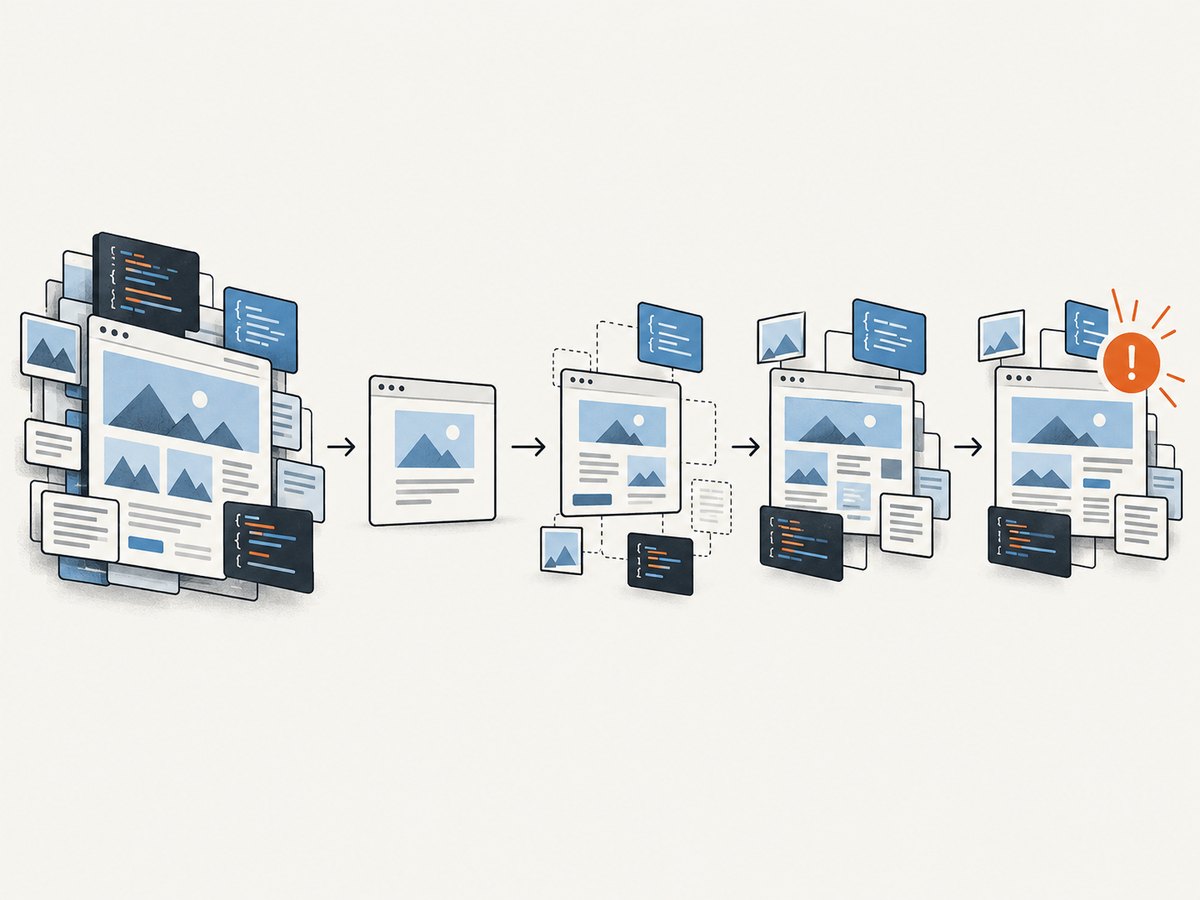
4. Minimize the document
Start from the failing HTML and remove one class of content at a time:
- Remove all external and inline JavaScript.
- Replace every image with a small known-good PNG or remove images entirely.
- Remove web fonts, filters, transforms, complex tables, and positioned elements.
- Replace external assets with local, deterministic files.
- Restore each group until the crash returns.
Heavy JavaScript and complex layout are documented diagnostic possibilities, including a historical wkhtmltopdf 0.12.4 example involving ChartsJS. That example is a lead for isolation, not proof that every ChartsJS or JavaScript document is unsafe.
5. Test the suspect PNG correctly
Keep the original file. Export a second copy with a trusted image tool, then compare three outcomes:
- Original image: warning and crash status.
- Re-exported image with a corrected profile: warning and crash status.
- No image: warning and crash status.
Compare rendered colors as well as process behavior. Removing profile metadata can change color interpretation, so stripping every profile is not a safe blanket remedy. If the crash remains when the image is absent, the PNG was not the sole trigger.
6. Collect native crash evidence
For a repeatable failure, record the faulting executable or DLL, exception code, thread, and call stack from the host. A dump lets you distinguish a renderer bug from a missing dependency or incompatible module. Microsoft’s guidance explains why exception details and the stack are useful for locating an invalid memory access.
Diagnostic harness for NReco callers
Wrap the conversion so logs preserve the input identifier, executable path, stderr, elapsed time, and exit status. The exact NReco API differs by package version, so keep the harness around your existing HtmlToPdfConverter call rather than copying an API signature that may not match your installed release:
var stopwatch = System.Diagnostics.Stopwatch.StartNew();
try
{
    // Keep your existing NReco converter configuration here.
    // converter.GeneratePdf(html, null, outputPath);
    converter.GeneratePdf(html, null, outputPath);
    stopwatch.Stop();
    Console.WriteLine($"pdf_status=success elapsed_ms={stopwatch.ElapsedMilliseconds}");
}
catch (Exception ex)
{
    stopwatch.Stop();
    Console.Error.WriteLine($"pdf_status=failure elapsed_ms={stopwatch.ElapsedMilliseconds}");
    Console.Error.WriteLine(ex);
    throw;
}
Also capture the renderer’s stderr if your NReco version exposes it. The useful distinction is “warning only,” “clean nonzero exit,” and “native process crash.”
Common failure patterns and fixes
| Pattern | Likely direction | Next action |
|---|---|---|
| Every document crashes, including plain HTML | Binary, architecture, OS, or runtime problem | Verify the launched executable and install only its documented prerequisites. |
| Only one document crashes | HTML, image, layout, or JavaScript trigger | Minimize the document and restore content incrementally. |
| Warning appears but PDF succeeds | Image metadata warning without a fatal renderer error | Re-export the image if color accuracy matters; otherwise track it separately. |
| Replacing one PNG changes the result | Image is involved, but causation is not yet proven | Compare original, corrected, and removed-image cases. |
| Works locally, fails in a service | Different account, working directory, permissions, PATH, or runtime | Log absolute paths and run the same binary under the service identity. |
| Fails after adding charts or animations | JavaScript timing or renderer limitation | Disable scripts, wait for deterministic content, or render a simpler server-side version. |
Reliability, performance, and deployment notes
- Determinism: Pin the renderer build and package its dependencies with the deployment. Avoid relying on a developer machine’s global installation.
- Isolation: Run conversions in a bounded worker process. A native crash can terminate the renderer, so supervise and restart workers.
- Input limits: Set page, asset, and execution-time limits for untrusted HTML. Large images and long-running scripts increase memory and conversion time.
- Asset access: Make network dependencies explicit. A missing font or image can change layout and make a failure appear intermittent.
- Reproduction: Preserve the exact HTML, asset files, renderer version, OS, architecture, and runtime state with each incident.
- Cost: Repeatedly retrying a native crash wastes CPU without improving the result. Retry only after changing the environment or input and record each attempt.
Or skip the browser setup
If your goal is a clean screenshot or PDF rather than maintaining a native HTML renderer, ScreenshotNeo provides a single HTTP endpoint. Before capture it accepts consent banners and removes more than 60 known consent platforms, newsletter popups, and chat widgets; each cleanup step can be disabled. Bot checks, blank pages, timeouts, failed loads, and cache hits are not billed, and the response identifies the result with X-Page-Verdict and X-Billed headers. Its MCP server also lets Claude, Cursor, and other MCP clients call take_screenshot, get_page_info, and capture_pdf.
See the ScreenshotNeo API documentation for all options.
curl -G "https://api.screenshotneo.com/v1/shot" -d access_key=YOUR_API_KEY --data-urlencode url=https://stripe.com -o shot.webpimport requests
r = requests.get("https://api.screenshotneo.com/v1/shot", params={"access_key": "YOUR_API_KEY", "url": "https://stripe.com"}, timeout=90)
open("shot.webp", "wb").write(r.content)const q = new URLSearchParams({ access_key: 'YOUR_API_KEY', url: 'https://stripe.com' });
const res = await fetch(`https://api.screenshotneo.com/v1/shot?${q}`);ScreenshotNeo supports PNG, JPEG, WebP, and PDF output, full-page and element capture, device presets, custom viewports, retina scale, waits, custom CSS and JavaScript, headers and cookies, blocking rules, caching, signed links, asynchronous webhooks, bulk capture, and a usage API. Free accounts include 1,000 screenshots per month with no card; paid plans start at $5 for 3,000.
Start free with ScreenshotNeo.
FAQ
Should I remove the iCCP profile first?
Use it as a controlled experiment, not as the assumed fix. Preserve the original and check whether the crash changes with the image removed or re-exported.
Is -1073741819 an NReco-specific error?
No. It is a Windows status value for an access violation. NReco reports it when the native renderer subprocess crashes.
Why does a minimal page work while the real page fails?
The real page may trigger a renderer defect or resource limit through JavaScript, layout complexity, image decoding, fonts, or external assets. Minimize it to identify the trigger.
Can a newer NReco version guarantee a fix?
No. Updating may change renderer behavior, but the evidence does not establish one universal version fix. Reproduce the failure and verify the binary and runtime after any upgrade.
What should I attach to a bug report?
Include a minimal HTML reproduction, assets, renderer path and version, OS and architecture, stderr, exit status, and a crash dump or faulting module when available.


