How to Fix the NReco PdfGenerator “The Pipe Has Been Ended” Error
Diagnose NReco PdfGenerator’s “The pipe has been ended” error on IIS by checking renderer crashes, process architecture, and native runtime dependencies.
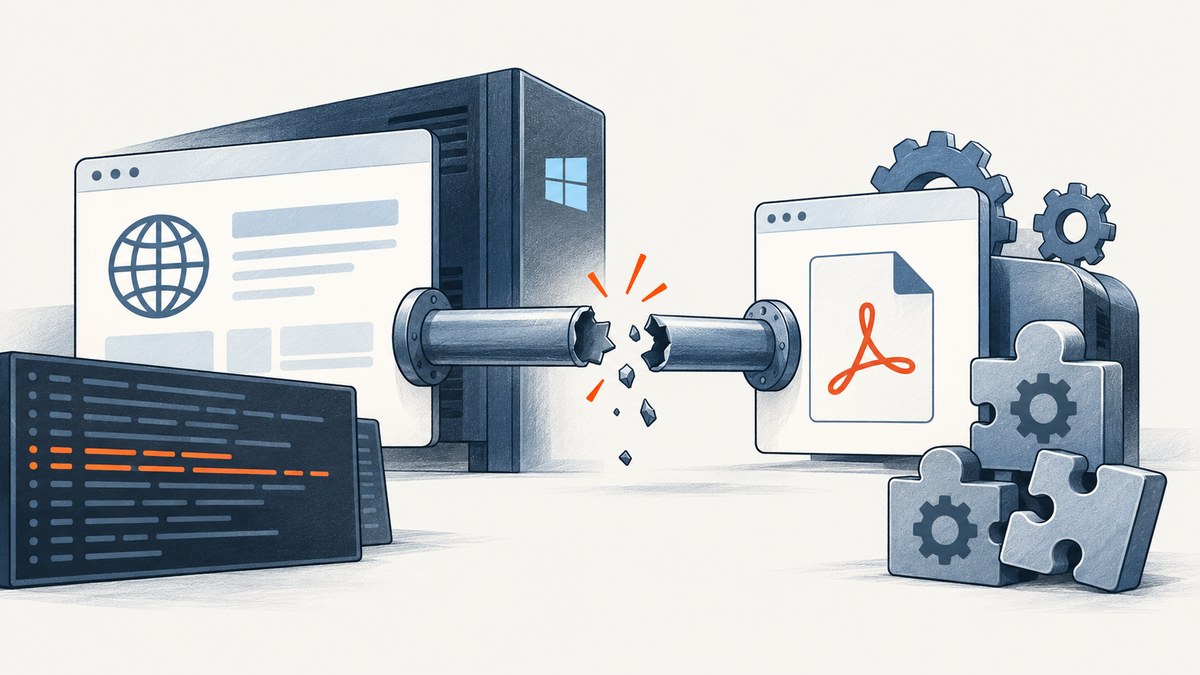
Short answer: NReco.PdfGenerator’s “The pipe has been ended” exception usually describes a communication channel that closed because the external PDF renderer stopped. In a historical ASP.NET/IIS report, wkhtmltopdf.exe crashed with an MSVCP120.dll fault and exception code 0xc0000135; the pipe exception was a symptom of that process failure, not the underlying diagnosis. Start with the child-process crash, then verify IIS worker-process architecture and the native runtime required by the deployed renderer.
This guide gives a deployment-focused sequence for finding the actual cause without blindly copying DLLs or changing bitness. The evidence comes from a Stack Overflow report about NReco.PdfGenerator in ASP.NET; it describes one deployment, so treat its fixes as diagnostic leads and validate them against your current NReco, wkhtmltopdf, Windows, and IIS support requirements.
What the error means
NReco starts an external renderer and communicates with it through a pipe. If that renderer exits, crashes, cannot load a native dependency, or is terminated by the operating system, the application can receive an IOException saying “The pipe has been ended.” The wording does not identify whether the cause is a missing DLL, an architecture mismatch, a permissions problem, invalid input, or a renderer defect.
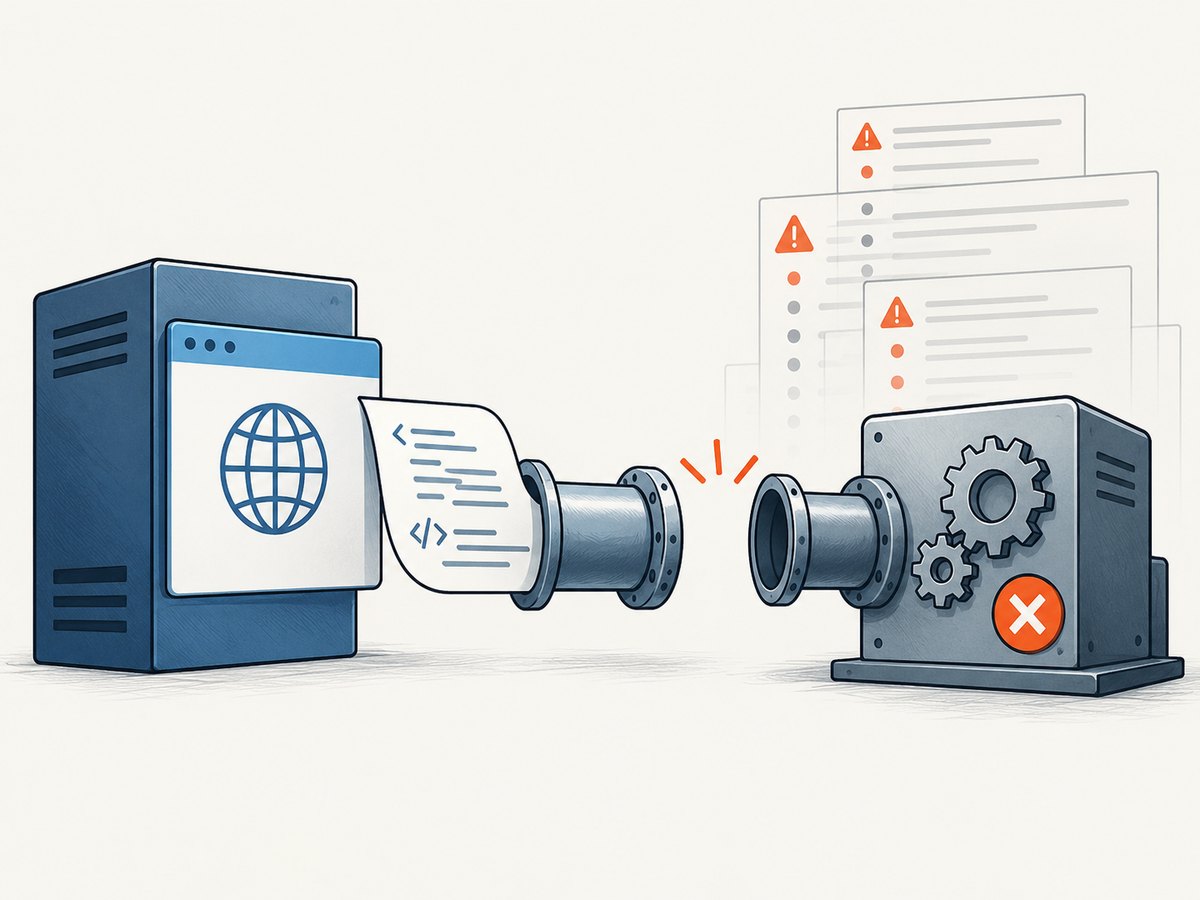
In the reported case, the exception site was NReco.PdfGenerator.HtmlToPdfConverter.GeneratePdfInternal. Windows Event Viewer also recorded a fault in wkhtmltopdf.exe, involving MSVCP120.dll and code 0xc0000135. That combination is stronger evidence than the pipe text alone: investigate why the renderer process failed before changing application code.
Fast diagnostic checklist
- Capture the complete exception, inner exception, renderer output, exit code, and timestamp.
- Open Windows Event Viewer on the server and inspect Windows Logs → Application for a matching
wkhtmltopdf.exefault. - Record the IIS application-pool setting for Enable 32-Bit Applications and the actual worker-process bitness.
- Identify the architecture and native runtime expected by the exact renderer executable deployed with the application.
- Check whether the reported native modules can be loaded by that process under the application-pool identity.
- Run a minimal HTML conversion on the server, using the same identity and working directory as production.
- Retest after one controlled change at a time, keeping the Event Viewer evidence for comparison.
Step 1: Find the renderer failure
Log enough information to correlate the NReco exception with operating-system events. A useful diagnostic record includes:
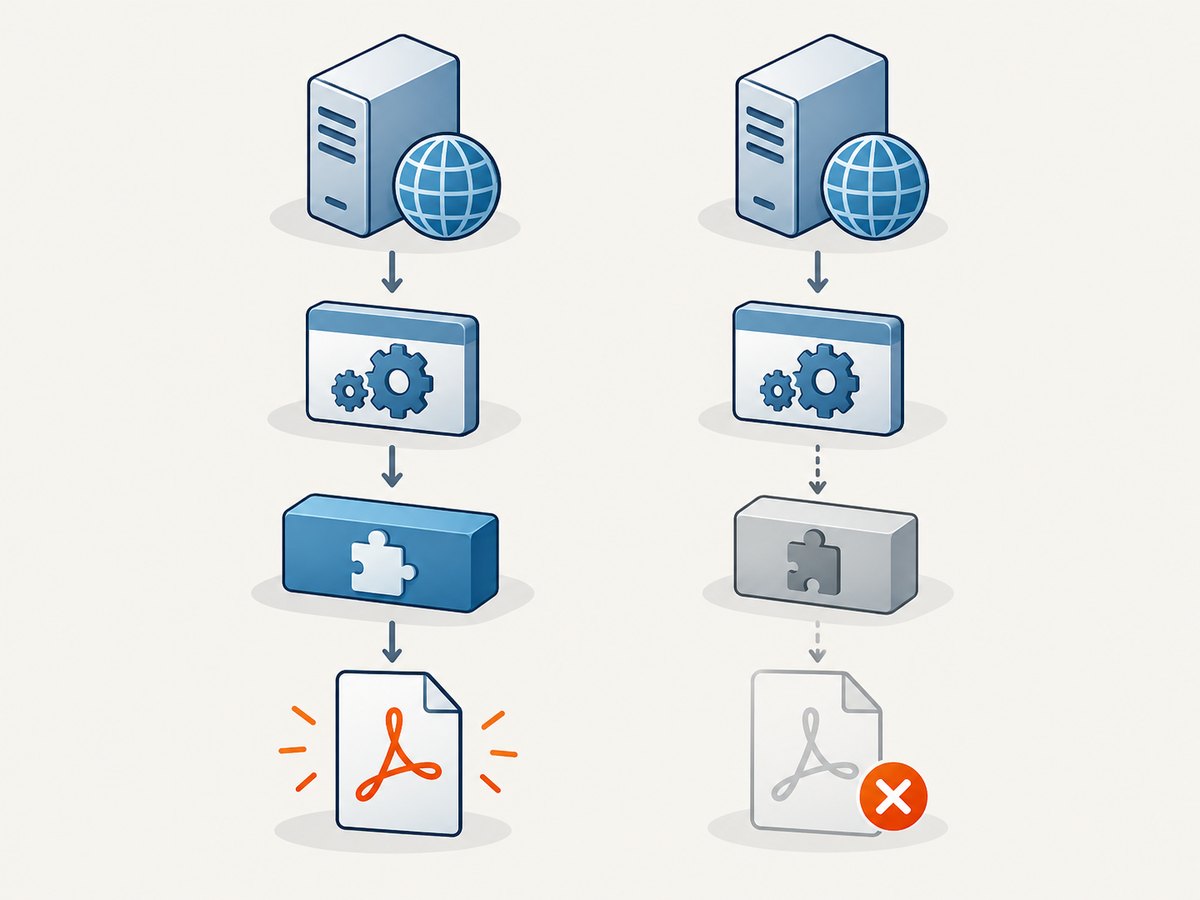
- UTC timestamp and request identifier
- Input URL or a redacted description of the HTML
- Renderer executable path and version
- Application-pool name and identity
- Worker-process bitness
- Full exception chain and any NReco diagnostic output
- Whether the failure occurs for a minimal local HTML file
Event Viewer entries often reveal a faulting module or status code that the pipe exception hides. In the source report, the event log named MSVCP120.dll and 0xc0000135. Do not assume every pipe error has that cause; use the event entry from your own server as the deciding evidence.
Step 2: Verify 32-bit and 64-bit alignment
A 64-bit Windows server can run a 32-bit IIS worker process. The relevant question is whether the renderer executable, the worker process, and its native dependencies have compatible architectures.
| Check | What to record | Why it matters |
|---|---|---|
| IIS application pool | Enable 32-Bit Applications value |
Determines whether the worker process is 32-bit or 64-bit. |
| Renderer binary | Executable architecture and exact version | A 32-bit executable needs compatible 32-bit native libraries. |
| Runtime package | Installed architecture and version | The operating system may have a runtime, but not the one this process can load. |
| Deployment identity | Application-pool account | File and directory visibility can differ from an interactive administrator session. |
The accepted answer in the historical report says the application had to run in 32-bit mode and installing the 32-bit C++ runtime fixed that user’s deployment on a 64-bit server. Apply that only after confirming your executable and process architecture. Switching IIS bitness without understanding the binary can replace one failure with another.
Step 3: Check native dependencies safely
The original asker later reported making msvcp120.dll and msvcr120.dll accessible from the application’s bin directory. Treat this as a user-specific workaround, not a universal installation procedure. Copying arbitrary DLLs from another machine can create version, servicing, and security problems.
Instead:
- Confirm the faulting module in Event Viewer or a supported dependency diagnostic tool.
- Determine which supported Microsoft runtime distribution the renderer version requires.
- Install or deploy that runtime using your organization’s normal software-management process.
- Confirm the required architecture matches the renderer and worker process.
- Restart the application pool and repeat the minimal conversion.
If policy requires private deployment beside the executable, use binaries from an approved, matching runtime package and document the source and version. Do not download random DLL files from third-party sites.
Step 4: Reproduce with minimal HTML
Once dependencies are checked, remove input complexity. A minimal test helps separate process startup problems from HTML, network, fonts, JavaScript, or asset problems.
var converter = new NReco.PdfGenerator.HtmlToPdfConverter();
var html = "<html><body><h1>Renderer smoke test</h1><p>Plain text</p></body></html>";
var pdfBytes = converter.GeneratePdf(html);
System.IO.File.WriteAllBytes(@"C:\temp\nreco-smoke-test.pdf", pdfBytes);
Run this under the IIS identity or an equivalent service account. If the minimal case fails, focus on process startup, architecture, dependencies, permissions, and temporary directories. If it succeeds, add your real HTML features incrementally: external URLs, images, fonts, JavaScript, and large documents.
Step 5: Retest under the real server identity
Local development success does not prove server readiness. IIS may use a different account, PATH, current directory, temporary directory, proxy configuration, and desktop-session behavior. Verify that the account can:
- Execute the renderer file.
- Read its dependent files and fonts.
- Create files in the configured temporary directory.
- Resolve DNS and reach required URLs.
- Write the destination PDF.
Keep permissions narrow. Grant access to the specific application and temporary directories rather than broad write access to the server.
Common errors and fixes
| Symptom | Likely cause | Action |
|---|---|---|
| Pipe error plus renderer fault in Event Viewer | Child process crashed | Use the faulting module and status code to investigate dependencies and architecture. |
0xc0000135 or missing MSVC module |
Required native runtime is unavailable to the process | Install the supported runtime with the correct architecture; verify loading under IIS. |
| Works locally, fails only in IIS | Different identity, bitness, PATH, permissions, or temp directory | Compare the IIS process environment with development and run the smoke test as the service identity. |
| Only complex pages fail | Input-specific renderer crash, resource, JavaScript, or memory issue | Reduce the document, disable features one by one, and inspect renderer output. |
| Changing 32-bit mode changes the error | Architecture mismatch was exposed | Align worker process, renderer, and runtime deliberately; do not choose a mode by trial alone. |
| DLL copied from another machine appears to help | Private dependency workaround | Replace it with an approved, versioned runtime deployment and record the dependency. |
Reliability and performance considerations
External renderers add process startup, memory, and cleanup costs to every conversion. Reuse converter configuration where your NReco version supports it, but isolate requests if the renderer is not safe to share concurrently. Set request timeouts and cancel work when the client disconnects. Limit input size and concurrent conversions so a burst cannot exhaust memory or process slots.
For diagnosis, measure separately:
- Time to start the renderer.
- Time spent fetching remote assets.
- HTML and PDF sizes.
- Peak worker-process memory.
- Renderer exit code and crash frequency.
Cache deterministic PDFs when the source and rendering options are unchanged. For changing pages, make cache invalidation explicit. If remote resources are required, use stable URLs and log failures without exposing secrets.
Or skip the browser setup
If your goal is a reliable screenshot or PDF of a web page rather than maintaining a wkhtmltopdf process on IIS, ScreenshotNeo provides a hosted website screenshot API. It accepts one GET request and returns PNG, JPEG, WebP, or PDF. The service handles browser setup, consent banners, and page cleanup before capture.
See the ScreenshotNeo API documentation for the complete option list. A PDF request can use the same endpoint and PDF parameters documented there:
curl -G "https://api.screenshotneo.com/v1/shot" \
  -d access_key=YOUR_API_KEY \
  --data-urlencode url=https://stripe.com \
  -d format=pdf \
  -o page.pdf
import requests
r = requests.get(
"https://api.screenshotneo.com/v1/shot",
params={
"access_key": "YOUR_API_KEY",
"url": "https://stripe.com",
"format": "pdf",
},
timeout=90,
)
r.raise_for_status()
open("page.pdf", "wb").write(r.content)const q = new URLSearchParams({
access_key: 'YOUR_API_KEY',
url: 'https://stripe.com',
format: 'pdf'
});
const res = await fetch(`https://api.screenshotneo.com/v1/shot?${q}`);
if (!res.ok) throw new Error(`HTTP ${res.status}`);
const fs = await import('node:fs/promises');
await fs.writeFile('page.pdf', Buffer.from(await res.arrayBuffer()));ScreenshotNeo removes cookie and consent banners, newsletter popups, and chat widgets before capture; each cleanup step can be disabled. Bot checks, blank pages, timeouts, failed loads, and cache hits are not billed, and response headers identify the page verdict and whether the request was billed. It also offers an MCP server for AI agents, including Claude and Cursor, with take_screenshot, get_page_info, and capture_pdf tools.
Other useful options include paper size, margins, landscape mode, page ranges, custom CSS and JavaScript, selectors to hide, waiting for a selector or network idle, custom headers and cookies, authorization, timezone, geolocation, request blocking, caching with a chosen TTL, signed links, asynchronous jobs with signed webhooks, bulk capture of up to 100 URLs per call, and a usage API. The Free plan includes 1,000 screenshots each month with no card; paid plans start at $5 for 3,000 shots. Create a free ScreenshotNeo account.
Cost and operational notes
For an on-server NReco deployment, cost includes the server, maintenance of native dependencies, process monitoring, and engineering time for upgrades. A hosted API changes that work into request charges and network dependence. Compare expected volume, document size, latency requirements, data-handling rules, and retry behavior before choosing.
With ScreenshotNeo, only clean shots are billed. Use the X-Page-Verdict and X-Billed response headers in logs so your accounting and retry logic can distinguish a successful paid capture from a failed or free response. Cache stable pages with a TTL to reduce duplicate work, and use asynchronous jobs for long-running captures.
FAQ
Does the pipe message prove a missing DLL?
No. It means the communication channel ended. A missing native dependency is one possible reason; confirm it with the renderer fault and Event Viewer.
Should I always enable 32-bit applications?
No. Match the worker process to the renderer and its supported dependencies. The historical report involved a 32-bit deployment, but that is not a universal rule.
Is wkhtmltopdf 0.12.2.1 a recommended version?
No. That number came from the historical event log and is evidence about that report, not a current recommendation.
Why does a minimal HTML test matter?
It separates process and dependency failures from problems caused by remote assets, scripts, fonts, document size, or page-specific markup.
Can I use ScreenshotNeo for a PDF instead of a screenshot?
Yes. The API supports PDF output and PDF options such as paper size, margins, landscape mode, and page ranges. Consult the documentation for parameter names and limits.
Final checklist
- Correlate the pipe exception with the renderer process and Event Viewer.
- Confirm IIS worker-process bitness and renderer architecture.
- Install supported native runtimes for the correct architecture.
- Test a minimal document under the production identity.
- Add complex content gradually and monitor memory, timing, and exit codes.
- Choose a hosted capture API when maintaining the browser process is the wrong operational trade-off.
Source for the historical diagnosis: Stack Overflow: “NReco.PdfGenerator in ASP.NET stopped working on server”.


