How to Fix a Null Driver When Taking Screenshots
A null Selenium driver means screenshot code has no live browser session. Trace initialization, scope, failures and hooks with these fixes and examples.
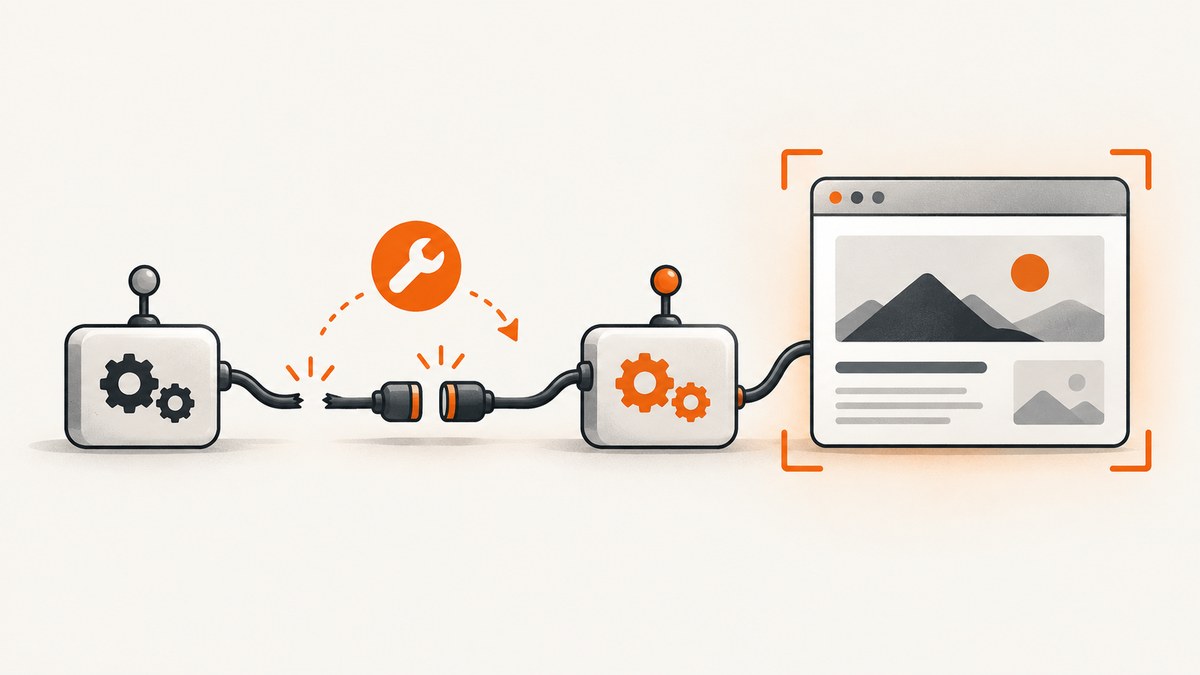
Short answer: a null Selenium driver has not been assigned a live browser session when the screenshot line runs. Initialize the driver successfully, keep the same instance in scope, and call the screenshot method only after setup completes. Also inspect the first setup exception and complete stack trace; the title alone cannot identify whether the cause is failed browser startup, a lifecycle hook, a return path, or test-thread isolation.
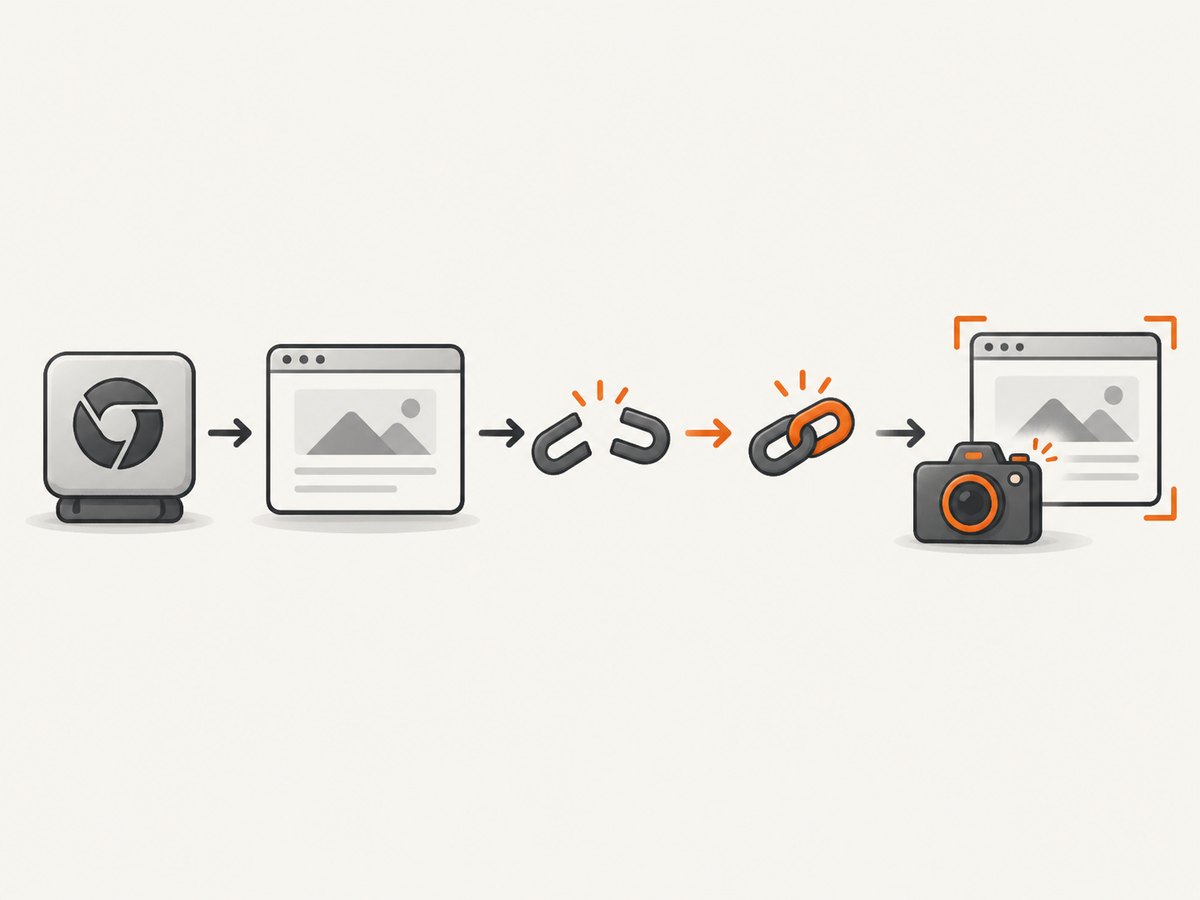
Selenium’s screenshot API is an operation on a WebDriver instance: the documented sequence creates a driver, opens a page, captures the current page, and closes the session. The Java TakesScreenshot interface is implemented by browser and remote drivers, but capture can still fail if the implementation does not support it or the live session has already ended. See the Selenium screenshot documentation and Java API for TakesScreenshot.
1. Check the failing line first
Find the exact statement that captures the image, such as ((TakesScreenshot) driver).getScreenshotAs(...). Then trace that driver variable backward to its declaration and assignment.
- Is it initialized before the screenshot hook or assertion runs?
- Did browser startup throw an exception before assignment?
- Does a conditional branch return without assigning it?
- Is the hook using a different field, test instance, or thread-local value?
- Was
quit()called before the screenshot?
Log or preserve the first exception from setup. A later null-reference error often hides the original problem, such as a missing driver binary, invalid browser option, rejected remote session, or bad environment variable.
2. Minimal Java fix
Create the driver before navigation and screenshot capture, and close it in a finally block. This complete example uses Selenium Manager, which is available in current Selenium releases.
import java.nio.file.Files;
import java.nio.file.Path;
import java.time.Duration;

import org.openqa.selenium.By;
import org.openqa.selenium.OutputType;
import org.openqa.selenium.TakesScreenshot;
import org.openqa.selenium.WebDriver;
import org.openqa.selenium.chrome.ChromeDriver;

public class ScreenshotExample {
    public static void main(String[] args) throws Exception {
        WebDriver driver = null;
        try {
            driver = new ChromeDriver();
            driver.manage().timeouts().pageLoadTimeout(Duration.ofSeconds(45));
            driver.get("https://example.com");

            byte[] png = ((TakesScreenshot) driver)
                    .getScreenshotAs(OutputType.BYTES);
            Files.write(Path.of("page.png"), png);
        } finally {
            if (driver != null) {
                driver.quit();
            }
        }
    }
}
The null check in finally prevents cleanup from producing a second error when startup fails. It does not fix setup; the important fix is assigning the successfully created driver before any screenshot call.
3. Avoid scope and lifecycle mistakes
Field versus local variable
A common mistake is shadowing a field with a local variable. The hook reads the field, while setup assigns a new local variable.
class LoginTest {
    private WebDriver driver;

    void setUp() {
        driver = new ChromeDriver();       // assigns the field
    }

    void capture() {
        ((TakesScreenshot) driver).getScreenshotAs(OutputType.FILE);
    }
}
This version is broken because WebDriver driver = new ChromeDriver() inside setUp declares a different variable. Remove the type when assigning the field.
JUnit 5 example
import static org.junit.jupiter.api.Assertions.assertTrue;
import java.nio.file.Files;
import java.nio.file.Path;
import org.junit.jupiter.api.*;
import org.openqa.selenium.*;
import org.openqa.selenium.chrome.ChromeDriver;

class PageTest {
    private WebDriver driver;

    @BeforeEach
    void setUp() {
        driver = new ChromeDriver();
    }

    @Test
    void pageLoads() throws Exception {
        driver.get("https://example.com");
        assertTrue(driver.getTitle().contains("Example"));
    }

    @AfterEach
    void tearDown(TestInfo info) throws Exception {
        if (driver != null) {
            Path file = Path.of("screenshots", info.getDisplayName() + ".png");
            Files.createDirectories(file.getParent());
            Files.write(file, ((TakesScreenshot) driver)
                    .getScreenshotAs(OutputType.BYTES));
            driver.quit();
            driver = null;
        }
    }
}
Capture before quit(). If an assertion fails, the teardown hook still has access to the same test field.
TestNG example
private WebDriver driver;

@BeforeMethod
public void setUp() {
    driver = new ChromeDriver();
}

@AfterMethod
public void afterMethod(ITestResult result) throws IOException {
    if (driver != null) {
        Path path = Path.of("screenshots", result.getName() + ".png");
        Files.createDirectories(path.getParent());
        Files.write(path, ((TakesScreenshot) driver)
                .getScreenshotAs(OutputType.BYTES));
        driver.quit();
        driver = null;
    }
}
4. Python Selenium equivalent
from pathlib import Path
from selenium import webdriver

 driver = None
try:
    driver = webdriver.Chrome()
    driver.get("https://example.com")
    Path("page.png").write_bytes(driver.get_screenshot_as_png())
finally:
    if driver is not None:
        driver.quit()
Do not keep a driver in a module-level singleton when tests run in parallel unless each worker has its own session. A thread can otherwise read another worker’s closed or uninitialized value.
5. Diagnose setup failures before changing screenshot code
- Run one test without parallel execution.
- Print the driver value immediately after construction and immediately before capture.
- Record the complete first stack trace from driver construction.
- Verify the browser is installed and compatible with the Selenium setup.
- Check headless arguments, proxy settings, permissions, display availability and remote URL configuration.
- Confirm the setup hook actually runs for the failing test.
- Confirm teardown has not run early because of a fixture or hook ordering issue.
System.out.println("driver after setup: " + driver);
// navigation and waits
System.out.println("driver before screenshot: " + driver);
These messages establish where the reference becomes unavailable. They are more useful than adding a null check at the screenshot line, which only changes the symptom.
6. Screenshot options and edge cases
| Need | Approach | Important detail |
|---|---|---|
| Viewport screenshot | getScreenshotAs |
Captures the current browser view. |
| Full page | Use a browser or Selenium version that supports full-page capture, or stitch viewport images | Support varies by driver; test the target browser. |
| One element | driver.findElement(locator).getScreenshotAs(...) |
Find the element after it is present and visible. |
| Remote browser | Use RemoteWebDriver and cast it to TakesScreenshot |
The remote implementation must support screenshots. |
| Dynamic page | Wait for a selector, state or network condition before capture | A live driver can still capture a loading or blank state. |
| Failed test | Capture in teardown while the session remains open | Guard both capture and cleanup against setup failure. |
A non-null reference does not guarantee success. Selenium may throw a WebDriver exception if the session is invalid, the browser has crashed, the command is unsupported, or the remote endpoint cannot complete the request.
7. Common errors and fixes
NullPointerException at the screenshot line
Cause: the variable was never assigned, setup failed, a local variable shadowed a field, or the hook uses the wrong test context.
Fix: trace assignment, remove shadowing, verify hook ordering, and preserve the first setup exception.
SessionNotCreatedException during setup
Cause: the browser session could not start because of browser, driver, option, permission or remote configuration problems.
Fix: resolve the construction error first. Do not replace it with driver = null or continue to screenshot code.
InvalidSessionIdException or “no such window”
Cause: the browser was quit, crashed, or its window was closed before capture.
Fix: capture before teardown, avoid sharing sessions across tests, and create a fresh session after a crash.
ClassCastException for TakesScreenshot
Cause: the active driver implementation does not implement the screenshot interface.
Fix: use a browser or remote driver that supports screenshots and check the concrete implementation. The API documents that support is implementation-dependent.
Screenshot exists but is blank or incomplete
Cause: capture happened before navigation, rendering, lazy loading or a required interaction finished.
Fix: wait for a meaningful page condition, scroll or interact as required, and capture after the content is visible. This is different from a null driver because a live session did execute the command.
Works locally but fails in CI
Cause: CI may lack a display, browser binary, permissions, network access or matching environment variables.
Fix: configure the intended headless mode, verify browser installation, print the first startup exception, and run a single diagnostic test in the same CI image.
8. Reliability and performance practices
- Create one driver per test or per isolated worker; never share mutable sessions between parallel tests.
- Use explicit waits for page state instead of arbitrary sleeps where possible.
- Save screenshots with a unique test name, timestamp or worker identifier.
- Keep the browser alive until screenshots and diagnostic logs are written.
- Use a bounded page-load timeout so a failed page cannot hold a worker indefinitely.
- Capture only when needed in large suites; image encoding and file storage add time and disk usage.
- Clean old artifacts in CI so retained screenshots do not exhaust storage.
A null reference itself has no meaningful performance cost. The expensive operations are browser startup, navigation, rendering and image encoding. Reusing a session can reduce startup time but increases state leakage risk; isolated sessions are usually easier to diagnose.
9. Or skip the browser setup
ScreenshotNeo provides a screenshot API when you need an image or PDF without managing Selenium sessions. See the ScreenshotNeo documentation for request options.
curl -G "https://api.screenshotneo.com/v1/shot" -d access_key=YOUR_API_KEY --data-urlencode url=https://stripe.com -o shot.webpimport requests
r = requests.get("https://api.screenshotneo.com/v1/shot", params={"access_key": "YOUR_API_KEY", "url": "https://stripe.com"}, timeout=90)
open("shot.webp", "wb").write(r.content)const q = new URLSearchParams({ access_key: 'YOUR_API_KEY', url: 'https://stripe.com' });
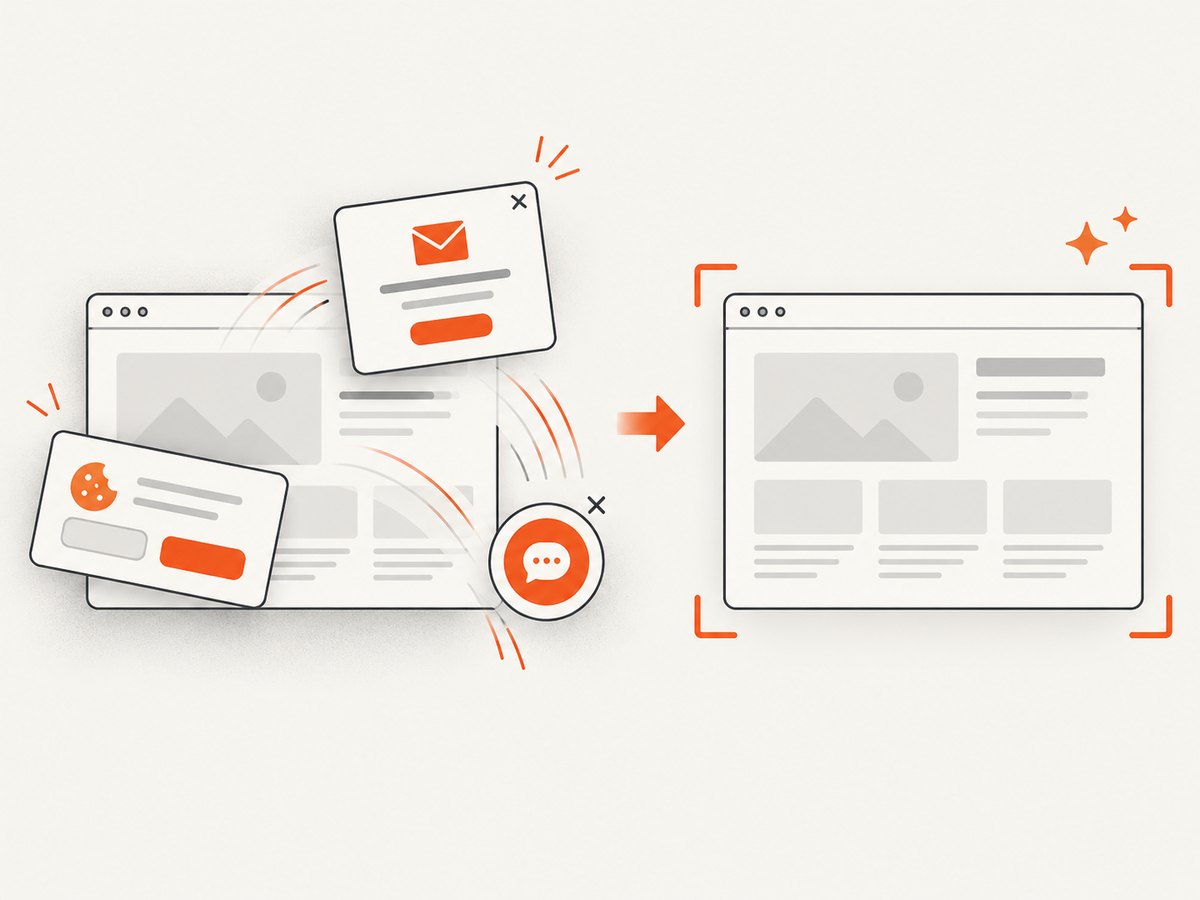
const res = await fetch(`https://api.screenshotneo.com/v1/shot?${q}`);Cookie banners, newsletter popups and chat widgets are removed before the shot. Bot checks, blank pages and failed loads are never billed, and the response identifies the page verdict and billing status with X-Page-Verdict and X-Billed headers. An MCP server lets AI agents use take_screenshot, get_page_info and capture_pdf. The Free plan includes 1,000 screenshots a month with no card; paid plans start at $5 for 3,000 shots.
Create a free ScreenshotNeo account.
10. FAQ
Does setting driver = null solve the problem?
No. It deliberately removes the reference. Use it only after cleanup, and guard cleanup with a null check.
Can a non-null driver still fail to take a screenshot?
Yes. The session may be invalid, the browser may have crashed, the window may be gone, or the implementation may not support screenshots.
Should I use one global driver?
Only when your execution is strictly serial and lifecycle ownership is clear. Parallel tests should use isolated sessions.
What information should I provide when asking for help?
Include the language, Selenium version, browser and driver, setup hook, screenshot hook, first exception with its full stack trace, and whether execution is local or remote.
What if this is not Selenium?
The same diagnostic idea may apply to another browser tool, but the exact fix depends on its API and lifecycle. Share the framework, setup code and exact error text.


