How to Fix NullReferenceException While Taking Selenium Screenshots in C#
Trace the null reference to its source, verify Selenium screenshot support, and save a screenshot safely in C# with practical fixes and examples.
A NullReferenceException during a Selenium screenshot usually means your C# code dereferenced a null object. Start with the exact stack-trace line, then check the WebDriver reference, the ITakesScreenshot capability, the returned Screenshot, and the destination path independently. A missing screenshot capability is a different problem: Selenium documents that as a WebDriverException, not as a null dereference. [Microsoft: NullReferenceException] [Selenium: WebDriver screenshot extension]
1. Find which reference is null
Consider this compact expression:
((ITakesScreenshot)driver).GetScreenshot().SaveAsFile("screenshot.png", ScreenshotImageFormat.Png);Several operations happen on one line, making the failing object hard to identify. The stack trace points to the source line, but split the expression and inspect its parts. The possible references include:
driver: the field, local, or injected WebDriver may never have been initialized, may have been cleared, or may have been disposed during teardown.- The screenshot interface: a cast on a null driver fails with a null dereference; an incompatible non-null driver may instead fail the cast with
InvalidCastException. - The returned screenshot: inspect the actual result before invoking
SaveAsFile. - Values used to build the path: a null path variable is a separate calling-code defect. A nonexistent directory or unwritable destination usually produces an I/O exception, not
NullReferenceException.
Use the exception type and inner exception as evidence. Do not diagnose every screenshot failure as Selenium failing to capture: the .NET exception distinguishes a caller-side null reference from a driver/API error.
2. Use an explicit capability and result check
Selenium’s .NET screenshot interface is ITakesScreenshot, and its GetScreenshot() method returns a Screenshot. Selenium’s C# example obtains the interface from the driver, captures the screenshot, and saves it as PNG. [ITakesScreenshot API] [Selenium screenshot example]
using OpenQA.Selenium;

static void SaveScreenshot(IWebDriver? driver, string? path)
{
    if (driver is null)
        throw new ArgumentNullException(nameof(driver), "Initialize WebDriver before capturing a screenshot.");

    if (string.IsNullOrWhiteSpace(path))
        throw new ArgumentException("Provide a non-empty screenshot path.", nameof(path));

    if (driver is not ITakesScreenshot takesScreenshot)
        throw new NotSupportedException(
            $"The WebDriver implementation {driver.GetType().FullName} does not support ITakesScreenshot.");

    Screenshot screenshot = takesScreenshot.GetScreenshot();
    if (screenshot is null)
        throw new InvalidOperationException("The WebDriver returned no screenshot.");

    screenshot.SaveAsFile(path, ScreenshotImageFormat.Png);
}
The explicit null check on screenshot is defensive: the documented API returns a screenshot, but checking the value puts a useful message at the boundary if a custom implementation violates that expectation. The capability check gives a direct explanation if a wrapper or custom implementation lacks the interface. Selenium’s base WebDriver implements screenshot support, but arbitrary IWebDriver implementations and wrappers must be checked. [Selenium WebDriver API]
3. Make the sample a complete, runnable capture
This console example shows driver creation, navigation, screenshot saving, and disposal. It assumes the project has compatible Selenium .NET packages and a browser/driver setup that can launch Chrome. Match package versions and setup to your environment; the title alone does not identify the browser, driver, or Selenium version.
using OpenQA.Selenium;
using OpenQA.Selenium.Chrome;

var outputPath = Path.GetFullPath("artifacts/homepage.png");
Directory.CreateDirectory(Path.GetDirectoryName(outputPath)!);

IWebDriver? driver = null;
try
{
    driver = new ChromeDriver();
    driver.Navigate().GoToUrl("https://example.com");

    if (driver is not ITakesScreenshot capture)
        throw new NotSupportedException("This WebDriver does not implement ITakesScreenshot.");

    Screenshot image = capture.GetScreenshot();
    image.SaveAsFile(outputPath, ScreenshotImageFormat.Png);
    Console.WriteLine($"Saved screenshot to {outputPath}");
}
finally
{
    driver?.Quit();
    driver?.Dispose();
}
The nullable driver is intentional because it has no value before construction. Once construction succeeds, it is used inside the try. If the driver constructor throws, the finally still runs and the null-conditional cleanup is safe. A cleanup guard is appropriate because there is no driver to dispose if initialization failed; using null-conditional access for the required screenshot would hide a failed capture instead.
To compile, create a .NET console project and add Selenium WebDriver and the Chrome driver package/version your environment uses. Selenium Manager may help manage drivers in supported setups, but package behavior changes by version; follow the documentation for the versions installed in the project. [Selenium Manager documentation]
4. Diagnose lifecycle and test-fixture problems
In test suites, screenshot failures often occur because setup did not complete or teardown already ran. Keep driver creation and screenshot capture in the same fixture lifecycle, and avoid sharing a mutable driver field across parallel tests unless the framework and driver ownership are designed for that.
- Check setup: confirm the driver constructor completed and assignment to the field occurred before the test or failure hook runs.
- Check ownership: identify which fixture or dependency-injection scope creates and disposes the driver. Do not let both test teardown and an external owner dispose it unexpectedly.
- Check ordering: capture diagnostics before calling
Quit()orDispose(). A disposed session may cause a WebDriver error; a field set to null after teardown can cause a C# null dereference. - Check parallelism: avoid one static/shared driver being replaced or cleared while another test captures. Prefer one driver per test or an explicitly synchronized ownership model.
- Check wrappers: if code receives only
IWebDriver, inspect its runtime concrete type and whether the wrapper exposes or delegatesITakesScreenshot.
5. Distinguish null errors from Selenium capability errors
| Observed failure | Likely branch | Next action |
|---|---|---|
NullReferenceException at driver or method access |
A reference in caller code is null | Break apart the expression; inspect initialization and teardown. |
InvalidCastException |
Non-null implementation cannot be cast to the interface | Check concrete driver or add/delegate screenshot support in the wrapper. |
WebDriverException from screenshot API |
Driver or browser reported an operation/capability failure | Inspect concrete driver, session state, browser logs, and matching Selenium documentation. |
DirectoryNotFoundException or UnauthorizedAccessException |
Saving the image failed after capture | Create the directory and verify permissions and the full path. |
Selenium’s support extension documents WebDriverException when the driver does not support taking screenshots. That failure path is different from accessing a member through a null C# reference. [Selenium support extension API]
6. Enable nullable analysis to catch likely mistakes
C# nullable reference types let the compiler track whether references may be null and issue warnings at potential unsafe accesses. They do not change runtime behavior or guarantee that a browser driver operation succeeds. [Microsoft: Nullable reference types]
<PropertyGroup>
  <Nullable>enable</Nullable>
  <ImplicitUsings>enable</ImplicitUsings>
</PropertyGroup>
Annotate values that can genuinely be absent with ?, then initialize required dependencies before use. Fix warnings by adding a meaningful guard or correcting initialization; avoid using the null-forgiving operator (!) simply to silence a warning, because it adds no runtime check. If enabling nullable analysis in an older project produces many warnings, migrate incrementally by enabling it for a file or area and resolving its warnings deliberately.
7. Troubleshooting common screenshot failures
| Symptom | Cause to check | Fix |
|---|---|---|
| Driver is null inside a failure hook | Setup failed before assignment or cleanup cleared the field | Guard setup, preserve the original setup exception, and capture only while the driver is owned and live. |
Cast to ITakesScreenshot fails |
Custom driver implementation or wrapper does not support/delegate the capability | Inspect the runtime type; use a supported implementation or expose the capability correctly. |
GetScreenshot() throws a WebDriver exception |
Session ended, browser/driver issue, or unsupported capability | Check session state and version-matched driver docs; classify it separately from null handling. |
| PNG is not written | Parent folder missing, invalid path, or permissions issue | Use an absolute path, create the folder, and inspect the thrown I/O exception. |
| Screenshot is from the wrong page/state | Capture occurs before navigation or asynchronous content is ready | Wait for the specific page condition your test needs, then capture; avoid arbitrary sleeps where a state condition is available. |
| Screenshot failure masks the test failure | Diagnostic capture exception replaces the original assertion/setup error | Catch and record the capture error as secondary diagnostic data while preserving the original test exception. |
For a failure hook that must preserve the original test result, treat screenshot capture as best-effort diagnostics, but log its own exception with the original test context. For a screenshot that is the assertion’s required output, fail loudly with the relevant exception rather than silently skipping it.
8. Capture timing, reliability, and cost
Selenium captures the current browser state, so the main reliability issue is timing: ensure navigation and the particular content under test are ready before calling GetScreenshot(). The screenshot itself is local browser automation; cost comes from running browser and test infrastructure, such as CI time and any hosted browser service your project uses. No universal duration or cost figure applies across browsers, pages, and runners.
- Reuse a live session within a test when practical instead of starting another browser solely for one image.
- Keep paths deterministic and unique per test/run to prevent concurrent jobs overwriting one another.
- Save evidence only when useful, such as on test failure, if artifact volume or storage is a concern.
- For large pages, full-page capture support and behavior depend on the browser/driver path; verify the actual image produced for your setup.
- Dispose sessions in a reliable cleanup path, but capture before disposal.
9. Or skip the browser setup
If the goal is a website image rather than an end-to-end browser test, ScreenshotNeo provides a screenshot API and MCP server. It takes a URL in one GET request and returns PNG, JPEG, WebP, or PDF. See the ScreenshotNeo API documentation for request options.
curl -G "https://api.screenshotneo.com/v1/shot" -d access_key=YOUR_API_KEY --data-urlencode url=https://stripe.com -o shot.webpimport requests
r = requests.get(
"https://api.screenshotneo.com/v1/shot",
params={"access_key": "YOUR_API_KEY", "url": "https://stripe.com"},
timeout=90,
)
open("shot.webp", "wb").write(r.content)const q = new URLSearchParams({ access_key: 'YOUR_API_KEY', url: 'https://stripe.com' });
const res = await fetch(`https://api.screenshotneo.com/v1/shot?${q}`);
if (!res.ok) throw new Error(`Screenshot request failed: ${res.status}`);
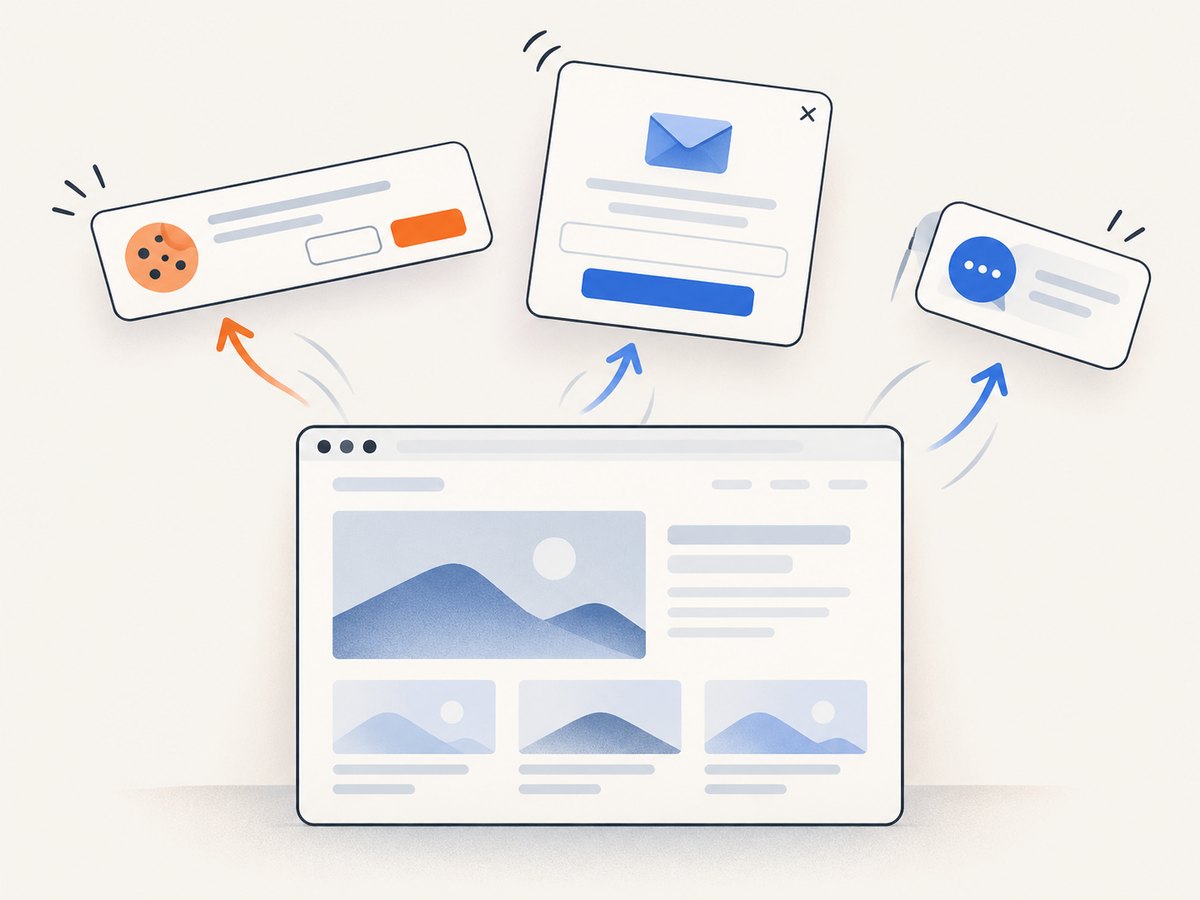
await Bun.write('shot.webp', res);With Node.js on a runtime that does not provide Bun.write, save the response bytes using the runtime’s filesystem API. The request uses the same URL and access-key parameters. ScreenshotNeo removes cookie/consent banners, newsletter popups, and chat widgets before capture; bot checks, blank pages, failed loads, timeouts, and cache hits are not billed, with response headers identifying the page verdict and billing status. Its MCP server gives AI agents tools for screenshots, page information, and PDF capture. The free plan includes 1,000 shots per month without a card; paid plans start at $5 for 3,000 shots. Plans and features are listed on the site. Sign up for 1,000 free screenshots a month, no card required.
10. Frequently asked questions
Can I use null-conditional access to fix the exception?
Only when absence is an expected state and skipping capture is correct. For required evidence, use a guard that explains why capture cannot proceed; driver?. can otherwise hide a broken test setup.
Does a NullReferenceException prove Selenium is broken?
No. It establishes that caller code accessed a member through a null reference. The stack-trace line and exception type guide diagnosis; a Selenium capability failure can follow another exception path.
Why does the code compile but still throw at runtime?
Nullable annotations provide compile-time analysis, not runtime initialization. A null can still arrive from unannotated code, reflection, dependency injection, or a lifecycle bug.
Should I take a screenshot after the test has failed?
Usually capture it before teardown while the session is still available. In failure reporting code, preserve the original test exception if the secondary screenshot operation also fails.


