How to Fix the OLE Initialization Error with libwkhtmltox.dll in C#
Diagnose OLE initialization failures around libwkhtmltox.dll by checking the exact HRESULT, calling thread, apartment state, wrapper, and native build before changing COM setup.
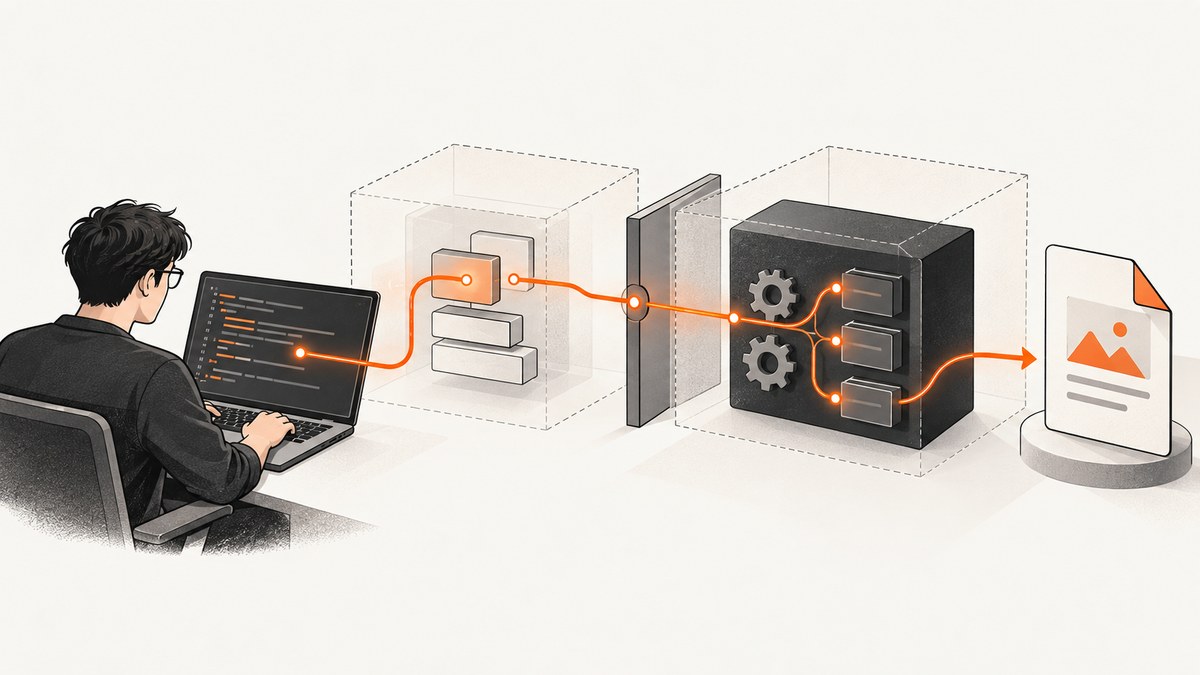
An “OLE initialization” error from a C# application using libwkhtmltox.dll does not identify one confirmed cause or one universal fix. Start by recording the full exception, HRESULT, stack trace, wrapper and native-library versions, Windows and process architecture, and the thread that calls the conversion. COM/OLE initialization is associated with a thread and its apartment, so initialization on your application’s startup thread does not by itself tell you how a worker thread is configured. That is a diagnostic clue, not proof that setting a thread to STA will fix this particular error.
The available documentation does not establish a libwkhtmltox-specific cause or verified patch for this error. The sequence below helps narrow it down without treating a familiar error phrase as a diagnosis.
1. Record the failure before changing COM settings
Collect enough information to reproduce and compare the failing call. Save it with the report, including details from the host process rather than only from a local test.
- Complete exception text, inner exceptions, HRESULT in hexadecimal, and full stack trace.
- C# wrapper name and exact package version; native
libwkhtmltox.dllor wkhtmltopdf build and file version. - Windows version, process architecture (x86 or x64), .NET runtime, and the native files actually deployed beside the application.
- Where the conversion runs: UI thread, web request, background worker, scheduled job, or an explicitly created thread.
- Whether your application or a native shim calls
CoInitialize,CoInitializeEx,OleInitialize, orAfxOleInit.
Do not paraphrase the exception as “missing OLE” and immediately add initialization code. The HRESULT and call path can change the likely explanation. Microsoft’s MFC documentation describes AfxOleInit behavior in MFC applications; it is not a general instruction that every C# host or wkhtmltopdf call must use STA. Microsoft: OLE Initialization.
2. Check the thread that invokes conversion
COM apartment state belongs to the calling thread. If a conversion is dispatched to a worker, inspect that worker. Application startup code that configures the main thread does not configure every thread created later.
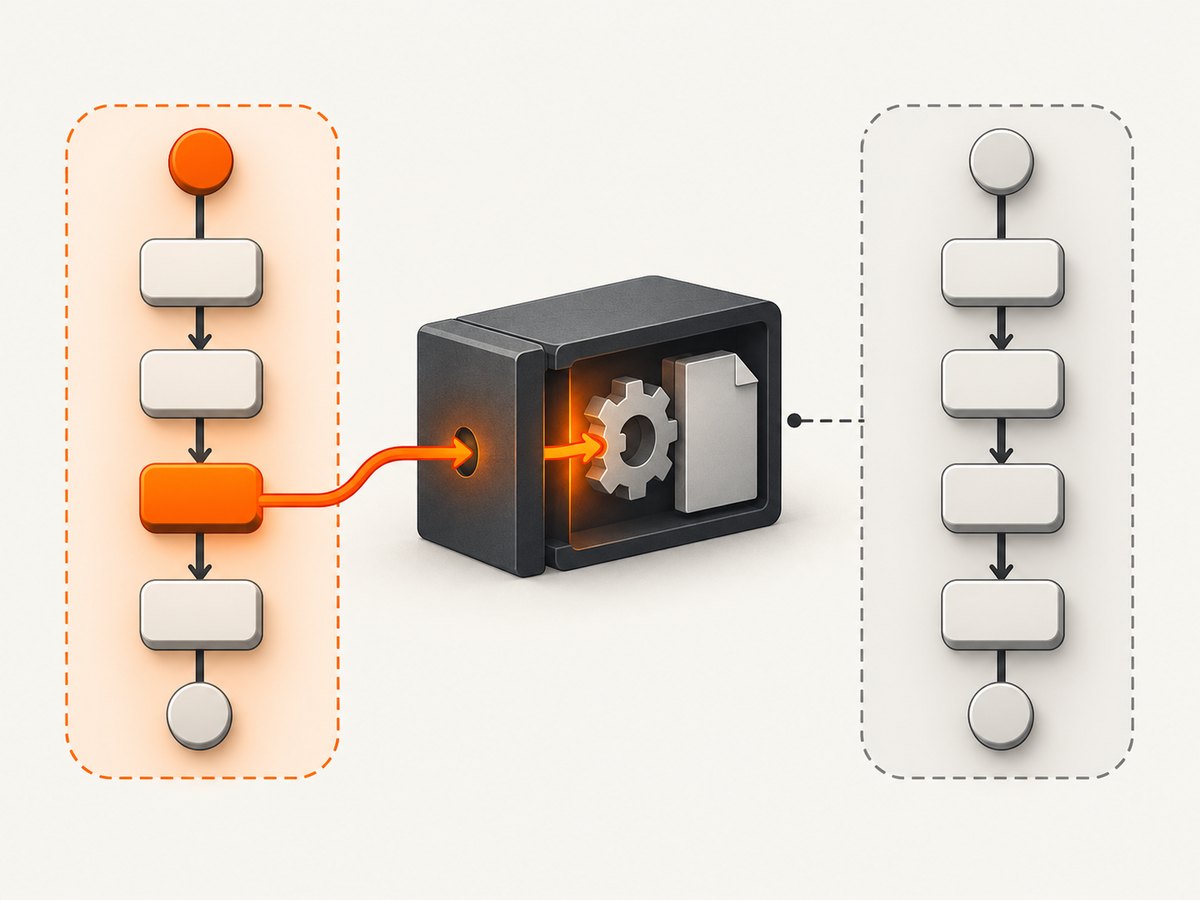
This small C# console program is runnable on a modern .NET SDK. It reports the current thread’s managed ID and apartment state; run the report immediately before the actual wrapper call in the same execution path. The sample is diagnostic and does not load libwkhtmltox.dll.
using System;
using System.Threading;
using System.Threading.Tasks;

static void ReportThread(string label)
{
    Thread thread = Thread.CurrentThread;
    Console.WriteLine($"{label}: managed thread {thread.ManagedThreadId}, " +
                      $"apartment {thread.GetApartmentState()}");
}

ReportThread("Main before conversion");

await Task.Run(() =>
{
    ReportThread("Worker before conversion");
    // Place the existing wrapper conversion call here, unchanged.
});
On Windows, the output lets you compare the thread that works with the thread that fails. Do not assume the worker inherits the startup thread’s COM apartment. The particular runtime and host determine thread creation and initialization behavior, so use the observed result and the wrapper’s own requirements.
3. Check initialization ownership and apartment conflicts
Search application startup, interop helpers, and wrapper setup code for calls to CoInitialize, CoInitializeEx, OleInitialize, and AfxOleInit. Determine which component owns initialization, on which thread it occurs, and whether cleanup is paired on that same thread. A second initialization attempt or a request for a different apartment model may be relevant, but the exact return code and call history are needed to know.
Microsoft’s MFC reference says AfxOleInit initializes OLE on the current apartment and documents a failure mode when it is called from an MFC DLL that assumes OLE was initialized by its caller. Apply that detail only if the application actually uses MFC and AfxOleInit; it does not establish a DinkToPdf or C# fix. Microsoft’s OLE initialization reference.
Do not add an arbitrary OleInitialize call to startup as a trial fix. First establish whether the conversion thread already has COM initialized and what apartment model it uses. Initialization on one thread does not initialize another.
4. Inspect native DLL entry-point code, if you own it
If your application includes a custom native shim or modified DLL, inspect its DllMain. Do not initialize or uninitialize COM/OLE there. DLL entry points run during loader process or thread notifications, where complex initialization is restricted. Raymond Chen explains that OLE state is per-thread and that the detach notification may arrive on a different thread from the attach notification; calling COM from DllMain can cause deadlocks or incorrect assumptions about initialization bookkeeping. Raymond Chen: Some reasons not to do anything scary in your DllMain, part 3.
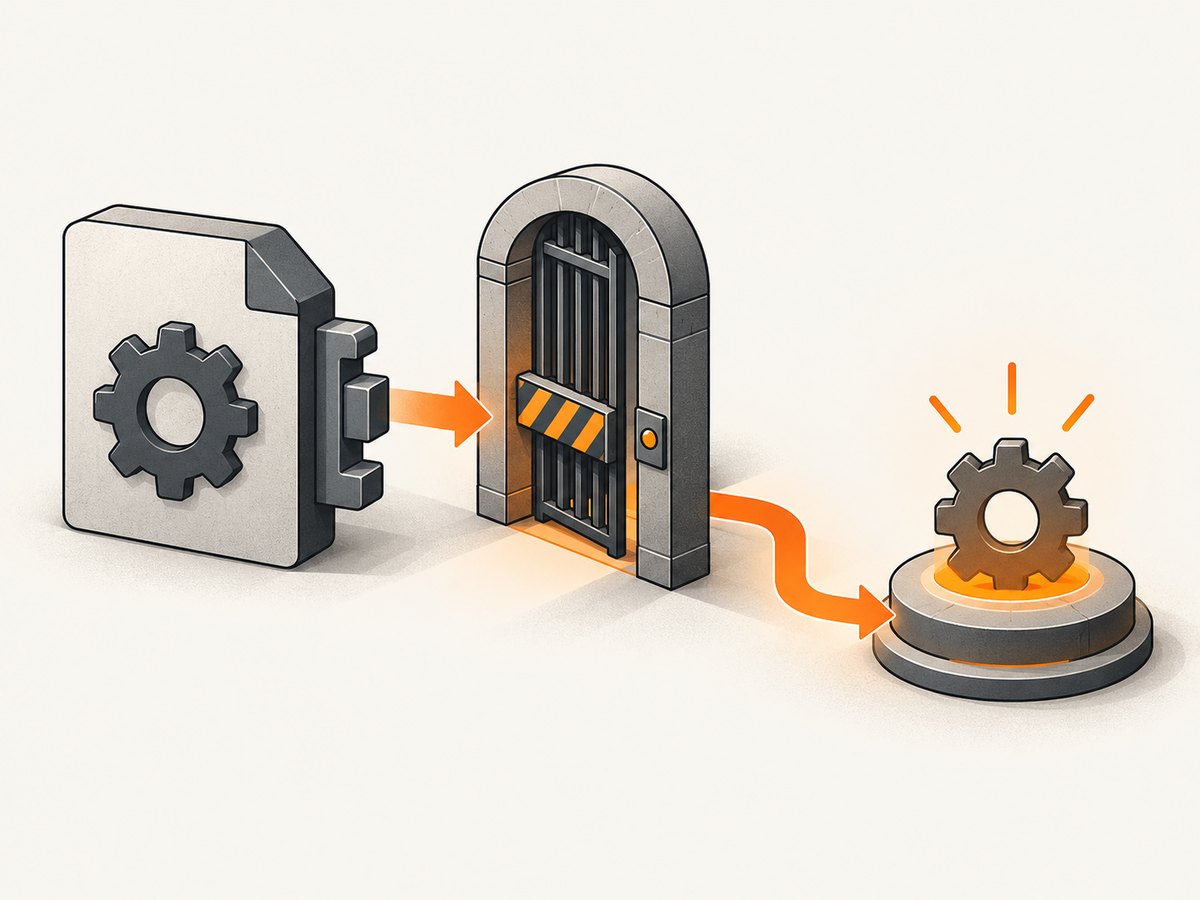
Move nontrivial initialization to an explicit function called after the library is loaded, and pair initialization and cleanup according to the relevant API on the same thread. Microsoft’s runtime documentation also describes significant limits on safe work in a DLL entry point. Microsoft: DLLs and Visual C++ runtime library behavior.
If you do not own or modify native DLL code, do not assume that libwkhtmltox.dll is doing this. Verify the deployed binary and wrapper before drawing that conclusion.
5. Confirm wrapper, native binary, and deployment match
DinkToPdf describes itself as a C# .NET Core wrapper for wkhtmltopdf, which uses WebKit to convert HTML pages to PDF. That project description establishes the wrapper relationship; it does not identify this OLE error or provide a verified version-specific resolution. DinkToPdf project repository.
Record the wrapper package version and the native library build together. Confirm that the process architecture matches the deployed native binary and that the expected DLL is the one being loaded in the failing environment. Compare the deployment directory and runtime configuration with a working environment. Avoid assuming that reinstalling a wrapper or changing a version fixes the issue unless a reproducible comparison shows that it does.
6. Reproduce with the smallest failing conversion
- Keep the same HTML input and conversion options that failed; reduce unrelated host work around them.
- Run a single conversion in a simple local process and record the exception, HRESULT, thread ID, and apartment state.
- Run that same input through the failing request, worker, or scheduled execution path and collect the same details.
- Compare thread, apartment model, host initialization, wrapper/native versions, architecture, and the presence of custom native entry-point code.
- Change one variable at a time, preserving the original failure details so the result can be compared.
If a simple local conversion succeeds and only a hosted or background path fails, focus investigation on that execution path’s thread and COM setup. This is a troubleshooting method inferred from documented per-thread COM/OLE behavior, not a vendor-confirmed remedy for libwkhtmltox.
Common errors and what to check
| Symptom or attempted fix | What it may indicate | Next check |
|---|---|---|
| “OLE initialization” without an HRESULT | The message alone does not locate the failing initialization or establish its cause. | Capture full exception, inner exception, HRESULT, and stack trace. |
| Works on the UI thread but fails in a background job | The calls may run on threads with different apartment state or host setup. | Log thread ID and apartment immediately before both calls. |
| Setting the whole application to STA is suggested | That may change a thread’s apartment, but the available evidence does not establish it as a universal fix. | Check the actual failing thread, wrapper guidance, HRESULT, and existing initialization first. |
Custom DLL initializes COM from DllMain |
Complex initialization from a DLL entry point is unsafe; attach and detach need not use the same thread. | Move the work to an explicit post-load function and pair it on the same thread. |
| Only one deployment fails | Wrapper/native version, process architecture, or deployed files may differ. | Compare exact package and binary versions, architecture, and loaded deployment files. |
AfxOleInit returns failure |
This is specifically relevant to code using MFC; an MFC DLL may rely on its caller for OLE initialization. | Confirm whether MFC is present and inspect the caller’s initialization contract. |
Performance, reliability, and operational notes
Keep the diagnostic record with the conversion job or request identifier so intermittent failures can be compared across execution contexts. Log the input identity and conversion options needed to reproduce the issue, while following your application’s data-handling rules for sensitive HTML. Record the native and wrapper versions at deployment time; a version string from a developer machine is not evidence of what a production worker loaded.
Do not use apartment changes as a performance optimization. The cited sources explain initialization scope and DLL entry-point constraints, not conversion throughput or a performance benefit from STA. Likewise, no source here quantifies this exact error’s prevalence or resolution rate. Make a controlled comparison before changing thread scheduling, startup initialization, or native binaries.
Or skip the browser setup
If the task is to capture a website as an image or PDF rather than to diagnose your existing native conversion path, ScreenshotNeo provides a website screenshot API and MCP server. One GET request can return a screenshot or PDF. See the ScreenshotNeo API documentation for request options.
curl -G "https://api.screenshotneo.com/v1/shot" -d access_key=YOUR_API_KEY --data-urlencode url=https://stripe.com -o shot.webpimport requests
r = requests.get(
"https://api.screenshotneo.com/v1/shot",
params={"access_key": "YOUR_API_KEY", "url": "https://stripe.com"},
timeout=90,
)
open("shot.webp", "wb").write(r.content)const q = new URLSearchParams({ access_key: 'YOUR_API_KEY', url: 'https://stripe.com' });
const res = await fetch(`https://api.screenshotneo.com/v1/shot?${q}`);
if (!res.ok) throw new Error(`Screenshot request failed: ${res.status}`);
await Bun.write('shot.webp', res);ScreenshotNeo removes cookie banners, newsletter popups, and chat widgets before capture. Bot checks, blank pages, failed loads, timeouts, and cache hits are not billed; response headers report the page verdict and billing status. Its MCP server gives AI agents tools for screenshots, page information, and PDF capture. The free plan includes 1,000 screenshots a month with no card; paid plans start at $5 for 3,000 screenshots.
Create a free ScreenshotNeo account and start with 1,000 screenshots a month, no card required.
FAQ
Does this error prove that wkhtmltopdf requires STA?
No. The available evidence does not establish that every C# host or wkhtmltopdf conversion must run in an STA apartment. Check the calling thread, HRESULT, and wrapper requirements in the failing environment.
Will initializing COM on the main thread configure a worker?
No. COM/OLE state is per-thread. Inspect the thread that actually enters the native conversion call.
Is there a confirmed DinkToPdf version that fixes this?
The cited project description does not identify this error or establish a version-specific fix. Record and compare the wrapper and native build used by the failing process.
Should I reinstall OLE or Windows?
The available sources do not support that as a remedy. First collect the exact failure details and investigate the thread, initialization path, native entry-point code, and deployment match.


