How to Fix OpenHtmlToPdf Access Denied in ASP.NET
Trace the denied resource and the process identity first. Then fix the specific IIS, temp-folder, or remote-resource permission that is blocking PDF generation.
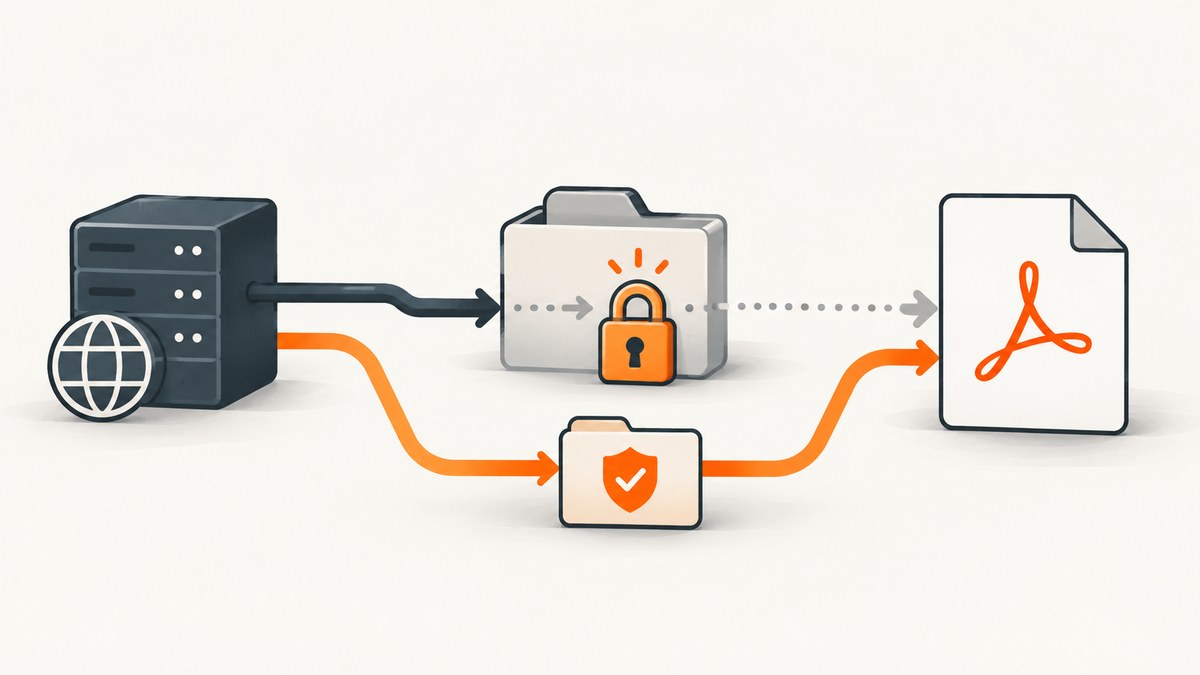
When OpenHtmlToPdf reports “Access Denied,” first identify the full exception, stack trace, and exact resource path. The phrase alone does not tell you whether IIS or ASP.NET rejected the HTTP request, the converter could not start, or the process could not read or write a local or remote file. The correct fix depends on that distinction and on the identity running the application. Microsoft’s ASP.NET guidance recommends using the actual error to determine whether the inaccessible resource is local or remote and which account needs access. Read Microsoft’s permissions troubleshooting guide.
A report matching this error describes allowing access to C:\Windows\Temp\OpenHtmlToPdf. Treat that as a lead only: verify that your exception names this folder and that your deployed package uses it. The path can depend on the hosting environment and temporary-path configuration. See the OpenHtmlToPdf report.
1. Identify which layer denied access
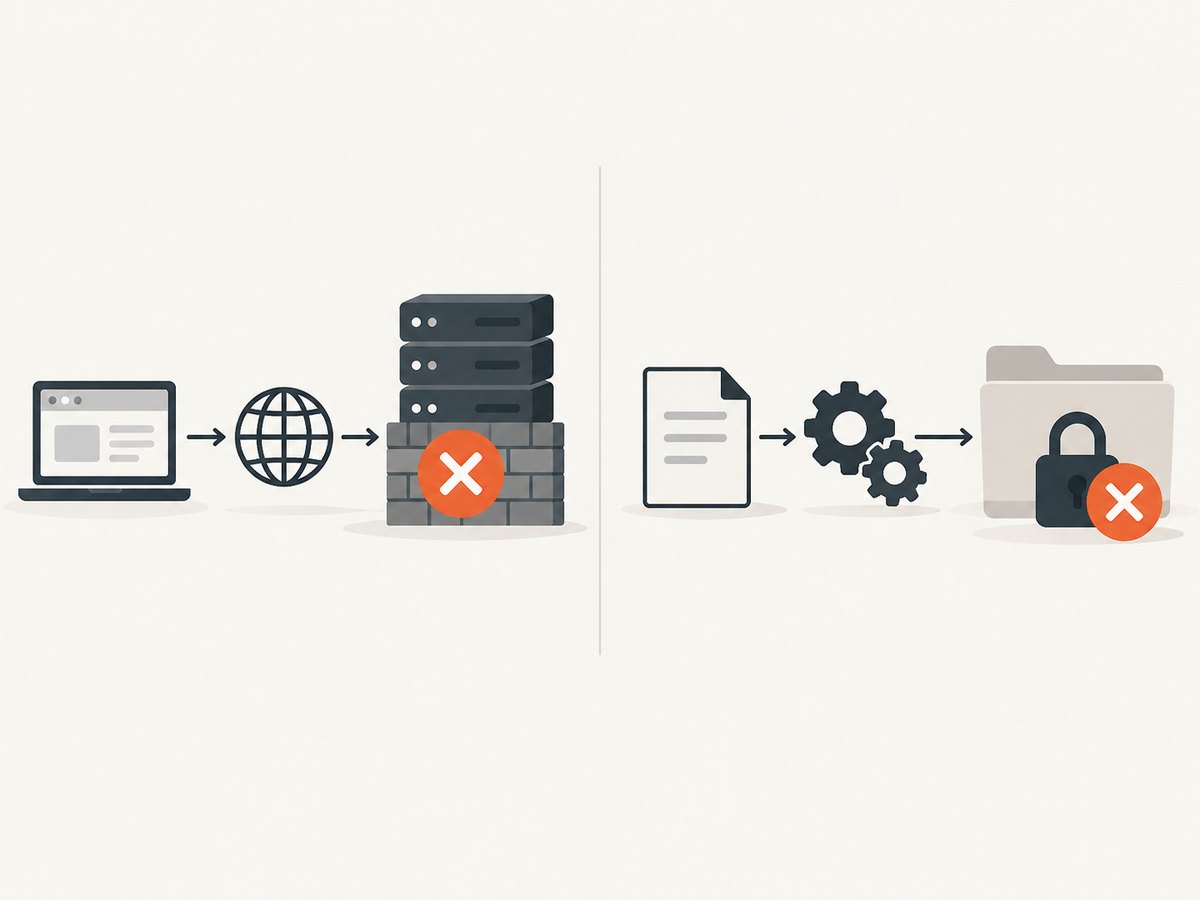
Before changing ACLs, capture the information that distinguishes a request failure from a PDF-rendering failure:
- The complete exception type and message, including inner exceptions.
- The full stack trace and the operation that triggered conversion.
- The HTTP status and, for IIS, the logged substatus and Win32 status.
- The exact file, directory, executable, or network resource named in the error.
- The deployed hosting model, app-pool identity, and installed OpenHtmlToPdf package/version.
Compare the evidence against these branches:
| Evidence | Likely area to investigate |
|---|---|
| IIS status such as 401 or 403, with no converter stack trace | Request authentication, authorization, IIS configuration, or access to the requested web resource. |
| Converter exception with a local path or process-start call in the stack | File-system access, temporary-file access, or permission to launch a converter process. |
| Denied UNC path, database, or other remote resource | Remote credentials and permissions. A local folder ACL will not grant access to a remote server. |
A 403 is not proof that PDF rendering failed: IIS or application authorization can reject the request before conversion begins. Conversely, a converter stack trace that names a local file points to a different layer. Microsoft recommends inspecting the actual error and IIS logs rather than treating a generic access-denied message as a diagnosis.
2. Check the identity that runs the application
Code that works under your interactive developer account may run under a different identity in production. In IIS, check the application’s assigned pool in IIS Manager, then open Application Pools → your pool → Advanced Settings → Identity. With the common ApplicationPoolIdentity setting, the worker process uses the virtual identity IIS AppPool\PoolName. A custom account, Network Service, or impersonated request may behave differently. Microsoft documents IIS application-pool identities and ACLs.
For a short diagnostic record, log the process identity and the runtime’s temporary path from the same code path that calls the converter:
using System;
using System.IO;
using System.Security.Principal;

var identity = WindowsIdentity.GetCurrent()?.Name ?? "unknown";
var tempPath = Path.GetTempPath();

// Send these values to your application logger; avoid returning them to clients.
logger.LogInformation("PDF identity: {Identity}; temp path: {TempPath}",
    identity, tempPath);
This code is for Windows-hosted ASP.NET. If your application targets a platform where WindowsIdentity is unavailable, log Path.GetTempPath() and obtain the effective process identity using that platform’s hosting diagnostics. Under impersonation, verify the identity at the point of file access, not just at application startup.
3. Grant the minimum access on the confirmed folder
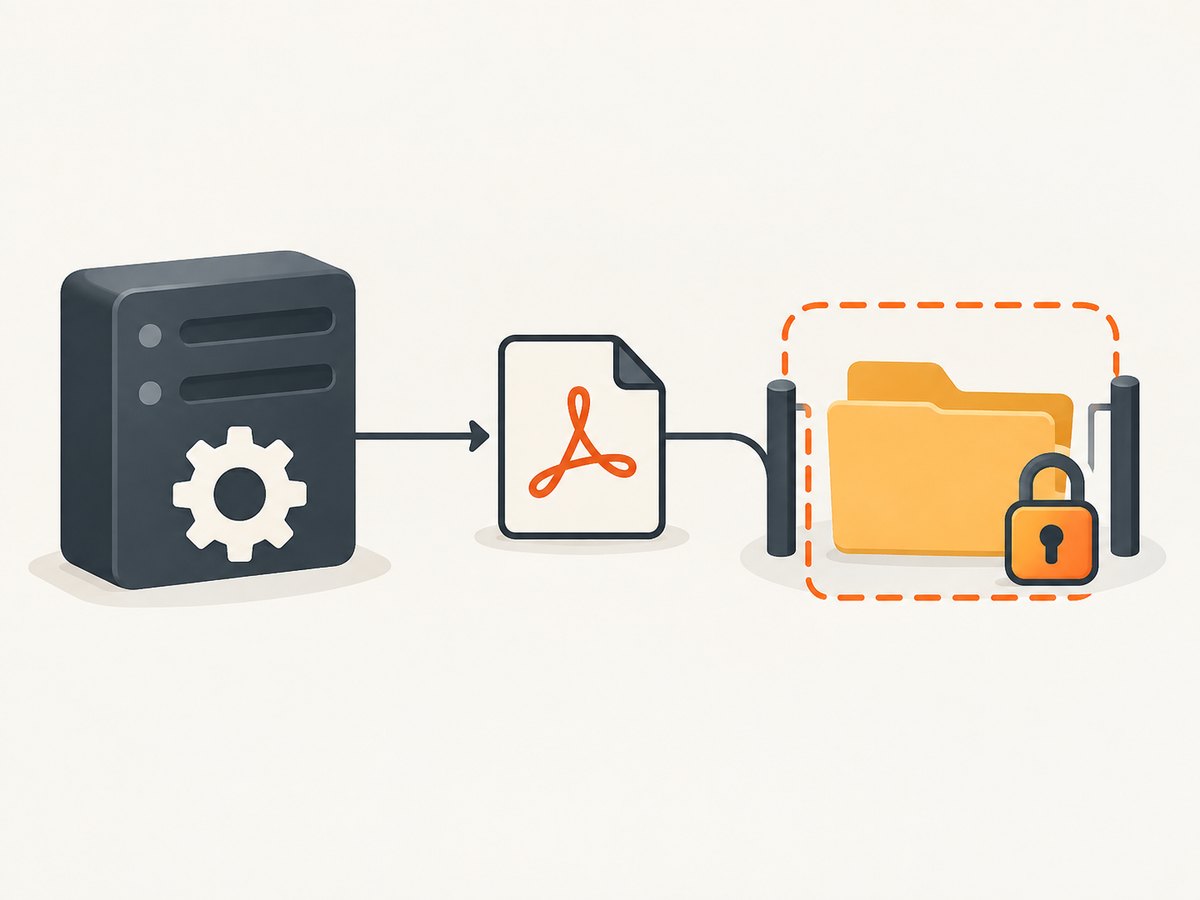
If the exception confirms that the converter needs to create or modify temporary files, grant the process identity only the required rights on that specific directory. Rendering may involve creating an output file, reading it back, and deleting it. The required rights therefore depend on the package’s actual operations and the denied access in the logs. Avoid granting broad write access to the entire website or system temp directory.
For example, if the actual pool is named PdfSitePool and the confirmed denied folder is C:\Windows\Temp\OpenHtmlToPdf, an administrator can grant Modify permission on that folder and its contents with icacls:
icacls "C:\Windows\Temp\OpenHtmlToPdf" /grant "IIS AppPool\PdfSitePool:(OI)(CI)M"(OI)(CI) applies the permission to files and subfolders; M means Modify. Substitute the real path and pool name from your environment. If the directory does not exist, first confirm that it is the configured and expected location; create it only if appropriate for your deployment. Do not apply this example to a path the exception does not identify.
You can also add the pool identity through the folder’s Security properties in Windows. Microsoft’s application-pool documentation shows the IIS AppPool\PoolName naming pattern and demonstrates ACL changes. Check both the folder and inherited permissions, and make sure the permission applies to the files OpenHtmlToPdf creates.
Do not leave the application running as Local System or an administrator to make the error disappear. Microsoft presents elevation as a way to test a permissions hypothesis, not as the permanent repair. Once the test confirms a permission problem, restore the intended identity and grant it narrowly scoped access.
4. Verify the OpenHtmlToPdf temp path and package
The reported C:\Windows\Temp\OpenHtmlToPdf case should not be treated as a universal package default. In a community report, the package’s temporary-file path was described as being built from Path.GetTempPath() and an OpenHtmlToPdf subfolder. Since the runtime temp path can differ by identity and host, log Path.GetTempPath() under the application’s actual execution identity and compare it with the exception. The report includes this implementation detail.
Check your project file or resolved dependency list before following package-specific advice. NuGet lists OpenHtmlToPdf 1.12.0 for .NET Framework 4.5 and records its last update as 2014-12-02. It separately lists OpenHtmlToPdf.netcore 1.13.0 with .NET Standard 2.0 and .NET Framework 4.5 compatibility. Those listings are package metadata; they do not establish which package or runtime your application uses. Do not assume the similarly named packages have identical behavior.
5. Reproduce the conversion and confirm the repair
- Restore the application’s normal, least-privileged hosting identity.
- Reproduce the same HTTP request and PDF conversion that failed.
- Inspect application and IIS logs for the complete exception, status, and any newly reported path.
- Confirm the PDF is returned or saved as expected and that temporary files can be cleaned up.
- Review the ACL change to confirm it applies only to the required folder and process identity.
If the failure remains, use the new exception path and identity as evidence. A second denial may identify another resource, such as a converter executable or an input file. Do not expand permissions across unrelated directories in response to a generic error.
When the denied resource is remote
If the exception names a UNC share or another remote resource, local NTFS permissions on the web server are not enough. Determine which credentials the application presents to that resource and whether those credentials have the required share and file permissions. ASP.NET impersonation and Windows authentication can change the effective identity; a request that works locally may fail across a network boundary. Microsoft’s troubleshooting guide covers local versus remote access and calls out the need to investigate credentials for remote resources.
Keep remote permissions scoped as carefully as local ones. Test access from the application’s hosting context, and inspect the remote server’s logs or audit information if available. Avoid testing only as an administrator logged into the server: that proves the administrator can access the share, not that the web application’s identity can.
Common errors and fixes
| Symptom | Likely cause | Next action |
|---|---|---|
| “Access Denied” with no path or stack | The application is hiding the underlying exception. | Use server-side logging to capture the full exception. Avoid exposing detailed errors to public clients. |
| HTTP 401/403 before conversion | IIS or ASP.NET request authorization rejected access. | Check IIS status/substatus, authentication settings, and application authorization. Confirm whether conversion code ran. |
UnauthorizedAccessException or Win32 denial naming a temp folder |
The process identity cannot perform the needed file operation there. | Log the effective identity and temp path, then grant only the required rights on the confirmed folder. |
| Works locally but fails after deployment | Production uses a different identity, temp directory, filesystem, or package/runtime. | Compare hosting identity, temp path, OS/container configuration, and resolved package versions. |
| Denied access to a UNC share | The application’s network credentials lack access, or impersonation changes them. | Check share and filesystem permissions for the credentials actually used by the worker process. |
| Permission test succeeds only when elevated | The normal process identity lacks a permission or resource needed by conversion. | Restore the normal identity and locate the exact denied resource. Do not retain administrator privileges as the fix. |
Performance, reliability, and cost considerations
Permission changes resolve authorization failures; they do not make a slow or resource-intensive conversion faster. When troubleshooting reliability, separate access-denied errors from timeouts, process-start failures, and failed loads in the logs. Confirm that the target host can access the HTML and any required resources, and that the output location is writable by the conversion process.
For production reliability, log the request identifier, conversion outcome, exception type, denied path where safe, and the effective process identity. Avoid logging sensitive HTML, credentials, or document contents. Keep temporary-file permissions limited and review them after deployment or identity changes. The dossier provides no benchmark or cost data for OpenHtmlToPdf, so capacity and operating cost should be measured in your own workload and hosting environment.
Or skip the browser setup
If your task is capturing a web page as an image or PDF rather than maintaining a self-hosted HTML-to-PDF renderer, ScreenshotNeo offers a website screenshot API and MCP server. One GET request can return a screenshot or PDF. The API accepts a URL; see the ScreenshotNeo API documentation.
curl -G "https://api.screenshotneo.com/v1/shot" \
  -d access_key=YOUR_API_KEY \
  --data-urlencode url=https://stripe.com \
  -o shot.webp
With ScreenshotNeo, cookie banners, popups, and chat widgets are removed before the shot; bot checks, blank pages, and failed loads are never billed. Its MCP server lets AI agents take screenshots. The free plan includes 1,000 screenshots a month with no card, and paid plans start at $5 for 3,000. Sign up for 1,000 free screenshots a month, with no card.
FAQ
Is C:\Windows\Temp\OpenHtmlToPdf always the folder to fix?
No. It appears in a specific report. Confirm the denied path and the runtime temp directory in your deployed environment before changing permissions.
Should I give the app pool Full Control?
Start from the operation that failed and grant only the needed access on the confirmed resource. Modify may be appropriate for a folder where the renderer creates and removes files; broad Full Control is not a default recommendation.
Does an HTTP 403 mean OpenHtmlToPdf caused the failure?
No. IIS or ASP.NET may reject a request before PDF generation starts. Correlate the status and logs with the converter stack trace.
Will changing package versions fix an ACL denial?
Not necessarily. First establish the installed package and the denied resource. Package metadata alone cannot identify the cause in a particular deployment.


