How to Fix OpenLayers 3 Rendering Failures in wkhtmltopdf
Fix blank OpenLayers 3 maps in wkhtmltopdf with Canvas rendering, deterministic waits, reachable assets, stable layout, and a migration path.
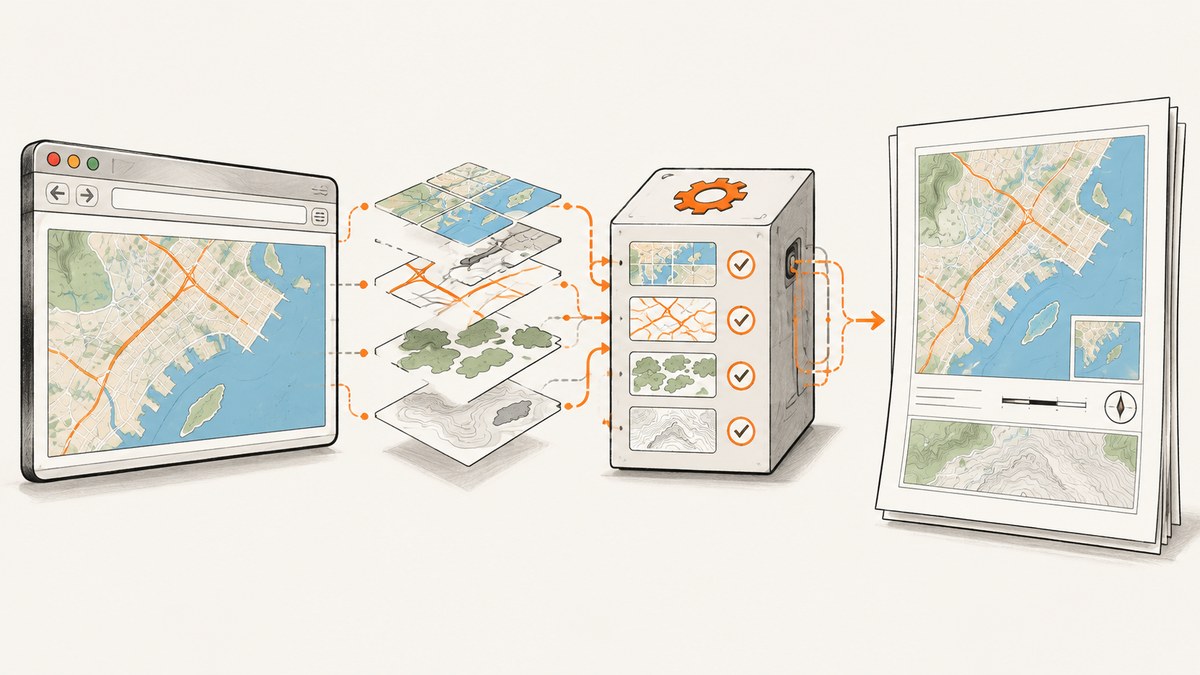
OpenLayers 3 can render through DOM, Canvas, or WebGL. wkhtmltopdf embeds an old Qt WebKit engine. A blank or partial map usually means the selected renderer, JavaScript timing, asset access, or page layout does not match that engine.
The practical repair sequence is:
- Record the exact wkhtmltopdf build and execution mode.
- Prove the same HTML works in a normal browser and give the map element explicit dimensions.
- Force an OpenLayers Canvas renderer where your OpenLayers version supports it.
- Keep JavaScript enabled and add a deterministic delay while tiles and vectors initialize.
- Verify every stylesheet, script, icon, sprite, and tile URL is reachable by the wkhtmltopdf process.
- Set a deliberate viewport and temporarily disable intelligent shrinking.
- Reduce the page to one base layer and one vector layer before adding controls and overlays.
If the page depends on modern JavaScript APIs, WebGL, modules, promises, or fetch, repeated delay adjustments will not make the old engine compatible. Move PDF capture to a maintained Chromium-based renderer in that case.
Why OpenLayers 3 and wkhtmltopdf disagree
The OpenLayers API documentation describes a browser rendering stack that can use DOM, Canvas, and WebGL technologies. OpenLayers upgrade notes also describe the later removal of the DOM renderer and Canvas fallback behavior. Your exact OpenLayers 3 build and configuration therefore matter: code that works in current Chrome may select a path that Qt WebKit cannot implement consistently.
wkhtmltopdf is based on Qt WebKit. The project status page states that Qt 4 has been unsupported since 2015 and that its WebKit has not been updated since 2012. It recommends Puppeteer or similar wrappers for dynamic JavaScript sites. This age explains failures involving modern syntax, promises, modules, WebGL, and newer browser APIs.
A map can also be present but invisible. OpenLayers needs a map target with non-zero width and height when the map is constructed. CSS that depends on flex sizing, media queries, or a viewport different from the one used by wkhtmltopdf can leave a zero-height target. A missing tile, icon, or sprite can look like a renderer bug even when Canvas drawing is working.
Diagnostic procedure before changing code
1. Capture versions and build details
wkhtmltopdf --version
which wkhtmltopdf
uname -a
Record the operating system, package source, architecture, and whether the binary is a patched-Qt build. The official downloads page identifies 0.12.6 as the stable series (released June 11, 2020) and explains differences between patched-Qt builds and distribution packages. Two binaries with the same command name can behave differently.
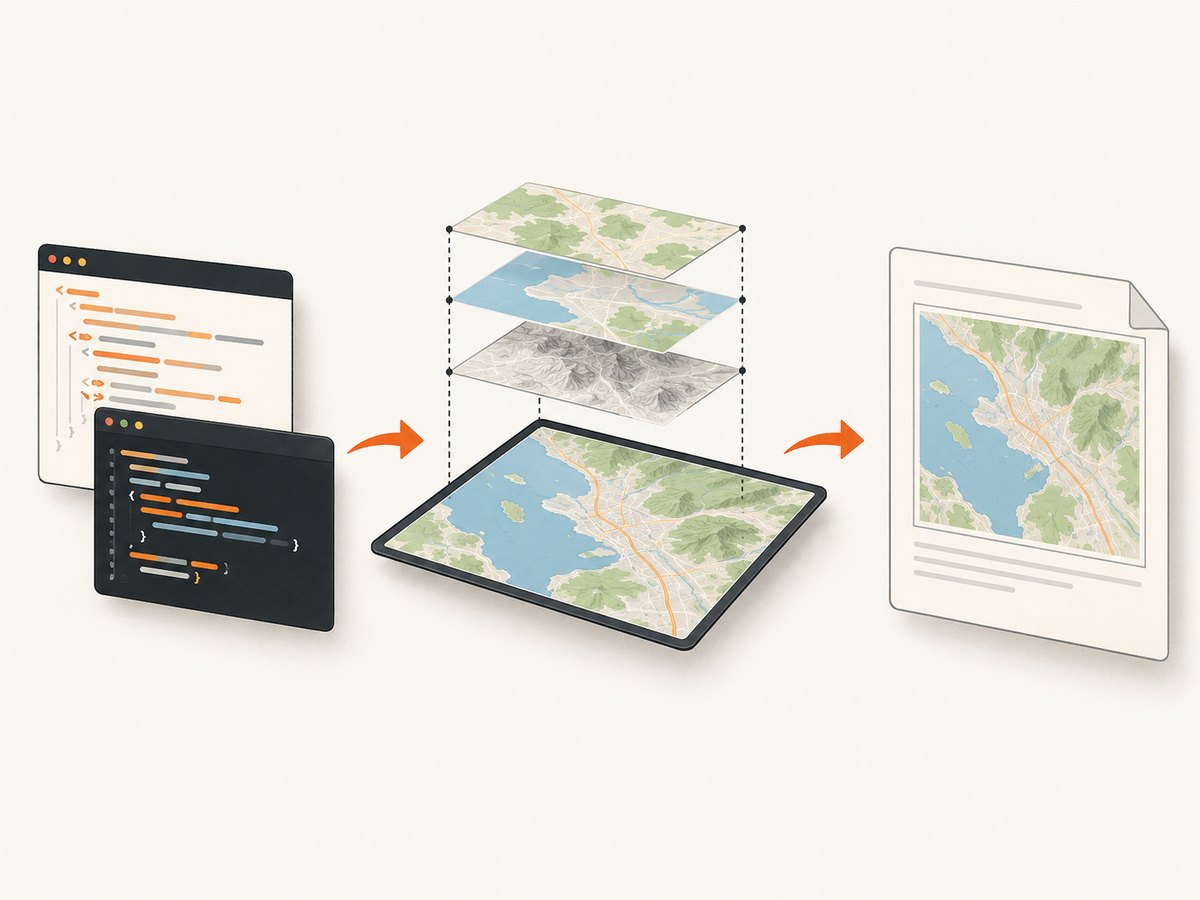
2. Reproduce the exact input
Open the same URL or local HTML in a normal browser and in wkhtmltopdf. Turn on JavaScript diagnostics and save stderr:
wkhtmltopdf --enable-javascript --debug-javascript --javascript-delay 5000 \
  https://example.test/map.html map.pdf 2>wkhtmltopdf.log
cat wkhtmltopdf.log
For a local file, use an absolute path and make sure dependent files resolve from it. The official page-settings reference documents load.debugJavascript, web.enableJavascript, and the other settings used by wrappers.
3. Confirm the target has dimensions
<div id="map" style="width: 100%; height: 600px;"></div>
<script>
  window.addEventListener('load', function () {
    var el = document.getElementById('map');
    console.log('map size', el.offsetWidth, el.offsetHeight);
  });
</script>
Do not construct the map until its parent layout is final. During diagnosis, replace percentage heights and complex flex layouts with explicit pixel dimensions. If either dimension is zero, fix CSS before investigating tiles or renderers.
Force a Canvas renderer in OpenLayers 3
OpenLayers 3 releases differ in constructor syntax, so use the API form that matches your installed build. In builds exposing renderer choices, request Canvas explicitly and avoid WebGL or DOM paths:
var map = new ol.Map({
  target: 'map',
  renderer: 'canvas',
  layers: [baseLayer, vectorLayer],
  view: new ol.View({
    center: [0, 0],
    zoom: 2
  })
});
If your build expects an array, use the equivalent renderer option documented for that release. Keep the first test minimal: one reachable base layer, one vector source, no animated controls, and no custom projection. Once that PDF is correct, add features one at a time.
Canvas does not solve missing resources. It only selects a drawing path that is more likely to work in an old WebKit engine. DOM overlays, SVG-dependent controls, and WebGL layers can still fail independently. If the map has labels or popups, test the base Canvas map first, then add each overlay.
Make map initialization deterministic
wkhtmltopdf prints after loading the page, but a map often needs additional time for JavaScript execution, tile requests, and vector drawing. The settings reference exposes load.jsdelay; the command-line equivalent is --javascript-delay.
wkhtmltopdf --enable-javascript --javascript-delay 8000 \
  --debug-javascript input.html output.pdf
A fixed delay is a useful diagnostic baseline, not a guarantee. A slow tile server can exceed it, while an unnecessarily long value increases every job’s latency. Prefer a readiness signal when you control the page:
window.mapReady = false;
var map = new ol.Map({
  target: 'map',
  renderer: 'canvas',
  layers: [baseLayer, vectorLayer],
  view: view
});
map.once('rendercomplete', function () {
  window.mapReady = true;
});
wkhtmltopdf itself cannot universally wait on an arbitrary JavaScript flag, so combine a readiness signal with a conservative delay or a wrapper that polls the page. Avoid infinite animations, rotating tile layers, and timers that keep the page busy indefinitely.
Make scripts, tiles, and local files reachable
List every request required to build the map:
- OpenLayers JavaScript and CSS.
- Application bundles and source maps if loaded at runtime.
- Tile URL templates, including HTTPS certificates and DNS.
- Marker icons, sprites, fonts, and projection data.
- Authenticated endpoints and any required cookies or headers.
For local or piped input, inspect load.blockLocalFileAccess. That setting controls whether local files may access other local files. A restrictive value can prevent a stylesheet from loading an icon or a script from reading a local JSON fixture. A permissive value can expose local files, so use it only for trusted input and prefer serving assets from a controlled HTTP origin.
For remote assets, test from the same host, container, user, and network namespace that runs wkhtmltopdf:
curl -I https://tiles.example.test/{z}/{x}/{y}.png
curl -I https://cdn.example.test/ol.js
Check DNS, TLS trust, proxy settings, authentication, redirects, and rate limits. CORS rules that are tolerated by one browser path can still fail in an embedded engine. A single missing sprite or tile endpoint can make the output appear blank; inspect the log and network-facing server logs before changing rendering code.
Control viewport, print CSS, and scaling
Set a deliberate viewport. The page-settings reference documents screenWidth and image scaling controls. On the command line, choose a width that matches the layout you designed:
wkhtmltopdf --viewport-size 1280x900 \
  --javascript-delay 5000 input.html output.pdf
Temporarily disable intelligent shrinking while debugging so CSS pixels map predictably to the output:
wkhtmltopdf --disable-smart-shrinking \
  --viewport-size 1280x900 input.html output.pdf
Add a print stylesheet with explicit map dimensions, hidden interactive controls, and a stable background:
@media print {
  html, body { margin: 0; width: 1280px; }
  #map { width: 1280px; height: 700px; }
  .ol-control, .debug-panel { display: none !important; }
}
Re-enable shrinking only after the map is correct. Compare a screenshot or browser inspection at the same viewport to the PDF. If the map is clipped, check page size, margins, and the map’s position relative to page breaks.
Reduce the map to isolate the failing layer
- Render a plain colored
#maprectangle to prove layout. - Add OpenLayers and create an empty map with Canvas.
- Add one base tile layer and wait for its first tile.
- Add one vector source with a small, static feature set.
- Add controls, labels, custom projections, and overlays individually.
This separates four failure classes: tile access, Canvas drawing, SVG or DOM overlays, and layout. Keep a minimal HTML/CSS/JS test case in version control. The official support guidance asks for the version, operating system, detailed description, and a reproducible HTML/CSS/JS test case; preparing those items also shortens internal debugging.
Complete minimal example
<!doctype html>
<html>
<head>
  <meta charset="utf-8">
  <link rel="stylesheet" href="https://cdn.example.test/openlayers.css">
  <script src="https://cdn.example.test/openlayers.js"></script>
  <style>
    html, body { margin: 0; width: 1200px; }
    #map { width: 1200px; height: 700px; }
  </style>
</head>
<body>
  <div id="map"></div>
  <script>
    var baseLayer = new ol.layer.Tile({
      source: new ol.source.OSM()
    });
    var vectorLayer = new ol.layer.Vector({
      source: new ol.source.Vector({
        features: [new ol.Feature(new ol.geom.Point([0, 0]))]
      })
    });
    var map = new ol.Map({
      target: 'map',
      renderer: 'canvas',
      layers: [baseLayer, vectorLayer],
      view: new ol.View({ center: [0, 0], zoom: 2 })
    });
    map.once('rendercomplete', function () { window.mapReady = true; });
  </script>
</body>
</html>
Replace the example asset host and tile source with endpoints you are authorized to use. Run it with JavaScript enabled, a known viewport, and a delay long enough to observe tile loading.
Common errors and fixes
| Symptom | Likely cause | Fix |
|---|---|---|
| Blank rectangle | Zero-sized target or JavaScript exception | Set explicit width and height; enable debug JavaScript; inspect stderr. |
| Controls appear, tiles do not | Tile URL, DNS, TLS, auth, or CORS failure | Request tile URLs from the wkhtmltopdf host and inspect redirects and logs. |
| Map is half drawn | Print occurs before tile/vector rendering | Use --javascript-delay; add a render-complete readiness signal. |
| Works in Chrome, fails in PDF | Unsupported WebGL, modern syntax, module, promise, or fetch usage | Use Canvas-compatible code or migrate to maintained Chromium automation. |
| Local icons disappear | Local file access blocked | Review load.blockLocalFileAccess; serve trusted assets over HTTP. |
| Map is clipped or tiny | Viewport mismatch or smart shrinking | Set viewport and map dimensions; disable smart shrinking while diagnosing. |
| Only labels or popups fail | DOM/SVG overlay incompatibility | Test overlays separately; rasterize or simplify them for the PDF path. |
When to migrate from wkhtmltopdf
Migration is appropriate when failures involve modern JavaScript APIs, ES modules, promises, fetch, WebGL, or browser features that the embedded WebKit cannot provide. The wkhtmltopdf project explicitly points users converting dynamic JavaScript sites toward Puppeteer or comparable wrappers. Compare candidates on JavaScript compatibility, rendering determinism, tile and asset loading, security maintenance, deployment footprint, font handling, and operational support.
Do not process untrusted HTML through wkhtmltopdf without a security review. Its old engine and local-file settings deserve particular care. A maintained browser automation renderer generally matches current map code more closely and gives you clearer controls for waiting, network interception, and PDF output.
Or skip the browser setup
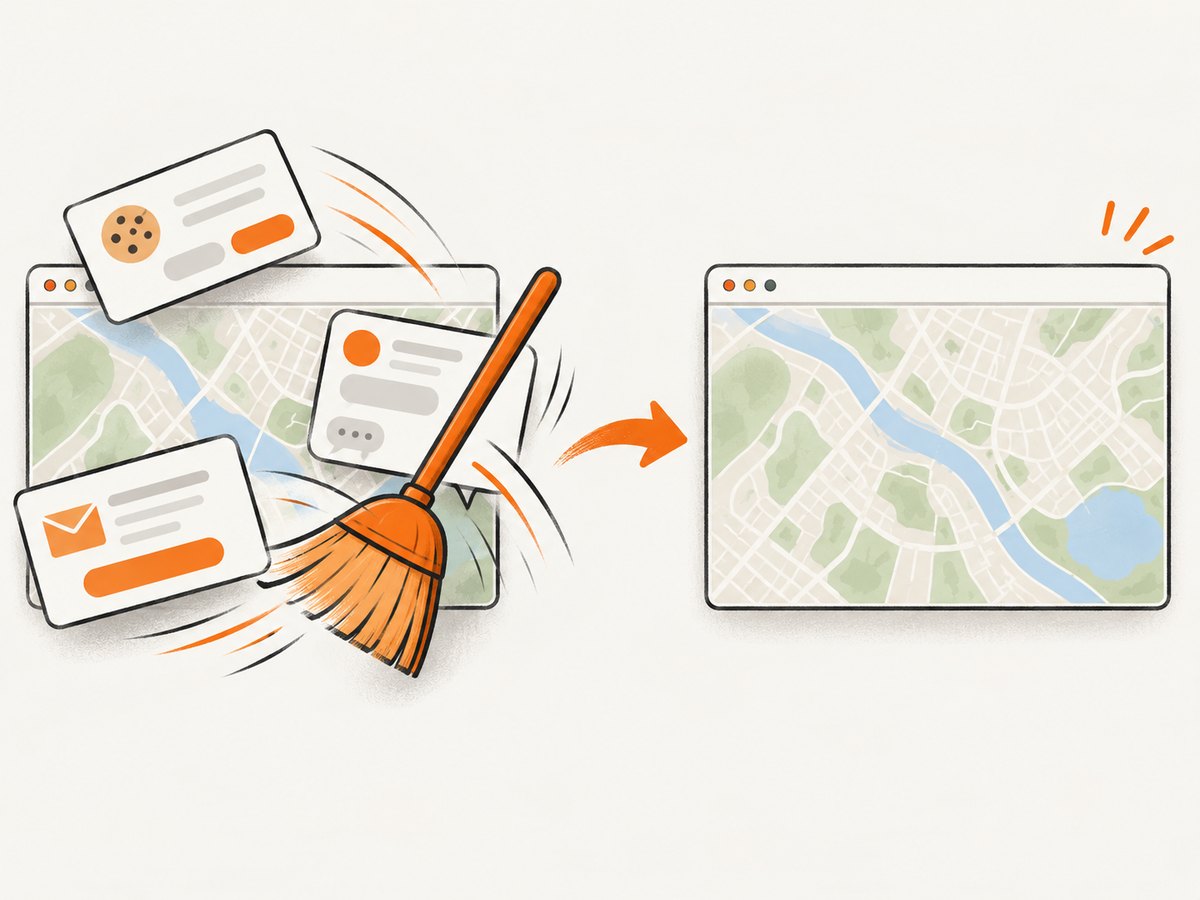
ScreenshotNeo provides a website screenshot API and MCP server. It can capture a URL as PNG, JPEG, WebP, or PDF with one request, while handling browser setup for you. Cookie and consent banners, newsletter popups, and chat widgets are removed before the shot. Bot checks, blank pages, failed loads, timeouts, and cache hits are not billed; the response identifies the result with X-Page-Verdict and X-Billed headers. Its MCP server exposes take_screenshot, get_page_info, and capture_pdf for Claude, Cursor, and other MCP clients.
See the ScreenshotNeo API documentation for all options. The same endpoint supports full-page capture, lazy-image loading, CSS selectors, dark mode, device presets, custom viewports, retina scale, PDF paper and margin settings, custom CSS and JavaScript, clicks, selector waits, delays, network-idle waits, request blocking, headers, cookies, user agents, authorization, timezone, geolocation, transparent backgrounds, resizing, caching TTLs, signed links, asynchronous jobs, webhooks, bulk capture, usage data, and an OpenAPI specification.
cURL
curl -G "https://api.screenshotneo.com/v1/shot" -d access_key=YOUR_API_KEY --data-urlencode url=https://stripe.com -o shot.webpPython
import requests
r = requests.get("https://api.screenshotneo.com/v1/shot", params={"access_key": "YOUR_API_KEY", "url": "https://stripe.com"}, timeout=90)
r.raise_for_status()
open("shot.webp", "wb").write(r.content)
Node.js
const q = new URLSearchParams({ access_key: 'YOUR_API_KEY', url: 'https://stripe.com' });
const res = await fetch(`https://api.screenshotneo.com/v1/shot?${q}`);
if (!res.ok) throw new Error(`HTTP ${res.status}`);
const fs = require('node:fs');
fs.writeFileSync('shot.webp', Buffer.from(await res.arrayBuffer()));
ScreenshotNeo includes 1,000 shots a month free with no card. Paid plans start at $5 for 3,000 shots; yearly billing gives two months free, and every feature is available on every plan. Create a free ScreenshotNeo account and start with the free allowance.
Performance, reliability, and cost notes
- Delay: Start with a measured delay, then shorten it after you establish a readiness condition. Long fixed waits multiply queue time.
- Tiles: Fewer layers and appropriately sized tiles reduce network and paint work. Respect the tile provider’s usage policy.
- Assets: Self-hosting trusted static assets can remove DNS and third-party latency, but verify local-file permissions and security.
- Repeatability: Pin the wkhtmltopdf binary, OpenLayers version, CSS, and tile configuration. Distribution packages can differ from patched-Qt builds.
- Failure handling: Save stderr, the input HTML, version output, and a PDF artifact for each incident.
- Managed capture: ScreenshotNeo charges only for clean shots; failed loads, bot checks, blank pages, timeouts, and cache hits are free. Its cache TTL, async jobs, webhooks, and bulk endpoint can reduce repeated work for production pipelines.
FAQ
Does increasing --javascript-delay always fix a blank map?
No. It helps only when rendering is correct but printing starts too early. A zero-height target, missing tile URL, JavaScript exception, or unsupported API needs a different fix.
Should I use WebGL for faster map output?
Not with wkhtmltopdf as a first choice. Its old WebKit engine may not provide the WebGL behavior your OpenLayers code expects. Canvas is the safer diagnostic path.
Why do controls render while the map does not?
Controls can be ordinary DOM elements while tiles and vectors depend on separate requests and drawing paths. Check tile reachability and Canvas output independently.
Is a patched-Qt build required?
The build affects available features and behavior. Record the build and compare it with the official downloads information before treating a result as portable.
When should I stop tuning wkhtmltopdf?
Stop when the page requires modern browser APIs or remains nondeterministic after you have verified dimensions, Canvas, timing, assets, and viewport. Move the PDF job to maintained browser automation.


