How to Fix Overlapping Colors in html2canvas Captures
Overlapping colors in html2canvas usually come from blend modes, transparency, or paint order. Fix them with an explicit background, capture-only style overrides, and an asset check.
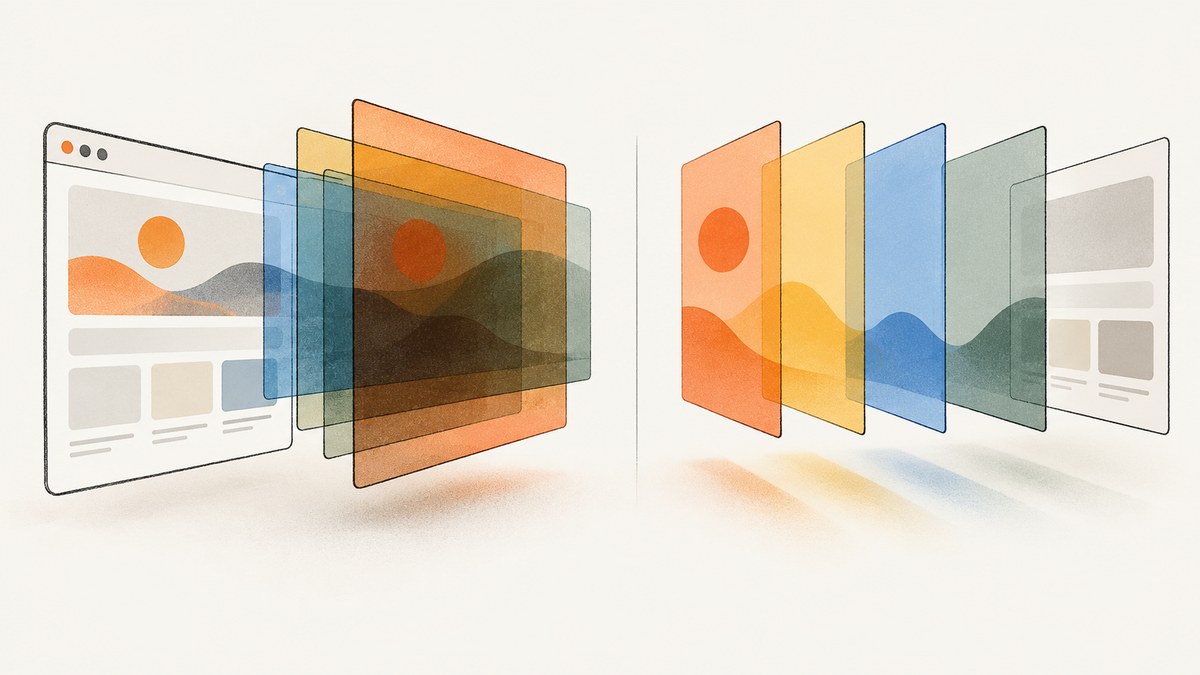
If colors overlap or turn muddy in an html2canvas capture, the cause is often a compositing effect such as mix-blend-mode, transparency, or an unexpected paint order. html2canvas reconstructs the page from the DOM and computed styles; it does not capture the browser’s composited pixels. Start by giving the capture an explicit opaque background, then neutralize problematic styles in the cloned document with onclone. This keeps the live page unchanged.
For a quick first pass, use this pattern and replace #capture and .blend with selectors from your page:
const target = document.querySelector('#capture');

const canvas = await html2canvas(target, {
  backgroundColor: '#fff',
  onclone: (doc) => {
    doc.querySelectorAll('.blend, [style*="mix-blend-mode"]').forEach((el) => {
      el.style.mixBlendMode = 'normal';
      el.style.backgroundBlendMode = 'normal';
      el.style.filter = 'none';
      el.style.opacity = '1';
    });
  }
});

document.body.appendChild(canvas);
This is a starting point, not a universal visual fix: replacing opacity or a blend effect changes the appearance by design. First identify which layer is responsible, then make the narrowest override that gives the intended output.
1. Why html2canvas colors overlap
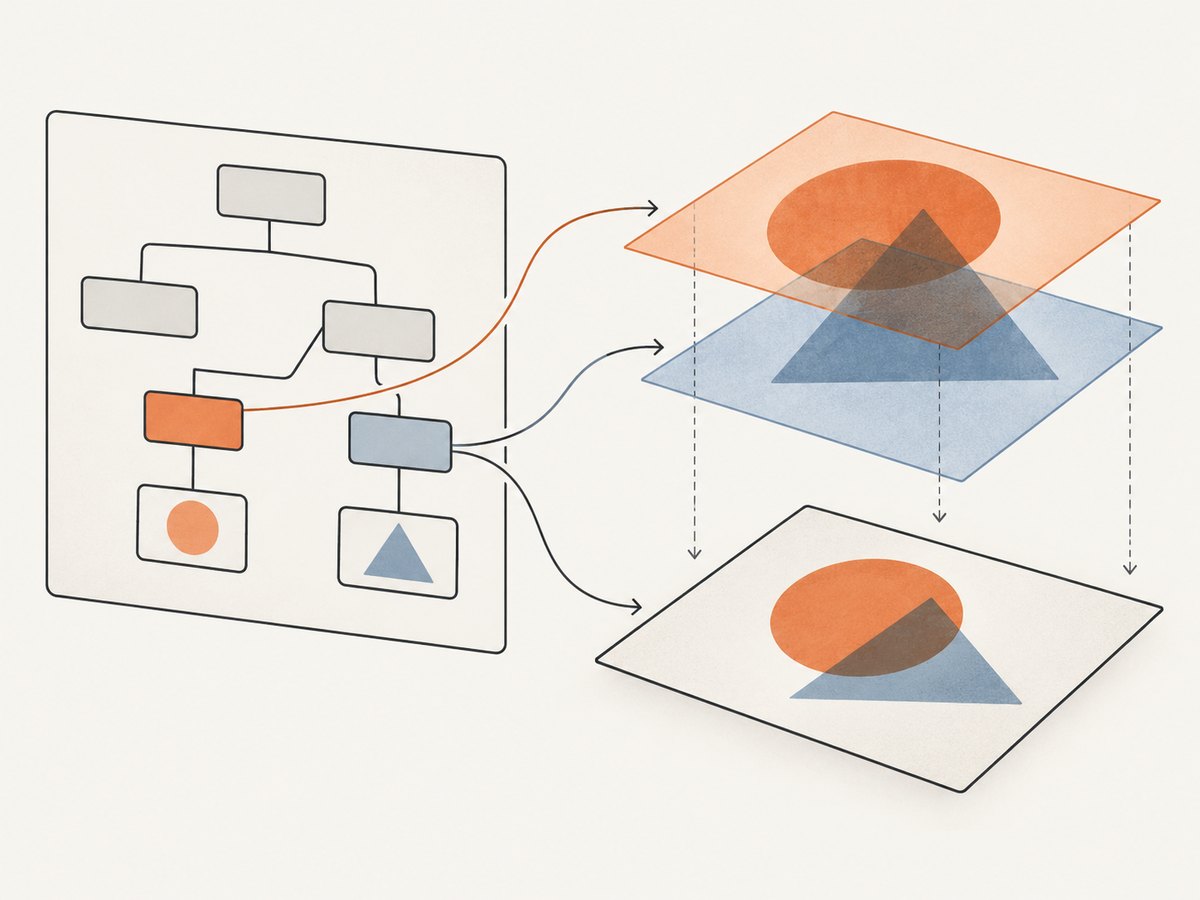
html2canvas traverses the DOM, reads computed styles, and paints its own representation onto a canvas. It can render backgrounds, borders, gradients, images, and text, but it only handles CSS properties it understands. Consequently, the result can differ from the browser’s native compositor even when the page looks correct on screen. The project describes its output as a browser-side rendering of webpages or parts of them, and documents that some CSS properties do not work as expected: html2canvas documentation.
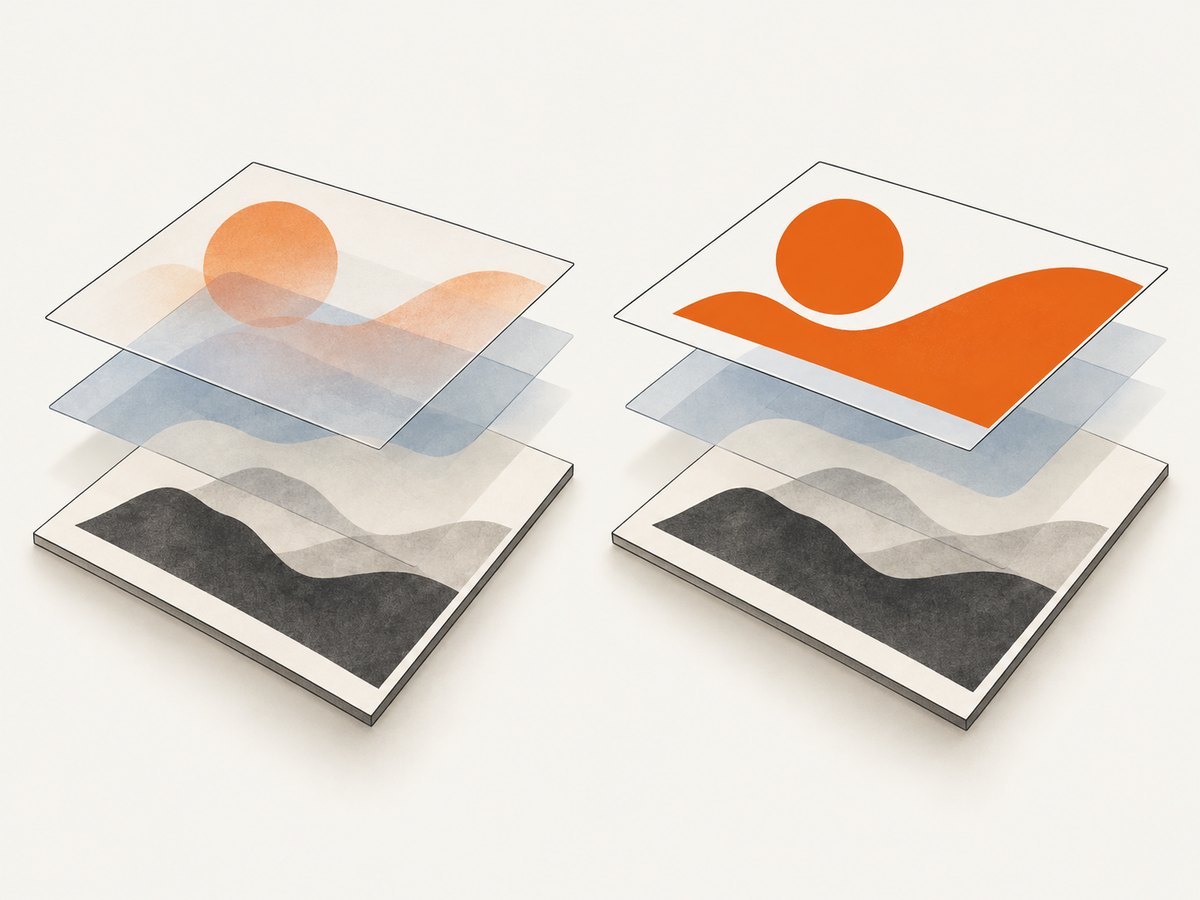
Blending is a common source of confusion. With mix-blend-mode: multiply, for example, an image’s pixels are combined with what is behind it. If a renderer does not reproduce that compositing in the same way, the overlap can have a different color. An html2canvas project issue specifically reports overlapping images with mix-blend-mode: multiply: issue 2400.
Transparency and stacking can cause similar symptoms. A semi-transparent overlay may be painted over a different background than expected; a pseudo-element may add a second fill; or a filter can alter the final color. First determine whether the mismatch is limited to the captured canvas or is already present in the page’s computed styles.
2. Diagnose the first incorrect layer
- Capture the smallest affected element. Pass the specific card, image, or section to html2canvas rather than the entire page. If the isolated element is correct, expand the capture one parent at a time; another layer or stacking context is likely involved.
- Inspect the element and its ancestors. In browser developer tools, check computed
mix-blend-mode,background-blend-mode,opacity,filter, background colors, pseudo-elements, and positioned overlays. - Temporarily make translucent fills opaque. If the color becomes correct, transparency or the background beneath that layer is part of the issue. If it stays wrong, test blend mode, filter, and paint order separately.
- Disable one suspect style at a time in the cloned capture. Keep a note of the smallest change that fixes the output. Do not override every visual effect before you know which one causes the mismatch.
- Check images and geometry after color. A missing image or shifted crop can look like a color problem. Confirm assets load, then check viewport dimensions and scale.
A compact diagnostic override is easier to reason about than a large rewrite:
onclone: (doc) => {
  const clone = doc.querySelector('#capture');
  if (!clone) return;

  clone.querySelectorAll('.suspected-layer').forEach((el) => {
    el.style.mixBlendMode = 'normal';
  });
}
3. Fix the background and compositing
Set an explicit background
Set both a real CSS background on the element being captured and the html2canvas backgroundColor option. The CSS background describes the page region; the option supplies the canvas background when no DOM background is specified. Use the actual intended color, not necessarily white.
#capture {
  background-color: #fff;
}

const canvas = await html2canvas(document.querySelector('#capture'), {
  backgroundColor: '#fff'
});
An explicit opaque background avoids surprises from a transparent canvas composited over a different color by the next step in your pipeline. If transparency is required in the exported file, do not force opacity globally; instead isolate the specific layer whose blend result is wrong and override only that style.
Use onclone for capture-only changes
The onclone hook lets you change the cloned document used for rendering without changing the original live page. That makes it useful when the website needs blend effects during normal use but the exported image needs a simpler rendering.
async function capture() {
  const target = document.querySelector('#capture');
  if (!target) throw new Error('Capture target #capture was not found');

  return html2canvas(target, {
    backgroundColor: '#fff',
    onclone: (doc) => {
      doc.querySelectorAll('.blend, [style*="mix-blend-mode"]').forEach((el) => {
        el.style.mixBlendMode = 'normal';
        el.style.backgroundBlendMode = 'normal';
        el.style.filter = 'none';
        el.style.opacity = '1';
      });
    }
  });
}

capture().then((canvas) => {
  document.body.appendChild(canvas);
}).catch((error) => {
  console.error('Capture failed:', error);
});
The broad selector above is convenient for diagnosis, but it may alter elements that were not involved. Once you find the culprit, narrow the selector and remove only the necessary property. For example, if mix-blend-mode alone is responsible, do not also clear filters and opacity.
Compare capture-only and source-CSS fixes
| Approach | Visual fidelity | Live page | Blend support | Maintenance | Cross-origin images |
|---|---|---|---|---|---|
Capture-only onclone override |
Can preserve most page styles while changing the failing layer; output intentionally differs where overridden. | Unaffected. | Replaces unsupported or inconsistent effects for the capture. | Keep selectors aligned with page markup. | Does not fix image CORS access. |
| Permanent source-CSS simplification | Same simplified appearance in the browser and capture. | Changed for all visitors. | Removes reliance on the problematic effect. | One source of truth, but may change the design. | Does not fix image CORS access. |
4. Check images, viewport, and scale
For cross-origin images, useCORS: true asks html2canvas to try loading them with CORS. It does not grant permission by itself: the image server must return an appropriate Access-Control-Allow-Origin header. If it does not, use an image hosted on your origin or a same-origin proxy that is configured to fetch it. See the html2canvas FAQ.
const canvas = await html2canvas(target, {
  backgroundColor: '#fff',
  useCORS: true
});
Once colors are corrected, inspect the capture bounds. If the result is clipped or shifted, that is a geometry issue rather than compositing. Set the rendering window to the element’s scroll dimensions where appropriate, and review scale:
const canvas = await html2canvas(target, {
  backgroundColor: '#fff',
  windowWidth: target.scrollWidth,
  windowHeight: target.scrollHeight,
  scale: 1
});
Choose a scale that fits the required output size and available memory. Larger dimensions produce a larger canvas and can use substantially more memory. A scale change can affect sharpness and output dimensions, but it does not repair unsupported blend behavior.
5. Relevant options and configuration
Options should address a specific rendering condition. The full, version-specific option list is maintained in the configuration reference; verify against the version installed in your project.
| Option | When to use it | Limit or caution |
|---|---|---|
backgroundColor |
Set a predictable canvas background where the DOM has none. | Use the intended background; an opaque value removes transparency. |
onclone |
Apply capture-only CSS or remove a troublesome layer. | Target only the elements and properties that need changing. |
useCORS |
Try to load cross-origin image assets under CORS. | Requires cooperation from the remote image server. |
windowWidth, windowHeight |
Control the viewport used for rendering, including for long or responsive content. | Changing viewport can change responsive layout and wrapping. |
scale |
Control output pixel density and canvas dimensions. | Higher dimensions increase memory use; it does not change CSS support. |
allowTaint |
Relevant only when considering tainted canvas behavior with cross-origin images. | It is not a way to bypass browser security or make a tainted canvas exportable. |
ignoreElements |
Exclude elements that should not appear in the capture. | Removing an overlay may change the intended composition; test the result. |
Do not treat options as interchangeable. Background configuration affects the canvas behind the rendered DOM; onclone changes cloned styles; CORS affects whether remote assets can be read; viewport and scale affect layout and dimensions.
6. A reusable capture helper
This helper checks the selector, uses a defined background, makes a narrow set of capture-only overrides, and returns a canvas for display or export. Include html2canvas through the installation method already used by your application; this example assumes it is available as html2canvas.
async function captureCard(selector) {
  const target = document.querySelector(selector);
  if (!target) {
    throw new Error(`No element matches ${selector}`);
  }

  const canvas = await html2canvas(target, {
    backgroundColor: '#fff',
    useCORS: true,
    onclone: (doc) => {
      const clonedTarget = doc.querySelector(selector);
      if (!clonedTarget) return;

      clonedTarget.querySelectorAll('.capture-no-blend').forEach((el) => {
        el.style.mixBlendMode = 'normal';
        el.style.backgroundBlendMode = 'normal';
      });
    }
  });

  return canvas;
}

const canvas = await captureCard('#capture');
const pngDataUrl = canvas.toDataURL('image/png');
const link = document.createElement('a');
link.download = 'capture.png';
link.href = pngDataUrl;
link.click();
Use toDataURL only after confirming the canvas remains exportable; a cross-origin asset without CORS permission can taint it. For large captures, avoid keeping multiple full-size canvases and encoded data URLs in memory at once.
7. Troubleshooting common errors
| Symptom or error | Likely cause | Fix |
|---|---|---|
| Colors are muddy only where two images overlap. | mix-blend-mode or background-blend-mode is not reproduced as expected. |
Set the relevant blend mode to normal in onclone; test one layer at a time. |
| A transparent region becomes black, white, or another unexpected color. | The capture or downstream display has no explicit background. | Set the wrapper background and backgroundColor to the intended color. Preserve transparency only if the export pipeline needs it. |
| Everything looks darker or washed out. | A semi-transparent overlay, filter, opacity, or duplicate pseudo-element may be changing the final paint. | Inspect computed styles and pseudo-elements; remove one suspect style at a time from the clone. |
| An image is missing or the export throws a security error. | A remote image did not permit cross-origin access, leaving an unavailable or tainted canvas. | Use useCORS: true only with suitable response headers, or serve the asset through a same-origin proxy. |
| The capture is cut off or has unexpected wrapping. | Rendering viewport dimensions differ from the desired layout. | Set windowWidth and windowHeight deliberately; remember this can change responsive styles. |
| The result is blurry or consumes too much memory. | Scale and output dimensions are poorly matched to the target. | Choose a scale based on required pixel dimensions; capture smaller regions and release unused canvases. |
| One CSS property still differs after overrides. | The property may be unsupported or incomplete in html2canvas. | Create a minimal reproduction, confirm it on the installed version, and follow the project’s guidance to open an issue for a missing or incomplete property. |
8. Performance, reliability, and cost
Capturing a large page means traversing more DOM and producing a larger canvas. Limit the target to the needed region when possible. Keep image dimensions and scale reasonable, wait until the page’s assets have loaded, and avoid creating multiple captures at once unless your application can handle the memory use. The right settings depend on your page and the output dimensions; there is no universal scale that fixes color compositing.
For reliability, make capture behavior deterministic: define a background, use stable selectors, apply only known overrides, and handle a missing target or rejected capture promise. For remote assets, test their actual response headers. A retry will not fix an unsupported CSS effect or absent CORS permission, so distinguish transient load failures from repeatable rendering differences.
html2canvas runs in the browser and has no per-capture API charge, but it uses the user’s browser resources and requires you to maintain the rendering code, asset access, and CSS overrides. If captures are part of a service, factor in the work of supporting different pages and browser conditions as well as the compute and storage in your own system.
9. Or skip the browser setup
ScreenshotNeo is a website screenshot API and MCP server from Yorker Media. A GET request returns a PNG, JPEG, WebP, or PDF. It is useful when you need a rendered webpage image without setting up browser-side DOM reconstruction. Its clean-shot flow accepts cookie or consent banners like a visitor and removes 60+ known consent platforms, newsletter popups, and chat widgets before capture; each step can be turned off. Bot checks or CAPTCHAs, blank pages, timeouts, failed loads, and cache hits are not billed, and response headers report the page verdict and billing status. AI agents can use its MCP server tools: take_screenshot, get_page_info, and capture_pdf.
One request for a WebP screenshot:
curl -G "https://api.screenshotneo.com/v1/shot" -d access_key=YOUR_API_KEY --data-urlencode url=https://stripe.com -o shot.webpEquivalent Python and Node.js examples, plus request options, are in the ScreenshotNeo documentation.
import requests

r = requests.get(
    "https://api.screenshotneo.com/v1/shot",
    params={"access_key": "YOUR_API_KEY", "url": "https://stripe.com"},
    timeout=90,
)
open("shot.webp", "wb").write(r.content)
const q = new URLSearchParams({
access_key: 'YOUR_API_KEY',
url: 'https://stripe.com'
});
const res = await fetch(`https://api.screenshotneo.com/v1/shot?${q}`);
if (!res.ok) throw new Error(`Screenshot request failed: ${res.status}`);
await Bun.write('shot.webp', res);For a basic browser-side call, check the response before treating its body as an image. If your runtime does not provide Bun.write, use its normal file-writing API. Keep the access key secret in server-side code; a key embedded in public client JavaScript can be exposed.
ScreenshotNeo offers 1,000 screenshots per month free with no card; paid plans start at $5 for 3,000. Every feature is on every plan. Sign up for free and make your first 1,000 screenshots a month without a card.
10. Frequently asked questions
Will setting backgroundColor fix mix-blend-mode?
It can fix an undefined canvas background, but it does not guarantee that a blend effect will be rendered like the browser. Test a capture-only blend override if overlap remains wrong.
Does onclone change the page visitors see?
No. It is intended for changes to the cloned document used in rendering, so the live document remains as it was.
Can I keep a transparent PNG?
Yes, if transparency is part of the desired output. Avoid forcing an opaque background in that case, but investigate the specific layer and the background used by any later viewer or compositing step.
What should I include in a bug report?
Provide a minimal page or reproduction, the relevant styles, the html2canvas version, the expected and actual result, and the smallest capture configuration that shows the mismatch. The project FAQ recommends creating a test case when a property is missing or incomplete.
Does useCORS bypass image restrictions?
No. The remote server must allow the request with CORS response headers, or you need an asset served through your own origin.


