How to Fix page.content Errors After Clicking a Link in Pyppeteer
Fix Pyppeteer's execution-context navigation error by synchronizing clicks with waitForNavigation before calling page.content().
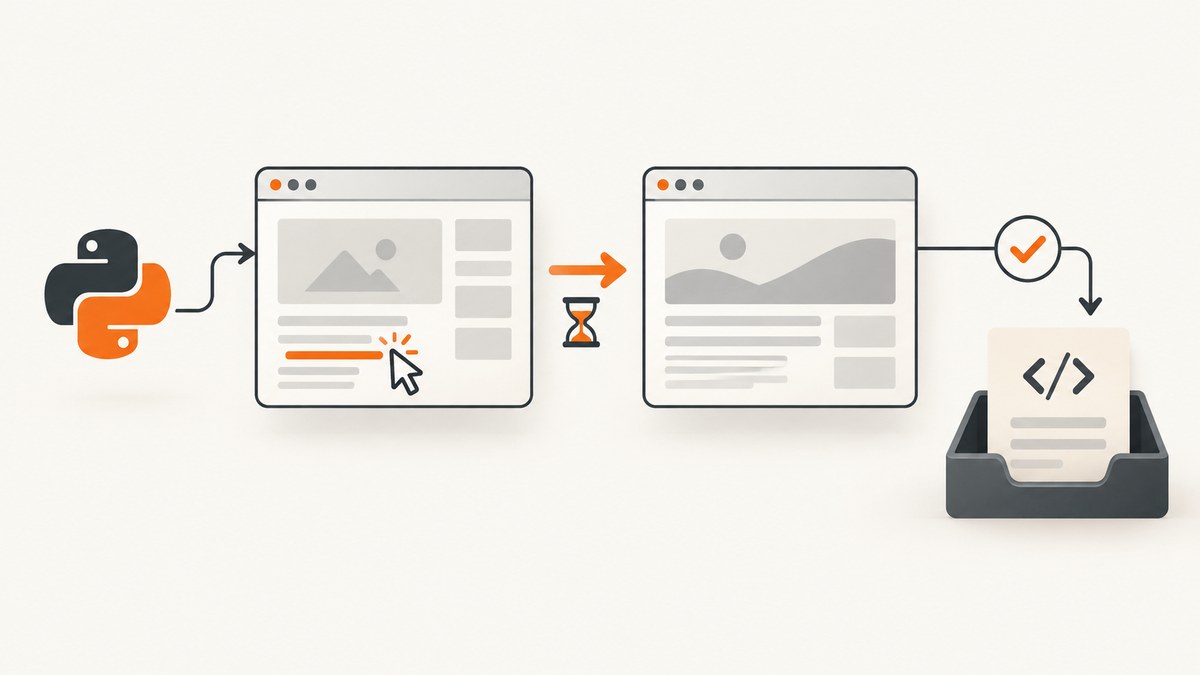
Direct fix: start page.waitForNavigation() before clicking the link, await both operations together, then call page.content(). The click can replace the document while page.content() is evaluating it; that race destroys the JavaScript execution context and raises NetworkError: Execution context was destroyed, most likely because of a navigation.
Why the error happens
page.content() evaluates the current document and returns its full HTML. A link click that navigates creates a new document and execution context. If content extraction overlaps that replacement, Pyppeteer is still using the old context, so the evaluation fails.
The reliable ordering is:
- Create the navigation wait.
- Click the link.
- Await the wait and click together.
- Call
page.content()after both complete.
The recommended click-and-extract pattern
import asyncio
from pyppeteer import launch

async def main():
    browser = await launch(headless=True)
    page = await browser.newPage()
    await page.goto("https://example.com", {"waitUntil": "domcontentloaded"})

    selector = "a.my-link"
    await asyncio.gather(
        page.waitForNavigation({"waitUntil": "domcontentloaded"}),
        page.click(selector),
    )

    html = await page.content()
    print("Final URL:", page.url)
    print(html[:500])
    await browser.close()

asyncio.run(main())
The wait must be registered before page.click(). Registering it afterward can miss a fast navigation event.
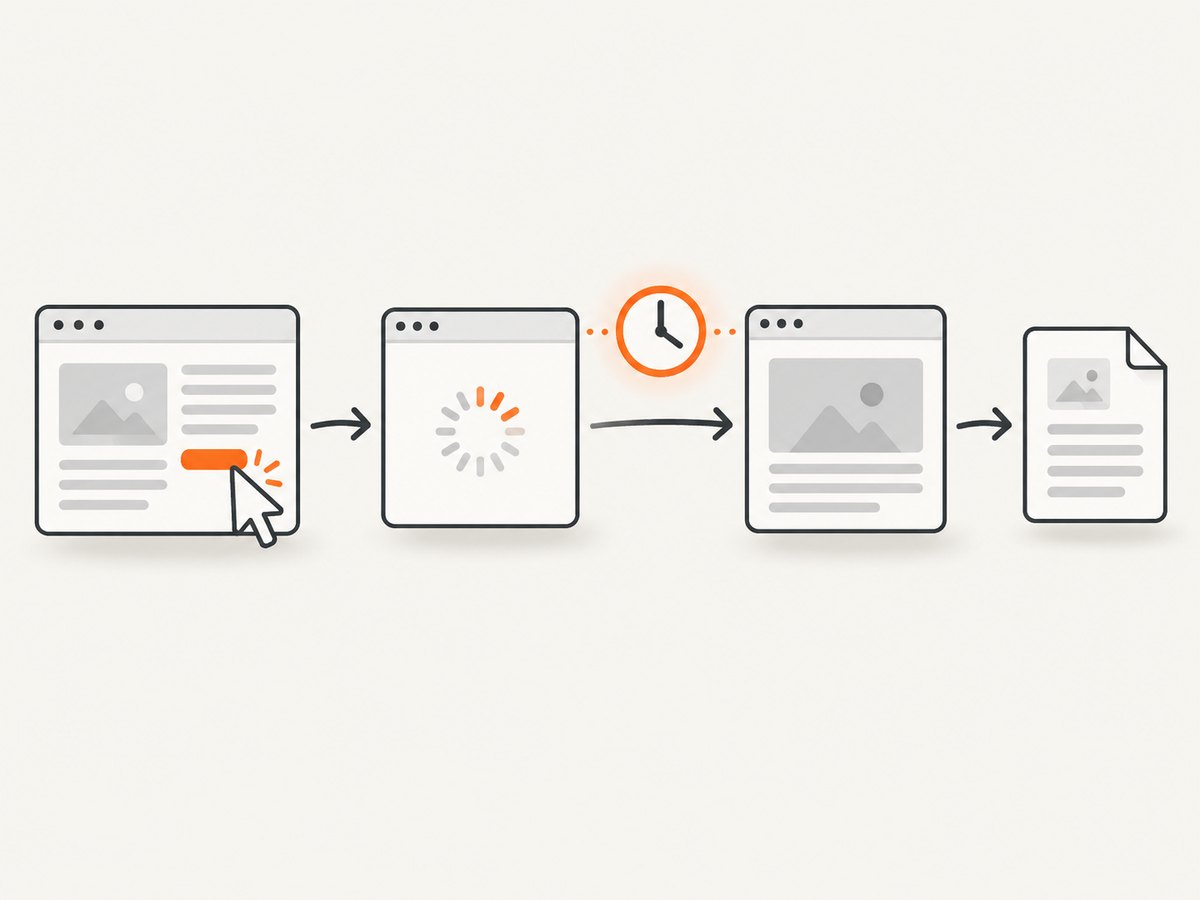
Choose the right waitUntil condition
| Condition | Use it when | Trade-off |
|---|---|---|
domcontentloaded |
The target HTML is usable once the document is parsed. | Images and later scripts may still be loading. |
load |
Your extraction needs the page load event and dependent resources. | Slower than DOM readiness on asset-heavy pages. |
networkidle0 |
The page should have no active network connections. | Can time out on analytics, polling, sockets or other long-lived requests. |
networkidle2 |
You need requests to settle while allowing a small number of ongoing connections. | Still unsuitable for pages that continuously fetch data. |
Use the earliest condition that guarantees the data you need. For an application that renders content after navigation, wait for a selector after the navigation event:
await asyncio.gather(
    page.waitForNavigation({"waitUntil": "domcontentloaded"}),
    page.click("a.my-link"),
)
await page.waitForSelector("main article")
html = await page.content()
Complete scraper example with timeout handling
import asyncio
from pyppeteer import launch
from pyppeteer.errors import TimeoutError, NetworkError

async def extract_after_click(url, link_selector):
    browser = await launch(headless=True, args=["--no-sandbox"])
    page = await browser.newPage()
    page.setDefaultNavigationTimeout(30_000)
    try:
        await page.goto(url, {"waitUntil": "domcontentloaded"})
        try:
            await asyncio.gather(
                page.waitForNavigation({"waitUntil": "networkidle2"}),
                page.click(link_selector),
            )
        except TimeoutError:
            raise RuntimeError("Navigation did not reach the selected wait condition")
        html = await page.content()
        return page.url, html
    except NetworkError as exc:
        raise RuntimeError(f"Browser context changed during extraction: {exc}") from exc
    finally:
        await browser.close()

async def main():
    final_url, html = await extract_after_click(
        "https://example.com", "a.my-link"
    )
    print(final_url)
    print(len(html))

asyncio.run(main())
Cases that need a different pattern
Same-page links and History API updates
An anchor or client-side router may update the URL without a traditional document response. waitForNavigation() can resolve without a response. Await it with the click, verify page.url, then extract:
await asyncio.gather(
    page.waitForNavigation({"waitUntil": "domcontentloaded"}),
    page.click("a[data-route='reports']"),
)
print(page.url)
html = await page.content()
If the route only changes after an AJAX render, wait for a stable selector or application-specific condition before reading the HTML.
Links that open a popup or new tab
A new page has a separate execution context. Waiting on the original page cannot synchronize the popup. Listen for the target, obtain its page, wait there, and call content() on that page:
import asyncio

new_page_task = asyncio.get_event_loop().create_future()

def on_target(target):
    if target.type == "page" and not new_page_task.done():
        new_page_task.set_result(target)

browser.on("targetcreated", on_target)
await page.click("a[target='_blank']")
target = await asyncio.wait_for(new_page_task, timeout=10)
popup = await target.page()
await popup.waitForNavigation({"waitUntil": "domcontentloaded"})
html = await popup.content()
In production, filter targets by URL or opener so an unrelated tab does not satisfy the future.
Redirect chains
Keep the navigation wait around the original click. The resulting navigation promise represents the redirect chain; choose a lifecycle condition that matches the final document you intend to scrape and inspect page.url afterward.
Frames
If the link is inside an iframe, query and click through that frame. A navigation in the frame changes that frame’s document; extract from the frame after its navigation rather than assuming the top-level page changed.
Stale element handles
An ElementHandle belongs to the old document. After navigation, discard it and query the new page again:
await asyncio.gather(
    page.waitForNavigation({"waitUntil": "load"}),
    page.click("a.my-link"),
)
new_button = await page.querySelector("button.next")
Why sleep() is not a fix
A fixed delay may make the race less frequent, but it does not prove that the intended navigation finished. Network speed, redirects and server load vary between runs. Use an event-based navigation wait, then add a selector wait when the application renders important content after navigation.
# Fragile
await page.click("a.my-link")
await asyncio.sleep(2)
html = await page.content()

# Synchronized
await asyncio.gather(
    page.waitForNavigation({"waitUntil": "domcontentloaded"}),
    page.click("a.my-link"),
)
html = await page.content()
Troubleshooting checklist
| Symptom | Likely cause | Fix |
|---|---|---|
| Execution context destroyed | content() ran during navigation. |
Create waitForNavigation() before the click and await both with asyncio.gather(). |
| Navigation timeout | The selected lifecycle never becomes idle, or the site is slow. | Try domcontentloaded or load; increase the timeout only when justified; wait for a specific selector. |
| No navigation response | The click uses History API, an anchor, or AJAX. | Await the click/navigation pair, then verify page.url and wait for rendered content. |
| Wrong page content | A popup opened, or extraction ran on the opener. | Capture the new target and call content() on its page. |
| Element not found | The selector is wrong or the element is inside a frame. | Wait for the selector, inspect frames, and click through the correct frame. |
| Stale element or context error after success | An old handle was reused after navigation. | Query the element again on the new document. |
| Intermittent failures | Race conditions, redirects, or variable rendering time. | Use event waits, explicit selectors, bounded retries and URL logging. |
Reliability and performance practices
- Set explicit navigation and selector timeouts so a stuck page does not consume a worker indefinitely.
- Use
domcontentloadedwhen full asset loading is unnecessary; it usually reduces wait time. - Use
networkidle0andnetworkidle2only when the site has a finite request phase. - Log the URL before the click, after navigation, the selected wait condition and the exception text.
- Close pages and browsers in
finallyblocks to prevent leaked Chromium processes. - Retry only bounded, transient failures. Repeating a deterministic selector or authentication error increases load without fixing the cause.
- Pin compatible Pyppeteer and Chromium versions and verify behavior after upgrades.
Or skip the browser setup
If you only need a clean screenshot or PDF after a URL is ready, ScreenshotNeo provides a single GET request. See the ScreenshotNeo API documentation for all options.
curl -G "https://api.screenshotneo.com/v1/shot" -d access_key=YOUR_API_KEY --data-urlencode url=https://stripe.com -o shot.webpimport requests
r = requests.get("https://api.screenshotneo.com/v1/shot", params={"access_key": "YOUR_API_KEY", "url": "https://stripe.com"}, timeout=90)
open("shot.webp", "wb").write(r.content)const q = new URLSearchParams({ access_key: 'YOUR_API_KEY', url: 'https://stripe.com' });
const res = await fetch(`https://api.screenshotneo.com/v1/shot?${q}`);Cookie banners, newsletter popups and chat widgets are removed before the shot. Bot checks, blank pages and failed loads are never billed, and response headers identify the page verdict and billing status. An MCP server lets AI agents take screenshots with Claude, Cursor or any MCP client. The Free plan includes 1,000 screenshots a month with no card; paid plans start at $5 for 3,000. Create a free ScreenshotNeo account.
FAQ
Can I call page.content() immediately after page.click()?
Only when the click is guaranteed not to navigate or replace the document. Otherwise synchronize the click with waitForNavigation().

Which wait condition should I use by default?
Start with domcontentloaded for HTML extraction. Move to load or a selector wait when your data depends on resources or client rendering.
Does waitForNavigation() handle redirects?
Yes, keep it paired with the original click and inspect the final URL and document after the promise resolves.
Why did a wait resolve but the content is incomplete?
The document may load first and render data later. Wait for a selector or application condition that represents the data you need.


