How to Fix PdfBoxTextRenderer.getWidth Errors During PDF Generation
Diagnose PdfBoxTextRenderer.getWidth errors in OpenHTMLtoPDF by checking resources, fonts, dependency versions, and a minimal test case.
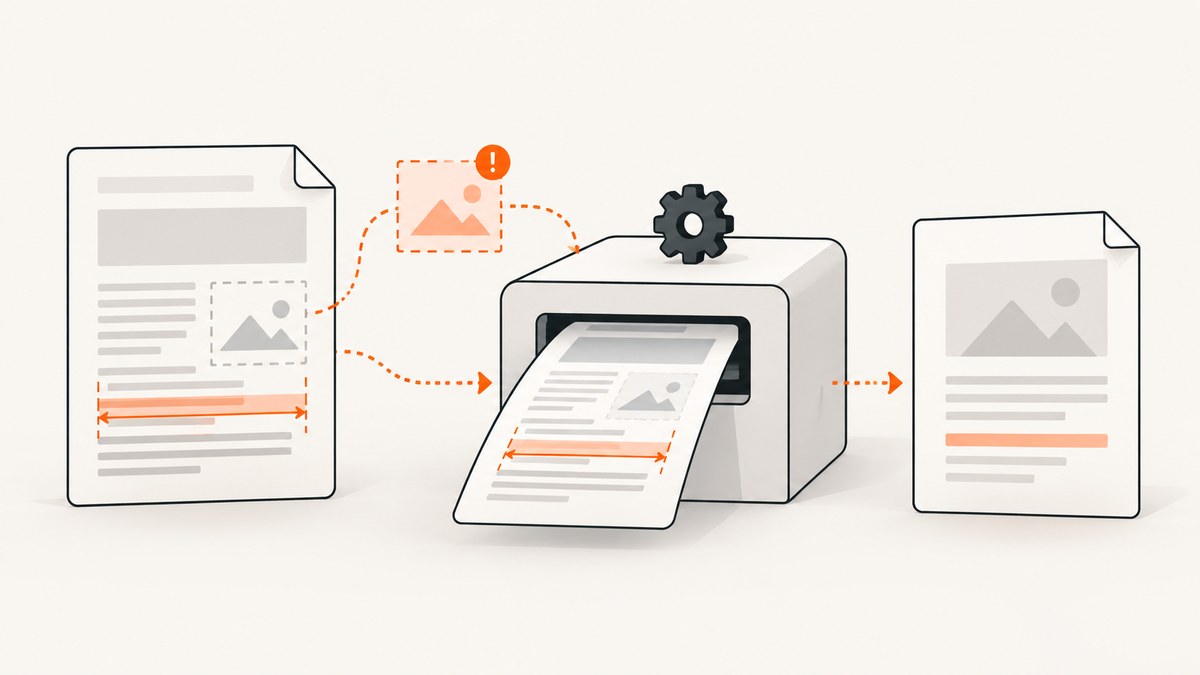
Start with the complete stack trace. In OpenHTMLtoPDF, PdfBoxTextRenderer.getWidth is part of text layout, but the method name does not identify one universal cause. First verify that the PDF process can open every image, stylesheet, font, and other external resource referenced by the HTML. In one reported case, hosted images were inaccessible to the generating process; restoring access allowed PDF creation to succeed. Treat that as a case-specific lead, not a guaranteed diagnosis.
Then compare the exact failing method, the resolved OpenHTMLtoPDF and PDFBox versions, and the text or font involved. A separate Apache PDFBox issue concerns an NPE in TrueTypeFont.getWidth and records PDFBox 2.0.0 as its fix version; that is a different stack pattern from an OpenHTMLtoPDF PdfBoxTextRenderer.getWidth failure.
1. Capture the evidence before changing code
- Save the full exception and every nested cause, not only the final line.
- Record the Java version, OpenHTMLtoPDF version, PDFBox version, operating system, and runtime environment.
- Keep the exact HTML, CSS, image URLs, font files, and request data that trigger the failure.
- Note whether the generator runs locally, in a container, on a worker, or behind a proxy. Resource access can differ between those environments.
Look at the first application or library frame above the renderer call. The surrounding frames tell you whether the failure occurs while breaking text, loading a font, resolving an image, or processing another resource.
2. Check every external resource from the PDF runtime
Remote resources are a leading practical check because HTML-to-PDF engines must fetch them from the process that creates the document. A browser may display the page while the PDF worker cannot reach the same URL because of DNS, authentication, firewall, TLS, proxy, cookie, or user-agent differences.
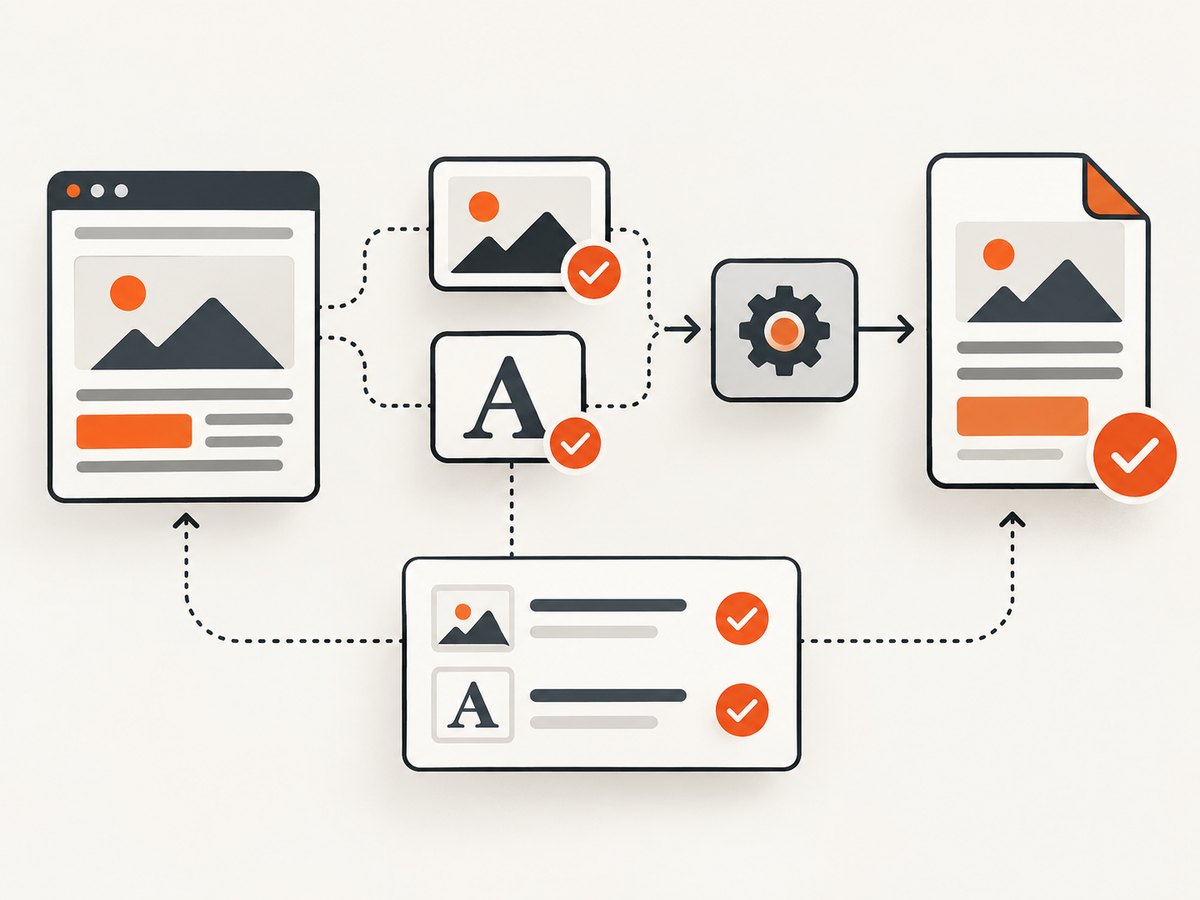
Resource checklist
- List every
src,href, CSSurl(...), and font URL in the HTML and stylesheets. - Resolve relative URLs against the document base URL.
- Request each URL from the same host, container, service account, and network as the PDF generator.
- Check redirects, HTTP status codes, TLS certificates, and authentication requirements.
- Confirm that the response is the expected image, CSS, or font rather than an HTML login page or error document.
- For local files, verify path permissions and the renderer’s permitted file access.
curl -I -L https://example.com/assets/logo.png
curl -I -L https://example.com/assets/site.css
curl -I -L https://example.com/assets/fonts/Inter-Regular.woff2
If the resource requires a token or cookie, supply it through the HTTP client or embed the resource as a data URI for a diagnostic run. Once the missing resource is reachable, rerun the original document before making unrelated changes.
3. Make resource loading explicit in OpenHTMLtoPDF
Use a base URI for relative links and provide a controlled ReplacedElementFactory or resource loader when your application needs authentication, custom headers, or local asset handling. The exact API depends on the OpenHTMLtoPDF version, so compile against the version resolved by your build rather than copying an example with mismatched packages.
String html = Files.readString(Path.of("invoice.html"));
String baseUri = Path.of(".").toAbsolutePath().normalize().toUri().toString();

try (OutputStream out = Files.newOutputStream(Path.of("invoice.pdf"))) {
    PdfRendererBuilder builder = new PdfRendererBuilder();
    builder.useFastMode();
    builder.withHtmlContent(html, baseUri);
    builder.toStream(out);
    builder.run();
}
For a diagnostic build, replace remote images and fonts with local files or data URIs. If the minimal local version succeeds, restore resources one at a time until the failing asset is identified.
4. Compare the actual dependency versions
Dependency management can select a PDFBox version different from the one declared directly. Inspect the runtime dependency tree and any shaded or transitive copies.
# Maven
mvn dependency:tree -Dincludes=org.apache.pdfbox,io.github.openhtmltopdf

# Gradle
./gradlew dependencies --configuration runtimeClasspath
Do not assume that every width-related exception is the historical PDFBox issue. Apache PDFBox issue PDFBOX-2307 documents an NPE in TrueTypeFont.getWidth and lists 2.0.0 as the fix version: PDFBOX-2307. Compare the fully qualified method and resolved version before changing dependencies.
5. Investigate fonts and character coverage
If the trace enters font encoding or glyph-width calculation, verify that the selected font supports every character in the failing text. PDFBox calculates string width by encoding text and summing glyph widths; its API documentation notes that unsupported characters can raise IllegalArgumentException. See the PDFBox discussion and implementation reference in PDFBOX-5049.
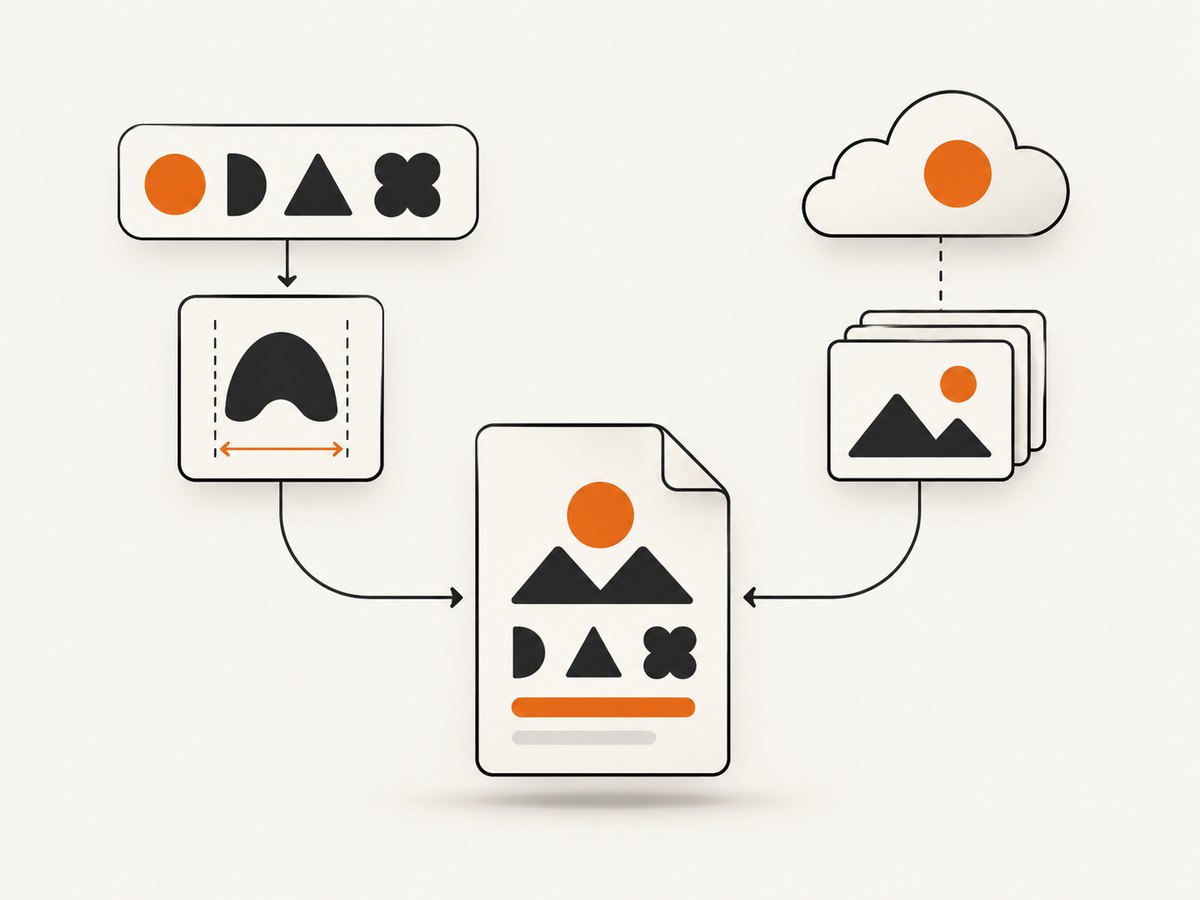
Font checks
- Test the same document with a known Unicode-capable font.
- Check the exact text for emoji, combining marks, private-use characters, and non-Latin scripts.
- Ensure the font file is readable by the PDF process and is embedded or registered as required by your renderer configuration.
- Do not treat a font change as the fix when the trace actually points to an inaccessible image or stylesheet.
6. Reduce the document to a minimal reproducer
- Start with one paragraph of plain text and generate a PDF.
- Add the failing font and then the exact failing string.
- Add CSS, images, external stylesheets, and scripts one at a time.
- Keep the smallest input that still throws the exception.
A useful reproducer includes the complete stack trace, a small HTML file, referenced assets, renderer and PDFBox versions, Java version, and the command used to run it. This separates resource failures from font or layout defects and makes a dependency regression reproducible.
7. Common errors and fixes
| Symptom | Likely cause | Fix |
|---|---|---|
PdfBoxTextRenderer.getWidth followed by a null pointer |
Renderer reached invalid or incomplete layout state; inaccessible assets are one documented case | Test every resource from the PDF runtime, then reduce the HTML and inspect nested causes |
| Browser shows images, PDF worker does not | Different network, credentials, proxy, DNS, or TLS context | Request the URLs from the worker and provide explicit authentication or local assets |
TrueTypeFont.getWidth appears in the trace |
Different PDFBox failure pattern or historical dependency defect | Check the exact PDFBox version and compare with PDFBOX-2307 |
IllegalArgumentException while measuring text |
Font cannot encode one or more characters | Use a font with required glyph coverage and verify the input text encoding |
| Only documents with remote CSS fail | Stylesheet, imported font, or CSS image cannot be fetched | Resolve and test every nested URL; use a base URI or inline assets for diagnosis |
| Failure appears after an upgrade | Changed renderer, PDFBox, font, or transitive dependency | Compare the resolved dependency tree and test the smallest reproducer on each version |
8. Reliability and performance considerations
- Prefer deterministic assets. Local or authenticated resources under your control reduce failures caused by third-party availability.
- Bound network work. Set connection and read timeouts in the code that downloads resources; avoid waiting indefinitely on a dead host.
- Cache immutable assets. Reusing downloaded CSS, images, and fonts reduces latency and removes repeated network dependency.
- Keep PDFs reproducible. Pin compatible renderer and PDFBox versions and record the runtime dependency tree in builds.
- Measure after fixing. Compare render time and memory with and without remote assets, large images, and embedded fonts.
- Retry selectively. A retry may help a transient network failure, but it will not fix unsupported characters or malformed HTML.
Or skip the browser setup
If your goal is to capture a rendered page as an image or PDF rather than maintain a browser and resource-loading pipeline, ScreenshotNeo provides a single HTTP request. Its cleanup steps accept cookie or consent banners and remove more than 60 known consent platforms, newsletter popups, and chat widgets before capture; each step can be disabled. Bot checks, blank pages, timeouts, failed loads, and cache hits are not billed, and the response reports the result through X-Page-Verdict and X-Billed headers.
See the ScreenshotNeo API documentation for all options, including PDF paper size, margins, orientation, page ranges, custom headers and cookies, waits, blocking rules, caching, signed links, asynchronous jobs, and bulk capture.
cURL
curl -G "https://api.screenshotneo.com/v1/shot" \
  -d access_key=YOUR_API_KEY \
  --data-urlencode url=https://stripe.com \
  -o shot.webp
Python
import requests

r = requests.get(
    "https://api.screenshotneo.com/v1/shot",
    params={"access_key": "YOUR_API_KEY", "url": "https://stripe.com"},
    timeout=90,
)
r.raise_for_status()
open("shot.webp", "wb").write(r.content)
Node.js
const q = new URLSearchParams({
  access_key: 'YOUR_API_KEY',
  url: 'https://stripe.com'
});
const res = await fetch(`https://api.screenshotneo.com/v1/shot?${q}`);
if (!res.ok) throw new Error(`HTTP ${res.status}`);
require('node:fs').writeFileSync('shot.webp', Buffer.from(await res.arrayBuffer()));
An MCP server also lets Claude, Cursor, and other MCP clients call take_screenshot, get_page_info, and capture_pdf. The Free plan includes 1,000 screenshots per month with no card; paid plans start at $5 for 3,000. Create a free ScreenshotNeo account.
FAQ
Does this method name prove that an image is missing?
No. An inaccessible image fixed one reported incident, but the same method can appear in other layout, font, or dependency failures.
Should I immediately upgrade PDFBox?
Only after checking the exact failing method and resolved version. The historical PDFBOX-2307 issue concerns TrueTypeFont.getWidth, not every OpenHTMLtoPDF renderer error.
Can changing fonts hide the problem?
It can confirm a glyph-coverage issue, but it will not repair inaccessible images, CSS, or fonts. Use a minimal reproducer to isolate the cause.
What should I include when asking for help?
Provide the full trace, minimal HTML and assets, Java and library versions, runtime environment, and whether each external URL is reachable from that environment.


