How to Fix pdfkit Command Failures When Running wkhtmltopdf
Fix pdfkit “Command Failed” errors by checking executable paths, verbose logs, assets, permissions, dependencies, workers, and security settings.
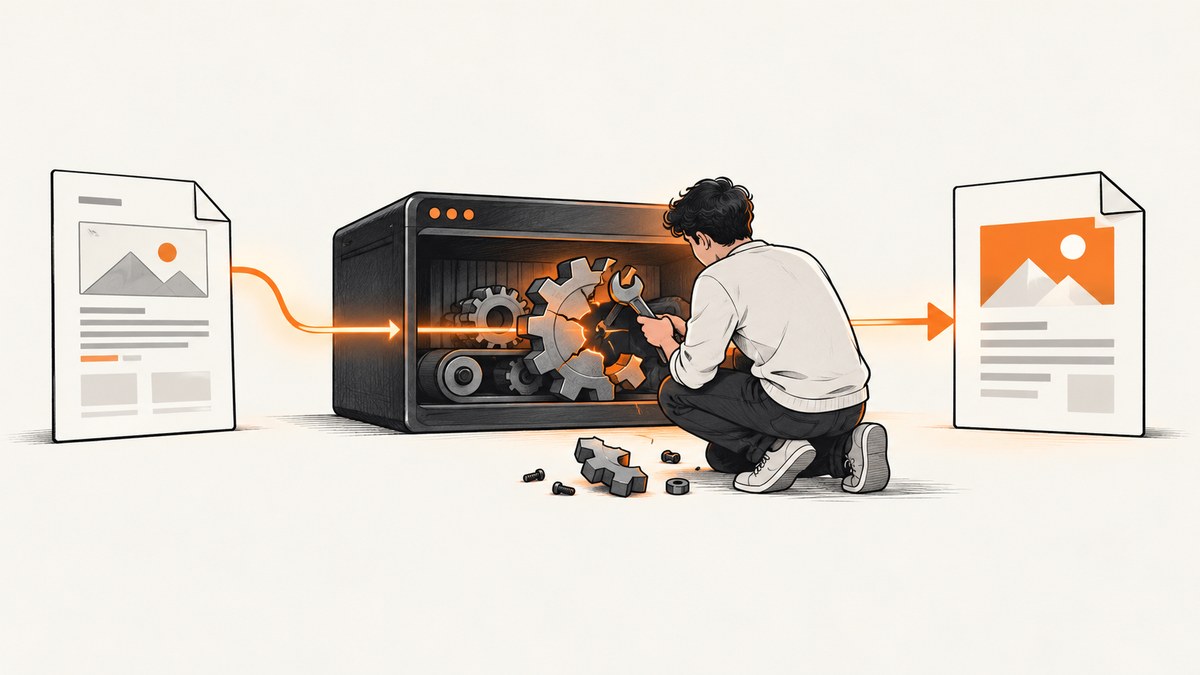
Short answer: pdfkit is only a wrapper. It constructs a command and launches the wkhtmltopdf executable. A “Command Failed” exception means that one of four layers failed: executable discovery, argument construction, process execution, or HTML rendering. Find the exact generated command, run it directly with verbose output, and fix the first concrete error it reports.
This guide covers Python pdfkit, Ruby PDFKit, direct wkhtmltopdf use, and deployments in Rails, Django, cron, Docker, and serverless environments.
1. Verify that wkhtmltopdf is installed and discoverable
Start with the executable itself, before changing application code.
# Linux and macOS
which wkhtmltopdf
wkhtmltopdf --version

# Windows PowerShell
Get-Command wkhtmltopdf
wkhtmltopdf.exe --version

# Windows cmd
where wkhtmltopdf
wkhtmltopdf.exe --version
The stable wkhtmltopdf series documented by the project is 0.12.6, released on June 11, 2020. Package availability and shared-library requirements vary by operating system and CPU architecture, so use the official wkhtmltopdf downloads matrix for your target system.
If which, where, or Get-Command returns nothing, install a compatible build or configure an absolute path. A shell may find an executable that your web server cannot because service processes often have a smaller PATH.
Pass an explicit executable path in Python
import pdfkit

config = pdfkit.configuration(
    wkhtmltopdf="/opt/bin/wkhtmltopdf"  # Windows example: r"C:\\Program Files\\wkhtmltopdf\\bin\\wkhtmltopdf.exe"
)
pdfkit.from_url("https://example.com", "out.pdf", configuration=config)
Python pdfkit searches PATH and accepts this explicit configuration. The equivalent Ruby PDFKit setting is an absolute path in the PDFKit configuration.
Pass an explicit executable path in Ruby
require "pdfkit"

PDFKit.configure do |config|
  config.wkhtmltopdf = "/opt/bin/wkhtmltopdf"
end

kit = PDFKit.new("https://example.com")
File.binwrite("out.pdf", kit.to_pdf)
2. Reveal the real error behind “Command Failed”
Wrappers commonly suppress the useful stderr output. Enable verbose mode, print the command, and execute it outside the wrapper. This distinguishes an invalid option from a missing library, permission error, crash, or failed input.
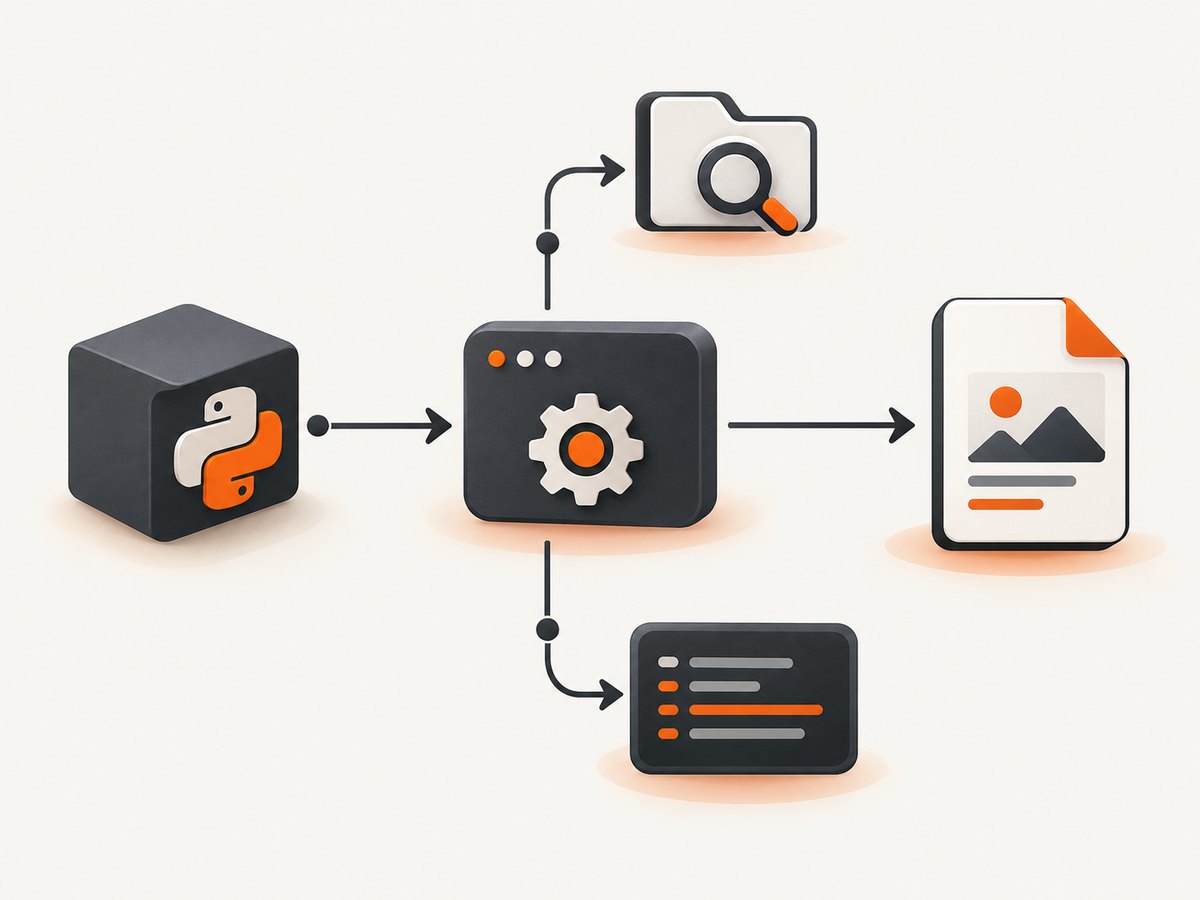
# First, ask wkhtmltopdf for its own diagnostics
wkhtmltopdf --verbose https://example.com /tmp/example.pdf

# Then run the exact command printed or generated by pdfkit
wkhtmltopdf --verbose --page-size A4 \
  https://example.com /tmp/example.pdf
In Python, inspect the command pdfkit builds and preserve stderr:
import pdfkit

config = pdfkit.configuration(wkhtmltopdf="/opt/bin/wkhtmltopdf")
options = {"quiet": False, "page-size": "A4"}

# pdfkit raises an exception containing stderr when the process exits non-zero.
try:
    pdfkit.from_url("https://example.com", "out.pdf",
                    configuration=config, options=options, verbose=True)
except Exception as exc:
    print(type(exc).__name__)
    print(exc)
For Ruby, remove quiet options and capture the command in your application logs. Run that command as the same operating-system user as the web process. A command that succeeds in your login shell can still fail under Passenger, Puma, Sidekiq, systemd, cron, or a container.
3. Check input, output, and every referenced asset
Once the executable runs, validate paths and resources:
- Use a complete URL such as
https://site.example/page, or an absolute local HTML path. - Use absolute URLs for stylesheets, images, fonts, and scripts. Relative references depend on the document base URL.
- Confirm the process user can read the HTML and every asset.
- Confirm the destination directory exists and is writable.
- Write to a temporary file first, then atomically move it into place.
from pathlib import Path
import os
import pdfkit

html = Path("/srv/app/templates/invoice.html").resolve()
out = Path("/srv/app/tmp/invoice.pdf").resolve()
out.parent.mkdir(parents=True, exist_ok=True)

if not os.access(html, os.R_OK):
    raise RuntimeError(f"HTML is not readable: {html}")
if not os.access(out.parent, os.W_OK):
    raise RuntimeError(f"Output directory is not writable: {out.parent}")

config = pdfkit.configuration(wkhtmltopdf="/opt/bin/wkhtmltopdf")
pdfkit.from_file(str(html), str(out), configuration=config,
                 options={"enable-local-file-access": ""})
Do not add broad filesystem access just to make an error disappear. Recent builds can restrict local-file access. Allow only the directory that contains required assets, for example:
wkhtmltopdf --allow /srv/app/public \
  /srv/app/templates/invoice.html /srv/app/tmp/invoice.pdf
Use the wrapper’s equivalent option when available. Keep the allow-list narrow.
4. Fix blank PDFs, missing CSS, and missing images
A successful process does not guarantee a correct document. Blank output usually means the page did not finish loading, content depends on JavaScript, or local resources were blocked.
Resource checklist
- Open the exact URL from the same host or container with
curl -Iand confirm it returns the expected status. - Check that CSS, images, fonts, and scripts return successful responses without authentication that wkhtmltopdf lacks.
- Replace protocol-relative URLs such as
//cdn.example.com/app.csswith explicit HTTPS URLs. - For local files, use
--allowfor the required directory and verify Unix permissions. - For JavaScript-rendered pages, add a small delay or wait option supported by your build, then inspect console and network errors.
- Confirm that the page does not require a browser API unavailable in the wkhtmltopdf rendering engine.
# Check the document and a referenced stylesheet
curl -I https://example.com/invoice
curl -I https://example.com/assets/invoice.css
Keep input deterministic. If a page calls back into the same application, ensure the renderer can reach the application hostname from its network namespace and that authentication cookies or headers are supplied.
5. Avoid application-server deadlocks
A common development failure occurs when a single-worker server renders a URL from itself. The only worker is waiting for wkhtmltopdf, while wkhtmltopdf waits for that worker to answer the page request. The result looks like a timeout or generic command failure.
Use more than one application worker for self-captures, or render a standalone HTML document with embedded assets. In production, place rendering in a worker process and keep request handling separate. Set a finite timeout and record the child process ID so stuck jobs can be terminated.
6. Match the runtime package, libraries, and fonts
Installing a copied binary is not enough. Containers and extracted archives still need compatible shared libraries, font packages, certificates, and permissions. A binary built for one distribution or architecture may exit immediately on another.
# Linux diagnostics
file "$(which wkhtmltopdf)"
ldd "$(which wkhtmltopdf)" | grep "not found" || true
fc-list | head
Compare the output with the official package matrix. Rebuild the image when the base distribution changes, and run the version command during image construction so a missing dependency fails early.
If stderr mentions X11 or a display, inspect the generated command and the build documentation before adding flags. Some builds and environments have different display requirements; changing --use-xserver blindly can hide the actual problem.
7. Cron, Rails, Django, Docker, and serverless differences
| Environment | Typical cause | Action |
|---|---|---|
| cron | Minimal PATH and different working directory | Use absolute executable, HTML, asset, and output paths; log stderr. |
| Rails | PDFKit finds a path in a shell but not in the app server | Set config.wkhtmltopdf explicitly and verify the service user. |
| Django | pdfkit configuration omitted or static files inaccessible | Create one configured pdfkit.configuration() object and use absolute static URLs. |
| Docker | Missing libraries, fonts, certificates, or executable permissions | Install a package for the image architecture; run version and library checks in the image. |
| Serverless | Read-only filesystem, size limits, and process timeouts | Use a compatible packaged binary, write only to the temporary directory, and enforce a timeout. |
8. Security controls for HTML and URLs
The wkhtmltopdf project warns: “Do not use wkhtmltopdf with any untrusted HTML” because unsanitized HTML or JavaScript can lead to complete server takeover. Treat HTML, URLs, cookies, headers, and local-file access as untrusted input.
- Sanitize user-supplied HTML and remove scripts unless they are required.
- Run the renderer as a dedicated unprivileged user.
- Restrict outbound network access and filesystem access.
- Use a narrow
--allowdirectory instead of broad local-file permissions. - Apply OS-level confinement such as a container profile or AppArmor policy where appropriate.
- Do not place secrets in URLs, HTML, command arguments, or logs.
9. A repeatable diagnostic procedure
- Record the OS, architecture, wrapper version, and
wkhtmltopdf --version. - Run
which,where, orGet-Commandas the service user. - Configure the absolute executable path.
- Disable quiet mode and capture stderr.
- Copy the generated command and run it directly.
- Test a tiny known-good HTML file. If it fails, the runtime is broken; if it succeeds, inspect the application page.
- Test the page with absolute asset URLs and then add authentication, JavaScript, and local files one change at a time.
- Check output-directory permissions, worker count, dependencies, fonts, and timeout limits.
- Re-enable only the options required by the final document.
cat > /tmp/smoke.html <<'HTML'
<!doctype html>
<html><body><h1>wkhtmltopdf smoke test</h1></body></html>
HTML
wkhtmltopdf --verbose /tmp/smoke.html /tmp/smoke.pdf
file /tmp/smoke.pdf
10. Performance, reliability, and cost considerations
Process startup and page loading dominate small jobs. Reuse a worker queue, avoid rendering the same URL repeatedly, and keep CSS and images close to the renderer. Set explicit page-load and job timeouts so a stalled origin does not consume a worker indefinitely. Cache stable inputs, but invalidate the cache when HTML, CSS, fonts, or data changes.
Reliability depends on the whole chain: executable compatibility, DNS and TLS, asset availability, fonts, process limits, and application concurrency. Log the URL, elapsed time, exit code, stderr, and output size while redacting credentials. Retry transient network failures with a limit; do not retry deterministic invalid-option or permission errors.
Self-hosting has an operational cost: package maintenance, security isolation, fonts, temporary storage, and worker capacity. For high-volume capture, measure queue time and memory as well as render time.
11. Or skip the browser setup
If your goal is a clean image or PDF rather than maintaining a wkhtmltopdf runtime, ScreenshotNeo provides a website screenshot API. Its GET endpoint returns PNG, JPEG, WebP, or PDF. Cookie and consent banners are accepted and removed before capture, along with more than 60 known consent platforms, newsletter popups, and chat widgets; each cleanup step can be turned off.
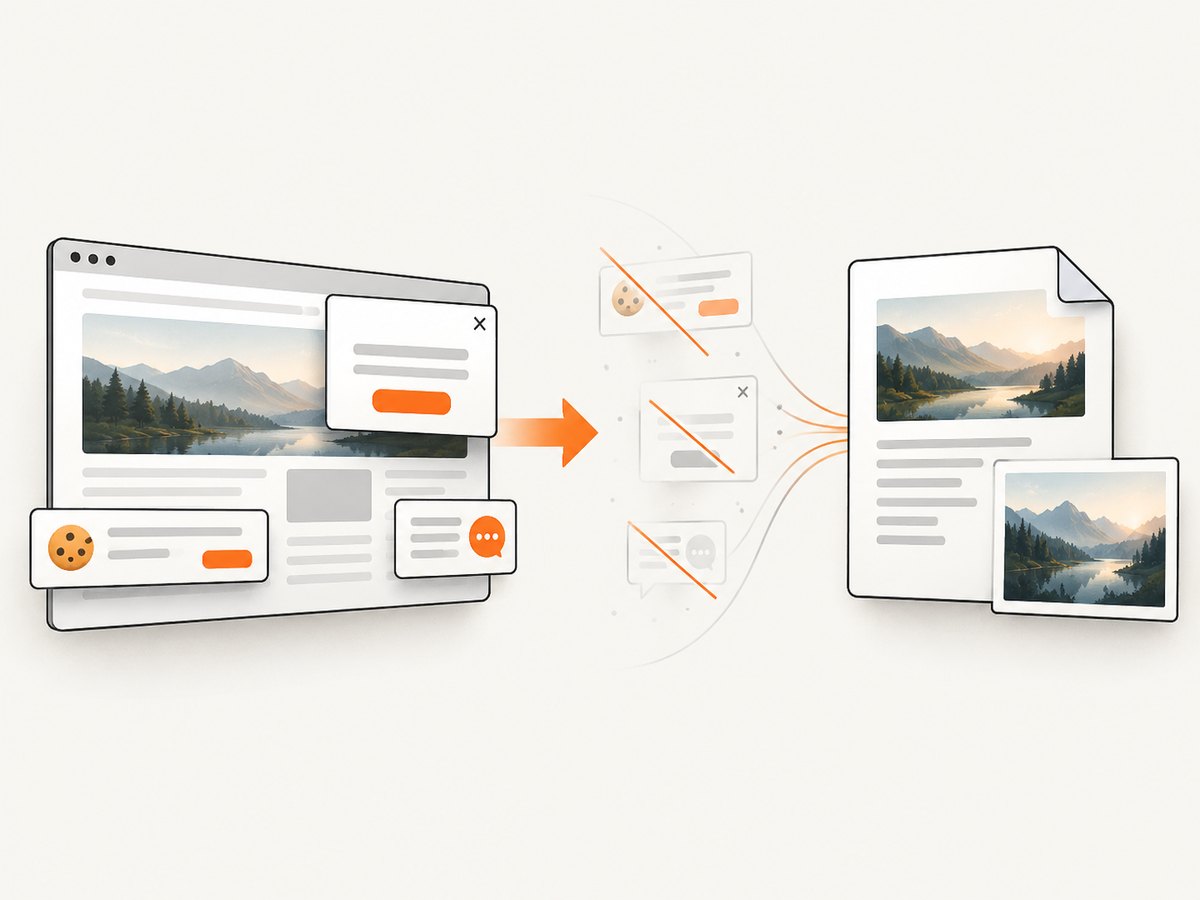
Only clean shots are billed. Bot checks, CAPTCHAs, blank pages, timeouts, failed loads, and cache hits cost nothing, and the response identifies the result with X-Page-Verdict and X-Billed headers. An MCP server provides take_screenshot, get_page_info, and capture_pdf tools for Claude, Cursor, and other MCP clients.
See the ScreenshotNeo API documentation for the full option list. A minimal call is:
curl -G "https://api.screenshotneo.com/v1/shot" -d access_key=YOUR_API_KEY --data-urlencode url=https://stripe.com -o shot.webpimport requests
r = requests.get("https://api.screenshotneo.com/v1/shot", params={"access_key": "YOUR_API_KEY", "url": "https://stripe.com"}, timeout=90)
open("shot.webp", "wb").write(r.content)const q = new URLSearchParams({ access_key: 'YOUR_API_KEY', url: 'https://stripe.com' });
const res = await fetch(`https://api.screenshotneo.com/v1/shot?${q}`);Options cover full-page capture with lazy images loaded, CSS-selector element capture, dark mode, 12 device presets or any viewport, retina scale, PDF paper size, margins, landscape mode and page ranges, HTML/CSS-to-image, custom CSS and JavaScript, clicks, hidden selectors, selector or network-idle waits, request blocking, custom headers, cookies, user agents, Authorization, timezone, geolocation, transparent backgrounds, resizing, chosen cache TTLs, signed public image links, asynchronous jobs with signed webhooks, bulk capture of up to 100 URLs per call, a usage API, and an OpenAPI specification. Parameter names used by other screenshot APIs also work, which simplifies migration.
There is a free allowance of 1,000 screenshots each month with no card. Paid plans start at $5 for 3,000 shots; yearly billing gives two months free, and every feature is available on every plan. Create a free ScreenshotNeo account to try it.
12. Troubleshooting quick reference
| Error or symptom | Likely cause | Fix |
|---|---|---|
| No wkhtmltopdf executable found | Missing install or service PATH | Install a compatible build and pass its absolute path. |
| Command Failed with no detail | Quiet wrapper output | Enable verbose output and run the generated command directly. |
| PDF is blank | Blocked resources, JavaScript timing, or wrong URL | Test the URL and assets, add a bounded wait, and inspect stderr. |
| CSS or images missing | Relative URLs, permissions, or local-file policy | Use absolute URLs and a narrow --allow directory. |
| Works in shell, fails in Rails/Django | Different PATH, user, cwd, or environment | Use absolute paths and log as the application user. |
| Timeout on self-hosted URL | Single-worker deadlock | Run multiple workers or embed the page resources. |
| Shared library or font error | Incompatible package or incomplete image | Use the official package for the OS/architecture and install dependencies. |
| Permission denied | Output or asset inaccessible to service user | Fix ownership and directory permissions; avoid running as root. |
13. FAQ
Is pdfkit the PDF renderer?
No. pdfkit and Ruby PDFKit create and launch a wkhtmltopdf command. wkhtmltopdf performs the rendering.
Should I reinstall pdfkit first?
Usually no. Check executable discovery, version, generated arguments, stderr, and direct execution before changing the wrapper.
Why does an absolute path help?
Services, cron, containers, and application workers often receive a different PATH and working directory than your interactive shell.
Can I allow all local files to fix missing assets?
A broad allowance increases exposure. Permit only the asset directory required by the document.
When should I replace wkhtmltopdf?
Consider a managed capture API when maintaining binaries, fonts, isolation, concurrency, and browser setup costs more than the rendering itself. ScreenshotNeo is one option with a free monthly tier and PDF capture.
14. Final checklist
wkhtmltopdf --versionsucceeds as the real service user.- The wrapper uses an absolute executable path.
- The generated command runs directly with useful stderr.
- HTML, CSS, images, fonts, and scripts use reachable URLs or permitted local paths.
- The output directory is writable and temporary files are handled safely.
- The process model avoids self-request deadlocks.
- The package, libraries, fonts, and architecture match the deployment image.
- Timeouts, retries, logs, sanitization, and OS confinement are configured.


