How to Fix PDFKit::NoExecutableError When Generating PDFs
PDFKit::NoExecutableError means Ruby PDFKit cannot find wkhtmltopdf. Install the binary in the app’s runtime or configure its full path.
PDFKit::NoExecutableError means the Ruby PDFKit gem cannot find the external wkhtmltopdf executable it uses to create PDFs. Installing the gem alone is not enough. Install wkhtmltopdf in the same environment where your Ruby application runs, verify that the process can find it, or tell PDFKit its full path.
This guide is about the Ruby gem pdfkit/pdfkit. It is not the Python package with a similar name or the JavaScript PDFKit library. The remediation is usually a missing system dependency or a PATH mismatch, rather than a problem with the Ruby PDF generation code.
1. Confirm which PDFKit you are using
The exception name PDFKit::NoExecutableError identifies the Ruby gem. Ruby PDFKit wraps the command-line program wkhtmltopdf; it does not implement HTML-to-PDF conversion by itself. Its README documents that it searches for the executable by running which wkhtmltopdf and allows you to configure an explicit path if discovery fails.
Other libraries use similar names but require different fixes:
| Library | What it is | Relevant fix |
|---|---|---|
Ruby pdfkit |
Wrapper that invokes wkhtmltopdf |
Install the executable or set config.wkhtmltopdf |
Python pdfkit |
Separate Python wrapper with its own configuration API | Use its Python-specific installation and configuration instructions |
| JavaScript PDFKit | A different PDF-generation library | Do not apply the wkhtmltopdf fix unless that project explicitly uses it |
If your error starts with PDFKit::, continue with the Ruby steps below. If it does not, confirm the package and language before changing your deployment.
2. Check for wkhtmltopdf in the failing runtime
Run the lookup where PDF generation actually happens: on the application server, in the container, as the service user, or inside the background worker. A successful lookup in your login shell does not prove that the Ruby process has the same PATH or filesystem access.
Unix-like systems
which wkhtmltopdf
wkhtmltopdf --version
The first command should print a path, for example /usr/local/bin/wkhtmltopdf. The second should print the program’s version. If which prints nothing or the version command cannot run, the executable is absent from that environment’s PATH, missing, or not executable.
Windows
where wkhtmltopdf
wkhtmltopdf --version
Check the output path and ensure the account running Ruby can access and execute that file.
Check from Ruby itself
This small diagnostic prints the Ruby process’s PATH and the result of the same lookup PDFKit relies on:
puts "PATH=#{ENV.fetch('PATH', '')}"
puts `which wkhtmltopdf`.strip
This exact shell lookup is intended for Unix-like environments. On Windows, inspect the process PATH and use where wkhtmltopdf from the same service or command context. The key is to diagnose the environment of the running application rather than a different interactive session.
3. Install the external executable
If the executable is not present, install a wkhtmltopdf build that matches the operating system and architecture. The project’s official downloads page lists platform information. Check that page when selecting a package because available builds and platform support can change.
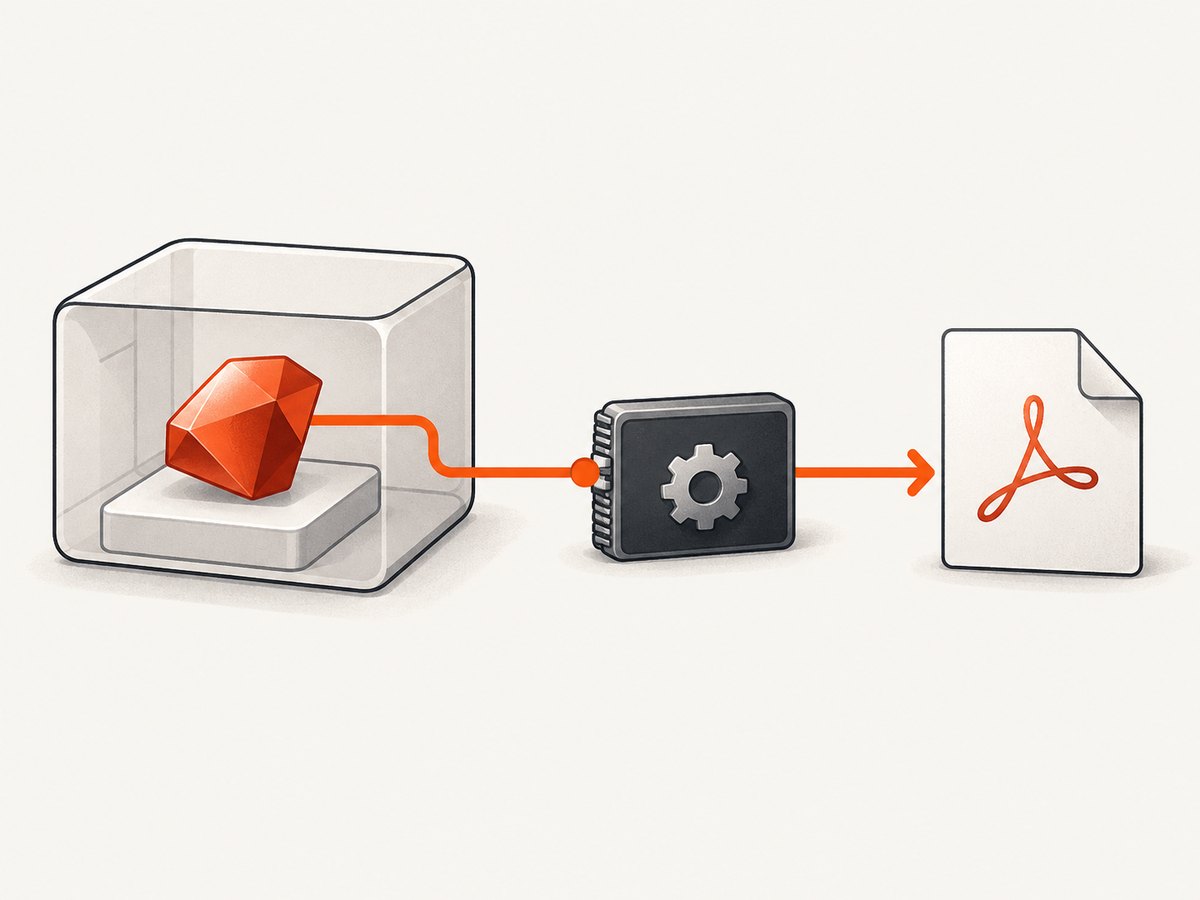
The downloads page identifies version 0.12.6, released June 11, 2020, as the stable series described there. Treat that as the page’s stated version and date, not as a claim that it is the newest release today. Follow your distribution’s or organization’s package-management process, then repeat the lookup and version checks as the same user and in the same runtime that will generate the PDFs.
Keep the two dependencies distinct:
- The Ruby gem is installed through your Ruby dependency management, such as your project’s Gemfile.
wkhtmltopdfis a separate executable that must be installed in the operating system or container environment.
Adding or reinstalling the gem does not install the executable. Likewise, installing the executable does not add the Ruby gem to your bundle.
4. Configure PDFKit with the executable’s full path
If wkhtmltopdf is installed but the application cannot discover it through PATH, configure its location explicitly. In a Rails application, create or update an initializer such as config/initializers/pdfkit.rb:
PDFKit.configure do |config|
  config.wkhtmltopdf = '/usr/local/bin/wkhtmltopdf'
end
Replace the example with the actual path returned by the lookup in your deployment environment. The value must point to the executable file, not just its containing directory. For Windows, use the actual executable path for that machine and follow Ruby’s path-string conventions.
For a non-Rails Ruby application, configure PDFKit during startup before creating a PDF:
require 'pdfkit'

PDFKit.configure do |config|
  config.wkhtmltopdf = '/usr/local/bin/wkhtmltopdf'
end

pdf = PDFKit.new('<h1>Example</h1>')
File.binwrite('example.pdf', pdf.to_pdf)
This example assumes the Ruby gem is available to the application and the configured executable exists and can run. In Rails, prefer the initializer so the setting is applied consistently when the app boots. Restart application processes after changing an initializer or deployment configuration so workers load the new value.
5. Verify the fix in the same process context
- Check that the configured file exists and is executable for the service account.
- Run
wkhtmltopdf --versionfrom the same container, host, or service environment. - Restart the Rails server, job worker, or other long-running Ruby process after changing PATH or configuration.
- Generate a small PDF through the same application code path that originally failed.
- If the exception changes, read the new error separately. Resolving executable discovery can expose unrelated input, network, or rendering errors.
A minimal Ruby smoke test is useful when run in the affected environment:
require 'pdfkit'

kit = PDFKit.new('<html><body><h1>PDF check</h1></body></html>')
File.binwrite('/tmp/pdfkit-check.pdf', kit.to_pdf)
puts 'Wrote /tmp/pdfkit-check.pdf'
If your Rails application uses a different PDFKit call, exercise that call as well; a standalone test does not verify every application-specific option or runtime permission.
6. Choose PATH discovery or explicit configuration
| Approach | Use it when | What to verify |
|---|---|---|
| Install or expose wkhtmltopdf on PATH | Your deployment manages command-line tools through PATH | The Ruby process PATH includes the executable’s directory; the service user can run it |
Set config.wkhtmltopdf |
The executable is installed at a known location or PATH differs across processes | The configured value is the correct full path in each deployed environment |
Both approaches address executable discovery. Choose based on how your application environment manages system dependencies. If development, staging, and production use different paths, set the value per environment rather than assuming one workstation path applies everywhere.
7. Common errors and fixes
| Symptom | Likely cause | Fix |
|---|---|---|
PDFKit::NoExecutableError remains after installing the gem |
The separate wkhtmltopdf executable was never installed | Install a compatible executable and verify it from the app runtime |
which wkhtmltopdf returns no path |
The binary is missing or its directory is not on the process PATH | Install it or add its directory to the service/container PATH; alternatively configure the full path |
| It works in a terminal but fails in Rails or a worker | The app process runs with a different PATH, user, container, or filesystem | Inspect PATH and permissions from that process context; configure the path it can access |
| The configured path still fails | The path is a directory, typo, stale host path, or inaccessible file | Use the exact executable path inside the running environment and verify the service account can execute it |
| The error changes after discovery is fixed | The executable is now found, but conversion encountered a different problem | Diagnose the new error on its own; do not treat every PDF failure as a missing executable |
| Only container deployments fail | The binary exists on the host but not inside the container image or runtime | Install or mount the appropriate executable within the environment where Ruby runs, then verify there |
8. Security and operational notes
The wkhtmltopdf project warns against using the program with untrusted HTML. Its downloads page says: “Do not use wkhtmltopdf with any untrusted HTML – be sure to sanitize any user-supplied HTML/JS, otherwise it can lead to complete takeover of the server on which you run it!” This is a deployment security concern, not the cause of NoExecutableError. If your application converts user-provided HTML or JavaScript, follow the project’s warning and apply an appropriate sanitization and isolation strategy.
For reliability, make the executable an explicit deployment dependency: provision it in every environment that runs PDF generation, verify its path during deployment, and include background workers as well as web processes in that check. Keep the binary path configurable so the same Ruby code can run across environments with different installation locations.
For cost and performance, this particular exception is resolved through dependency installation and configuration; the research sources do not provide a general benchmark or cost figure to apply to a deployment. Measure PDF generation with your own documents and runtime if those characteristics affect capacity planning. Ensure your operational checks distinguish a missing binary from slow or failed document conversion.
9. Or skip the browser setup
If your actual task is capturing a rendered website as a PDF or image, ScreenshotNeo is a website screenshot API and MCP server from Yorker Media. A single request can return a screenshot or PDF, so you do not need to install and maintain a local browser executable for that capture workflow. See the ScreenshotNeo API documentation for the request options.

cURL:
curl -G "https://api.screenshotneo.com/v1/shot" \
  -d access_key=YOUR_API_KEY \
  --data-urlencode url=https://stripe.com \
  -o shot.pdf
Python:
import requests

r = requests.get(
    "https://api.screenshotneo.com/v1/shot",
    params={"access_key": "YOUR_API_KEY", "url": "https://stripe.com"},
    timeout=90,
)
open("shot.pdf", "wb").write(r.content)
Node.js:
const q = new URLSearchParams({
  access_key: 'YOUR_API_KEY',
  url: 'https://stripe.com',
});
const res = await fetch(`https://api.screenshotneo.com/v1/shot?${q}`);
if (!res.ok) throw new Error(`ScreenshotNeo returned ${res.status}`);
await require('node:fs/promises').writeFile('shot.pdf', Buffer.from(await res.arrayBuffer()));
These examples use the documented endpoint and request shape, with a PDF output filename. ScreenshotNeo removes cookie banners, popups, and chat widgets before the shot; bot checks, blank pages, and failed loads are never billed. Its MCP server lets AI agents take screenshots. The free plan includes 1,000 screenshots per month with no card, and paid plans start at $5 for 3,000.
Sign up for ScreenshotNeo’s free 1,000 screenshots a month, with no card required.
10. FAQ
Does reinstalling the Ruby gem install wkhtmltopdf?
No. The gem and the command-line executable are separate dependencies.
Why does this happen only in production?
The production process may use a different PATH, account, container, or filesystem than your development shell. Check discovery from the production runtime itself.
Is this the same as the Python “No wkhtmltopdf executable found” error?
It points to the same kind of missing external program, but Python PDFKit is a separate wrapper with a different configuration API. Follow Ruby PDFKit instructions for this Ruby exception.
Will configuring the path fix every PDF generation failure?
No. It addresses locating wkhtmltopdf. A later conversion error has a separate cause and needs its own diagnosis.


