How to Fix pdfkit ProtocolUnknownError: Network Error, Exit Code 1
Diagnose pdfkit’s ProtocolUnknownError with verbose logs, local-file access, resource checks, and reliable fixes for wkhtmltopdf.
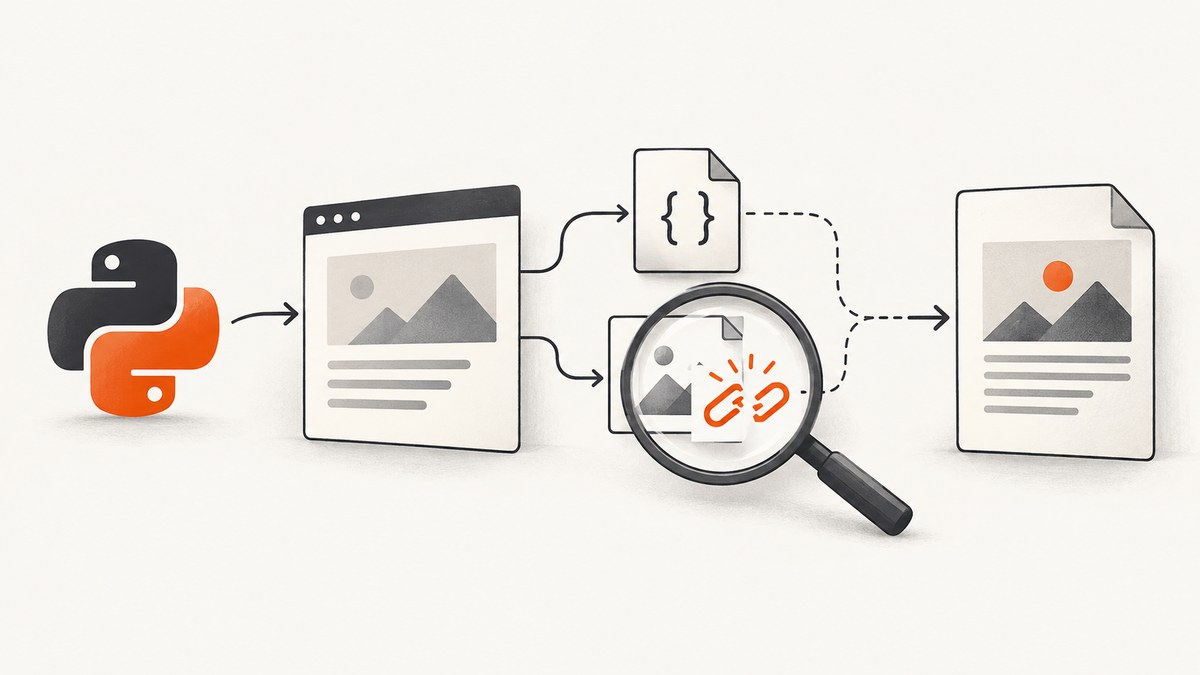
Short answer: ProtocolUnknownError means wkhtmltopdf could not load a resource while pdfkit was converting your document. The resource may be a local CSS, image, font, or HTML file, or a remote URL that is inaccessible, redirected, protected, or unsupported. Turn on verbose output, identify the failed resource, then fix that resource or enable local-file access when your HTML intentionally references local files.
pdfkit is only the Python wrapper; wkhtmltopdf performs the conversion and emits the network error. The message does not identify the failing URL by itself, so debugging starts with the converter’s actual stderr output and generated command.
1. Reproduce the error with diagnostics enabled
Start with a minimal conversion and verbose=True. This preserves wkhtmltopdf’s warnings instead of hiding the resource that failed.
import pdfkit

pdfkit.from_file(
    "input.html",
    "output.pdf",
    verbose=True,
)
For a string or URL, use the corresponding pdfkit function:
import pdfkit

pdfkit.from_string(html, "output.pdf", verbose=True)
pdfkit.from_url("https://example.com", "output.pdf", verbose=True)
Read the complete terminal output. Look for:
- A local path that cannot be opened.
- A remote URL that returns an error, redirects, or requires authentication.
- A resource URL with an unsupported or malformed scheme.
- Warnings immediately before
Exit with code 1 due to network error: ProtocolUnknownError.
2. Inspect the exact wkhtmltopdf command
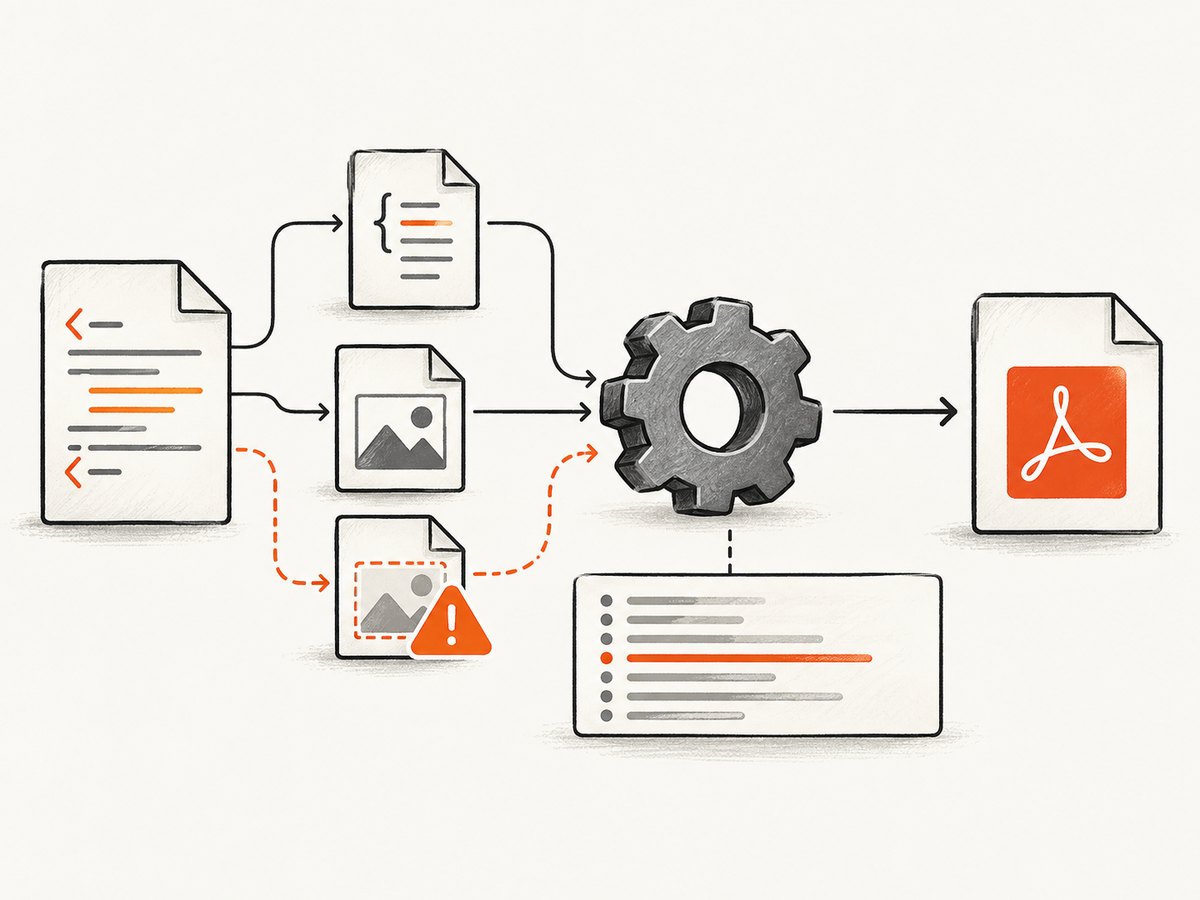
pdfkit can expose the command it is about to execute. Running that command directly separates wrapper problems from converter problems and gives you the converter’s native diagnostics.
import pdfkit

kit = pdfkit.PDFKit("input.html", "file", verbose=True)
print(" ".join(kit.command()))
kit.to_pdf("output.pdf")
Copy the printed command into a shell and run it outside Python. Confirm which executable is being used:
wkhtmltopdf --version
which wkhtmltopdf
If pdfkit is finding a different binary, configure it explicitly:
import pdfkit

config = pdfkit.configuration(
    wkhtmltopdf="/absolute/path/to/wkhtmltopdf"
)
pdfkit.from_file(
    "input.html",
    "output.pdf",
    configuration=config,
    verbose=True,
)
The pdfkit README documents verbose debugging, command inspection, executable configuration, and the fact that some distribution packages provide reduced functionality. The project also marks the library as deprecated to match wkhtmltopdf’s project status, so check the maintenance and feature requirements before choosing this stack for a new deployment: python-pdfkit README.
3. Fix local HTML, CSS, images, and fonts
A common cause is a local document that references local assets while the converter’s local-file access is disabled. A reported python-pdfkit issue fixed this case by adding --enable-local-file-access. It is a plausible fix for local resources, not a universal solution for every ProtocolUnknownError.
Enable local-file access in pdfkit
import pdfkit

options = {
    "enable-local-file-access": None,
}

pdfkit.from_file(
    "input.html",
    "output.pdf",
    options=options,
    verbose=True,
)
pdfkit option names omit the leading --. Options without a value can use None, False, or an empty string. The resulting command contains --enable-local-file-access.
Make asset paths resolvable
Check every href, src, font URL, and CSS url() reference. Relative paths are resolved from the converter’s working context, which may differ from the directory you expect.
<!-- Prefer a path that is correct from input.html’s location -->
<link rel="stylesheet" href="styles/print.css">
<img src="images/logo.png" alt="Logo">
For a quick isolation test, remove external assets and convert a document containing only inline HTML and CSS. If that succeeds, add stylesheets, images, and fonts back one at a time until the failing resource is known.
Check the converter’s access boundary
- Verify the file exists and is readable by the user running wkhtmltopdf.
- Use normalized paths and avoid references that depend on a different current working directory.
- Confirm the installed build supports
--enable-local-file-access. - Do not assume two wkhtmltopdf installations behave identically.
4. Diagnose remote resources
If the failing resource is remote, local-file access will not solve it. Test the exact URL independently and inspect redirects, authentication, and response behavior.
curl -I -L "https://example.com/assets/print.css"
curl -L -o /tmp/asset "https://example.com/assets/print.css"
Check these cases:
| Symptom | Likely cause | Action |
|---|---|---|
| Redirect chain ends at an unexpected host | Redirect or canonical URL change | Use the final reachable URL and verify that the converter can follow it. |
| Browser loads it, converter does not | Authentication, cookies, headers, or browser-only behavior | Make the resource public for conversion or provide the required request context if your wkhtmltopdf build supports it. |
| Only one image or font fails | Bad URL, unsupported scheme, or server response | Open that resource directly and replace or inline it. |
| All remote assets fail | Network, DNS, proxy, TLS, or restricted runtime | Test from the same machine and user account that runs wkhtmltopdf. |
The literal protocol error does not reveal which of these occurred. Verbose output and the generated command are the reliable starting points.
5. Avoid masking conversion failures
wkhtmltopdf includes load-error handling options, including --load-error-handling and --load-media-error-handling. These can allow a PDF to be produced despite failed resources, but the result may have missing images, styles, or fonts. Use them only when incomplete output is acceptable and you have confirmed the missing content is harmless. See the wkhtmltopdf usage documentation.
6. A complete local-file example
Given this directory:
project/
  input.html
  styles/print.css
images/logo.pnginput.html:
<!doctype html>
<html>
<head>
  <meta charset="utf-8">
  <link rel="stylesheet" href="styles/print.css">
</head>
<body>
  <h1>Invoice</h1>
  <img src="images/logo.png" alt="Company logo">
</body>
</html>
Conversion script:
from pathlib import Path
import pdfkit

root = Path(__file__).resolve().parent
options = {
    "enable-local-file-access": None,
    "encoding": "UTF-8",
}

pdfkit.from_file(
    str(root / "input.html"),
    str(root / "output.pdf"),
    options=options,
    verbose=True,
)
Run it from the project directory and keep the verbose output if the conversion still fails. The absolute paths make the test independent of the shell’s current directory.
7. Version, deployment, and reliability checks
- Record
wkhtmltopdf --version, the pdfkit version, operating system, and executable path when diagnosing a deployment. - Use the same binary and runtime locally and in production; package differences can change supported options and behavior.
- Preflight required assets before conversion so a missing logo or stylesheet fails early with a useful message.
- Keep network-dependent assets close to the converter or inline critical CSS and small images when practical.
- Retry only transient network failures. Repeating a deterministic bad URL or blocked local path will not repair it.
- Verify the generated PDF contains required images, fonts, and styles before publishing it.
8. Performance and cost considerations
Verbose logging is for diagnosis and can add noisy output; disable it after the failing resource is fixed. Remote assets add DNS, connection, redirect, and download time. Local assets usually reduce that variability, provided paths and permissions are correct. If your workload depends on a deprecated wrapper and converter, include maintenance work and deployment troubleshooting in the total cost of ownership.

Or skip the browser setup
If you need a clean screenshot or PDF of a URL without maintaining wkhtmltopdf, ScreenshotNeo provides a website screenshot API. Its documented options cover full-page capture, PDF paper size, margins, landscape mode, page ranges, custom headers and cookies, waiting rules, blocked resources, and more. See the ScreenshotNeo API docs.
curl -G "https://api.screenshotneo.com/v1/shot" -d access_key=YOUR_API_KEY --data-urlencode url=https://stripe.com -o shot.webpimport requests
r = requests.get(
"https://api.screenshotneo.com/v1/shot",
params={"access_key": "YOUR_API_KEY", "url": "https://stripe.com"},
timeout=90,
)
open("shot.webp", "wb").write(r.content)const q = new URLSearchParams({ access_key: 'YOUR_API_KEY', url: 'https://stripe.com' });
const res = await fetch(`https://api.screenshotneo.com/v1/shot?${q}`);Cookie banners, newsletter popups, and chat widgets are removed before the shot. Bot checks, blank pages, failed loads, and cache hits are not billed, and the response identifies the page verdict and billing status in headers. An MCP server lets AI agents use take_screenshot, get_page_info, and capture_pdf. The Free plan includes 1,000 screenshots a month with no card; paid plans start at $5 for 3,000 shots, and every feature is available on every plan.
Create a free ScreenshotNeo account and start with the 1,000 monthly shots.
FAQ
Does ProtocolUnknownError always mean local-file access is disabled?
No. Local-file blocking is one documented cause. A remote URL, redirect, authentication requirement, malformed resource URL, or unsupported scheme can produce the same top-level error.
Should I switch to from_url to fix it?
Only when the source is actually hosted and reachable. Changing pdfkit functions does not repair a missing local asset or an inaccessible remote resource.
Can I ignore the failed resource?
You can configure wkhtmltopdf’s load-error handling, but the PDF may be incomplete. Confirm the missing resource is optional before accepting that tradeoff.
Is pdfkit still maintained?
The python-pdfkit README says the library has been deprecated to match the wkhtmltopdf project status. Evaluate maintenance and feature requirements before adopting it for new work.
What should I collect when opening a bug?
Include the verbose output, generated command, wkhtmltopdf version, pdfkit version, operating system, executable path, and a minimal HTML file that reproduces the failing resource.


