How to Fix PdfKit Runtime Errors in Ruby on Rails
Fix missing wkhtmltopdf binaries, broken assets, hangs, headers and inconsistent PDFs in Rails with a practical PDFKit troubleshooting guide.
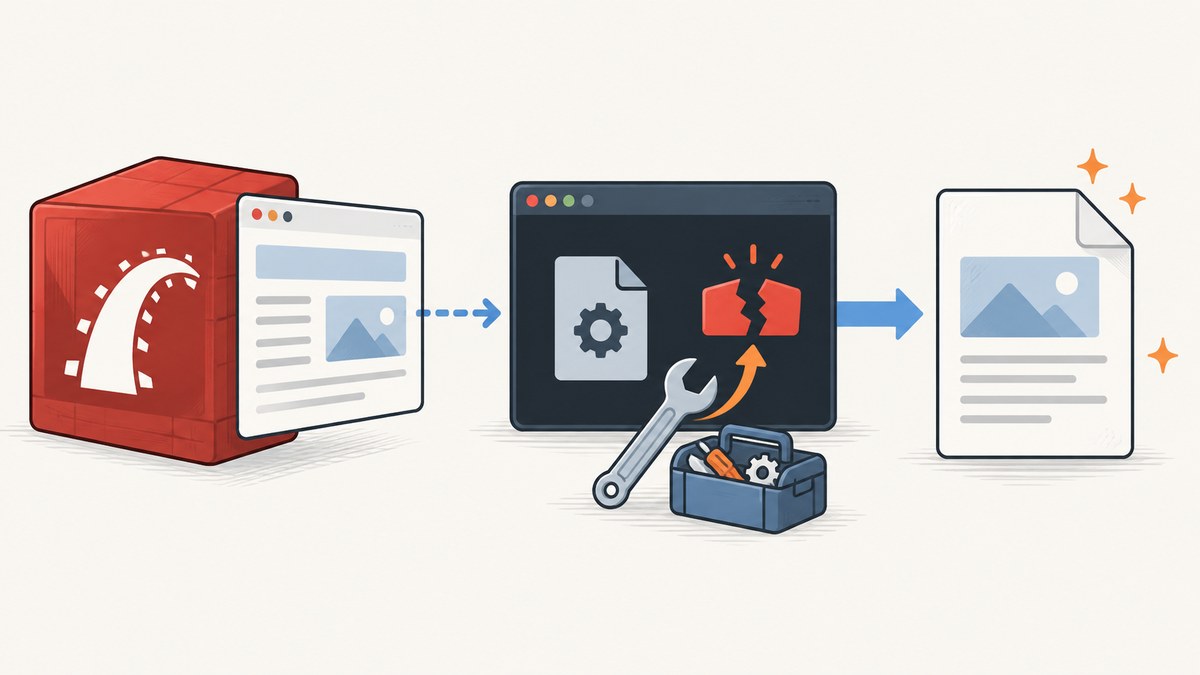
PDFKit runtime errors in Ruby on Rails almost always come from one of five boundaries: the Rails process cannot find or execute wkhtmltopdf; the renderer cannot reach CSS, images or JavaScript; development concurrency creates a callback deadlock; the response uses the wrong content type; or the host has different fonts and rendering libraries. Fix the boundary that is failing, then make the configuration explicit.
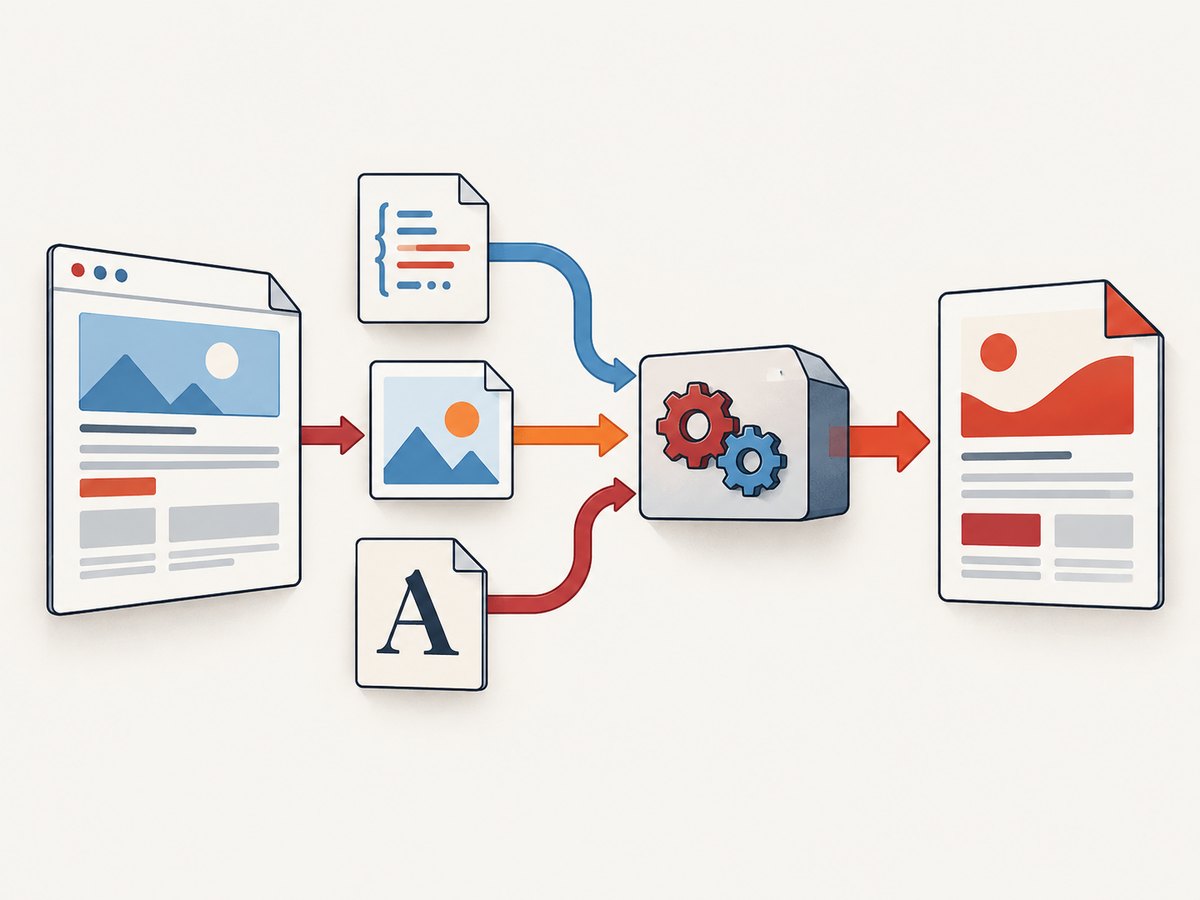
PDFKit is a Ruby wrapper that invokes the wkhtmltopdf command-line utility. The utility renders HTML with WebKit, while Rails supplies the HTML and usually serves the assets. The PDFKit README documents Rails middleware integration and an explicit renderer path, for example:
# config/initializers/pdfkit.rb
PDFKit.configure do |config|
  config.wkhtmltopdf = "/usr/local/bin/wkhtmltopdf"
end
1. Confirm the executable before changing Rails code
Start in the same environment that launches Rails. A shell opened as your user can have a different PATH from systemd, Docker, Passenger, a deployment release, or a background-job worker.
which wkhtmltopdf
wkhtmltopdf --version
ls -l "$(which wkhtmltopdf)"

# Run as the account that runs Rails (replace deploy with your account)
sudo -u deploy which wkhtmltopdf
sudo -u deploy wkhtmltopdf --version
If which returns nothing, install a binary compatible with the operating system and CPU architecture, then repeat the test as the Rails service user. If the command exists but cannot execute, inspect its permissions and the operating system error:
file /usr/local/bin/wkhtmltopdf
/usr/local/bin/wkhtmltopdf --version
# On Linux, also inspect linked libraries when execution fails:
ldd /usr/local/bin/wkhtmltopdf
A wrapper-level error such as No wkhtmltopdf executable found can therefore mean a missing file, an inherited PATH problem, a non-executable file, or the wrong architecture. The PDFKit project documents setting an absolute path in its initializer; that removes the PATH ambiguity.
2. Make PDFKit configuration explicit
Put the path in config/initializers/pdfkit.rb and restart every Rails process. Do not assume changing a shell profile changes a running service.
# config/initializers/pdfkit.rb
PDFKit.configure do |config|
  config.wkhtmltopdf = ENV.fetch("WKHTMLTOPDF_PATH", "/usr/local/bin/wkhtmltopdf")
end
Use an environment variable when development and production install the binary in different locations. Check the value from the actual Rails process:
bin/rails runner 'puts ENV.fetch("WKHTMLTOPDF_PATH", "(not set)")'After deployment, verify the release’s initializer is loaded and that the service user can execute the exact path. A path copied from a laptop will not work if the production image uses another directory.
Rails middleware and direct rendering
PDFKit can be used as Rails middleware or by rendering a view and converting it explicitly. Middleware is convenient when a request format should become a PDF; direct conversion makes the boundary easier to observe while debugging.
# Gemfile
gem "pdfkit"

# Example controller action
class InvoicesController < ApplicationController
  def show
    @invoice = Invoice.find(params[:id])

    respond_to do |format|
      format.html
      format.pdf do
        html = render_to_string(
          template: "invoices/show",
          formats: [:html],
          layout: "pdf"
        )
        pdf = PDFKit.new(html).to_pdf
        send_data pdf,
          filename: "invoice-#{@invoice.id}.pdf",
          type: "application/pdf",
          disposition: "inline"
      end
    end
  end
end
Keep type: "application/pdf" on the response. Without that header, a browser may display unreadable bytes, download a file with the wrong type, or attempt to render the PDF as HTML.
3. Repair missing CSS, images and JavaScript
wkhtmltopdf runs outside the browser tab where you preview the page. Relative asset URLs such as /assets/application.css or images/logo.png only work when the renderer has a reachable base URL and the Rails app is accessible from the renderer’s network.
Use complete URLs or file paths
<link rel="stylesheet" href="https://app.example.test/assets/pdf.css">
<img src="https://app.example.test/assets/logo.png" alt="Company logo">
For local files, use an absolute path that exists inside the process environment. In Rails, set the asset host or PDFKit root URL to the hostname that the renderer can actually resolve. A browser on your workstation reaching localhost does not prove that a container or remote worker can reach its own localhost.
# Example initializer values; choose the URL valid in your deployment
PDFKit.configure do |config|
  config.wkhtmltopdf = "/usr/local/bin/wkhtmltopdf"
  config.root_url = "https://app.example.test"
end
Test each asset from the same network namespace as the renderer:
curl -I https://app.example.test/assets/pdf.css
curl -I https://app.example.test/assets/logo.png
Check authentication too. A PDF request may be logged in while a separate wkhtmltopdf process is not. If assets require a session cookie, provide a deliberate asset URL or configure the renderer request with the needed authentication mechanism. Avoid embedding user-controlled HTML or JavaScript: the wkhtmltopdf project warns that untrusted HTML can lead to complete server takeover. Sanitize user-supplied content before conversion.
JavaScript and delayed content
Client-side rendering can finish after wkhtmltopdf starts its capture. Prefer server-rendered markup for invoices and reports. If JavaScript is required, use a deterministic page and a bounded wait option supported by your installed wkhtmltopdf build. A wait that is too short produces an incomplete document; an unbounded or very long wait looks like a Rails hang.
4. Fix development hangs and callback deadlocks
The common development deadlock is circular: Rails is handling the original request, PDFKit launches wkhtmltopdf, and wkhtmltopdf calls Rails again for CSS or images. A single-thread development server cannot serve the callback until the original request completes.
Break the cycle in one of two ways:
- Run multiple workers or threads in development so the asset request can be served concurrently. PDFKit’s troubleshooting notes give Unicorn as an example of using multiple workers.
- Embed CSS and images in the HTML, or serve them from a host that is independent of the request being converted.
When diagnosing a hang, request a tiny HTML document with no external assets. If that completes, add the stylesheet, images and scripts one at a time. Record the URL that causes the stall and test it with curl from the renderer’s environment.
5. Make fonts and rendering reproducible
Two machines can produce different line breaks, pagination and missing glyphs even with identical HTML. wkhtmltopdf depends on installed fonts plus fontconfig and freetype2. Install the fonts your document requires in the runtime image and keep development and production images aligned.
# Useful diagnostics on Linux
fc-list | head
fc-match Arial
fc-match "Noto Sans"
Pin the operating-system image and font packages used for PDF jobs. If a document changes after a base-image update, compare the installed fonts and fontconfig configuration before changing CSS.
6. Capture stderr instead of guessing
PDFKit often reports a generic conversion failure while the useful explanation is on the command’s standard error stream. Reproduce the smallest failing case by invoking wkhtmltopdf directly:
cat > /tmp/pdfkit-check.html <<'HTML'
<!doctype html>
<html><body><h1>Renderer check</h1></body></html>
HTML

/usr/local/bin/wkhtmltopdf /tmp/pdfkit-check.html /tmp/pdfkit-check.pdf
file /tmp/pdfkit-check.pdf
Then run the same command with the failing page and preserve stderr in your job logs. Look for DNS failures, TLS errors, denied file access, missing libraries, JavaScript exceptions and network timeouts. Do not log cookies, authorization headers or private document contents.
7. Error-to-fix checklist
| Symptom | Likely cause | Fix |
|---|---|---|
No wkhtmltopdf executable found |
Missing binary, different service PATH, permissions or architecture |
Verify as the Rails user, install a compatible binary, set an absolute config.wkhtmltopdf path and check execute permissions. |
| PDF has no CSS, images or JavaScript | Relative URLs or unreachable asset host | Use complete URLs or absolute paths, set root_url or the asset host, and test from the deployment network. |
| Request never finishes in development | Single-thread callback deadlock | Use multiple workers or embed resources so wkhtmltopdf does not call the blocked request. |
| Browser shows mangled output | Incorrect response content type | Send Content-Type: application/pdf with send_data or the equivalent response. |
| Layout differs between hosts | Different fonts, fontconfig or freetype2 libraries | Standardize the runtime image and install required fonts. |
| Direct command works but Rails fails | Different environment, working directory, user or timeout | Compare environment variables, user permissions, paths and stderr from the Rails process. |
8. Reliability, performance and cost decisions
PDF generation is a process boundary, so treat it like a job that can fail. Put expensive reports on a background queue, set an application timeout, and return a job status instead of holding a web request open. Cache immutable PDFs using a key containing the record version and template version. Reuse a stable runtime image so fonts and the binary do not drift.
Reduce render time by shrinking oversized images, avoiding unnecessary JavaScript, limiting external requests and loading only the data the document needs. A full-page report with many remote images is slower and more failure-prone than a self-contained document. Measure queue time, conversion time, output size and failure reason separately.
Local PDFKit has no hosted per-shot charge, but your cost includes binary maintenance, image build work, worker CPU, memory, storage and engineering time. Security isolation matters when HTML contains user input; the wkhtmltopdf project specifically advises against untrusted HTML. Run conversion in a restricted worker or choose a managed renderer when you cannot safely own that boundary.
9. Or skip the browser setup
If the goal is a clean image or PDF rather than maintaining wkhtmltopdf, ScreenshotNeo provides a hosted website screenshot API and MCP server. It accepts one GET request and returns PNG, JPEG, WebP or PDF. The request below is documented at ScreenshotNeo’s API documentation:
curl -G "https://api.screenshotneo.com/v1/shot" -d access_key=YOUR_API_KEY --data-urlencode url=https://stripe.com -o shot.webpimport requests
r = requests.get(
"https://api.screenshotneo.com/v1/shot",
params={"access_key": "YOUR_API_KEY", "url": "https://stripe.com"},
timeout=90,
)
r.raise_for_status()
open("shot.webp", "wb").write(r.content)const q = new URLSearchParams({ access_key: 'YOUR_API_KEY', url: 'https://stripe.com' });
const res = await fetch(`https://api.screenshotneo.com/v1/shot?${q}`);
if (!res.ok) throw new Error(`Screenshot failed: ${res.status}`);
const fs = await import('node:fs/promises');
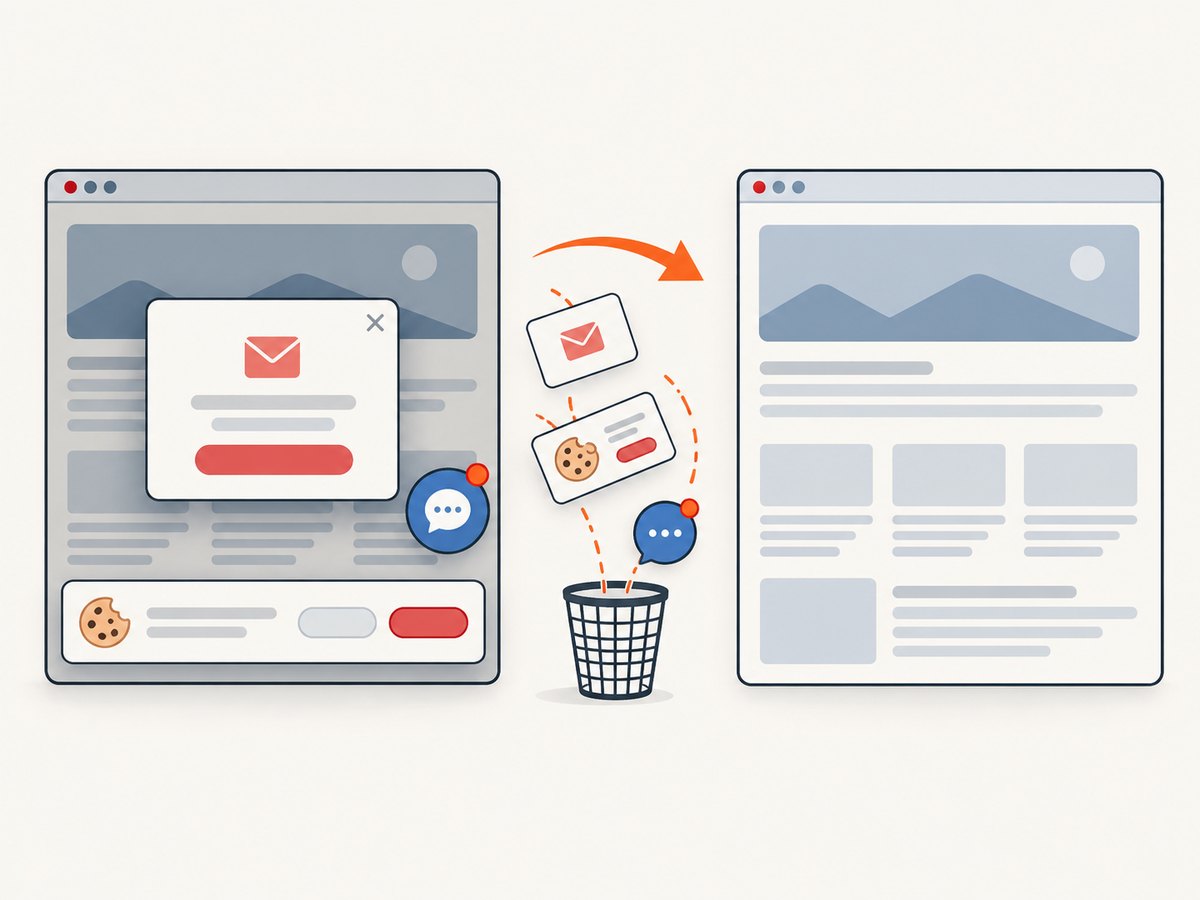
await fs.writeFile('shot.webp', Buffer.from(await res.arrayBuffer()));Cookie banners, newsletter popups and chat widgets are removed before the shot. Bot checks, blank pages, failed loads and cache hits are not billed, and the response identifies the result with X-Page-Verdict and X-Billed headers. An MCP server lets Claude, Cursor and other MCP clients call take_screenshot, get_page_info and capture_pdf.
ScreenshotNeo also supports full-page capture with lazy images loaded, CSS-selector element capture, dark mode, device presets and custom viewports, retina scale, PDF paper size, margins, landscape mode and page ranges, custom CSS and JavaScript, clicks, selector waits, delays, network-idle waits, request blocking, custom headers, cookies, user agents, authorization, timezone, geolocation, transparent backgrounds, image resizing, configurable caching TTL, signed links, asynchronous jobs with signed webhooks, bulk capture of up to 100 URLs per call, a usage API and an OpenAPI specification. Existing parameter names used by other screenshot APIs also work, which helps with migrations.
There are 1,000 free screenshots each month with no card. Paid plans start at $5 for 3,000 screenshots; every feature is available on every plan. Create a free ScreenshotNeo account and try the API without a card.
10. FAQ
Does PDFKit install wkhtmltopdf?
No. PDFKit invokes the external executable. Install a compatible binary separately and configure its absolute path.
Why does which wkhtmltopdf work locally but not in production?
The service may have a different PATH, user, container image or architecture. Run the check as the Rails service account and set an absolute path.
Should I use localhost for PDF assets?
Only if the renderer runs in the same network environment and that address serves the Rails app. Containers and remote workers usually need a reachable hostname or embedded assets.
Can I render user-submitted HTML with wkhtmltopdf?
Do not pass untrusted HTML or JavaScript directly to wkhtmltopdf. Sanitize it and isolate the conversion process.
When is a hosted renderer a better fit?
Use one when maintaining binaries, fonts, network access, concurrency and security isolation costs more than the document workflow warrants. ScreenshotNeo is an option when you want a managed screenshot or PDF request and an MCP workflow for AI agents.


