How to Fix Table of Contents Overflow in Python pdfkit
Fix missing top margins and overflowing entries in multi-page pdfkit tables of contents by inspecting wkhtmltopdf’s outline and customizing its TOC XSL.
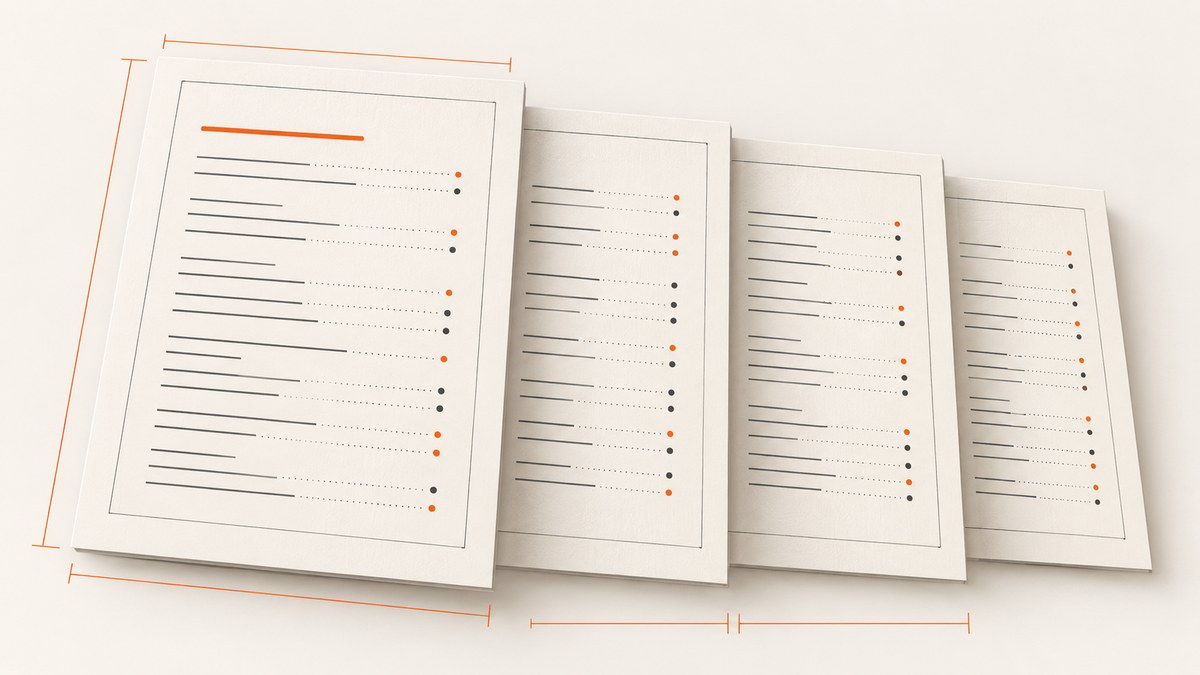
A multi-page table of contents (TOC) generated by Python pdfkit can lose its top spacing on later pages, causing entries to start too close to the page edge or collide with repeated page furniture. The durable fix is to inspect the outline and wkhtmltopdf’s default TOC XSL, then pass a customized XSL stylesheet as a separate toc option. Increasing the document’s global top margin alone usually changes the page box without correcting the TOC’s own page layout.
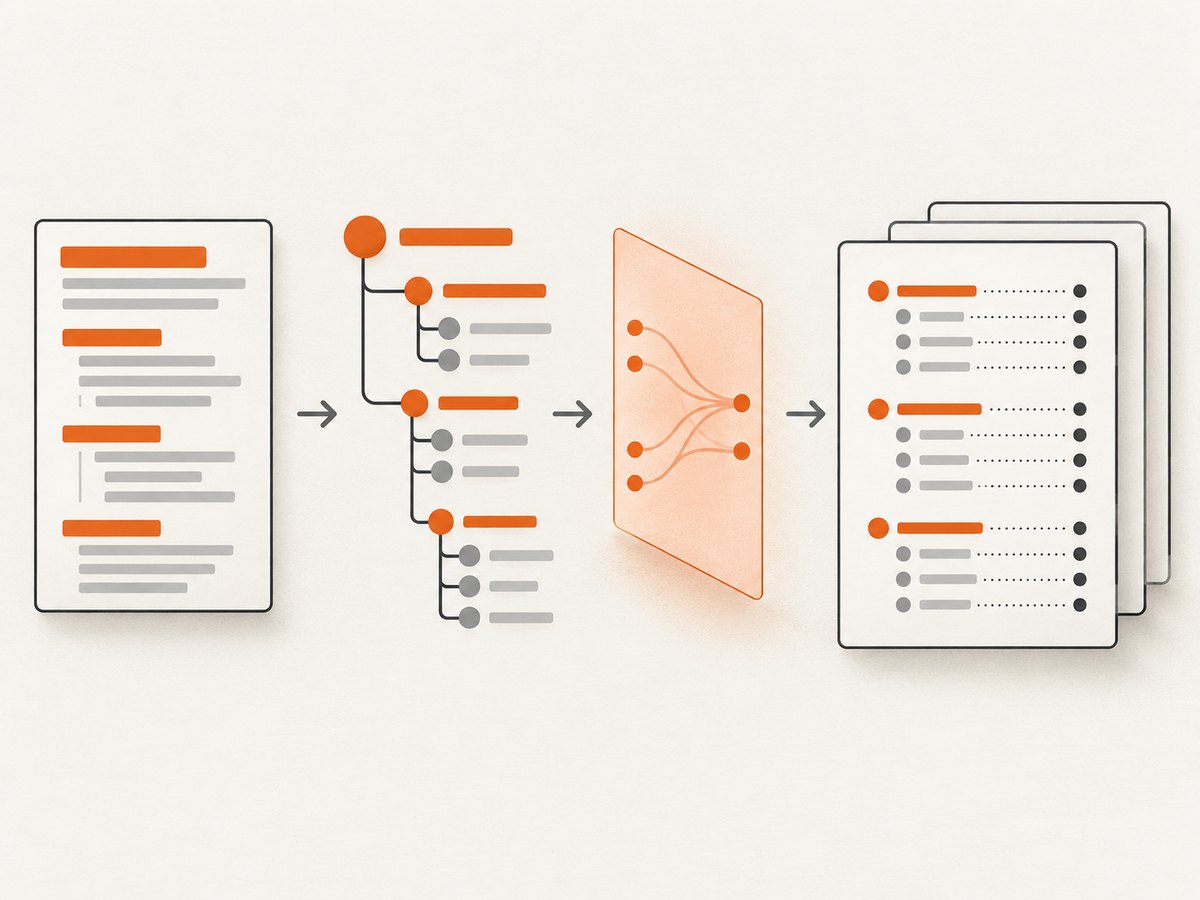
pdfkit is a Python wrapper around wkhtmltopdf; the wrapper delegates HTML-to-PDF rendering and TOC generation to that executable. The TOC is derived from document heading tags, then transformed from outline XML using XSLT. See the wkhtmltopdf usage manual and the python-pdfkit project README.
1. Identify which part of the layout is failing
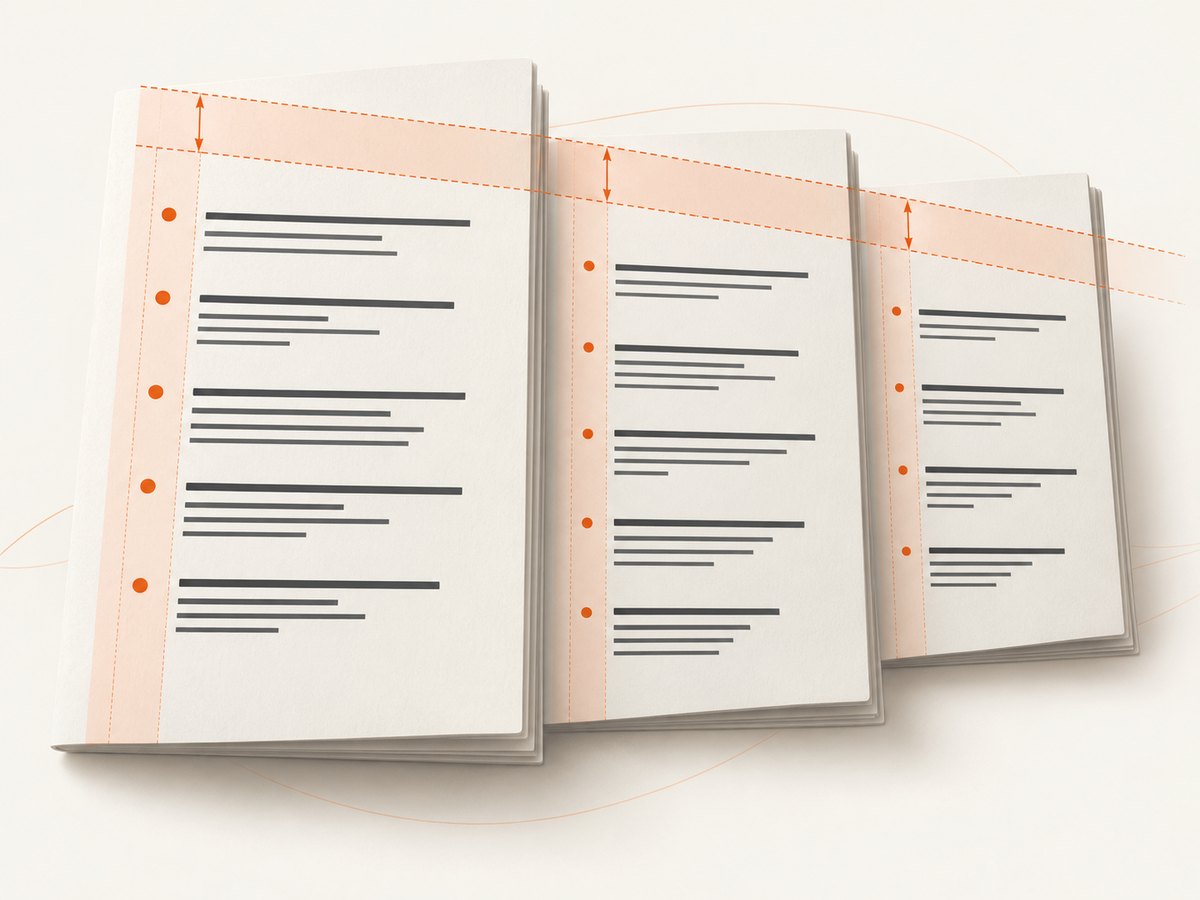
First confirm the symptom. If the first TOC page has the expected inset but the second and later pages begin at the top edge, the problem is likely in how the generated TOC HTML is laid out across page breaks. A current technical walkthrough documents this multi-page margin symptom and recommends custom TOC XSL: wkhtmltopdf TOC margin walkthrough. Page margins remain relevant to the PDF page box, but they do not necessarily add a new inset to every page created within a long TOC object.
Other symptoms point to different causes:
- Wrong or missing entries: inspect the HTML heading structure and generated outline.
- Entries run off the right edge: check long heading text, indentation by heading level, font size, and available printable width.
- Body pages are also cramped: adjust page margins in the normal document options.
- Only some hosts reproduce it: compare the installed wkhtmltopdf executable, fonts, input assets, and working directory.
Keep TOC styling scoped to the markup generated for the TOC. Styling the whole source document can change body pages and make the symptom harder to isolate.
2. Inspect the outline and default stylesheet
Use the same wkhtmltopdf binary that pdfkit will run. The manual documents --dump-outline for saving the outline and --dump-default-toc-xsl for printing the built-in TOC stylesheet. These files show what headings were discovered and what markup and selectors your build expects.
wkhtmltopdf --version
wkhtmltopdf --dump-outline toc-outline.xml document.html outline-check.pdf
wkhtmltopdf --dump-default-toc-xsl > toc-default.xsl
The second command performs a conversion while writing the outline file; its PDF is a diagnostic artifact. Review toc-outline.xml to confirm heading text, hierarchy, and page numbers. Open toc-default.xsl and find the generated HTML structure and CSS rules. Do not assume that a selector from another wkhtmltopdf build exists in yours. Preserve the default transformation and its links and page-number fields; make a small customization on top of it.
If the outline includes headings that should not be in the TOC, fix the source semantics first: use headings for section headings and ordinary elements for labels or decorative text. wkhtmltopdf also documents outline-depth controls for limiting hierarchy. Its outline inclusion switches affect page objects; they are not substitutes for correcting accidental heading tags.
3. Add TOC-specific spacing and page-break rules
Save a copy of the dumped stylesheet as toc.xsl. Add explicit top spacing to the TOC content and avoid splitting an individual entry where practical. For example, if inspection of your stylesheet shows the generated TOC uses a wrapper and entry elements that you can target, a CSS starting point is:
/* Example rules to integrate into the CSS emitted by toc.xsl.
   Replace selectors with ones present in your dumped stylesheet. */
.toc-page {
    padding-top: 20mm;
}

.toc-entry {
    break-inside: avoid;
}
Those class names are illustrative, not guaranteed wkhtmltopdf selectors. The default stylesheet may use different element names or generated IDs; inspect it and adapt the rules. Older WebKit-based rendering may handle modern fragmentation properties differently, so render a multi-page sample and verify the result. If spacing is still missing after a page break, the stylesheet may need a layout structure that applies top spacing to each generated TOC page, rather than one padding value around the entire flowing block. Avoid a fixed-height wrapper that clips long contents.
A fully custom XSL does not automatically retain every built-in TOC option’s presentation. The manual notes that options for the default stylesheet—such as dotted lines, header text, indentation, link toggles, and text-size shrinking—do not style a fully custom stylesheet. Preserve or recreate the parts you need in your XSL. Start with the dumped default so the transform continues to produce working links and page number fields.
4. Pass the stylesheet through pdfkit’s TOC argument
Install pdfkit and install wkhtmltopdf separately using the method appropriate for your operating system. Then use the TOC dictionary for TOC-specific settings and options for normal page settings:
import pdfkit

options = {
    "page-size": "A4",
    "margin-top": "20mm",
    "margin-right": "15mm",
    "margin-bottom": "20mm",
    "margin-left": "15mm",
    "encoding": "UTF-8",
}

toc = {
    "xsl-style-sheet": "toc.xsl",
}

pdfkit.from_file(
    "document.html",
    "output.pdf",
    options=options,
    toc=toc,
)
Run the script from a directory where document.html and toc.xsl resolve, or use explicit paths. The README explains that TOC and cover options are passed separately because of wkhtmltopdf’s command syntax. In particular, put xsl-style-sheet in toc={...}, not only in the regular page options.
To select a specific executable when several are installed:
import pdfkit

config = pdfkit.configuration(wkhtmltopdf="/usr/local/bin/wkhtmltopdf")
pdfkit.from_file(
    "document.html",
    "output.pdf",
    options={"page-size": "A4"},
    toc={"xsl-style-sheet": "/absolute/path/to/toc.xsl"},
    configuration=config,
    verbose=True,
)
Change the binary path to the actual executable on your machine. The pdfkit README documents explicit configuration and notes that a missing binary can raise OSError. Use verbose=True while diagnosing command construction and load problems; quiet output is the default in typical usage.
5. Tune margins, indentation, headings, and page numbers
Each control addresses a different part of the result. The wkhtmltopdf settings reference describes global settings such as page margins and pageOffset, and identifies tocXsl as the stylesheet used to transform outline XML into a TOC.
| Control | Use it for | Keep in mind |
|---|---|---|
margin-top, margin-bottom, margin-left, margin-right |
The printable page box and page-level whitespace. | Set these in normal pdfkit options. They are not a replacement for TOC-specific rules when only overflow pages lose their inset. |
| TOC indentation and font scaling | Hierarchy readability and fitting long entries. | Default stylesheet options may not apply to a fully custom XSL. Reproduce desired behavior in the custom transform. |
| Outline depth | Removing deep heading levels from the outline. | Prefer fixing unintended heading tags before hiding meaningful sections. |
pageOffset |
Adding a number offset to page numbers in headers, footers, and TOC. | It changes displayed numbering, not the physical position or margins of a page. |
| Cover ordering | Controlling whether a cover precedes the TOC. | Pass cover separately; use cover_first=True when it should come before the TOC. |
After changing margins or adding a cover, re-check page numbers and references. A cover changes the sequence of rendered objects, while page offset changes displayed numbering. Neither should be used to mask misplaced TOC content.
6. Verify the fix with a representative PDF
- Use a source document with enough headings to force at least two TOC pages.
- Generate the PDF with the exact binary, stylesheet, fonts, and assets used in deployment.
- Compare the first, second, and last TOC pages for consistent top spacing and intact page numbers.
- Check that long entries wrap inside the printable width and do not overlap neighboring entries.
- Inspect the first body page and a later body page to confirm TOC-specific styles did not alter document content.
- Repeat after adding or removing a cover, changing outline depth, or editing heading text.
Keep the outline XML, dumped default XSL, customized XSL, wkhtmltopdf version, and a small input fixture together when diagnosing future regressions. Rendering can vary with the wkhtmltopdf build, operating system, fonts, and document structure; there is no universal selector recipe that should be assumed to work across builds.
Common errors and fixes
| Error or symptom | Likely cause | Fix |
|---|---|---|
OSError: No wkhtmltopdf executable found |
Binary is missing or not on the expected path. | Install wkhtmltopdf and pass its real path with pdfkit.configuration(wkhtmltopdf=...). |
| TOC looks unchanged after editing XSL | Stylesheet is in options, path is wrong, or a different binary is invoked. |
Pass toc={"xsl-style-sheet": ...}; use an absolute path and verify the configured executable. |
| First TOC page is inset, later pages are not | Spacing applies to one flowing wrapper, not each generated page continuation. | Inspect the emitted structure and add TOC-scoped layout rules that maintain spacing at page breaks. |
| TOC entries or dotted leaders disappear | The custom XSL replaced default presentation without recreating it. | Start from --dump-default-toc-xsl and preserve or reimplement the required elements and styles. |
| Too many or unexpected entries | Decorative or non-section text uses heading tags, or outline depth is too broad. | Correct semantic headings and set an appropriate depth where supported. |
| Page numbers appear shifted | A cover or pageOffset changed displayed numbering. |
Verify cover order and offset against physical PDF pages; do not adjust TOC margins to fix numbering. |
| PDF generation hangs or reports asset errors | Remote resources, JavaScript, or slow pages delay rendering. | Use verbose=True, verify resource paths and network access, and check the exact command and input environment. |
Performance, reliability, and cost considerations
TOC XSL customization changes layout, not the fundamental rendering work. A large document with many remote images, scripts, or stylesheets may take longer to render than a small local fixture. For reliable output, use stable local assets or ensure network resources are available to the renderer, pin the wkhtmltopdf binary in the deployment environment, and include a representative multi-page document in your release validation process. Keep font availability consistent: different fonts can change line wrapping and therefore page breaks and TOC page counts.
Rendering should be treated as a fallible conversion step. Capture subprocess output, check that the output PDF exists and is non-empty, and inspect a sample when changing the executable or stylesheet. The provided sources do not establish a universal performance benchmark or compatibility matrix, so measure render time and validate output in your own deployment environment.
There is no ScreenshotNeo API charge involved in a local pdfkit/wkhtmltopdf conversion. If the task is instead to capture a rendered website as an image or PDF through a screenshot API, compare the request price and plan limits with the cost of managing browser execution yourself.
Or skip the browser setup
For a rendered website capture, ScreenshotNeo provides a single API request that returns an image or PDF. The example below requests a PDF; see the ScreenshotNeo API documentation for options and response behavior.
curl -G "https://api.screenshotneo.com/v1/shot" \
  -d access_key=YOUR_API_KEY \
  --data-urlencode url=https://stripe.com \
  -d format=pdf \
-o page.pdf- Cookie banners, newsletter popups, and chat widgets are removed before the shot; each of those steps can be turned off.
- Bot checks, blank pages, failed loads, timeouts, and cache hits are not billed. Response headers report the page verdict and billing status.
- An MCP server exposes screenshot, page-info, and PDF-capture tools to Claude, Cursor, and other MCP clients.
- The Free plan includes 1,000 screenshots per month with no card. Paid plans start at $5 for 3,000 shots; every feature is on every plan.
Create a free ScreenshotNeo account to get 1,000 screenshots a month with no card.
FAQ
Does pdfkit generate the table of contents itself?
No. pdfkit constructs the wkhtmltopdf invocation. wkhtmltopdf creates the outline from headings and transforms it into TOC output.
Can I fix this only with a larger top margin?
You can change the page margin, but if only later TOC pages lose their inset, the TOC stylesheet is the part to inspect and customize.
Why start from the dumped stylesheet?
It shows the actual selectors, markup, and default presentation for the wkhtmltopdf build you are using, reducing guesswork and preserving the transform’s page links.
Will the same XSL work on every operating system?
Do not assume so. Validate it with the exact deployed binary and fonts because rendering behavior can vary across builds and environments.


