How to Fix pdfkit’s “No wkhtmltopdf Executable Found” Error
Install wkhtmltopdf, fix PATH problems, configure an explicit binary path, and diagnose PDF failures in pdfkit.
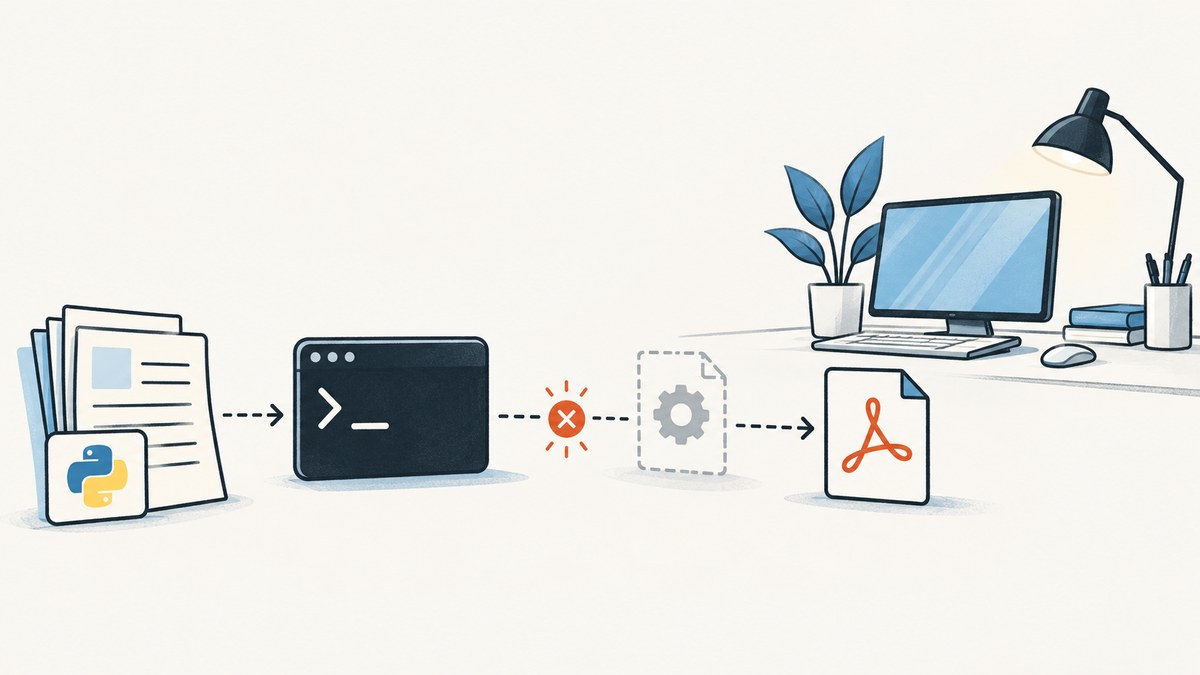
Direct answer: pdfkit is only a Python wrapper. It does not contain the wkhtmltopdf executable. Install wkhtmltopdf separately, confirm that the same user and runtime that execute your Python program can discover it, or pass its absolute path to pdfkit.configuration().
The error usually appears as OSError: No wkhtmltopdf executable found: "b''" or the shorter message No wkhtmltopdf executable found. The project’s documented requirement is to put wkhtmltopdf in PATH or set it through custom configuration. See the pdfkit troubleshooting documentation.
1. Verify the two components are installed
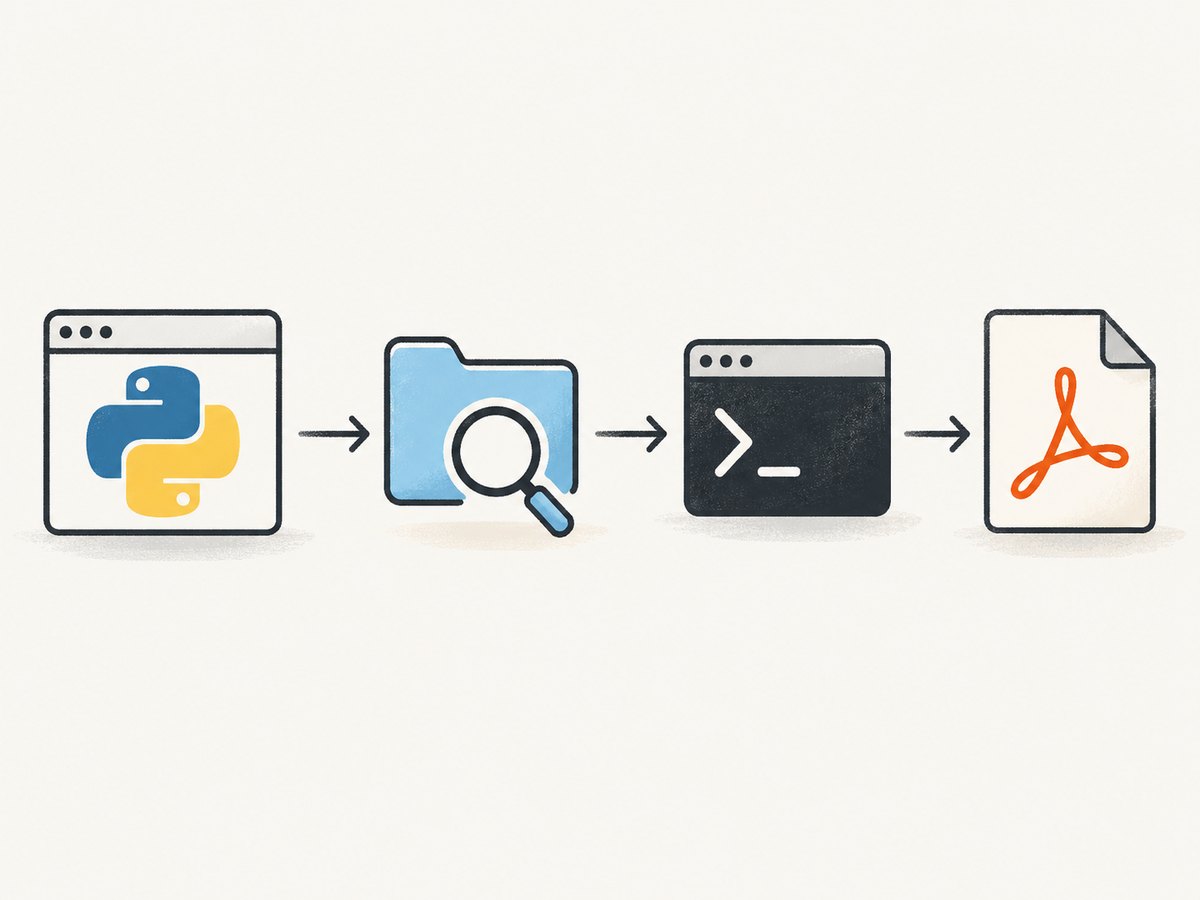
Installing the Python package does not install the system executable. Install both components:
python -m pip install pdfkit

# Debian or Ubuntu
sudo apt-get update
sudo apt-get install wkhtmltopdf
On macOS, the project lists Homebrew’s cask installation:
brew install homebrew/cask/wkhtmltopdfOn Windows, use the installer provided by the wkhtmltopdf project. Installation packages and repository availability can change with operating-system versions, so verify that the installer matches your architecture and deployment environment.
Check discovery from a shell:
# Linux and macOS
which wkhtmltopdf
wkhtmltopdf --version

# Windows Command Prompt
where wkhtmltopdf
wkhtmltopdf --version
If the command prints a path and a version, the executable exists. If lookup prints nothing or reports that the command cannot be found, install it or add its directory to PATH.
2. Test discovery from the same Python runtime
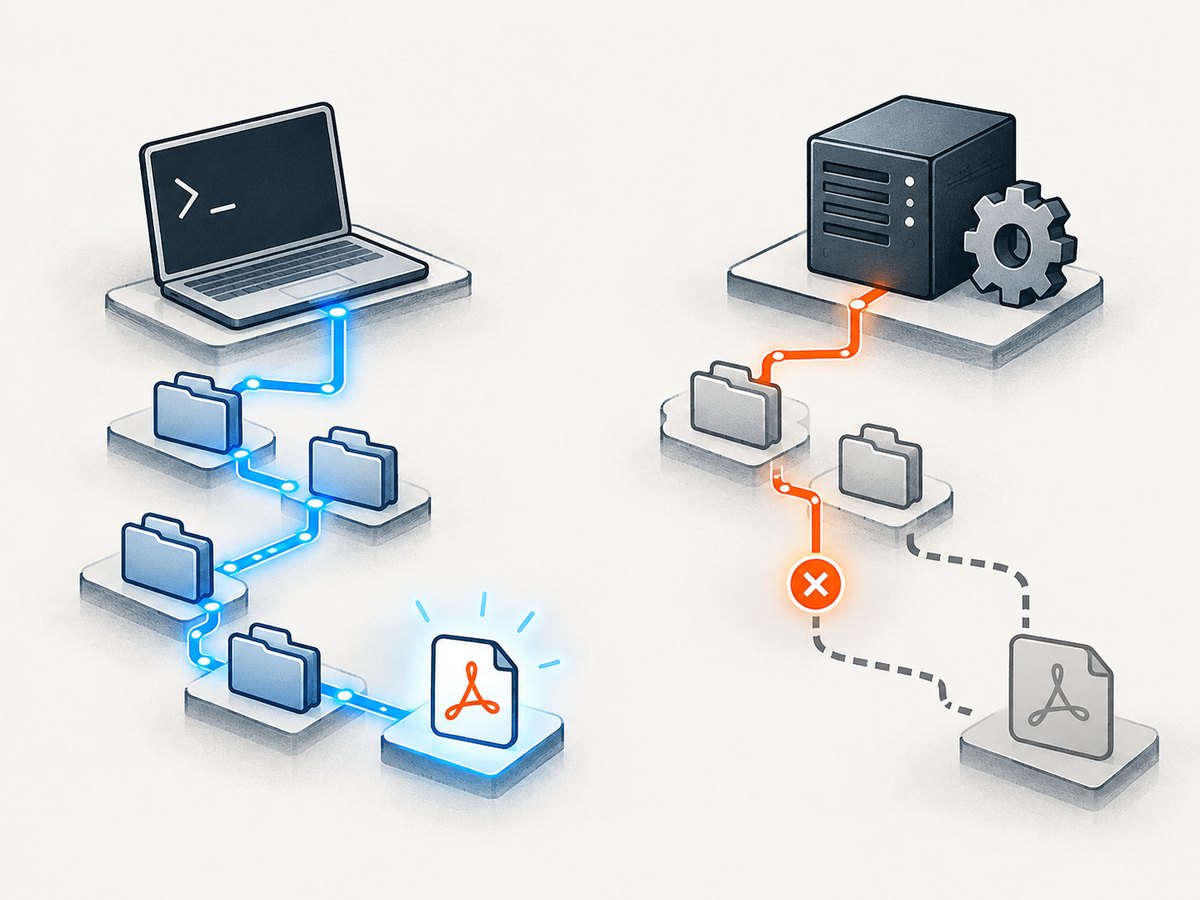
A terminal, IDE, web server, container, scheduled task, and system service can each have a different PATH. Test the environment that actually launches your application:
import os
import shutil
import subprocess

print("Python:", os.sys.executable)
print("PATH:", os.environ.get("PATH"))
print("Found at:", shutil.which("wkhtmltopdf"))

path = shutil.which("wkhtmltopdf")
if path:
    print(subprocess.check_output([path, "--version"], text=True).strip())
else:
    print("wkhtmltopdf is not visible to this process")
Run that file with the same virtual environment, service account, container image, or task runner used by the failing program. A successful which command in your interactive shell does not prove that a production worker can see the binary.
3. Fix PATH when the executable is installed
If wkhtmltopdf is installed in a nonstandard directory, add that directory to the process environment before starting Python. For a temporary Unix shell test:
export PATH="/opt/wkhtmltopdf/bin:$PATH"
python your_script.py
For a systemd service, set an explicit environment in the unit configuration and restart the service. For Docker, install the executable in the image and define ENV PATH=.... For Windows services, configure the service’s environment or use an absolute path in Python. The important point is that the account running the application must be able to execute the file and its shared libraries.
4. Configure an explicit executable path
When PATH management is unreliable, pass the full path directly. This is the most deterministic fix for a service, CI runner, container, or Windows deployment.
import pdfkit

html = """
<!doctype html>
<html>
  <body>
    <h1>Invoice</h1>
    <p>Generated by pdfkit.</p>
  </body>
</html>
"""

config = pdfkit.configuration(wkhtmltopdf="/opt/bin/wkhtmltopdf")
pdfkit.from_string(html, "out.pdf", configuration=config)
Replace /opt/bin/wkhtmltopdf with the path returned by which, where, or shutil.which. On Windows, use a raw string to avoid backslash escaping:
import pdfkit

config = pdfkit.configuration(
    wkhtmltopdf=r"C:\Program Files\wkhtmltopdf\bin\wkhtmltopdf.exe"
)
pdfkit.from_url("https://example.com", "example.pdf", configuration=config)
The path must be readable and executable by the application user. Pointing at a directory, a stale symlink, or a file copied without execute permission produces a different failure after discovery is fixed.
5. Use a complete, repeatable Python script
This script checks the binary, renders HTML, and emits a useful error if the runtime cannot access it:
#!/usr/bin/env python3
import os
import shutil
import sys
import pdfkit
def find_wkhtmltopdf():
configured = os.environ.get("WKHTMLTOPDF_PATH")
if configured:
return configured
return shutil.which("wkhtmltopdf")
binary = find_wkhtmltopdf()
if not binary:
raise SystemExit(
"wkhtmltopdf was not found. Install it or set WKHTMLTOPDF_PATH "
"to the absolute executable path."
)
config = pdfkit.configuration(wkhtmltopdf=binary)
html = """
Example
Example PDF
Hello from pdfkit.
"""
try:
pdfkit.from_string(
html,
"out.pdf",
configuration=config,
options={"encoding": "UTF-8"},
verbose=True,
)
except OSError as exc:
print(f"Could not execute {binary}: {exc}", file=sys.stderr)
raiseRun it with:
WKHTMLTOPDF_PATH=/opt/bin/wkhtmltopdf python render.pyOn Windows PowerShell:
$env:WKHTMLTOPDF_PATH = 'C:\Program Files\wkhtmltopdf\bin\wkhtmltopdf.exe'
python render.py
6. Understand distribution-build limitations
Finding the executable solves only the discovery error. The pdfkit documentation warns that Debian and Ubuntu repository builds may be compiled without wkhtmltopdf’s patched Qt modifications. Features affected can include outlines, headers, footers, and table of contents. If your PDF depends on those features, use a static binary from the wkhtmltopdf project or the installation method referenced by its documentation.
This distinction matters when a basic conversion works but a particular option is ignored or fails. Record the output of wkhtmltopdf --version in deployment diagnostics so you know which build is running.
7. Diagnose failures after discovery is fixed
“Command Failed”
Command Failed means pdfkit found and launched wkhtmltopdf, but wkhtmltopdf could not process the input. It is no longer an executable lookup problem. Common causes include invalid HTML, inaccessible URLs, blocked network requests, missing fonts, unsupported options, or a renderer crash.
Keep verbose output enabled:
pdfkit.from_url(
    "https://example.com",
    "out.pdf",
    configuration=config,
    verbose=True,
)
Inspect the generated command
The project recommends constructing a PDFKit object and inspecting its command. This lets you run exactly the same wkhtmltopdf invocation outside Python:
import pdfkit

kit = pdfkit.PDFKit(
    "<h1>Debug</h1>",
    "string",
    configuration=config,
    verbose=True,
)
print(kit.command())
Copy the printed command into the same shell or container and inspect stderr. This separates Python argument handling from the renderer itself. Some versions can terminate with a segmentation fault; if that happens, test the binary directly with a minimal HTML file and compare builds.
Permission and loader errors
An absolute path can still fail if the service account lacks execute permission, the file is mounted with noexec, or a required shared library is missing. Check file permissions, run the binary as the service user, and inspect the operating-system error. In a container, install all runtime libraries required by the selected wkhtmltopdf build.
URL loads in a browser but not in PDF generation
Server-side rendering may lack authentication cookies, DNS access, certificates, or outbound network permission. Try a local HTML string first. If that succeeds, investigate the URL’s network and authentication requirements separately.
8. Troubleshooting checklist
| Symptom | Likely cause | Fix |
|---|---|---|
| No executable found | wkhtmltopdf is not installed or absent from PATH | Install it, verify with which/where, or pass an absolute path |
| Works in terminal, fails in service | Different PATH or user | Inspect environment from the service and configure its PATH or binary path |
| Permission denied | File is not executable or service lacks access | Correct ownership and permissions; test as the runtime account |
| Command Failed | Renderer rejected input or crashed | Enable verbose output and run PDFKit.command() directly |
| Headers, footers, outlines, or TOC missing | Distribution build lacks patched Qt | Use a compatible static wkhtmltopdf build |
| Remote page is blank | Network, script, certificate, or authentication issue | Test a local string, then verify URL access and credentials |
9. Performance, reliability, and cost considerations
Launching a command-line renderer for every request adds process startup time and consumes CPU and memory. Reuse stable worker processes around your application, cap concurrency, and avoid rendering the same unchanged document repeatedly. Set application-level timeouts so a page waiting on a third-party resource cannot occupy a worker indefinitely.
For reliable output, pin the wkhtmltopdf build in your image or deployment process, keep fonts and shared libraries consistent, and log the executable path and version. Test representative HTML that includes external stylesheets, images, fonts, JavaScript, long tables, and page breaks. A successful minimal document proves only that the binary launches.
pdfkit itself is open-source Python software, but your operational cost includes the host, worker CPU, memory, storage, and maintenance of the renderer binary. The pdfkit repository carries a deprecation warning matching the wkhtmltopdf project’s status, and the wkhtmltopdf GitHub repository was archived on January 2, 2023. Those maintenance signals are relevant when choosing this stack for a new system.
10. Or skip the browser setup
If your goal is a dependable screenshot or PDF from a URL rather than maintaining a local browser-rendering binary, ScreenshotNeo provides a hosted API. It accepts one GET request and returns PNG, JPEG, WebP, or PDF. Its clean-shot flow accepts cookie and consent banners like a visitor, then removes more than 60 known consent platforms, newsletter popups, and chat widgets; each step can be disabled.
Only clean shots are billed. Bot checks or CAPTCHAs, blank pages, timeouts, failed loads, and cache hits cost nothing, and the response reports the result with X-Page-Verdict and X-Billed headers. An MCP server exposes take_screenshot, get_page_info, and capture_pdf to Claude, Cursor, and other MCP clients.
See the ScreenshotNeo API documentation for the full option list. The same endpoint supports full-page capture with lazy images, CSS-selector element capture, dark mode, device presets or custom viewports, retina scale, PDF paper size and margins, custom CSS and JavaScript, clicks, selector waits, delays, network-idle waits, request blocking, headers, cookies, user agents, authorization, timezone, geolocation, transparent backgrounds, resizing, configurable-TTL caching, signed links, asynchronous jobs with signed webhooks, bulk capture of up to 100 URLs per call, usage data, and an OpenAPI specification.
cURL
curl -G "https://api.screenshotneo.com/v1/shot" -d access_key=YOUR_API_KEY --data-urlencode url=https://stripe.com -o shot.webpPython
import requests
r = requests.get("https://api.screenshotneo.com/v1/shot", params={"access_key": "YOUR_API_KEY", "url": "https://stripe.com"}, timeout=90)
open("shot.webp", "wb").write(r.content)
Node.js
const q = new URLSearchParams({ access_key: 'YOUR_API_KEY', url: 'https://stripe.com' }); const res = await fetch(`https://api.screenshotneo.com/v1/shot?${q}`);The Free plan includes 1,000 shots per month with no card. Paid plans start at $5 for 3,000 shots; yearly billing gives two months free. Create a free ScreenshotNeo account and start with the 1,000 free monthly screenshots.
11. FAQ
Does pip install pdfkit install wkhtmltopdf?
No. Install the Python wrapper and the wkhtmltopdf executable separately.
Should I always use an absolute path?
Use one when PATH differs between development and production or when a service runs under a restricted environment. Otherwise, a correctly configured PATH is sufficient.
Why does which wkhtmltopdf work but Python still fail?
The Python process may have a different PATH, user, virtual environment, container, or service configuration. Print os.environ["PATH"] and shutil.which("wkhtmltopdf") from the failing runtime.
Is a missing executable the same as “Command Failed”?
No. Missing executable means pdfkit could not launch wkhtmltopdf. “Command Failed” means it launched the executable and the renderer failed while processing input.
Can I keep using an Ubuntu package build?
Yes for features it supports. If you need patched-Qt features such as outlines, headers, footers, or a table of contents, choose a build that includes them.


