How to Fix pdfkit When It Cannot Find wkhtmltopdf
Fix pdfkit's missing wkhtmltopdf error with PATH checks, explicit executable paths, platform diagnostics, deployment advice, and safer alternatives.
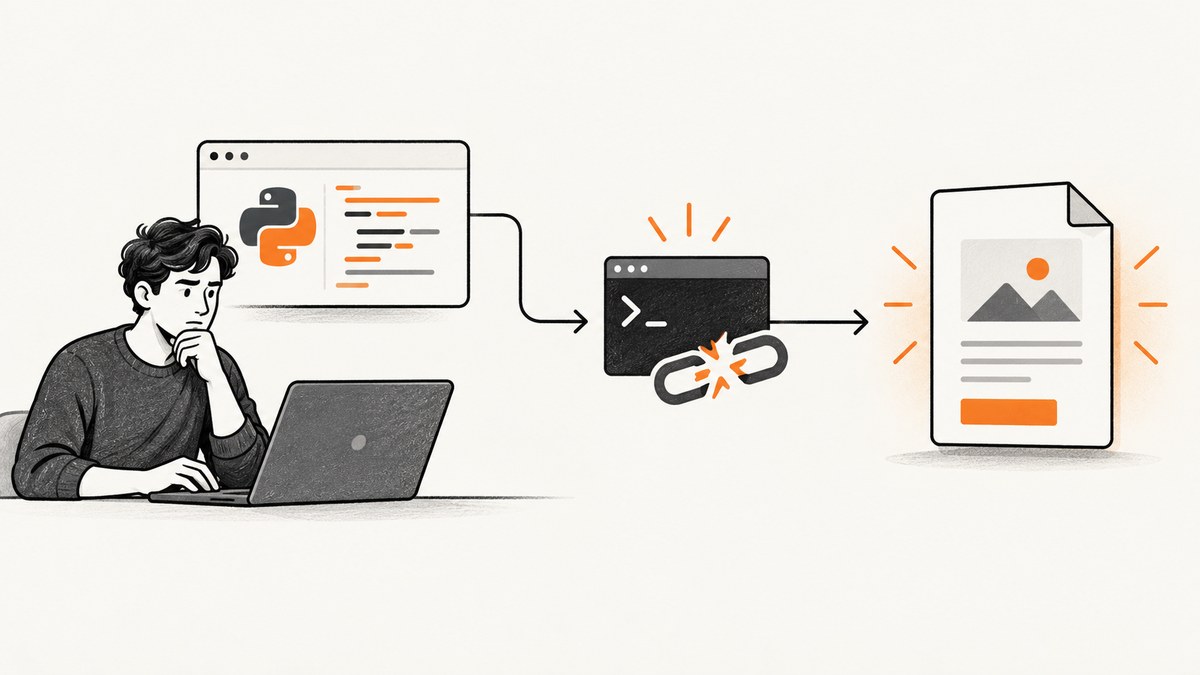
Direct fix: install a wkhtmltopdf binary that matches your operating system and CPU architecture, confirm that your process can discover it, then pass its absolute path to pdfkit when PATH discovery is unreliable. pdfkit is only a wrapper; wkhtmltopdf is the executable it must launch.
On Unix-like systems, run which wkhtmltopdf. On Windows, run where wkhtmltopdf. If neither command returns a path, install wkhtmltopdf and put its directory on PATH. If a path is returned but pdfkit still fails, run the binary directly and configure pdfkit with that absolute path.
1. Understand what the error means
Python pdfkit and Ruby PDFKit do not render HTML themselves. They build a command and start the external wkhtmltopdf process. Errors such as IOError: 'No wkhtmltopdf executable found' therefore mean the wrapper cannot locate or launch the executable, not necessarily that your HTML is invalid.
There are three common situations:
- Not installed: the discovery command returns nothing.
- Installed but invisible: your interactive shell sees it, while a service, cron job, container, or web worker has a different PATH.
- Found but unable to run: the file exists, but its architecture, libc, fonts, or shared dependencies are incompatible.
2. Check discovery before changing code
Unix, Linux, and macOS
which wkhtmltopdf
wkhtmltopdf --version
A successful result contains an executable path followed by a version. The wkhtmltopdf project lists the stable 0.12.6 series, released June 11, 2020. Use the project’s wkhtmltopdf downloads page or your distribution’s documented package source, selecting the build for your operating system and CPU architecture.
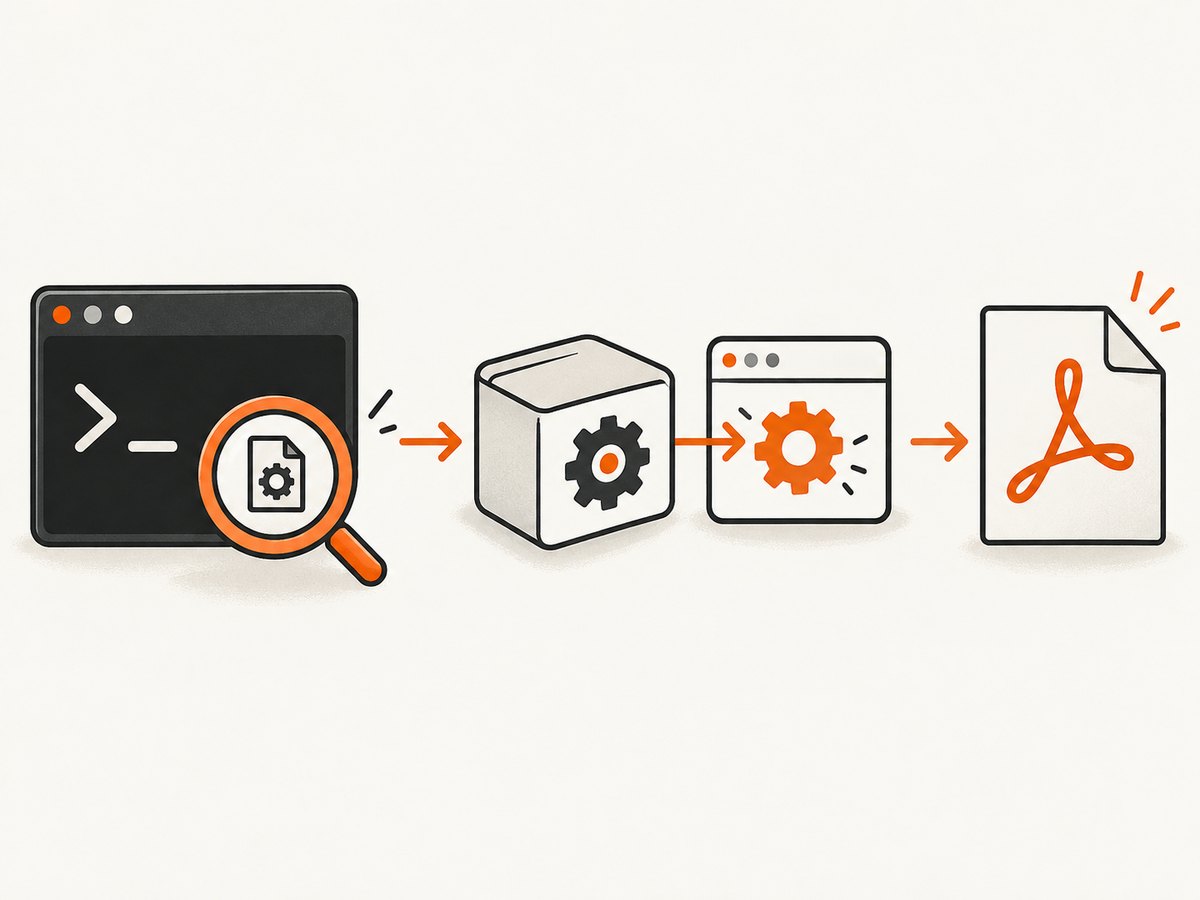
Windows
where wkhtmltopdf
wkhtmltopdf.exe --version
If where finds nothing, install a Windows build and add its installation directory to PATH. Open a new terminal after changing PATH so the process receives the updated environment.
Test the executable independently
printf '<html><body><h1>Smoke test</h1></body></html>' > test.html
wkhtmltopdf test.html test.pdf
On Windows, use a small local HTML file and run wkhtmltopdf.exe test.html test.pdf. If this direct conversion fails, fix wkhtmltopdf or its runtime dependencies before debugging pdfkit.
3. Install a compatible wkhtmltopdf build
Choose the build using four checks: operating system, CPU architecture, libc implementation, and available runtime dependencies.
- Identify the host OS and architecture. A binary for another architecture may exist on disk but cannot execute.
- On Linux, identify whether the system uses glibc or musl. Generic glibc binaries are not suitable for Alpine’s musl environment.
- Install the platform-specific package or download the matching upstream build from the official downloads page.
- Place the executable in a directory on PATH, or record its absolute path for wrapper configuration.
- Run
wkhtmltopdf --versionand the direct smoke test again.
The wkhtmltopdf installation guidance describes downloading a static binary for the architecture, extracting it, and placing it in a PATH directory. The project also documents runtime requirements involving installed fonts, fontconfig, and freetype2. A package-managed install is convenient when your distribution supplies a compatible build; an upstream build can be useful when the package is missing or too old, but you must maintain it yourself.
4. Configure Python pdfkit with an absolute path
Automatic PATH discovery is sufficient for a local shell. An explicit path is more reliable in production because service managers and workers often start with a restricted environment.
import pdfkit

html_string = '''
<html>
  <body>
    <h1>Invoice</h1>
    <p>Generated from HTML.</p>
  </body>
</html>
'''

config = pdfkit.configuration(wkhtmltopdf='/opt/bin/wkhtmltopdf')
pdfkit.from_string(html_string, 'invoice.pdf', configuration=config)
Replace /opt/bin/wkhtmltopdf with the path returned by which. On Windows, use a raw string such as r'C:\Program Files\wkhtmltopdf\bin\wkhtmltopdf.exe'.
Use verbose output while diagnosing
pdfkit.from_string(
    html_string,
    'invoice.pdf',
    configuration=config,
    options={},
    verbose=True,
)
When pdfkit reports IOError: 'Command Failed', copy the generated command from the exception and run it directly. This exposes wkhtmltopdf-level messages such as a segmentation fault, missing library, blocked local file, or font problem.
Convert a URL or file
pdfkit.from_url('https://example.com', 'page.pdf', configuration=config)
pdfkit.from_file('page.html', 'page.pdf', configuration=config)
Network access, JavaScript timing, authentication, and local-file permissions are separate concerns from executable discovery. First prove that a simple local document converts, then add those variables one at a time.
5. Configure Ruby PDFKit
require 'pdfkit'

PDFKit.configure do |config|
  config.wkhtmltopdf = '/path/to/wkhtmltopdf'
end

kit = PDFKit.new('<h1>Invoice</h1>')
File.binwrite('invoice.pdf', kit.to_pdf)
The Ruby PDFKit project documents the same explicit-path mechanism. Use an absolute path visible to the Ruby process, especially when running under Passenger, Puma, Sidekiq, systemd, or a scheduled worker.
6. Fix PATH differences in services and containers
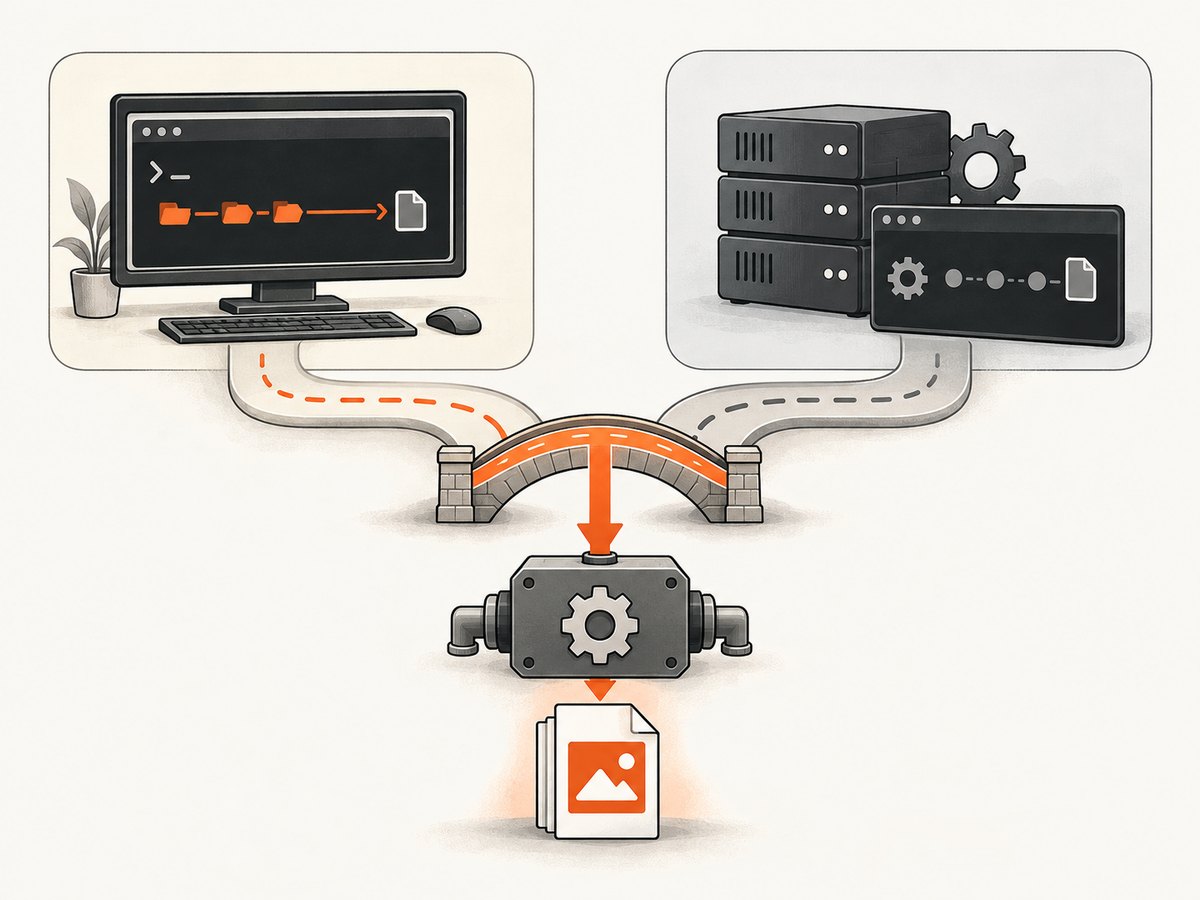
A frequent surprise is that which wkhtmltopdf works in your terminal but the application still reports “No wkhtmltopdf executable found.” The shell may load profile files that your service does not. Diagnose the environment from the same runtime context as the application.
import os
import shutil

print('PATH:', os.environ.get('PATH'))
print('discovered:', shutil.which('wkhtmltopdf'))
For a systemd service, set an explicit Environment=PATH=... or configure the absolute executable path in application code. In Docker, install the binary in the image, verify it during the build, and use the same user and base image at runtime. In cron, do not assume the login shell’s PATH is present.
7. Diagnose a binary that exists but will not run
| Symptom | Likely cause | Fix |
|---|---|---|
which returns nothing |
Not installed or directory absent from PATH | Install a compatible build and add its directory to PATH, or configure an absolute path. |
| pdfkit fails, shell succeeds | Service or worker has a different PATH | Print the runtime PATH and use an absolute executable path. |
Permission denied |
File is not executable or the service user cannot traverse its directory | Fix execute and directory permissions, then retry as the service user. |
Exec format error |
Wrong CPU architecture | Install the build matching the host architecture. |
| Missing shared library | Incompatible distribution or incomplete dependencies | Use a distribution-compatible package or install required runtime libraries. |
| Segmentation fault | Binary/runtime incompatibility or a wkhtmltopdf rendering failure | Run the generated command directly, inspect stderr, and try a compatible build. |
| Blank output or missing fonts | Fonts, fontconfig, or freetype2 are unavailable | Install fonts and font configuration packages visible to the process. |
| Works locally, fails in Alpine | glibc binary on musl-based Alpine | Use a musl-compatible solution or a compatible base image. |
8. Common pdfkit configuration mistakes
Passing a directory instead of the executable
The configuration value must point to the file itself, such as /usr/local/bin/wkhtmltopdf, not merely /usr/local/bin.
Using a stale path after reinstalling
Package upgrades can move the executable. Run discovery again and update configuration rather than relying on a path copied from an old host.
Quoting paths incorrectly on Windows
Backslashes in Python string literals can be interpreted as escapes. Use a raw string, doubled backslashes, or forward slashes:
config = pdfkit.configuration(
    wkhtmltopdf=r'C:\Program Files\wkhtmltopdf\bin\wkhtmltopdf.exe'
)
Debugging HTML before proving the executable
Start with a local, dependency-free HTML file. Once that works, add remote assets, JavaScript, authenticated pages, and custom options. This separates process-launch failures from page-rendering failures.
9. Security considerations
wkhtmltopdf executes a rendering process with access to the host environment. The project warns: “Do not use wkhtmltopdf with any untrusted HTML – be sure to sanitize any user-supplied HTML/JS, otherwise it can lead to complete takeover of the server it’s running on!” Treat user HTML and JavaScript as untrusted input. Sanitize it, isolate rendering where appropriate, restrict network access, and avoid exposing sensitive filesystem or metadata endpoints.
10. Performance, reliability, and cost choices
- Process startup: launching wkhtmltopdf for every request adds startup overhead. Queue work or reuse a controlled worker architecture when rendering volume is high.
- Concurrency: measure CPU, memory, file descriptors, and temporary storage before increasing parallel jobs. A larger worker count can make failures look like random timeouts.
- Fonts: install the exact fonts required by your documents and keep font configuration consistent across development and production.
- Reproducibility: pin the OS image and wkhtmltopdf build. Record the version in deployment diagnostics.
- Failure handling: capture stderr, return actionable errors, and retry only transient failures. Do not retry an incompatible binary indefinitely.
- Maintenance: compare the convenience of a distribution package with the control and maintenance burden of an upstream binary.
11. Or skip the browser setup
If you need a screenshot or PDF endpoint without installing and maintaining a browser executable, ScreenshotNeo provides a hosted API. See the ScreenshotNeo documentation for request options.
curl -G "https://api.screenshotneo.com/v1/shot" -d access_key=YOUR_API_KEY --data-urlencode url=https://stripe.com -o shot.webpimport requests
r = requests.get('https://api.screenshotneo.com/v1/shot', params={'access_key': 'YOUR_API_KEY', 'url': 'https://stripe.com'}, timeout=90)
open('shot.webp', 'wb').write(r.content)const q = new URLSearchParams({ access_key: 'YOUR_API_KEY', url: 'https://stripe.com' });
const res = await fetch(`https://api.screenshotneo.com/v1/shot?${q}`);Cookie banners, newsletter popups, and chat widgets are removed before the shot. Bot checks, blank pages, failed loads, timeouts, and cache hits are not billed, and response headers identify the page verdict and billing result. An MCP server lets AI agents such as Claude and Cursor take screenshots. The free plan includes 1,000 screenshots a month with no card; paid plans start at $5 for 3,000 shots. Create a free ScreenshotNeo account.
12. A repeatable troubleshooting checklist
- Run
which wkhtmltopdforwhere wkhtmltopdf. - Run
wkhtmltopdf --versionas the application user. - Convert a tiny local HTML file directly.
- Compare the service’s PATH with your interactive shell.
- Configure the absolute executable path in pdfkit or PDFKit.
- Check architecture, libc, permissions, fonts, fontconfig, and freetype2.
- Enable verbose output and run the generated command directly.
- Only after the executable works, debug remote pages, JavaScript, authentication, or layout.
13. FAQ
Can pdfkit install wkhtmltopdf for me?
No. pdfkit wraps the executable; install wkhtmltopdf separately and make it discoverable or configure its path.
Why does which work but the application fail?
The application probably has a different PATH, user, container image, or service environment. Print the runtime environment and use an absolute path.
Should I use a package or the upstream download?
Use a package when it matches your OS and dependencies and fits your maintenance policy. Use an upstream platform build when the package is unavailable, selecting the correct architecture and runtime.
What does “Command Failed” mean?
It means wkhtmltopdf returned a failure after pdfkit launched it. Run the displayed command directly and inspect its stderr to find the underlying runtime problem.
Is wkhtmltopdf safe for user-submitted HTML?
Not without sanitization and isolation. Treat supplied HTML and JavaScript as untrusted code and follow the security warning from the wkhtmltopdf project.


