How to Fix Persian Text Rendering Issues in html2canvas
Fix broken Persian text in html2canvas by checking RTL direction, font readiness, spacing, wrapping, and renderer behavior in a minimal reproduction.
When Persian text looks correct in the browser but breaks in an html2canvas image, first check that the capture element has the intended right-to-left direction, that its Persian-capable font has finished loading, and that CSS spacing or word wrapping is not changing the result. Reproduce the problem with your installed html2canvas version and target browser before changing production styles. RTL support was added to html2canvas, but that does not guarantee identical rendering for every Persian layout, font, browser, and CSS combination. The historical RTL issue was closed after that support work; the project also documents that CSS support is incomplete.
This guide walks through a minimal reproduction, a font readiness check, RTL and wrapping experiments, renderer comparison, and ways to report a remaining library issue. The practical fixes below are diagnostic steps: a change that helps one app may not help another.
1. Establish what is failing
“Persian text is broken” can describe several distinct problems. Name the symptom before changing code, because direction, shaping, font metrics, and line breaking point to different causes.
| Symptom in the captured image | First thing to inspect |
|---|---|
| Whole line or blocks appear in the wrong order | Computed direction, text alignment, and mixed RTL/LTR content |
| Characters look separated or words break into characters | letter-spacing, word-break, and wrapping rules |
| Text is a different size or shifted compared with the page | Whether the intended font loaded before capture |
| Persian is right-to-left but punctuation or Latin fragments jump | Mixed-direction runs, punctuation, and the exact text in a minimal test |
| Only some styles disappear | Whether the CSS property is supported by html2canvas |
html2canvas reconstructs a DOM element into a canvas in the browser; it is not a screenshot of the browser’s final pixels. Its FAQ explains: “Every CSS property must be manually implemented to render correctly, so html2canvas will never have full CSS support.” That limitation is why comparing the DOM and canvas is a key diagnostic step. See the html2canvas FAQ and documentation.
2. Make a small, reproducible capture
Use the same html2canvas version, font, browser, and relevant CSS as the failing page. Keep one Persian-only line, a mixed Persian and Latin line with punctuation, and the problematic content. A short reproduction makes it easier to see which variable changes the output.
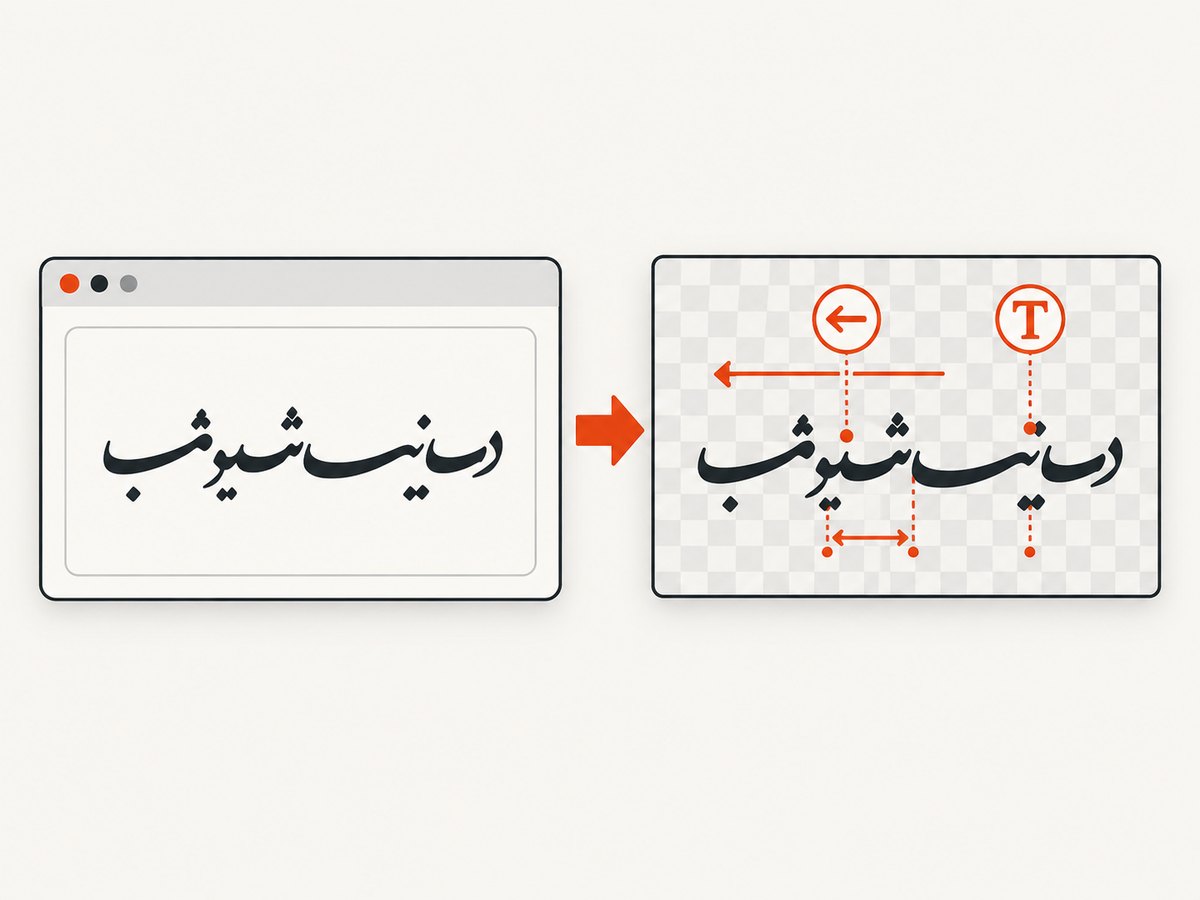
Install html2canvas in your application using its existing package setup, then import it in a browser module. This example provides a complete capture function for an element whose id is capture. It waits for document fonts, captures the element, and displays the resulting PNG. Serve the page from your normal development server; a browser module cannot be run directly as a local file in every setup.
import html2canvas from 'html2canvas';

async function capturePersianExample() {
  const element = document.querySelector('#capture');
  if (!element) throw new Error('Missing #capture element');

  // Wait for fonts requested by the document to finish loading.
  await document.fonts.ready;

  const canvas = await html2canvas(element, {
    backgroundColor: '#ffffff',
    scale: 1,
    logging: true
  });

  const output = document.querySelector('#result');
  output.replaceChildren(canvas);
}

capturePersianExample().catch((error) => {
  console.error('html2canvas capture failed:', error);
});
<section id="capture" lang="fa" dir="rtl">
<p class="persian-only">سلام، این یک متن فارسی برای آزمایش است.</p>
<p>ترکیب فارسی و English، همراه با نشانهگذاری (123).</p>
</section>
<div id="result"></div>Keep the browser page visible while you compare the original element with the generated canvas. Record the html2canvas package version, browser and OS, font family and loading method, and the CSS applied to the element. Older issue reports describe different font and direction symptoms across older releases; they are useful leads, not proof of a current universal defect. See the Arabic font rendering issue and a historical font-loading report.
3. Check RTL direction and mixed text
Set direction on the content container explicitly and compare the computed value with the browser rendering. HTML’s dir attribute is useful for declaring that the content is Persian and RTL; CSS can also specify direction and alignment. Do not assume that right alignment alone establishes RTL text ordering.
#capture {
  direction: rtl;
  text-align: right;
}

#capture p {
  direction: inherit;
  text-align: inherit;
}
In developer tools, inspect the element’s computed direction, text-align, font-family, letter-spacing, word-break, and overflow-wrap. If the Persian-only line renders properly but the mixed line does not, isolate the Latin phrase, digits, brackets, and punctuation. Bidirectional text can place these runs differently from what a reader expects. Test the exact real-world string; changing the direction of the whole page may create new problems for embedded Latin values.
RTL support in html2canvas was added through project work associated with issue #2488. Treat that as evidence that RTL support exists, not as a promise that all scripts and combinations render identically in every environment.
4. Wait for the intended Persian font
A font fallback can have different glyph coverage and text metrics, which changes line length, baselines, and wrapping. The browser may display the intended font by the time you inspect the page even if capture began while the font was still loading. Before capture, await the Font Loading API’s document.fonts.ready promise, as in the example above.
If you use a web font, check the browser’s Network and Fonts panels for failed or blocked requests, and verify that the computed font family is the one you expect. Also test a capture after the font is visibly loaded. If the page and canvas still differ, compare with a locally available fallback font that covers Persian to separate font-loading symptoms from renderer behavior. Historical reports involving html2canvas 1.0.0 release candidates describe font timing and changed metrics; these reports justify checking readiness but do not establish a current bug in every version. See issue #1940.
5. Isolate spacing and word wrapping
When letters appear separated or words split unexpectedly, temporarily remove spacing and aggressive word breaking. Capture after changing one property at a time so you can tell which condition affects the image.
#capture {
  letter-spacing: normal;
  word-break: normal;
  overflow-wrap: normal;
}
Users in the Arabic font rendering discussion reported that normal letter spacing helped and that word-break: break-word could split Arabic or Persian words into separate characters. Those are anecdotal reports, not guaranteed fixes. Your application may need a wrapping policy for long URLs or other unbroken text; test those elements separately instead of imposing character-level breaks on Persian paragraphs.
6. Compare renderer modes as an experiment
html2canvas documents the foreignObjectRendering option, which uses a browser-supported foreign object rendering path. Compare it with the default renderer using the same page and browser. The documentation does not identify this option as a Persian shaping fix, so evaluate the actual output instead of assuming either mode is universally better.
const defaultCanvas = await html2canvas(element, {
  foreignObjectRendering: false
});

const alternateCanvas = await html2canvas(element, {
  foreignObjectRendering: true
});
Use this only in an environment where the browser supports the relevant feature. Keep the rest of the options and page constant during comparison. If the alternate mode changes the result, record that as an environment-specific workaround and verify your full page, not only the small test string. Configuration details are in the html2canvas configuration reference.
7. Use capture options carefully
Most options do not directly repair Persian text, but they affect whether the capture is a useful test and whether the canvas is usable in your application.
| Option or setting | When it matters |
|---|---|
scale |
Controls output pixel density. Higher scale creates a larger canvas and more memory use; it does not fix direction or shaping. |
backgroundColor |
Sets the output background when you need an opaque image. It does not change text layout. |
foreignObjectRendering |
Compare only as a renderer experiment in a supported browser. |
logging |
Useful while diagnosing resource and rendering behavior; disable or tune for normal use. |
windowWidth / windowHeight |
Can help reproduce a viewport-dependent layout or capture dimensions, but do not correct Persian shaping on their own. |
useCORS / allowTaint |
Relevant to cross-origin images and canvas restrictions, not font shaping itself. Check the configuration reference for the exact behavior and constraints. |
Only vary one option at a time in a reproduction. Check the official configuration reference for supported options in the installed version; options and behavior can vary between releases.
8. Troubleshooting common failures
| Problem | Likely cause | What to try |
|---|---|---|
| Canvas rejects or capture promise fails | Missing element, runtime error, or unsupported page resource | Check the selector, inspect the console, and reduce the page to the minimal example. |
| Image has fallback-looking text | Font was not loaded, failed to load, or lacks required glyphs | Await document.fonts.ready, inspect network/font loading, and confirm the computed family. |
| Text direction differs | Direction not explicitly established or mixed RTL/LTR runs | Set dir="rtl" or CSS direction on the relevant element; test Persian-only and mixed strings separately. |
| Letters appear spaced out | Letter spacing or renderer behavior | Test letter-spacing: normal and compare one change at a time. |
| Words split character by character | Aggressive break rules such as word-break: break-word |
Temporarily restore normal wrapping and retest. |
| Some visual styles differ despite correct text | CSS property is unsupported or only partially implemented | Check the supported features list; create a small test case for a missing property. |
| Images or other resources are absent | Cross-origin access, blocked resource, or load timing | Inspect requests and canvas security errors; configure resources and CORS according to their origin’s policy. |
| Large capture is blank, slow, or fails on a device | Canvas dimensions or memory limits | Capture a smaller region, lower scale, or split the content. |
The FAQ recommends creating a test case and opening an issue when a CSS property is missing or incomplete. For an unresolved Persian rendering issue, include the minimal HTML, exact text, CSS, html2canvas version, browser and OS, font loading method, and both the visible DOM and captured output. Avoid reporting only that “Persian does not work”; a small reproducible case helps distinguish a library issue from font, CSS, or environment differences.
9. Performance, reliability, and output quality
Capturing a large DOM subtree costs more than capturing a small element. Keep the target element as narrow as practical, and avoid repeatedly capturing while the page is still changing. Wait for fonts and any essential content before the capture, then reuse the resulting canvas or encoded image when appropriate instead of recapturing on every unrelated UI update.
Canvas dimensions grow with the capture’s pixel width, height, and scale. Raising scale can improve sharpness while increasing memory use and encoding time. Very tall pages can run into browser canvas limits; html2canvas’s FAQ lists limits that vary by browser, operating system, and hardware. For a large page, capture sections separately or reduce scale, and handle failures rather than assuming every device can allocate an arbitrarily large canvas.
For reliable output, define a stable viewport and styles, wait for required fonts, and use a test string containing the kinds of content your users actually enter: Persian-only text, digits, Latin names, punctuation, and long words. Browser and OS font availability can differ, so repeat the reproduction in the browsers you support. A diagnostic workaround should be pinned to the tested version and environment in your own notes.
Or skip the browser setup
If your goal is a screenshot of a live website rather than a canvas of your own DOM, ScreenshotNeo is a website screenshot API and MCP server. A single GET request returns a PNG, JPEG, WebP, or PDF. It does not fix html2canvas in your app; it provides a separate way to capture a URL.
See the ScreenshotNeo API documentation for request options. This cURL example captures a URL to a WebP file:
curl -G "https://api.screenshotneo.com/v1/shot" \
  -d access_key=YOUR_API_KEY \
  --data-urlencode url=https://stripe.com \
  -o shot.webp
ScreenshotNeo removes cookie banners, newsletter popups, and chat widgets before the shot. Bot checks, blank pages, and failed loads are never billed; response headers identify the page verdict and billing status. Its MCP server lets AI agents use take_screenshot, get_page_info, and capture_pdf. The free plan includes 1,000 screenshots per month with no card; paid plans start at $5 for 3,000 shots.
Sign up for ScreenshotNeo’s free 1,000 screenshots per month, with no card required.
FAQ
Does Persian need a special html2canvas option?
The reviewed project guidance does not specify a Persian-only option. Start with direction, font readiness, spacing, and wrapping; compare documented renderer modes only as an experiment.
Is RTL support missing from html2canvas?
RTL support was added through project work, but that does not guarantee every Persian capture will match the browser DOM. Version, font, CSS, and browser still matter.
Will letter-spacing: normal always fix disconnected letters?
No. Users have reported it helping, but it is an experiment. Verify whether spacing is the cause in your own minimal reproduction.
Can html2canvas capture Persian text from any website URL?
html2canvas captures a DOM element available to the page’s JavaScript. It is not itself a remote website screenshot API. For a URL-based capture workflow, ScreenshotNeo offers a separate API and MCP server.
What should I include in a bug report?
Include a minimal reproduction, exact text and styles, installed version, browser and OS, font source and loading method, and a comparison of the visible page with the canvas.


