How to Fix Phantom Manager Worker Startup Failures
Fix “could not start all workers” by tracing the nested PhantomJS error, repairing Linux dependencies, correcting phantomPath, or troubleshooting legacy hardware.
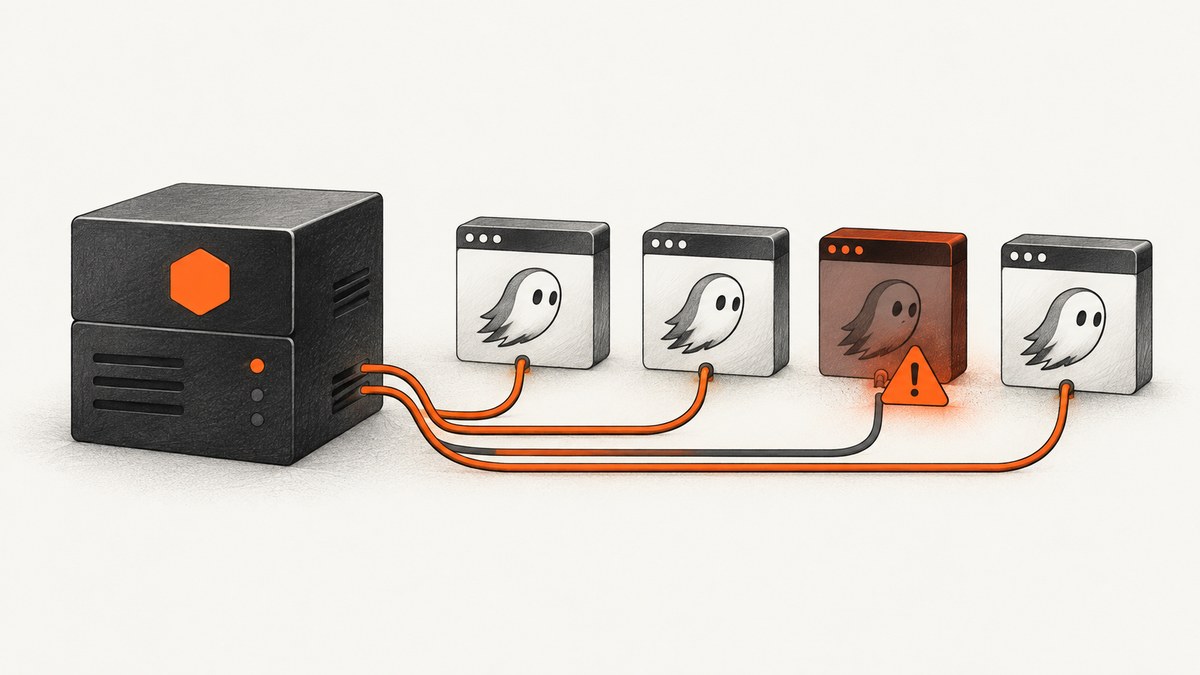
“phantom manager could not start all workers” is a wrapper error. Find the nested PhantomJS process error first. In the commonly reported production failure, PhantomJS exits before workers become available with Syntax error: word unexpected (expecting ")") and exit code 2. The practical fixes are to install fontconfig in the production runtime, verify or remove an invalid phantomPath, and only then tune worker settings.
This guide covers two unrelated products that share the name Phantom Manager:
- Node.js phantom-html-to-pdf deployments: a process manager starts PhantomJS workers.
- Legacy Minicom Phantom hardware: a physical Manager communicates with a computer over RS232.
1. Diagnose the Node.js worker failure
- Capture the complete stderr output from the child PhantomJS process.
- Separate the manager message from the nested process error, exit code, and executable path.
- Reproduce the launch outside the application with the same user, working directory, environment, container, and CPU architecture.
- Repair the runtime dependency or executable path.
- Start one worker successfully before increasing concurrency or changing timeouts.
Read the nested error
Do not begin by changing the worker count. A manager can report that it could not start all workers when every child process failed immediately. A blank PDF can be a downstream symptom of the same startup failure; it does not prove that the HTML template is wrong.
# Record the runtime and architecture used by the production process
node --version
uname -a
id
pwd

# Find PhantomJS candidates
command -v phantomjs || true
find /usr /opt /app -type f -name phantomjs -perm -111 2>/dev/null | head

# Test the executable directly
phantomjs --version
printf 'exit=%s\n' "$?"
Check fontconfig in Linux production images
The accepted fix for the reported deployment was to install libfontconfig on the server that launches PhantomJS. Install it inside the production image or host, not only on a development laptop.
# CentOS/RHEL-style systems
sudo yum install -y fontconfig

# Debian/Ubuntu systems
sudo apt-get update
sudo apt-get install -y libfontconfig

# Confirm the dynamic linker can see fontconfig
ldconfig -p 2>/dev/null | grep -i fontconfig || true
After installation, run phantomjs --version as the same service account used by Node.js. If the command works interactively but fails in the service, compare the service environment, container image, filesystem permissions, and library paths.
Verify phantomPath
An override such as phantomPath: "/usr/bin/phantomjs" fails when that file does not exist, is not executable, or was built for a different operating system or CPU architecture. Confirm the path before changing application code. If the package’s bundled binary is present and compatible, removing the override can allow the library’s packaged path to work.
PHANTOM_PATH="/usr/bin/phantomjs"

if [ -e "$PHANTOM_PATH" ]; then
  ls -l "$PHANTOM_PATH"
  file "$PHANTOM_PATH"
  test -x "$PHANTOM_PATH" && echo "executable" || echo "not executable"
  "$PHANTOM_PATH" --version
else
  echo "missing: $PHANTOM_PATH"
fi
Runnable Node.js launch check
Run this small check in the same production environment as the application. It distinguishes a missing path, a permission problem, and a process that exits with an error.
#!/usr/bin/env node
const { access, constants } = require('node:fs/promises');
const { spawn } = require('node:child_process');

const phantomPath = process.env.PHANTOM_PATH || 'phantomjs';

(async () => {
  try {
    if (phantomPath.includes('/')) {
      await access(phantomPath, constants.X_OK);
    }
  } catch (error) {
    console.error(`Cannot execute ${phantomPath}: ${error.message}`);
    process.exitCode = 1;
    return;
  }

  const child = spawn(phantomPath, ['--version'], { stdio: ['ignore', 'pipe', 'pipe'] });
  let stdout = '';
  let stderr = '';
  child.stdout.on('data', chunk => { stdout += chunk; });
  child.stderr.on('data', chunk => { stderr += chunk; });
  child.on('error', error => {
    console.error(`Could not launch PhantomJS: ${error.message}`);
    process.exitCode = 1;
  });
  child.on('close', code => {
    console.log(`exit=${code}`);
    if (stdout.trim()) console.log(stdout.trim());
    if (stderr.trim()) console.error(stderr.trim());
    process.exitCode = code === 0 ? 0 : 1;
  });
})();
# Use the explicit path when testing an override
PHANTOM_PATH=/usr/bin/phantomjs node check-phantom.js

# Or test the executable resolved from PATH
node check-phantom.js
2. Start one worker, then tune the manager
Once PhantomJS launches successfully, review the manager controls exposed by your phantom-html-to-pdf version:
| Setting | What to check | Practical guidance |
|---|---|---|
| Worker amount | How many PhantomJS processes start concurrently | Begin with one. Increase only after a single render is stable and memory use is acceptable. |
| Timeout | Maximum time allowed for a render | Set it above the slowest legitimate page load, but keep a finite limit so stuck pages are recycled. |
| Retries | How many times a failed job is attempted | Retries cannot repair a missing binary or library; use them for transient page failures after startup works. |
| Temporary directory | Where workers write intermediate files | Use a writable directory with enough space and cleanup behavior. |
| Image loading | Whether remote images are fetched | Disable only when the output does not need images; otherwise verify outbound network access. |
| Idle time | How long an unused worker remains alive | Shorter idle time can release memory; longer idle time can reduce process-launch overhead. |
Configuration names differ by package version. Check the documentation for the version installed in production and change one setting at a time. If one worker succeeds but several fail, inspect memory limits, process limits, temporary-directory capacity, and file-descriptor limits before raising concurrency.
3. Production troubleshooting checklist
- Works locally, fails in production: compare the production image, installed libraries, user account, architecture, and executable path. Local success does not prove the production runtime contains fontconfig.
Syntax error: word unexpected (expecting ")"): inspect the PhantomJS executable and its launch environment. This is a process-level failure, not a PDF-template diagnosis.ENOENTor “no such file”: the configuredphantomPathis missing. Remove the override or point it at an existing executable.EACCESor permission denied: grant execute permission and ensure the service account can traverse every parent directory.- Exec format error: the binary does not match the host architecture or operating system. Use a compatible build.
- Empty PDF after startup is fixed: inspect the page URL, template, asset access, image-loading setting, and render timing. Keep startup and rendering investigations separate.
- Workers die under load: reduce worker amount, inspect memory pressure and temporary storage, then raise limits or capacity deliberately.
- Timeouts only on external pages: check DNS, TLS, proxy rules, firewall egress, authentication, and whether the page waits indefinitely for network activity.
4. Reliability, performance and cost considerations
PhantomJS startup is a prerequisite for every worker. A missing shared library or invalid path causes repeatable failures, so retries and a larger worker pool increase log noise without improving reliability. Validate the binary during image creation or deployment, then run a one-worker smoke render before accepting traffic.
More workers improve throughput only when CPU, memory, file descriptors, and temporary storage have headroom. Measure queue time and render time separately. Reusing warm workers can reduce launch overhead, while an idle timeout helps reclaim memory. Keep timeouts finite and make retries bounded so a slow or broken page cannot consume the entire queue.
The research sources provide no incident rate, benchmark, or success percentage for these fixes. Treat the values in your deployment as workload-specific and record them from your own logs.
5. Legacy Minicom Phantom Manager: Communication Error
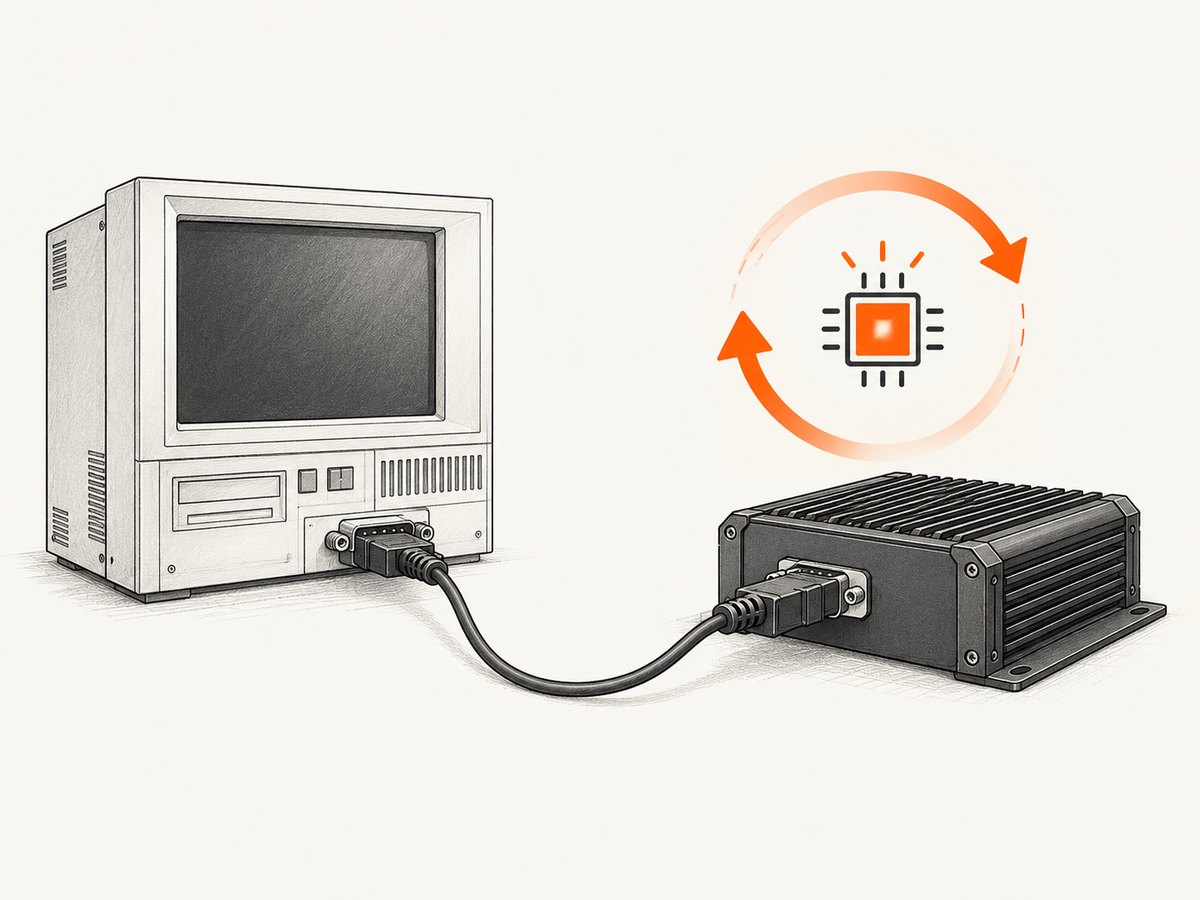
If your “Phantom Manager” is Minicom hardware, do not apply the Node.js fixes. The Manager is controlled through an on-screen display and communicates with the control computer over RS232.
Check cabling and port selection
- Attach the RS232 connector to the Manager communication port.
- Attach the DB9F connector to the computer’s DB9M serial port.
- Select the correct COM port in the control software.
- Enter Firmware Upgrade mode when the operation requires it.
Reset without shutting down the computer
Use the manual’s serial-port reset procedure for the Manager or Remote unit. The documented goal is to restore operation without powering off the connected computer. After the reset, confirm that the OSD and communication status return to normal.
Firmware update failure and power loss
- Record the OSD, Manager, and Remote version numbers before updating.
- Use the firmware file that matches the target unit and version path.
- Keep connected computers powered on throughout the update. The manual explicitly warns: “Never switch off any computer connected to the Phantom system during the updating process.”
- Verify the resulting version after the update.
If power fails during a Manager firmware update, a Communication Error may appear and the Manager enters Upgrade mode automatically; resume the update. If power fails during a Remote update, restart the upgrade from the beginning.
6. Or skip the browser setup
If your goal is dependable website screenshots or PDFs rather than maintaining PhantomJS workers, ScreenshotNeo provides a single HTTP request. The API documentation covers the available options.

curl -G "https://api.screenshotneo.com/v1/shot" -d access_key=YOUR_API_KEY --data-urlencode url=https://stripe.com -o shot.webp
import requests

r = requests.get(
    "https://api.screenshotneo.com/v1/shot",
    params={"access_key": "YOUR_API_KEY", "url": "https://stripe.com"},
    timeout=90,
)
open("shot.webp", "wb").write(r.content)
const q = new URLSearchParams({ access_key: 'YOUR_API_KEY', url: 'https://stripe.com' });
const res = await fetch(`https://api.screenshotneo.com/v1/shot?${q}`);
if (!res.ok) throw new Error(`Screenshot failed: ${res.status}`);
const body = Buffer.from(await res.arrayBuffer());
require('node:fs').writeFileSync('shot.webp', body);
ScreenshotNeo removes cookie banners, newsletter popups and chat widgets before capture. Bot checks, blank pages and failed loads are never billed, and the response identifies the result with X-Page-Verdict and X-Billed headers. Its MCP server lets Claude, Cursor and other MCP clients call take_screenshot, get_page_info and capture_pdf. The Free plan includes 1,000 screenshots per month with no card; paid plans start at $5 for 3,000 shots. Create a free ScreenshotNeo account.
FAQ
Does increasing the worker count fix the startup error?
No. First make one PhantomJS process launch successfully. Concurrency tuning comes afterward.
Should I always install both fontconfig packages?
No. Install the package appropriate for the operating system used by the production runtime: fontconfig on CentOS-style systems or libfontconfig on Debian/Ubuntu.
Why can a PDF be empty after the manager starts?
Worker startup and page rendering are separate stages. Once startup works, investigate the URL, template, assets, image loading, and timing.
Is Minicom Phantom Manager the same software as phantom-html-to-pdf?
No. They share a name but require different troubleshooting paths: Linux process dependencies for Node.js, and RS232, COM-port, reset, and firmware procedures for Minicom hardware.


