How to Fix PhantomJS Cannot Open Filename Errors
Fix PhantomJS “cannot open” errors by identifying whether the problem is a script path, file operation, output directory, or missing runtime library.

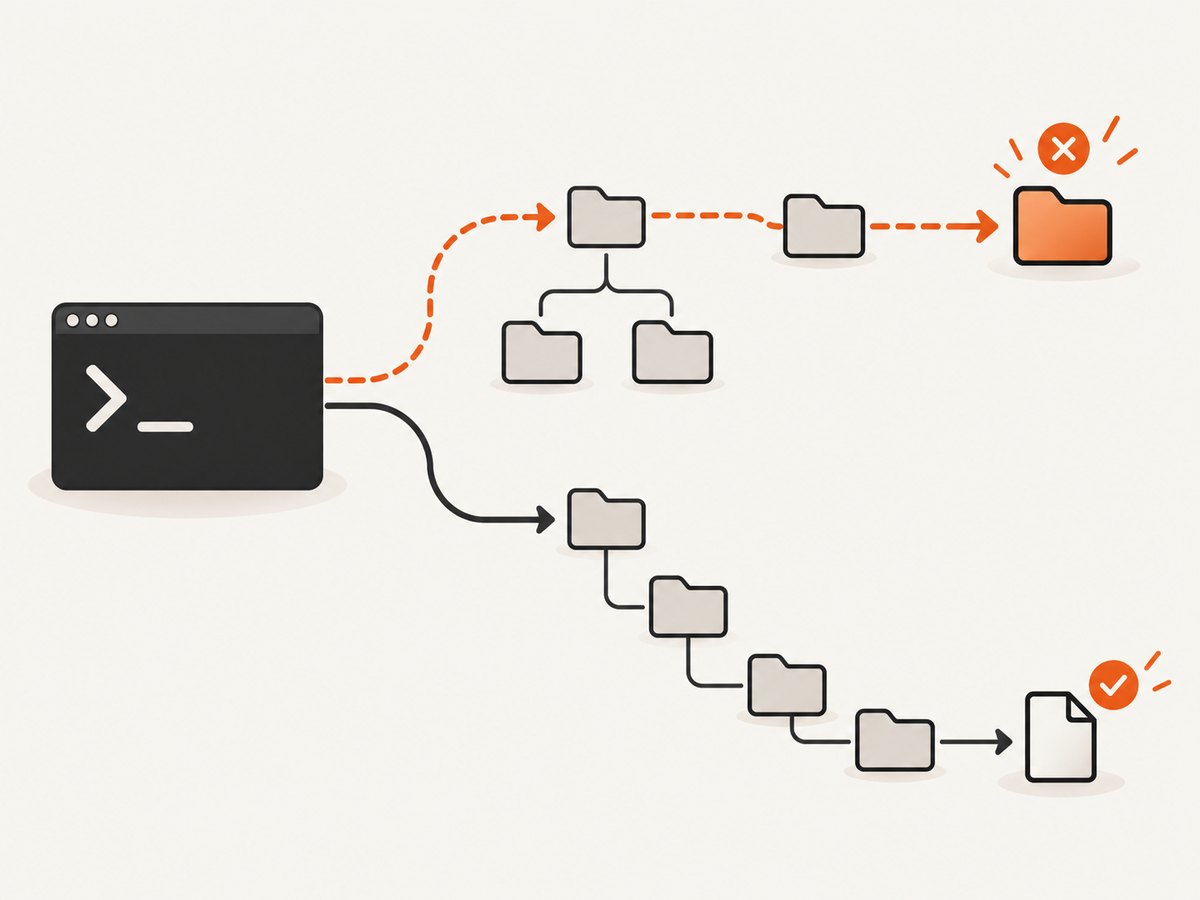
PhantomJS “cannot open filename” errors have several causes. The executable may not find the JavaScript file named on the command line, code inside the script may fail to read or write a path, or the operating system may be unable to load a shared library before PhantomJS starts.
Start with the complete error and the exact path it names. A message naming hello.js, input.txt, or an output directory needs path investigation. A message naming libssl_conf.so, libproviders.so, or another shared object is a runtime dependency problem.
Identify where the failure occurs
| Failure stage | Typical path in the message | First action |
|---|---|---|
| Command invocation | Your startup script, such as capture.js |
Check the working directory, spelling, capitalization, and absolute path. |
| Script-level input | A data file passed to fs.open or fs.read |
Print PhantomJS’s current directory and test the exact path. |
| Script-level output | A screenshot, JSON, or other destination | Check the parent directory and the write mode. |
| Runtime loading | A .so or other shared library |
Inspect the full loader error and match it to your OS and PhantomJS build. |
PhantomJS 2.1.1’s command-line form is phantomjs [options] somescript.js [arg1 ...]. The official quick start runs phantomjs hello.js from a terminal. See the PhantomJS command-line documentation.
Fix a script filename that PhantomJS cannot open
- Print the directory in which your shell is running.
- List the expected script and confirm its exact case.
- Run PhantomJS with an absolute path.
- If the absolute path works, fix your automation so it changes to the project directory or constructs paths from a known base directory.
pwd
ls -la
phantomjs capture.js
phantomjs /absolute/path/to/capture.js
On case-sensitive systems, Capture.js and capture.js are different files. A relative path is resolved from the process working directory, which may differ when the command is launched by cron, a service manager, an IDE, or another script.
Make a launcher independent of the shell directory
Use a shell script that resolves its own directory before invoking PhantomJS:
#!/usr/bin/env bash
set -eu
SCRIPT_DIR="$(CDPATH= cd -- "$(dirname -- "$0")" && pwd)"
exec phantomjs "$SCRIPT_DIR/capture.js" "$@"
Save it as run-capture.sh, make it executable with chmod +x run-capture.sh, and call it from any directory. This only solves the startup script path; files opened by capture.js still need their own path handling.
Diagnose paths inside a PhantomJS script
PhantomJS’s filesystem API provides fs.exists(path) and fs.absolute(path). Existence checks follow symlinks, but a positive result does not prove that a later read or write will succeed. Permissions, file type, encoding, locks, and parent-directory access can still cause an open failure.
var fs = require('fs');

var input = 'input.txt';
console.log('run directory: ' + fs.absolute('.'));
console.log('input path: ' + fs.absolute(input));
console.log('path exists: ' + fs.exists(input));

if (!fs.exists(input)) {
  console.error('Missing input: ' + fs.absolute(input));
  phantom.exit(2);
}

var contents = fs.read(input);
console.log('read ' + contents.length + ' characters');
The documented API reports Unable to open file PATH when a filesystem operation cannot open its path. Inspect the value immediately before the call rather than guessing which file PhantomJS tried to use. See the fs.exists documentation, fs.absolute documentation, fs.open documentation, and fs.read documentation.
Prefer explicit base directories
If a script accepts a filename argument, convert it to an absolute path at the boundary and log it:
var fs = require('fs');
var args = require('system').args;

if (args.length < 2) {
  console.error('Usage: phantomjs read.js /path/to/input.txt');
  phantom.exit(1);
}

var inputPath = fs.absolute(args[1]);
console.log('opening: ' + inputPath);

if (!fs.exists(inputPath)) {
  console.error('not found: ' + inputPath);
  phantom.exit(2);
}

var text = fs.read(inputPath);
console.log(text);
Do not assume fs.absolute makes a missing file valid. It only resolves the path against PhantomJS’s current directory.
Fix output-file and directory failures
When the error occurs while saving a screenshot or report, check both the output filename and its parent directory. PhantomJS documents fs.write(path, content, 'w') as creating a nonexistent output file, but the parent directory must already exist and be writable.
var fs = require('fs');
var output = fs.absolute('output/result.json');
var parent = fs.absolute('output');

console.log('parent: ' + parent);
console.log('parent exists: ' + fs.exists(parent));

if (!fs.exists(parent)) {
  console.error('Create the directory first: ' + parent);
  phantom.exit(3);
}

fs.write(output, '{"ok":true}\n', 'w');
console.log('wrote: ' + output);
Create the directory from the shell when appropriate:
mkdir -p output
chmod u+rwX output
phantomjs capture.js
For a service account, check ownership and permissions as that account. A directory can exist while denying traversal or creation. Also check whether the destination is a directory, whether the filesystem is full, and whether a read-only mount is involved.
When “cannot open” names a shared library
An error such as error while loading shared libraries: libssl_conf.so: cannot open shared object file: No such file or directory occurs before your JavaScript runs. It is not fixed by moving capture.js. Archived PhantomJS reports also mention missing libproviders.so and permission errors.
- Copy the complete loader message.
- Record the operating system, architecture, PhantomJS version, and installation source.
- Check whether the named library exists in the expected system library paths.
- Use the package manager or the PhantomJS distribution appropriate for that OS rather than copying an unrelated library.
- Re-run the executable before debugging script paths.
Do not apply a library path variable or install command from an unrelated issue without matching the exact library name and operating system. The PhantomJS repository is archived, and the official command-line documentation describes the legacy 2.1.1 release, so environment-specific fixes require extra care.
Use a minimal reproduction
Reduce the problem to one command and one file. This separates PhantomJS installation issues from application paths:
cat > hello.js <<'EOF'
console.log('PhantomJS started');
phantom.exit(0);
EOF
phantomjs hello.js
If this fails with a loader error, repair the runtime. If it succeeds, add one filesystem operation:
cat > check-file.js <<'EOF'
var fs = require('fs');
console.log(fs.absolute('.'));
console.log(fs.exists('input.txt'));
phantom.exit(0);
EOF
phantomjs check-file.js
Then add the real input, browser page, and output one at a time. The first step that fails identifies the layer to fix.
Common errors and fixes
| Symptom | Cause | Fix |
|---|---|---|
phantomjs: cannot open file capture.js |
Wrong working directory or filename case | Run pwd, list files, and use an absolute script path. |
Unable to open file input.txt |
Relative path resolves somewhere unexpected | Log fs.absolute('.') and the absolute input path. |
| Output fails although the filename is correct | Parent directory is missing or not writable | Create it, verify permissions, and check disk and mount status. |
Message names .so |
Missing or inaccessible runtime dependency | Follow the full loader error for the matching OS and build. |
| Works interactively but fails in cron | Cron uses a different directory, user, and environment | Use absolute paths and log the effective user and working directory. |
| Works on one machine only | Different PhantomJS binary, libraries, permissions, or filesystem layout | Compare versions, architecture, dependency output, and directory access. |
Reliability and maintenance considerations
PhantomJS is a legacy, archived browser runtime. Pin the executable version in reproducible environments, keep diagnostic logging around path resolution, and fail with a nonzero exit code when an input or output cannot be opened. Avoid silently falling back to a different directory: that can produce a successful process with the wrong file.
For batch work, validate all input paths before opening a browser page, create output directories during deployment, and write outputs to a temporary name before moving them into place. Keep the original error text in logs so a shared-library failure is not mistaken for a JavaScript failure.
Or skip the browser setup
If your goal is dependable website screenshots rather than maintaining PhantomJS, ScreenshotNeo provides a single HTTP request. Its capture service accepts cookie and consent banners before the shot and removes more than 60 known consent platforms, newsletter popups, and chat widgets; each step can be turned off. Bot checks, CAPTCHAs, blank pages, timeouts, failed loads, and cache hits are not billed, and responses identify the result with X-Page-Verdict and X-Billed headers.

Read the complete option list in the ScreenshotNeo API documentation. It supports full-page captures with lazy images loaded, CSS element capture, dark mode, 12 device presets or custom viewports, retina scale, PDF paper sizes and page ranges, HTML/CSS rendering, custom CSS and JavaScript, clicks, waits, request blocking, headers, cookies, user agents, authorization, timezone, geolocation, transparent backgrounds, resizing, TTL caching, signed links, asynchronous jobs with signed webhooks, bulk capture of up to 100 URLs per call, usage reporting, and OpenAPI.
cURL
curl -G "https://api.screenshotneo.com/v1/shot" \
  -d access_key=YOUR_API_KEY \
  --data-urlencode url=https://stripe.com \
  -o shot.webp
Python
import requests

r = requests.get(
    "https://api.screenshotneo.com/v1/shot",
    params={"access_key": "YOUR_API_KEY", "url": "https://stripe.com"},
    timeout=90,
)
r.raise_for_status()
open("shot.webp", "wb").write(r.content)
Node.js
const q = new URLSearchParams({ access_key: 'YOUR_API_KEY', url: 'https://stripe.com' });
const res = await fetch(`https://api.screenshotneo.com/v1/shot?${q}`);
if (!res.ok) throw new Error(`Screenshot failed: ${res.status}`);
const data = Buffer.from(await res.arrayBuffer());
require('fs').writeFileSync('shot.webp', data);
ScreenshotNeo also has an MCP server with take_screenshot, get_page_info, and capture_pdf tools for Claude, Cursor, and other MCP clients. The Free plan includes 1,000 shots per month without a card; paid plans start at $5 for 3,000 shots, and every feature is available on every plan. Create a free ScreenshotNeo account.
FAQ
Does fs.exists prove that a file can be opened?
No. It confirms that the path exists and follows symlinks. Permissions, file type, locks, and later operation details can still cause an open failure.
Why does an absolute path fix the problem?
It removes ambiguity about the process working directory. If it fixes the error, make the working directory or path construction explicit in automation.
Should I reinstall PhantomJS for every filename error?
No. Reinstalling is relevant to an executable or shared-library failure. A missing script, input, or output directory is normally a path or permission issue.
Can ScreenshotNeo render a local PhantomJS file?
ScreenshotNeo captures web URLs and supports HTML/CSS to image workflows. A local file must be made available through a suitable web-accessible workflow first.


