How to Fix PhantomJS JavaScript Execution with Capybara and Poltergeist
Fix hidden JavaScript errors, unsupported syntax, timing failures, and PhantomJS crashes in Capybara—or plan a durable move to Selenium.

Start here: confirm Capybara is actually using Poltergeist, confirm that a compatible PhantomJS executable is on your PATH, and enable JavaScript error reporting. If the failing bundle uses modern syntax such as let or const, PhantomJS may fail silently because its JavaScript engine does not reliably support ES6. Transpiling can be a short-term workaround, but Poltergeist has been archived since November 27, 2020; recurring compatibility problems are a reason to move JavaScript tests to a maintained browser driver such as Selenium. See the Poltergeist project documentation and the Capybara documentation.
1. Confirm the JavaScript driver is selected
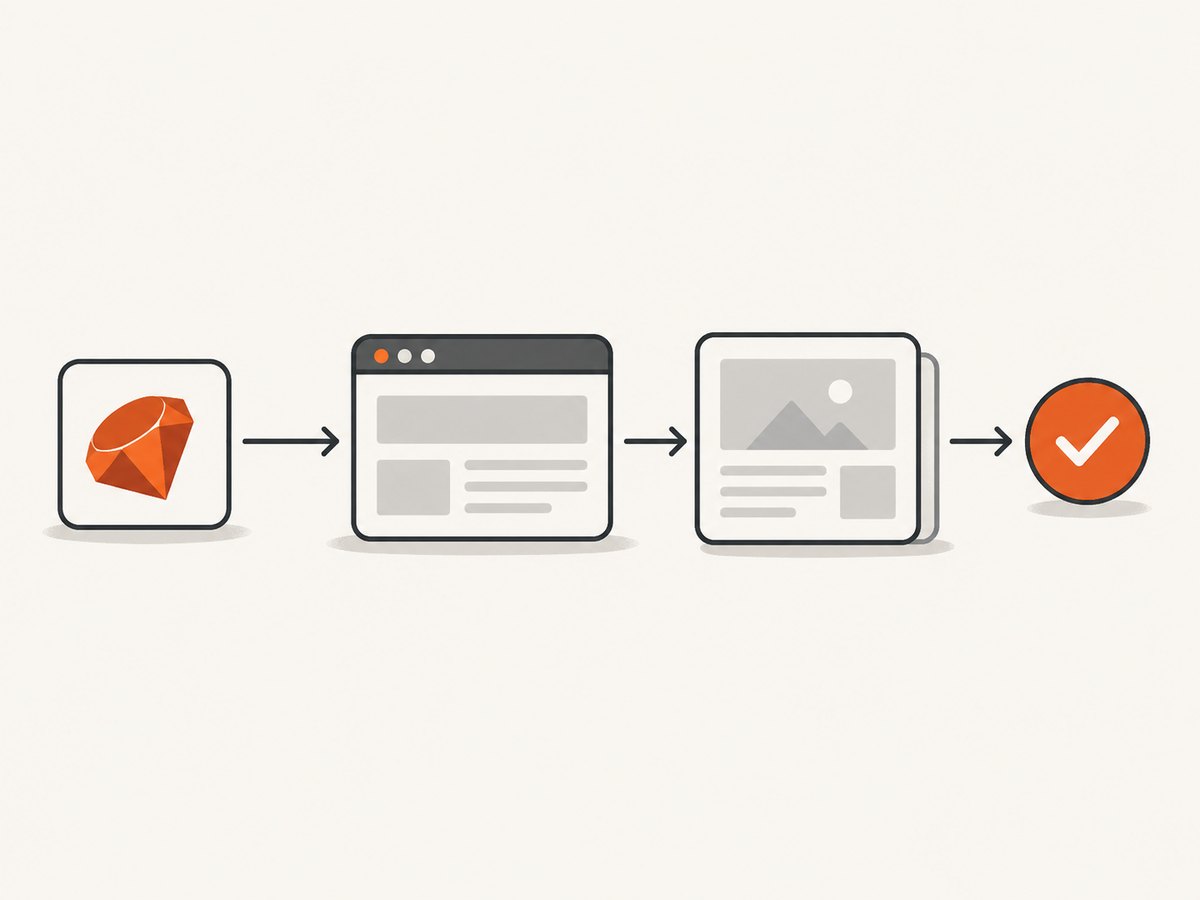
Capybara’s default rack-test driver does not run JavaScript. A test can visit a page and inspect server-rendered HTML successfully while never exercising client-side behavior. For tests that need a browser, add Poltergeist to the bundle, require its Capybara integration, and set the JavaScript driver. Tests must also opt into JavaScript—for example, with js: true in RSpec—unless your framework or setup selects the driver another way.
# Gemfile
 gem 'capybara'
 gem 'poltergeist'
# spec/spec_helper.rb or the test setup file
require 'capybara/rspec'
require 'capybara/poltergeist'

Capybara.javascript_driver = :poltergeist

RSpec.configure do |config|
  config.include Capybara::DSL, type: :feature
end
# spec/features/example_spec.rb
RSpec.describe 'client-rendered content', type: :feature, js: true do
  it 'shows the content after the page script runs' do
    visit '/example'
    expect(page).to have_content('Loaded by JavaScript')
  end
end
For a non-RSpec setup, the important pieces are still the same: load capybara/poltergeist, set Capybara.javascript_driver, and ensure the test actually runs with that driver. After editing the Gemfile, install dependencies with bundle install.
Check the PhantomJS executable
Poltergeist needs a PhantomJS binary it can launch. Check what your shell resolves before debugging page scripts:
which phantomjs
phantomjs --version
On Linux, the Poltergeist maintainers specifically advise against the PhantomJS package from the official Ubuntu repositories because it does not work well with Poltergeist. Use a compatible binary and make its location available on PATH. If the binary is installed in a nonstandard location, register a custom driver and pass its path with :phantomjs.
Capybara.register_driver :poltergeist do |app|
  Capybara::Poltergeist::Driver.new(app, phantomjs: '/opt/phantomjs/bin/phantomjs')
end

Capybara.javascript_driver = :poltergeist
The Poltergeist README documents a minimum PhantomJS version of 1.8.1 and installation guidance for supported platforms. Keep the executable path and version consistent between local development and CI; a different binary can produce different failures.
2. Make JavaScript errors visible
When page exceptions are hidden, a test may look like a timing problem even though the application’s JavaScript stopped during parsing or execution. Turn on js_errors so JavaScript failures are raised in Ruby. Add Poltergeist debug output when investigating communication, navigation, or click behavior. The registered driver below uses the options documented by the project:
Capybara.register_driver :poltergeist do |app|
  Capybara::Poltergeist::Driver.new(app,
    js_errors: true,
    debug: true,
    timeout: 45,
    window_size: [1280, 900]
  )
end

Capybara.javascript_driver = :poltergeist
:timeout here is Poltergeist’s wait for a response from the PhantomJS process; the documented default is 30 seconds. It is distinct from Capybara’s wait for an element or assertion. Raising one does not automatically fix the other. Remove verbose debug logging after diagnosis if it makes CI output difficult to read.
Save the browser state near the failure. A screenshot can expose a blank page, an overlay, an unexpected viewport, missing fonts, or a partially rendered state. For example, add this after the action that precedes the failure:
save_screenshot('tmp/poltergeist-failure.png', full: true)
Use a stable output path that your test runner preserves as an artifact. For a focused bug report, record a small reproducible test, the complete Ruby stack trace, Poltergeist and PhantomJS versions, operating system and version, debug output, and the screenshot. These are the diagnostic details requested by the project’s troubleshooting guidance.
3. Identify unsupported JavaScript syntax and APIs
PhantomJS embeds an old WebKit-based JavaScript engine. The Poltergeist README warns that PhantomJS does not support ES6 features and calls out let and const as syntax that can fail silently. If errors cluster around a recently changed frontend bundle, inspect the actual JavaScript served to the test browser, not only the source files developers edit.
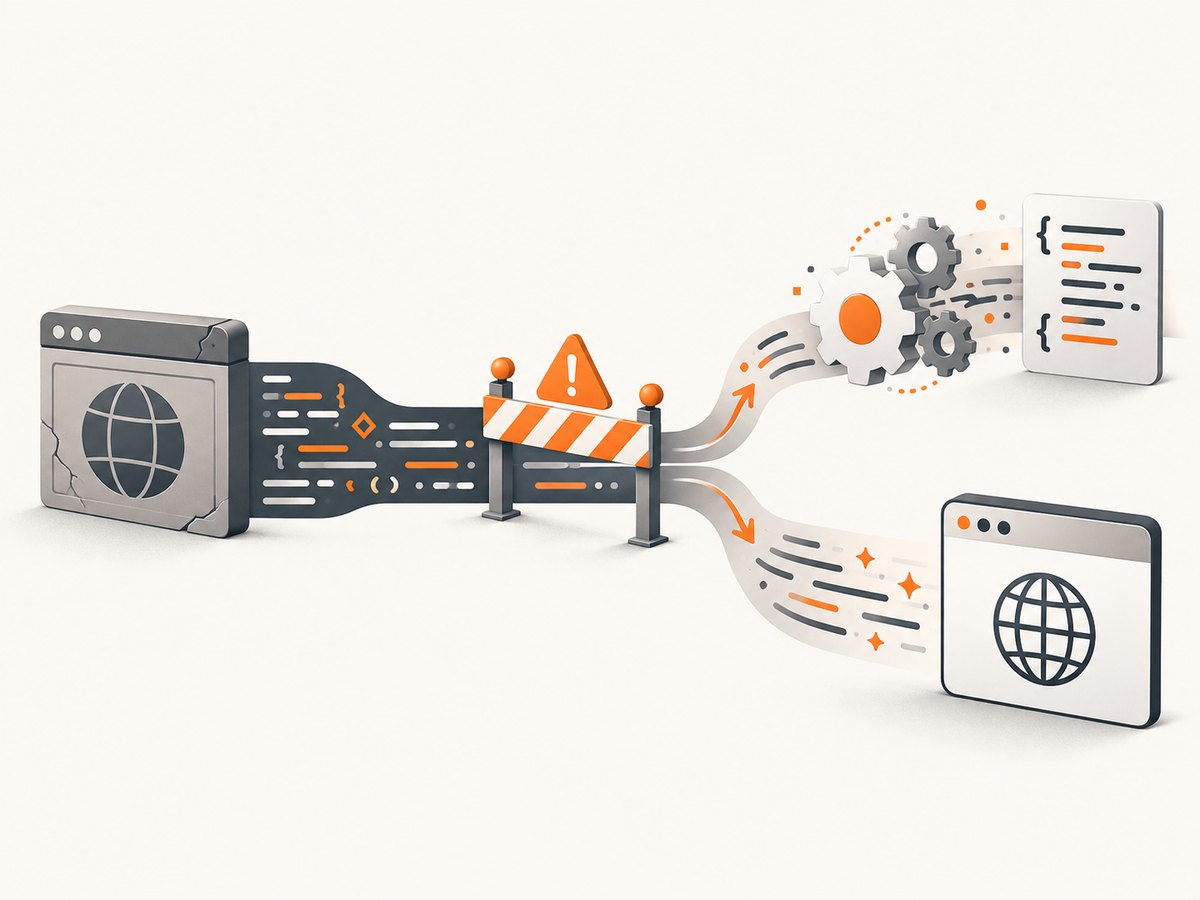
There are three practical options:
- Transpile the test bundle. Produce syntax the PhantomJS engine understands. Confirm the test environment loads the transpiled artifact; changing a build setting that is not used by the test server will not help.
- Polyfill a missing API. If parsing succeeds but a browser API is absent, Poltergeist can preload JavaScript files using
:extensions. A polyfill can address a missing API, but it cannot make an unsupported engine behave like a modern browser in every case. - Use a modern browser driver. If the application depends on modern language or browser behavior, migrate the test rather than steadily accumulating compatibility patches.
Capybara.register_driver :poltergeist do |app|
  Capybara::Poltergeist::Driver.new(app,
    js_errors: true,
    extensions: [File.expand_path('../support/phantomjs-polyfills.js', __dir__)]
  )
end
Keep any compatibility file narrowly scoped and documented. A polyfill can mask an engine limitation in the test environment without changing the real browsers your users run. Treat a passing PhantomJS test as evidence about that old test engine, not a guarantee of cross-browser correctness.
4. Separate execution failures from timing failures
First ask whether the browser can run the code at all. If the page throws a syntax or runtime error, increasing timeouts cannot repair it. If the code runs and eventually updates the page, a synchronization issue is plausible.
Capybara automatically retries failed asynchronous lookups and assertions. Its documented default maximum wait is two seconds. Set a larger value only when the application legitimately takes longer to reach the asserted state:
Capybara.default_max_wait_time = 5

visit '/reports'
click_button 'Refresh'
expect(page).to have_content('Report ready')
Prefer assertions about the eventual state, such as have_content or have_selector, over arbitrary sleeps. A fixed sleep 5 always adds five seconds, even when the page settles in a fraction of that time, and can still fail when the page takes longer. Capybara’s wait behavior is described in its asynchronous JavaScript documentation.
Choose the right script API
Use execute_script for side effects when you do not need a return value. Use evaluate_script when a value is needed, bearing in mind that complex return values can vary by driver. Browser scripting is not a substitute for waiting on the user-visible result.
# Side effect only
page.execute_script("document.body.classList.add('test-ready')")

# Read a simple value
title = page.evaluate_script('document.title')
5. Diagnose click failures and overlays
Poltergeist performs coordinate-based, user-like clicks. A visible overlay, modal backdrop, or shifted layout can cover the target and make a click fail. Check the screenshot and debug output for the click coordinates, then fix the page state or wait for the covering element to disappear.
click_button 'Save'
expect(page).to have_content('Saved')
If the purpose of the test is specifically to dispatch a DOM event—and browser-level pointer interaction is not what you are validating—you can trigger the event directly:
find_button('Save').trigger('click')
Use this as an intentional test choice, not as a blanket workaround. A triggered event can pass even when a real user cannot click the control.
6. Troubleshoot timeouts, crashes, and CI differences
| Symptom | Likely cause | What to do |
|---|---|---|
| JavaScript changes never appear | Test is using rack-test, or the JavaScript driver is not selected | Confirm the integration require, driver assignment, and JavaScript test metadata. |
Failure near let or const |
PhantomJS engine cannot parse the served syntax | Enable js_errors, inspect the served bundle, transpile it, or migrate the test. |
| Element lookup times out intermittently | Slow asynchronous work, or JavaScript failed before rendering | Inspect errors first; then assert the final state and adjust default_max_wait_time if justified. |
| PhantomJS cannot start or exits early | Binary missing, incompatible, or incorrectly installed | Check PATH, version, OS compatibility, and configured :phantomjs path. Avoid the Ubuntu repository package called out by Poltergeist. |
| Click reports an unexpected target or fails | Overlay, layout shift, viewport, or font difference | Save a screenshot, enable :debug, inspect coordinates, and correct the page state. |
DeadClient or process crash |
PhantomJS process crashed; sporadic crashes can involve its old WebKit | Check reproducibility, collect versions and stack trace, preserve debug logs and screenshot, and consider migrating. |
| Works locally but fails in CI | Different binary, missing fonts, viewport or environment difference | Align versions and paths, inspect CI screenshots, install needed fonts, and fix viewport-dependent assumptions. |
| Memory usage grows across manually created sessions | Driver process left running | Quit sessions explicitly with session.driver.quit when finished. |
For crashes that happen every time, reduce the case until it reliably reproduces. For sporadic failures, preserve enough CI evidence to compare the failing and passing runs. The archived Poltergeist repository is read-only, so do not count on new upstream fixes for old-engine crashes.
7. Decide whether to patch or migrate
A local patch is reasonable when a small, known syntax or API gap blocks a legacy test suite and the cost of migration cannot be paid immediately. Keep the workaround small, and give it an owner and a removal condition. Repeated engine incompatibilities, flaky crashes, or a need to validate current browser behavior make a stronger case for migration.
Capybara documents Selenium-based drivers and notes that JavaScript tests need a different driver from its non-JavaScript default. Selenium setup requires a browser and the matching driver configuration in the test environment. A migration should be incremental: retain the test’s user-visible assertions, switch a small group of JavaScript scenarios, then compare failures in CI. See Capybara’s driver documentation for configuration and selection.
| Approach | What it fixes | Trade-off |
|---|---|---|
| Transpile or polyfill | Specific syntax or missing API issue | Preserves PhantomJS setup but inherits its engine limitations. |
| Increase Capybara wait | Legitimate delay before an element or state appears | Does not fix parse errors, crashes, or unsupported browser behavior. |
| Move to Selenium | Obsolete JavaScript engine and recurring browser incompatibility | Requires browser and driver setup, plus CI configuration. |
Or skip the browser setup
If what you need is a screenshot of a URL for documentation, review, or an agent workflow—not an interactive Capybara test—you can use ScreenshotNeo, a website screenshot API and MCP server. One request returns an image or PDF; it does not replace browser-driven tests of clicks, application state, or assertions.
For API options and setup, see the ScreenshotNeo documentation. Replace the example URL as needed.
curl -G "https://api.screenshotneo.com/v1/shot" \
  -d access_key=YOUR_API_KEY \
  --data-urlencode url=https://stripe.com \
  -o shot.webp
import requests
r = requests.get(
"https://api.screenshotneo.com/v1/shot",
params={"access_key": "YOUR_API_KEY", "url": "https://stripe.com"},
timeout=90,
)
open("shot.webp", "wb").write(r.content)const q = new URLSearchParams({
access_key: 'YOUR_API_KEY',
url: 'https://stripe.com'
});
const res = await fetch(`https://api.screenshotneo.com/v1/shot?${q}`);
if (!res.ok) throw new Error(`Screenshot request failed: ${res.status}`);
await Bun.write('shot.webp', res);ScreenshotNeo removes cookie banners, newsletter popups, and chat widgets before the shot. Bot checks, blank pages, and failed loads are never billed. Its MCP server lets AI agents take screenshots, and 1,000 screenshots a month are free with no card; paid plans start at $5 for 3,000. Sign up for 1,000 free screenshots a month with no card.
Performance, reliability, and cost notes
For a test suite, runtime is shaped by browser startup, page load, external requests, and Capybara’s retry window. Avoid increasing timeouts suite-wide to hide a broken page; add time only where the user-visible operation is legitimately slow. In Poltergeist, URL whitelisting or blacklisting can prevent nonessential domains such as ad or analytics services from slowing tests, but ensure the test still loads resources its behavior depends on. The option is described in the Poltergeist documentation.
For reliability, pin and record the Ruby gems and PhantomJS binary used in CI, save artifacts on failure, and keep test viewports consistent. A passing run with an old engine is not equivalent to testing in current browsers. For cost, the main trade-off is engineering time: a small transpilation workaround may be inexpensive now, while maintaining an archived driver and debugging recurring CI failures can become costly. Selenium adds browser and driver setup, but it addresses the underlying obsolete-engine limitation.
FAQ
Does Capybara.default_max_wait_time fix JavaScript that does not execute?
No. It gives Capybara longer to find an element or satisfy an assertion. It cannot make PhantomJS parse unsupported syntax or recover a crashed process.
Can I keep Poltergeist for non-JavaScript tests?
Capybara lets tests select drivers, so projects can use different drivers for different needs. Since Poltergeist is archived, consider whether a simpler non-browser driver or a maintained browser driver better fits each group.
Should I replace every click_button with trigger('click')?
No. Triggering a DOM event does not validate that a user can interact with the control. First diagnose overlays and layout; use a direct event only when that is the behavior the test intends to exercise.
Where should I start if the failure only happens in CI?
Compare PhantomJS versions and executable paths, then inspect a screenshot from the failing job. Missing fonts and viewport differences can change layout and click coordinates.