How to Fix PhantomJS Not Loading Content in jQuery document.ready
PhantomJS can finish navigation before jQuery’s AJAX content appears. Load dependencies in order, wait for a real completion signal, then read the DOM.

PhantomJS can finish navigating a page before JavaScript has fetched and inserted its AJAX results. A jQuery document.ready handler marks initial DOM readiness; it does not guarantee that later requests have completed. The reliable fix is to check that page.open succeeded, make sure jQuery is available before using it, wait for a page-specific signal that the expected content has arrived, and only then read the DOM with page.evaluate.
Do not use a longer arbitrary sleep as the first fix. A selector, loading-state change, expected count, or application flag gives you a meaningful completion condition and a bounded timeout for failures.
1. Understand which event is firing
There are several different milestones that are easy to conflate:
page.opencallback: PhantomJS reports whether navigation succeeded or failed. A successful callback does not mean every later network request initiated by page JavaScript is done. PhantomJS page.open documentation.- DOM ready: The document has been parsed and its initial DOM is available. jQuery’s
$(document).ready(...)runs at this stage. It is useful for attaching handlers and working with initial elements, but not proof that an AJAX callback has run. - Application data ready: The page’s own asynchronous work has produced the result you need. This is the milestone your scraper or automation should wait for.
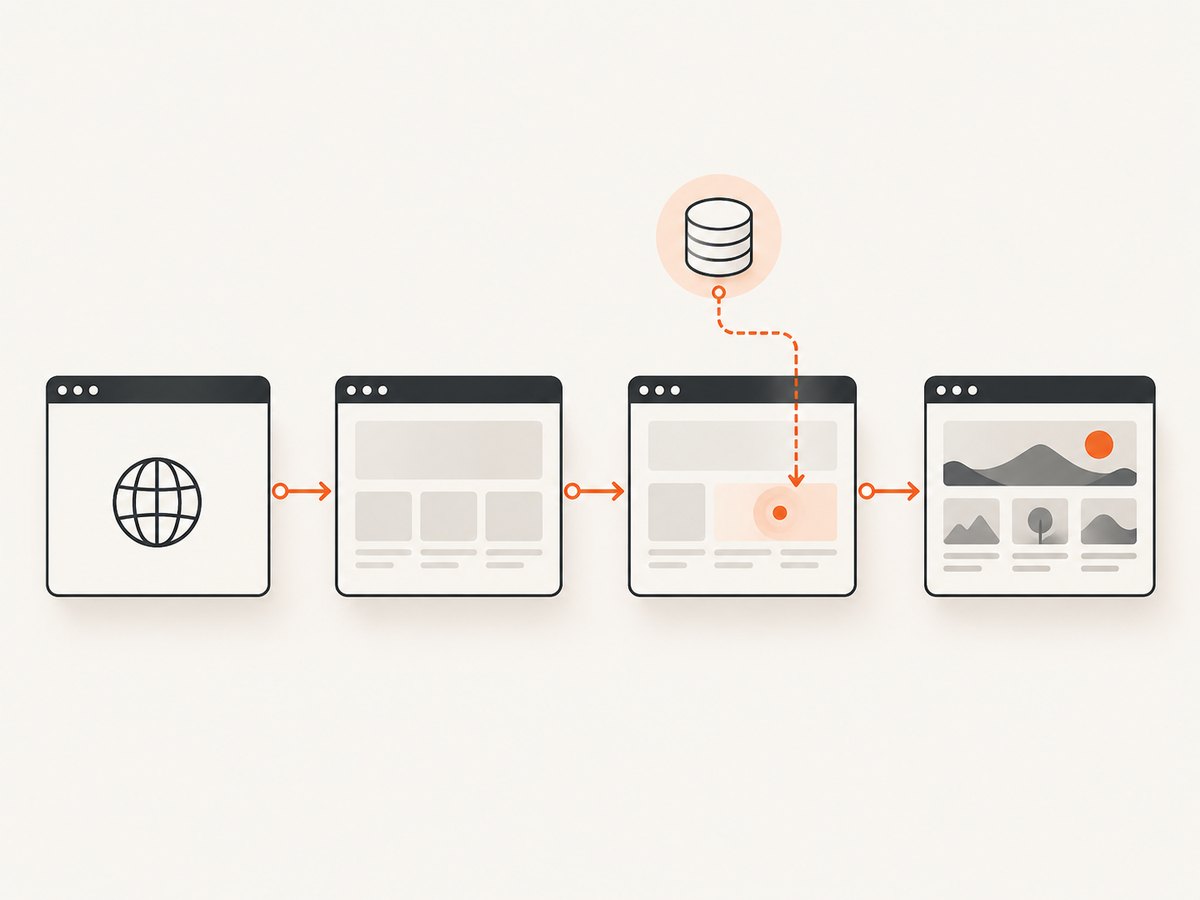
That distinction explains the common symptom: PhantomJS says the page opened, the ready handler runs, and #results is still an empty div. The browser may be working as designed; your script is observing the page between initial DOM construction and asynchronous rendering. Browser automation documentation also distinguishes DOM content readiness from later AJAX completion and describes the need for an additional wait condition. PhantomJsCloud: waiting for pages.
2. Use a content-based wait in PhantomJS
The following standalone script waits for a completion marker before extracting result text. Replace the URL and selectors with those used by the page. The example assumes the page adds #results-loaded only after its data has been rendered; if it does not, choose a selector or condition that actually indicates completion.
var page = require('webpage').create();
var system = require('system');

var url = system.args[1] || 'https://example.test';
var jqueryUrl = 'https://ajax.googleapis.com/ajax/libs/jquery/1.8.2/jquery.min.js';
var timeoutMs = 10000;
var pollMs = 100;

page.onError = function (msg, trace) {
  console.log('page error: ' + msg);
  trace.forEach(function (frame) {
    console.log('  ' + frame.file + ':' + frame.line);
  });
};

page.onResourceRequested = function (requestData) {
  console.log('request: ' + requestData.url);
};
page.onResourceReceived = function (response) {
  if (response.stage === 'end') {
    console.log('response: ' + response.status + ' ' + response.url);
  }
};
page.onResourceError = function (resourceError) {
  console.log('resource error: ' + resourceError.url + ' :: ' + resourceError.errorString);
};

page.open(url, function (status) {
  console.log('opened: ' + page.url + ' (' + status + ')');
  if (status !== 'success') {
    console.log('Navigation failed.');
    phantom.exit(1);
    return;
  }

  // If the site already includes jQuery, this injection is optional.
  // Keep jQuery-dependent work inside the includeJs callback.
  page.includeJs(jqueryUrl, function () {
    var deadline = Date.now() + timeoutMs;

    function poll() {
      var isReady = page.evaluate(function () {
        return !!document.querySelector('#results-loaded');
      });

      if (isReady) {
        var result = page.evaluate(function () {
          var node = document.querySelector('#results');
          return node ? node.textContent : '';
        });
        console.log(result);
        phantom.exit(0);
        return;
      }

      if (Date.now() >= deadline) {
        console.log('Timed out waiting for #results-loaded');
        phantom.exit(2);
        return;
      }

      setTimeout(poll, pollMs);
    }

    poll();
  });
});
Run it with the PhantomJS executable and the script filename, followed by an optional URL, for example phantomjs capture.js https://example.test. The script uses the PhantomJS webpage module and callback APIs. Its remote jQuery URL mirrors the documented automation pattern; if the target already loads jQuery, avoid injecting a second copy unless your use case requires it.
Why the ordering matters
page.openstarts navigation. Check its callback status before interacting with the page.- If needed,
page.includeJsloads jQuery asynchronously. Any code that depends on the injected library belongs in its callback. PhantomJS’s automation guide specifically warns to putphantom.exit()inside the include callback so the process does not exit before loading finishes. PhantomJS quick start. - The polling function evaluates a small readiness condition in the page. It does not hold a DOM node in the PhantomJS process.
- When the condition is true, a second evaluation returns plain text. Only then does the script exit.
In this example, jQuery is injected to demonstrate correct loading order, but the polling check uses standard DOM APIs. If you need jQuery-specific work, execute it inside page.evaluate after confirming jQuery exists, or put that work inside the include callback. An injected library may not be necessary merely to select an element.
3. Choose the right completion signal
The best wait condition reflects what “done” means for your page. Prefer these signals, roughly in this order:

| Signal | Use it when | Example check |
|---|---|---|
| Result element appears | The application creates a container only after success | document.querySelector('.result-row') |
| Loading marker disappears | The page has a stable spinner or loading class | !document.querySelector('.loading') |
| Expected count is reached | You know the minimum number of entries required | document.querySelectorAll('.result-row').length >= 3 |
| Application flag becomes true | You control the page or know its success handler | window.dataLoaded === true |
| Fixed delay | No observable signal exists and a bounded best effort is acceptable | Wait a chosen interval, then still validate output |
A marker should mean successful completion, not merely that the request started. For example, a result container that exists in the initial HTML is not a useful signal if it stays empty. Check for a rendered child, nonempty text, a loading-state transition, or a known application flag. If results can legitimately be empty, use a separate success marker so an empty result set is distinguishable from a failed request.
Wait for jQuery’s request only when that is the actual condition
If you can modify the page, set a flag in the success and failure paths of the AJAX operation. For example:
// In the page's own code, around the request:
window.resultsRequestDone = false;

$.ajax({ url: '/api/results' })
  .done(function (data) {
    renderResults(data);
    window.resultsRequestDone = true;
  })
  .fail(function () {
    window.resultsRequestDone = true;
    window.resultsRequestFailed = true;
  });
Then poll window.resultsRequestDone === true and inspect the failure flag as well as the output. Avoid relying only on jQuery’s global $.active count when unrelated requests can run: the count may never reach zero, or may reach zero before a later request starts. An application-specific flag or rendered-state condition is less ambiguous.
4. Read values across the evaluate boundary
page.evaluate executes in the page context, but its return value crosses into the PhantomJS script context. Return serializable values such as strings, booleans, numbers, arrays, and plain objects. Do not return a DOM element, function, or closure. PhantomJS’s API documentation calls out that closures, functions, and DOM nodes do not work as values across this boundary. PhantomJS evaluate documentation.
var summary = page.evaluate(function () {
  var rows = Array.prototype.slice.call(
    document.querySelectorAll('.result-row')
  );
  return {
    count: rows.length,
    texts: rows.map(function (row) {
      return row.textContent.trim();
    }),
    title: document.title
  };
});
console.log(JSON.stringify(summary));
Keep the function passed to evaluate self-contained. It cannot see local variables from the PhantomJS script by closure. Pass supported arguments explicitly when needed, and return data rather than browser objects.
5. Diagnose missing content systematically
- Confirm navigation: Log the callback status and
page.url. A redirect may land on a login, error, or consent page rather than the expected URL. - Check JavaScript errors: Set
page.onErrorand record the message and stack frames. A page exception can stop rendering code even when navigation succeeded. - Inspect requests and responses: Log
onResourceRequested,onResourceReceived, andonResourceError. Look for failed API calls, missing scripts, certificate problems, or unexpected status codes. - Inspect load progress: During diagnosis, examine
page.loadingandpage.loadingProgress. The documented progress value reaches 100 when the load is fully complete, but this still does not prove an application’s later data condition has been met. PhantomJS loadingProgress. - Verify the selector in the page: Confirm the selector is correct and present in the actual document. Content in an iframe requires inspecting the frame; content in a shadow root requires querying that shadow root. An old browser engine may not support modern page features as expected.
- Check the returned type: Reduce the extraction to a string or number to rule out an unsupported DOM return value.
Keep diagnostic logging focused: URLs and error text are usually enough to identify whether the issue is timing, a script exception, a failed network resource, or a selector mismatch.
6. Common errors and fixes
| Symptom | Likely cause | Fix |
|---|---|---|
page.open reports fail |
Navigation or transport failed | Check the exact URL, response/resource errors, and whether the endpoint is reachable from the runtime. |
$ is not defined |
jQuery is absent, not loaded yet, or the callback ran too early | Use the page’s bundled jQuery or place dependent logic inside includeJs’s callback. |
| Process exits before output | phantom.exit() ran before asynchronous work completed |
Call exit only after the include callback and the wait/extraction path finish. |
| Selector wait always times out | Wrong selector, marker never changes, request failed, or frame/shadow DOM boundary | Inspect the live DOM and resource logs; wait for a condition that actually changes on success. |
| Returned value is empty or unusable | Evaluation happened too early, selector matched nothing, or a DOM node crossed the boundary | Wait first, check for a null node, and return textContent or a plain object. |
| Fixed delay works sometimes | Network and server response times vary | Use polling against the application state, retain a timeout as a ceiling, and log a timeout distinctly. |
| API request never succeeds | Page script error, authentication/redirect, TLS/network issue, or endpoint rejection | Inspect error and response logs; reproduce the request conditions and verify the page’s expected cookies or headers. |
7. Reliability, timing, and the PhantomJS limitation
Use a short polling interval such as the illustrative 100 ms only when the check is inexpensive; tune it to the task. Polling a simple selector has low overhead compared with repeatedly collecting a large DOM snapshot. Always pair polling with a deadline so a broken page cannot keep the process alive indefinitely. Distinguish timeout from success in logs or exit status, and preserve enough context—opened URL, status, last known loading state—to reproduce failures.
Fixed waits are easy to write but create a poor tradeoff: a short wait fails on slower responses, while a long wait makes every fast page slower. A content condition returns as soon as the result is ready and provides a predictable upper bound through its deadline. If you cannot identify a completion signal, use a conservative bounded delay and validate that the output is nonempty or otherwise valid before treating the capture as successful.
PhantomJS is an old, discontinued headless browser project. Its older engine can struggle with modern JavaScript, browser APIs, TLS behavior, and sites that actively reject automation. If the target requires features the engine lacks, no amount of waiting will make the missing code run. The troubleshooting logs help tell an engine-compatibility problem from an ordinary race condition. For ongoing browser automation, consider a maintained browser automation stack; for the narrower task of obtaining a rendered screenshot, a screenshot API avoids installing and synchronizing a local browser.
8. Screenshot alternative: ScreenshotNeo
If the goal is a screenshot rather than extracting AJAX data into your own program, ScreenshotNeo provides a website screenshot API and MCP server. A single GET request returns an image or PDF. The request below captures a page as WebP; see the ScreenshotNeo API documentation for supported parameters and options.
Or skip the browser setup
curl -G "https://api.screenshotneo.com/v1/shot" \
  -d access_key=YOUR_API_KEY \
  --data-urlencode url=https://example.test \
  -o shot.webp
import requests
r = requests.get(
"https://api.screenshotneo.com/v1/shot",
params={"access_key": "YOUR_API_KEY", "url": "https://example.test"},
timeout=90,
)
open("shot.webp", "wb").write(r.content)const q = new URLSearchParams({
access_key: 'YOUR_API_KEY',
url: 'https://example.test'
});
const res = await fetch(`https://api.screenshotneo.com/v1/shot?${q}`);
if (!res.ok) throw new Error(`Screenshot request failed: ${res.status}`);
const bytes = Buffer.from(await res.arrayBuffer());
require('fs').writeFileSync('shot.webp', bytes);ScreenshotNeo accepts cookie and consent banners and removes more than 60 known consent platforms, newsletter popups, and chat widgets before capture; each of those steps can be turned off. Bot checks and CAPTCHAs, blank pages, timeouts, failed loads, and cache hits are not billed, and responses indicate the page verdict and billing status in headers. Its MCP server exposes take_screenshot, get_page_info, and capture_pdf for Claude, Cursor, and other MCP clients. The free plan includes 1,000 screenshots a month with no card; paid plans start at $5 for 3,000 shots, and all features are available on every plan.
Create a free ScreenshotNeo account to get 1,000 screenshots a month without a card.
9. Short FAQ
Does jQuery document-ready wait for AJAX?
No. It signals that the initial DOM is ready for interaction. Wait separately for the result or an application-specific completion flag.
Should I always inject jQuery with PhantomJS?
No. First determine whether the page already loads it. Inject only if needed, and run dependent code from the includeJs callback.
Can I return an element from page.evaluate?
No. Return serializable data such as text, counts, arrays, or plain objects.
Why does the same timeout work on one run and fail on another?
Request and rendering time vary. A state-based wait with a deadline adapts to fast and slow responses while still preventing an indefinite wait.


