How to Fix PhantomJS and jQuery Clicks on Select Elements
Fix PhantomJS select tests by separating selected state, jQuery handlers, and native browser events, then debug loading, selectors, and versions.
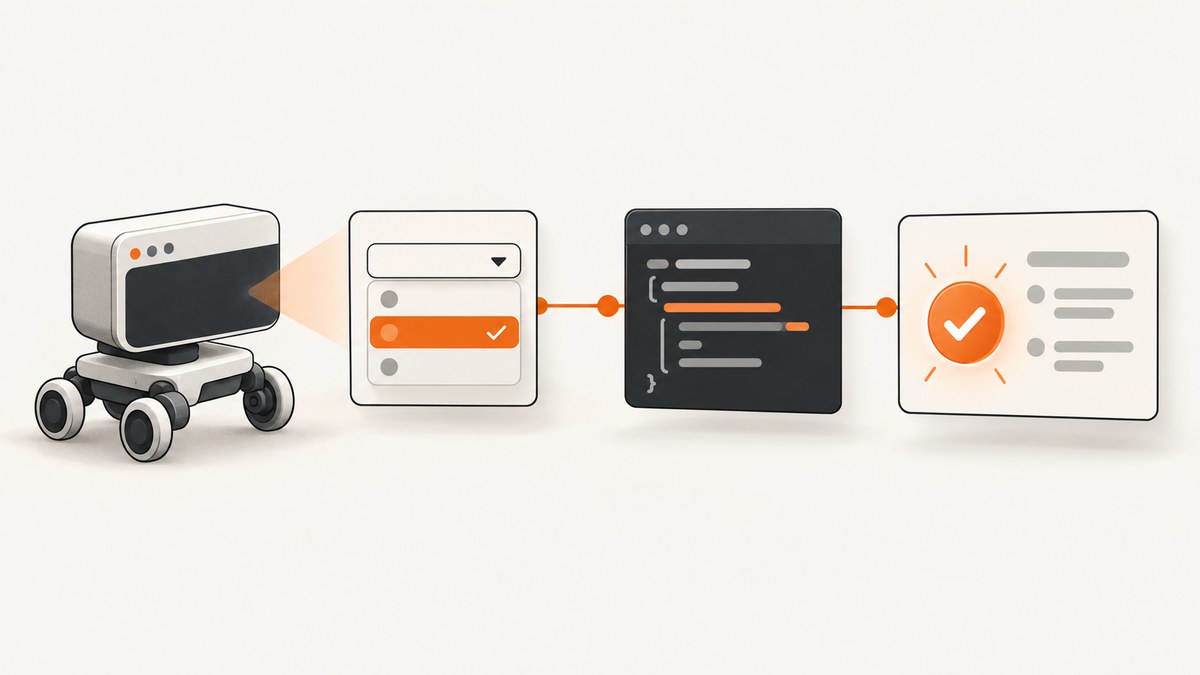
Short answer: a jQuery .trigger('click') call runs handlers registered through jQuery; it does not reproduce every native browser event or default action. For a select control, set the intended value, then trigger the event your application actually handles—usually change. In PhantomJS, also wait for jQuery to load, run DOM code inside page.evaluate, forward page console output, and verify the exact PhantomJS executable and version.
What is actually failing?
Separate these three states before changing the test:
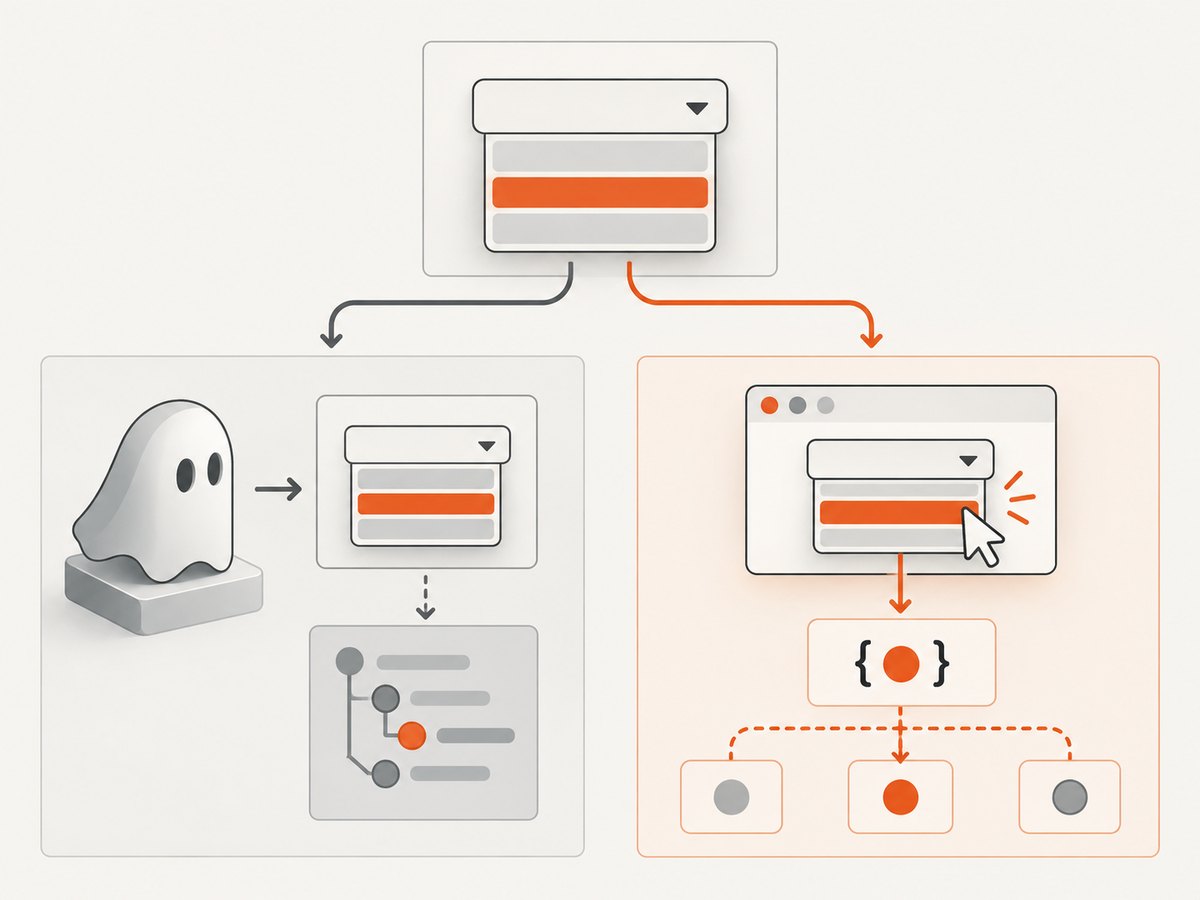
| State | Question | Useful check |
|---|---|---|
| DOM state | Did the intended <select> receive the expected value? |
Read element.value and the selected option. |
| jQuery binding | Is a handler attached to the element currently in the DOM? | Check binding timing, selector scope, and whether a framework replaced the element. |
| Native interaction | Did PhantomJS perform browser-level interaction and default behavior? | Use an interaction method appropriate to the page and verify behavior in PhantomJS/WebKit. |
The jQuery Learning Center describes .trigger() as a way to run event handlers without user interaction, while warning that synthetic events do not stand in for every native event. See Triggering Event Handlers and jQuery Event Basics.
Minimal PhantomJS test that changes a select
This complete script waits for the page, loads jQuery through page.includeJs, sets the value in the page context, and triggers the application’s change path.
var page = require('webpage').create();
var system = require('system');

page.onConsoleMessage = function (message) {
  console.log('[page] ' + message);
};
page.onError = function (message, trace) {
  console.error('[page error] ' + message);
  trace.forEach(function (item) {
    console.error('  at ' + item.file + ':' + item.line);
  });
};

var url = system.args[1] || 'https://example.com/form';
page.open(url, function (status) {
  if (status !== 'success') {
    console.error('Could not open page: ' + status);
    phantom.exit(1);
    return;
  }

  page.includeJs('https://code.jquery.com/jquery-3.7.1.min.js', function () {
    var result = page.evaluate(function () {
      var select = document.querySelector('#country');
      if (!select) {
        return { ok: false, error: 'select not found' };
      }

      select.value = 'US';
      if (window.jQuery) {
        window.jQuery(select).trigger('change');
      } else {
        var event = document.createEvent('HTMLEvents');
        event.initEvent('change', true, false);
        select.dispatchEvent(event);
      }

      return {
        ok: true,
        value: select.value,
        selectedIndex: select.selectedIndex
      };
    });

    console.log(JSON.stringify(result));
    phantom.exit(result.ok ? 0 : 1);
  });
});
Run it with:
phantomjs select-test.js https://your-site.example/formPhantomJS evaluates the supplied function inside the web page. Only JSON-serializable arguments and return values cross that boundary; PhantomJS-side variables, DOM nodes, and outer-scope closures are not available inside the function. See the page.evaluate documentation.
Use click only when click is the behavior under test
If the application has a jQuery click handler that you explicitly need to execute, trigger it after confirming the target:
var result = page.evaluate(function () {
  var select = document.querySelector('#country');
  if (!select || !window.jQuery) return { ok: false };
  window.jQuery(select).trigger('click');
  return { ok: true, value: select.value };
});
This proves that applicable jQuery-managed handlers ran. It does not prove that PhantomJS performed a real user click, opened a native select picker, or executed every browser default action. For a selection workflow, test the value and change behavior instead.
Reliable diagnostic sequence
- Confirm the selector and state. In
page.evaluate, return whether the element exists, its value, selected index, and available options. - Wait for jQuery. Put dependent code in the callback passed to
page.includeJs. PhantomJS’s automation example follows this pattern; exiting or acting before the callback creates a load race. See Page Automation with PhantomJS. - Check binding timing. Verify that the handler is attached after the select exists. If the select is replaced, a handler attached to the old node will not handle events from the new one. Delegated binding can cover dynamically inserted controls:
$(document).on('change', '#country', handler). - Use the event the page listens for. Set
value, then triggerchangefor selection logic. Useclickonly for click-specific code. - Forward diagnostics. Messages from page code, including code inside
evaluate, are not shown by default. Addpage.onConsoleMessage; use PhantomJS remote debugging when state inspection is insufficient. See PhantomJS Troubleshooting. - Record versions. Capture
phantomjs --version, the WebKit runtime in use, and the jQuery version. Multiple installed PhantomJS binaries can cause a different executable to run than the one you expect.
Common failures and fixes
| Symptom | Likely cause | Fix |
|---|---|---|
$ is not defined |
jQuery has not loaded. | Run the test from the page.includeJs callback and check network access to the library URL. |
Selector returns null |
Wrong selector, wrong frame, or DOM not ready. | Wait for page load, return diagnostic HTML/state, and verify the control is in the current document. |
| Value changes but application does nothing | Application listens for change, not click, or the handler is bound to a replaced node. |
Trigger change; inspect binding timing and use delegated events when appropriate. |
| Click handler runs but native behavior is missing | .trigger('click') is synthetic. |
Use a browser-level interaction suitable for the PhantomJS/WebKit page and verify the resulting state. |
| Logs are missing | Page console output is not forwarded. | Register page.onConsoleMessage before opening the page. |
| Test exits intermittently | phantom.exit() runs before scripts or asynchronous handlers finish. |
Exit from the final callback and add explicit waits for the condition being asserted. |
| Results differ between machines | Different PhantomJS binaries, WebKit revisions, or jQuery versions. | Print versions, use an explicit executable path, and keep the test environment consistent. |
| Cross-origin frame cannot be inspected | Browser same-origin restrictions. | Run code in the correct frame context and account for the page’s origin and frame boundaries. |
Assertions that make the test meaningful
var state = page.evaluate(function () {
  var select = document.querySelector('#country');
  var output = document.querySelector('#shipping-rate');
  return {
    value: select && select.value,
    selectedText: select && select.options[select.selectedIndex] &&
      select.options[select.selectedIndex].text,
    outputText: output && output.textContent
  };
});

if (!state || state.value !== 'US') {
  console.error('Selection failed: ' + JSON.stringify(state));
  phantom.exit(1);
}

// Assert the application result separately from the DOM selection.
if (!state.outputText || state.outputText.indexOf('United States') === -1) {
  console.error('Change handler did not update the expected output');
  phantom.exit(1);
}

phantom.exit(0);
Keep the selection assertion separate from the application-result assertion. That distinction tells you whether the failure is in DOM manipulation, event dispatch, or application code.
Timing, performance, and reliability
- Prefer a condition-based wait (for example, an output selector appearing or changing) over a large fixed delay.
- Load jQuery once per page and perform all dependent actions in its include callback.
- Return small JSON diagnostics from
evaluateinstead of serializing whole DOM trees. - Record the URL, selector, selected value, event name, PhantomJS version, and jQuery version in CI logs.
- Run a minimal reproduction page when a production page has asynchronous rendering, frames, or scripts that replace the select.
- PhantomJS is a legacy WebKit environment. A passing synthetic jQuery event does not establish compatibility with current browsers; use a maintained browser automation stack when native behavior or modern JavaScript support is the requirement.
Or skip the browser setup
If your goal is a stable page image rather than testing select-event behavior, ScreenshotNeo captures a URL with one request. Its API accepts cookie and consent banners before capture and removes more than 60 known consent platforms, newsletter popups, and chat widgets. Bot checks, blank pages, failed loads, timeouts, and cache hits are not billed, and the response identifies the result with X-Page-Verdict and X-Billed headers. An MCP server provides take_screenshot, get_page_info, and capture_pdf tools for AI clients.
See the ScreenshotNeo API documentation for all options.
curl -G "https://api.screenshotneo.com/v1/shot" -d access_key=YOUR_API_KEY --data-urlencode url=https://stripe.com -o shot.webpimport requests
r = requests.get("https://api.screenshotneo.com/v1/shot", params={"access_key": "YOUR_API_KEY", "url": "https://stripe.com"}, timeout=90)
open("shot.webp", "wb").write(r.content)const q = new URLSearchParams({ access_key: 'YOUR_API_KEY', url: 'https://stripe.com' });
const res = await fetch(`https://api.screenshotneo.com/v1/shot?${q}`);There is a free plan with 1,000 screenshots per month and no card. Paid plans start at $5 for 3,000 screenshots, and every feature is available on every plan. Create a free ScreenshotNeo account.
FAQ
Should I trigger click or change?
Use the event the application handles. Selection logic normally belongs on change; click is appropriate only for click-specific behavior.

Can page.evaluate access PhantomJS variables?
No. Pass JSON-serializable values in and return JSON-serializable values out.
Why does a synthetic event pass while a real browser test fails?
Synthetic jQuery dispatch exercises handlers but does not guarantee native default behavior or browser interaction.
What should I include in a bug report?
Include the smallest failing page, selector, event code, PhantomJS executable path and version, WebKit details if known, jQuery version, console output, and the returned DOM state.


