How to Fix the Phonon QCoreApplication Error in wkhtmltopdf
Learn what the Phonon QCoreApplication warning means, when it is safe to ignore, and how to fix it in a Qt wrapper or diagnose real media failures.
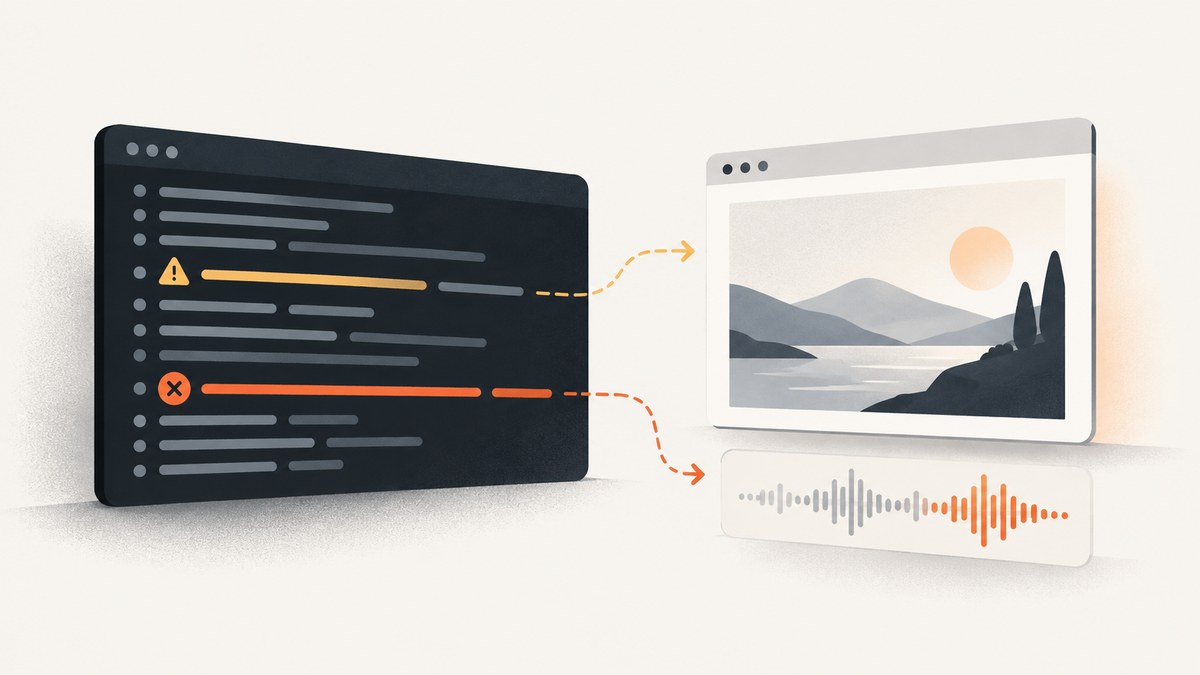
Short answer: Phonon needs QCoreApplication::applicationName is a Qt multimedia warning. It means Phonon could not find an application name to use for audio-service metadata. By itself, it does not prove that wkhtmltopdf or wkhtmltoimage failed. If the log continues through rendering and ends with Done, inspect the generated file and exit status before changing anything. If you own the Qt application that creates Phonon objects, create the application object first and set its name before using Phonon.
1. Understand what the warning says
Phonon is Qt’s multimedia layer. Some backends use the Qt application’s name as metadata when connecting to audio services. The Phonon-VLC implementation, for example, reads qApp->applicationName() for streaming user-agent and PulseAudio application context information; it warns when that value is empty. The message points to missing metadata, not directly to a PDF or image rendering error.
A reported wkhtmltoimage run used xvfb-run, printed the warning along with JACK socket messages, proceeded to Rendering (2/2), and finished with Done. In that run the warning was non-fatal. Treat those log lines as separate clues: Xvfb concerns a virtual display, JACK concerns an audio connection, and Phonon is reporting an application-name condition. One combined log does not establish one shared cause.
2. Decide whether you need to fix anything
- Check the command’s exit code. A successful-looking final log line is useful evidence, but check the process status as well. In a shell, run the command and then inspect
$?immediately. - Check the output file. Confirm that the expected PDF or image exists, is non-empty, and opens. A log warning is not a substitute for validating the artifact.
- Separate warning from symptom. If output is correct and the command succeeds, this warning alone usually needs no end-user repair. If output is missing, incomplete, or the process aborts, diagnose that failure rather than assuming the application-name warning caused it.
- Identify what you control. A stock
wkhtmltopdfexecutable is already its own process; an end user normally cannot add a Qt application name to it. A custom Qt wrapper or rebuilt binary can set one in source. - Check the media path only when media actually fails. If rendering involves audio or other Phonon functionality, test the installed backend and its plugins separately.
wkhtmltopdf https://example.com output.pdf
status=$?
printf 'exit status: %s\n' "$status"
ls -l output.pdf
Use a URL and output path appropriate to your environment. The command’s zero exit status and a valid output file are stronger evidence of success than the presence or absence of this one warning.
3. Fix it in Qt code you own
Set the name on a live QCoreApplication (or QApplication) instance before constructing or querying Phonon objects. The ordering matters: Phonon must not be initialized first and only later receive the metadata it expected.
#include <QCoreApplication>

int main(int argc, char **argv) {
    QCoreApplication app(argc, argv);
    app.setApplicationName("wkhtmltopdf-wrapper");

    // Construct or use Phonon objects only after the name is set.
    return app.exec();
}
This is a minimal event-loop application shape. In a wrapper that already has an application object, set its application name immediately after construction and before any Phonon initialization. A static call such as QCoreApplication::setApplicationName("wkhtmltopdf-wrapper") is also possible after an application instance exists. Choose a stable descriptive name that is suitable for audio-service metadata.
Qt’s FAQ notes that a QCoreApplication or QApplication instance must exist before creating QThread objects, and describes exec(), processEvents(), or a thread event loop as event-loop approaches. Do not add an application object late merely to silence output if the process architecture does not support it; establish the correct Qt lifecycle in the wrapper.
If you do not own the executable source, this code cannot be applied by passing an ordinary wkhtmltopdf command-line flag. Avoid patching binaries or suppressing stderr before confirming that the output problem is only diagnostic. For a stock binary, validate its result and pursue a wrapper or rebuilt executable only if you can reproduce a functional failure tied to the missing name.
4. Diagnose actual rendering or media failures
Check the output before the audio backend
First determine whether the failure is PDF/image rendering, missing embedded media, or only an audio initialization message. A web-to-PDF renderer can complete a page capture even when audio services are absent. If the HTML page itself does not load correctly, examine URL reachability, page load behavior, and renderer-specific errors independently; the supplied research does not establish the cause of those separate failures.
Test the Phonon backend directly
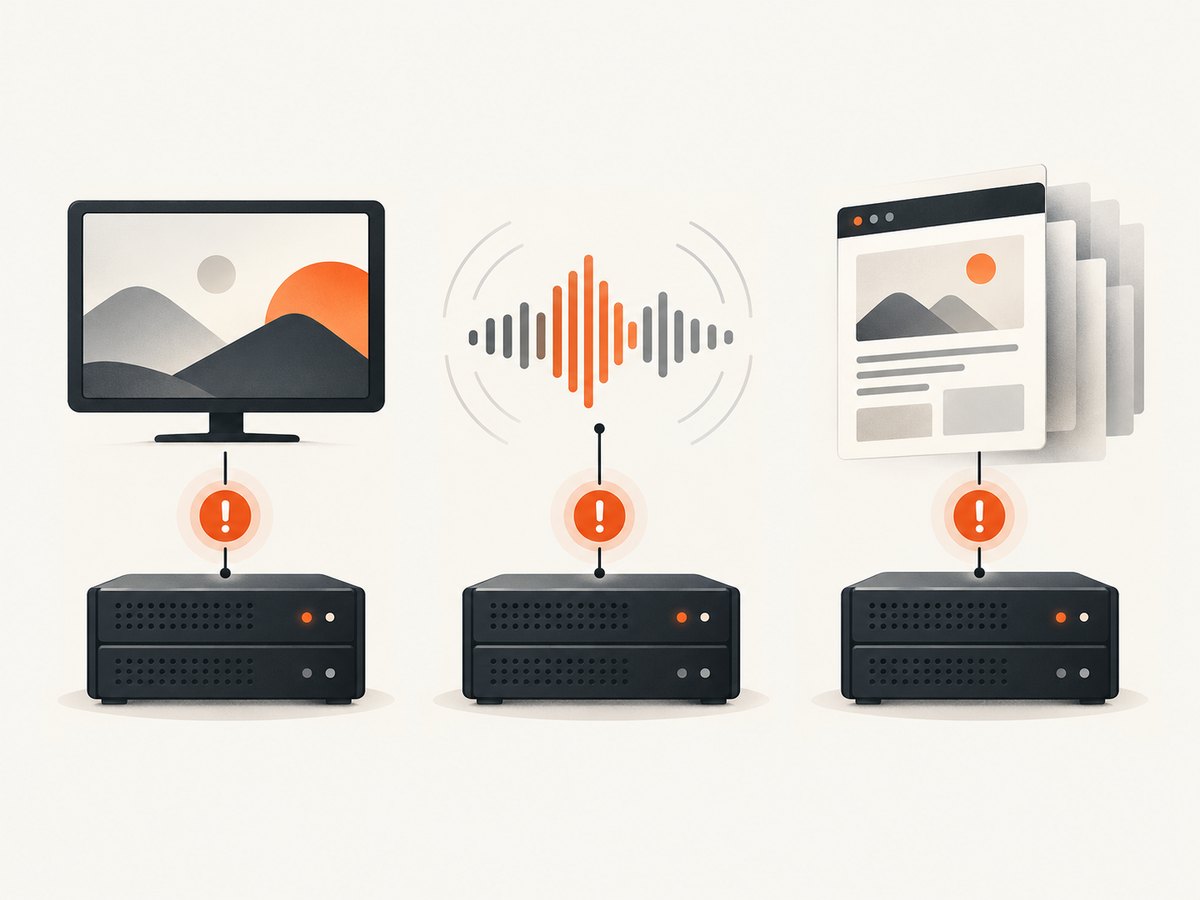
Qt’s technical FAQ identifies GStreamer as the officially supported Phonon backend and recommends testing playback directly with gst-launch. Run the diagnostic against an actual local media file:
./gst-launch playbin uri=file:///home/joe/my-random-media-file.mpegReplace the sample path with a readable media file on the machine. If this direct playback test fails, correct the GStreamer backend or required plugins before attributing the problem to wkhtmltopdf. A missing backend or plugin is a different fault from an unset Qt application name.
Keep headless display and audio checks separate
On Linux, a build may need a virtual display and be launched through xvfb-run. That controls display availability; it does not set Phonon’s application name or prove that the audio backend works. Likewise, JACK socket diagnostics may indicate an unavailable audio server without explaining a PDF rendering outcome. Record each symptom and test the relevant subsystem independently.
5. Troubleshooting common cases
| Symptom | Likely interpretation | What to do |
|---|---|---|
Warning appears, renderer says Done, output opens |
Likely a non-fatal Phonon metadata warning, as in the reported run. | Verify exit status and artifact. If both are good and no media function is broken, no rendering fix is indicated. |
| Warning appears and PDF/image is missing | The warning alone does not identify why output is missing. | Check the exit code, full log, destination permissions, and whether the process reached its rendering completion message. Diagnose the actual failure separately. |
| Wrapper still warns after adding a name | The name may be set after Phonon initialization, or on the wrong application object. | Create the application object first; set its name immediately; only then construct/query Phonon. Confirm the code path actually runs. |
| Stock wkhtmltopdf has no application-name option | The executable owns its Qt process and does not expose the source-level fix as a normal CLI setting. | Do not expect a shell environment setting to act like setApplicationName. Ignore a harmless warning or use a custom wrapper/rebuild for a demonstrated functional need. |
| Media fails even outside wkhtmltopdf | Likely backend or plugin setup rather than only the missing name. | Run the GStreamer playback diagnostic and install/correct the backend and plugins for the environment. |
xvfb-run or JACK messages appear beside it |
Multiple subsystems may be reporting independent conditions. | Check virtual-display availability separately from audio service/backend state. Do not treat the combined log as proof of a common root cause. |
| PDF exists but is blank or incomplete | The warning does not explain page content failure. | Inspect the actual output and page-loading behavior. Use renderer diagnostics for the failed content; investigate Phonon only if media is the affected content. |
6. Reliability, performance, and cost considerations
There is no benchmark in the cited material showing that setting an application name makes wkhtmltopdf faster or more reliable. The change supplies Qt metadata; it is not a general page-rendering optimization. Similarly, a completed warning-bearing run shows that the warning can be non-fatal, but it does not guarantee that every build, page, or backend will behave the same way.
For a reliable diagnosis, keep a record of the executable/build, command, exit status, final log lines, and whether the artifact opens. Repeat the exact failing input after a source change, and compare the functional result as well as the warning. If the workload is only website screenshots and PDF capture, maintaining a headless browser, virtual display, and Qt multimedia stack may add operational work; choose a capture method based on the required control and output rather than this warning alone.
7. Or skip the browser setup
If your goal is a website screenshot or PDF rather than maintaining a local renderer, ScreenshotNeo provides a one-request screenshot API. It accepts a URL and returns PNG, JPEG, WebP, or PDF. The request and its options are documented at ScreenshotNeo API docs.
curl -G "https://api.screenshotneo.com/v1/shot" -d access_key=YOUR_API_KEY --data-urlencode url=https://stripe.com -o shot.webpimport requests
r = requests.get(
"https://api.screenshotneo.com/v1/shot",
params={"access_key": "YOUR_API_KEY", "url": "https://stripe.com"},
timeout=90,
)
open("shot.webp", "wb").write(r.content)const q = new URLSearchParams({ access_key: 'YOUR_API_KEY', url: 'https://stripe.com' });
const res = await fetch(`https://api.screenshotneo.com/v1/shot?${q}`);
if (!res.ok) throw new Error(`Screenshot request failed: ${res.status}`);
const bytes = new Uint8Array(await res.arrayBuffer());
await import('node:fs/promises').then(fs => fs.writeFile('shot.webp', bytes));ScreenshotNeo accepts cookie/consent banners and removes more than 60 known consent platforms, newsletter popups, and chat widgets before capture; each cleanup step can be turned off. Bot checks/CAPTCHAs, blank pages, timeouts, failed loads, and cache hits are not billed, and response headers say the page verdict and billing status. Its MCP server lets AI agents using Claude, Cursor, or another MCP client call take_screenshot, get_page_info, and capture_pdf. The free plan includes 1,000 screenshots per month with no card; paid plans start at $5 for 3,000, and every feature is on every plan.
Sign up for 1,000 free screenshots a month, no card required.
8. FAQ
Does this warning mean my PDF is corrupt?
No. It reports missing application-name metadata for Phonon. Open and validate the PDF or image and check the process exit status to determine whether the capture succeeded.
Can I fix a packaged wkhtmltopdf binary with a command-line option?
The researched fix is in Qt application code. The available evidence does not identify a standard command-line switch for a stock executable.
Should I install an audio server on a screenshot server?
The warning alone is not evidence that an audio server is required for page rendering. Investigate audio services only when media behavior actually fails.
Does setting the name guarantee the warning disappears?
It addresses the missing-name condition when applied to the correct Qt application before Phonon use. It does not fix backend, plugin, display, or unrelated rendering failures.
Sources
- Stack Overflow report containing the warning in a run that continued to
Done. - QtCentre discussion describing the missing Qt application name and setting it on the application.
- Phonon-VLC source showing application-name use for audio metadata.
- Qt FAQ on threads, events, and QObjects covering application-instance and event-loop context.
- Qt FAQ on Phonon identifying the GStreamer backend diagnostic.


