How to Fix PHP HTML-to-PDF Converters That Return Empty PDFs
Diagnose blank, corrupt, or zero-byte PDFs from PHP converters with a practical checklist for mPDF, Dompdf, TCPDF, assets, and runtime errors.
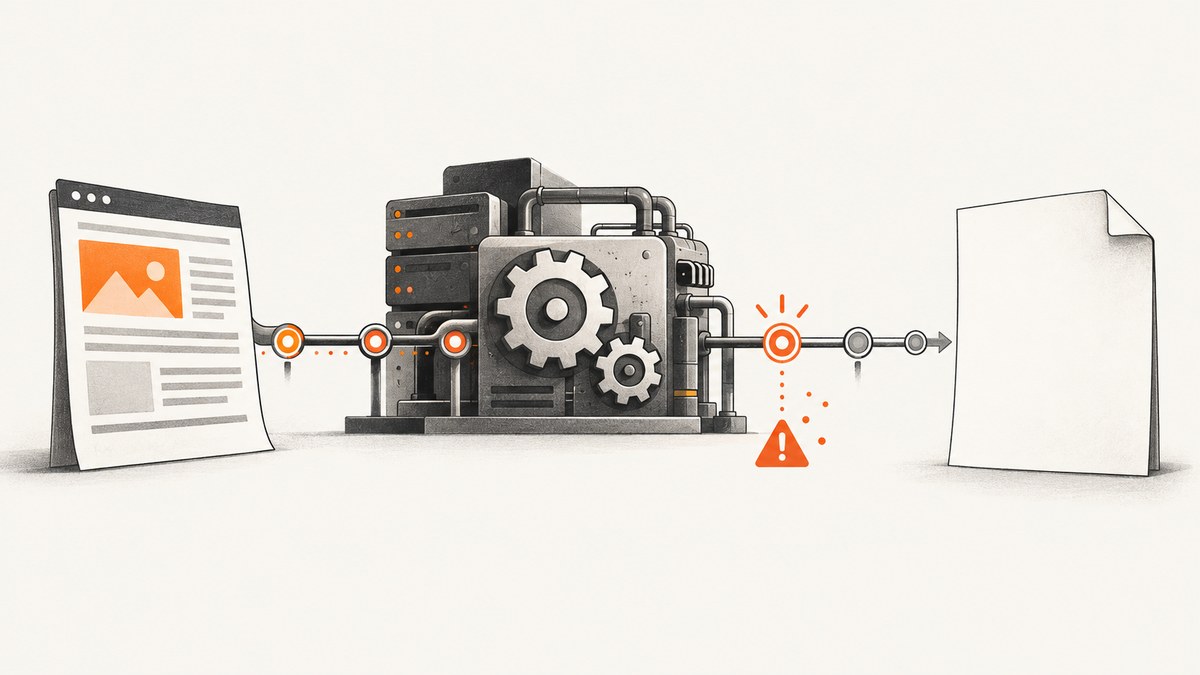
A PHP HTML-to-PDF converter can appear to return an “empty PDF” for several different reasons: the response may be zero bytes, a valid PDF with a blank page, a truncated file, or an HTML error page saved with a .pdf extension. Identify which case you have before changing the template.
Diagnose the exact failure first
- Save the response to a file and record its byte size.
- Check the HTTP status and
Content-Type. - Run
file output.pdfor inspect the first bytes. A real PDF normally starts with%PDF-. - Open the file with a PDF validator or viewer and distinguish a blank page from a corrupt or truncated document.
- Check PHP-FPM, Apache, CLI, and application logs before changing HTML.
<?php
$pdf = $mpdf->Output('', \Mpdf\Output\Destination::STRING_RETURN);
file_put_contents(__DIR__ . '/debug-output.bin', $pdf);
error_log('PDF bytes: ' . strlen($pdf));
error_log('PDF header: ' . substr($pdf, 0, 8));
If the saved bytes begin with an HTML warning, exception, or login page, the converter may be working correctly while your delivery layer is returning the wrong payload.
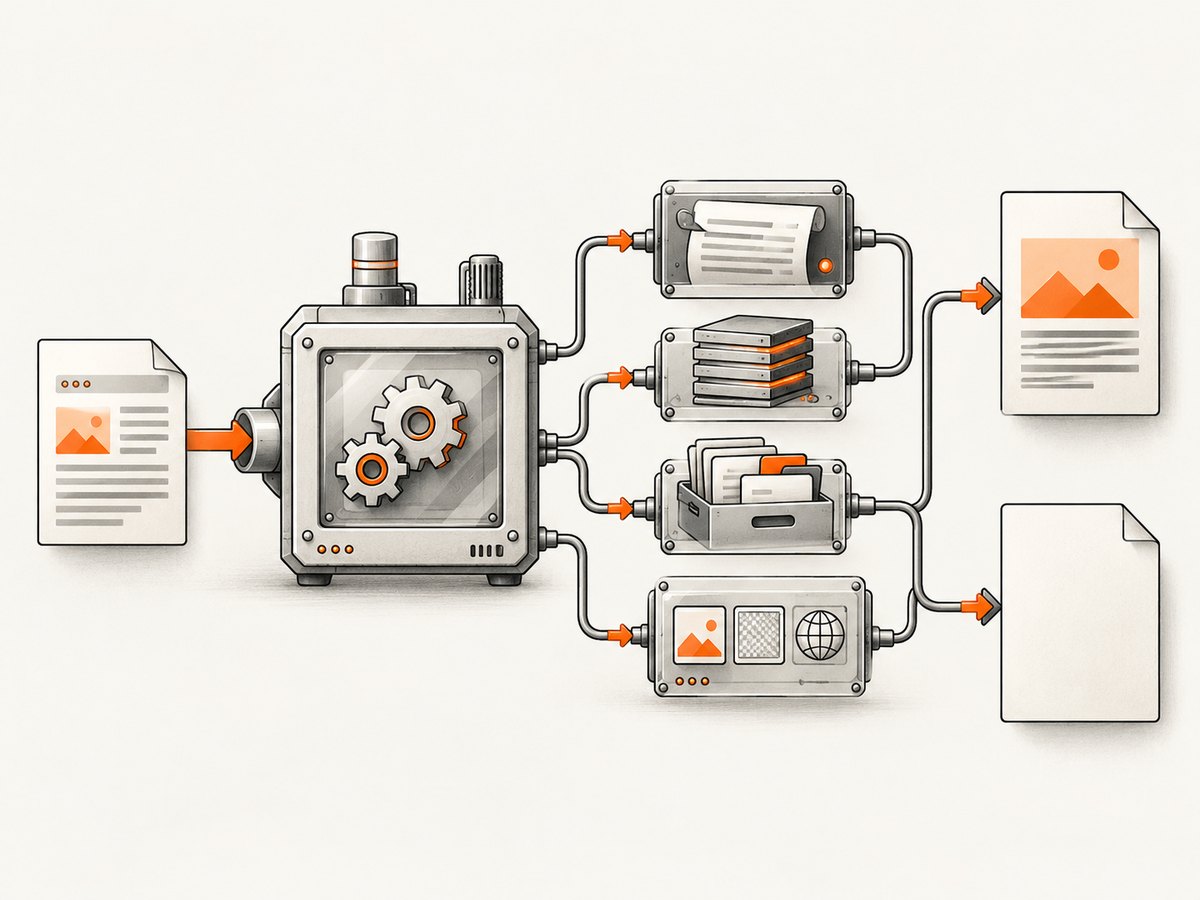
Use a minimal document to isolate the boundary
Replace the real template temporarily with the smallest document your library can render. Then add CSS, images, fonts, loops, and remote data one piece at a time.
<?php
require_once __DIR__ . '/vendor/autoload.php';

$mpdf = new \Mpdf\Mpdf([
    'tempDir' => __DIR__ . '/var/mpdf',
]);
$mpdf->WriteHTML('<h1>PDF smoke test</h1><p>Rendered text</p>');
$mpdf->Output(__DIR__ . '/smoke-test.pdf', \Mpdf\Output\Destination::FILE);
If this works, the failure is in your input, assets, runtime limits, or output handling. If it fails, inspect the library installation, temporary directory, PHP extensions, and logs.
mPDF: blank output, long HTML, and memory failures
mPDF’s blank-screen guidance recommends enabling debugging and handling exceptions because script errors and memory exhaustion can produce an apparently blank response. See the mPDF blank-screen troubleshooting guide.
<?php
require_once __DIR__ . '/vendor/autoload.php';

$mpdf = new \Mpdf\Mpdf([
    'tempDir' => __DIR__ . '/var/mpdf',
]);
$mpdf->showImageErrors = true;

try {
    $html = render_invoice_html();
    $mpdf->WriteHTML($html);
    $mpdf->Output(__DIR__ . '/invoice.pdf', \Mpdf\Output\Destination::FILE);
} catch (\Mpdf\MpdfException $e) {
    error_log('mPDF failed: ' . $e->getMessage());
    http_response_code(500);
    echo 'PDF generation failed';
}
Check PCRE limits for large input
mPDF documents that oversized strings passed to WriteHTML() can exceed PHP’s PCRE processing limit. The result can be blank pages or missing sections. Read mPDF known issues.
<?php
error_log('HTML bytes: ' . strlen($html));
error_log('pcre.backtrack_limit: ' . ini_get('pcre.backtrack_limit'));

// Split large documents instead of sending one huge string.
$mpdf->WriteHTML($headerHtml, \Mpdf\HTMLParserMode::HEADER_CSS);
foreach ($bodyChunks as $chunk) {
    $mpdf->WriteHTML($chunk, \Mpdf\HTMLParserMode::HTML_BODY);
}
Raising pcre.backtrack_limit may help when your host permits it, but splitting HTML and CSS into smaller calls is usually easier to reason about. Reproduce with a minimal document and add sections until the failure returns.
Give mPDF a writable temporary directory
mPDF needs a writable temporary location. Configure a dedicated directory for the same user that runs PHP-FPM, Apache, or the CLI. Its documentation warns against making the directory world-writable; follow the temporary-file guidance.
mkdir -p var/mpdf
chown www-data:www-data var/mpdf
chmod 750 var/mpdf
Remove output sent before the PDF
Warnings, notices, debug output, whitespace before <?php, and included files that echo content can corrupt a PDF or abort delivery. mPDF describes this in its error-message documentation. PHP’s output-buffering manual explains how buffered output is held and flushed.
<?php
// During diagnosis only: find unexpected output.
ob_start();

try {
    $mpdf->WriteHTML($html);
    $mpdf->Output();
} finally {
    $unexpected = ob_get_contents();
    if ($unexpected !== '') {
        error_log('Unexpected output before PDF: ' . bin2hex($unexpected));
    }
    ob_end_clean();
}
Do not suppress errors blindly. Log them, fix the source, and send PDF headers only after generation succeeds.
Assets: images, stylesheets, fonts, and remote URLs
A document can contain text while images or CSS disappear because the renderer cannot read the asset. Verify every URL from the server, not from your browser. Check DNS, TLS certificates, authentication, redirects, MIME types, and filesystem permissions.
- Use absolute URLs or approved local paths.
- Confirm the PHP process can read local files.
- Embed critical images as data URLs when appropriate.
- Check that fonts exist and are readable by the worker.
- Log failed HTTP requests and redirects.
Dompdf requires you to review its temporary directory, logging, and remote-resource configuration; its usage documentation lists the relevant settings. The current TCPDF HTML/CSS renderer can refuse markup assets that do not satisfy its allowed local-path and remote-host rules; see the TCPDF HTML/CSS guide.
When the renderer cannot reproduce your HTML
mPDF supports a limited CSS subset compared with a modern browser. Grid, complex flex layouts, JavaScript-driven content, and browser-specific behavior may render as missing or misplaced content even when PHP reports no error. The mPDF project documentation suggests considering headless Chrome when browser-level fidelity is the priority.
Choose a rendering approach by comparing:
- HTML/CSS fidelity: whether the template depends on modern layout or JavaScript.
- Deployment: whether a browser runtime or non-PHP process can run in production.
- Asset security: how local files, remote hosts, cookies, and credentials are permitted.
- Document features: pagination, headers, footers, fonts, page ranges, and print rules.
A production checklist
- Validate status, content type, byte size, and the
%PDF-header. - Capture library exceptions and PHP/web-server logs.
- Render a minimal fixture, then add template sections incrementally.
- Measure HTML size and inspect PCRE and memory limits.
- Configure a private writable temp directory.
- Verify every local and remote asset from the worker environment.
- Remove accidental output and check output-buffer behavior.
- Confirm that the renderer supports the CSS and JavaScript your template needs.
- Set a timeout and monitor worker memory for large documents.
- Keep a failing HTML fixture so library or PHP upgrades can be regression-tested.
Performance, reliability, and cost notes
Large DOMs, high-resolution images, embedded fonts, and repeated remote requests increase memory and render time. Cache stable assets, resize oversized images before embedding, and split very large documents where the library supports it. Use bounded queues or worker processes so one pathological document does not exhaust all PHP workers.
For reliable delivery, generate to a temporary filename, verify the file exists and has a plausible size, then atomically rename it. Return an error response instead of a partial PDF. Record document identifiers, renderer versions, elapsed time, and peak memory so failures can be correlated with input size.
Or skip the browser setup
If your goal is a clean image or PDF of a web page rather than server-side PHP document composition, ScreenshotNeo provides a single request API. It accepts consent banners before capture and removes more than 60 known consent platforms, newsletter popups, and chat widgets. Bot checks, blank pages, timeouts, failed loads, and cache hits are not billed, and each response reports the result in X-Page-Verdict and X-Billed headers.
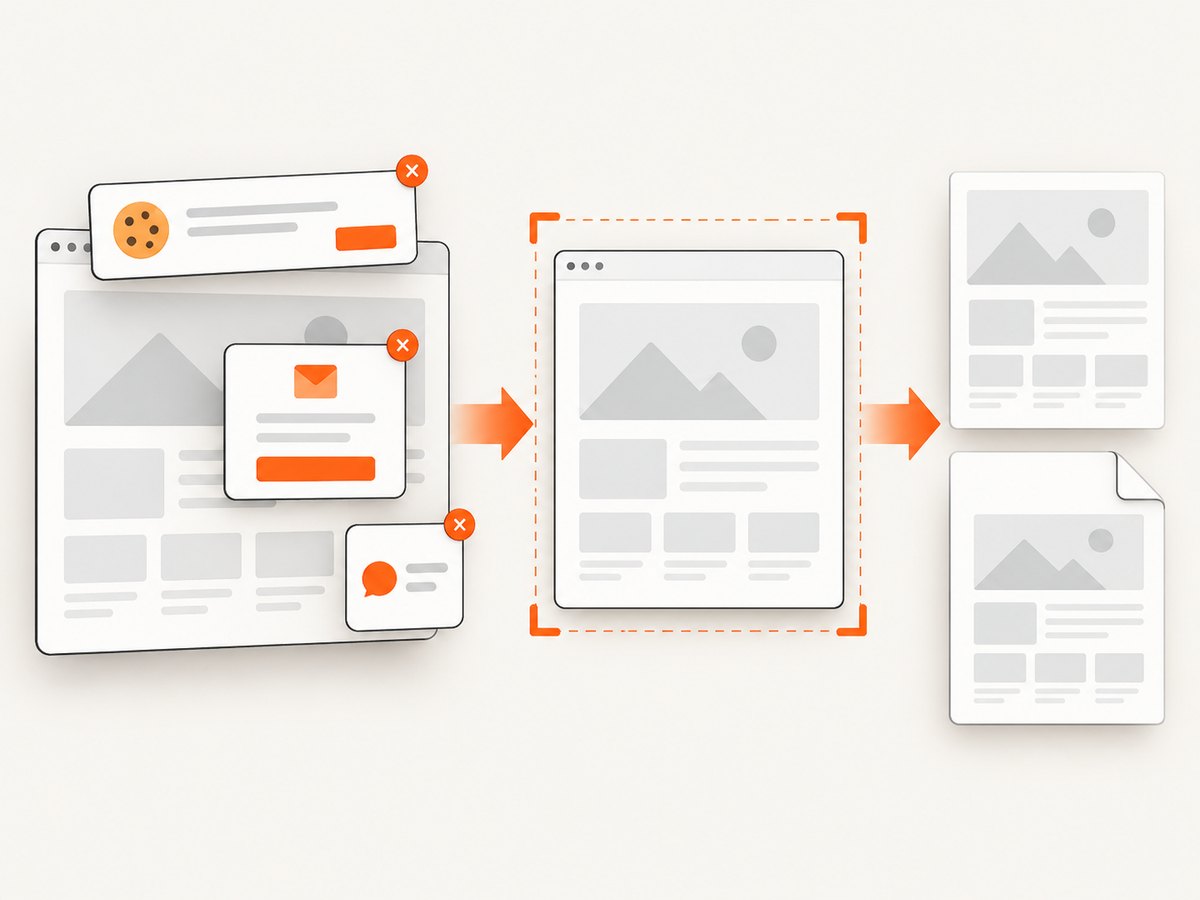
Read the ScreenshotNeo API documentation for all options. Basic call:
curl -G "https://api.screenshotneo.com/v1/shot" -d access_key=YOUR_API_KEY --data-urlencode url=https://stripe.com -o shot.webpimport requests
r = requests.get("https://api.screenshotneo.com/v1/shot", params={"access_key": "YOUR_API_KEY", "url": "https://stripe.com"}, timeout=90)
open("shot.webp", "wb").write(r.content)
const q = new URLSearchParams({ access_key: 'YOUR_API_KEY', url: 'https://stripe.com' });
const res = await fetch(`https://api.screenshotneo.com/v1/shot?${q}`);
You can capture PNG, JPEG, WebP, or PDF; use full-page capture, CSS selectors, device presets, dark mode, custom CSS and JavaScript, waits, request blocking, headers, cookies, geolocation, caching, signed links, asynchronous webhooks, bulk capture, and an MCP server for AI agents. One thousand screenshots per month are free with no card; paid plans start at $5 for 3,000. Create a free ScreenshotNeo account.
FAQ
Why is my generated PDF blank but not zero bytes?
Inspect the HTML size, PCRE limits, memory logs, asset permissions, and renderer-supported CSS. A valid blank page usually means the renderer received no usable content or failed while parsing it.
Why does the browser download an HTML error as a PDF?
Check the status and Content-Type, then inspect the first bytes. PHP notices, authentication redirects, and uncaught exceptions are common causes.
Should I increase PHP memory immediately?
Measure first. Memory exhaustion is one possible cause, but output corruption, PCRE limits, temp permissions, and unsupported markup can produce the same symptom.
When should I switch to headless Chrome?
Consider it when the template depends on modern browser CSS or JavaScript and the existing converter cannot reproduce the page. It does not fix PHP errors or missing permissions.


