How to Fix PHP HTML-to-PDF Printing Errors on Windows
Separate PDF generation from Windows printing, then fix PHP, Dompdf, mPDF, fonts, output corruption, drivers, queues, and spooler issues.
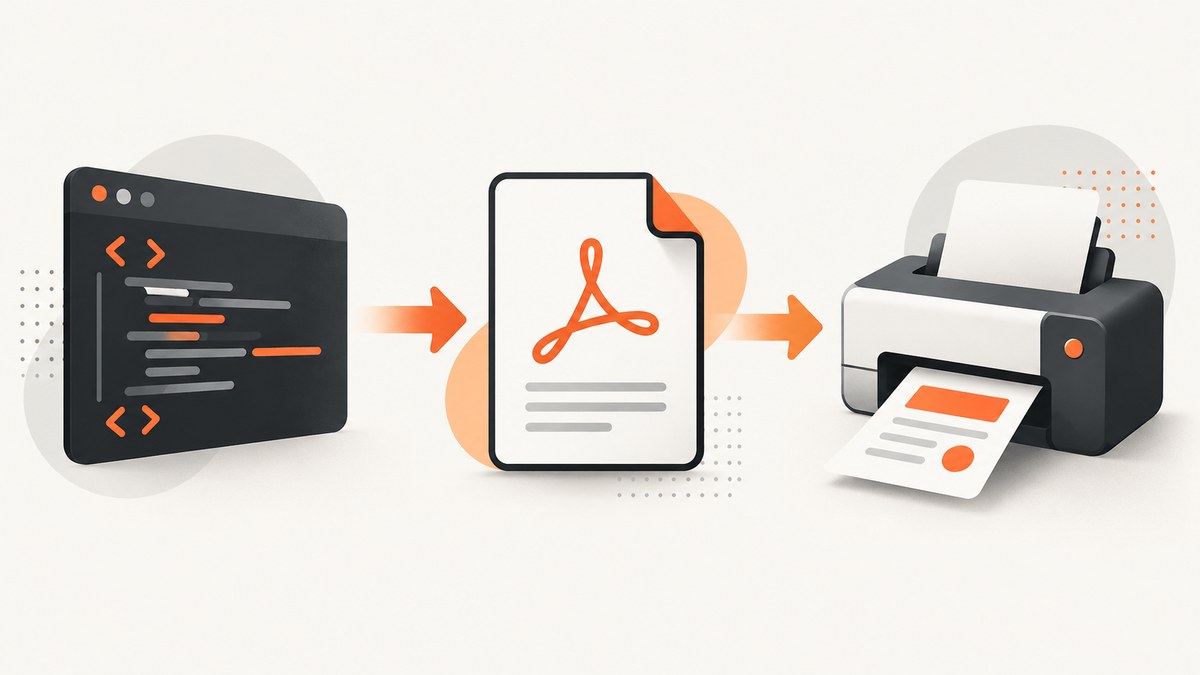
“PHP HTML-to-PDF printing error” can describe three different failures: the renderer never creates a valid PDF, your HTTP response corrupts the PDF, or Windows cannot print an otherwise valid file. Save the generated bytes first and open them in a PDF viewer. If the file does not open, fix PHP or the renderer; if it opens but will not print, troubleshoot the Windows print path.
1. Identify the failing stage
- Generation: the library throws an exception, returns an empty file, or produces a file without a
%PDFheader. - Delivery: warnings, notices, debug text, or an HTML error page are sent before or instead of the PDF.
- Rendering: the PDF opens, but fonts, images, CSS, or page breaks are wrong.
- Printing: the PDF is valid, but the application, driver, queue, spooler, network, or printer fails.
Record the exact error, PHP version, library and version, Windows version, whether PHP runs under the web server or CLI, and whether the saved file opens.
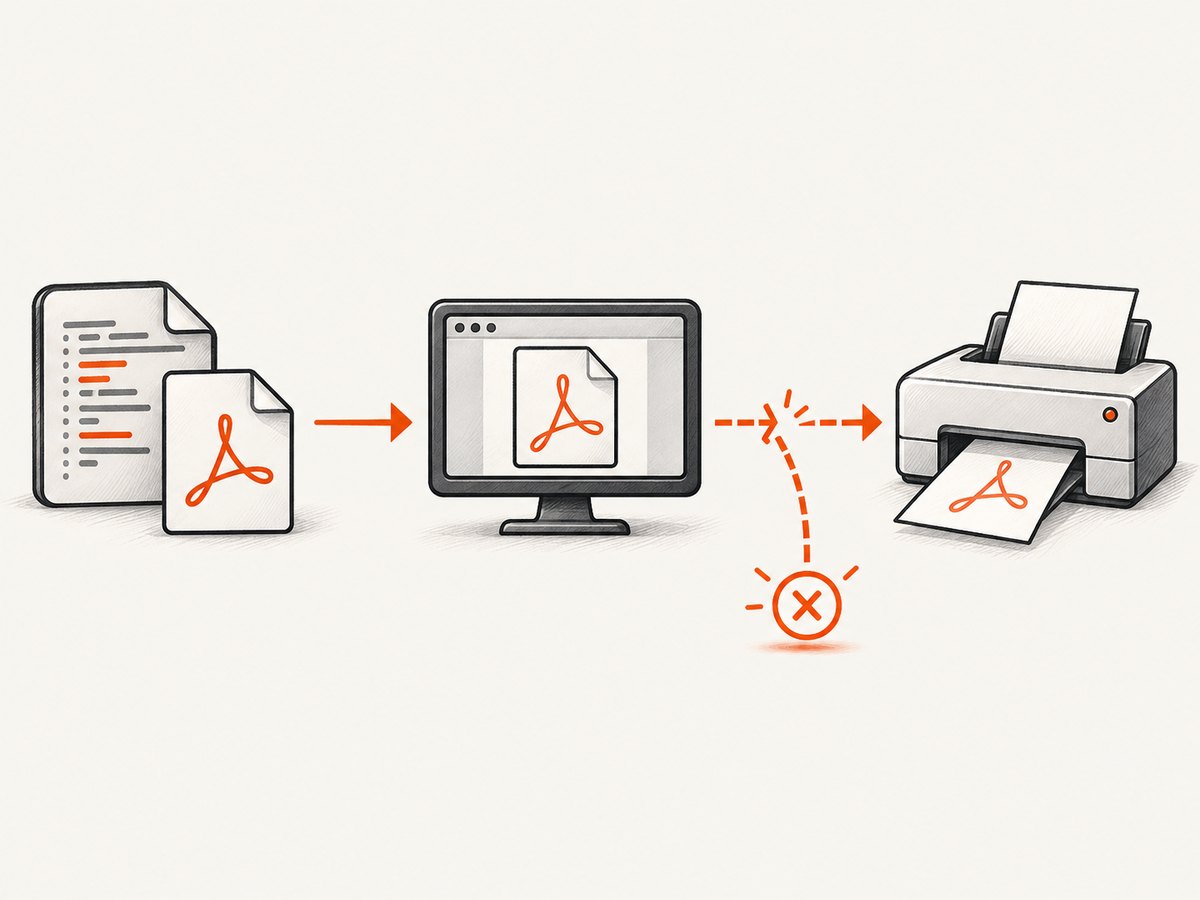
2. Create a minimal diagnostic PDF
Use a tiny document with no remote assets. This separates installation problems from HTML, fonts, and network access.
<?php
require __DIR__ . '/vendor/autoload.php';
use Dompdf\Dompdf;
use Dompdf\Options;
$options = new Options();
$options->set('isRemoteEnabled', false);
$options->set('tempDir', __DIR__ . '/var/dompdf-temp');
$options->set('fontCache', __DIR__ . '/var/dompdf-fonts');
$options->set('chroot', __DIR__);
foreach ([__DIR__ . '/var/dompdf-temp', __DIR__ . '/var/dompdf-fonts'] as $dir) {
  if (!is_dir($dir) && !mkdir($dir, 0775, true)) throw new RuntimeException("Cannot create $dir");
  if (!is_writable($dir)) throw new RuntimeException("Directory is not writable: $dir");
}
$dompdf = new Dompdf($options);
$dompdf->loadHtml('<h1>Diagnostic PDF</h1><p>Generated by PHP.</p>');
$dompdf->setPaper('A4');
$dompdf->render();
file_put_contents(__DIR__ . '/diagnostic.pdf', $dompdf->output());
echo "Wrote diagnostic.pdf\n";
php -r "$b=file_get_contents('diagnostic.pdf'); var_dump(substr($b,0,5));"A valid PDF normally starts with %PDF-. Do not send this diagnostic through a browser until it opens from disk.
3. Verify the PHP runtime
Web-server PHP and CLI PHP can load different php.ini files, extensions, and versions. Print the values immediately before the PDF code.
<?php
error_log('PHP_VERSION=' . PHP_VERSION);
error_log('PHP_SAPI=' . PHP_SAPI);
error_log('Loaded ini=' . (php_ini_loaded_file() ?: 'none'));
error_log('Extensions=' . implode(',', get_loaded_extensions()));
For mPDF, dump PHP_VERSION immediately before mPDF code when an incompatible-version error is suspected. Install a release that supports the effective PHP version, then regenerate Composer’s autoloader.
4. Stop corrupt output and response headers
mPDF documents that PHP or mPDF error text can contaminate the binary response and produce a “does not start with %PDF” or corrupt-PDF message. Log errors; do not display them in the PDF response.
<?php
ini_set('display_errors', '0');
ini_set('log_errors', '1');
ob_start();
try { $pdf = $dompdf->output(); }
catch (Throwable $e) { ob_end_clean(); error_log($e); http_response_code(500); exit('PDF generation failed'); }
$debugOutput = ob_get_clean();
if ($debugOutput !== '') error_log('Unexpected output before PDF: ' . $debugOutput);
header('Content-Type: application/pdf');
header('Content-Disposition: attachment; filename="report.pdf"');
header('Content-Length: ' . strlen($pdf));
echo $pdf;
Remove closing PHP tags from PHP-only files, save source as UTF-8 without a byte-order mark, and remove accidental whitespace before <?php. Reference: mPDF corrupt PDF troubleshooting.
5. Dompdf checks on Windows
Requirements and writable directories
Check the requirements for your installed Dompdf version. Give its temporary directory and font cache write permission for the Windows account running PHP.
Local files, chroot, and remote assets
Dompdf restricts local files to its configured chroot. Put images and stylesheets below that directory and use normalized paths. Remote loading is disabled by default; enable it only when external assets are required.
$options->set('chroot', __DIR__ . '/public');
$options->set('isRemoteEnabled', true); // only when HTTPS assets are required
$dompdf->loadHtmlFile(__DIR__ . '/public/invoice.html');
See the Dompdf README and Options configuration; defaults can differ by release.
6. HTML, CSS, fonts, and characters
- PDF engines implement a subset of browser HTML/CSS. Dompdf documents incomplete flexbox and grid support.
- Replace complex layout with tables, block flow, explicit widths, and print CSS while diagnosing.
- Standard PDF fonts cover Windows ANSI characters. Embed fonts for emoji, CJK, Arabic, or other Unicode text.
- Use approved local asset paths and verify that images are readable by PHP.
- Use
@page, explicit margins, and deliberate page breaks instead of browser-only behavior.
TCPDF also renders a subset rather than running a browser engine; see its HTML and CSS documentation.
7. Complete mPDF response example
<?php
require __DIR__ . '/vendor/autoload.php';
use Mpdf\Mpdf;
ini_set('display_errors', '0');
ini_set('log_errors', '1');
$work = __DIR__ . '/var/mpdf';
if (!is_dir($work)) mkdir($work, 0775, true);
$mpdf = new Mpdf(['tempDir' => $work]);
$mpdf->WriteHTML('<h1>Invoice</h1><p>Paid: €42.00</p>');
$mpdf->Output('invoice.pdf', \Mpdf\Output\Destination::DOWNLOAD);
If this fails, inspect the server log, confirm PHP compatibility, and save output to disk before sending it to a browser. See mPDF PHP-version troubleshooting.
8. Test the Windows print path independently
Once the PDF opens, print it from another PDF application and print a Windows test page. Microsoft Support recommends a test page to verify that the printer itself works.
- Check printer power, online state, paper, cover, and jam indicators.
- Check the USB or network connection and selected printer.
- Update or reinstall the vendor driver if jobs fail consistently.
- Clear paused or stuck jobs and retry a one-page PDF.
- Check the Windows Print Spooler service.
- Determine whether the failure is limited to one PDF viewer, user, or printer.
If a test page prints but the PDF does not, regenerate with simpler fonts, page size, and transparency. If no test page prints, repair the Windows print path before changing PHP.
9. Decision checklist
| Symptom | Likely cause | Next action |
|---|---|---|
| Zero-byte file | Exception or unwritable temp directory | Read logs; verify permissions and extensions. |
| Missing %PDF | Warnings or HTML mixed into output | Disable display_errors and inspect bytes. |
| Images missing | chroot, remote access, URL, or permissions | Use approved local paths. |
| Layout differs from browser | Unsupported CSS or font behavior | Use supported CSS and embed fonts. |
| PDF opens, printer fails | Driver, queue, spooler, connection, or device | Print a test page and isolate Windows. |
10. Reliability, performance, and cost
- Render a minimal template first, then add assets one at a time.
- Reuse warm workers where possible, isolate temporary files, and clean old files.
- Set timeouts above the renderer’s worst case, log duration and output size, and retry only transient failures.
- Cache deterministic PDFs by content hash and invalidate when HTML, CSS, fonts, or data changes.
- Allow-list remote asset hosts and confirm they are reachable from the server.
- Library generation has no API charge, but consumes CPU, memory, disk, and print infrastructure.
Or skip the browser setup
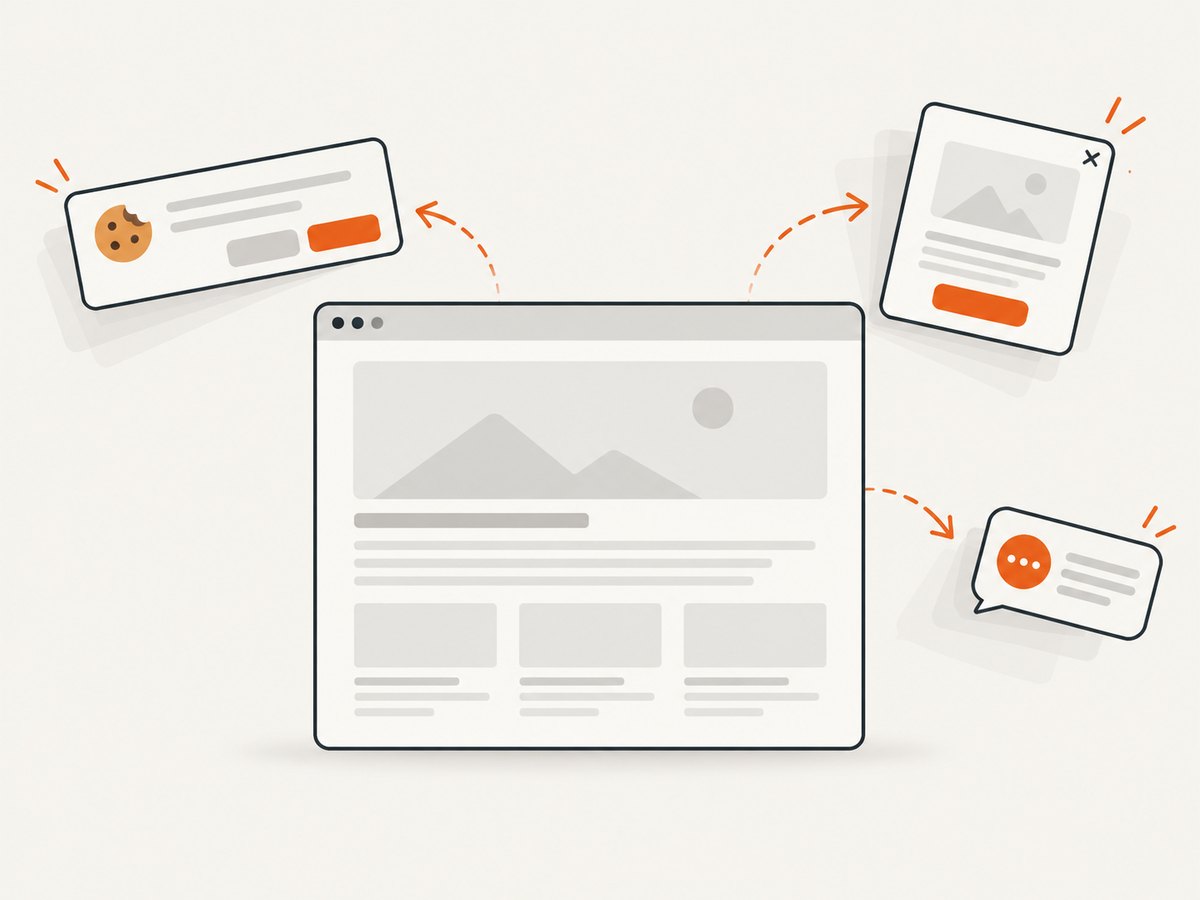
ScreenshotNeo returns PNG, JPEG, WebP, or PDF from one GET request. Cookie banners, newsletter popups, and chat widgets are removed before the shot; bot checks, blank pages, and failed loads are never billed. Its MCP server lets AI agents take screenshots. 1,000 screenshots per month are free with no card; paid plans start at $5 for 3,000.
See the ScreenshotNeo API docs.
curl -G "https://api.screenshotneo.com/v1/shot" -d access_key=YOUR_API_KEY --data-urlencode url=https://stripe.com -o shot.webpimport requests
r = requests.get("https://api.screenshotneo.com/v1/shot", params={"access_key": "YOUR_API_KEY", "url": "https://stripe.com"}, timeout=90)
r.raise_for_status()
open("shot.webp", "wb").write(r.content)const q = new URLSearchParams({ access_key: 'YOUR_API_KEY', url: 'https://stripe.com' });
const res = await fetch(`https://api.screenshotneo.com/v1/shot?${q}`);
if (!res.ok) throw new Error(`${res.status} ${await res.text()}`);Create a free ScreenshotNeo account with 1,000 screenshots each month and no card.
FAQ
Why does the PDF open but not print?
The problem is usually the viewer, driver, queue, spooler, connection, or printer. Print a test page and try another viewer.
Should Dompdf remote resources be enabled?
Only when required. Remote access is disabled by default; allow only understood hosts and protocols.
Can PHP PDF output match Chrome exactly?
Not with every renderer. Each engine supports a defined HTML/CSS subset; simplify unsupported layout or use browser-based capture.
What belongs in a bug report?
Library and version, PHP version and SAPI, Windows version, exact error, minimal HTML, whether the file starts with %PDF-, and whether a test page prints.


