How to Fix Playwright Tests Failing and Azure Pipelines Hanging
Fix Playwright failures and Azure Pipeline hangs with reproducible browser installs, bounded timeouts, CI-safe workers, and a diagnostic checklist.
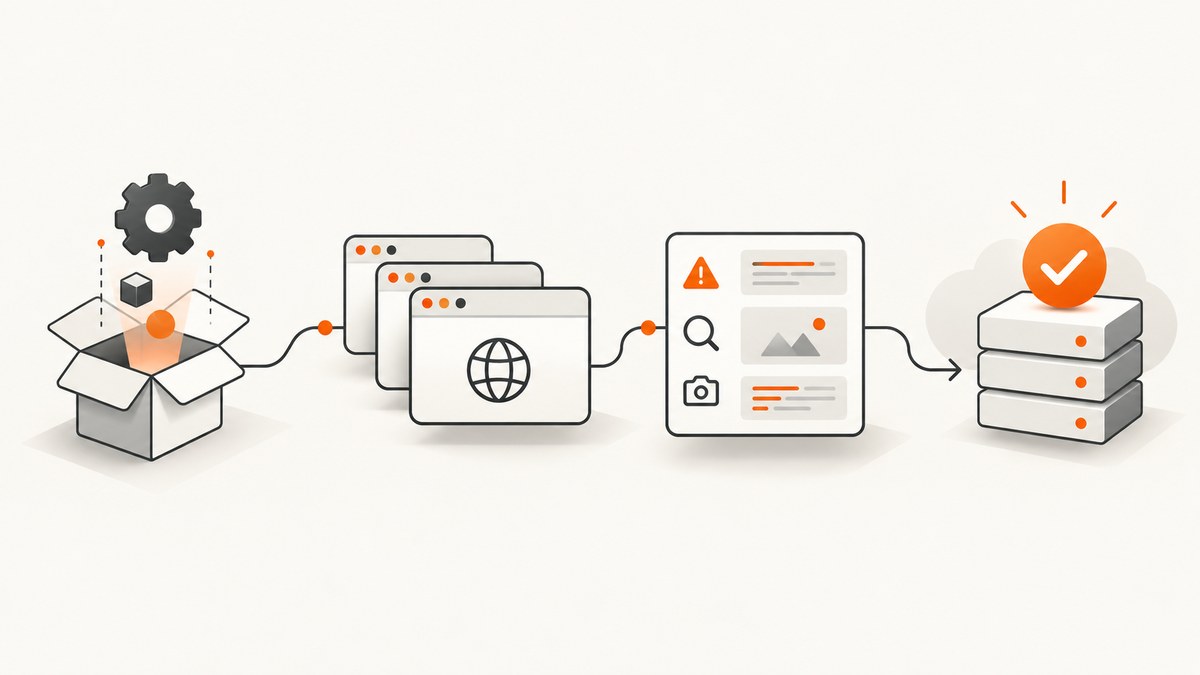
Direct answer: Make the CI environment explicit and bounded. Install the exact Playwright browsers and Linux dependencies, run with CI=true, start with one worker, set a Playwright globalTimeout, and configure the Azure job timeout above it. When a run hangs, remove accidental pauses, inspect the trace and task log, then verify network reachability, permissions, agent capability, and artifact-transfer time.
Playwright tests often pass on a laptop because the browsers, system libraries, cache, credentials, and network are already present. A Microsoft-hosted agent starts clean for each job. Treat browser installation, environment variables, resource limits, and evidence collection as part of the test system.
1. Start with a deterministic Azure Pipeline
The following baseline installs Node, project dependencies, Playwright browsers, and Linux dependencies before running tests. It also publishes JUnit results so a failed run leaves a machine-readable record.
trigger:
- main

pool:
  vmImage: ubuntu-latest

steps:
- task: UseNode@1
  inputs:
    version: '22'
  displayName: Install Node.js

- script: npm ci
  displayName: Install dependencies

- script: npx playwright install --with-deps
  displayName: Install Playwright browsers

- script: npx playwright test
  displayName: Run Playwright tests
  env:
    CI: 'true'

- task: PublishTestResults@2
  displayName: Publish test results
  inputs:
    searchFolder: test-results
    testResultsFormat: JUnit
    testResultsFiles: e2e-junit-results.xml
This follows Playwright’s official CI sequence: npm ci, npx playwright install --with-deps, then npx playwright test. The --with-deps flag matters on Linux agents because it installs the operating-system packages required by the browsers.
Use a Playwright Docker image when the agent must match production
For teams that need a pinned browser and dependency environment, run the job in an official Playwright Docker image. Pin the image tag together with the Playwright version used by the project, and avoid mixing a container’s browser binaries with a different host installation.
2. Configure Playwright for CI stability
import { defineConfig } from '@playwright/test';

export default defineConfig({
  workers: process.env.CI ? 1 : undefined,
  globalTimeout: 60 * 60 * 1000,
  reporter: [
    ['list'],
    ['junit', { outputFile: 'test-results/e2e-junit-results.xml' }],
    ['html', { outputFolder: 'playwright-report', open: 'never' }]
  ],
  use: {
    trace: 'retain-on-failure',
    screenshot: 'only-on-failure',
    video: 'retain-on-failure'
  }
});
Playwright has a 30-second default timeout for each test. That is separate from action, navigation, and run-wide controls. A test timeout does not place an upper bound on the entire run; set globalTimeout so Playwright reports a controlled failure before Azure kills the job. Pick a value below the effective Azure job limit and leave time for report and artifact publication.
Set explicit per-test and navigation limits when needed
import { test, expect } from '@playwright/test';

test.setTimeout(60_000);

test('checkout loads', async ({ page }) => {
  await page.goto('https://example.test/checkout', {
    waitUntil: 'domcontentloaded',
    timeout: 30_000
  });
  await expect(page.getByRole('heading', { name: 'Checkout' }))
    .toBeVisible({ timeout: 15_000 });
});
Use a longer limit only for a known slow operation. Raising every timeout hides the original problem and makes a hung pipeline consume the full job allowance.
3. Set Azure’s job timeout with headroom
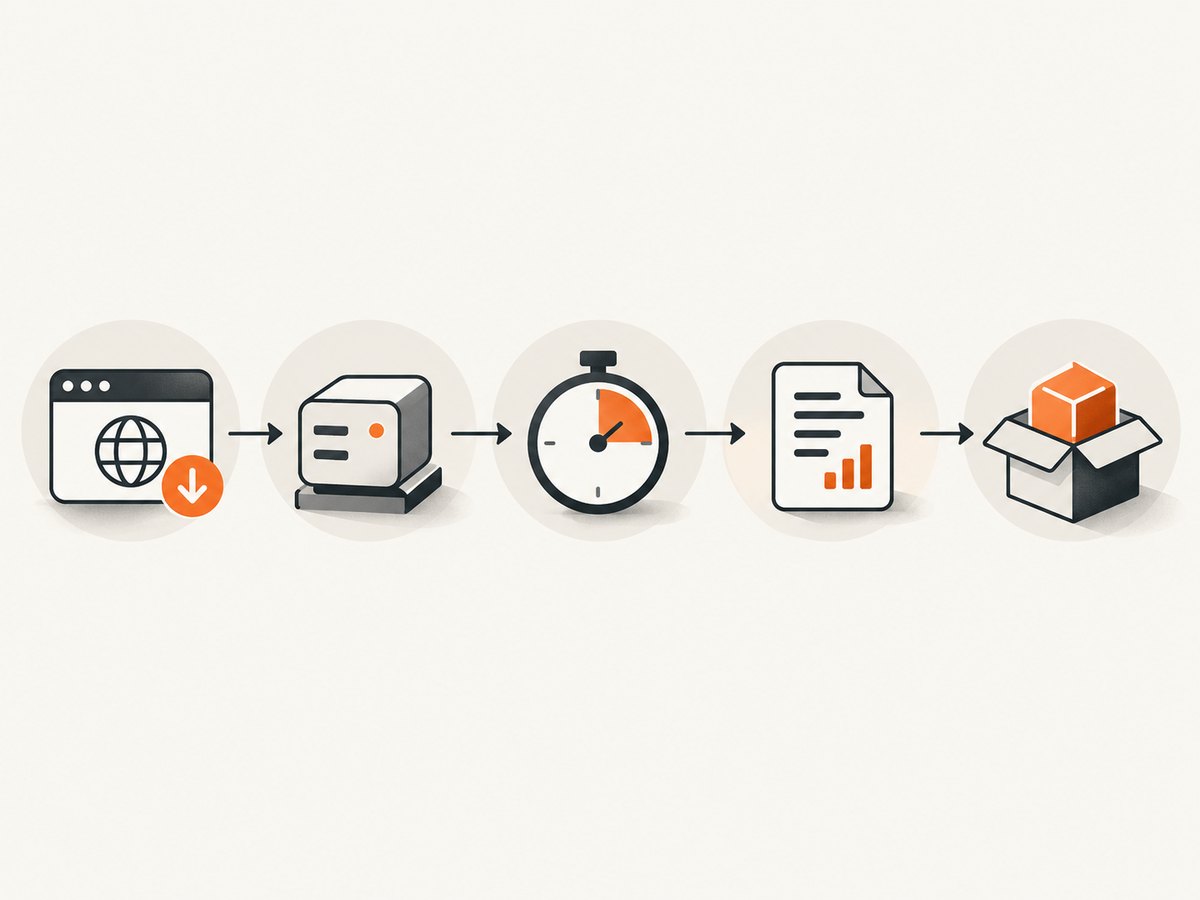
Azure applies a job-level limit independently of Playwright. Microsoft documents maximums of 60 minutes for free Microsoft-hosted agents on private repositories and 360 minutes for free agents on public repositories. Your organization, agent type, or pipeline settings can impose a lower effective value. Keep the Azure limit above globalTimeout so Playwright can write its report first.
jobs:
- job: e2e
  timeoutInMinutes: 70
  pool:
    vmImage: ubuntu-latest
  steps:
  - script: npm ci
  - script: npx playwright install --with-deps
  - script: npx playwright test
    env:
      CI: 'true'
For a public-repository free hosted agent, a 60-minute Playwright global timeout would fit within the documented 360-minute maximum. For a private-repository free hosted agent, choose a smaller global timeout or a paid/self-hosted arrangement rather than assuming the job can exceed 60 minutes.
4. Diagnose the failure phase before changing code
| Symptom | Likely phase | First check |
|---|---|---|
Executable doesn't exist |
Browser install | Run npx playwright install --with-deps and confirm the step succeeded. |
| Browser fails to launch | OS dependencies or permissions | Use the matching Playwright image or install Linux dependencies on the agent. |
| Navigation timeout | Network or application startup | Request the URL from the agent and inspect DNS, firewall, proxy, and service connections. |
| Assertion failure | Application or test logic | Open the trace, screenshot, and video; verify test data and selectors. |
| No new log output | Pause, deadlock, resource contention, or blocked I/O | Search for page.pause(), reduce workers to one, and inspect the last completed action. |
| Run reaches the job limit | Unbounded Playwright run or slow artifacts | Set globalTimeout; measure report and trace transfer time. |
5. Fix the common causes of Azure hangs
Accidental debugging pauses
Microsoft identifies an unintentionally paused test as a direct cause of a hang. Search the repository and generated fixtures for page.pause(), debugger statements, and custom waits that never resolve. Guard local-only debugging explicitly:
if (!process.env.CI) {
  await page.pause();
}
Browser installation did not run on the actual agent
A cached node_modules directory does not guarantee browser binaries or Linux libraries. Keep browser installation in the pipeline, or use a pinned Playwright container. Confirm the install step’s exit code and preserve its log when diagnosing launch failures.
Too many workers for the agent
Parallel browsers compete for CPU, memory, file descriptors, and disk. Playwright recommends one worker in CI for stability and reproducibility. If one worker succeeds, measure agent capacity before increasing it. To scale a large suite, shard it across separate jobs instead of multiplying browsers inside one small agent.
npx playwright test --workers=1
Network reachability differs from a developer laptop
From the agent, check DNS resolution, TLS, proxy configuration, firewall rules, allowlists, service connections, and credentials. A regional latency difference can turn a navigation that is normally fast into repeated timeouts. Add a short diagnostic request before the suite when the target is an internal environment:
- script: |
    node -e "fetch(process.env.BASE_URL).then(r => { console.log(r.status); process.exit(r.ok ? 0 : 1) }).catch(e => { console.error(e); process.exit(1) })"
  displayName: Check application reachability
  env:
    BASE_URL: $(BASE_URL)
Trace and artifact transfer is the slow part
Retaining traces, videos, screenshots, and HTML reports is valuable, but large artifacts can congest a remote agent or delay publication. Run one diagnostic build with tracing or video disabled to isolate transfer overhead. Restore retain-on-failure after the cause is known, and publish results with an always-run condition so failures still produce evidence.
- task: PublishTestResults@2
  condition: always()
  inputs:
    searchFolder: test-results
    testResultsFormat: JUnit
    testResultsFiles: e2e-junit-results.xml

- task: PublishPipelineArtifact@1
  condition: always()
  inputs:
    targetPath: playwright-report
    artifact: playwright-report
6. A repeatable troubleshooting checklist
- Classify the symptom: installation, launch, navigation, assertion, teardown, artifact publication, or no-output hang.
- Reproduce with one worker: set
workers: 1or pass--workers=1. - Remove pauses: search for
page.pause(), debugger statements, and indefinite polling. - Verify browsers and dependencies: inspect the install step and confirm the runtime matches the project.
- Check reachability: test the application URL from the same agent, region, proxy, and identity.
- Inspect evidence: open the Playwright HTML report and trace, then read the failed Azure task and surrounding log lines.
- Bound the run: set
globalTimeoutand keeptimeoutInMinuteshigher with publication headroom. - Isolate artifacts: temporarily disable tracing or video if transfer is the suspected bottleneck.
- Scale deliberately: raise workers only after CPU, memory, disk, and browser counts show spare capacity; otherwise shard.
7. Performance, reliability, and cost considerations
- Workers: one worker reduces contention and makes failures reproducible. More workers can shorten elapsed time only when the agent has enough CPU and memory.
- Sharding: distribute files across jobs when the suite is large. Give every shard the same browser installation and timeout policy.
- Timeout layers: keep action and navigation timeouts focused, test timeouts realistic,
globalTimeoutfinite, and the Azure job limit highest. - Artifacts: retain traces on failure rather than every test; publish JUnit and reports even after a failure.
- Caching: dependency caching can save install time, but never treat a cache as proof that browser binaries and OS libraries exist.
- Azure limits: account for the documented 60-minute private-repository and 360-minute public-repository free-agent maximums, plus your organization’s settings.
- Cost: a run that waits for a job timeout consumes agent time without producing useful feedback. A bounded run fails earlier and leaves diagnostics for the next fix.
8. Capture visual evidence without maintaining browser infrastructure
When your pipeline only needs a stable screenshot or PDF of a page, ScreenshotNeo can remove the browser setup from that part of the job. Keep Playwright for interactive assertions; use the API for visual artifacts, documentation pages, and scheduled captures.

Or skip the browser setup
One GET request returns a PNG, JPEG, WebP, or PDF. See the ScreenshotNeo API documentation for the complete option list.
curl -G "https://api.screenshotneo.com/v1/shot" -d access_key=YOUR_API_KEY --data-urlencode url=https://stripe.com -o shot.webpimport requests
r = requests.get("https://api.screenshotneo.com/v1/shot", params={"access_key": "YOUR_API_KEY", "url": "https://stripe.com"}, timeout=90)
open("shot.webp", "wb").write(r.content)const q = new URLSearchParams({ access_key: 'YOUR_API_KEY', url: 'https://stripe.com' });
const res = await fetch(`https://api.screenshotneo.com/v1/shot?${q}`);ScreenshotNeo removes cookie and consent banners, newsletter popups, and chat widgets before capture. Bot checks, blank pages, failed loads, timeouts, and cache hits are not billed, and response headers identify the page verdict and billing result. Its MCP server lets Claude, Cursor, and other MCP clients call take_screenshot, get_page_info, and capture_pdf. The free plan includes 1,000 screenshots each month with no card; paid plans start at $5 for 3,000.
Create a free ScreenshotNeo account to try the capture in your pipeline.
9. Short FAQ
Why does Playwright pass locally but fail only in Azure?
The agent may lack browser binaries, Linux dependencies, network access, credentials, or the same CPU and memory. Install browsers with dependencies and compare the agent environment with the local one.
Should I increase the test timeout first?
No. First identify whether the delay is a pause, blocked network request, resource contention, or artifact transfer. Then set the smallest timeout that matches the operation.
Is one worker always required?
No. One worker is the recommended starting point for CI stability. Increase concurrency only after measuring the agent and confirming reproducibility.
What happens when Azure times out first?
The job can terminate before Playwright writes a useful report. Set a finite globalTimeout below the job limit and reserve time for publication.
When should I shard instead of adding workers?
Shard when a single agent is resource-bound or the suite approaches its time budget. Independent jobs provide separate CPU and memory pools and clearer failure boundaries.


