How to Fix Playwright’s Unknown Engine “data-qa” Selector Error
Fix Playwright’s unknown engine error by using a CSS attribute selector or configuring `data-qa` as the test-id attribute.

If Playwright reports Unknown engine "data-qa" for a selector such as data-qa=save, replace it with a CSS attribute selector: [data-qa="save"]. If data-qa is your project’s standard test identifier, configure Playwright to use it and query with getByTestId('save'). You do not need to register a custom selector engine to match an ordinary HTML attribute.
For example, given <button data-qa="save">Save</button>, a direct fix is:
await page.locator('[data-qa="save"]').click();Playwright recognizes a small set of shorthand selector prefixes, including id=, data-testid=, data-test-id=, and data-test=. It does not document data-qa= as a built-in prefix. Since the syntax engine=body identifies a selector engine, Playwright interprets the bare data-qa= prefix as an engine name. No engine with that name is registered, so it raises the error. Use brackets to express a CSS attribute selector. [Playwright locator documentation]
1. Choose the right locator
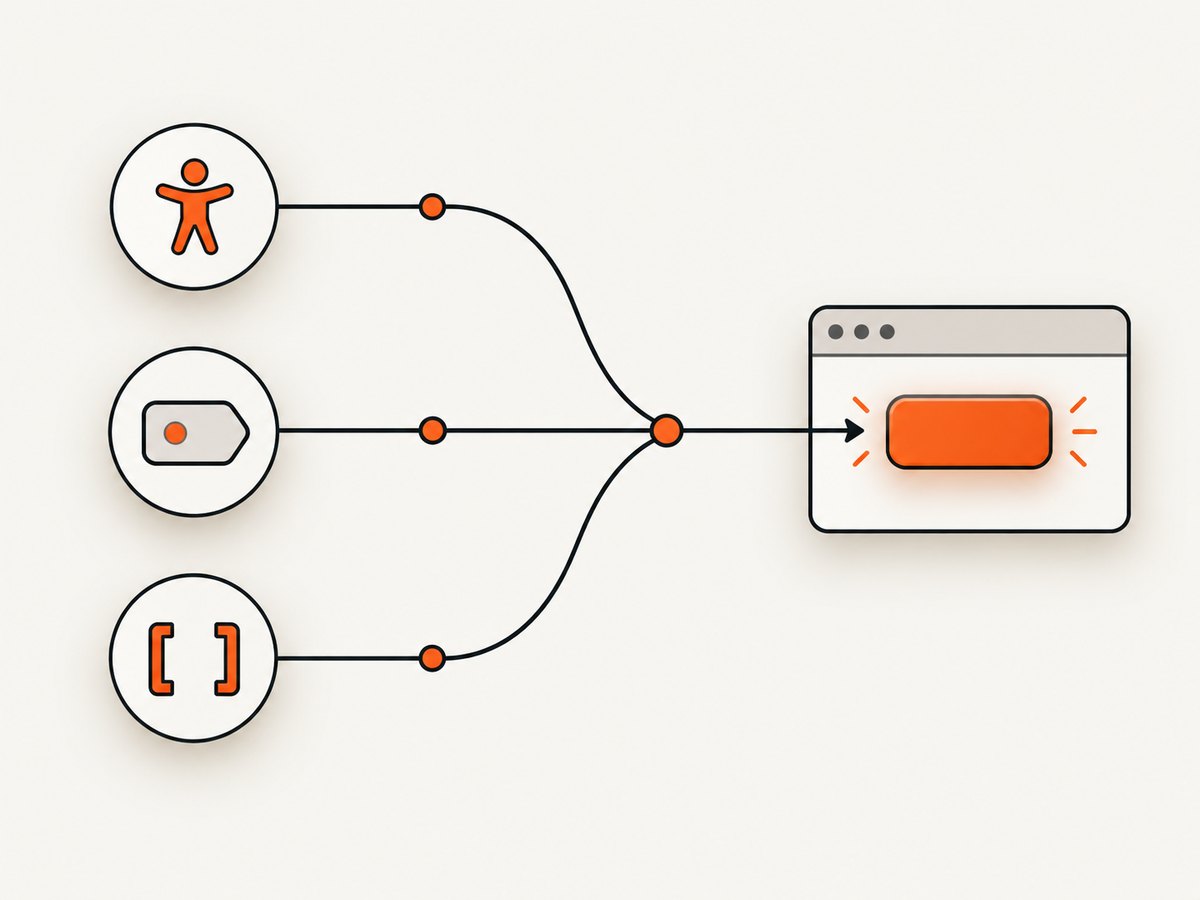
There are three practical choices for locating an element marked with data-qa. Choose based on what the attribute means in your project and how users identify the element.
| Approach | Use it when | Example |
|---|---|---|
| Role or label | The element has a clear user-facing meaning and accessible name. | page.getByRole('button', { name: 'Save' }) |
| Configured test ID | data-qa is your agreed test identifier across the project. |
page.getByTestId('save') |
| CSS attribute selector | You need a direct match without changing project configuration. | page.locator('[data-qa="save"]') |
Playwright recommends locators based on user-facing semantics, such as roles and labels, when they clearly identify the target. A test ID can be a useful explicit contract when the user-facing text is likely to change or does not uniquely identify the element. A CSS attribute selector is straightforward when you need to query this particular attribute without configuring test-ID behavior. [Playwright locator guidance]
Use a semantic locator when it fits
If the target is a button whose accessible name is “Save,” a role locator describes what the control is and what a user sees:
await page.getByRole('button', { name: 'Save' }).click();This can be more resilient to changes in implementation details, such as replacing one data attribute with another. It is only a good substitute if the role and accessible name identify the intended element. If there are several Save buttons, scope the locator to a meaningful region or use the project’s test identifier.
Use a CSS attribute selector for a direct fix
For a single query, CSS is usually the smallest change. Playwright’s page.locator() accepts CSS, and it auto-detects CSS when the selector is not explicitly prefixed with another engine. You can write:
const saveButton = page.locator('[data-qa="save"]');
await saveButton.click();
Or make the selector engine explicit:
await page.locator('css=[data-qa="save"]').click();Both forms match the HTML attribute value save. Brackets are CSS attribute-selector syntax; quotation marks keep the value clearly delimited.
Configure data-qa as the test-ID attribute
If your application uses data-qa consistently as its testing contract, configure Playwright once. The default test-ID attribute is data-testid; testIdAttribute changes which attribute getByTestId() uses. [Playwright test options]
// playwright.config.ts
import { defineConfig } from '@playwright/test';

export default defineConfig({
  use: {
    testIdAttribute: 'data-qa',
  },
});
Then use the test-ID API with the attribute’s value, without including the attribute name:
await page.getByTestId('save').click();The matching markup remains:
<button data-qa="save">Save</button>This configuration applies to the test project that loads this config. If a helper or a separate Playwright setup creates pages outside that test configuration, confirm that it receives the same test-ID setting.
2. Complete TypeScript example
Here is a minimal Playwright Test example using the configured test-ID attribute. It navigates to a page, clicks the Save button, and checks a visible result. Replace the example URL and expected message with values for your application.
// playwright.config.ts
import { defineConfig } from '@playwright/test';

export default defineConfig({
  use: {
    testIdAttribute: 'data-qa',
  },
});

// save.spec.ts
import { test, expect } from '@playwright/test';

test('saves the form', async ({ page }) => {
  await page.goto('https://example.com/form');
  await page.getByTestId('save').click();
  await expect(page.getByRole('status')).toHaveText('Saved');
});
If you do not want to change the configuration, replace the click line with await page.locator('[data-qa="save"]').click(). The test’s setup, navigation, and assertion do not otherwise need to change.
3. Other language bindings
The selector syntax is the key fix: use [data-qa="save"] in APIs that accept Playwright selectors. The following examples show the CSS form in common bindings. They assume the Playwright package for the language is installed and a page has been created.
JavaScript
const { chromium } = require('playwright');

(async () => {
  const browser = await chromium.launch();
  const page = await browser.newPage();
  await page.goto('https://example.com/form');
  await page.locator('[data-qa="save"]').click();
  await browser.close();
})();
Python
from playwright.sync_api import sync_playwright

with sync_playwright() as p:
    browser = p.chromium.launch()
    page = browser.new_page()
    page.goto('https://example.com/form')
    page.locator('[data-qa="save"]').click()
    browser.close()
Java
import com.microsoft.playwright.*;

public class Example {
  public static void main(String[] args) {
    try (Playwright playwright = Playwright.create()) {
      Browser browser = playwright.chromium().launch();
      Page page = browser.newPage();
      page.navigate("https://example.com/form");
      page.locator("[data-qa=\"save\"]").click();
      browser.close();
    }
  }
}
.NET
using Microsoft.Playwright;

using var playwright = await Playwright.CreateAsync();
await using var browser = await playwright.Chromium.LaunchAsync();
var page = await browser.NewPageAsync();
await page.GotoAsync("https://example.com/form");
await page.Locator("[data-qa=\"save\"]").ClickAsync();
These examples use CSS attribute selectors rather than the unsupported shorthand. Configuration property names and setup details can vary by language binding and Playwright version, so check the documentation for the binding used by your project.
4. Handle values and multiple matches
Attribute values with spaces or punctuation
Quote values inside the CSS selector. For example, [data-qa="save changes"] matches that exact attribute value. If you build selectors from dynamic input, make sure the value is escaped for CSS string syntax; inserting arbitrary text directly into a selector can produce invalid CSS or change what it matches.
const action = 'save';
const locator = page.locator(`[data-qa="${action}"]`);
await locator.click();
This interpolation is appropriate for a controlled value such as a constant in your test. For values containing quotes, backslashes, or other CSS-significant characters, use a project helper that correctly escapes CSS strings or choose another locator API. Do not assume arbitrary external text is safe to concatenate into a selector.
Repeated attribute values
An attribute selector can match more than one element. Before clicking, make the locator specific if the page has repeated controls. For example, scope a Save button to a form:
const form = page.locator('form[data-qa="profile-form"]');
await form.locator('[data-qa="save"]').click();
If the page contract guarantees exactly one match, retain that contract and let the test fail when duplicates appear. If multiple matches are expected, select by a stable parent or additional condition that reflects the intended behavior. Avoid adding a positional selector just to silence a strictness error unless the item’s position is itself meaningful.
Attribute presence versus a specific value
[data-qa] matches any element carrying the attribute. [data-qa="save"] matches only the specified value. Prefer the value-specific selector when the test is about a particular control; presence-only matching may return unrelated elements.
5. When to register a custom selector engine
A custom engine is useful only when you intentionally want custom matching behavior beyond normal CSS attribute matching. For an ordinary data-qa attribute, CSS or test-ID configuration is simpler.
Playwright supports registering selector engines. Registration must happen before creating the page, and the registered name is then used as the engine prefix. [Playwright selector API]
const { chromium, selectors } = require('playwright');

(async () => {
  await selectors.register('qa', {
    query(root, value) {
      return root.querySelector(`[data-qa="${value}"]`);
    },
    queryAll(root, value) {
      return root.querySelectorAll(`[data-qa="${value}"]`);
    },
  });

  const browser = await chromium.launch();
  const page = await browser.newPage();
  await page.goto('https://example.com/form');
  await page.locator('qa=save').click();
  await browser.close();
})();
This illustrative engine name is qa, so its selector prefix is qa=. Registering an engine called data-qa could make data-qa=save meaningful, but it adds code and a custom selector contract for behavior CSS already provides. Also, this example interpolates a controlled value into CSS; production code must safely handle values that contain CSS-special characters.
6. Troubleshooting checklist
| Symptom | Likely cause | Fix |
|---|---|---|
Unknown engine "data-qa" |
The selector starts with the bare prefix data-qa=, which Playwright treats as an engine name. |
Use [data-qa="value"], or configure testIdAttribute: 'data-qa' and call getByTestId('value'). |
| Locator finds no element | The rendered element is missing the attribute, has a different value, or is not present yet. | Inspect the rendered DOM and confirm the exact attribute and value. Wait for the application’s expected state when the element is rendered asynchronously. |
| Strict mode reports multiple matches | More than one element matches the selector. | Scope the locator to the relevant form, dialog, or row, or choose a semantic locator that identifies the intended control. |
Configured getByTestId() still does not match |
The config is not loaded by this test setup, or the page has different markup than expected. | Confirm the running project uses the config containing testIdAttribute, and verify the element has data-qa="value". |
| Custom engine prefix remains unknown | Registration did not run, ran after page creation, or used a different name. | Register the engine before creating pages and call it with the exact registered prefix. |
| Selector fails only for some values | A dynamically inserted value contains CSS-significant characters or quotation marks. | Escape values as CSS strings, or avoid interpolating arbitrary data into CSS selectors. |
To inspect a failing test interactively, Playwright documents pausing execution with page.pause() and running with PWDEBUG=console. The browser developer-tools console also exposes Playwright selector query helpers. These tools help confirm what the page rendered and what a locator matches; they do not change the selector syntax rules. [Playwright debugging guide]

7. Reliability, performance, and maintenance
For this error, the reliable fix is the one that makes the selector’s intent explicit and matches the way the project manages locators. A CSS attribute selector has no project-wide configuration dependency. A configured test ID avoids repeating the attribute name in each locator, provided the configuration is consistently applied. A role or label locator ties the test to the same user-facing meaning that assistive technology exposes, when that meaning is clear and unique.
There is no useful performance optimization to make solely because of this unknown-engine error. Fixing the syntax allows Playwright to parse the selector; it does not guarantee that the target exists, is unique, or is ready for interaction. Prefer locators that reflect a stable contract, avoid broad selectors that match many nodes, and let Playwright’s locator actions perform their normal waiting and actionability behavior.
For a team, decide whether data-qa is a maintained test contract. If yes, set testIdAttribute centrally and use getByTestId() consistently. If it is only present on a few elements, direct CSS selectors may be easier to understand. Avoid creating a custom engine solely to shorten a CSS selector; every custom engine becomes another convention contributors must learn and maintain.
Or skip the browser setup
If your goal is to capture a page image or PDF rather than interact with it in a Playwright test, ScreenshotNeo provides a website screenshot API and MCP server. One GET request returns a screenshot or PDF. Its API documentation covers the available request options.
curl -G "https://api.screenshotneo.com/v1/shot" \
  -d access_key=YOUR_API_KEY \
  --data-urlencode url=https://stripe.com \
  -o shot.webp
Cookie banners are accepted and removed before the capture, along with known newsletter popups and chat widgets. Bot checks, blank pages, timeouts, failed loads, and cache hits cost nothing; response headers identify the page verdict and billing status. An MCP server lets AI agents use screenshot tools. The free plan includes 1,000 screenshots a month with no card; paid plans start at $5 for 3,000 screenshots. Sign up for 1,000 free screenshots a month, with no card.
FAQ
Is data-qa invalid HTML?
No. It can be used as a custom data attribute. The issue is that Playwright does not document data-qa= as a built-in selector shorthand. Write it as a CSS attribute selector or configure it as the test-ID attribute.
Can I use data-qa with getByTestId()?
Yes. Set testIdAttribute: 'data-qa' in the Playwright Test configuration, or use the selector API’s setTestIdAttribute('data-qa') before using getByTestId(). Then pass only the attribute’s value to getByTestId().
Should every test use a test ID?
No. Use a role or label when it identifies the element by its user-facing purpose. Use a test ID when your team needs an explicit, stable test contract. Use CSS for a direct attribute query when that is the clearest choice.
Does css=[data-qa="save"] work?
Yes. It explicitly selects the CSS engine. The unprefixed [data-qa="save"] form is also accepted as CSS by page.locator().


