How to Fix Playwright Error 4048 When Running Scripts
Error -4048 is usually Node.js EPERM while scanning a Windows directory. Learn to identify the path, repair setup safely, and capture screenshots reliably.
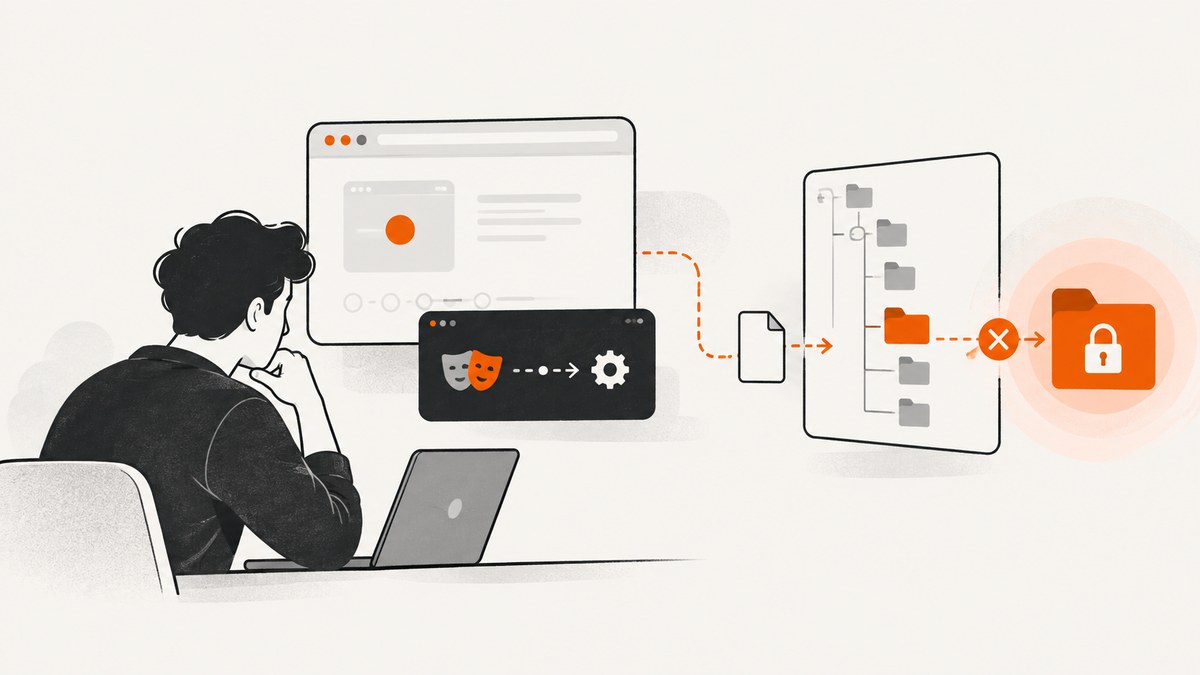
Short answer: Playwright error “4048” is usually not a Playwright error number. In the report that matches this wording, Node.js returned errno: -4048, code: 'EPERM' and syscall: 'scandir' while trying to read C:\Users\...\AppData\Local\ElevatedDiagnostics. That means a filesystem directory scan was not permitted. The number alone cannot identify which account, policy or process caused the denial.
Start with the complete error, especially code, syscall and path. If your path and operation differ, follow the branch that matches your actual message. The original report does not include the Node.js version, Playwright version, command, process identity or project configuration, so no universal root cause can be claimed.
1. Read the full error before changing anything
Copy the entire stack trace into a text file. Look for these fields:
| Field | What it tells you |
|---|---|
code |
EPERM means the operating system refused a filesystem operation. |
syscall |
scandir means Node.js was enumerating directory entries. |
path |
The path identifies the directory that failed. This is more useful than “4048.” |
errno |
-4048 is the negative Windows errno shown with this EPERM report. |
For example, this is a directory-access failure:
Error: EPERM: operation not permitted, scandir 'C:\Users\name\AppData\Local\ElevatedDiagnostics'
  errno: -4048
  code: 'EPERM'
  syscall: 'scandir'
Node.js documents EPERM as an operating-system filesystem error. Its example shows that EPERM can occur when a Windows filesystem operation is refused, but that example does not prove why your separate scandir failed. Treat the path and surrounding stack as evidence, not the error number alone. See the Node.js file-system documentation.
2. Establish a clean Playwright project
Record your environment before troubleshooting so another developer can reproduce it:
node --version
npm --version
npx playwright --version
where node
where npm
Playwright’s setup command creates a project, adds the test runner and asks whether to install browsers. From a new, user-owned folder:
mkdir playwright-screenshots
cd playwright-screenshots
npm init playwright@latest
The matching Stack Overflow answer reports that npm init playwright@latest solved a similar problem for one respondent. That is an anecdotal setup attempt, not a confirmed repair for an access denial in ElevatedDiagnostics. It is reasonable when you are establishing a fresh project; it does not change the permissions of an unrelated directory.
3. Diagnose an EPERM scandir failure
Check which process is scanning the directory
The stack trace usually shows the JavaScript file and package that called the filesystem API. Search your project for recursive directory walks, glob patterns and configuration values that point outside the project:
rg -n "readdir|scandir|glob|ElevatedDiagnostics|AppData" .Also inspect Playwright configuration files such as playwright.config.js. A broad glob, an environment variable, a test fixture or a dependency can accidentally make a script scan an entire home directory. Keep screenshot output and test data under the project directory while isolating the problem.
Inspect the path without modifying it
In PowerShell, test whether your current account can list the exact directory:
Get-ChildItem -LiteralPath "$env:LOCALAPPDATA\ElevatedDiagnostics"To view access-control entries without changing them:
icacls "$env:LOCALAPPDATA\ElevatedDiagnostics"If these commands fail with an access error, the failure is at the Windows filesystem boundary. Check whether the directory belongs to another account, is controlled by endpoint security, or is being held by a diagnostic service. Do not delete or recursively rewrite permissions on a system or diagnostic folder just to make a screenshot script run.
Move the project and narrow the scan
Place the project in a normal user-owned location such as a folder under your profile, then replace a recursive root with the smallest directory or file pattern needed. Avoid running a script from C:\, Windows or another protected location. If a dependency scans from the current working directory, start the command from the project folder:
cd C:\Users\name\src\playwright-screenshots
npx playwright test
Run the same command in a new terminal after changing the working directory. If the path in the error remains ElevatedDiagnostics, the stack trace and package configuration should show which code still references it.
Check security software and policy
Endpoint protection, controlled-folder access and corporate policies can deny directory enumeration even when a folder appears in Explorer. Ask an administrator to review the event log or security product log for the exact process and path. Give them the full error, Node.js version, Playwright version and command. Do not assume that launching an elevated shell is the correct fix; it can hide the account or policy issue and changes the security context of the run.
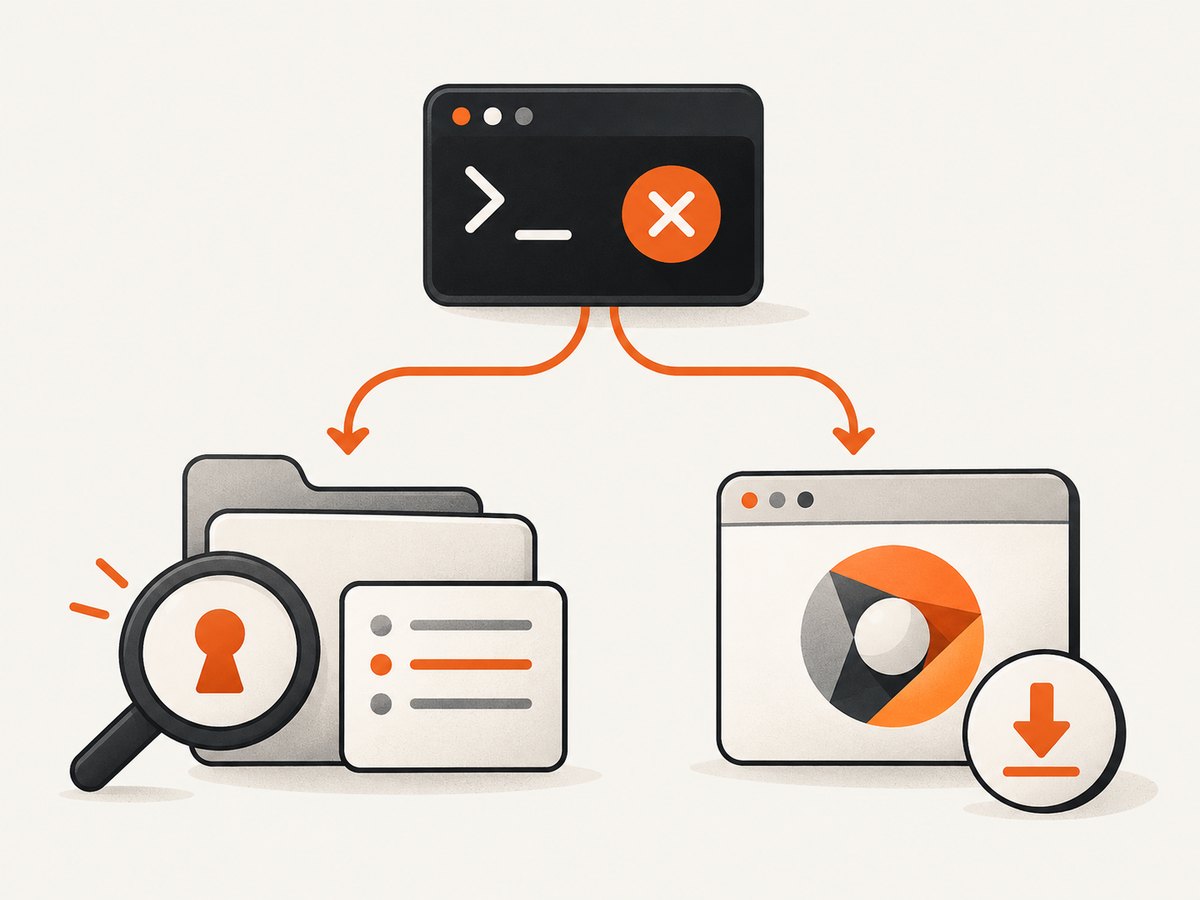
4. Separate directory errors from missing browser errors
A missing browser executable produces a different symptom, usually a message that a Chromium, Firefox or WebKit binary cannot be found. Playwright’s official browser guide says each Playwright version needs corresponding browser binaries and documents:
npx playwright installOn Windows, the default browser cache is under %USERPROFILE%\AppData\Local\ms-playwright. The cited 4048 report names ElevatedDiagnostics instead, so browser installation is not established as its cause. Use the installation branch only when your actual error names a missing executable or browser path. Read the Playwright browser documentation for version and cache details.
5. A complete, minimal screenshot script
Once project access is clean and the browser exists, this Node.js script captures one page. Save it as shot.js:
const { chromium } = require('playwright');

(async () => {
  const browser = await chromium.launch();
  const page = await browser.newPage({ viewport: { width: 1440, height: 900 } });
  try {
    await page.goto('https://example.com', { waitUntil: 'networkidle', timeout: 30000 });
    await page.screenshot({ path: 'example.png', fullPage: true });
  } finally {
    await browser.close();
  }
})();
Run it with:
node shot.jsFor a reliable capture, make each choice explicit:
- Navigation: use
domcontentloadedfor fast pages,loadwhen images must finish loading, ornetworkidlewhen the page settles. Some analytics-heavy pages never become idle. - Timeouts: set a page-specific timeout rather than waiting indefinitely. A timeout is a failed navigation, not evidence of an EPERM directory problem.
- Full page: use
fullPage: true; lazy content may still require scrolling or page-specific waits. - Element capture: locate an element and call
locator.screenshot()when the whole page is unnecessary. - Debugging: run with
DEBUG=pw:apiin a separate terminal session to see Playwright API calls.
6. Troubleshooting checklist
| Symptom | Likely branch | Action |
|---|---|---|
EPERM + scandir + ElevatedDiagnostics |
Windows directory enumeration denied | Identify the caller, inspect the path and ACLs, narrow the scan, and ask an administrator to check policy logs. |
| “Executable doesn’t exist” or browser download message | Browser binary missing | Run npx playwright install for the installed Playwright version. |
| Only one project fails | Project configuration or working directory | Run from a user-owned folder and inspect globs, fixtures and environment variables. |
| Every script fails before the first test | Shared setup, dependency or OS policy | Capture versions and the full stack, then reproduce with a new project. |
| Works in an elevated terminal only | Account or policy difference | Compare identities and security logs; do not make elevation the permanent workaround. |
7. Performance, reliability and cost considerations
Launching a new browser for every URL is simple but expensive in time and memory. For batches, reuse one browser process and create a fresh context per site. Limit concurrency to what the machine can sustain; excessive parallel pages cause CPU, RAM and network contention. Cache stable assets where appropriate, but do not rely on network-idle for applications that keep long polling connections open.
Reliability improves when navigation, selector waits and screenshot operations have separate timeouts and when cleanup runs in a finally block. Record the URL, viewport, Playwright version, browser engine and failure category with each capture. A timeout, a blocked bot check and a filesystem EPERM should be reported differently because they require different fixes.
Playwright itself is software you run and maintain: browser downloads consume disk space, page rendering consumes compute, and failed runs still consume your infrastructure time. If you need an API instead of managing browser binaries, ScreenshotNeo provides a managed alternative.
8. Or skip the browser setup
ScreenshotNeo accepts one GET request and returns a PNG, JPEG, WebP or PDF. The API can remove cookie and consent banners, newsletter popups and chat widgets before capture. Bot checks, blank pages, timeouts, failed loads and cache hits are not billed, and response headers identify the page verdict and whether the shot was billed.

See the ScreenshotNeo API documentation for all options. A minimal cURL request is:
curl -G "https://api.screenshotneo.com/v1/shot" -d access_key=YOUR_API_KEY --data-urlencode url=https://stripe.com -o shot.webpPython:
import requests
r = requests.get("https://api.screenshotneo.com/v1/shot", params={"access_key": "YOUR_API_KEY", "url": "https://stripe.com"}, timeout=90)
open("shot.webp", "wb").write(r.content)
Node.js:
const q = new URLSearchParams({ access_key: 'YOUR_API_KEY', url: 'https://stripe.com' });
const res = await fetch(`https://api.screenshotneo.com/v1/shot?${q}`);
Beyond the basic request, ScreenshotNeo supports full-page captures with lazy images loaded, CSS element selection, dark mode, 12 device presets or custom viewports, retina scale, PDF paper sizes and page ranges, HTML/CSS rendering, custom JavaScript and CSS, pre-capture clicks, hidden selectors, selector or delay waits, network-idle waits, request and resource blocking, custom headers, cookies, user agents and Authorization, timezone and geolocation, transparent backgrounds, resizing, configurable caching TTLs, signed image links, asynchronous jobs with signed webhooks, bulk capture of up to 100 URLs per call, a usage API and an OpenAPI specification. Parameter names used by other screenshot APIs also work, which can simplify migration.
ScreenshotNeo includes an MCP server with take_screenshot, get_page_info and capture_pdf tools for Claude, Cursor and other MCP clients. The Free plan includes 1,000 screenshots per month without a card; paid plans start at $5 for 3,000 shots, and every feature is available on every plan. Create a free ScreenshotNeo account.
9. FAQ
Is -4048 a Playwright error code?
In the matching report, it is Node.js’s negative Windows errno accompanying EPERM. The useful clues are the operation (scandir) and path.
Should I reinstall Playwright?
A fresh npm init playwright@latest project was reported as helpful by one respondent, but it is not a verified fix for an access denial. Reinstall only after recording the full error and environment.
Does npx playwright install fix ElevatedDiagnostics?
It installs browser binaries. The cited error names a denied directory scan, so browser installation is a separate branch unless your actual message reports a missing executable.
Can I grant full access to the folder?
Do not change permissions blindly. First identify the process, account and policy denying the scan, then have an administrator approve a narrow, documented change if one is required.
What details should I include when asking for help?
Include the complete stack trace, code, syscall, path, Node.js and Playwright versions, operating system, command, working directory and whether a clean project reproduces it.


