How to Fix Playwright File Downloads Not Working
Fix Playwright download timeouts, missing files, remote browser errors, and disappearing downloads with reliable JavaScript, Python, and Java patterns.
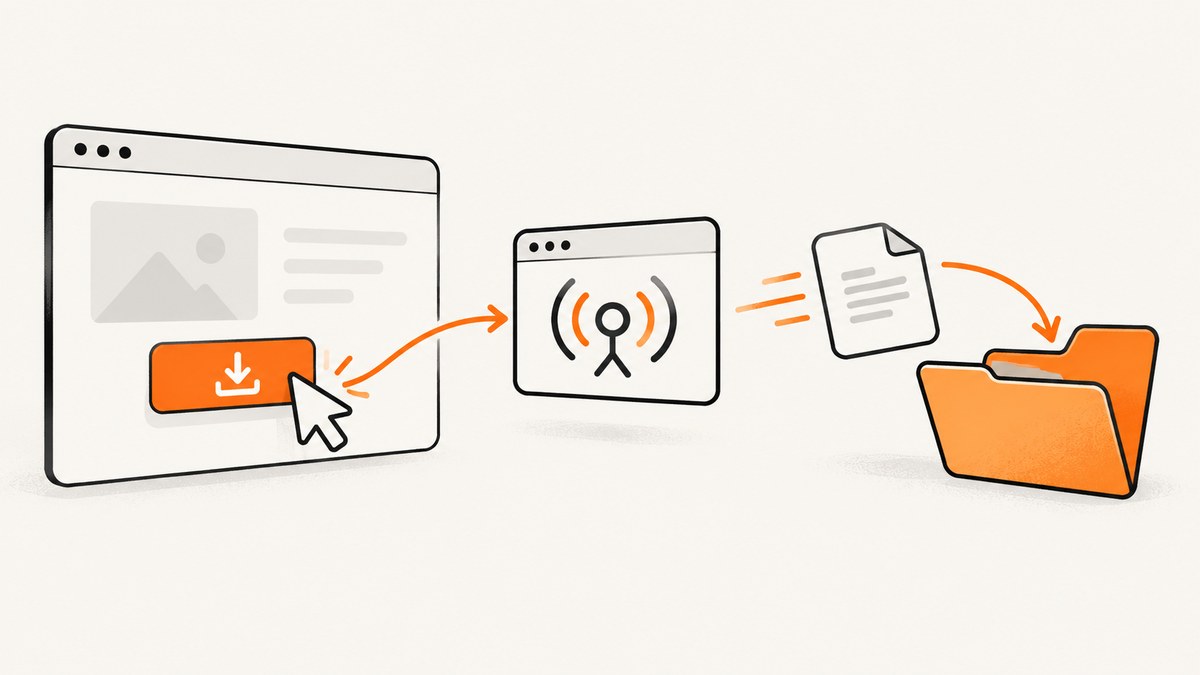
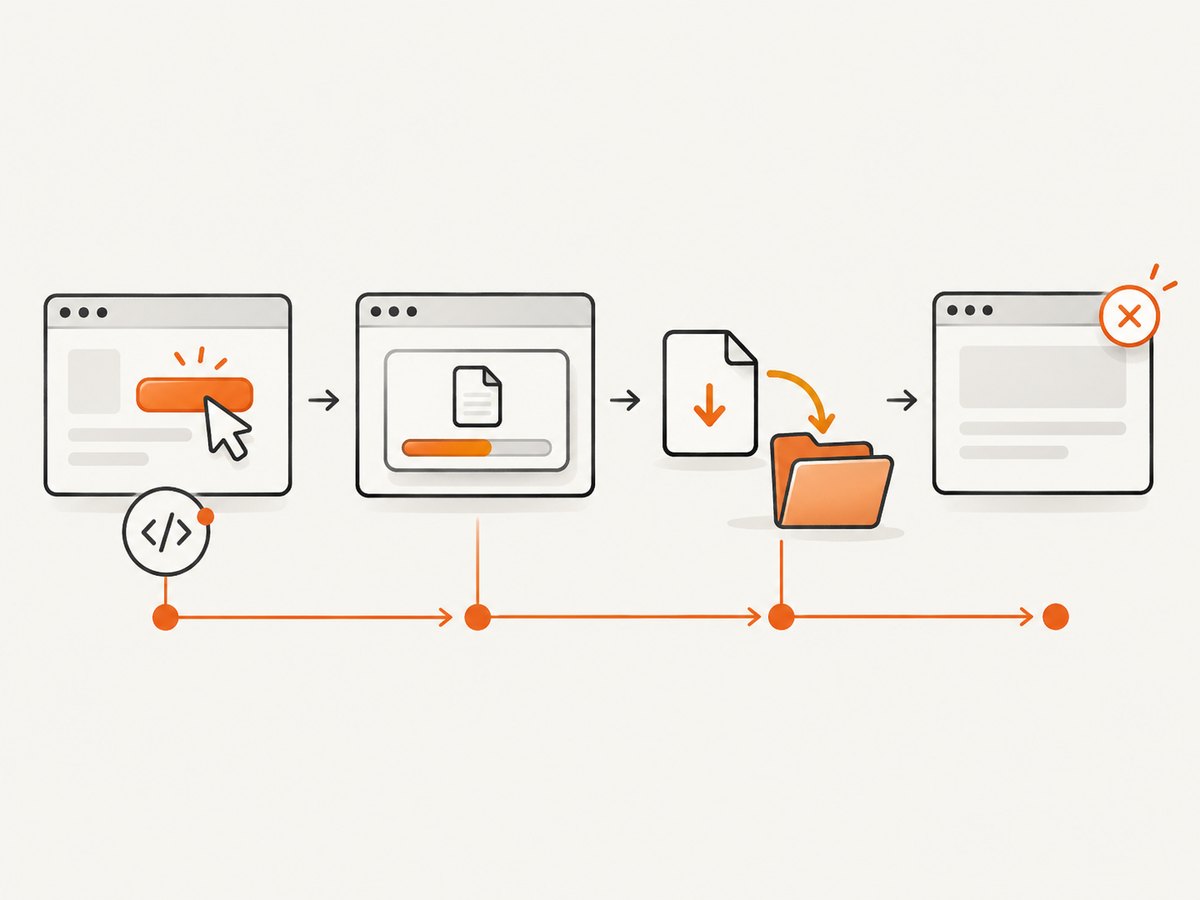
Playwright downloads usually fail for one of four reasons: the download listener starts after the click, an event or action is not awaited, the browser context closes before the file is copied, or the test runs against a remote browser where download.path() is unavailable. The reliable sequence is always the same: register the download wait first, perform the action, await the Download object, inspect failures, and explicitly save the file before closing the context.
Reliable download handling in Playwright
Use an event wait around the action that triggers the download. In JavaScript or TypeScript, create the promise before clicking:
const downloadPromise = page.waitForEvent('download');
await page.getByRole('link', { name: 'Download file' }).click();
const download = await downloadPromise;

const failure = await download.failure();
if (failure) {
  throw new Error(`Download failed: ${failure}`);
}

const destination = `/tmp/${download.suggestedFilename()}`;
await download.saveAs(destination);
console.log(`Saved to ${destination}`);
The order matters. Playwright emits the download event as a result of the click. If you wait for the event only after the click has completed, the event may already have happened and your test can time out.
Complete JavaScript test
import { test, expect } from '@playwright/test';
import fs from 'node:fs/promises';
import path from 'node:path';

 test('downloads a report', async ({ page }) => {
  await page.goto('https://example.com/reports');

  const downloadPromise = page.waitForEvent('download');
  await page.getByRole('button', { name: 'Download report' }).click();
  const download = await downloadPromise;

  const failure = await download.failure();
  expect(failure).toBeNull();

  const outputDir = path.resolve('artifacts/downloads');
  await fs.mkdir(outputDir, { recursive: true });
  const outputPath = path.join(outputDir, download.suggestedFilename());
  await download.saveAs(outputPath);

  await expect.poll(async () => {
    try {
      await fs.access(outputPath);
      return true;
    } catch {
      return false;
    }
  }).toBe(true);
});
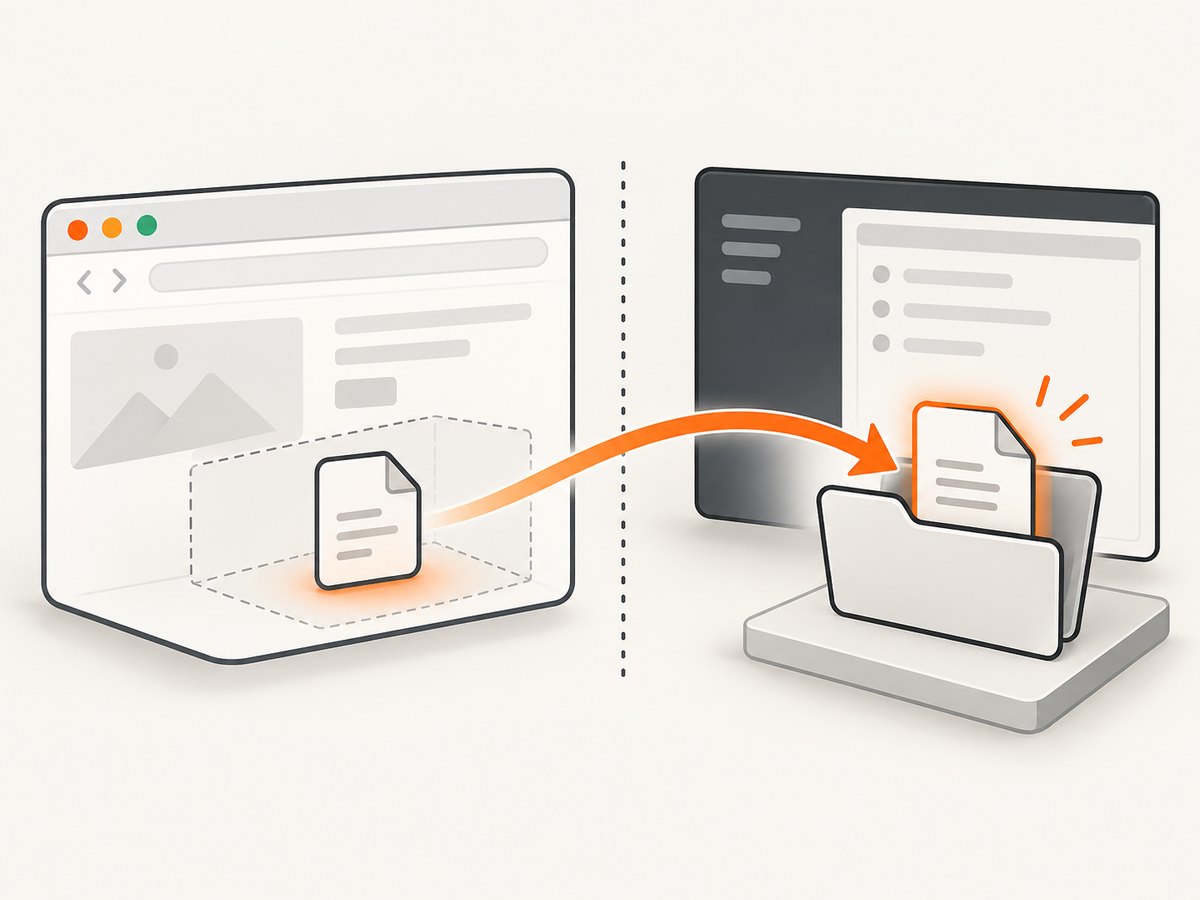
Playwright’s download documentation explains that downloaded files are temporary and are deleted when the browser context that produced them closes. Treat saveAs as the persistence step, not as an optional convenience.
Python: use expect_download()
Python uses a context manager to establish the wait before the initiating action:
from pathlib import Path
from playwright.sync_api import sync_playwright

with sync_playwright() as p:
    browser = p.chromium.launch()
    context = browser.new_context(accept_downloads=True)
    page = context.new_page()
    page.goto("https://example.com/reports")

    with page.expect_download() as download_info:
        page.get_by_role("button", name="Download report").click()

    download = download_info.value
    failure = download.failure()
    if failure:
        raise RuntimeError(f"Download failed: {failure}")

    output_dir = Path("artifacts/downloads")
    output_dir.mkdir(parents=True, exist_ok=True)
    output_path = output_dir / download.suggested_filename
    download.save_as(str(output_path))
    print(f"Saved to {output_path}")

    context.close()
    browser.close()
With the async API, await both the click and the save operation:
from pathlib import Path
from playwright.async_api import async_playwright

async with async_playwright() as p:
    browser = await p.chromium.launch()
    context = await browser.new_context(accept_downloads=True)
    page = await context.new_page()
    await page.goto("https://example.com/reports")

    async with page.expect_download() as download_info:
        await page.get_by_text("Download report").click()

    download = await download_info.value
    failure = await download.failure()
    if failure:
        raise RuntimeError(f"Download failed: {failure}")

    output_dir = Path("artifacts/downloads")
    output_dir.mkdir(parents=True, exist_ok=True)
    await download.save_as(str(output_dir / download.suggested_filename))

    await context.close()
    await browser.close()
Java: wait with waitForDownload
import com.microsoft.playwright.*;
import java.nio.file.*;

public class DownloadExample {
  public static void main(String[] args) throws Exception {
    try (Playwright playwright = Playwright.create()) {
      Browser browser = playwright.chromium().launch();
      BrowserContext context = browser.newContext();
      Page page = context.newPage();
      page.navigate("https://example.com/reports");

      Download download = page.waitForDownload(() -> {
        page.getByRole(AriaRole.BUTTON,
            new Page.GetByRoleOptions().setName("Download report")).click();
      });

      String failure = download.failure();
      if (failure != null) {
        throw new RuntimeException("Download failed: " + failure);
      }

      Path directory = Paths.get("artifacts/downloads");
      Files.createDirectories(directory);
      Path destination = directory.resolve(download.suggestedFilename());
      download.saveAs(destination);
      System.out.println("Saved to " + destination);

      context.close();
      browser.close();
    }
  }
}
Why waitForEvent('download') times out
| Symptom | Likely cause | Fix |
|---|---|---|
| Timeout waiting for download | The listener was registered after the click, or the click did not trigger a download. | Create the wait first, then click. Verify the locator and inspect the page behavior manually. |
| The test ends before the file exists | A promise or event handler was not awaited. | Await the click, the download promise, failure(), and saveAs. |
| File disappears after the test | The browser context closed while the file was still in Playwright’s temporary directory. | Call saveAs/save_as before closing the context. |
download.path() throws remotely |
The browser is connected over a remote protocol. | Use saveAs to copy the file to a path accessible to the test runner. |
| Saved name is a random GUID | You used a temporary path rather than the suggested filename. | Build the destination from suggestedFilename or suggested_filename. |
failure() reports an error |
The server canceled the response, the browser canceled it, or the transfer failed. | Log the failure, check authentication and network access, then retry only when the operation is safe to repeat. |
Step-by-step troubleshooting checklist
- Confirm the action really downloads. Some buttons generate a blob, open a new tab, or navigate to a PDF instead of emitting a download. Run the flow in a headed browser and observe the result.
- Register the listener first. Keep the promise or context manager immediately adjacent to the initiating click.
- Await every asynchronous boundary. An un-awaited click can race the event wait; an un-awaited save can race context teardown.
- Check the response and filename. The suggested filename usually comes from
Content-Dispositionor an HTMLdownloadattribute. A missing header can produce a generic name. - Inspect
failure(). A canceled or failed transfer can makepath()throw while it waits for completion. - Save before teardown. Put
saveAsin the main flow, not in a callback that may run aftercontext.close(). - Use an absolute, writable destination. CI runners often start in a different working directory and may not have permission to write to the project root.
- Preserve artifacts on failure. Configure CI to upload the download directory so a failed transfer can be inspected.
Downloads that require a click, hover, or popup
The initiating action can be any awaited Playwright action. For a menu item, open the menu inside the wait:
const downloadPromise = page.waitForEvent('download');
await page.getByRole('button', { name: 'More actions' }).click();
await page.getByRole('menuitem', { name: 'Export CSV' }).click();
const download = await downloadPromise;
await download.saveAs(`/tmp/${download.suggestedFilename()}`);
If the site opens a popup before starting the download, wait for both events with Promise.all and keep each promise registered before the action:
const downloadPromise = page.waitForEvent('download');
const popupPromise = page.waitForEvent('popup');
await page.getByText('Export').click();
const [download, popup] = await Promise.all([downloadPromise, popupPromise]);
await download.saveAs(`/tmp/${download.suggestedFilename()}`);
await popup.close();
For multiple downloads, create a wait for each expected file and save every object before the context closes. Avoid starting a collection of untracked promises; the test can finish while transfers are still active.
Remote browsers and download.path()
download.path() returns a temporary path on the machine running the browser. That path may not exist on your local machine when the browser is remote, and Microsoft’s guidance is to use saveAs() instead. The save operation copies the file to a path visible to the test process.
const download = await downloadPromise;
await download.saveAs('/workspace/artifacts/report.pdf');
In containerized CI, mount or archive /workspace/artifacts. Do not pass a path that exists only inside a browser container unless your test runner can access that same filesystem.
Authentication, headers, and protected files
Downloads often fail because the page is authenticated while the file request is not. Prefer a browser context with the correct storage state, cookies, or HTTP credentials. If the application requires a one-time token, trigger the download through the UI so the browser sends the same session information as a real user. For direct API diagnostics, inspect headers with cURL:
curl -I -L "https://example.com/reports/latest.csv"Look for a successful status, a useful Content-Disposition filename, and a content type matching the expected file. A redirect to a login page explains many cases where Playwright reports a download event but the saved content is HTML.
Performance and reliability practices
- Use a dedicated download directory per test or worker to avoid filename collisions.
- Generate unique destinations when parallel tests may receive the same suggested filename.
- Keep the download wait narrowly scoped to the initiating action; broad waits make unrelated downloads harder to diagnose.
- Use retries only for known transient network failures. A retry can duplicate a non-idempotent export job.
- Record the URL, suggested filename, file size, and
failure()result in test logs. - Validate the artifact after saving. For example, parse CSV or open a PDF instead of checking only that a file exists.
- Set realistic test timeouts for large files and slow CI networks, while keeping a separate assertion timeout for UI readiness.
Playwright does not provide a numeric guarantee that a download will complete within a fixed period. Choose timeouts based on the file size and environment, and make failures observable rather than silently increasing the timeout.
Or skip the browser setup
If your goal is a clean image or PDF of a public page rather than testing a user-initiated file transfer, ScreenshotNeo provides a single screenshot API request. Its download-like response is the capture itself, so there is no browser context to preserve.
See the ScreenshotNeo documentation for all options. Basic calls:
curl -G "https://api.screenshotneo.com/v1/shot" -d access_key=YOUR_API_KEY --data-urlencode url=https://stripe.com -o shot.webpimport requests
r = requests.get("https://api.screenshotneo.com/v1/shot", params={"access_key": "YOUR_API_KEY", "url": "https://stripe.com"}, timeout=90)
open("shot.webp", "wb").write(r.content)const q = new URLSearchParams({ access_key: 'YOUR_API_KEY', url: 'https://stripe.com' });
const res = await fetch(`https://api.screenshotneo.com/v1/shot?${q}`);Cookie banners, newsletter popups, and chat widgets are removed before the shot. Bot checks, blank pages, failed loads, timeouts, and cache hits are not billed, and response headers identify the page verdict and whether the request was billed. ScreenshotNeo also has an MCP server with take_screenshot, get_page_info, and capture_pdf tools for Claude, Cursor, and other MCP clients. The Free plan includes 1,000 screenshots per month with no card; paid plans start at $5 for 3,000 screenshots. Create a free ScreenshotNeo account.
FAQ
Why does the browser show a download but Playwright does not?
The action may open a new page, navigate to a file, or create a blob without a standard download event. Check the network and page events in headed mode, then wait for the event that the application actually emits.
Can I keep a download after closing the context?
Yes, if you call saveAs or save_as first. Files left in Playwright’s temporary directory are deleted with the context.
Should I use the server filename?
Use the suggested filename for a human-readable destination, but sanitize it if you place it in a shared directory. Never allow an untrusted filename to escape the intended output directory.
Is accept_downloads required?
Use a context configured to accept downloads when your Playwright version or project configuration requires it. Even when the event fires, explicit saving remains necessary for reliable test artifacts.


