How to Fix Playwright’s “No Tests Found” Error
Playwright found zero tests? Follow this discovery checklist for testDir, testMatch, testIgnore, CLI filters, generated files, and empty collections.

Playwright’s “No tests found” message usually means the runner selected zero test files or collected zero tests from the files it selected. Start by separating those two cases. First verify the configured testDir, filename pattern, and ignore rules. Then verify the command is loading the intended config and that any path argument matches the complete test-file path. If files are generated, confirm the generation step ran. Finally, use --list or run one explicit file to determine whether the failure is discovery or test collection.
Fastest diagnostic path
- Run
npx playwright test --list. This collects and prints tests without executing them. - If the list is empty, inspect
testDir,testMatch, andtestIgnorein the config that the command actually loaded. - Run one known file directly, for example
npx playwright test tests/example.spec.ts. - If the explicit file works, your directory, glob, ignore rule, or positional filter is narrowing discovery.
- If the explicit file is selected but no tests are collected, inspect the declarations inside the file and any code that runs while the file is imported.
# Show the files and tests Playwright collects
npx playwright test --list

# Run one known test file
npx playwright test tests/example.spec.ts

# Select a specific configuration
npx playwright test --config=playwright.config.ts

# Check options for the installed version
npx playwright test --help
How Playwright decides what to run
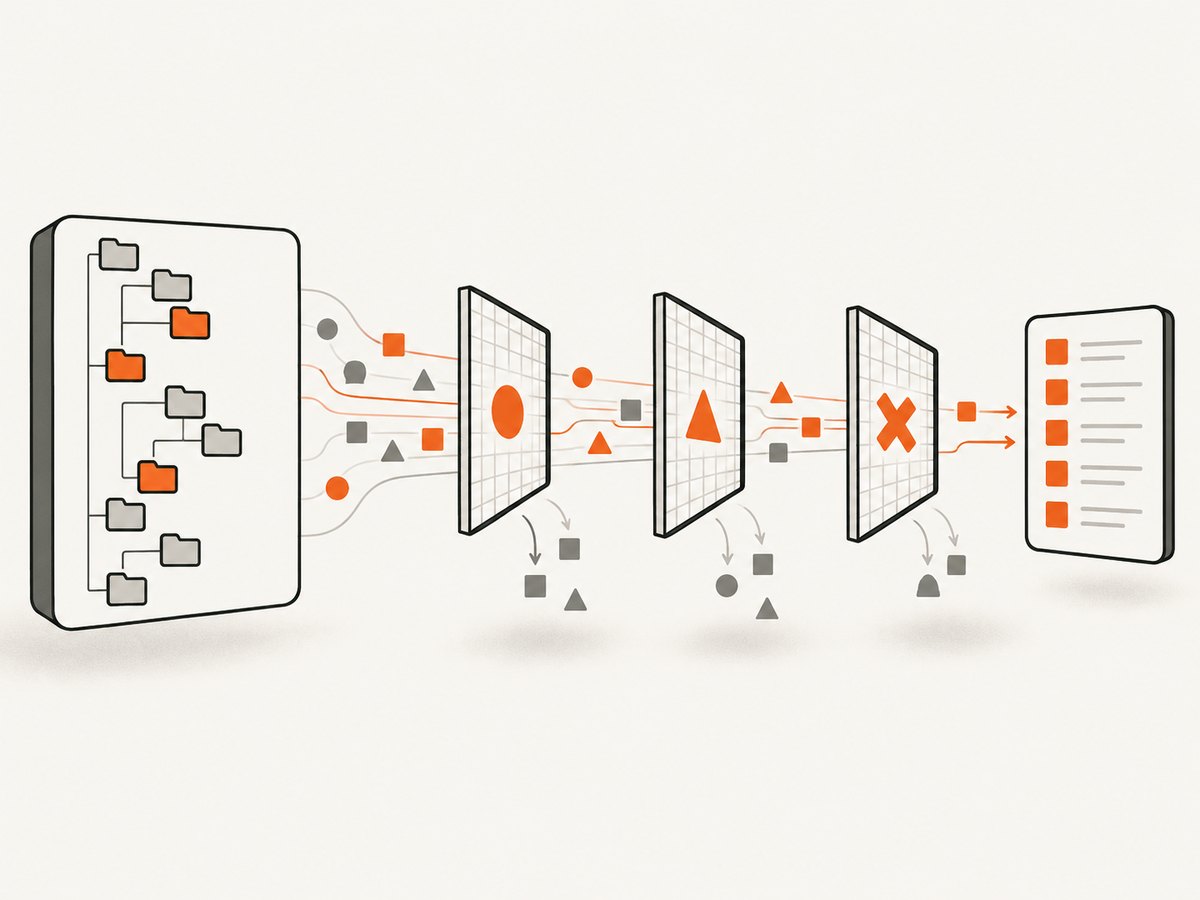
Discovery is controlled by several filters. A test must be under the configured testDir, match testMatch, and avoid every testIgnore pattern. The CLI then applies its own selection rules. A mismatch at any layer can produce the same message.
| Layer | Question | Typical failure |
|---|---|---|
| Configuration file | Which config did the command load? | A command runs from another directory or uses a different -c value. |
testDir |
Is the file below the configured directory? | Tests are in e2e/, but the config points to tests/. |
testMatch |
Does the complete filename match? | The project uses checkout.ts, while the pattern expects .spec.ts. |
testIgnore |
Is a glob or regular expression excluding it? | A broad pattern ignores an entire subdirectory. |
| CLI filter | Does a positional argument match the full path? | A shell-expanded or unquoted expression selects nothing. |
| Runtime collection | Does the selected file declare tests? | Conditional or asynchronous declaration code creates zero tests. |
1. Confirm the config and test directory
The testDir setting identifies the directory containing test files. In the official configuration example, a tests directory is resolved relative to the configuration file. Moving playwright.config.ts, changing the working directory, or selecting another config can therefore change the search location.
import { defineConfig } from '@playwright/test';

export default defineConfig({
  testDir: './tests',
  testMatch: /.*(test|spec)\.(js|ts|mjs)/,
  testIgnore: ['**/fixtures/**'],
});
Check the filesystem using the path you expect Playwright to search:
# macOS/Linux
find tests -type f -maxdepth 5

# Windows PowerShell
Get-ChildItem -Recurse .\tests
If the config is in a subdirectory, make the relationship explicit. For example, a config at config/playwright.config.ts with testDir: './tests' points at config/tests, not necessarily the repository-root tests directory. Use an absolute path only when you intentionally want a fixed location:
import path from 'node:path';
import { defineConfig } from '@playwright/test';

export default defineConfig({
  testDir: path.resolve(__dirname, '../tests'),
});
2. Check filename and extension matching
Playwright’s documented default matcher recognizes filenames containing test or spec with .js, .ts, or .mjs extensions. A project can override this setting, so inspect the actual value instead of assuming the default.
export default defineConfig({
  testDir: './tests',
  // Accept files such as checkout.e2e.ts and smoke.test.js
  testMatch: /.*(test|spec|e2e)\.(js|ts|mjs|cjs)/,
});
Common naming mistakes include checkout.ts when the pattern requires spec, uppercase extensions that a custom expression does not include, and files saved as .tsx when the pattern lists only JavaScript and TypeScript extensions. Rename the file or update the matcher deliberately. Keep the pattern narrow enough that helper files are not treated as tests.
3. Look for exclusions from testIgnore
testIgnore accepts glob patterns or regular expressions. A broad expression such as **/e2e/** can hide every test in an e2e directory. Temporarily remove one suspected rule, run --list, and then replace it with the smallest exclusion that achieves your goal.
export default defineConfig({
  testIgnore: [
    '**/node_modules/**',
    '**/generated/**',
    // Avoid ignoring the entire tests directory by accident
  ],
});
4. Verify the command and positional filters
The CLI uses a config in the current directory by default. Use --config (or -c) when more than one config exists or when you run the command from a package subdirectory.
npx playwright test --config=playwright.config.ts --listEach non-option argument is a regular expression matched against the full test-file path. It is not simply a literal basename. Shell quoting matters because shells can expand wildcard characters before Playwright receives them. Quote expressions containing brackets, parentheses, asterisks, or other regular-expression characters.
# Literal-looking path, quoted for predictable shell handling
npx playwright test 'tests/checkout.spec.ts'

# Directory expression
npx playwright test 'tests/checkout/.*'
If a path contains spaces or parentheses, quote it. If you copied a Windows path into a Unix shell, convert separators or use the path format supported by your environment. Run npx playwright test --help with the installed version when behavior differs from documentation.
5. Check generated test files
Some repositories generate JavaScript tests from TypeScript, templates, schemas, or a code-generation step. In that setup, the important question is whether the files matched by Playwright exist at runtime. A configuration that matches dist/**/*.spec.js cannot discover anything if the build did not produce dist.
# Example build and discovery sequence
npm run generate-tests
npm run build-tests
npx playwright test --list
Inspect the generated directory and confirm timestamps, names, and extensions. Do not add a compilation step merely because a historical issue mentioned generated JavaScript; Playwright supports TypeScript test files directly when the installed setup is configured for them. Add the step only when your project’s own configuration depends on generated output.
6. Distinguish zero files from zero collected tests
--list helps separate discovery from collection. If the expected file does not appear, continue with directory, matcher, ignore, config, and CLI checks. If the file appears but contains no tests, inspect the code that declares suites and tests.
Collection-time checks
- Confirm the file imports
testfrom@playwright/test, not a similarly named helper. - Check conditional declarations. A condition based on an unset environment variable may prevent every
test()call. - Keep test declarations synchronous at module and
test.describecollection time. Historical reports have described asynchronous callbacks and data-driven declarations that resulted in zero collected tests; reproduce with your installed Playwright version and a minimal file before changing architecture. - Move debugging output outside declarations only after confirming the file is selected. A syntax or import error is a different failure from “no tests found.”
import { test, expect } from '@playwright/test';

test.describe('checkout', () => {
  test('shows the payment form', async ({ page }) => {
    await page.goto('https://example.com/checkout');
    await expect(page.getByRole('heading', { name: 'Payment' })).toBeVisible();
  });
});
Minimal reproduction and isolation checklist
- Create a temporary file below the configured
testDir, using a default-style name such asdiscovery.spec.ts. - Add one unconditional
test()declaration. - Run
npx playwright test --listwith no positional filter. - Run that file explicitly.
- Restore custom matchers, ignores, project settings, and generated-file rules one at a time.
This isolates configuration from application fixtures. If the minimal test is missing, the issue is discovery. If it appears, compare its path and declaration with the original file.
Common errors and fixes
| Symptom | Likely cause | Fix |
|---|---|---|
| Every test disappeared after moving the config | testDir is now relative to a different directory. |
Print or inspect the selected config and correct the relative path. |
| Only one naming style is ignored | Custom testMatch omits that suffix or extension. |
Update the expression or rename files consistently. |
| A subfolder is always empty | testIgnore matches the folder. |
Remove the broad rule and add a narrower glob. |
| Explicit path still finds nothing | The argument is a regex against the full path, or the shell changed it. | Quote the argument and use the path from the repository root. |
| Local works, CI says no tests | CI runs from another directory or skips generation. | Use an explicit config, log the working directory, and run required generation before Playwright. |
| File is listed but zero tests run | Declarations are conditional or collection-time code produces no tests. | Make one declaration unconditional, then reintroduce data and conditions. |

Performance, reliability, and maintenance
Discovery itself is usually inexpensive, but large repositories can make broad directory scans and generated trees slower and harder to reason about. Keep testDir close to the tests, exclude build artifacts and fixtures, and avoid patterns that traverse dependency directories. In CI, use a deterministic working directory and an explicit config path. Run generation as a named prerequisite and fail that step when expected output is missing.
For reliable upgrades, record the Playwright version in your lockfile and compare the installed CLI’s help output when a flag behaves differently. Keep a tiny smoke test that exercises discovery in CI. It will catch accidental renames, config moves, and ignore-rule changes before the full suite becomes silent.
Or skip the browser setup
If your goal is simply to capture a page image while diagnosing a test or documenting a failure, ScreenshotNeo provides a website screenshot API. It accepts one GET request and returns PNG, JPEG, WebP, or PDF. The API can accept cookies, custom headers, a user agent, an Authorization header, a viewport or device preset, dark mode, full-page capture, a CSS selector, custom CSS and JavaScript, waits, request blocking, timezone, geolocation, resizing, caching, signed links, asynchronous jobs, webhooks, bulk capture, and PDF options. See the ScreenshotNeo documentation for the complete parameter list.
curl -G "https://api.screenshotneo.com/v1/shot" \
  -d access_key=YOUR_API_KEY \
  --data-urlencode url=https://stripe.com \
  -o shot.webp
import requests
r = requests.get(
"https://api.screenshotneo.com/v1/shot",
params={"access_key": "YOUR_API_KEY", "url": "https://stripe.com"},
timeout=90,
)
r.raise_for_status()
open("shot.webp", "wb").write(r.content)const q = new URLSearchParams({
access_key: 'YOUR_API_KEY',
url: 'https://stripe.com'
});
const res = await fetch(`https://api.screenshotneo.com/v1/shot?${q}`);
if (!res.ok) throw new Error(`Screenshot failed: ${res.status}`);
const bytes = new Uint8Array(await res.arrayBuffer());
await Bun.write('shot.webp', bytes);Cookie and consent banners, newsletter popups, and chat widgets are removed before the shot. Bot checks, blank pages, timeouts, failed loads, and cache hits are not billed, and the response reports the result through X-Page-Verdict and X-Billed headers. ScreenshotNeo also offers an MCP server so Claude, Cursor, and other MCP clients can call take_screenshot, get_page_info, and capture_pdf. The Free plan includes 1,000 screenshots per month with no card; paid plans start at $5 for 3,000 shots. Create a free ScreenshotNeo account.
FAQ
Does Playwright require compiled JavaScript test files?
No. Playwright can run TypeScript tests in a normal setup. Compilation is relevant only when your project’s configuration matches generated output.
Why does a filename that contains “test” still fail?
A custom testMatch, a different testDir, an ignore rule, or a CLI regular-expression filter can exclude it.
What does --list prove?
It shows what Playwright collects without executing tests. An absent file indicates discovery filtering; a listed file with no tests points to collection-time declarations.
Can moving playwright.config.ts break discovery?
It can change relative paths and which config the CLI selects. Verify the loaded config and its testDir rather than assuming moving the file is universally unsupported.
How should I handle a path argument in CI?
Quote it, use a path relative to the CI working directory, and pass --config explicitly when the repository contains multiple configurations.


