How to Fix Playwright Requests Stuck Pending on Localhost:8082
Find why Playwright requests stay pending on localhost:8082 with a step-by-step diagnostic path covering routes, service workers, proxies, and server reachability.
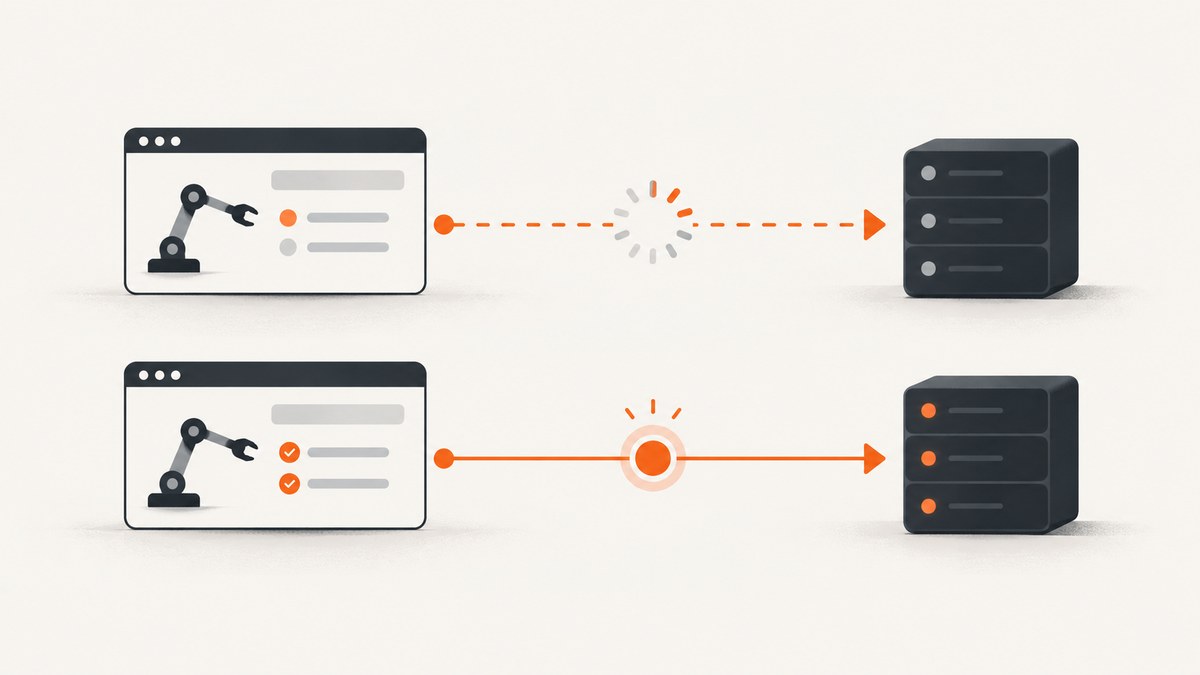
A Playwright request that remains Pending for http://localhost:8082 usually needs an investigation of the request path, not a port-specific workaround. Start with the strongest documented cause: a Playwright route handler matched the request but never resolved it. Every matching route must call route.continue(), route.fulfill(), or route.abort(). Then compare the run with Service Workers blocked, verify which component owns the request, and check server reachability and proxy behavior from the same environment as the browser.
This guide gives you an ordered diagnostic process, runnable Playwright examples, logging patterns, server and proxy checks, edge cases, and fixes. The number 8082 is a case detail; the available documentation does not establish special Playwright behavior for that port.
1. Confirm what “pending” means
Before changing code, capture enough information to distinguish a stalled request from an HTTP error. Playwright reports a completed response for HTTP errors such as 404 or 503. A request failure means that no HTTP response was obtained. Those cases require different fixes. See the Request and Response APIs for the event model.
- Record the complete URL, including scheme, hostname, port, path and query string.
- Record the method and resource type (document, fetch, XHR, script, worker, image, and so on).
- Record the browser engine and version, Playwright version, operating system, container image and runtime.
- Record whether the browser shows the request as pending, failed, or completed with an HTTP status.
- Note whether a proxy, Service Worker, Mock Service Worker, route fixture or HAR replay is enabled.
Attach listeners before the action that triggers the request. This prevents a fast event from being missed and lets you compare request, response, completion and failure events.
import { chromium } from 'playwright';

const browser = await chromium.launch();
const context = await browser.newContext();
const page = await context.newPage();

const matches = (url) => url.includes('localhost:8082');

page.on('request', request => {
  if (matches(request.url())) {
    console.log('[request]', request.method(), request.resourceType(), request.url());
  }
});

page.on('response', response => {
  if (matches(response.url())) {
    console.log('[response]', response.status(), response.url());
  }
});

page.on('requestfinished', request => {
  if (matches(request.url())) {
    console.log('[finished]', request.url());
  }
});

page.on('requestfailed', request => {
  if (matches(request.url())) {
    console.log('[failed]', request.url(), request.failure()?.errorText);
  }
});

await page.goto('http://localhost:8082');
await page.waitForTimeout(5000);
await browser.close();
If you see request but no response, requestfinished or requestfailed, inspect interception and ownership first. If you see a response with 404 or 503, fix the application or server response instead of treating it as a transport hang.
2. Audit every Playwright route handler
Playwright’s BrowserContext documentation states: “Once route is enabled, every request matching the url pattern will stall unless it’s continued, fulfilled or aborted.” A route callback that returns without resolving the route leaves the matching request stalled.
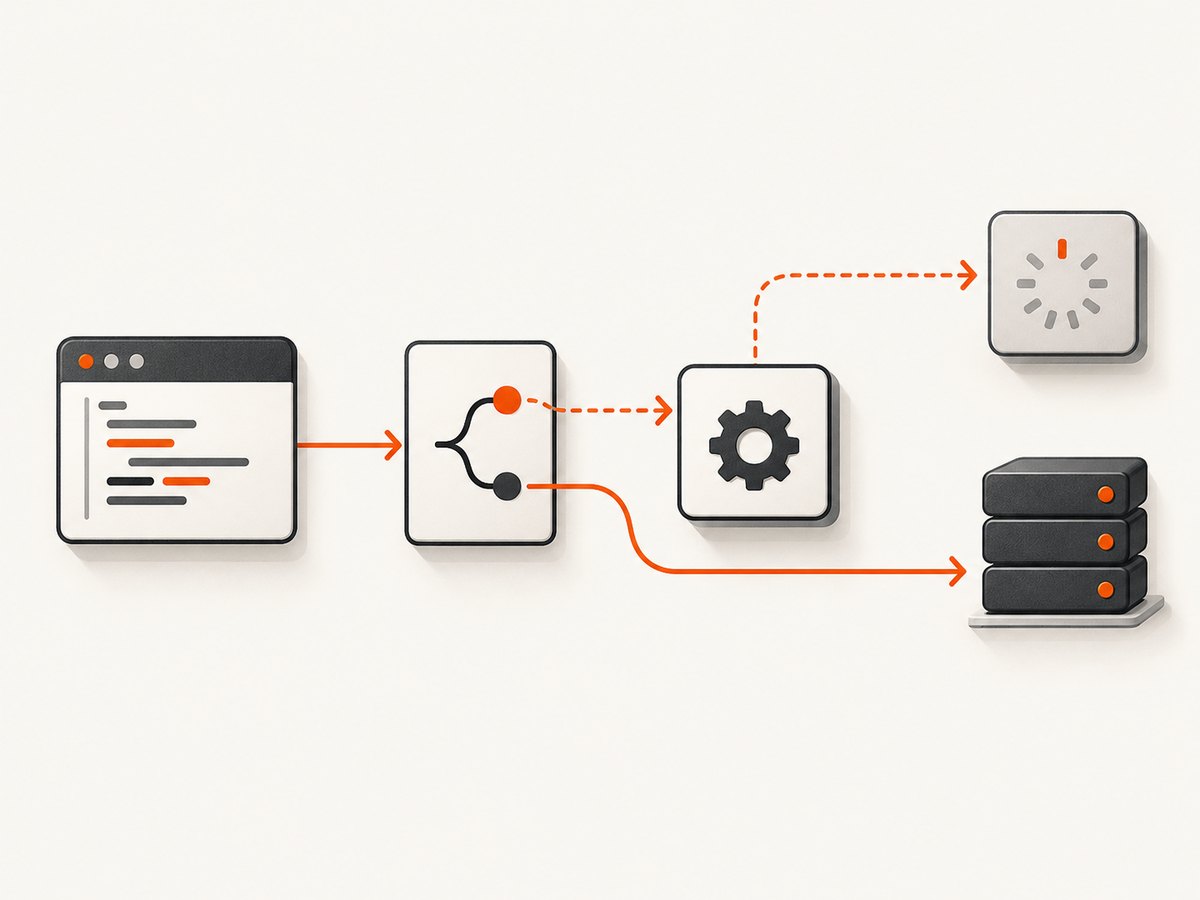
Search the entire test project, including fixtures and helper modules, for:
page.route()andbrowserContext.route()routeFromHAR()- test fixtures that install routes before each test
- middleware that conditionally calls
continue,fulfillorabort
The common broken pattern
await page.route('**/*', async route => {
  if (route.request().url().includes('analytics')) {
    await route.abort();
    return;
  }

  // Bug: this branch never resolves the request.
});
A safe pass-through pattern
await page.route('**/*', async route => {
  const request = route.request();

  if (request.url().includes('analytics')) {
    await route.abort();
    return;
  }

  await route.continue();
});
Audit every branch, including early returns, exceptions and asynchronous callbacks. A condition that checks a header, URL, method or resource type can leave only some requests stuck. If your callback awaits another operation, add a timeout and make sure the error path resolves the route.
await page.route('**/*', async route => {
  try {
    const request = route.request();
    const shouldMock = request.url().endsWith('/api/config');

    if (shouldMock) {
      await route.fulfill({
        status: 200,
        contentType: 'application/json',
        body: JSON.stringify({ enabled: true })
      });
      return;
    }

    await route.continue();
  } catch (error) {
    console.error('Route handler failed:', error);
    try {
      await route.abort('failed');
    } catch {
      // The route may already have been resolved by the browser.
    }
  }
});
As a diagnostic, remove or disable all routes and rerun the smallest reproduction. If the request completes, re-enable handlers one at a time. This isolates the handler that owns the stall.
3. Compare the run with Service Workers blocked
Service Workers can intercept fetches before page routing sees them. Playwright’s network guidance recommends serviceWorkers: 'block' when expected network events are missing. This is a diagnostic comparison, not a universal production setting: blocking the worker changes behavior for an application that depends on it. See the Playwright network documentation.
import { chromium } from 'playwright';

const browser = await chromium.launch();
const context = await browser.newContext({
  serviceWorkers: 'block'
});
const page = await context.newPage();

await page.goto('http://localhost:8082');
await page.waitForLoadState('networkidle');
Run the same test with workers allowed and blocked, changing only this option. If the request becomes visible or completes when workers are blocked, inspect the worker’s fetch handler. Look for a promise that never settles, a fetch to the wrong host or port, a response that is never returned, or a worker waiting on another request.
Playwright documents that requests intercepted by a Service Worker are not intercepted by page.route() or browserContext.route(). Use context-level request events while investigating worker-owned traffic. Do not assume request.frame() is available: it throws for a request owned by a Service Worker.
4. Identify who owns the request
A “localhost:8082 request” can originate from the page, a dedicated Web Worker, a Service Worker, or an independent APIRequestContext. The correct log source and fix depend on the owner.
- Page fetch or XHR: inspect page routes, application code and browser console errors.
- Service Worker: inspect the worker’s fetch event and use BrowserContext events.
- Web Worker or
importScripts(): inspect worker startup and script URLs; route interception can expose worker-specific problems. APIRequestContext: inspect its base URL, proxy and timeout separately from the page.
context.on('request', request => {
  console.log({
    url: request.url(),
    method: request.method(),
    type: request.resourceType(),
    frame: (() => {
      try {
        return request.frame().url();
      } catch {
        return 'service-worker-or-no-frame';
      }
    })()
  });
});
There is a historical Playwright issue describing a worker importScripts request hanging when interception was enabled. It concerns an old report and does not prove a current general defect, but it is a useful clue when the pending request is a worker script import. Reproduce with the smallest worker example and test with routing disabled.
5. Verify the server from the browser’s environment
The browser may run in a container, remote worker or different network namespace from your shell. Verify the exact address from that environment. Check the scheme, hostname, port, path and server binding.
curl -v --max-time 10 http://127.0.0.1:8082/health
curl -v --max-time 10 http://localhost:8082/health
ss -ltnp | grep ':8082'
Compare localhost and 127.0.0.1 only as a diagnostic. They can resolve differently in containers or environments with IPv4 and IPv6 differences. If your server binds only to 127.0.0.1, a browser running in another container cannot reach it through its own loopback interface. Bind the server to the interface appropriate for your test topology, or use the service hostname exposed on the test network.
Check server access logs. If no request arrives, investigate DNS, routing, container networking, firewall rules or proxy settings. If a request arrives and remains open, inspect the server handler for a response that is never written or ended.
6. Check proxy configuration deliberately
A proxy can change the path to localhost. Inspect Playwright launch options, environment variables such as HTTP_PROXY and NO_PROXY, and CI-specific browser configuration. Test with the proxy removed, then with an explicit proxy and an explicit bypass rule, changing one condition at a time.
A historical report described Chromium localhost traffic bypassing a configured proxy while Firefox behaved differently. That report concerned Playwright 1.16.3 and port 4200. Use it only as a lead when a proxy is configured; it is not evidence of a current Playwright defect or a special rule for port 8082.
const browser = await chromium.launch({
  proxy: {
    server: 'http://proxy.internal:3128',
    bypass: 'localhost,127.0.0.1'
  }
});
For a clean comparison, run once without proxy, once with the proxy and bypass list, and once using the exact hostname your proxy expects. Preserve the request logs and browser engine for each run.
7. Build a minimal reproduction
Reduce the test to one page, one request and one browser context. Remove authentication, HAR files, third-party scripts, route fixtures, Service Workers and parallel workers. Then add each feature back individually.
import { chromium } from 'playwright';

const browser = await chromium.launch({ headless: true });
const context = await browser.newContext({ serviceWorkers: 'block' });
const page = await context.newPage();

page.on('request', r => console.log('>>', r.method(), r.url()));
page.on('response', r => console.log('<<', r.status(), r.url()));
page.on('requestfailed', r => console.log('xx', r.url(), r.failure()?.errorText));

await page.goto('http://localhost:8082', { waitUntil: 'domcontentloaded', timeout: 30000 });
await page.waitForTimeout(2000);
await browser.close();
If this succeeds, the server and basic browser path work. Reintroduce routing first, then the Service Worker, proxy, authentication and other fixtures. The first change that restores the pending state identifies the investigation area.
8. Troubleshooting checklist
| Symptom | Likely cause | Fix |
|---|---|---|
| Request event appears, then nothing else | Matched route never resolves | Ensure every branch awaits continue, fulfill or abort. |
| Page route sees no expected fetch | Service Worker owns it | Run with serviceWorkers: 'block', then inspect the worker. |
| 404 or 503 response appears | Server returned an HTTP error | Fix the endpoint or test assertion; it is not a transport hang. |
| No server access-log entry | Wrong namespace, host, port, DNS or proxy path | Run reachability checks from the browser environment. |
| Only worker script requests hang | Worker interception or worker code issue | Disable routing, inspect importScripts URLs and compare engines. |
| Only Chromium differs | Engine-specific proxy or networking behavior | Compare with another engine and isolate proxy settings. |
| Works locally, fails in CI | Container binding, missing service or environment proxy | Log interfaces, routes, environment variables and server startup output. |
9. Reliability and performance practices
- Keep route handlers synchronous in purpose: inspect, then resolve quickly. Move expensive fixture work outside the handler where possible.
- Use targeted URL patterns instead of intercepting
**/*unless broad interception is required. - Give navigation and dependent API calls explicit timeouts so a failure produces a useful trace.
- Capture Playwright traces and console logs for intermittent cases; retain the route, worker and proxy configuration with the trace.
- Run one diagnostic variable at a time. Changing routing, browser engine and proxy together hides the cause.
- Do not leave Service Workers blocked in a test that is intended to validate offline caching or worker behavior.
- For parallel tests, allocate unique ports or server instances and log the process ID bound to each port.
10. Or skip the browser setup
If your goal is a clean image or PDF of a local or public page rather than debugging browser interception, ScreenshotNeo provides a single screenshot API request. Its capture pipeline accepts cookie and consent banners, removes more than 60 known consent platforms plus newsletter popups and chat widgets, and lets you turn each step off. Bot checks, blank pages, timeouts, failed loads and cache hits are not billed; response headers identify the page verdict and billing status.

See the ScreenshotNeo API documentation for all options, including full-page capture, CSS selectors, device presets, custom headers and cookies, waits, request blocking, JavaScript, PDFs, caching, signed links, asynchronous jobs and bulk capture.
cURL
curl -G 'https://api.screenshotneo.com/v1/shot' \
  -d access_key=YOUR_API_KEY \
  --data-urlencode url=https://stripe.com \
  -o shot.webp
Python
import requests

r = requests.get(
    'https://api.screenshotneo.com/v1/shot',
    params={'access_key': 'YOUR_API_KEY', 'url': 'https://stripe.com'},
    timeout=90,
)
r.raise_for_status()
open('shot.webp', 'wb').write(r.content)
Node.js
const q = new URLSearchParams({ access_key: 'YOUR_API_KEY', url: 'https://stripe.com' });
const res = await fetch(`https://api.screenshotneo.com/v1/shot?${q}`);
if (!res.ok) throw new Error(`Screenshot failed: ${res.status}`);
const bytes = await res.arrayBuffer();
await Bun.write('shot.webp', bytes);
ScreenshotNeo also offers an MCP server with take_screenshot, get_page_info and capture_pdf for Claude, Cursor and other MCP clients. There are 1,000 free screenshots per month with no card; paid plans start at $5 for 3,000 shots. Create a free ScreenshotNeo account.
11. FAQ
Is port 8082 broken in Playwright?
No documented source establishes special behavior for port 8082. Verify the exact URL, server binding and runtime network path.
Should I always block Service Workers?
No. Block them temporarily to compare interception behavior. Keep them enabled when the application under test depends on them.
Does a 503 mean the request is stuck?
No. A 503 is an HTTP response that completed at the transport level. A stuck request has not produced a response or failure event.
Can increasing the timeout fix this?
It can make a slow server easier to observe, but it cannot resolve a route handler that never calls a route resolution method or a worker that never settles its fetch promise.
What should I collect before opening an issue?
Include the minimal reproduction, Playwright and browser versions, full URL, request owner, route code, Service Worker status, proxy settings, server binding and request event logs.


