How to Fix Playwright’s Ignored toBeVisible() Timeout
Fix ignored Playwright toBeVisible() timeouts by checking await, timeout scope, locator state, and the real page condition.
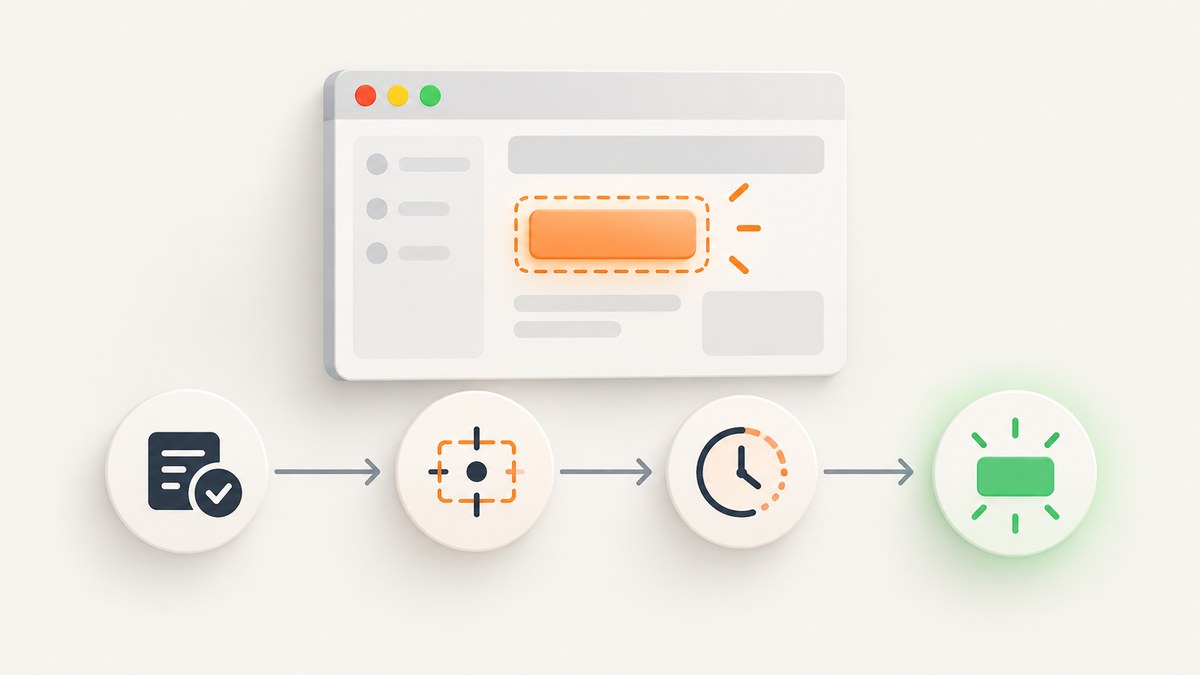
Start with this: Playwright’s toBeVisible() assertion is asynchronous. In Playwright Test, write await expect(locator).toBeVisible(), then verify that you changed the assertion timeout rather than only the overall test timeout. If it still times out, inspect whether the locator points to an attached, visible node in the correct page or frame.
There is no single fix for an “ignored” timeout without the failing test, imports, Playwright version, error call log, and page state. The diagnostic process below separates an unobserved promise, the wrong timeout budget, and a locator that never reaches the required state.
1. Use and configure toBeVisible() correctly
A minimal Playwright Test assertion looks like this:
import { test, expect } from '@playwright/test';

test('save button is visible', async ({ page }) => {
  await page.goto('https://example.com/settings');
  const saveButton = page.getByRole('button', { name: 'Save' });
  await expect(saveButton).toBeVisible();
});
toBeVisible() retries the locator until it points to an attached and visible DOM node or its assertion timeout expires. Playwright documents this web-first behavior in its Assertions guide and defines the matcher in the LocatorAssertions API.
The most common mistake: dropping await
// Wrong: the test does not wait for the assertion promise.
expect(page.getByRole('button', { name: 'Save' })).toBeVisible();

// Correct: the test observes the rejection and waits for retries.
await expect(page.getByRole('button', { name: 'Save' })).toBeVisible();
Also check helper functions. If a helper performs an assertion, make it asynchronous and await it at the call site:
async function expectSaveButton(page) {
  await expect(page.getByRole('button', { name: 'Save' })).toBeVisible();
}

test('settings', async ({ page }) => {
  await page.goto('https://example.com/settings');
  await expectSaveButton(page);
});
Import expect from the Playwright Test runner, normally @playwright/test. Mixing an assertion library or a different runner can produce different timeout and retry behavior.
2. Distinguish assertion timeout from test timeout
Playwright’s documented defaults are separate: each assertion has a 5,000 ms expect timeout, while each test has a 30,000 ms test timeout. A longer test timeout does not automatically give toBeVisible() more time. See the official Timeouts documentation and TestConfig reference.
| Setting | Controls | Typical change |
|---|---|---|
| Assertion timeout | One web-first assertion | toBeVisible({ timeout: 10_000 }) |
| Global expect timeout | Async expect matchers in a project | expect: { timeout: 10_000 } |
| Test timeout | The complete test, including navigation and assertions | test.setTimeout(60_000) |
Increase one assertion
await expect(
  page.getByRole('button', { name: 'Save' })
).toBeVisible({ timeout: 10_000 });
Set a project-wide expect timeout
import { defineConfig } from '@playwright/test';

export default defineConfig({
  expect: {
    timeout: 10_000,
  },
});
Increase the overall test budget only when necessary
import { test } from '@playwright/test';

test('slow end-to-end flow', async ({ page }) => {
  test.setTimeout(60_000);
  // Navigation, actions, and assertions share this test budget.
});
Do not use test.setTimeout() as a substitute for an assertion timeout. First identify which budget appears in the error, such as “expect.toBeVisible with timeout 5000ms”.
3. Check the locator and the page state
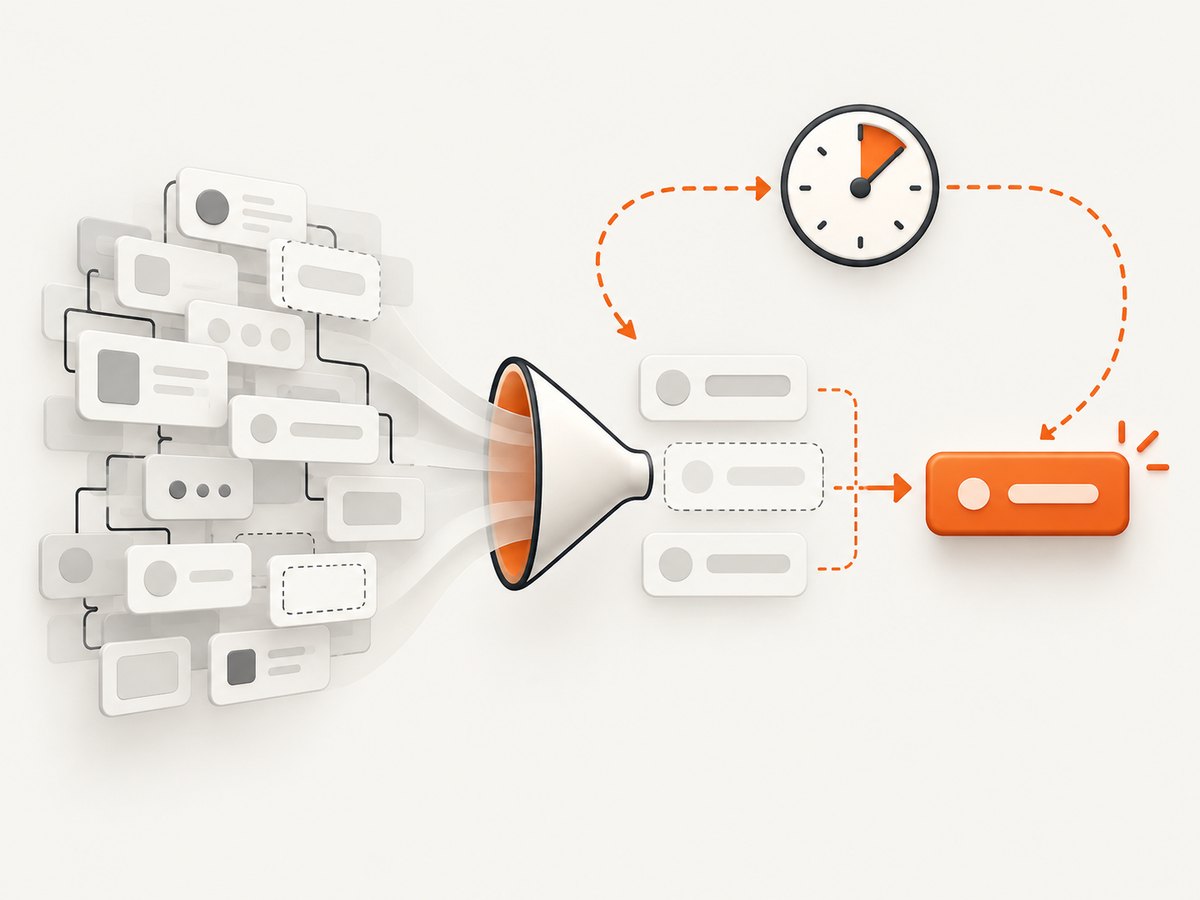
A timeout can be working exactly as designed when the locator never identifies the intended visible element. toBeVisible() does not prove that your selector is correct. Check these conditions:
- Correct page: the action may open a new page or popup. Keep a reference to the right
Page. - Correct frame: content inside an iframe requires
page.frameLocator('iframe-selector')or a frame reference. - Correct role and name: accessible names can differ from visual text because of labels, hidden text, or localization.
- Attached node: a framework may remove the old node and insert a replacement during rendering.
- Visible state: CSS such as
display:none,visibility:hidden, zero dimensions, or an overlay can prevent visibility. - Multiplicity: a locator may match several nodes when the requirement concerns one specific item.
const dialog = page.getByRole('dialog', { name: 'Account settings' });
await expect(dialog).toHaveCount(1);
await expect(dialog).toBeVisible();
When the requirement is “at least one matching item is visible”, Playwright’s API documentation specifically shows using .first():
const notices = page.getByRole('alert');
await expect(notices.first()).toBeVisible();
Use .first() only when any first matching item represents the product requirement. Otherwise, make the locator unique with a role, label, test id, or a narrower container.
4. A repeatable debugging workflow
- Read the complete error and call log. Record the locator Playwright was waiting for and the timeout value it actually used.
- Confirm the import and await. The assertion should be awaited and should come from
@playwright/test. - Log the locator count. Use
await locator.count()to learn whether the selector matches zero, one, or many nodes. - Inspect the DOM at the failure point. Capture a screenshot, inspect HTML, or pause with the Inspector.
- Run the test in debug mode.
npx playwright test --debugopens Playwright Inspector so you can step through navigation and actions. - Replace sleeps with a meaningful signal. Wait for a selector, a response, a URL, or a state transition that represents readiness.
test('debug visibility', async ({ page }) => {
  await page.goto('https://example.com');
  const target = page.getByTestId('status');
  console.log('matches:', await target.count());
  await expect(target).toBeVisible({ timeout: 10_000 });
});
Playwright’s Frame API says waitForTimeout() should only be used for debugging. A fixed delay can hide a race, waste time when the page is fast, and still fail when the page is slower. Prefer a UI or network condition:
await page.getByRole('button', { name: 'Load' }).click();
await page.waitForResponse(response =>
  response.url().endsWith('/api/status') && response.ok()
);
await expect(page.getByTestId('status')).toBeVisible();
Read the official Debugging Tests guide for Inspector workflows.
5. Frames, popups, and re-rendering edge cases
Iframe content
const paymentFrame = page.frameLocator('iframe[title="Payment"]');
await expect(
  paymentFrame.getByRole('button', { name: 'Pay' })
).toBeVisible();
A page locator cannot see into an iframe. If the iframe is created dynamically, wait for the iframe element first, then use frameLocator.
New pages and popups
const popupPromise = page.waitForEvent('popup');
await page.getByRole('link', { name: 'Preview' }).click();
const popup = await popupPromise;
await popup.waitForLoadState();
await expect(popup.getByRole('heading', { name: 'Preview' })).toBeVisible();
React, Vue, and other re-rendering UIs
Do not save an ElementHandle and expect it to survive a re-render. Locators resolve the current DOM node when the assertion retries:
const status = page.getByTestId('status');
await page.getByRole('button', { name: 'Refresh' }).click();
await expect(status).toBeVisible();
If the element is intentionally replaced, assert the state that matters after replacement, such as text, count, or an accessible role.
6. Version compatibility and configuration checks
The API reference records toBeVisible as added in Playwright 1.20 and its timeout option in 1.18. Confirm the installed version before relying on a particular option:
npx playwright --version
npm ls @playwright/test
Check that the configuration file being edited is the one used by the command. Monorepos commonly contain multiple playwright.config files. You can pass a specific configuration explicitly:
npx playwright test --config=playwright.config.ts7. Common errors and fixes
| Symptom | Likely cause | Fix |
|---|---|---|
| Test continues immediately | Missing await or helper promise not returned |
Await the matcher and every helper that contains it. |
| Error still says 5000 ms | Only the test timeout was changed | Set matcher timeout or global expect.timeout. |
| Waiting for locator with zero matches | Wrong selector, page, frame, or route | Check URL, frame, role, accessible name, and count(). |
| Several elements match | Locator is too broad | Narrow it, or use .first() only when “any first item” is correct. |
| Element exists but is hidden | CSS, animation, collapsed parent, or overlay | Inspect computed state and wait for the real transition. |
| Works locally, fails in CI | Different viewport, data, browser, network, or feature flag | Record traces and screenshots; make test data and readiness signals deterministic. |
| Assertion API behaves unexpectedly | Old Playwright version or wrong import | Check package version and import from @playwright/test. |
8. Reliability, performance, and cost considerations
A longer assertion timeout improves tolerance for a genuinely slow asynchronous operation, but it also increases the time spent diagnosing a wrong locator. Keep the default modest, then raise the timeout for known slow transitions. Use stable test data, deterministic routes, and condition-based waits to reduce retries and CI variance.
For performance, avoid repeated broad locators and unnecessary page-wide sleeps. A role or test-id locator scoped to a component is easier to resolve and produces a more useful call log. For reliability, enable traces on retries so a failed run includes the page state around the assertion.
Timeouts have no direct per-assertion cost, but slow tests consume CI minutes and delay feedback. A precise locator and a meaningful readiness signal usually reduce both failure noise and runtime.
9. Capture the failing page without maintaining a browser setup
When a screenshot is all you need for a bug report, visual regression artifact, or debugging record, ScreenshotNeo can return an image from one request. It accepts options for full-page capture, CSS element selection, device and viewport settings, custom JavaScript and CSS, waits, headers, cookies, blocking, caching, and more. Its clean-shot flow accepts consent banners and removes more than 60 known consent platforms, newsletter popups, and chat widgets before capture.

Or skip the browser setup
Use the API endpoint shown in the ScreenshotNeo documentation:
curl -G "https://api.screenshotneo.com/v1/shot" -d access_key=YOUR_API_KEY --data-urlencode url=https://stripe.com -o shot.webpimport requests
r = requests.get(
"https://api.screenshotneo.com/v1/shot",
params={"access_key": "YOUR_API_KEY", "url": "https://stripe.com"},
timeout=90,
)
r.raise_for_status()
open("shot.webp", "wb").write(r.content)const q = new URLSearchParams({ access_key: 'YOUR_API_KEY', url: 'https://stripe.com' });
const res = await fetch(`https://api.screenshotneo.com/v1/shot?${q}`);
if (!res.ok) throw new Error(`Screenshot failed: ${res.status}`);
const buffer = Buffer.from(await res.arrayBuffer());
await import('node:fs/promises').then(fs => fs.writeFile('shot.webp', buffer));Cookie banners, popups, and chat widgets are removed before the shot. Bot checks, blank pages, failed loads, timeouts, and cache hits are not billed; response headers identify the page verdict and whether it was billed. ScreenshotNeo also provides an MCP server so Claude, Cursor, and other MCP clients can call take_screenshot, get_page_info, and capture_pdf. The Free plan includes 1,000 screenshots each month with no card, and paid plans start at $5 for 3,000 shots.
Create a free ScreenshotNeo account and use the returned image as a reproducible artifact alongside your Playwright failure.
10. Short FAQ
Does toBeVisible() wait automatically?
Yes, when used as an awaited Playwright Test web-first assertion. It retries until the locator is attached and visible or the assertion timeout expires.
Why does a 60-second test timeout not help?
The test timeout covers the whole test. The matcher still uses its own expect timeout unless you configure it globally or pass timeout to toBeVisible().
Should I add waitForTimeout()?
Use it only while debugging. In the test, wait for the selector, response, URL, or state that proves the page is ready.
When is .first() appropriate?
When the requirement explicitly means that any first matching item being visible is sufficient. Otherwise, make the locator identify the intended element.
What information is needed to diagnose one specific failure?
Provide the assertion, import, Playwright version, configuration, complete error and call log, URL or frame involved, and the DOM state at the failure point.


