How to Fix Playwright waitForEvent Timeouts
Fix Playwright waitForEvent timeouts by registering listeners before actions, checking event scope and predicates, and separating events from readiness.
A Playwright waitForEvent timeout usually means the wait never observed an event that matched its rules. Start by creating the wait promise before the action that emits the event, then trigger the action and await the stored promise:
const downloadPromise = page.waitForEvent('download');
await page.getByText('Download file').click();
const download = await downloadPromise;
This ordering is the central fix. The Playwright Page API documents it as: “Start waiting for download before clicking. Note no await.” A listener installed after a fast click can miss the event completely. A timeout is then the symptom of a missed, mis-scoped, filtered-out, or cancelled event.
This guide shows how to diagnose each case in JavaScript or TypeScript, how page and browser-context scopes differ, how predicates and timeout settings work, and how to distinguish event arrival from page readiness.
1. Register the wait before the trigger
waitForEvent returns a promise. Creating that promise installs the listener; awaiting it immediately blocks the test before the action can happen.
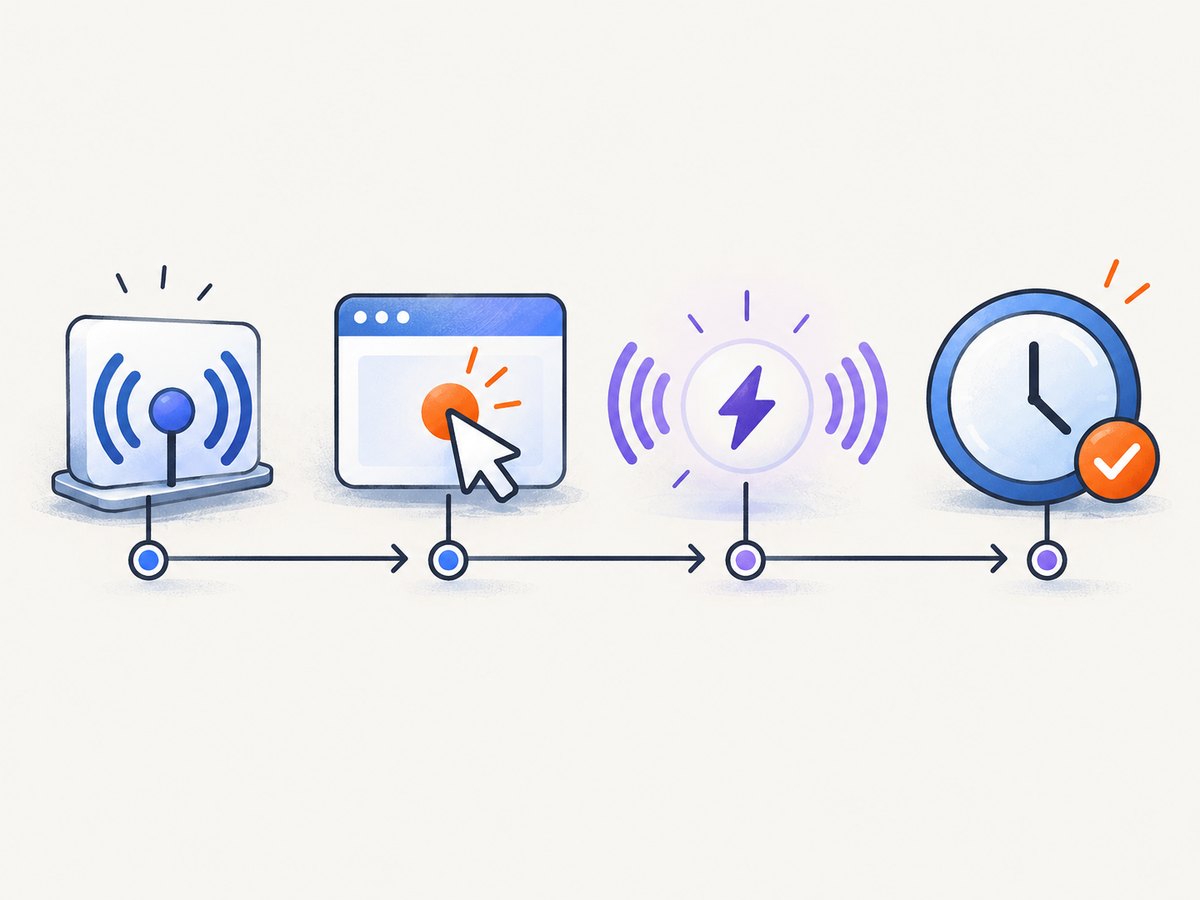
Correct download sequence
import { test, expect } from '@playwright/test';

test('downloads the report', async ({ page }) => {
  await page.goto('https://example.com/reports');

  const downloadPromise = page.waitForEvent('download');
  await page.getByRole('button', { name: 'Download report' }).click();
  const download = await downloadPromise;

  await download.saveAs('artifacts/report.pdf');
});
Do not write await page.waitForEvent('download') before the click. That waits for an event while no code is able to cause it. Do not click first and then call waitForEvent either; a download can begin and emit its event before the second statement runs.
Correct popup sequence
const popupPromise = page.waitForEvent('popup');
await page.getByText('Open account details').click();
const popup = await popupPromise;

await popup.waitForLoadState('domcontentloaded');
await expect(popup.getByRole('heading', { name: 'Account details' })).toBeVisible();
The popup event tells you that a new page was created. It does not guarantee that the popup’s useful content has loaded. Wait for a load state or, preferably, assert on the selector your test actually needs.
2. Check the event name and object scope
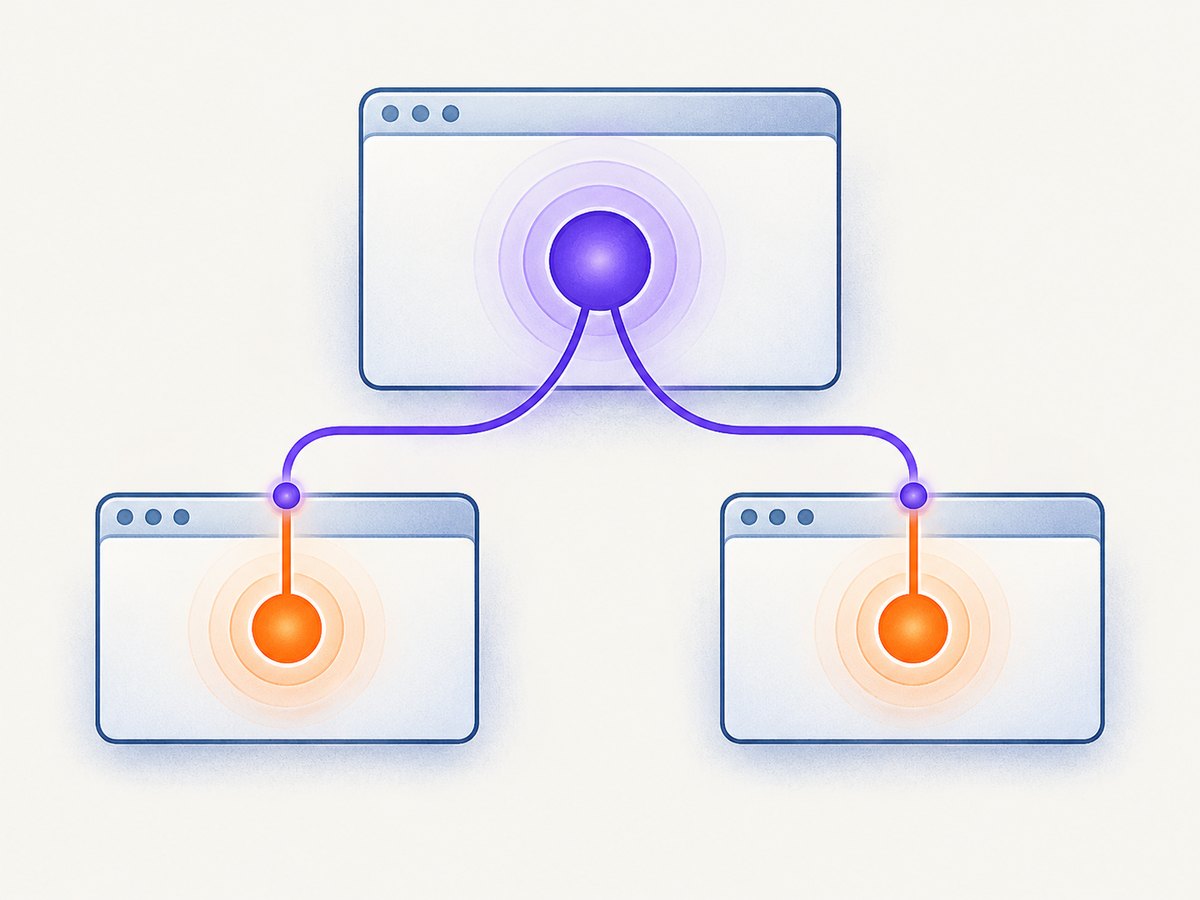
The event name passed to waitForEvent must be an event emitted by the object on which you call it. The Page API and BrowserContext API expose different event scopes.
| Situation | Wait on | Example |
|---|---|---|
| A download initiated by one page | page |
page.waitForEvent('download') |
| A popup opened by one page | the initiating page |
page.waitForEvent('popup') |
| A new page may be opened by unknown code | browserContext |
context.waitForEvent('page') |
| A response from a request | page |
page.waitForEvent('response', predicate) |
Use a page-scoped popup wait when you know which page performs the action. If any page in the context can open a new tab, observe the context instead:
const pagePromise = context.waitForEvent('page');
await page.getByRole('button', { name: 'Open report' }).click();
const reportPage = await pagePromise;
await reportPage.waitForLoadState('domcontentloaded');
The Playwright Pages guide describes this context listener pattern for collecting new pages, including popups. A page wait can time out simply because the new page was created by another page or because the event belongs to the context rather than the object you selected.
3. Verify that the action really emits the event
A click that looks like a download may instead navigate, call an API, open a browser-native dialog, or do nothing because a disabled control intercepted it. Confirm the application behavior before changing timeout values.
- Identify the exact event you expect:
download,popup,response,request,dialog, or another documented event. - Confirm the triggering action is awaited and succeeds. Locator actions auto-wait for actionability, but an incorrect locator can target a different control.
- Run the action with tracing or a temporary event logger to see what actually occurs.
page.on('request', request => {
  console.log('request:', request.method(), request.url());
});
page.on('response', response => {
  console.log('response:', response.status(), response.url());
});

await page.getByRole('button', { name: 'Export' }).click();
Remove diagnostic listeners after you have identified the behavior. A logger does not replace the synchronization promise; it only helps establish which event is emitted and where.
4. Inspect predicates carefully
A predicate makes a wait resolve only when the event payload satisfies your function. If it returns false for every event, the wait remains pending until its timeout.
const responsePromise = page.waitForEvent('response', response =>
  response.url().includes('/api/report') && response.status() === 200
);
await page.getByRole('button', { name: 'Load report' }).click();
const response = await responsePromise;
When this times out, inspect each assumption:
- The URL may include a version, query string, different host, or a trailing slash.
- The request may return a redirect, a 202, a 204, or an error status instead of 200.
- The relevant event may be a request rather than a response.
- The action may issue several matching requests, so a broad predicate can resolve on the wrong one.
Temporarily log the event payload before narrowing the predicate:
const responsePromise = page.waitForEvent('response', response => {
  console.log(response.status(), response.url());
  return response.url().includes('/api/report');
});
This diagnostic approach follows from Playwright’s documented predicate behavior: the promise resolves only after the supplied predicate accepts an event.
5. Set and diagnose timeouts
waitForEvent accepts a timeout option. The Page API documents a default of 0 for this wait and also points to actionTimeout and timeout-setting methods. BrowserContext waits likewise document a 0 default and support setDefaultTimeout. A timeout value controls how long Playwright waits; it cannot create an event that never occurs.
const downloadPromise = page.waitForEvent('download', { timeout: 15_000 });
await page.getByText('Download file').click();
const download = await downloadPromise;
Choose an explicit timeout when a particular operation has a known upper bound. Keep global defaults consistent with the rest of your suite, and inspect configuration before adding a larger local value.
import { defineConfig } from '@playwright/test';

export default defineConfig({
  timeout: 30_000,
  expect: { timeout: 5_000 },
  use: {
    actionTimeout: 10_000,
    navigationTimeout: 30_000
  }
});
Do not use a large timeout as the first fix. If the listener is registered too late, the event name is wrong, the predicate never matches, or the page closes, waiting longer only delays the same failure.
6. Account for page and context lifecycle
A wait can fail when its page or browser context closes before the event arrives. Teardown hooks, a premature page.close(), a context fixture ending, or an action that replaces the browser session can all produce a timeout or a related closure error.
const popupPromise = page.waitForEvent('popup');
await page.getByRole('link', { name: 'Open preview' }).click();

// Do not close page or context here.
const popup = await popupPromise;
try {
  await popup.waitForLoadState('domcontentloaded');
} finally {
  await popup.close();
}
Check the order of fixture teardown and cleanup code. If a test intentionally races an event against cancellation, make that race explicit and handle both outcomes rather than leaving a background promise unobserved.
7. Separate event arrival from readiness
Event arrival answers “was a page, response, or download created?” Readiness answers “can my next assertion safely use it?” These are separate conditions.
const popupPromise = page.waitForEvent('popup');
await page.getByRole('button', { name: 'Open dashboard' }).click();
const popup = await popupPromise;

await popup.waitForLoadState('domcontentloaded');
await expect(popup.getByTestId('dashboard')).toBeVisible();
Use a selector or web assertion that represents the behavior under test. The Playwright documentation discourages using networkidle as a generic testing strategy and says to rely on web assertions for readiness. A popup can emit its event while scripts, data, or an application route are still loading.
8. Avoid replacing synchronization with fixed sleeps
page.waitForTimeout() can make a race appear to disappear on one machine while remaining flaky elsewhere. The Page API says, “Never wait for timeout in production. Tests that wait for time are inherently flaky.” Use the event promise, a locator assertion, or a specific load condition instead.
// Fragile
await page.getByText('Download file').click();
await page.waitForTimeout(2_000);
const download = await page.waitForEvent('download');

// Correct
const downloadPromise = page.waitForEvent('download');
await page.getByText('Download file').click();
const download = await downloadPromise;
9. A reusable helper for event waits
For repeated workflows, wrap the required ordering in a helper. Keep the trigger callback synchronous with respect to listener installation.
async function waitForEventAfter<T>(
  wait: () => Promise<T>,
  trigger: () => Promise<unknown>
): Promise<T> {
  const eventPromise = wait();
  await trigger();
  return eventPromise;
}

const download = await waitForEventAfter(
  () => page.waitForEvent('download'),
  () => page.getByRole('button', { name: 'Download' }).click()
);
This helper does not solve a wrong event, bad predicate, or page closure. It simply makes the critical registration-before-trigger sequence harder to reverse accidentally.
10. Troubleshooting checklist
| Symptom | Likely cause | Fix |
|---|---|---|
| Timeout immediately after a fast click | Wait was installed after the action | Create the promise first, click second, await third |
| Popup wait never resolves | Popup belongs to another page or the context | Use the initiating page or context.waitForEvent('page') |
| Response wait sees traffic but still times out | Predicate rejects every response | Log URL/status and relax or correct the predicate |
| Download button navigates instead | Application does not emit a download event | Wait for navigation or the response that represents the behavior |
| Wait fails during teardown | Page or context closes first | Move cleanup after the event and readiness assertions |
| Increasing timeout changes nothing | Missing event or wrong scope | Verify event name, owner object, and trigger behavior |
| Popup exists but assertions fail | Event arrived before content was ready | Wait for domcontentloaded or assert on a meaningful locator |
11. Performance, reliability, and cost considerations
Event-first synchronization reduces idle test time because the test proceeds as soon as the required signal arrives. Predicates can reduce ambiguity when several requests or pages are created, but keep them cheap: inspect URL, method, status, or a small event property rather than performing expensive work inside the predicate.
For reliability, keep the trigger and its wait in the same scope, avoid shared mutable listeners between tests, and remove temporary diagnostics. Use tracing or structured logs when diagnosing CI-only failures. A stable readiness assertion is usually more portable than a fixed delay because it follows the application’s observable state.
There is no separate Playwright charge for waiting. Runtime cost comes from browser time and the infrastructure running the test suite. Excessive timeouts can tie up workers and make failures slower to diagnose, while too-small timeouts can fail legitimate slow operations. Set values from the operation’s expected behavior and review them when the application changes.
12. Or skip the browser setup
If your goal is a clean screenshot or PDF rather than an interactive Playwright test, ScreenshotNeo provides a single HTTP request. Its API handles the browser capture workflow for you:
curl -G "https://api.screenshotneo.com/v1/shot" -d access_key=YOUR_API_KEY --data-urlencode url=https://stripe.com -o shot.webpimport requests
r = requests.get(
"https://api.screenshotneo.com/v1/shot",
params={"access_key": "YOUR_API_KEY", "url": "https://stripe.com"},
timeout=90,
)
open("shot.webp", "wb").write(r.content)const q = new URLSearchParams({ access_key: 'YOUR_API_KEY', url: 'https://stripe.com' });
const res = await fetch(`https://api.screenshotneo.com/v1/shot?${q}`);See the ScreenshotNeo API documentation for request options and response details. Before capture, cookie and consent banners are accepted and more than 60 known consent platforms, newsletter popups, and chat widgets are removed; each step can be turned off. Bot checks and CAPTCHAs, blank pages, timeouts, failed loads, and cache hits cost nothing, and the response identifies the result with X-Page-Verdict and X-Billed headers.
ScreenshotNeo also offers an MCP server with take_screenshot, get_page_info, and capture_pdf tools for Claude, Cursor, and other MCP clients. Features include full-page and element capture, dark mode, device presets, retina scale, PDF controls, custom CSS and JavaScript, clicks, waits, request blocking, headers, cookies, user agents, authorization, timezone, geolocation, transparency, resizing, configurable caching, signed links, asynchronous jobs with signed webhooks, bulk capture for up to 100 URLs per call, a usage API, and an OpenAPI specification.
Plans include 1,000 screenshots per month free with no card. Paid plans start at $5 for 3,000 shots, and yearly billing gives two months free. Create a free ScreenshotNeo account to try it.
13. FAQ
Should I use page.on() or waitForEvent()?
Use waitForEvent when one action should produce one result that the test needs. Use page.on when you need to observe a stream of events or collect events independently of a single trigger.
Can I wait for two events from one action?
Yes. Create both promises before the trigger, perform the action once, then await each promise. Make sure both events truly belong to that action and use predicates when unrelated traffic is possible.
Why does a popup wait resolve but the URL look wrong?
The popup event reports page creation, not completion of navigation. Wait for the appropriate load or application assertion, then inspect the final URL.
Does a zero timeout mean the wait never expires?
Playwright’s documented default for these event waits is 0, but your project configuration and binding version can affect effective behavior. Check the API documentation for the installed version and any explicit timeout settings.
Which Playwright binding should I check for exact defaults?
The examples here use JavaScript or TypeScript syntax. Verify option names and defaults against the API documentation for your installed Playwright release and language binding.


