How to Fix proc_open Differences Between Apache and CLI
When proc_open() works in CLI but fails under Apache, compare the PHP runtimes and make the child process environment explicit.
If proc_open() works from the command line but fails in a web request, the usual cause is a difference in the PHP process context: working directory, executable search path, environment, operating-system user, PHP configuration, or process limits. Apache does not generally use a separate implementation of proc_open(). First compare the actual runtime, then pass an absolute executable path and working directory, provide the child environment it needs, and capture its output and exit status.
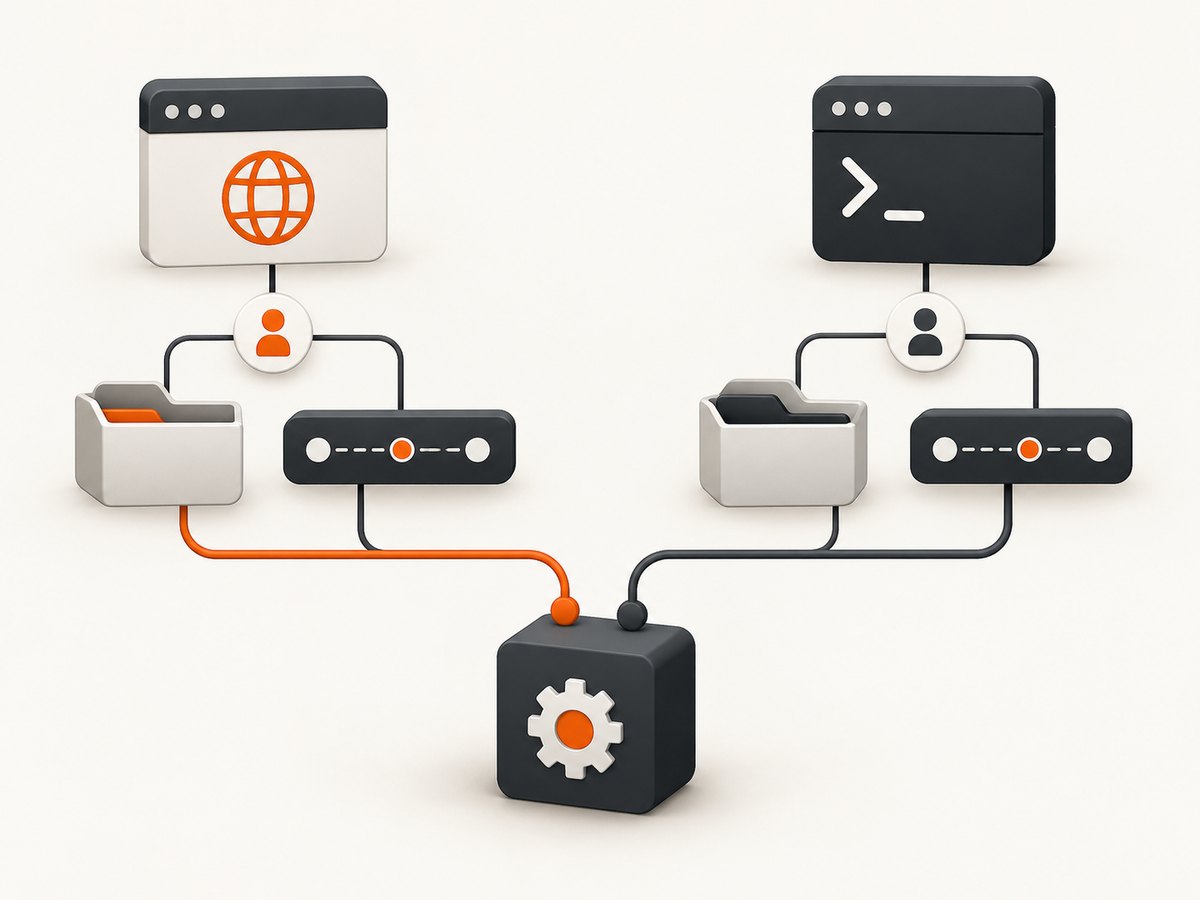
Apache may run PHP as an Apache module or pass requests to FastCGI/PHP-FPM. Those arrangements have different process managers and configuration, so do not assume your web PHP process has the same user, environment, or PHP settings as your shell. [PHP proc_open() manual] [PHP core configuration]
1. Compare the CLI and web PHP runtimes
Start by recording the values that affect process creation in both places. Run the CLI diagnostic from the same account and deployment environment used for the failing job, where possible. For web PHP, use a temporary, access-controlled diagnostic endpoint and remove it afterward. Never publish raw environment variables: they can contain passwords, tokens, and other secrets.
<?php
header('Content-Type: text/plain; charset=utf-8');

$values = [
    'PHP_VERSION' => PHP_VERSION,
    'PHP_SAPI' => PHP_SAPI,
    'PHP_BINARY' => PHP_BINARY,
    'cwd' => getcwd(),
    'PATH' => getenv('PATH') ?: '(unset)',
    'open_basedir' => ini_get('open_basedir') ?: '(unset)',
    'disable_functions' => ini_get('disable_functions') ?: '(unset)',
];

foreach ($values as $name => $value) {
    echo $name, '=', $value, PHP_EOL;
}

if (function_exists('posix_geteuid') && function_exists('posix_getpwuid')) {
    $user = posix_getpwuid(posix_geteuid());
    echo 'effective_user=', $user['name'] ?? '(unknown)', PHP_EOL;
}
For CLI, save the same code as a PHP file and run php runtime-info.php. The user lookup is optional; POSIX functions may not be installed, and Windows uses different account tools. Compare the values rather than expecting any specific SAPI name. PHP_SAPI can help identify the integration, while PHP_BINARY identifies the PHP executable reported by that runtime.
| What differs | Why it matters | What to check |
|---|---|---|
| Working directory | Relative program, input, and output paths resolve from it. | getcwd(), plus the explicit $cwd passed to proc_open(). |
| PATH and child environment | A command name may resolve in CLI but not in the web process. | Effective PATH and the environment array supplied to the child. |
| Process account | The web account may lack permission to execute or read files available to your login. | Executable and parent-directory access, working-directory access, and file permissions. |
| PHP configuration | CLI and web SAPIs can load different configuration and restrictions. | php --ini for CLI and a protected web report of relevant configuration. |
| Process manager and limits | Apache or PHP-FPM may impose different process and file limits under load. | Service configuration, account limits, and server logs. |
Keep the diagnostic narrow. If you need more environment values, print only the named variables the child needs, and redact secrets. Apache’s environment directives have specific semantics: SetEnv sets Apache environment values and PassEnv passes operating-system environment variables into Apache’s environment; neither should be treated as a universal guarantee that every PHP integration exposes the same values to a child process. Check the documentation and configuration for the Apache version and PHP integration in use. [Apache environment variables documentation]
2. Make the child process context explicit
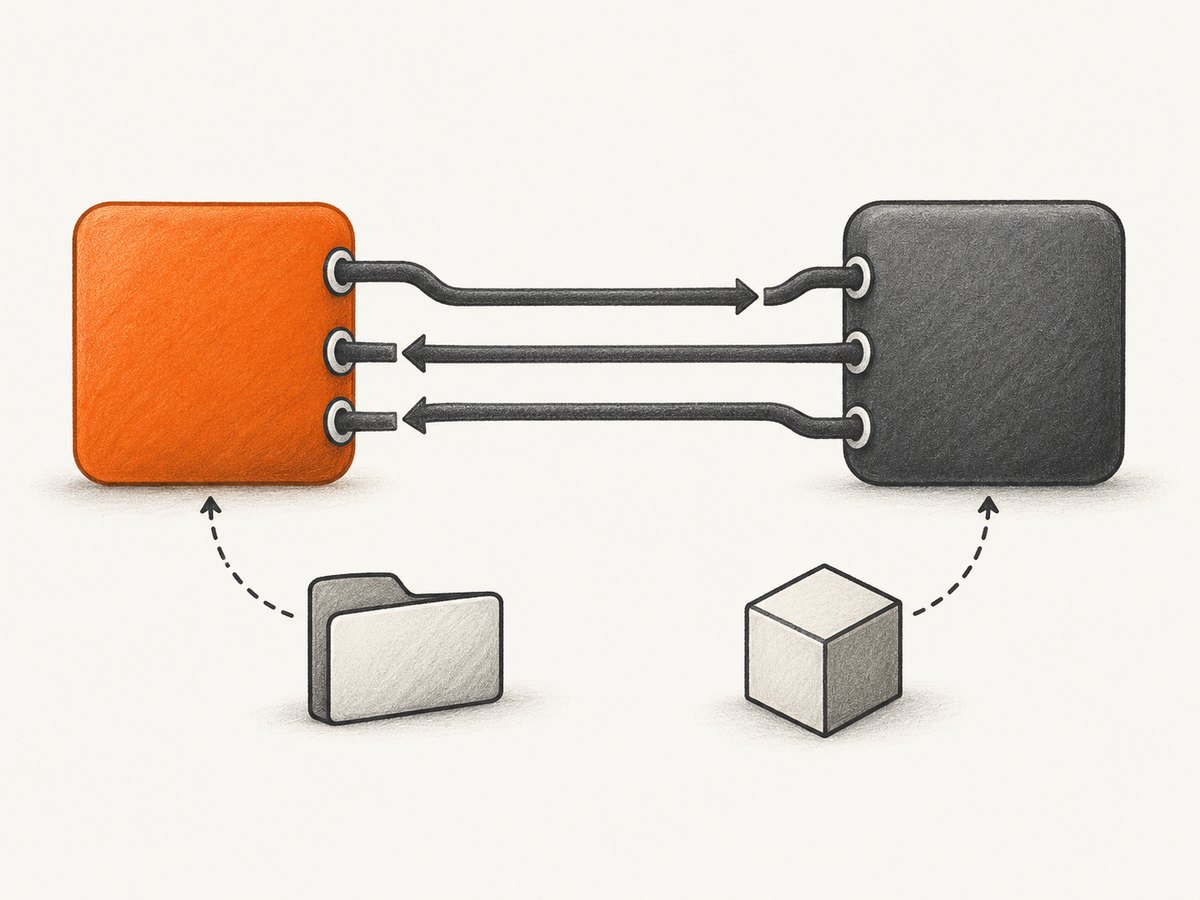
For PHP 7.4 and later, use the array command form to pass the executable and arguments as separate values. PHP documents that this form starts the process directly without a shell. Set an absolute executable path and an absolute child working directory while diagnosing. Replace the placeholders below with paths that exist on the server.
<?php
$command = ['/absolute/path/to/program', '--option', 'value'];
$descriptors = [
    0 => ['pipe', 'r'], // child stdin
    1 => ['pipe', 'w'], // child stdout
    2 => ['pipe', 'w'], // child stderr
];
$cwd = '/absolute/path/to/working-directory';
$env = [
    'PATH' => '/usr/local/bin:/usr/bin:/bin',
];

$process = proc_open($command, $descriptors, $pipes, $cwd, $env);
if (!is_resource($process)) {
    throw new RuntimeException('Could not start child process');
}

fclose($pipes[0]); // No stdin is needed for this example.
$stdout = stream_get_contents($pipes[1]);
$stderr = stream_get_contents($pipes[2]);
fclose($pipes[1]);
fclose($pipes[2]);
$exitCode = proc_close($process);

if ($exitCode !== 0) {
    error_log('Child exited ' . $exitCode . '; stderr: ' . $stderr);
    throw new RuntimeException('Child process failed');
}

echo $stdout;
The paths and environment are examples, not universal server paths. The $cwd argument sets the child’s initial working directory; use an absolute directory path or pass null to inherit the current PHP process working directory. With a simple executable name in array form, PHP searches using the child PATH; if PATH is unset, system default search paths apply. Providing the executable path directly removes that lookup uncertainty. [PHP proc_open() parameters and examples]
When $env_vars is an array, it supplies the child’s environment. It is not an instruction to merge automatically with every variable in the PHP process environment. Include the variables the program needs, such as PATH, locale, or application-specific settings. Pass null to inherit the current PHP process environment. Do not copy secrets into logs or source code.
This example reads stdout and stderr after starting the process. If a child can write large amounts to both streams concurrently, sequential reads can deadlock when one pipe fills while PHP waits on the other. For potentially chatty commands, use nonblocking reads with stream_select(), redirect output to files with suitable permissions, or use another design that drains both pipes while the child runs. Always close pipe ends and call proc_close() to collect the exit status.
3. Check permissions and PHP restrictions
A CLI command often runs as a developer’s login account. A web request may run as an Apache service user or a PHP-FPM pool account. Confirm the effective account in the actual deployment; do not infer it from a local development machine. That account needs permission to traverse each parent directory, execute the program, read input files, write output files, and enter the chosen working directory.
Also compare PHP restrictions. open_basedir can limit filesystem access, and the loaded configuration can differ between CLI and web SAPIs. Check whether proc_open appears in disable_functions in the web runtime. A failure that occurs before the child starts differs from a child program that starts and exits with an error. PHP configuration references explain core directives and their behavior. [PHP core INI directives]
For PHP-FPM, inspect the pool and service configuration as well as Apache’s proxy/FastCGI configuration. For an Apache module setup, inspect the module’s service account and Apache configuration. Process ownership, environment inheritance, and limits depend on the deployment, so compare the live values and server logs instead of applying a generic permission change.
4. Handle string commands and older PHP versions
The array command form is available starting with PHP 7.4.0. On older PHP versions, or where shell syntax is genuinely required, proc_open() accepts a string command. A string is parsed by a shell. Avoid building it by concatenating request data or other untrusted input; shell metacharacters can change the command. Prefer separate arguments on supported PHP versions. If string composition is unavoidable, use correct escaping for the target shell and validate inputs against the program’s expected format.
On Windows, PHP documents that string commands go through cmd.exe unless bypass_shell is enabled. Windows quoting and executable lookup differ from POSIX shells, so do not reuse Unix quoting assumptions. Use absolute paths and test under the actual web service account. [PHP proc_open() platform notes]
5. Diagnose common failures
| Symptom | Likely cause | Next fix |
|---|---|---|
| “Command not found” or executable cannot start | PATH differs, is absent from the child environment, or the executable path is wrong. | Use the verified absolute executable path; check that the web account can traverse and execute it. |
| Program starts in CLI but cannot find its config or input file in Apache | The child inherited a different working directory and the command uses relative paths. | Pass an absolute $cwd and use absolute input/config paths during diagnosis. |
| Permission denied | The web process account lacks access, a parent directory blocks traversal, or a server policy restricts execution. | Check access as the service account and inspect server security policy and logs. Grant only the access the program requires. |
| Output is empty but the process appears to run | The program wrote to stderr, buffered output, or returned an error that was ignored. | Capture descriptors 1 and 2 separately and inspect proc_close()‘s status. |
| Call is unavailable or disabled | The web SAPI has a different disable_functions configuration. |
Inspect the protected web runtime configuration and deployment policy. |
| Files work in CLI but fail under web PHP | open_basedir or OS permissions differ between SAPIs. |
Compare effective settings and file access from the service account. |
| Child hangs only under load | Pipe output is not drained, or Apache/PHP-FPM process or file limits are reached. | Drain both pipes, check timeouts and logs, and review process/open-file limits for the relevant service account. |
Do not diagnose every “Apache difference” as a PHP bug. A historical Windows report, PHP bug #50524, concerned a working-directory discrepancy and records a fix in September 2010. It is bounded historical evidence, not proof that current Apache PHP generally mishandles cwd. [PHP bug #50524]
6. Improve reliability and performance
- Set a bounded runtime. Enforce an application-level deadline and terminate or report long-running children according to the program’s needs. A PHP request timeout and a child-process timeout are separate concerns; plan how the child is stopped if the request ends.
- Drain output safely. Large output can fill OS pipe buffers. Read stdout and stderr as the process runs, or redirect them to controlled files. Put size limits and retention rules around diagnostic output.
- Limit concurrency. A web endpoint that starts one child for every request can exhaust process slots, memory, or file descriptors. Queue work or cap concurrent children where jobs may overlap.
- Keep inputs and arguments narrow. Validate paths and arguments, use a fixed executable, and avoid shell command construction. Give the child only the environment and filesystem access it needs.
- Review service limits. Apache/PHP-FPM deployments can have account-level process and open-file limits. Check both the process manager and operating-system service configuration when failures appear only under load. [Apache PHP-FPM deployment guidance]
Reliability depends on the child program and deployment as much as PHP. Log a request or job identifier, sanitized command identity, elapsed time, exit status, and a bounded stderr excerpt. Avoid logging credentials, full environment arrays, or sensitive input. A useful record distinguishes “could not create process” from “created process, child returned exit code N.”
7. A repeatable fix checklist
- Compare PHP version, SAPI, binary, working directory, relevant environment, user, and PHP restrictions in CLI and web PHP.
- Verify the executable and working directory as the web process account.
- Use an absolute executable path, absolute input/output paths, and explicit absolute
$cwd. - Pass the child environment it requires, including PATH if needed; use
nullonly when inheriting the PHP process environment is appropriate. - Capture stdout, stderr, and the exit status; close every pipe.
- If the process starts but stalls, check pipe draining, timeouts, concurrency, and process/file limits.
- Remove diagnostic endpoints and redact any sensitive values from logs.
8. Or skip the browser setup
If the child process is only being used to automate website screenshots, ScreenshotNeo provides a screenshot API and MCP server for developers. It avoids configuring a browser process on your Apache host. See the ScreenshotNeo API documentation for request options.
curl -G "https://api.screenshotneo.com/v1/shot" -d access_key=YOUR_API_KEY --data-urlencode url=https://stripe.com -o shot.webpimport requests
r = requests.get(
"https://api.screenshotneo.com/v1/shot",
params={"access_key": "YOUR_API_KEY", "url": "https://stripe.com"},
timeout=90,
)
open("shot.webp", "wb").write(r.content)
const q = new URLSearchParams({ access_key: 'YOUR_API_KEY', url: 'https://stripe.com' });
const res = await fetch(`https://api.screenshotneo.com/v1/shot?${q}`);
ScreenshotNeo accepts cookie and consent banners like a visitor and removes more than 60 known consent platforms, newsletter popups, and chat widgets before capture; each cleanup step can be turned off. Bot checks, blank pages, failed loads, timeouts, and cache hits are not billed, and response headers identify the page verdict and billing result. Its MCP server provides take_screenshot, get_page_info, and capture_pdf for Claude, Cursor, and other MCP clients. The free plan includes 1,000 screenshots per month with no card; paid plans start at $5 for 3,000 screenshots.
Create a free ScreenshotNeo account to get 1,000 screenshots a month with no card.
9. FAQ
Does Apache implement proc_open() differently from CLI?
Usually the important difference is the PHP process context and configuration, not a special Apache version of the function. Identify whether PHP runs as an Apache module or through FastCGI/PHP-FPM, then compare the runtime values.
Should I set the fifth argument to an empty array?
Only if the child needs no inherited variables beyond those you explicitly provide. An empty environment can break programs that expect PATH, locale, or other settings. Use null to inherit the current PHP process environment, or supply the specific required values.
Can I use a relative path after setting cwd?
Yes, if the program is intended to resolve it from that working directory and the web account has access. Absolute paths are easier to verify during troubleshooting and reduce ambiguity.
What does proc_close() return?
It returns the child process exit status when the process is closed. Check it alongside stderr; successful process creation does not mean the child program completed successfully.
Is it safe to expose a PHP info page to diagnose this?
Use a temporary, access-controlled diagnostic that prints only the needed values, then remove it. General runtime and environment output can disclose paths and secrets.


