How to Fix Protractor Async Callback Errors on Jenkins
Diagnose Jasmine async callback timeouts in Protractor on Jenkins by tracing completion, Angular waits, timeout layers, and CI differences.

Short answer: Jasmine shows Error: Timeout - Async callback was not invoked within timeout specified by jasmine.DEFAULT_TIMEOUT_INTERVAL when a spec or hook has not signalled completion before Jasmine’s resolved timeout. The message does not prove Jenkins is slow and does not identify which operation stalled. Find the first specific error in the complete Jenkins log, then verify completion signals, Angular synchronisation, and the timeout layer that fired.
This guide gives a repeatable diagnosis for Protractor suites that pass locally but fail on a Jenkins agent. It also covers safe timeout changes, CI environment differences, and the maintenance decision created by Protractor’s archived status.
1. Read the first useful failure
Open the full console log, not only the final Jasmine line. Search upward from the timeout for the first stack trace, WebDriver error, navigation failure, or Protractor warning. A documented Protractor report shows the Jasmine timeout alongside an earlier message that Angular could not be found and retries were exhausted; that report is one example, not proof that every Jenkins timeout is an Angular problem (Protractor issue #5540).
- Copy the first failing spec name and timestamp.
- Capture the first complete stack trace, including the operation immediately before the timeout.
- Record whether the failure occurs in
it,beforeEach,afterEach,beforeAll, orafterAll. - Re-run that single spec on the same Jenkins agent if possible. Parallel suites can hide which browser session stalled.
Do not multiply every timeout at this stage. A larger limit only gives a missing callback more time to remain missing.
2. Make Jasmine observe completion
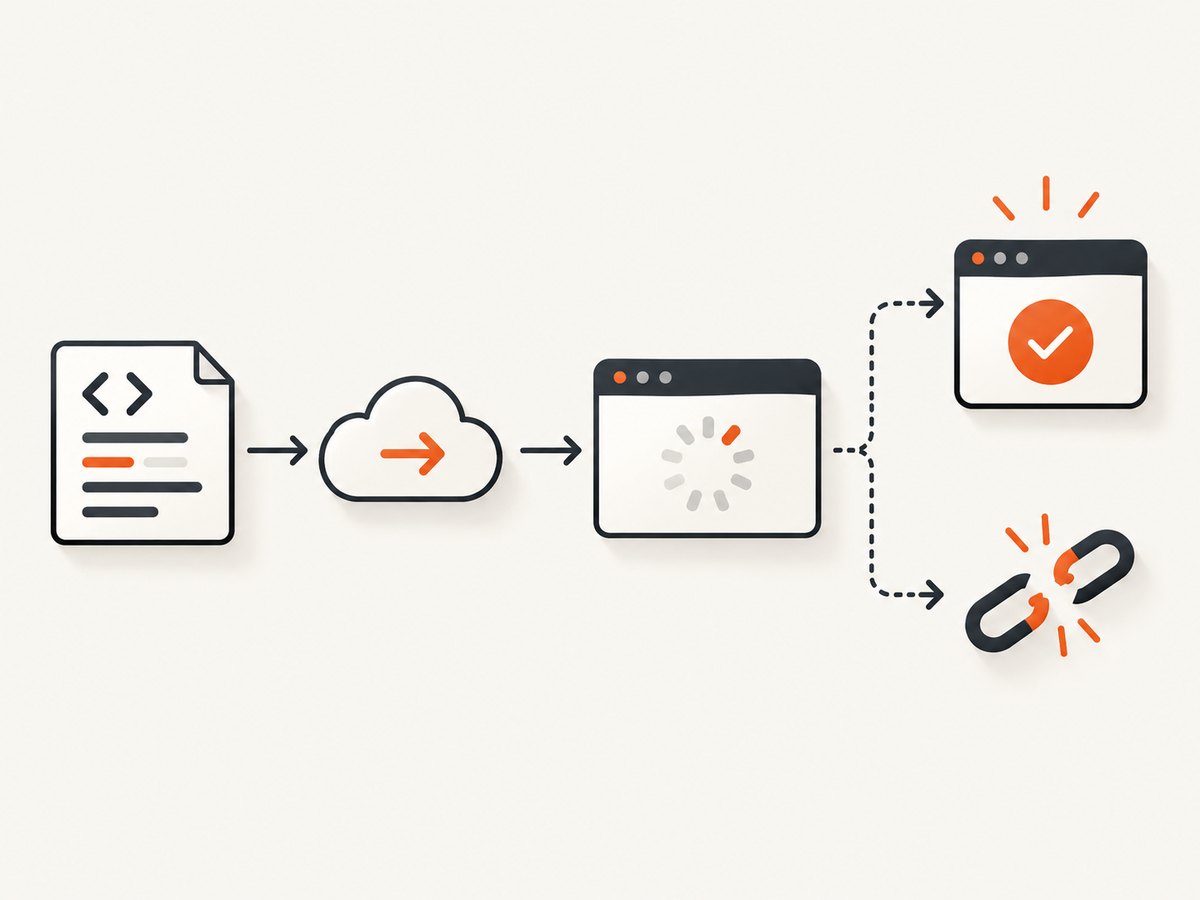
Jasmine needs an observable completion signal for asynchronous work (Testing Async Code). A spec can be an async function, return a promise, or receive a callback. Choose one style for each function.
Preferred: async and await
it('loads the page', async function () {
  await browser.get('https://example.test/page');
  await expectPageReady();
});
Every promise that matters must be awaited. If expectPageReady() starts work and returns nothing, Jasmine can finish early; if it returns a promise that never settles, Jasmine will time out.
Return the promise chain
it('loads the page', function () {
  return browser.get('https://example.test/page').then(function () {
    return expectPageReady();
  });
});
Returning the chain lets a rejection fail the spec. A common bug is calling browser.get() without returning it, then performing assertions outside the chain.
Callback style for legacy APIs
it('loads data through a callback API', function (done) {
  legacyLoad(function (err, data) {
    if (err) {
      done.fail(err);
      return;
    }
    try {
      expect(data.status).toBe('ready');
      done();
    } catch (assertionError) {
      done.fail(assertionError);
    }
  });
});
Call done exactly once, after all work and assertions. Cover success, error, and synchronous-throw paths. A callback that never fires, an exception before done, or a completion call made too early all produce misleading timeout or flaky results. Jasmine’s FAQ calls callback-style specs error-prone and recommends avoiding them where possible (Jasmine FAQ).
Never combine a done parameter with a returned promise or an async function. Jasmine then has two competing completion mechanisms.
3. Check Protractor’s Angular synchronisation
Protractor waits for Angular applications to become stable. If the page is not Angular, or Angular bootstrapping fails, the wait can consume the entire Jasmine interval. Inspect the preceding log for “Angular could not be found”, “retries exceeded”, or a similar synchronisation message before changing timeouts.
For a genuinely non-Angular page, configure the browser to skip Angular waiting for that navigation or suite, using the setting supported by your installed Protractor version. Do not apply this globally to an Angular application: it can make assertions race the framework. If the page is Angular, investigate failed scripts, a wrong base URL, a blocked bundle, or an application that never becomes stable.
Protractor’s archived configuration source separates Angular synchronisation from browser script and page-load limits (configuration definitions). Keep those concerns separate when diagnosing.
4. Identify which timeout fired
| Layer | Typical setting | What it limits | What to inspect |
|---|---|---|---|
| Jasmine spec and hooks | jasmineNodeOpts.defaultTimeoutInterval |
Time for an async spec or lifecycle hook to signal completion | Resolved config and exact spec |
| Protractor browser scripts | allScriptsTimeout |
Async scripts executed in the browser | Script, browser console and page state |
| Protractor navigation | getPageTimeout |
Page-load/navigation operation | URL reachability, redirects and TLS |
| Jenkins Pipeline | timeout { ... } |
Outer Pipeline block | Jenkins abort or timeout exception |
Jenkins’ timeout step aborts the enclosed block; it does not change Jasmine’s completion rules (Jenkins Pipeline Basic Steps). A Pipeline timeout therefore cannot repair a callback that never settles.
// protractor.conf.js (verify names for your installed version)
exports.config = {
  jasmineNodeOpts: {
    defaultTimeoutInterval: 30000
  },
  allScriptsTimeout: 30000,
  getPageTimeout: 60000
};
Increase one limit only when the operation completes correctly with more time and the log shows that limit fired. There is no universal correct value. Jasmine’s tutorial describes a five-second default in its documentation context, while projects can override it; inspect the installed Jasmine version and resolved configuration.
5. Audit the failing spec and hooks
- List every async call. Include WebDriver navigation, element waits, browser scripts, HTTP clients, filesystem calls and custom polling.
- Trace settlement. For each call, identify the returned promise or callback and prove it settles on success and failure.
- Check hooks. A hanging
beforeEachmakes every later spec appear guilty; anafterEachwaiting for a closed browser can mask the original assertion. - Remove hidden races. Replace arbitrary sleeps with a condition that describes readiness.
- Fail with context. Add the URL, selector and current step to errors.
async function waitForReady() {
  const marker = element(by.css('[data-test="ready"]'));
  await browser.wait(ExpectedConditions.visibilityOf(marker), 15000,
    'ready marker did not appear');
}

it('opens the dashboard', async function () {
  await browser.get(process.env.APP_URL);
  await waitForReady();
  expect(await element(by.css('h1')).getText()).toContain('Dashboard');
});
Use the exact API and versions in your project before promisifying a legacy callback. Mechanically wrapping unknown Protractor calls can create double completion or swallowed errors.
6. Compare Jenkins with the successful environment
Once completion and synchronisation are sound, compare the local run with the failing agent:
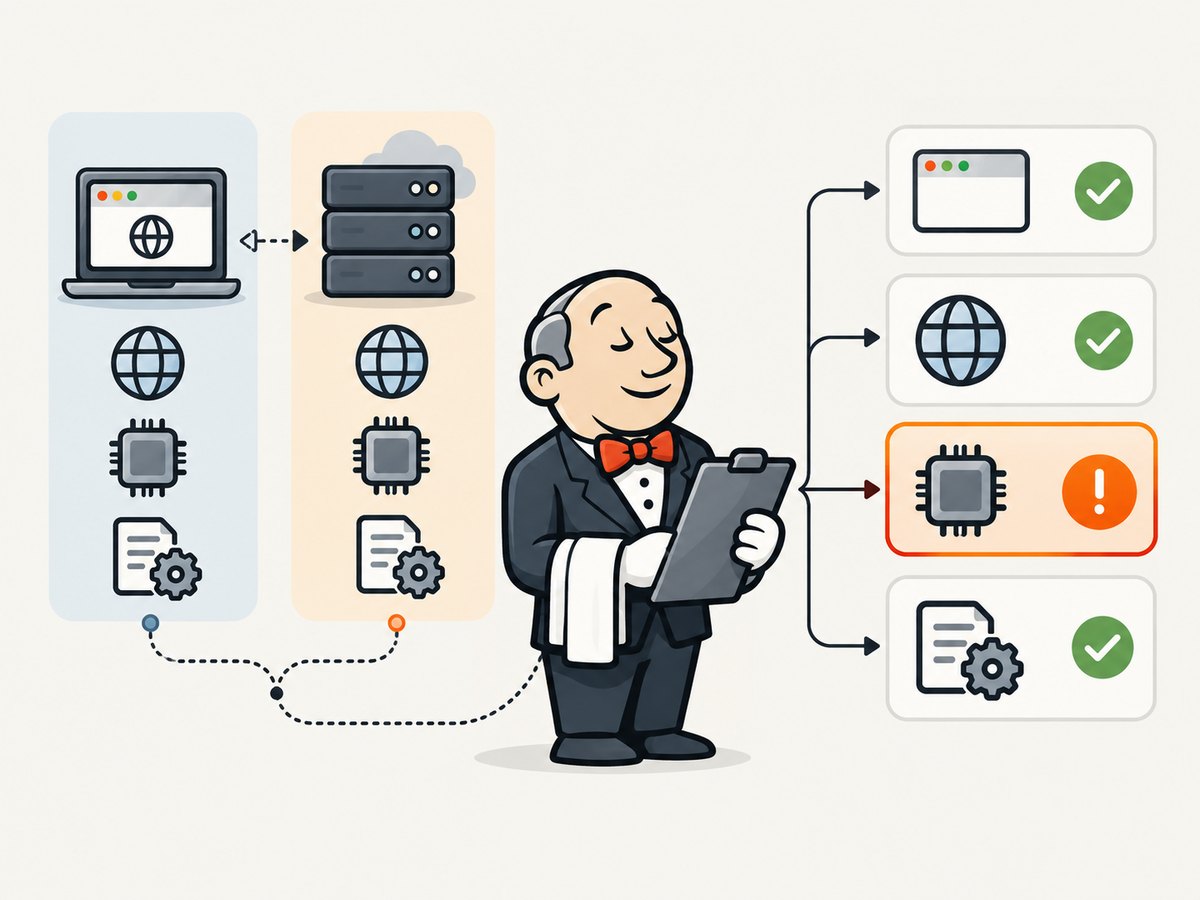
- Node.js, Protractor, Jasmine, Selenium and browser/driver versions.
- Agent CPU, memory, disk space, worker contention and process limits.
- DNS, proxy, firewall, TLS certificates and reachability of the test URL and APIs.
- Base URL, credentials, feature flags, timezone, locale and headless flags.
- Suite parallelism and whether jobs reuse a profile, port or test account.
- Workspace cleanup, downloaded browser binaries and cache state.
These differences are investigation leads, not established causes. Preserve the first stack trace and rerun with one variable changed. Avoid a global timeout multiplier that hides a deterministic environment defect.
7. Make Jenkins retries intentional
pipeline {
  stages {
    stage('E2E') {
      steps {
        timeout(time: 15, unit: 'MINUTES') {
          retry(2) {
            sh 'npm ci && npx protractor protractor.conf.js'
          }
        }
      }
    }
  }
}
Use retries for known transient infrastructure failures, such as an agent restart, and retain logs from each attempt. A retry should not hide a reproducible callback bug. Keep the outer Pipeline timeout long enough for permitted retries while keeping per-spec limits precise.
8. Capture evidence without maintaining another browser job
When a failure is visual, a screenshot of the Jenkins-served report or application URL can preserve evidence for a ticket. If you already have a browser capture pipeline, record the URL and timestamp alongside the test log. For a new capture utility, the API below avoids installing and maintaining another headless browser.
Or skip the browser setup
ScreenshotNeo accepts one GET request and returns a PNG, JPEG, WebP or PDF. It removes cookie banners, newsletter popups and chat widgets before capture; bot checks, blank pages and failed loads are never billed; its MCP server lets Claude, Cursor and other MCP clients take screenshots; and 1,000 screenshots per month are free with no card, with paid plans from $5 for 3,000. See the ScreenshotNeo API docs for parameters and response headers.
curl -G "https://api.screenshotneo.com/v1/shot" -d access_key=YOUR_API_KEY --data-urlencode url=https://jenkins.example.test/job/e2e/lastBuild/console -o shot.webpimport requests
r = requests.get("https://api.screenshotneo.com/v1/shot", params={"access_key": "YOUR_API_KEY", "url": "https://jenkins.example.test/job/e2e/lastBuild/console"}, timeout=90)
open("shot.webp", "wb").write(r.content)const q = new URLSearchParams({ access_key: 'YOUR_API_KEY', url: 'https://jenkins.example.test/job/e2e/lastBuild/console' }); const res = await fetch(`https://api.screenshotneo.com/v1/shot?${q}`);Use response headers such as X-Page-Verdict and X-Billed to distinguish a clean capture, a failed load, a cache hit or a page that was not billable. Options include full-page lazy-image loading, CSS element capture, custom CSS and JavaScript, selector/delay/network-idle waits, request blocking, custom headers/cookies/user agent, timezone and geolocation, caching TTL, signed links, asynchronous jobs with signed webhooks, bulk capture of up to 100 URLs and PDF settings.
Create a free ScreenshotNeo account for 1,000 screenshots each month with no card.
9. Reliability, performance and cost notes
- Shorten the critical path: wait for a readiness marker instead of a long global sleep.
- Control concurrency: match worker count to agent CPU and memory. Excess browser processes look like random callback timeouts.
- Keep evidence cheap: capture only the failing page or element and choose a cache TTL for repeated URLs. ScreenshotNeo bills only clean shots; cache hits and failed loads are not billed.
- Separate budgets: set per-spec, browser navigation/script and Pipeline limits independently.
- Preserve artifacts: archive console logs, browser logs, screenshots and resolved versions for each retry.
10. Protractor’s maintenance decision
Protractor is archived and end-of-life. The Angular team’s 2021 proposal described end of development around Angular 15 and an August 2023 end-of-life; repository metadata records an archive date of July 29, 2024 (Angular team’s lifecycle proposal; archived repository). Fix an urgent legacy failure, then make a migration plan based on your requirements.
The project discussion identifies Selenium WebDriver as API-similar and mentions Cypress and WebdriverIO as alternatives discussed with the Angular team. Compare browser coverage, Angular waiting needs, compatibility with existing tests and CI tooling, Control Flow cleanup and migration effort. The sources do not establish one universally best replacement.
Troubleshooting checklist
| Symptom | Likely layer | Action |
|---|---|---|
| Timeout with an earlier Angular-not-found message | Angular synchronisation | Confirm app type and URL; disable Angular wait only for a non-Angular page. |
| No earlier error; callback-style spec | Completion signal | Trace all branches, call done.fail on errors and call done once. |
Fails in afterEach |
Cleanup hook | Log the original assertion, await cleanup and avoid a closed session. |
| Jenkins aborts the whole stage | Pipeline timeout | Inspect the timeout block; it does not change Jasmine. |
| Only busy agents fail | Environment pressure | Check CPU, memory, browser processes and parallelism. |
| Raising a timeout changes nothing | Never-settling work | Find the promise/callback that never settles or the first failed synchronisation. |
FAQ
Is Jenkins the cause?
Not from this message alone. Jenkins may expose an environment difference, but the immediate fact is that Jasmine did not observe completion.
Should every Protractor timeout be increased?
No. Increase the specific limit only after logs show the operation completes correctly when given more time.
Can I mix async and done?
No. Return or await a promise, or use the callback mechanism for that function, never both.
What should a migration plan measure?
Browser coverage, Angular wait requirements, API compatibility, CI integration, Control Flow removal and migration capacity.
How do I preserve a failing page for a ticket?
Archive the Jenkins log and capture the relevant report URL. ScreenshotNeo can produce a clean image or PDF without adding a browser installation to the agent.


