How to Fix Protractor File Download Tests in Headless Chrome
Configure headless Chrome downloads correctly, wait for completion, and fix Protractor failures in local and CI environments.
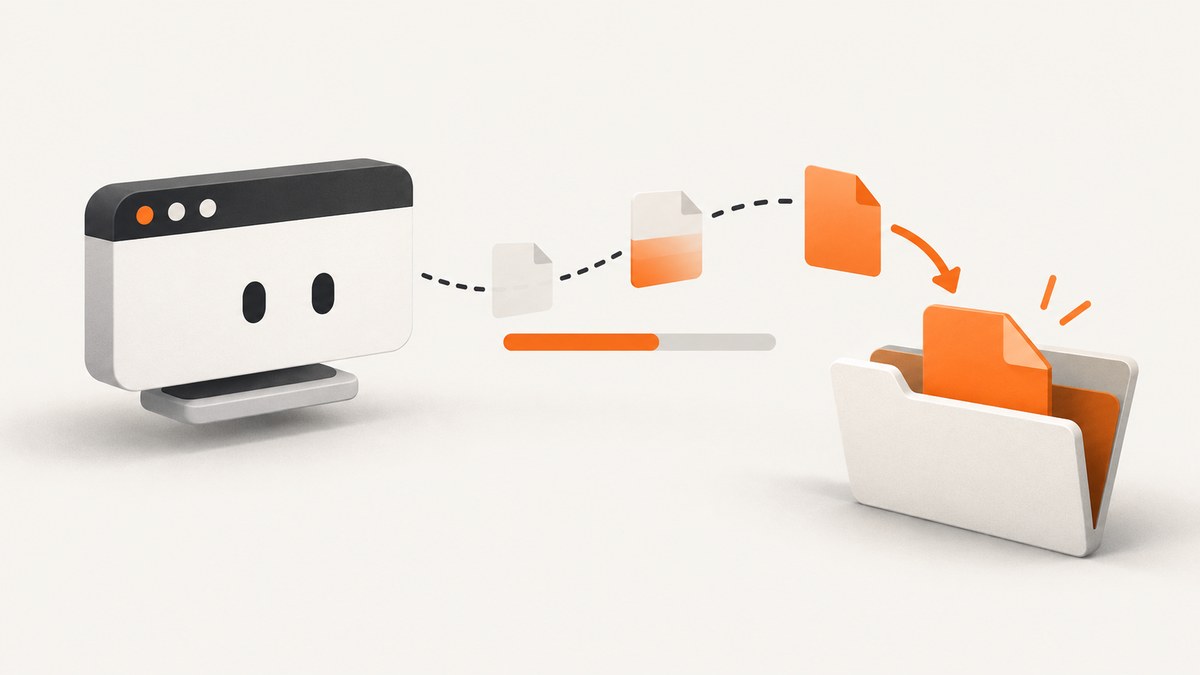
Direct answer: Configure Chrome through Protractor’s capabilities.chromeOptions: pass --headless and set download.default_directory to a unique, absolute, writable directory. Create that directory before Chrome starts. After clicking the download control, poll until the final file exists and its size is stable. ChromeDriver does not wait for downloads, so calling driver.quit() too early can interrupt the transfer.
Protractor reached end of life in August 2023. Use this procedure to stabilize an existing suite, then plan migration for tests that need ongoing maintenance.
1. Configure headless Chrome
const fs = require('fs');
const path = require('path');

const downloadDir = path.resolve(__dirname, 'tmp-downloads', String(process.pid));
fs.mkdirSync(downloadDir, { recursive: true });

exports.config = {
  framework: 'jasmine',
  specs: ['spec/download.e2e-spec.js'],
  capabilities: {
    browserName: 'chrome',
    chromeOptions: {
      args: ['--headless'],
      prefs: {
        'download.default_directory': downloadDir
      }
    }
  },
  directConnect: true
};
See Protractor’s browser setup documentation and ChromeDriver’s capabilities documentation. Use a dedicated directory instead of a desktop or home directory; Chrome documents those as restricted examples, especially on Linux.
Headless version differences
Chrome’s current headless mode uses --headless. Since Chrome 112, headless and headful share the browser implementation. Since Chrome 132.0.6793.0, the old implementation is shipped separately as chrome-headless-shell. Check the installed version before changing flags. See the Headless Chrome documentation.
2. Wait for the file to finish
const fs = require('fs/promises');
const path = require('path');

async function waitForDownload(dir, expectedName, timeoutMs = 60000) {
  const deadline = Date.now() + timeoutMs;
  let previousSize = -1;
  let stableReads = 0;

  while (Date.now() < deadline) {
    const file = path.join(dir, expectedName);
    try {
      const stat = await fs.stat(file);
      if (stat.isFile() && stat.size > 0) {
        if (stat.size === previousSize) stableReads += 1;
        else stableReads = 0;
        previousSize = stat.size;
        if (stableReads >= 2) return file;
      }
    } catch (error) {
      if (error.code !== 'ENOENT') throw error;
    }

    await new Promise(resolve => setTimeout(resolve, 250));
  }

  throw new Error(`Download ${expectedName} did not finish within ${timeoutMs} ms`);
}
Chrome commonly uses a temporary .crdownload file while writing. Ignore temporary files and require a nonzero, stable final file. A bounded poll gives a useful timeout instead of hanging forever; fixed sleeps alone are unreliable on variable CI networks.

3. Complete Protractor test
const fs = require('fs');
const path = require('path');
const { browser, element, by } = require('protractor');

const downloadDir = path.resolve(__dirname, '../tmp-downloads', String(process.pid));
fs.mkdirSync(downloadDir, { recursive: true });

async function waitForDownload(name, timeoutMs = 60000) {
  const file = path.join(downloadDir, name);
  const deadline = Date.now() + timeoutMs;
  let previous = -1;
  let stable = 0;

  while (Date.now() < deadline) {
    if (fs.existsSync(file)) {
      const size = fs.statSync(file).size;
      if (size > 0 && size === previous) stable += 1;
      else stable = 0;
      previous = size;
      if (stable >= 2) return file;
    }
    await new Promise(resolve => setTimeout(resolve, 250));
  }
  throw new Error(`Timed out waiting for ${name}`);
}

describe('downloads', () => {
  it('waits for the report before quitting Chrome', async () => {
    await browser.get('https://example.test/reports');
    await element(by.css('[data-test="download-report"]')).click();
    const file = await waitForDownload('report.csv');
    if (fs.statSync(file).size === 0) throw new Error('Downloaded file is empty');
  });
});
4. Remote Selenium and CI
With a remote Selenium server, the directory belongs to the machine or container running Chrome. A path on the Protractor runner is not automatically available to the browser host. Mount a shared artifact volume, copy the file from the browser host, or run both processes in one container. Verify ownership and write permissions as the Chrome user.
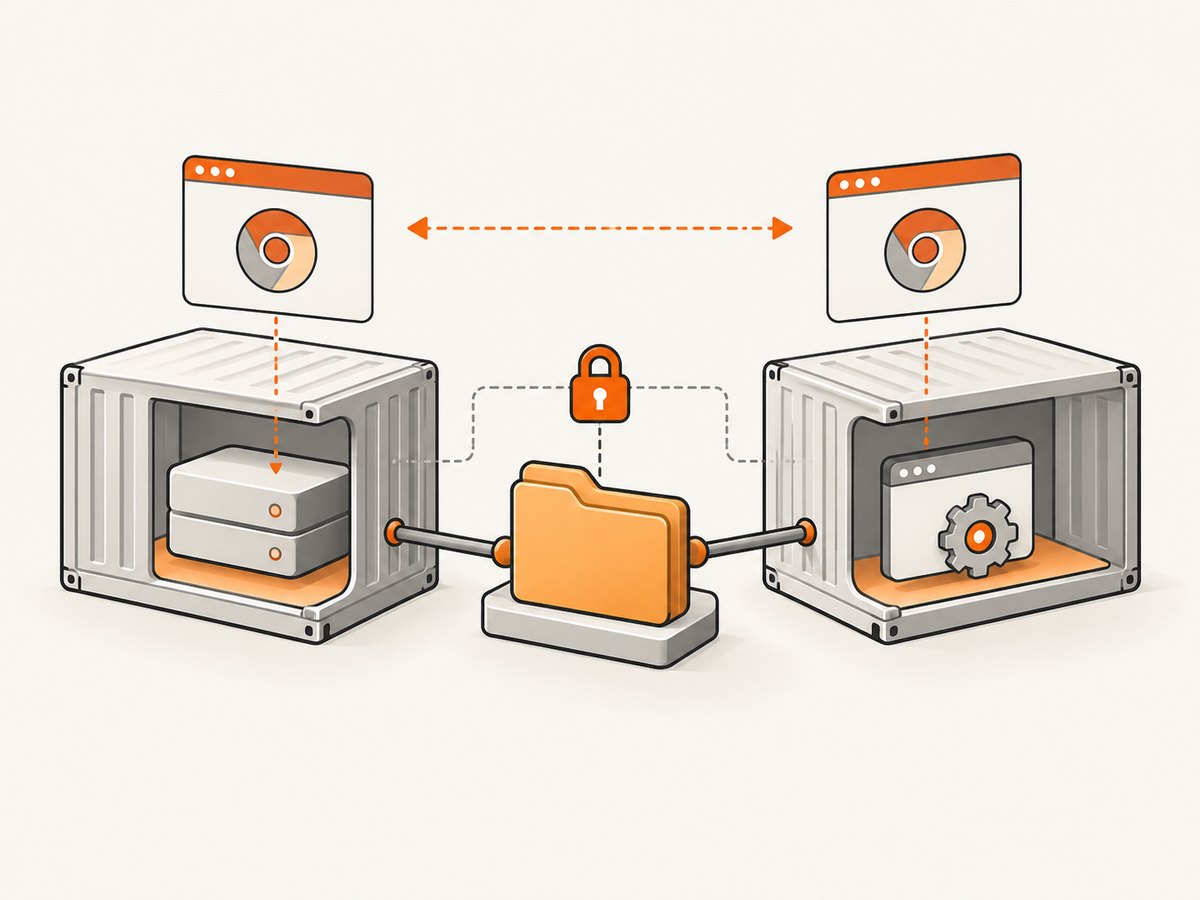
Pin compatible Chrome and ChromeDriver versions for reproducible builds. Chrome for Testing publishes paired binaries through its availability dashboard. Record the operating system, Node.js, Protractor, Selenium, Chrome and ChromeDriver versions and whether the browser is local or remote.
5. Relevant settings
| Setting | Purpose | Common mistake |
|---|---|---|
--headless |
Runs Chrome without a visible window. | Using assumptions from an older Chrome version. |
download.default_directory |
Sets the automatic download destination. | Using a relative, missing or unwritable path. |
| Unique directory | Prevents stale files satisfying later tests. | Sharing one folder across parallel workers. |
| Bounded polling | Synchronizes on completion. | Relying on a fixed sleep. |
If a PDF opens in Chrome’s viewer, the server may be returning an inline response rather than an attachment. Change the application behavior or test the viewer’s download control; a filesystem preference cannot force every response to download.
6. Troubleshooting
The browser never saves the file
- Confirm options are nested under
capabilities.chromeOptions. - Check the exact key
download.default_directory. - Print the resolved absolute path and test write access as the Chrome user.
- Verify the response is a download rather than an authentication page, PDF viewer or bot challenge.
The file is missing or zero bytes
- Wait after the click and before
browser.quit(). - Ignore
.crdownloadfiles and require a stable nonzero size. - Remove stale files and use a unique directory per test worker.
It works locally but fails in CI
- Check the path on the browser host or container.
- Inspect permissions and mount the directory as an artifact location.
- Pin a compatible Chrome and ChromeDriver pair.
Headless behavior changed after an image update
Record the Chrome version and determine whether modern headless or chrome-headless-shell is running. Recheck flags against the current Chrome documentation.
Protractor hangs before the click
Protractor waits for Angular by default. For non-Angular pages, use the wrapped WebDriver instance directly and debug navigation or synchronization separately from the file transfer.
7. Reliability, speed and cost
- Reliability: isolate directories, pin versions, use bounded polling and preserve failed directories as CI artifacts.
- Speed: poll every few hundred milliseconds instead of using a long fixed sleep.
- Parallelism: include a process or worker ID in each directory.
- Cost: local Chrome has no screenshot API fee, but CI time, browser infrastructure and artifact storage still consume resources.
8. Protractor maintenance
Protractor reached end of life in August 2023 and is not recommended for new adoption. Stabilize the existing suite, then evaluate supported browser testing options. Angular’s current guide discusses Playwright and WebdriverIO providers: Angular testing documentation. Neither is a drop-in replacement; assess browser coverage, CI setup, synchronization and rewrite effort.
Or skip the browser setup
If you need a rendered image or PDF rather than a download workflow, ScreenshotNeo provides a single request:
curl -G "https://api.screenshotneo.com/v1/shot" -d access_key=YOUR_API_KEY --data-urlencode url=https://stripe.com -o shot.webpimport requests
r = requests.get("https://api.screenshotneo.com/v1/shot", params={"access_key": "YOUR_API_KEY", "url": "https://stripe.com"}, timeout=90)
open("shot.webp", "wb").write(r.content)const q = new URLSearchParams({ access_key: 'YOUR_API_KEY', url: 'https://stripe.com' });
const res = await fetch(`https://api.screenshotneo.com/v1/shot?${q}`);Read the ScreenshotNeo documentation for options. It accepts cookie and consent banners before capture and removes more than 60 known consent platforms, newsletter popups and chat widgets; each step can be disabled. Bot checks, blank pages, timeouts, failed loads and cache hits cost nothing, and X-Page-Verdict and X-Billed explain the result. Its MCP server provides take_screenshot, get_page_info and capture_pdf for Claude, Cursor and other MCP clients. The free plan includes 1,000 shots per month with no card; paid plans start at $5 for 3,000 shots. Create a free ScreenshotNeo account.
FAQ
Can I use a relative download path?
Use an absolute path so the browser process and CI working directory cannot change its meaning.
Should I increase the timeout indefinitely?
No. Set a reasonable deadline and report the URL, directory, versions and files observed when it expires.
Is Protractor suitable for new tests?
No. It is end of life; use this fix for legacy coverage while planning migration.


