How to Fix Protractor Downloads Failing in Jenkins but Working Locally
Diagnose Protractor and webdriver-manager download failures in Jenkins by separating network access, driver discovery, permissions, and browser compatibility.
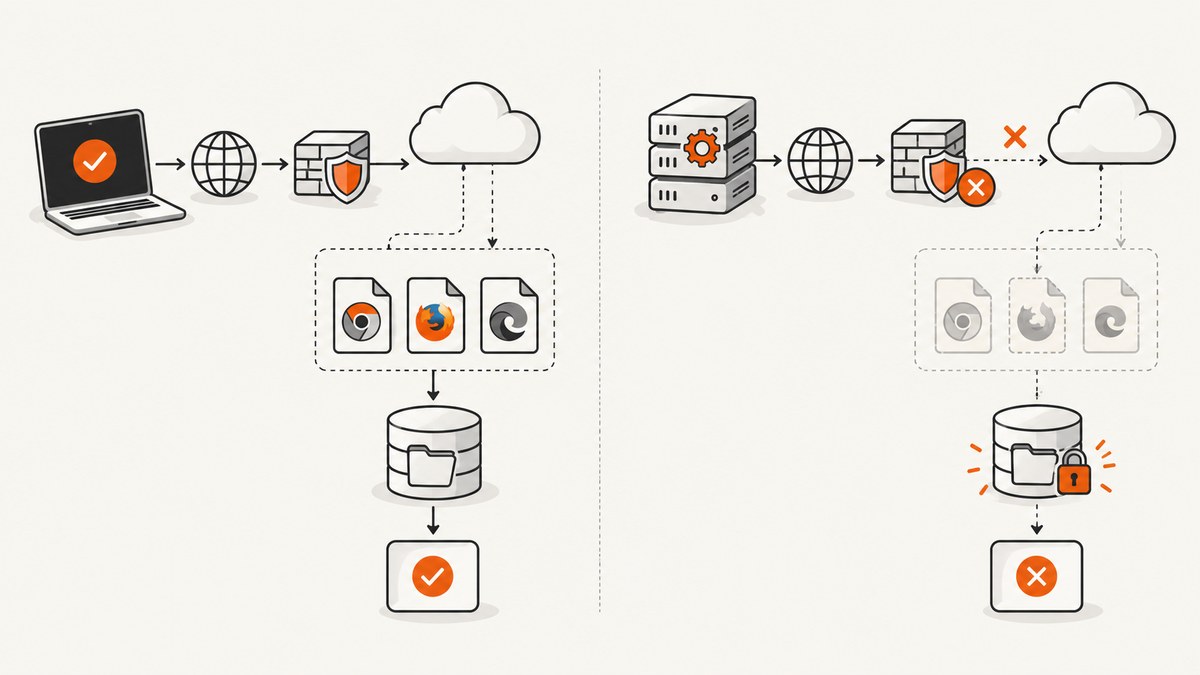
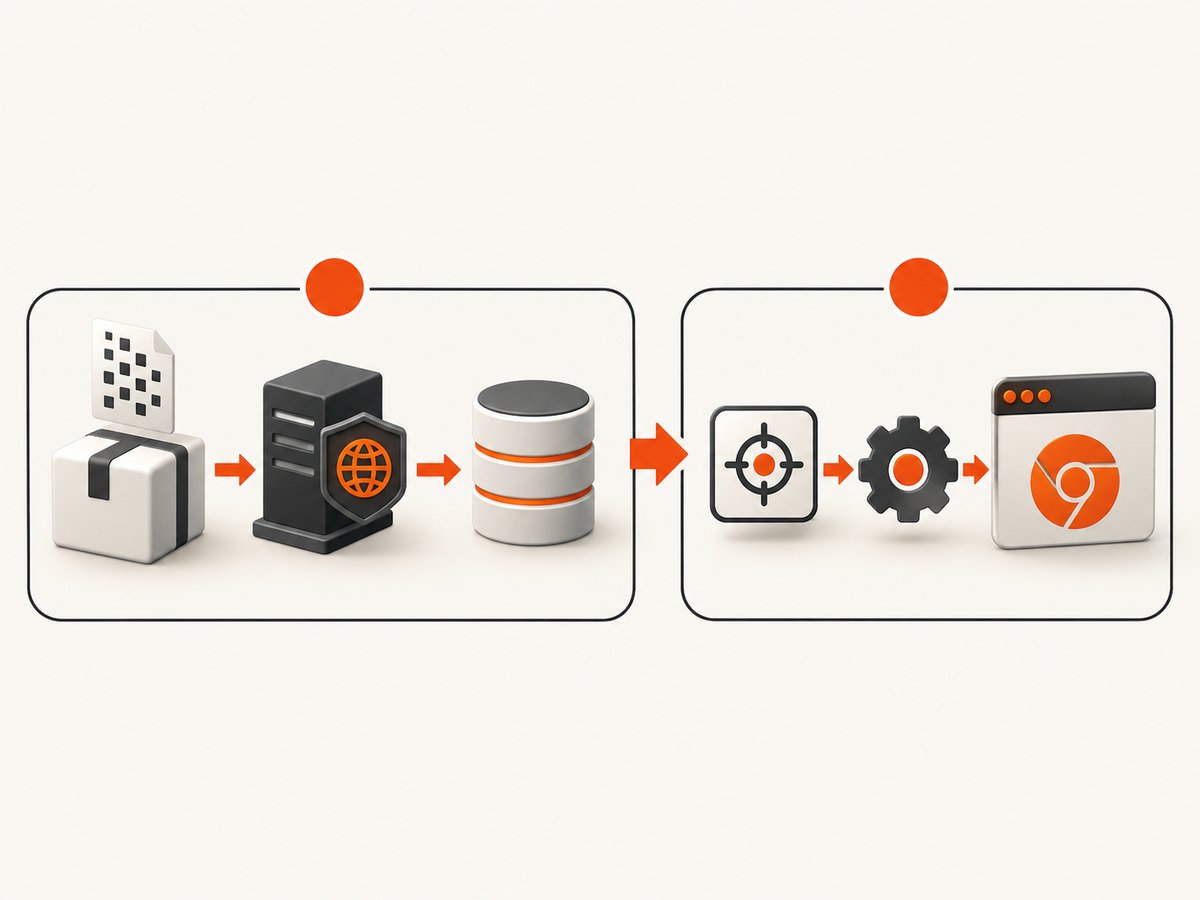
When Protractor downloads work on your workstation but fail in Jenkins, treat the problem as two separate stages: acquiring Selenium and browser-driver binaries, then finding and launching a compatible driver. The documented Protractor workflow runs webdriver-manager update to download binaries before webdriver-manager start launches Selenium Server. A failure in the first command needs network, proxy, DNS, TLS, storage or package investigation. A failure after the download succeeds needs driver discovery, permissions or browser compatibility investigation.
Start by capturing the exact Jenkins command, exit code and console output. Do not change several dependencies at once. First identify whether the failure occurs during webdriver-manager update, while starting Selenium Server, or when Protractor opens a browser session.
1. Identify the failing phase
Run the commands separately in the Jenkins job so the failing stage is visible:
node --version
npm --version
npx protractor --version
npx webdriver-manager --version
npx webdriver-manager update
npx webdriver-manager start
Protractor’s tutorial describes installing Protractor and webdriver-manager with npm, downloading the necessary binaries with webdriver-manager update, and then starting the Selenium server with webdriver-manager start. See the Protractor tutorial.
Use a separate test to distinguish Selenium Server connectivity from binary acquisition:
curl -i http://localhost:4444/wd/hub/statusThe tutorial uses http://localhost:4444/wd/hub for the local Selenium endpoint. That address is a useful diagnostic reference, not proof that every Jenkins installation uses the same host or port.
2. Reproduce the command as the Jenkins agent
A successful interactive shell on your laptop, Jenkins controller or administrator account does not prove that the agent can perform the same operation. Run the failing command in the same workspace, container or virtual machine, as the same operating-system user, with the same environment variables.
Collect an environment snapshot
set -eux
id
pwd
uname -a
node --version
npm --version
npx protractor --version
npx webdriver-manager --version
printf 'PATH=%s\n' "$PATH"
printf 'HOME=%s\n' "$HOME"
ls -la
Record the agent operating system and architecture, Node.js and npm versions, Protractor and webdriver-manager versions, browser version, relevant proxy variables, and the directory where the job is allowed to write. Compare this output with the machine where the command succeeds.
Jenkins pipeline example:
pipeline {
  agent { label 'browser-linux' }
  stages {
    stage('Inspect agent') {
      steps {
        sh '''
          set -eux
          id
          pwd
          uname -a
          node --version
          npm --version
          npx protractor --version
          npx webdriver-manager --version
        '''
      }
    }
    stage('Download WebDriver assets') {
      steps {
        sh 'npx webdriver-manager update'
      }
    }
    stage('Start Selenium') {
      steps {
        sh 'npx webdriver-manager start > selenium.log 2>&1 &'
      }
    }
  }
}
3. Fix download failures on the agent
If webdriver-manager update fails, investigate the agent’s outbound connection rather than Jenkins’ web interface. A Jenkins reverse proxy controls browser-to-Jenkins requests and responses; it does not automatically control an agent’s connection to external driver-download hosts. Jenkins documents reverse-proxy troubleshooting separately in its reverse proxy guide.
Check DNS, TLS and outbound access
Use the download URL and host shown in the failed log. Do not guess a replacement URL. Test name resolution and HTTPS from the agent:
getent hosts download-host.example
curl -vI https://download-host.example/path-from-the-log
Replace the host and path with the actual values printed by your installed webdriver-manager version. A DNS error points to resolver configuration. A certificate error points to the agent’s CA bundle or an intercepting proxy. A timeout or connection refusal points to firewall or egress policy. An HTTP 407 generally means the proxy requires authentication.
Configure the proxy in the job context
Make the proxy variables available to the process that runs npm and webdriver-manager. Jenkins credentials should be injected through the credential mechanism rather than committed to a repository.
withEnv([
  'HTTPS_PROXY=http://proxy.example:8080',
  'HTTP_PROXY=http://proxy.example:8080',
  'NO_PROXY=localhost,127.0.0.1'
]) {
  sh 'npx webdriver-manager update'
}
Use the proxy format and authentication method required by your organization. If a proxy performs TLS inspection, install its trusted CA certificate on the agent according to your operating-system policy. Avoid disabling certificate verification as a permanent fix.
Check the download and cache directories
The job user must be able to create directories, write files and execute downloaded binaries. Workspace permissions may differ from the permissions of an interactive login.
mkdir -p "$WORKSPACE/.webdriver-cache"
touch "$WORKSPACE/.webdriver-cache/write-test"
ls -ld "$WORKSPACE" "$WORKSPACE/.webdriver-cache"
Configure the cache or output location using the options supported by the exact webdriver-manager version in your project. If the workspace is mounted with noexec, a downloaded driver can exist but still fail to launch. Place executable artifacts in an approved executable filesystem or change the mount policy with your infrastructure team.
4. If downloading succeeds, fix driver discovery
A successful download does not prove Selenium can find or execute the driver later. Selenium’s troubleshooting guide says a driver-location error means the required executable was not found through the locations Selenium tried. The usual remedies are putting the executable on PATH or specifying its path explicitly. Selenium also documents that Selenium 4.6 and later can download a compatible driver through Selenium Manager, but do not assume that replaces Protractor’s older pinned stack without checking dependency compatibility. See Selenium Manager documentation.
Verify the executable
find . -type f \( -name 'chromedriver' -o -name 'geckodriver' \) -ls
command -v chromedriver || true
chromedriver --version || true
ls -l /path/to/chromedriver
Confirm that the file exists, has execute permission for the Jenkins user, matches the agent architecture and can start without missing shared libraries. On Linux, an executable permission fix may be as simple as:
chmod 0755 /path/to/chromedriverUse an explicit Protractor path
Protractor’s configuration source documents the chromeDriver option. It passes the path to Selenium as webdriver.chrome.driver. For a local launch, omitting this option makes Protractor use webdriver-manager’s downloaded defaults.
// protractor.conf.js
exports.config = {
  specs: ['e2e/**/*.spec.js'],
  directConnect: true,
  chromeDriver: process.env.CHROMEDRIVER_PATH,
  capabilities: {
    browserName: 'chrome'
  }
};
Set the path in Jenkins and verify it before starting the test:
export CHROMEDRIVER_PATH="$WORKSPACE/tools/chromedriver"
test -x "$CHROMEDRIVER_PATH"
npx protractor protractor.conf.js
For a remote Selenium server, configure the server’s driver location instead. The client-side chromeDriver setting does not repair a driver missing from a separate Selenium host.
5. Check browser and driver compatibility
Compare the browser and driver versions on the Jenkins agent, not only on your workstation:
google-chrome --version || chromium --version || true
chromedriver --version || true
Chrome for Developers identifies ChromeDriver as Chrome’s WebDriver implementation and directs users to Chrome for Testing’s dashboard and JSON endpoints for releases from milestone 115 onward. See the ChromeDriver downloads documentation. A legacy downloader may construct URLs that no longer match current release distribution. In that case, use a pinned driver artifact supplied through your controlled build process, or move to a maintained compatible driver-management approach after confirming support for your Protractor and Selenium versions.
Compare these compatibility axes before choosing a fix:
| Choice | Best when | Check |
|---|---|---|
| Enable agent downloads | The project intentionally obtains drivers during the build | Proxy, DNS, TLS, egress and cache permissions |
| Provide a pinned artifact | Builds need repeatability or agents have no Internet access | Browser milestone, architecture, checksum and executable path |
| Change driver management | The current downloader cannot handle installed browser releases | Protractor, Selenium, Node and browser support together |
6. Keep downloads reproducible in Jenkins
Pin the versions used by the build and install from the lockfile. Avoid silently accepting a different Node, npm, Protractor or webdriver-manager version on each agent.
npm ci
node --version
npm ls protractor webdriver-manager selenium-webdriver
If external downloads are prohibited, make the driver an approved build artifact. Store it in the artifact system used by your organization, verify its checksum, place it in a known path during the build, and set CHROMEDRIVER_PATH explicitly. This removes a live network dependency from test execution while preserving a documented upgrade process.
7. Troubleshooting checklist
| Symptom | Likely cause | Action |
|---|---|---|
ENOTFOUND or DNS failure |
Agent resolver cannot resolve the download host | Test getent hosts on the agent and correct DNS or egress policy. |
| Timeout, reset or connection refused | Firewall, proxy or restricted outbound network | Run verbose curl from the agent and configure the approved proxy. |
| HTTP 407 | Proxy authentication is required | Inject proxy credentials through Jenkins credentials and verify the process receives them. |
| TLS certificate error | Missing CA or TLS-intercepting proxy | Install the trusted CA on the agent; do not disable verification. |
| Permission denied while writing | Workspace or cache is not writable by the agent user | Check ownership and mount permissions; choose a writable cache. |
| Driver cannot be found | Executable is not on PATH and no explicit path is set |
Set chromeDriver or add the directory to PATH. |
| Exec format or shared-library error | Wrong architecture or incomplete agent image | Use the correct artifact and install required runtime libraries. |
| Session not created; version mismatch | Browser and driver are incompatible | Compare versions and pin a compatible pair. |
| Selenium endpoint unavailable | Server did not start or the job uses the wrong host/port | Inspect selenium.log and query the configured status endpoint. |
8. Or skip the browser setup
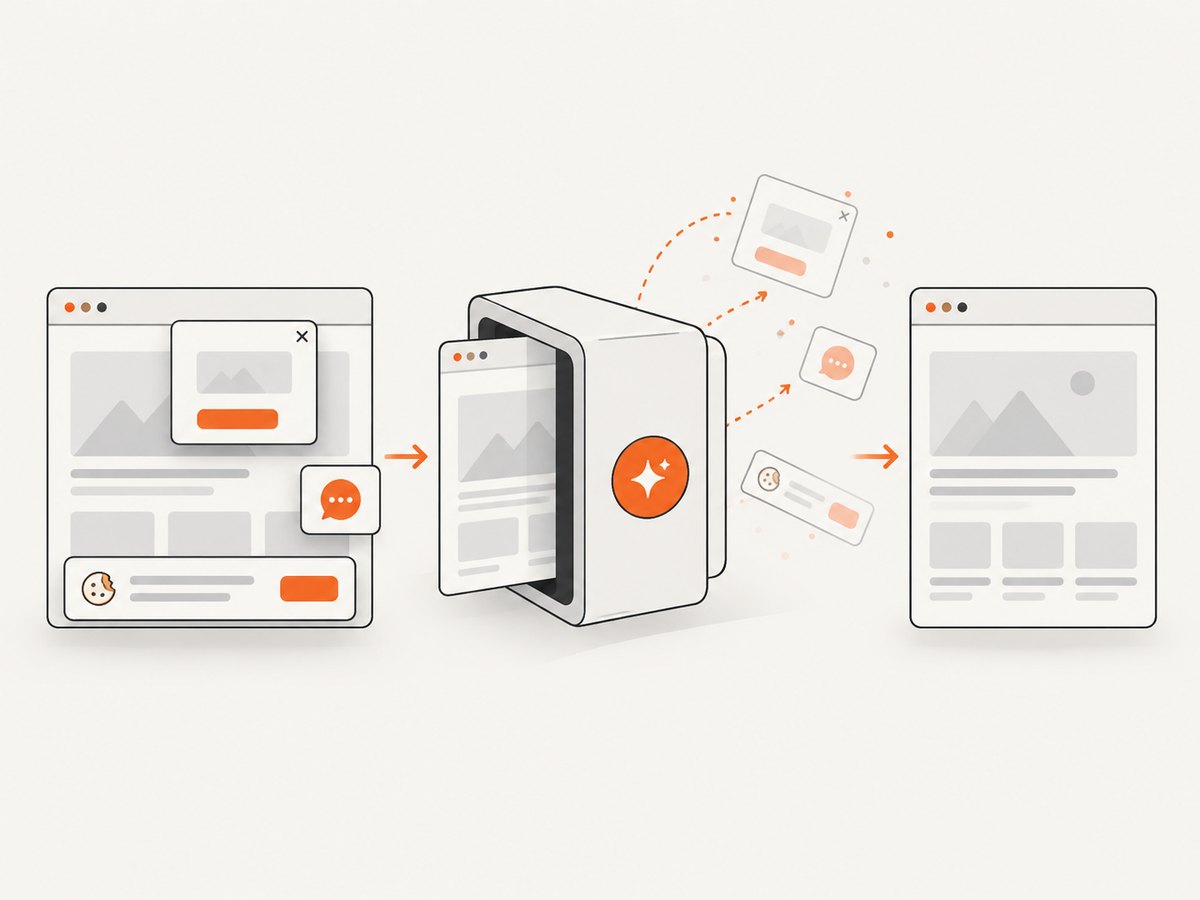
If your goal is to create website screenshots in a build or documentation job rather than run Protractor end-to-end tests, ScreenshotNeo removes the browser-driver setup. One GET request returns a PNG, JPEG, WebP or PDF. Before capture it accepts cookie and consent banners and removes more than 60 known consent platforms, newsletter popups and chat widgets; each step can be turned off. Bot checks, CAPTCHAs, blank pages, timeouts, failed loads and cache hits are not billed, and the response identifies the result with X-Page-Verdict and X-Billed headers.
See the ScreenshotNeo API documentation for all options. cURL:
curl -G "https://api.screenshotneo.com/v1/shot" -d access_key=YOUR_API_KEY --data-urlencode url=https://stripe.com -o shot.webpPython:
import requests
r = requests.get("https://api.screenshotneo.com/v1/shot", params={"access_key": "YOUR_API_KEY", "url": "https://stripe.com"}, timeout=90)
open("shot.webp", "wb").write(r.content)
Node.js:
const q = new URLSearchParams({ access_key: 'YOUR_API_KEY', url: 'https://stripe.com' });
const res = await fetch(`https://api.screenshotneo.com/v1/shot?${q}`);
ScreenshotNeo supports full-page capture with lazy images loaded, CSS-selector element capture, dark mode, device presets and custom viewports, retina scale, PDF paper sizes and page ranges, custom CSS and JavaScript, clicks, selector waits, delays, network-idle waits, request blocking, custom headers and cookies, user agent, Authorization, timezone, geolocation, transparent backgrounds, resizing, configurable caching, signed links, asynchronous jobs with signed webhooks, bulk capture for up to 100 URLs per call, a usage API and an OpenAPI specification. Parameter names used by other screenshot APIs also work, which can simplify migration.
The free plan includes 1,000 screenshots per month with no card. Paid plans start at $5 for 3,000 screenshots; yearly billing gives two months free, and every feature is available on every plan. Create a free ScreenshotNeo account.
9. Performance, reliability and cost considerations
- Separate setup from test runs. Download or provision a driver once per controlled agent image instead of repeating network work for every test.
- Cache carefully. A cache improves speed only when its contents are valid for the installed browser and architecture. Invalidate it when either changes.
- Prefer pinned artifacts for restricted CI. They improve reproducibility and avoid failures caused by vendor URL or release changes, but require an intentional update process.
- Capture evidence. Preserve the failed URL, HTTP status, TLS message, package versions, browser version, agent image and effective driver path in the Jenkins archive.
- Separate screenshot workloads from browser tests. For static visual captures, an API avoids maintaining Selenium binaries and can report whether a response was clean, failed or billable.
10. FAQ
Why does it work locally but not in Jenkins?
The environments differ. The Jenkins agent may use another user, filesystem, OS image, proxy, DNS resolver, Node version, browser version or package lockfile.
Should I configure Jenkins’ reverse proxy?
Only when Jenkins web requests are broken. An agent’s inability to download an external driver is a separate outbound network path.
Can Selenium Manager fix an old Protractor project?
Possibly, but Selenium Manager support depends on the Selenium and Protractor versions actually installed. Verify compatibility before replacing webdriver-manager.
Is a downloaded driver enough?
No. Selenium must also discover it, execute it, and use a version compatible with the installed browser.
What should I include in a bug report?
Include the exact command, full error, exit code, failed host or URL, agent OS and architecture, Node/npm/Protractor/webdriver-manager versions, browser and driver versions, proxy behavior, write permissions and whether an explicit driver path works.


