How to Fix protractor-html-screenshot-reporter When It Does Not Work
Diagnose missing HTML reports and screenshots in protractor-html-screenshot-reporter with a minimal config, checks for test outcomes, paths, options, and legacy support.
Start with the smallest supported setup: install the package, register its Jasmine reporter inside Protractor’s onPrepare hook, and provide an absolute writable baseDirectory. Then confirm that tests actually ran and that their outcomes match the reporter’s screenshot rules. A missing folder alone does not prove configuration failed: the directory is created when a screenshot needs to be stored.
This package is a legacy Protractor/Jasmine integration. The package documentation describes the setup and options, while its upstream protractor-screenshot-reporter project is marked unmaintained and archived. That maintenance status is a reason to verify your versions carefully before spending time on a migration.
1. Install and register the reporter
Install the package in the same project and working directory used by your Protractor command:
npm install protractor-html-screenshot-reporter --save-devThe documented integration is a Jasmine reporter added from onPrepare:
// protractor.conf.js
var HtmlReporter = require('protractor-html-screenshot-reporter');

exports.config = {
  framework: 'jasmine',
  specs: ['spec/**/*.spec.js'],

  onPrepare: function () {
    jasmine.getEnv().addReporter(new HtmlReporter({
      baseDirectory: '/tmp/protractor-report'
    }));
  }
};
Use an absolute path while diagnosing. On Windows, use an escaped path such as C:\\temp\\protractor-report. The constructor requires baseDirectory. Confirm that the file passed to the Protractor command is the file containing this code:
protractor protractor.conf.jsIf require('protractor-html-screenshot-reporter') throws an error, stop investigating output files and fix installation or module resolution first. Check the current directory, node_modules, and the package lock file.
2. Prove that the hook and tests run
Add temporary logging before the reporter is registered and run one deliberately failing spec:
onPrepare: function () {
  console.log('onPrepare reached');
  jasmine.getEnv().addReporter(new HtmlReporter({
    baseDirectory: '/tmp/protractor-report'
  }));
}
You should see the log, a Jasmine test result, and then reporter output. If the log is absent, you are using a different config file, a different runner, or a configuration path that never reaches onPrepare. If no specs execute, the reporter has no test result from which to create artifacts.
3. Understand when screenshots are created
The reporter’s defaults explain many “nothing was saved” reports:
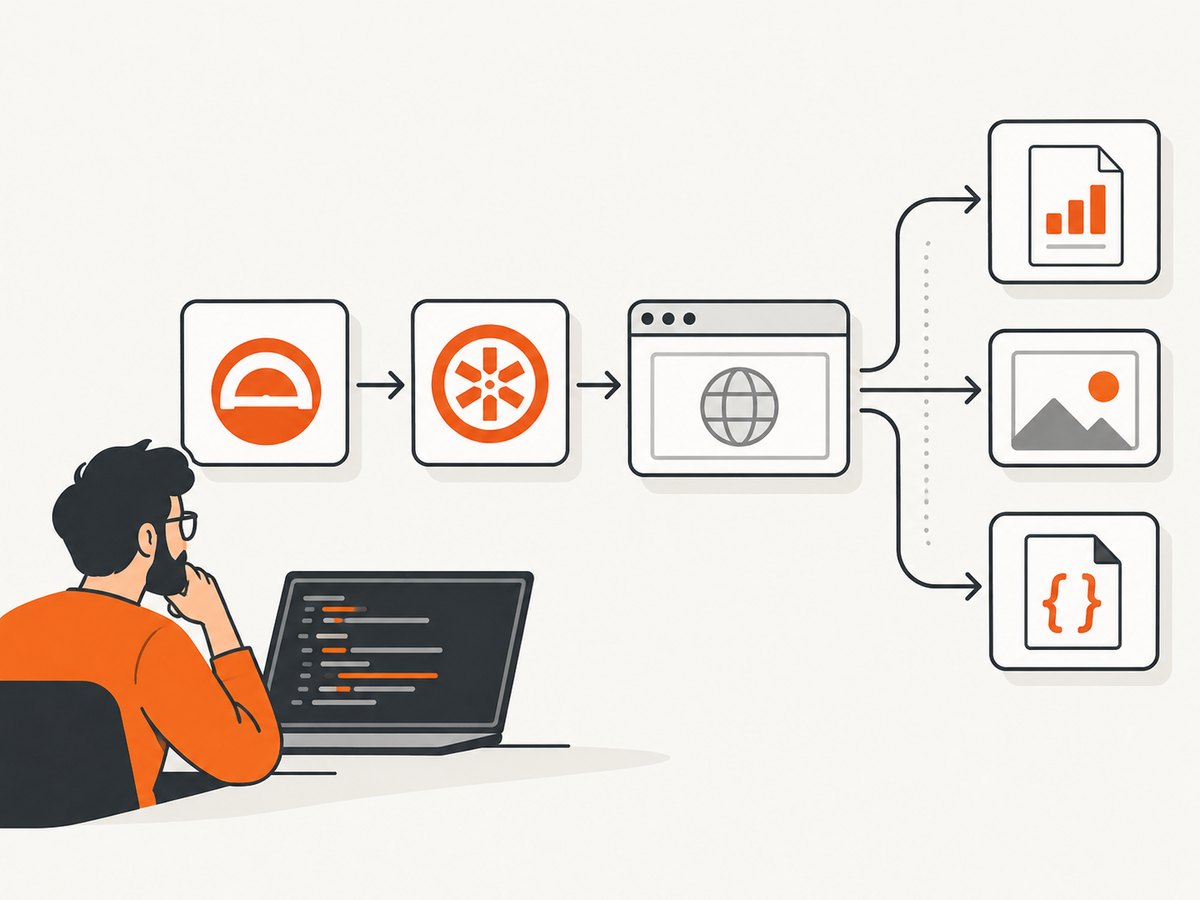
| Option | Default | Effect |
|---|---|---|
takeScreenShotsForSkippedSpecs |
false |
Skipped specs do not receive screenshots unless enabled. |
takeScreenShotsOnlyForFailedSpecs |
false |
When enabled, passing specs still get a report but no screenshot. |
baseDirectory |
Required | Root directory for generated report artifacts. |
docName |
report.html |
HTML report filename. |
docTitle |
Generated test report |
HTML document title. |
preserveDirectory |
false |
Controls whether an existing report directory is preserved. |
The reporter writes PNG screenshots and matching JSON metadata, then generates a summary HTML report with stack-trace information. A passing test can therefore produce HTML and JSON while producing no PNG when failed-only mode is enabled.
4. Reduce configuration to a known-good baseline
Remove custom builders and styling until the baseline works:
var HtmlReporter = require('protractor-html-screenshot-reporter');

exports.config = {
  framework: 'jasmine',
  specs: ['spec/**/*.spec.js'],
  onPrepare: function () {
    jasmine.getEnv().addReporter(new HtmlReporter({
      baseDirectory: '/tmp/protractor-report'
    }));
  }
};
After the baseline produces files, add one option at a time. Supported extension points include:
pathBuilderfor custom artifact paths.metaDataBuilderfor custom JSON metadata.takeScreenShotsForSkippedSpecs.takeScreenShotsOnlyForFailedSpecs.docTitleanddocName.cssOverrideFile.preserveDirectory.
A custom pathBuilder can make files appear somewhere other than the directory you are checking. Temporarily remove it to restore the default GUID-based path behavior. Likewise, simplify a custom metaDataBuilder before diagnosing filesystem output.
5. Check paths, permissions, and CI artifacts
- Print the resolved absolute path used by your configuration.
- Verify the process user can create and write files there.
- Check the directory inside the same container, VM, or CI worker that runs Protractor.
- Upload the directory as a CI artifact before the job cleans its workspace.
- Search for
report.html, PNG, and JSON files below the configured root; custom builders may create subdirectories.
Relative paths are resolved from the process working directory, which may differ between a local shell and CI. A directory that is absent before the run can be normal because documentation says it is created when a screenshot needs saving.
6. Use a diagnostic matrix
| Observation | Likely area | Next action |
|---|---|---|
require fails |
Install or module resolution | Run npm install in the project used by Protractor and confirm the command’s working directory. |
onPrepare reached never appears |
Wrong config or runner | Pass the intended config explicitly and verify Jasmine is selected. |
| Only skipped specs ran | Capture condition | Enable takeScreenShotsForSkippedSpecs if those screenshots are required. |
| Passing specs have HTML but no PNG | Failed-only mode | Disable takeScreenShotsOnlyForFailedSpecs or create a failing test for diagnosis. |
| Tests fail but no artifacts exist | Path, permissions, or custom builder | Use the absolute baseline directory and remove custom builders. |
| Artifacts exist locally but not in CI | Workspace or cleanup | Inspect the CI machine’s path and publish the directory as a build artifact. |
7. Treat the historical report carefully
A March 2017 Stack Overflow question used version 0.0.21, registered the reporter in onPrepare, and reported that no HTML or screenshots were saved. That report does not include the versions, logs, filesystem permissions, test outcomes, or resolved output path needed to identify one root cause. An answer suggesting Jasmine Allure is not proof that changing reporters fixes every setup.
When asking for help, include:
- Protractor, Node.js, Jasmine, Selenium, and package versions.
- The complete console output and stack trace.
- Your complete reporter configuration and the exact Protractor command.
- Whether tests ran, and how many passed, failed, or were skipped.
- The expected and actual absolute output paths.
- Whether the run is local, containerized, or CI-based.
8. Maintenance and replacement decisions
The HTML package is built on protractor-screenshot-reporter, whose upstream repository is described as unmaintained and is archived by GitHub (January 26, 2023). The available sources do not provide a tested migration path or a current compatibility matrix. Before adopting a replacement, compare:
- Compatibility with your actual Protractor, Jasmine, Node.js, and Selenium versions.
- Whether screenshots attach to each failed spec or are emitted as standalone files.
- HTML, JSON, and CI artifact formats.
- Release activity and maintenance status.
- Configuration complexity and support for your runner.
Do not infer support for a modern stack solely from an old npm version number or a successful installation.
9. Performance, reliability, and cost notes
- Screenshot capture adds browser and filesystem work to each eligible spec, so failed-only capture can reduce work in large suites.
- Writing to a local workspace is generally easier to diagnose than writing to a network mount; publish the resulting directory after the run.
- Keep the reporter configuration minimal in CI and add custom path or metadata builders only after the baseline is stable.
- The package is a test reporter, not a hosted screenshot service. You operate the browser, Selenium session, storage, and CI retention yourself.
- Budget for browser startup, screenshot encoding, disk space, and artifact upload time when many specs capture images.
10. Or skip the browser setup
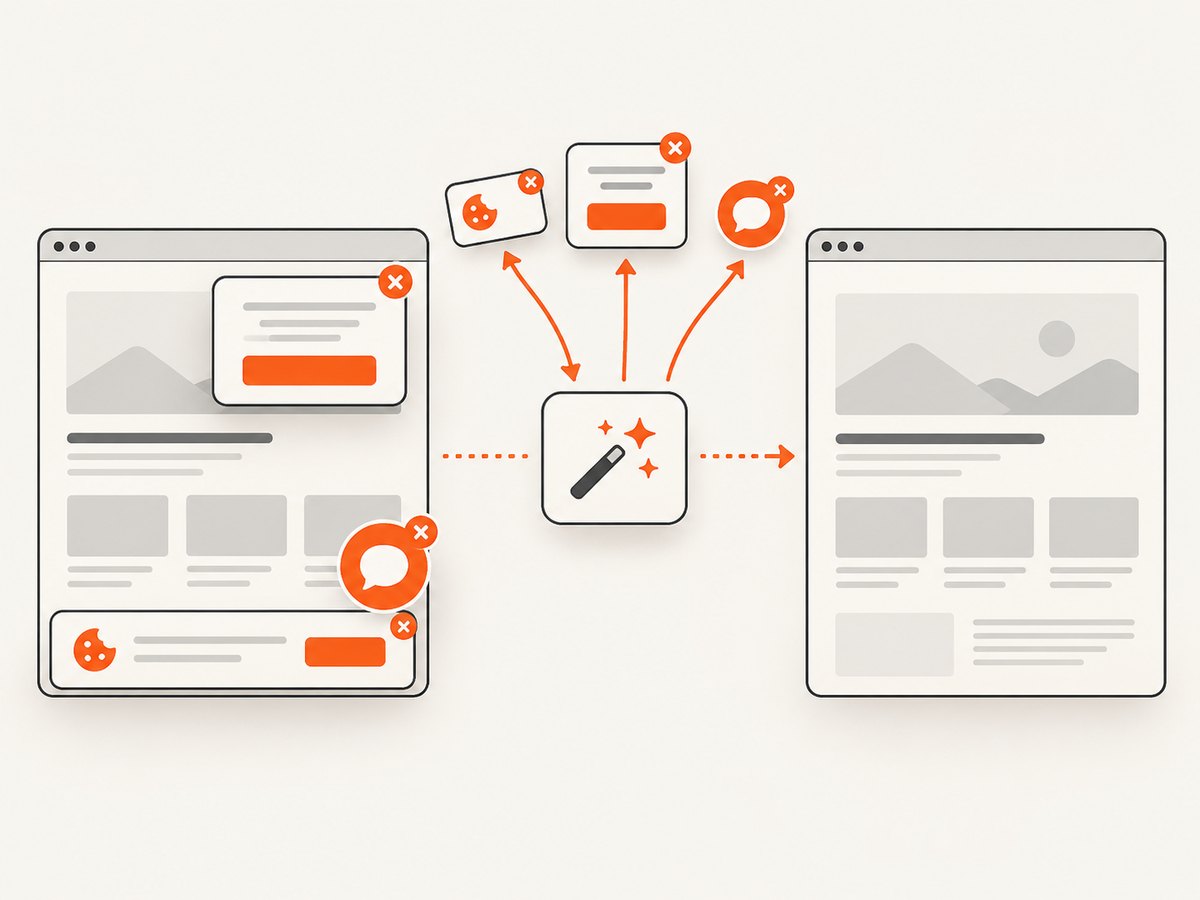
If the goal is reliable website images rather than attaching screenshots to a legacy Protractor run, ScreenshotNeo provides a website screenshot API and MCP server. It accepts one GET request and returns PNG, JPEG, WebP, or PDF. Cookie and consent banners, newsletter popups, and chat widgets are removed before capture; bot checks, blank pages, failed loads, timeouts, and cache hits are not billed, and response headers identify the page verdict and billing result. Its MCP server exposes take_screenshot, get_page_info, and capture_pdf for Claude, Cursor, and other MCP clients.
See the ScreenshotNeo API documentation for all options.
cURL
curl -G "https://api.screenshotneo.com/v1/shot" -d access_key=YOUR_API_KEY --data-urlencode url=https://stripe.com -o shot.webpPython
import requests
r = requests.get("https://api.screenshotneo.com/v1/shot", params={"access_key": "YOUR_API_KEY", "url": "https://stripe.com"}, timeout=90)
open("shot.webp", "wb").write(r.content)
Node.js
const q = new URLSearchParams({ access_key: 'YOUR_API_KEY', url: 'https://stripe.com' });
const res = await fetch(`https://api.screenshotneo.com/v1/shot?${q}`);
Plans include 1,000 screenshots a month free with no card; paid plans start at $5 for 3,000. Create a free ScreenshotNeo account.
FAQ
Why is the output directory missing?
The directory may be created only when an eligible screenshot needs storage. Check that tests ran and that skipped or passing tests are not excluded by your options.
Does a passing test always create a PNG?
No. With takeScreenShotsOnlyForFailedSpecs: true, passing tests can receive a report without a screenshot.
Is version 0.0.21 confirmed incompatible?
No. The available evidence identifies it as an old registry version but does not establish a specific incompatibility with your environment.
Should I switch to Jasmine Allure?
The historical forum answer mentioned Allure, but it did not diagnose the original setup or establish a generally supported migration.
What information should I provide when reporting a bug?
Provide all tool versions, complete output, configuration, command, test outcomes, and expected versus actual absolute paths.


