Why PSD File Thumbnails Are Not Showing and How to Fix Them
Find out why PSD thumbnails are missing in Finder, File Explorer, or Photoshop, then fix previews safely without risking your layered originals.
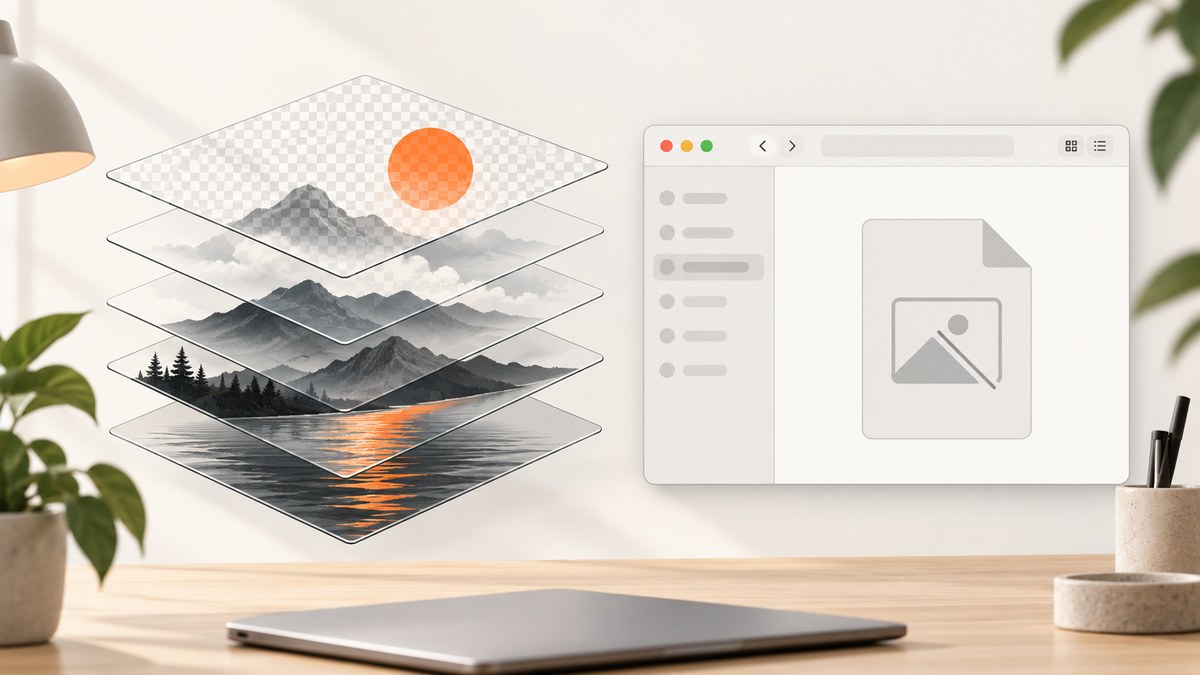
When a PSD shows a generic icon instead of an image, the cause depends on where you are looking. A thumbnail may be an embedded preview inside the PSD, an icon preview generated by Finder or File Explorer, or a small preview in Photoshop’s File > Open dialog. Those are separate paths, so changing one setting cannot fix every case.
The safest repair is to identify the failing view, test a copy of the file, enable the preview type needed for that workflow, and then check whether the operating system has a PSD thumbnail handler. Adobe documents two relevant options: Macintosh Thumbnail for Photoshop’s File > Open dialog and Windows Thumbnail for previews that can be displayed on Windows systems. Adobe’s preview documentation also advises selecting only the preview types you need to reduce file size and speed up saving.
First identify which PSD thumbnail is missing
Before changing preferences, open one ordinary PSD and one affected PSD. Record the exact surface that fails:
- macOS Finder: the file appears as a generic Photoshop icon in an icon-view folder or on the desktop.
- Windows File Explorer: the file has a generic icon or no preview in the Details, List, or Large icons view.
- Photoshop’s File > Open dialog: the file is present, but its preview pane or thumbnail is blank.
- Another application: a digital asset manager, cloud drive, or file picker may use its own PSD decoder and cache.
This distinction matters. An embedded preview can be present while Finder or Explorer lacks a component that knows how to read it. Conversely, a handler can be installed but have nothing usable to display if the PSD was saved without a composite preview.
How PSD previews work
A PSD contains editable layers, channels, masks, metadata, and often a flattened composite representation. Applications can use that composite to draw a quick thumbnail without rendering every layer. Photoshop can also save platform-specific preview data. A file browser still needs a thumbnail provider or codec to read that data.
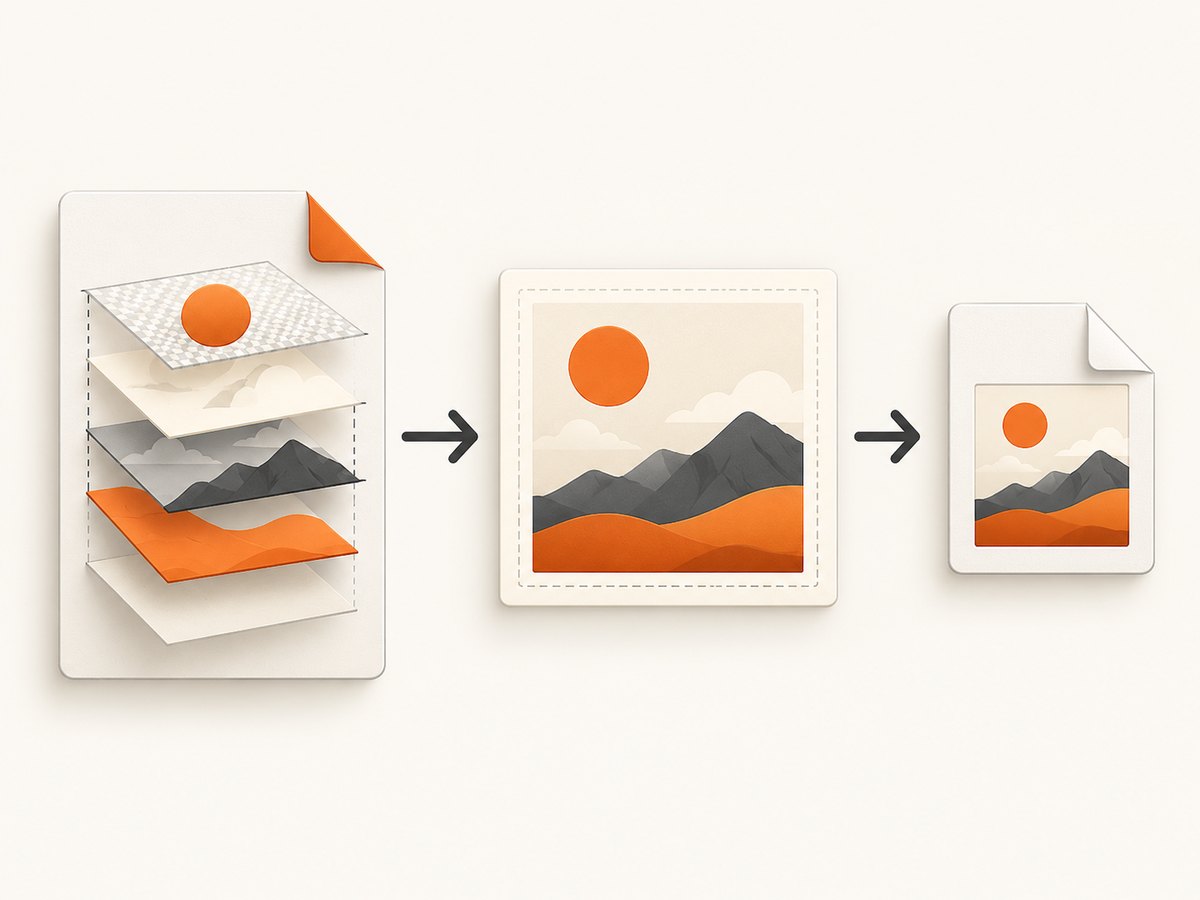
Adobe’s current documentation describes Macintosh Thumbnail as a preview for the File > Open dialog and Windows Thumbnail as a preview that can be displayed on Windows systems. These descriptions do not promise native Explorer or Finder support in every version of an operating system. They only explain what Photoshop writes into the file.
Large, complex documents may take longer to save when previews are enabled. Adobe recommends selecting only the preview types needed for your workflow; it does not publish a universal size penalty, so do not assume that every PSD grows by a fixed percentage.
Fix Photoshop’s preview settings safely
- Make a duplicate of an affected PSD. Work on the copy until the result is confirmed.
- Open Photoshop preferences. The menu is usually Preferences > File Handling; wording and location can vary by release and platform.
- Find the Image Previews section. Enable the preview required by your target application. For Photoshop’s own Open dialog on macOS, check Macintosh Thumbnail. For a Windows workflow, check Windows Thumbnail.
- Save the duplicate as a PSD. Close it, reopen it, and check the same view that originally failed.
- If the preview now appears, repeat the save on originals only after confirming your backup and version-control process.
Do not flatten the working document merely to make a thumbnail. A flattened copy can be useful for diagnostics, but it removes the editable layer structure from that copy. Keep the layered PSD as the source of truth.
macOS Finder: missing PSD icons and previews
Finder’s icon preview is separate from Photoshop’s File > Open thumbnail. In Finder, switch the affected folder to icon view, open View > Show View Options, and verify that Show icon preview is enabled. This setting controls whether Finder asks file-type preview providers to draw an image.
Next, confirm that Photoshop saved a Macintosh preview in a test copy. If Photoshop’s Open dialog shows a preview but Finder still shows a generic icon, the problem is probably Finder’s preview path, its cache, or the installed PSD preview provider rather than the document’s layers.
If only certain PSDs fail, compare their save history. Files exported by another application, saved with unusual color modes, or created by an older Photoshop release may contain different preview data. Record the macOS version, Photoshop version, file color mode, and whether the file is local, on a network share, or synchronized by a cloud service. Community reports describe inconsistent Finder behavior, so there is no single universal current Finder fix.
Use Adobe’s documented option as a diagnostic, not a guarantee: enabling Macintosh Thumbnail and resaving a copy tells you whether the file contains the preview Photoshop’s dialog expects. It does not prove that Finder will generate an icon.
Windows File Explorer: check for a PSD thumbnail handler
Windows Explorer may not generate PSD thumbnails by itself. An Adobe Community Expert describes Explorer as lacking native PSD thumbnail display and notes that third-party codecs or handlers are used. Treat that as community guidance rather than a current Microsoft specification, and identify the handler on the machine before changing system settings.
- In Photoshop, enable Windows Thumbnail and resave a duplicate PSD.
- In Explorer, choose a view that can show thumbnails, such as Medium, Large, or Extra large icons. In Folder Options, ensure Always show icons, never thumbnails is not enabled.
- Test the duplicate in a local folder. A network or cloud location can add permission, sync, and cache variables.
- If Explorer still shows a generic icon, check whether a PSD thumbnail handler is installed and compatible with your Windows build. Explorer cannot display a preview when no registered component understands PSD.
- If a handler exists but only some files fail, test another copy saved with the preview enabled. Some handlers rely on the embedded flattened composite.
Avoid registry edits, random codec packs, or destructive thumbnail-cache resets until you know which handler is installed and whether the problem affects every PSD. Such changes can create new compatibility and security problems while leaving the original cause untouched.
Photoshop File > Open dialog
If the missing preview is inside Photoshop itself, focus on Photoshop’s preference and the document. Macintosh Thumbnail is the option Adobe documents for the macOS Open dialog. Save a test copy after enabling it, close Photoshop, and reopen the dialog.

When one file remains blank, verify that Photoshop can open the PSD normally. A damaged composite preview can coexist with readable layer data. Opening the file and saving a copy rebuilds preview data in many ordinary cases, but it is not a repair for a corrupt or truncated document. If Photoshop reports an error, preserve the original and work from a recovered duplicate or a backup.
Diagnostic checklist
| Check | What it tells you |
|---|---|
| Does Photoshop open the PSD? | If no, investigate file corruption, permissions, or an incomplete transfer before thumbnails. |
| Does Photoshop’s Open dialog show a preview? | If yes, embedded preview data exists; the file-browser handler may be the issue. |
| Do all PSDs fail or only some? | All files suggests a setting, handler, or cache problem; a subset suggests file-specific preview data. |
| Is the file local? | Local testing removes network, sync, and offline-placeholder variables. |
| Is a Windows handler installed? | Without one, Explorer has no component that can decode PSD thumbnails. |
| Does a duplicate saved with a preview work? | If yes, the original likely lacked a usable composite preview. |
Common errors, causes, and fixes
Every file shows a generic icon in Explorer
Likely cause: no PSD thumbnail handler, or Windows is configured to show icons only. Fix: verify Explorer’s thumbnail setting and identify a compatible handler. Enabling Windows Thumbnail in Photoshop alone cannot supply a missing Explorer component.
Only newly created PSDs have no preview
Likely cause: the current Photoshop preference does not save the needed preview. Fix: enable the relevant image preview, save a duplicate, and test it before changing your production files.
Finder previews work in one folder but not another
Likely cause: Finder view options, cache state, permissions, or a cloud/network location. Fix: enable Show icon preview, copy one PSD to a local folder, and compare behavior.
Photoshop opens the PSD but the preview is blank
Likely cause: missing or stale embedded preview data. Fix: enable Macintosh Thumbnail or Windows Thumbnail as appropriate, save a copy, and reopen it. If Photoshop reports corruption, restore from a known-good backup instead of repeatedly overwriting the original.
A handler displays some PSDs but not others
Likely cause: differences in color mode, bit depth, compression, document size, or the embedded composite. Fix: compare a working and failing copy, resave the failing copy with the preview enabled, and check the handler’s compatibility notes.
Thumbnails disappeared after moving files to a server
Likely cause: Explorer or Finder cannot access previews through that protocol, or the location is offline. Fix: test a local copy and confirm permissions and sync completion. Do not use a cache reset as the first response.
Performance, reliability, and file-safety considerations
- Save time: generating previews adds work to each save, especially for large documents. Keep only the preview types your team actually uses.
- Storage: preview data consumes space, but the amount varies by document and Photoshop version. Adobe gives no fixed multiplier.
- Reliability: use a duplicate for every diagnostic save. Preserve the original layered PSD and keep a backup before bulk changes.
- Batch workflows: Adobe Bridge has historical documentation about thumbnail and preview caches, but the cited guide is for Bridge CS3. Treat its menu paths and cache behavior as legacy, not current instructions.
- Version tracking: note Photoshop and operating-system versions when a team shares files. A handler update or application change can affect previews without changing the PSD itself.
Or skip the browser setup
If your actual goal is to capture a reliable image of a web page for documentation, QA, or a design reference, ScreenshotNeo provides a website screenshot API and MCP server. It is separate from PSD thumbnail repair, but it can remove the browser automation layer when you need a clean page image.
One GET request returns PNG, JPEG, WebP, or PDF. See the ScreenshotNeo documentation for the full option list.
curl -G "https://api.screenshotneo.com/v1/shot" -d access_key=YOUR_API_KEY --data-urlencode url=https://stripe.com -o shot.webpimport requests
r = requests.get("https://api.screenshotneo.com/v1/shot", params={"access_key": "YOUR_API_KEY", "url": "https://stripe.com"}, timeout=90)
open("shot.webp", "wb").write(r.content)const q = new URLSearchParams({ access_key: 'YOUR_API_KEY', url: 'https://stripe.com' });
const res = await fetch(`https://api.screenshotneo.com/v1/shot?${q}`);Cookie banners, newsletter popups, and chat widgets are removed before the shot. Bot checks, blank pages, timeouts, failed loads, and cache hits are not billed, and response headers identify the page verdict and billing result. An MCP server lets AI agents such as Claude or Cursor call take_screenshot, get_page_info, and capture_pdf. The free plan includes 1,000 screenshots each month with no card; paid plans start at $5 for 3,000. Create a free ScreenshotNeo account.
FAQ
Does enabling Windows Thumbnail guarantee Explorer previews?
No. It writes preview data that Windows systems can display, but Explorer still needs a compatible PSD thumbnail handler.
Will rebuilding a thumbnail cache repair the PSD?
No. A cache operation can refresh stale generated images, but it cannot create missing embedded preview data or install a handler.
Should I flatten a PSD to make its thumbnail appear?
Keep the layered original. Use a flattened duplicate only as a diagnostic or as a deliberately separate delivery file.
Why does Adobe Bridge matter?
Bridge can be useful for browsing many image files, but the available cache reference is legacy Bridge CS3 documentation. Confirm current behavior in the version you use.
Can Preview on macOS edit a PSD?
Adobe’s PSD overview distinguishes viewing from editing: Preview can open and view PSDs on macOS, while Photoshop is needed to edit the original. See Adobe’s PSD overview.
When to escalate the issue
Collect the operating-system version, Photoshop version, exact failing surface, one working PSD, one failing PSD, file location, and installed Windows handler details. Escalate when Photoshop cannot open the file, when a handler crashes Explorer or Finder, or when the same copy behaves differently across machines. This evidence separates document damage from preview settings, operating-system support, and third-party handler problems.
The dependable sequence is simple: identify the view, test a copy, enable the preview Photoshop documents for that platform, verify the file-browser handler, and preserve the layered original throughout.


