How to Fix Puppeteer Browser Launch Errors in PHP and Apache
When Puppeteer works in your terminal but fails under PHP and Apache, compare the real service environment and fix the specific browser, permission, library, sandbox, or security-policy error.
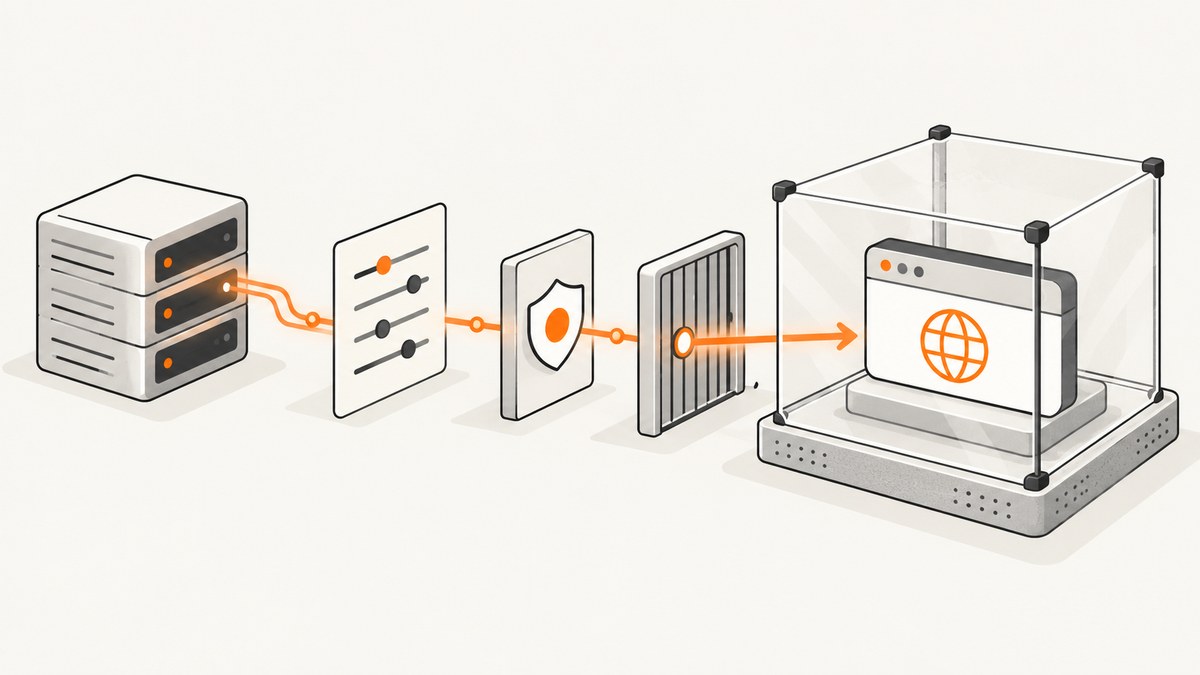
When Puppeteer works in a terminal but fails from PHP through Apache, the usual cause is that the two processes run in different environments. Apache may use a different account, HOME, PATH, working directory, cache directory, temporary directory, or security policy. Capture the exact Chrome stderr and the effective PHP process environment, then fix the matching cause: a missing browser or wrong path, unwritable directories, missing Linux libraries, a sandbox problem, or AppArmor or other confinement.
Do not start by changing Chrome flags at random. In particular, running Apache as root or disabling Chrome’s sandbox can turn a launch problem into a security problem. This guide shows how to diagnose the actual Apache context, invoke Node safely from PHP, and choose a production setup that fits the workload.
1. Record what Apache actually runs
A successful command in your login shell proves that Puppeteer can work for that account. It does not prove that PHP can find the same Node executable, Puppeteer package, browser download, libraries, or writable directories. PHP used as an Apache module inherits Apache’s service-user permissions; the PHP manual warns that elevating that account to root is extremely dangerous. PHP: Installed as an Apache module.
Record these values from the failing request, and store them in a protected server log rather than returning them to a public response:
- Effective user and group, current working directory, and PHP version.
HOME,PATH,TMPDIR, and the cache/profile directories.- Absolute Node path and
node --version; installed Puppeteer version. - The browser executable path and whether the Apache account can traverse its parent directories, execute it, and read its libraries.
- Complete stdout and stderr from Puppeteer and Chrome, plus the process exit status.
Protect diagnostics: do not log API keys, authorization headers, cookies, or sensitive page URLs. Keep the first Chrome error lines intact; they often distinguish a missing binary from a missing library or denied execution.
2. Capture process output with PHP
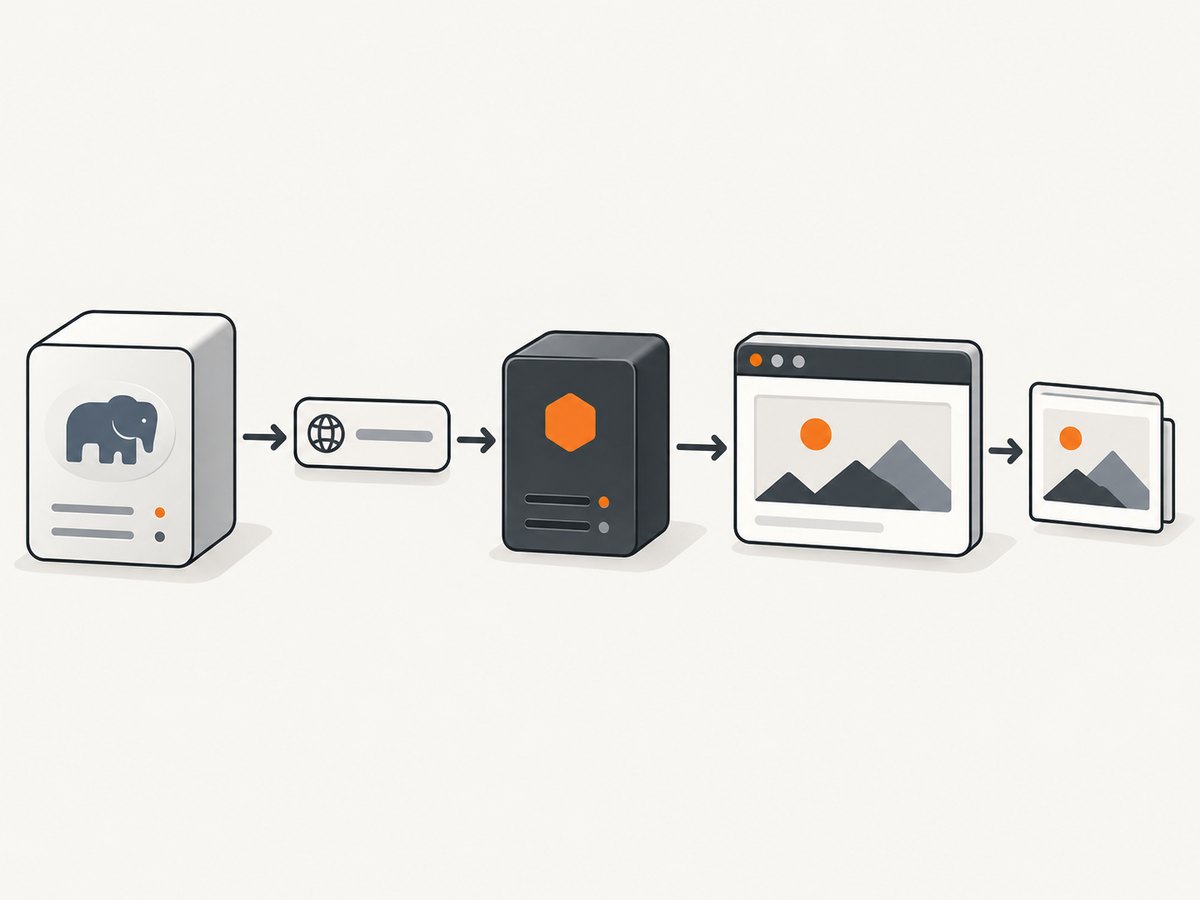
On PHP 7.4 or later, pass proc_open an argument array. PHP then passes arguments directly rather than asking a shell to interpret a command string. This also avoids shell quoting mistakes when a URL contains query parameters. PHP documents proc_open as its process-and-pipes interface. PHP: proc_open.
<?php
$url = 'https://example.com/';
$cmd = [
    '/usr/bin/node',
    '/var/www/app/render.js',
    '--url',
    $url,
];
$spec = [
    0 => ['pipe', 'r'],
    1 => ['pipe', 'w'],
    2 => ['pipe', 'w'],
];
$env = [
    'HOME' => '/var/lib/myapp',
    'PATH' => '/usr/local/bin:/usr/bin:/bin',
    'TMPDIR' => '/var/lib/myapp/tmp',
    'PUPPETEER_CACHE_DIR' => '/var/lib/myapp/.cache/puppeteer',
];
$process = proc_open($cmd, $spec, $pipes, '/var/www/app', $env);
if (!is_resource($process)) {
    throw new RuntimeException('Could not start the Node process');
}
fclose($pipes[0]);
$stdout = stream_get_contents($pipes[1]);
$stderr = stream_get_contents($pipes[2]);
fclose($pipes[1]);
fclose($pipes[2]);
$status = proc_close($process);
if ($status !== 0) {
    error_log('Puppeteer exit=' . $status . ' stderr=' . $stderr);
    throw new RuntimeException('Screenshot process failed');
}
// Handle stdout according to the output format of render.js.
?>
This is a diagnostic and invocation pattern, not a complete web endpoint. Validate and allowlist URLs before passing them to a renderer: accepting arbitrary user-supplied destinations can let a server-side browser reach internal services. Add request time limits and output handling appropriate to your application. The environment array above is intentionally explicit; create its directories and grant access to the Apache service account before launch.
If you need to inspect the environment during diagnosis, run a small script through the same PHP path that reports only non-secret values such as effective UID, current directory, HOME, PATH, TMPDIR, and Node version. Do not assume the environment of an SSH session matches the service.
3. Make browser discovery deterministic
Puppeteer normally downloads a compatible Chrome for Testing browser and chrome-headless-shell as part of installation. If package-manager install scripts were disabled, or the install ran under another account or cache location, the expected browser may not exist where the Apache process looks. The Puppeteer installation guide describes the browser download and configuration. Puppeteer installation.
Choose one of these approaches:
- Use Puppeteer’s managed browser. Allow the package install step that downloads it, and ensure the service account’s configured cache directory contains the browser.
- Manage Chrome or Chromium yourself. Set an absolute
executablePathin Puppeteer configuration, or usePUPPETEER_EXECUTABLE_PATHwhere supported by your installed version. Verify the file and all parent directories are accessible to Apache.
Keep the Puppeteer package and browser version aligned. Pointing at an arbitrary system browser can produce compatibility failures even when the executable launches. Follow the browser-selection guidance for the Puppeteer version deployed. Puppeteer configuration.
const puppeteer = require('puppeteer');

async function main() {
  const browser = await puppeteer.launch({
    // Set this only if Chrome is managed outside Puppeteer.
    // executablePath: '/usr/bin/chromium',
    headless: true,
  });
  try {
    const page = await browser.newPage();
    await page.goto('https://example.com/', { waitUntil: 'domcontentloaded' });
    await page.screenshot({ path: '/var/lib/myapp/output.png', fullPage: true });
  } finally {
    await browser.close();
  }
}

main().catch((error) => {
  console.error(error);
  process.exitCode = 1;
});
The script assumes the installed Puppeteer package is resolvable from its project directory and that the output directory is writable. The Node path, script path, working directory, browser path, cache, and output path should all be explicit in a service deployment.
4. Fix HOME, cache, profile, and temporary directories
Puppeteer’s default browser cache is under the invoking user’s home directory, and temporary files normally go under the operating system’s temporary directory. Apache may have a different or unset HOME, and its account may not be able to create a profile in a developer’s home directory. Set PUPPETEER_CACHE_DIR or the Puppeteer cacheDirectory configuration, and provide a dedicated writable profile location through userDataDir when needed. See the Puppeteer configuration guide.
Create the cache, temporary, profile, and output directories during deployment and assign ownership to the service account that runs the worker. Check free space and inode availability as well as mode bits. The account needs directory traversal permission on every parent, read and execute access to the browser and libraries, and write access only to runtime directories. Keep application code and browser binaries non-writable by the web account where possible.
Do not point multiple concurrent browser processes at one persistent user-data profile. Use a distinct profile per job or a controlled pool, and clean up stale profiles after crashes. A profile collision can look like a launch hang or a lock error rather than a permissions failure.
5. Install required Linux libraries and fonts
A browser file can exist and still fail to start because the operating system lacks a shared library, font, certificate bundle, or runtime component. Puppeteer’s CI guidance lists common Debian and Ubuntu packages, including NSS, GBM, GTK/X11 libraries, fonts, certificates, and xdg-utils. Package names vary by distribution and version, so consult the guidance and install equivalents for the target system. Puppeteer troubleshooting.
On the target host or container, inspect the browser’s dynamic dependencies using the operating system’s tools and investigate any “shared libraries” or “error while loading shared libraries” message. A minimal container image that worked for Node may still be missing Chrome’s runtime dependencies or fonts. Install only the required system packages in the image or host; do not copy libraries from an unrelated machine and assume they are compatible.
Missing fonts can also make captures appear broken even when launch succeeds: text may fall back to an unexpected font or glyphs may be absent. Install fonts required by the pages you render and certificates needed for TLS. Reproduce the target’s exact container or host image when diagnosing.
6. Resolve sandbox errors without weakening the service
Chrome’s Linux sandbox is a security boundary. Run Chrome as a non-root, non-privileged account with a functioning sandbox. Puppeteer’s troubleshooting guide explains the No usable sandbox! failure and documents its sandbox setup. It says running without a sandbox is strongly discouraged. Puppeteer: Chrome Linux sandbox.
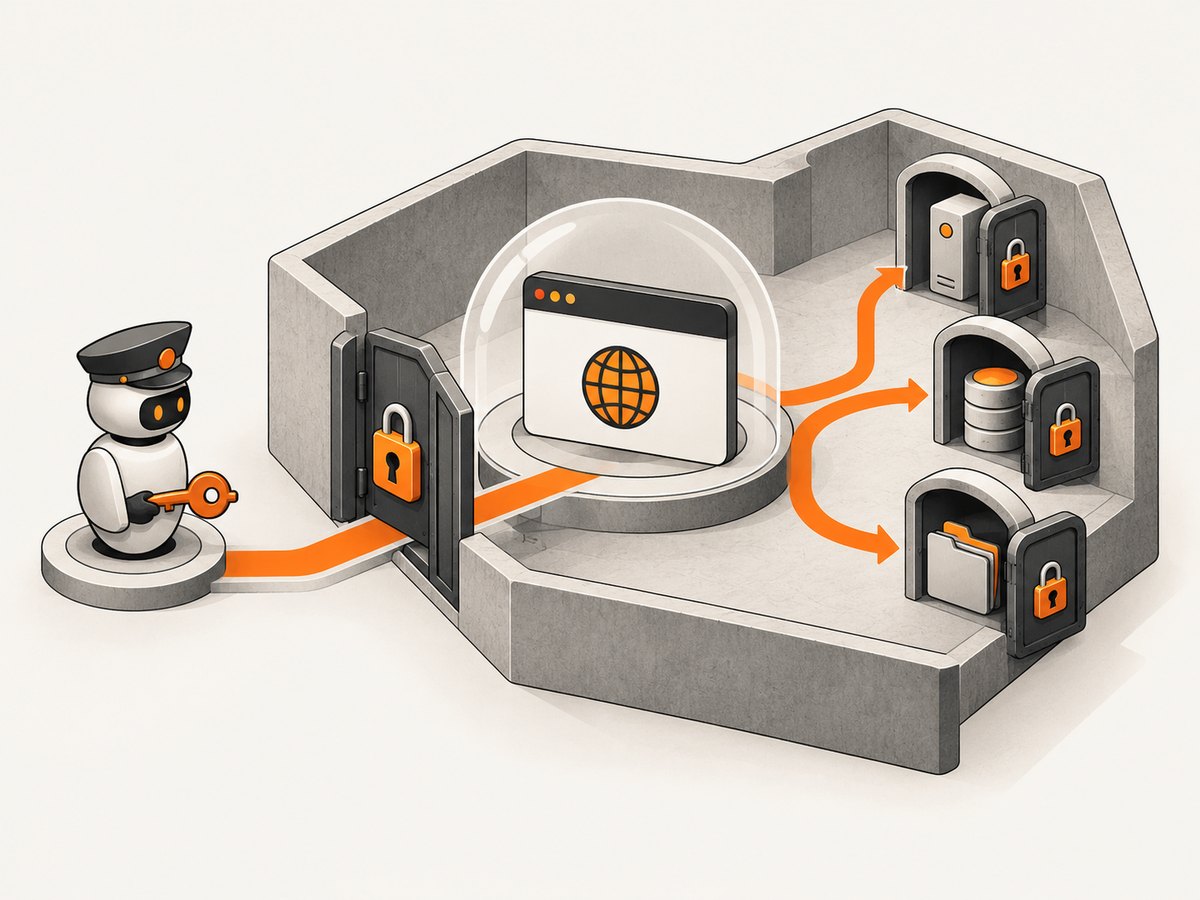
Do not run Apache or Chrome as root to “fix” a sandbox error. Do not add --no-sandbox as a routine deployment flag. Puppeteer documents it only as a fallback for content you fully trust when the environment cannot provide a sandbox; it removes an important isolation layer. If your workload visits user-provided URLs, disabling that boundary is especially consequential.
Prefer fixing the Linux sandbox setup and service account. If a restricted container or host policy makes that impossible, use a separate, supervised rendering service with carefully controlled inputs and network access, then document the security tradeoff. That architecture is an engineering recommendation based on the process and privilege constraints, not a Puppeteer feature.
7. Check AppArmor and other confinement
Unix ownership and mode bits are only one access-control layer. AppArmor can independently deny child-process execution or file reads and writes; SELinux and container policies can also restrict execution. If the browser is executable and its directories appear accessible but launch is still denied, inspect the system audit logs for a policy denial. AppArmor’s documentation describes profiles and their file and execution rules. Ubuntu Server: AppArmor.
Adjust only the rule required for the intended Node and browser paths, cache, temporary files, and profile. Avoid disabling the whole policy to make a screenshot request work. If maintaining the policy for an in-request browser is awkward, move rendering into a separately supervised worker with its own service account and profile.
8. Choose an execution model for production
Launching a browser inside an HTTP request is simple, but browser startup and page loading can outlast request timeouts and consume significant memory. PHP-FPM or Apache worker limits, reverse proxies, and client disconnects can end a request while Chrome is still running. A queue and Node worker often make environment configuration, logs, restarts, concurrency limits, and permissions easier to control. This is an architectural recommendation inferred from the documented process and privilege boundaries.
For either model, define limits deliberately:
- Set navigation and job timeouts; close the browser in a
finallyblock and reap child processes. - Limit concurrent Chrome processes based on available memory and CPU. A browser per request can multiply resource use quickly.
- Use health checks that detect a stuck or repeatedly crashing worker, and log structured error categories without secrets.
- Keep per-job output and profile paths isolated. Clean up after successful jobs and failed launches.
- Set an explicit queue retry policy. Retrying a deterministic missing-library or permission error will not repair it.
9. Troubleshooting by error message
| Message or symptom | Likely cause | Fix |
|---|---|---|
Could not find Chrome |
Install script did not download a browser, or Apache uses a different cache/home. | Permit Puppeteer’s browser install or set a dedicated cache directory and install under the deployment context. Confirm the expected browser exists. |
Browser was not found at the configured executablePath |
The configured path is wrong or invisible in the deployed filesystem. | Use the absolute path that exists on the host/container. Check traversal, file permissions, and deployment consistency. |
spawn ... ENOENT |
Node, the script, or Chrome cannot be found; sometimes the browser exists but its interpreter or required runtime is absent. | Use absolute executable paths, inspect the exact failing spawn, and check shared libraries and runtime packages. |
No usable sandbox! |
Chrome cannot establish a usable Linux sandbox, often because it runs as root or the host is not configured for sandboxing. | Run as a non-root service account and configure the supported sandbox. Treat --no-sandbox only as a tightly scoped exception for fully trusted content. |
| Permission denied creating profile or cache | Apache’s account cannot write under its effective home or the selected directory. | Set explicit cache, temp, and profile directories; grant narrowly scoped write access to the service account. |
| Shared library load error | A browser dependency is missing or incompatible. | Install the target distribution’s required libraries and verify dependencies on that system. |
| Works over SSH, denied from Apache | Different user, environment, AppArmor/SELinux profile, container policy, or service filesystem. | Compare effective identity and environment, then inspect audit logs and adjust the narrow policy rule. |
| Hangs or times out intermittently | Slow navigation, resource pressure, a stuck child process, profile collision, or an overly strict request timeout. | Set navigation and job limits, isolate profiles, cap concurrency, and inspect worker memory and process state. |
10. Deployment checklist
- Use a Puppeteer-managed browser or one explicit, compatible browser path.
- Record the effective service user,
HOME,PATH, working directory, Node version, Puppeteer version, and full stderr. - Set a dedicated cache directory and writable temporary/profile locations owned by the service account.
- Verify execute and traversal permissions, shared libraries, fonts, and certificates on the actual deployment image.
- Run Chrome as non-root with a working sandbox; document any exceptional sandbox change.
- Inspect AppArmor, SELinux, and container denials if ordinary filesystem permissions look correct.
- For long jobs, prefer a queue or worker with explicit timeouts, concurrency limits, cleanup, and health checks.
- Keep logs free of credentials and validate destinations if users can submit URLs.
11. Or skip the browser setup
If your goal is a website screenshot rather than operating Chrome on your server, ScreenshotNeo provides a screenshot API and MCP server for developers. It avoids managing Puppeteer’s browser download, Apache permissions, Linux libraries, and sandbox for this capture path. The API returns a PNG, JPEG, WebP, or PDF; see the ScreenshotNeo API documentation.
curl -G "https://api.screenshotneo.com/v1/shot" -d access_key=YOUR_API_KEY --data-urlencode url=https://stripe.com -o shot.webpimport requests
r = requests.get(
"https://api.screenshotneo.com/v1/shot",
params={"access_key": "YOUR_API_KEY", "url": "https://stripe.com"},
timeout=90,
)
open("shot.webp", "wb").write(r.content)const q = new URLSearchParams({ access_key: 'YOUR_API_KEY', url: 'https://stripe.com' });
const res = await fetch(`https://api.screenshotneo.com/v1/shot?${q}`);
if (!res.ok) throw new Error(`Screenshot request failed: ${res.status}`);
await require('node:fs/promises').writeFile('shot.webp', Buffer.from(await res.arrayBuffer()));- Cookie banners, popups, and chat widgets are removed before the shot; each cleanup step can be turned off.
- Bot checks, blank pages, timeouts, failed loads, and cache hits are not billed. Response headers report the page verdict and billing status.
- An MCP server offers
take_screenshot,get_page_info, andcapture_pdffor Claude, Cursor, and other MCP clients. - 1,000 screenshots a month are free with no card; paid plans start at $5 for 3,000 screenshots. Every feature is on every plan.
Create a free ScreenshotNeo account and get 1,000 screenshots a month with no card.
12. Frequently asked questions
Does Puppeteer require Apache?
No. Apache is one way PHP can invoke Node. The key issue is the context and permissions of the process that launches Chrome.
Should I install Chrome as the Apache user?
Ensure the deployed browser and Puppeteer cache are available to the service account, but keep executable and application files protected from modification by the web account where possible. Make runtime directories writable only where needed.
Can I fix every launch failure with --no-sandbox?
No. It does not fix missing executables, libraries, or permissions, and it weakens isolation. Diagnose the reported error and keep the sandbox enabled whenever possible.
Why does the same script work in CLI PHP?
CLI PHP may run as your login user with a different home, environment, working directory, and security profile. Reproduce the Apache context rather than treating CLI success as proof of service access.


