How to Fix Puppeteer Navigation Failed Because Browser Has Disconnected
Diagnose Puppeteer’s “Navigation failed because browser has disconnected” error with lifecycle logs, minimal reproductions, deployment checks, and safer fixes.
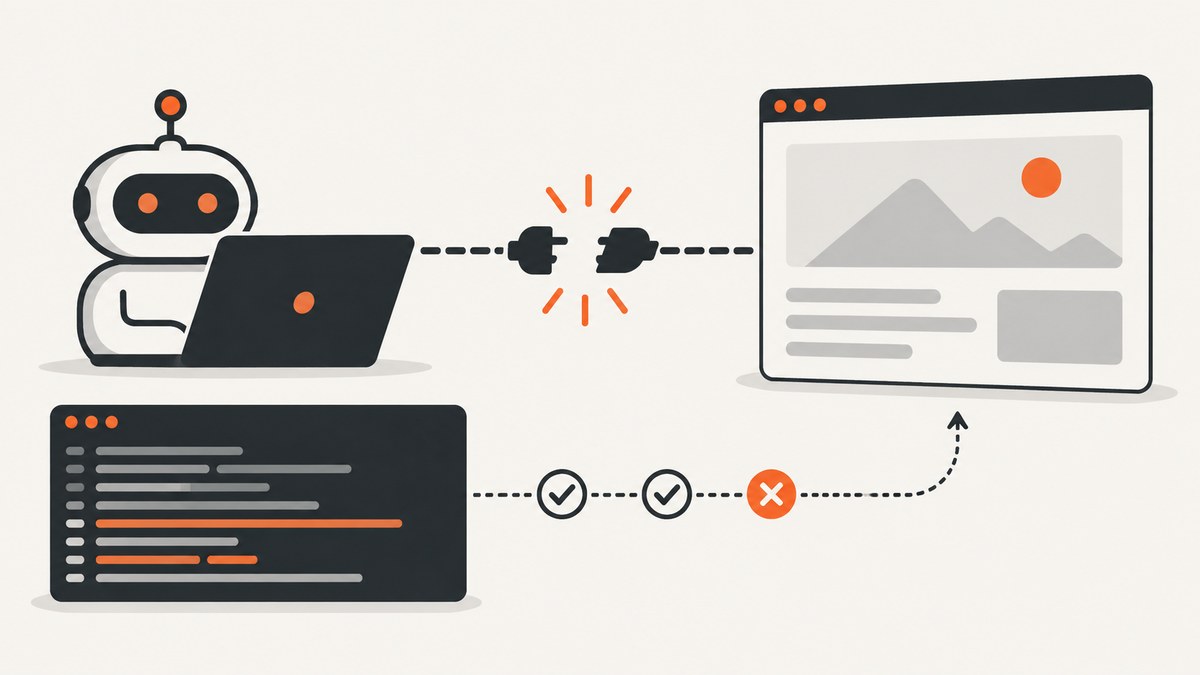
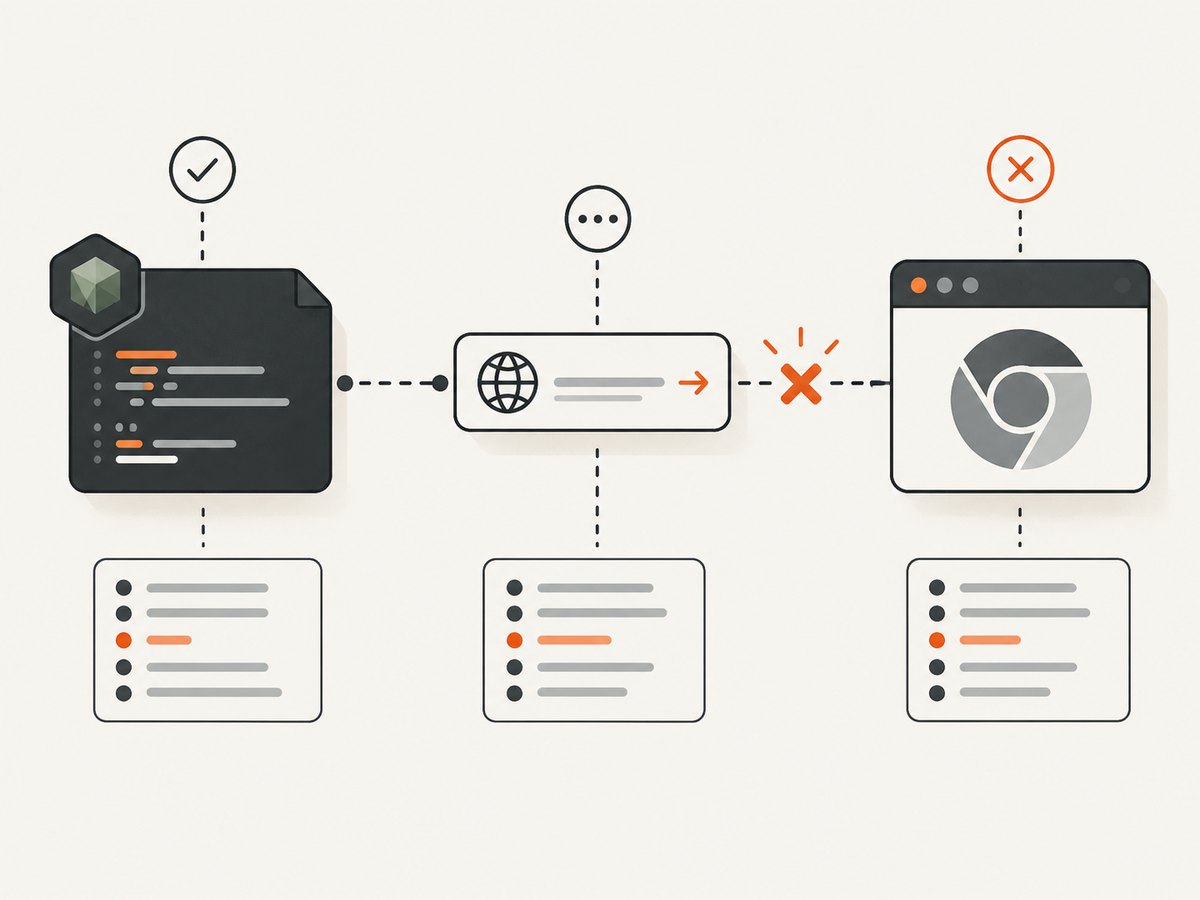
Quick answer: Puppeteer’s Navigation failed because browser has disconnected! message means the connection between Puppeteer and Chromium ended while navigation was waiting. It does not identify the cause. Puppeteer documents browser closure, browser crashes, and application code calling browser.disconnect() as possible lifecycle events. Start by proving which event happened, then inspect Chromium stderr, protocol logs, versions, launch options, navigation readiness, and deployment limits.
Changing waitUntil or adding random Chromium flags can hide the symptom without fixing a browser process that has exited. Use the sequence below to collect evidence and change one variable at a time.
What the error actually means
A typical failure occurs during page.goto() or while waiting for content after page.setContent():
Error: Navigation failed because browser has disconnected!The browser’s disconnected event tells you that Puppeteer no longer has a connection. It does not distinguish among:
- Chromium crashing or being killed by the operating system.
- Your code calling
browser.close()during navigation. - Your code calling
browser.disconnect(), which detaches Puppeteer while leaving the browser process running. - A protocol or transport failure between the Node process and Chromium.
- A deployment timeout, invocation shutdown, or resource limit that ends the browser.
Read the lifecycle and browser logs before selecting a fix. See Puppeteer’s browser-management guide and BrowserEvent reference.
Step 1: Build a minimal diagnostic script
Record the exact operation, URL class, waitUntil value, Puppeteer version, Node version, browser executable and version, operating system or container image, launch arguments, and whether you launch locally or connect to an existing browser. Then reduce the job to one browser, one page, and one navigation.
const puppeteer = require('puppeteer');

(async () => {
  const browser = await puppeteer.launch({
    headless: true,
    dumpio: true // forwards Chromium stdout and stderr
  });

  browser.on('disconnected', () => {
    console.error('Puppeteer: browser disconnected');
  });

  const page = await browser.newPage();
  page.on('console', message => console.log('PAGE', message.type(), message.text()));
  page.on('pageerror', error => console.error('PAGE ERROR', error));
  page.on('requestfailed', request => {
    console.error('REQUEST FAILED', request.url(), request.failure());
  });

  try {
    console.log('navigation:start');
    const response = await page.goto('https://example.com', {
      waitUntil: 'domcontentloaded',
      timeout: 30000
    });
    console.log('navigation:end', response && response.status());
    console.log(await page.title());
  } finally {
    if (browser.connected()) await browser.close();
  }
})();
dumpio: true is the first official debugging step for browser launch and crash evidence. Preserve stderr and the surrounding Node timestamps. Puppeteer’s debugging guide also documents protocol logging and inspection of pending calls; those logs can contain URLs, headers, or page data, so redact secrets before sharing them.
Step 2: Check for intentional teardown
Search every cleanup, timeout, signal, and error handler for browser.close(), browser.disconnect(), page closure, and process termination. A common race looks like this:
const timeout = setTimeout(() => browser.close(), 10000);
await page.goto(url, { waitUntil: 'networkidle0', timeout: 30000 });
clearTimeout(timeout);
If navigation needs longer than the external timer, the timer closes Chromium and Puppeteer reports a disconnected browser. Make one owner responsible for shutdown, clear timers in both success and failure paths, and do not close a shared browser until all pages finish.
let browser;
try {
  browser = await puppeteer.launch({ dumpio: true });
  const page = await browser.newPage();
  await page.goto(url, { waitUntil: 'domcontentloaded', timeout: 30000 });
} finally {
  if (browser && browser.connected()) await browser.close();
}
Step 3: Separate readiness from browser survival
waitUntil controls when Puppeteer considers navigation ready; it cannot reconnect a process that has died. Puppeteer’s network-idle conditions wait for a quiet network period. A page with analytics, polling, streaming, third-party ads, or an unreachable asset may never reach the condition you selected.
Use a less restrictive navigation condition to isolate the problem, then wait for the actual output your job needs:
await page.goto(url, { waitUntil: 'domcontentloaded', timeout: 30000 });
await page.waitForSelector('#report', { timeout: 15000 });
await page.screenshot({ path: 'report.png', fullPage: true });
For a page that needs a known API response, wait for that response or selector instead of global network quiet. Puppeteer documents page.waitForNetworkIdle() as a separate wait operation. An older issue reported that domcontentloaded worked where networkidle0 failed with external SSL resources; treat that as a version-specific clue, not a universal fix.
Step 4: Treat setContent() differently
page.setContent() writes HTML into the current document; it is not a normal URL navigation. If the HTML references external fonts, scripts, images, or stylesheets, those resources can still affect readiness and may expose TLS, DNS, or hanging-request problems.
await page.setContent(html, { waitUntil: 'domcontentloaded', timeout: 30000 });
await page.waitForSelector('.invoice', { timeout: 10000 });
Do not create a separate page.waitForNavigation() promise unless the operation actually triggers a navigation. An issue report about Lambda PDF generation shows why you should audit waits against the operation being performed; the report does not prove that this alone caused its disconnect.
Step 5: Compare local and deployed environments
If the minimal script works locally but fails in CI, a container, Lambda, or another serverless runtime, capture the same facts in both places:
- Node, Puppeteer, and Chromium versions and the executable path.
- Complete launch arguments and environment variables.
- Chromium stderr, runtime logs, exit codes, and invocation deadlines.
- Memory, CPU, shared-memory, file-descriptor, and process limits.
- Concurrency, browser reuse, page count, and whether cleanup overlaps another job.
Run one invocation with one page before testing parallel work. Reports describe failures involving Lambda concurrency, custom flags, and older package combinations, but they do not establish a universal concurrency threshold or a generally correct memory value. Do not add --single-process, disable the sandbox, change SSL handling, or increase memory without evidence from your runtime.
Useful evidence matrix
| Area | Collect | Distinguishes |
|---|---|---|
| Lifecycle | disconnected event, close/disconnect call sites, process exit |
Intentional teardown versus crash |
| Configuration | Puppeteer/browser/Node versions, path, flags | Compatibility or launch-specific behavior |
| Navigation | goto versus setContent, wait condition, failed requests |
Readiness/resource issue versus process termination |
| Deployment | Local comparison, limits, concurrency, deadline logs | Environment or load-specific failure |
Common errors and fixes
“It fails only with networkidle0”
Persistent requests or a failed external asset can prevent network quiet. Try domcontentloaded, then wait for a specific selector or response. If Chromium also exits, investigate stderr; changing readiness cannot repair a crash.
“It fails only in CI or Lambda”
Compare the browser binary, launch flags, limits, invocation deadline, and concurrency with a local run. Confirm the runtime does not terminate the process immediately after returning a response.
“It started after a dependency update”
Record the old and new Puppeteer, Chromium, and Node versions. Reproduce with a locked, known-good combination, then consult the current Puppeteer compatibility documentation. Do not assume the package version is the cause until the minimal reproduction confirms it.
“PDF generation disconnects”
Log whether the browser disconnects before or during page.pdf(). Remove unrelated navigation waits, verify that HTML resources settle, and test one PDF at a time. Issue #11632 is a historical report, not a maintainer-approved universal resolution.
“The page has HTTPS or certificate errors”
Identify the exact failed request and certificate message in browser logs. Fix the asset or trust configuration in that environment; avoid globally weakening certificate checks as a guess.
“Retries make it worse”
Retry only after closing the failed browser and collecting the first failure. Cap attempts, add backoff, and ensure each attempt owns its browser or page. Retrying a shared disconnected instance cannot work.
Reliability and performance practices
- Use one minimal reproduction before increasing concurrency.
- Keep browser ownership explicit and close it in
finally. - Set navigation and selector timeouts that match the job, with an outer deadline slightly longer than the inner work.
- Prefer targeted readiness checks over indefinite global network-idle waits.
- Log durations for launch, page creation, navigation, asset waits, rendering, and cleanup.
- Recycle a browser after repeated page crashes rather than reusing a known-bad connection.
- Redact cookies, authorization headers, private URLs, and page contents from debug output.
These practices improve diagnosis and reduce wasted browser work; they do not guarantee that a site, runtime, or Chromium build will remain healthy.
Or skip the browser setup
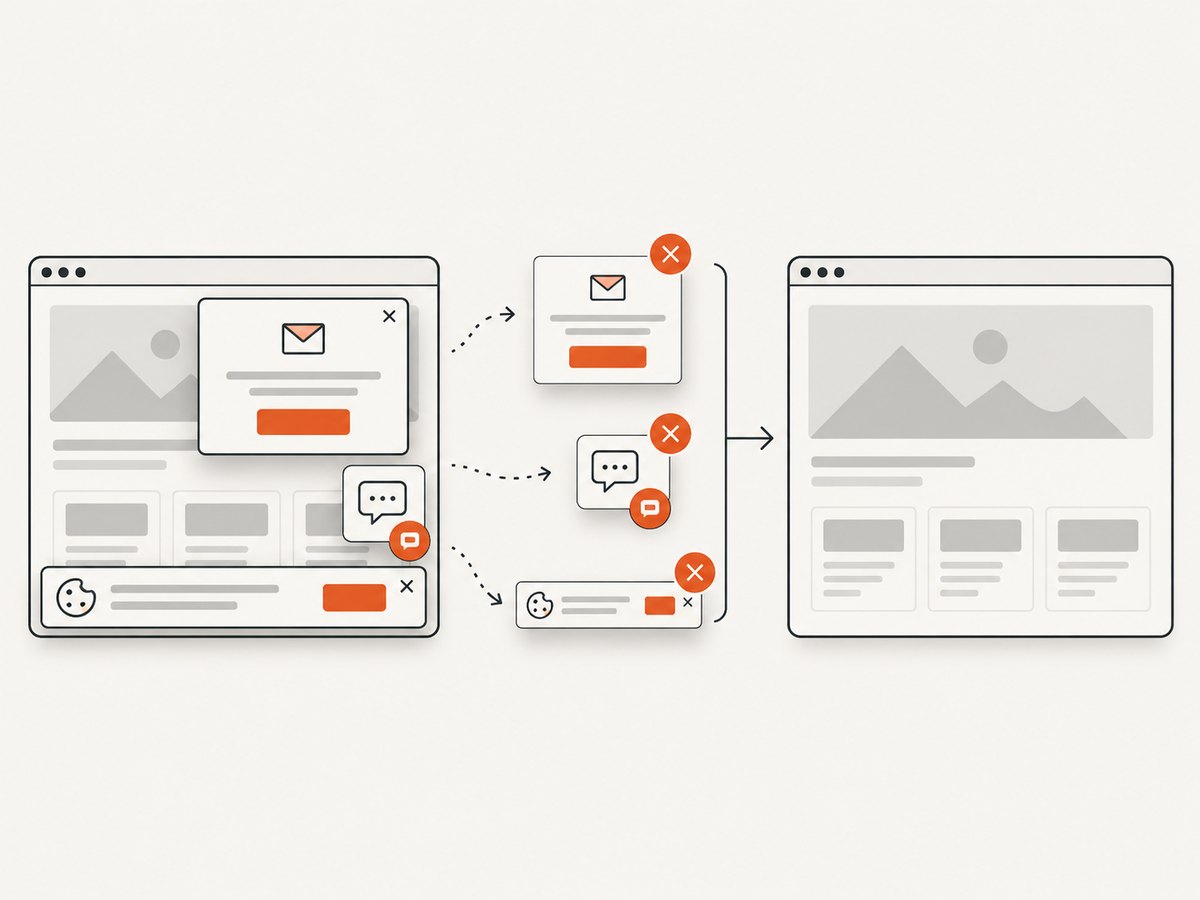
For production screenshots, ScreenshotNeo provides a single GET request and handles the browser lifecycle for you. Cookie and consent banners are accepted and more than 60 known consent platforms, newsletter popups, and chat widgets are removed before capture; each step can be turned off. Bot checks, blank pages, failed loads, timeouts, and cache hits are not billed, and response headers report the page verdict and billing status.
See the ScreenshotNeo API documentation for all options. A complete request:
curl -G "https://api.screenshotneo.com/v1/shot" \
  -d access_key=YOUR_API_KEY \
  --data-urlencode url=https://stripe.com \
  -o shot.webp
import requests
r = requests.get(
"https://api.screenshotneo.com/v1/shot",
params={"access_key": "YOUR_API_KEY", "url": "https://stripe.com"},
timeout=90,
)
open("shot.webp", "wb").write(r.content)const q = new URLSearchParams({ access_key: 'YOUR_API_KEY', url: 'https://stripe.com' });
const res = await fetch(`https://api.screenshotneo.com/v1/shot?${q}`);
const bytes = await res.arrayBuffer();
await require('fs').promises.writeFile('shot.webp', Buffer.from(bytes));You can choose full-page or element capture, device presets or any viewport, dark mode, retina scale, PDF output, custom CSS and JavaScript, clicks, waits, blocked resources, headers, cookies, user agents, geolocation, transparent backgrounds, resizing, caching TTLs, signed links, asynchronous webhooks, bulk capture, and usage reporting. ScreenshotNeo also has an MCP server with take_screenshot, get_page_info, and capture_pdf for Claude, Cursor, and other MCP clients.
There are 1,000 free screenshots each month with no card. Paid plans start at $5 for 3,000 screenshots, and every feature is available on every plan. Create a free ScreenshotNeo account.
FAQ
Does this error always mean Chromium crashed?
No. Chromium may have crashed, your code may have closed it, or Puppeteer may have been disconnected from a still-running process. The event and stderr distinguish these cases.
Should I always use networkidle0?
No. Select readiness based on the page and job. Persistent connections often make a selector or response wait more reliable.
Can a retry reconnect the same browser?
No. Once Puppeteer reports a disconnected browser, create or connect to a healthy browser after cleaning up the failed attempt.
Is --no-sandbox the fix?
Only if your environment documents a sandbox restriction and you understand the security tradeoff. The error alone is not evidence for that flag.
Where should I report a reproducible problem?
Include the minimal script, versions, launch configuration, deployment details, sanitized stderr, and whether the failure is deterministic. Avoid presenting an issue report as proof of a universal cause.


