How to Fix Puppeteer Pages That Cannot Read Cookies
Fix empty Puppeteer cookies by using the right context, origin, visibility checks, and cookie matching rules.

Puppeteer pages usually cannot read cookies for one of a few specific reasons: the code uses the deprecated page-level API, the page belongs to a different browser context, the target is still about:blank, the cookie is HttpOnly, or the cookie does not match the current URL because of domain, path, security, expiry, SameSite, or partitioning rules.
The quickest reliable fix is to inspect cookies from the browser context that owns the page, after navigating to the real HTTP or HTTPS origin:
const browser = await puppeteer.launch();
const context = await browser.createBrowserContext();
const page = await context.newPage();

await page.goto('https://example.com');

await context.setCookie({
  name: 'session',
  value: 'example',
  url: 'https://example.com',
  httpOnly: false,
  secure: true,
  sameSite: 'Lax',
});

const storedCookies = await context.cookies('https://example.com');
const javascriptCookies = await page.evaluate(() => document.cookie);

console.log({ storedCookies, javascriptCookies });
await browser.close();
storedCookies is the browser-managed view. javascriptCookies is the subset exposed to page JavaScript. They are expected to differ when a cookie is HttpOnly.
1. Use the browser-context cookie API
page.cookies() is deprecated in Puppeteer. Use page.browserContext().cookies() for the context containing the page, or browser.cookies() for the default browser context. Supplying a URL limits the result to cookies that apply to that origin.
const context = page.browserContext();
const cookiesForSite = await context.cookies('https://example.com');

// For the default context:
const defaultContextCookies = await browser.cookies('https://example.com');
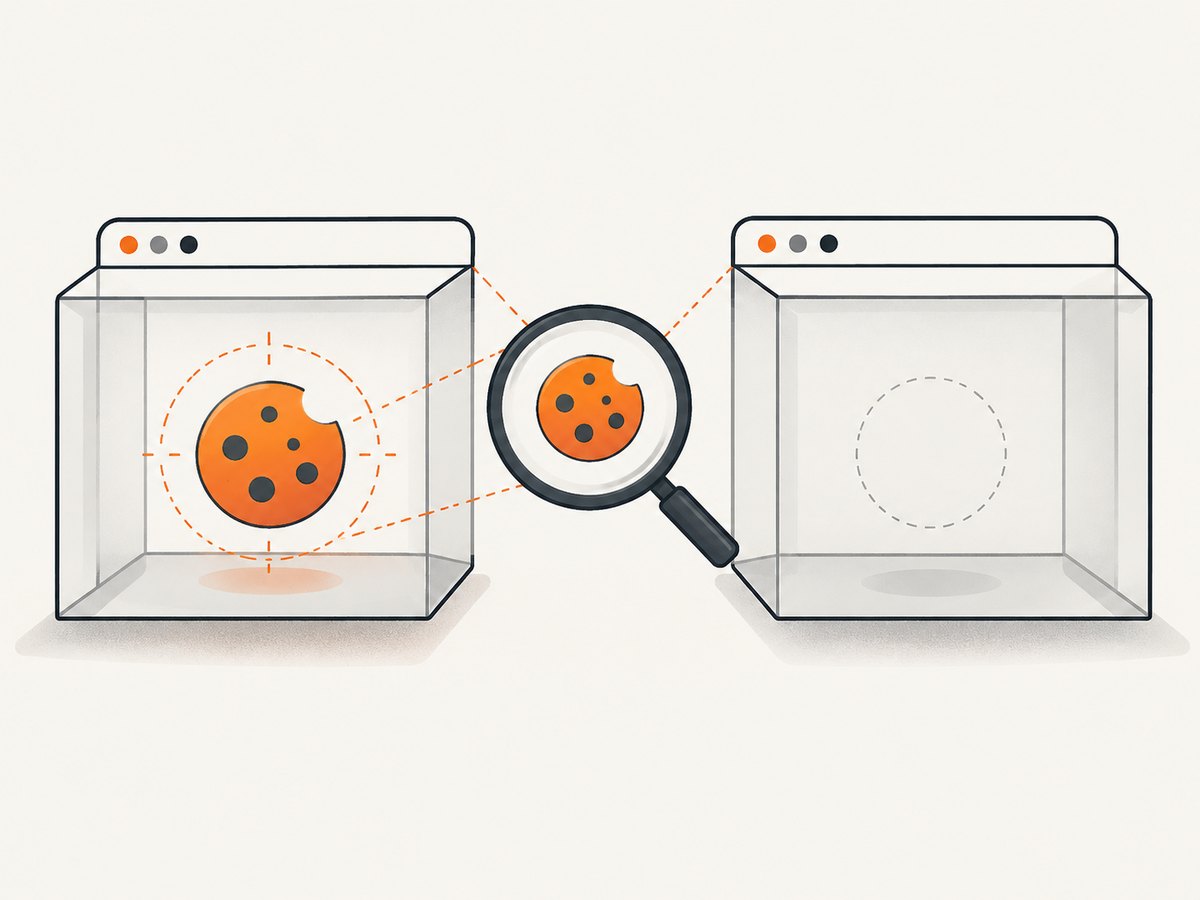
Do not mix an API call from one context with a page created in another. A context is the storage boundary for cookies and cache. A fresh context created with browser.createBrowserContext() does not share login state with existing contexts.
2. Keep login, cookie injection, and reading in one context
A common failure pattern is logging in on one page, creating a new context for the protected page, and then expecting the session cookie to follow. It will not. Create the context once, use it for authentication and navigation, and inspect cookies through that same context.
const browser = await puppeteer.launch();
const context = await browser.createBrowserContext();
const loginPage = await context.newPage();

await loginPage.goto('https://example.com/login', {
  waitUntil: 'networkidle2',
});
await loginPage.type('#email', process.env.EMAIL);
await loginPage.type('#password', process.env.PASSWORD);
await Promise.all([
  loginPage.click('button[type="submit"]'),
  loginPage.waitForNavigation({ waitUntil: 'networkidle2' }),
]);

const afterLogin = await context.cookies('https://example.com');
console.log(afterLogin);

const accountPage = await context.newPage();
await accountPage.goto('https://example.com/account', {
  waitUntil: 'networkidle2',
});
console.log(await accountPage.evaluate(() => document.cookie));

await browser.close();
If you need isolation between users or tests, create one context per user. If you need to reuse a session, keep using the original context or explicitly export and set the cookies in the new context.
3. Navigate away from about:blank
A newly opened page starts at about:blank. That is not an HTTP or HTTPS cookie origin, so a cookie cannot target it. Setting a cookie before visiting the real site can therefore fail, produce an unusable cookie, or leave you inspecting an empty store.
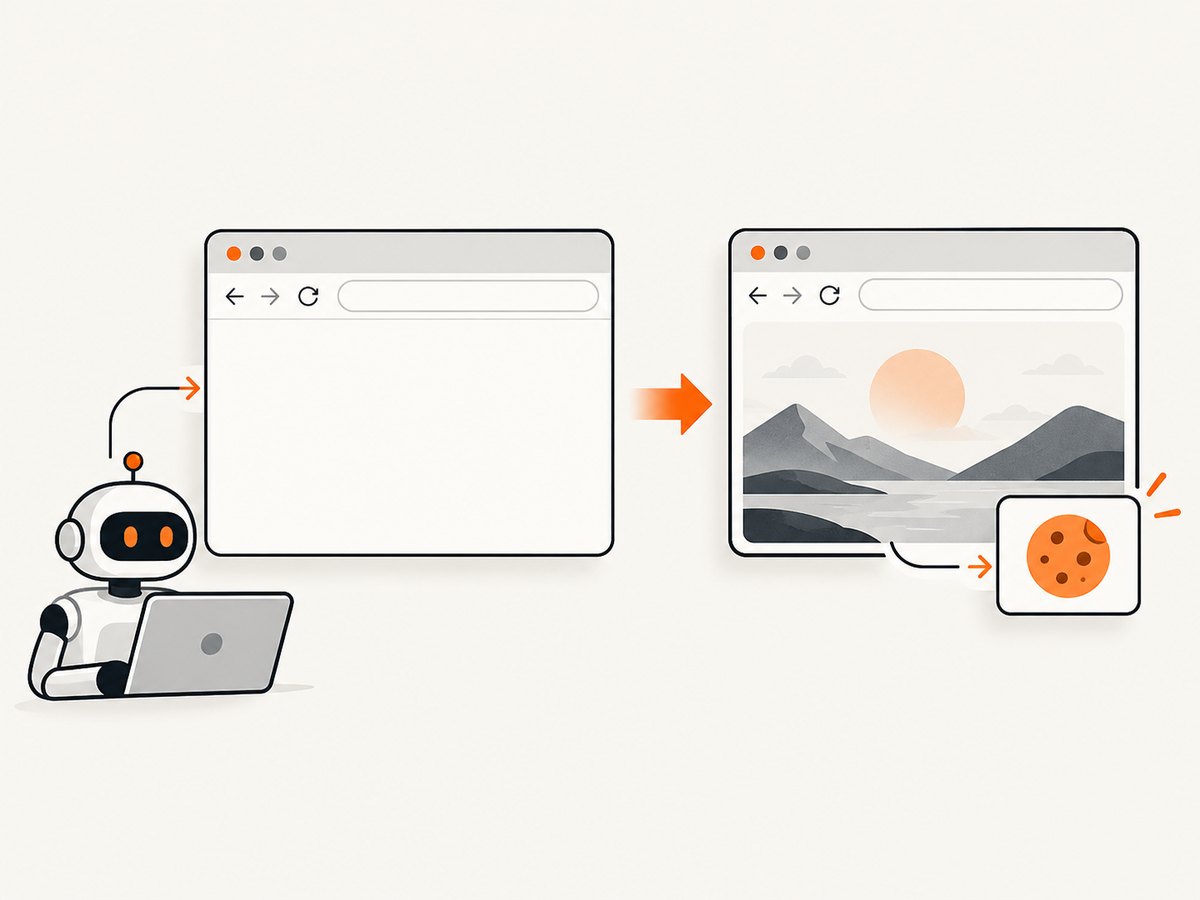
Use a real URL in the cookie definition and navigate to that origin before checking the result:
const page = await context.newPage();
await page.goto('https://example.com');

await context.setCookie({
  name: 'theme',
  value: 'dark',
  url: 'https://example.com',
  path: '/',
});

console.log(await context.cookies('https://example.com'));
When setting cookies by domain instead of url, ensure the domain is valid for the destination. A host-only cookie for app.example.com is different from a domain cookie for .example.com.
4. Separate browser visibility from JavaScript visibility
document.cookie is not a complete cookie inspector. Cookies marked HttpOnly are intentionally hidden from page JavaScript to reduce the impact of cross-site scripting. Puppeteer’s browser or context API can still report them, and the browser can still attach them to eligible requests.
const allCookies = await context.cookies('https://example.com');
const scriptVisible = await page.evaluate(() => document.cookie);

const httpOnlyCookies = allCookies.filter(cookie => cookie.httpOnly);
console.log({ allCookies, httpOnlyCookies, scriptVisible });
Use the context API when you need to verify storage or authentication state. Use document.cookie only when your question is specifically whether page JavaScript can read the cookie.
5. Check every cookie matching rule
Even with the correct context and API, Puppeteer returns only cookies that are valid for the URL you inspect. Check these attributes one by one.
| Attribute | What to verify | Typical symptom |
|---|---|---|
domain |
The request host matches the cookie domain. A host-only cookie does not automatically apply to sibling subdomains. | The cookie appears for one hostname but not another. |
path |
The requested path is beneath the cookie path. | The cookie is visible on /app but absent on /api. |
secure |
A secure cookie is used over HTTPS. Test with the same scheme as production. | The cookie is missing on an HTTP test URL. |
httpOnly |
Expect it to be absent from document.cookie. |
The context API sees it, but page JavaScript does not. |
sameSite |
The request’s site relationship permits the cookie. Cross-site login flows often expose this setting. | Authentication works in one navigation flow but not another. |
| Expiry | The expiration time has not passed. Session cookies disappear when the browser context closes. | A previously captured cookie no longer authenticates. |
| Partitioning | Partitioned cookies require the correct partition key and top-level-site context. | The cookie exists but is not sent when embedded or used cross-site. |
When injecting a cookie, use only the fields your flow needs, but make the origin explicit. A diagnostic cookie might look like this:
await context.setCookie({
  name: 'session',
  value: process.env.SESSION_VALUE,
  url: 'https://app.example.com',
  path: '/',
  httpOnly: true,
  secure: true,
  sameSite: 'Lax',
  // expires: Math.floor(Date.now() / 1000) + 3600,
});
For an existing cookie, print its complete metadata instead of checking only its name:
for (const cookie of await context.cookies('https://app.example.com')) {
  console.log({
    name: cookie.name,
    domain: cookie.domain,
    path: cookie.path,
    secure: cookie.secure,
    httpOnly: cookie.httpOnly,
    sameSite: cookie.sameSite,
    expires: cookie.expires,
    partitionKey: cookie.partitionKey,
  });
}
6. Confirm browser launch and navigation health
A navigation that never reaches the intended origin cannot expose that origin’s cookies. Before changing application code, confirm that Puppeteer launches the expected browser, can find its executable, and reaches the target URL.
const response = await page.goto('https://example.com', {
  waitUntil: 'domcontentloaded',
  timeout: 60000,
});

console.log({
  status: response && response.status(),
  url: page.url(),
  title: await page.title(),
});
Check the final URL for redirects to a login host, consent page, error page, or an unexpected scheme. Also inspect navigation exceptions such as timeouts and net::ERR_BLOCKED_BY_CLIENT. Puppeteer’s browser troubleshooting guidance covers browser download and cache locations, executablePath, Chrome for Testing behavior, and launch failures.
7. A complete diagnostic script
This script checks the context, origin, browser-managed cookies, JavaScript-visible cookies, and the page’s request headers in one run.
const puppeteer = require('puppeteer');

(async () => {
  const target = 'https://example.com';
  const browser = await puppeteer.launch({ headless: true });
  const context = await browser.createBrowserContext();
  const page = await context.newPage();

  page.on('request', request => {
    if (request.isNavigationRequest() && request.frame() === page.mainFrame()) {
      console.log('navigation request', request.url());
    }
  });

  try {
    const response = await page.goto(target, {
      waitUntil: 'networkidle2',
      timeout: 60000,
    });

    const stored = await context.cookies(target);
    const visible = await page.evaluate(() => document.cookie);

    console.log({
      status: response && response.status(),
      finalUrl: page.url(),
      stored,
      visible,
    });
  } finally {
    await browser.close();
  }
})();
Or skip the browser setup
If your goal is a clean screenshot rather than browser-level cookie debugging, ScreenshotNeo handles the capture request for you. It accepts the cookie or consent banner like a visitor and removes more than 60 known consent platforms, newsletter popups, and chat widgets before the shot. Bot checks, blank pages, timeouts, failed loads, and cache hits cost nothing, and response headers identify the page verdict and whether the request was billed. Its MCP server also gives Claude, Cursor, and other MCP clients tools named take_screenshot, get_page_info, and capture_pdf.
See the ScreenshotNeo API documentation for all options. A one-call capture looks like this:
curl -G "https://api.screenshotneo.com/v1/shot" \
  -d access_key=YOUR_API_KEY \
  --data-urlencode url=https://stripe.com \
  -o shot.webp
import requests
r = requests.get(
"https://api.screenshotneo.com/v1/shot",
params={"access_key": "YOUR_API_KEY", "url": "https://stripe.com"},
timeout=90,
)
open("shot.webp", "wb").write(r.content)const q = new URLSearchParams({ access_key: 'YOUR_API_KEY', url: 'https://stripe.com' });
const res = await fetch(`https://api.screenshotneo.com/v1/shot?${q}`);ScreenshotNeo includes full-page capture with lazy images loaded, CSS-selector element capture, dark mode, device presets and custom viewports, retina scale, PDF output, custom CSS and JavaScript, clicks, selector or network-idle waits, request blocking, headers, cookies, user agents, authorization, timezone, geolocation, transparent backgrounds, resizing, selectable cache TTLs, signed links, asynchronous jobs, webhooks, bulk capture for up to 100 URLs, a usage API, and an OpenAPI specification. Parameter names used by other screenshot APIs also work, which can simplify migration.
The Free plan includes 1,000 screenshots per month with no card. Paid plans start at $5 for 3,000 shots; yearly billing gives two months free, and every feature is available on every plan. Create a free ScreenshotNeo account.
Performance, reliability, and cost considerations
Reuse a browser when appropriate
Launching Chrome for every URL is expensive. For a batch of related checks, launch one browser and create separate contexts when isolation is required. Reuse a context only when sharing login state is intentional.
Choose a navigation condition deliberately
domcontentloaded returns sooner but may run before application code sets cookies. networkidle2 waits for a quieter network and is useful for many login redirects, but applications with polling or streaming requests may never become idle. Combine a sensible timeout with an explicit selector or response check when the application has a known ready state.
Keep cookie diagnostics cheap
Inspect only the target origin when possible, avoid dumping secrets into CI logs, and redact cookie values. Capture metadata such as domain, path, flags, and expiry instead of printing session contents.
Understand ScreenshotNeo billing behavior
For screenshot workloads, clean successful shots are billed. Bot checks, blank pages, timeouts, failed loads, and cache hits are not billed, and the response includes X-Page-Verdict and X-Billed headers. A chosen cache TTL can reduce repeated work, while bulk capture and asynchronous jobs help with larger batches.
Troubleshooting checklist
page.cookies is not a functionor deprecation warning: replace it withpage.browserContext().cookies()orbrowser.cookies().- Cookie list is empty on a new page: verify that the page and the login flow use the same browser context.
- Cookie injection fails before navigation: leave
about:blankand specify a real HTTP or HTTPS URL. - Context API sees the cookie but
document.cookieis empty: inspecthttpOnly; this is expected for HttpOnly cookies. - Cookie appears for one URL but not another: compare hostname, path, scheme, SameSite behavior, expiry, and partitioning.
- Authentication disappears after restart: determine whether the cookie was a session cookie and persist or recreate the login state.
- Navigation times out: print the final URL, test with a longer timeout, and confirm the browser executable and network access.
net::ERR_BLOCKED_BY_CLIENTappears: inspect extensions, request interception, ad or tracker blocking, and the browser environment.- Protected page redirects to login: inspect cookies after the login navigation and confirm the redirect host matches the cookie domain.
- Parallel tests interfere: create a separate browser context per test or user and never rely on the default context for isolation.
FAQ
Can Puppeteer read an HttpOnly cookie?
Yes. The browser or browser-context cookie API can report it. Page JavaScript cannot read it through document.cookie by design.
Why does a cookie exist in storage but not get sent?
The request may fail the cookie’s domain, path, Secure, SameSite, expiry, or partitioning requirements. Check the request URL and all cookie metadata together.
Should I use one context for every page?
Use one context when pages should share login state. Use separate contexts when tests or users must be isolated.
Does closing a page delete its cookies?
Cookies belong to the browser context, not an individual page. Closing a page normally leaves context cookies available; closing the context or browser removes in-memory session state.
What is the best way to debug an intermittent cookie failure?
Log the context identity, final URL, response status, cookie metadata, and navigation errors for the failing run. Compare those values with a successful run while redacting cookie values.


